




You are using an outdated browser. Please upgrade your browser to improve your experience.

Apps That
Went Free on
2014-09-21

Get instant visual feedback when trying to find that perfect pitch with Tunable. We also have a blazing fast note taking app, and an app that allows you to create hand-drawn animations.

Scrollit: display scrolling
iPhone
Scrollit: display scrolling

Scrollit: display scrolling

AMAXIM APPS, INC

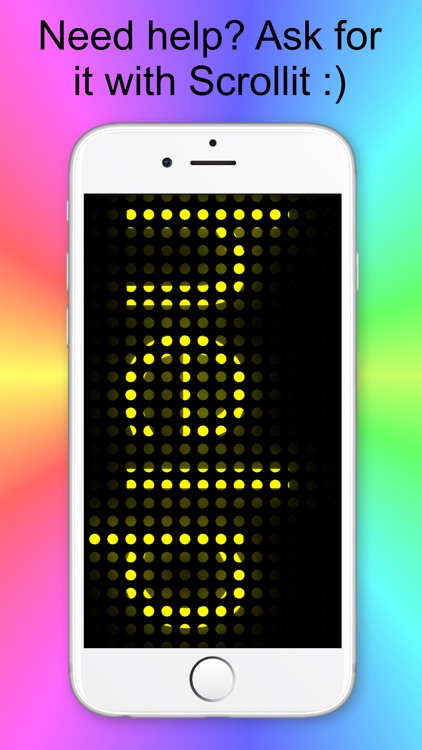
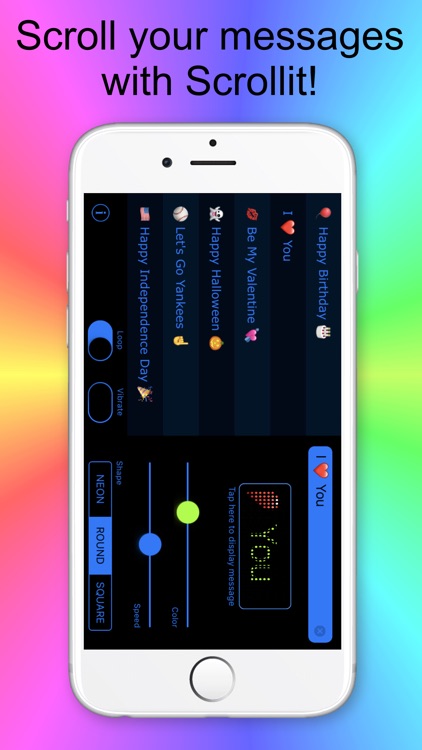
Get your message across without speaking a word with ScrollIt. It’s great for anyone that wants to say something when no one can hear you.
FREE ($0.99) For a limited time FREE ($0.99) For a limited time
Why we picked this?

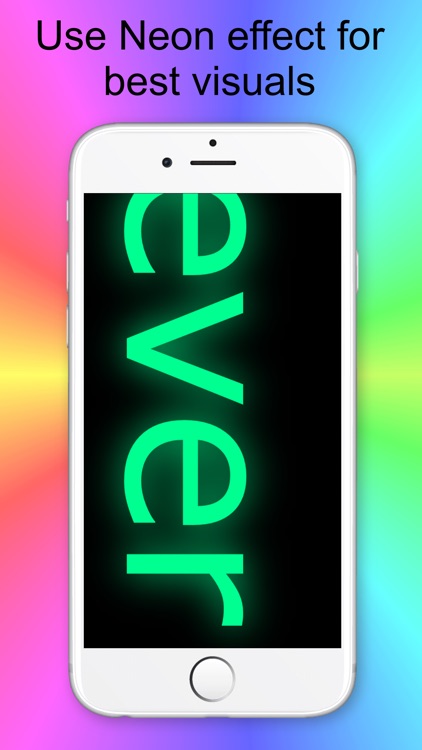
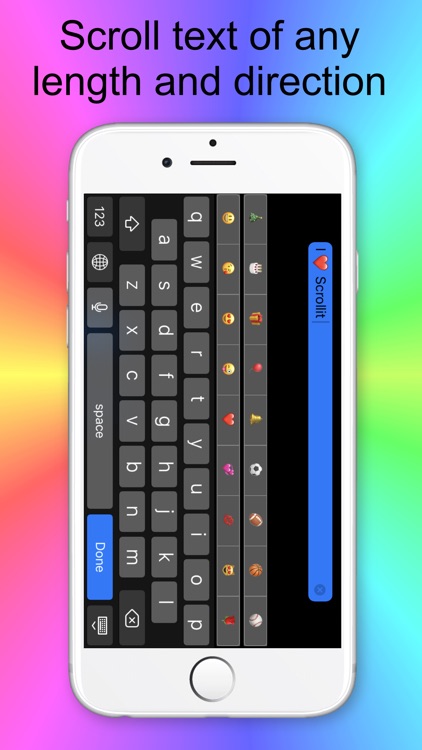
ScrollIt can be practical, but it can also be a lot of fun thanks to Emoji support. You’re able to pepper every kind of Emoji into your message text and have it displayed on your big, beautiful iPhone 6 screen. The speed of the scroll and the color of the text can be adjusted via sliders. The app also includes message history, and three message shapes to choose from.

ScrollIt is perfect for clubs, concerts, classes, and even meetings. Just enter your text, hold up your phone, and say something without saying a word.

If you’re not fond of jumping through hoops to unlock features, ScrollIt just might test your patience. The looping feature can only be unlocked if you rate the app.

Loop
iPad
Loop

Loop

Universal Everything Ltd

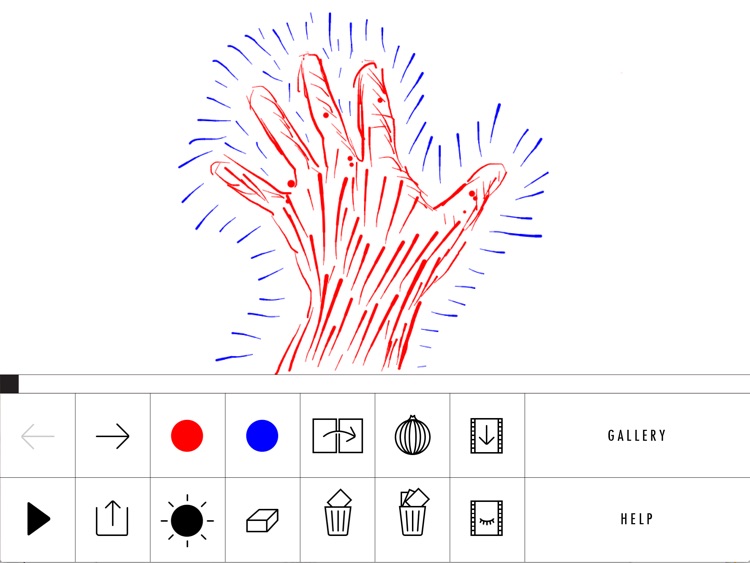
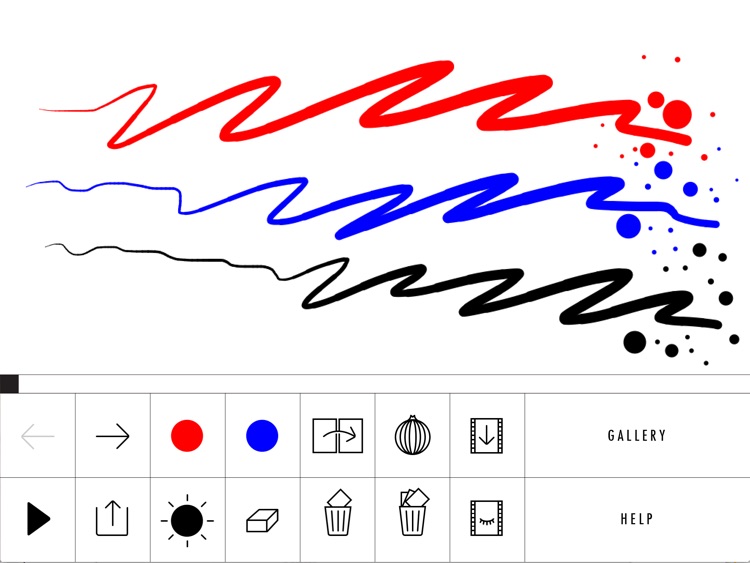
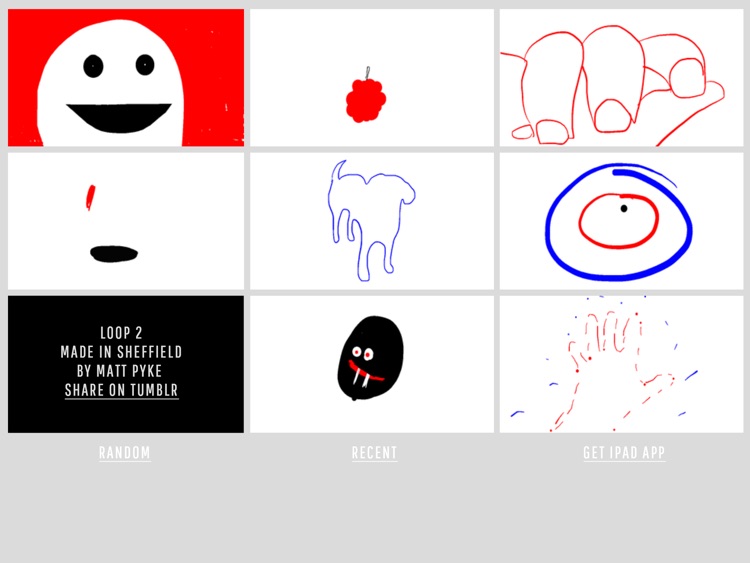
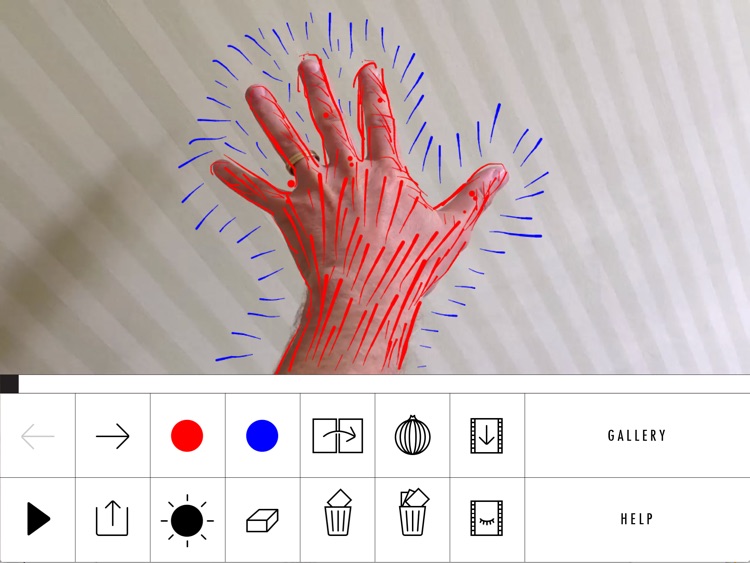
Create short hand-drawn animations with Loop. It’s a fun distraction for anyone that used to love making flip books.

FREE ($0.99) For a limited time FREE ($0.99) For a limited time
Why we picked this?

Anyone can enjoy creating hand-drawn animations with Loop thanks to its simple interface. Start off by drawing your first frame, and then tap the next arrow. Onion skinning allows you to see the previous frame so you can build off of it. Keep drawing until you have enough frames for an animation, and watch it all come to life. You’re also able to import videos from your library and draw over the top of them.

If you enjoy doodling, you’re going to love Loop. It keeps thing simple by only providing you with three pen colors, but the widths will change the quicker you move across the canvas, allowing you to really express yourself.

If you’re looking to create complicated animations, Loop isn’t the app for you. Its limited toolset simply doesn’t offer enough variation.

Tunable – Tuner & Metronome
iPhone
iPad
Tunable – Tuner & Metronome

Tunable – Tuner & Metronome

AffinityBlue

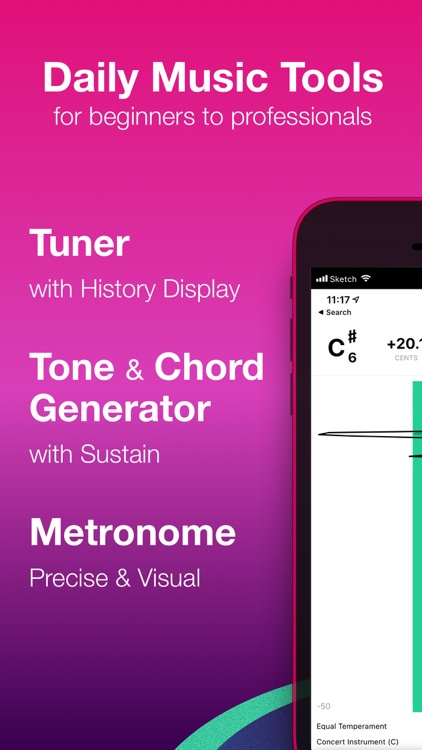
An all-in-one visual toolkit for musicians from the creators of NodeBeat. It’s ideal for AppsGoneFree users that are interested in keeping their instruments, and their ears, in tune.

$7.99 $7.99
Why we picked this?

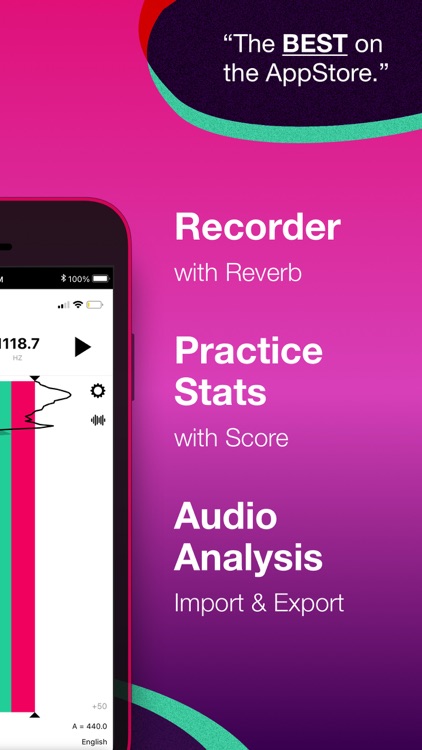
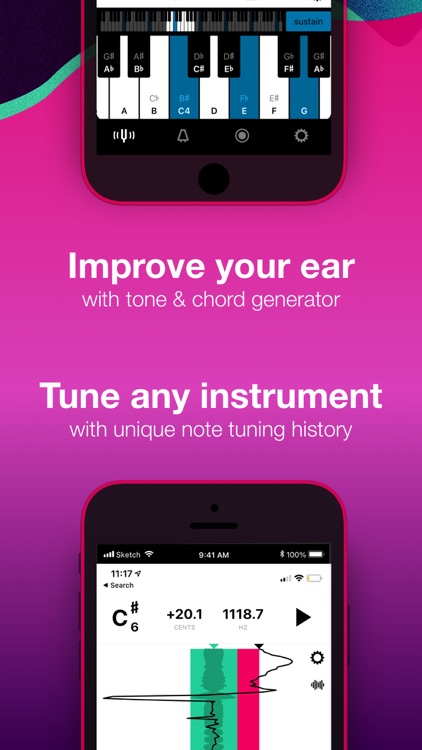
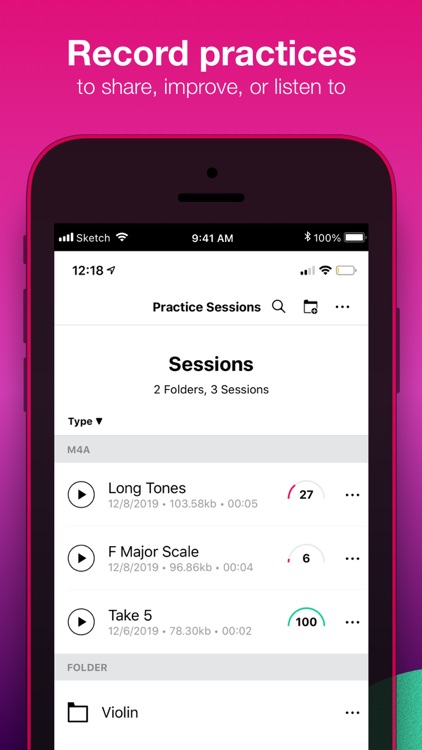
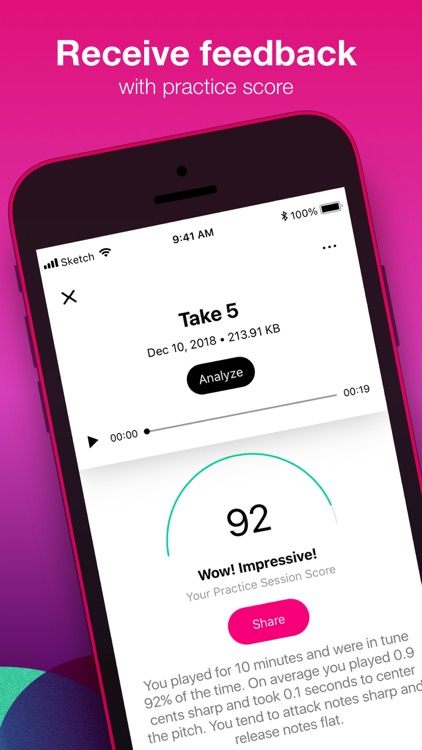
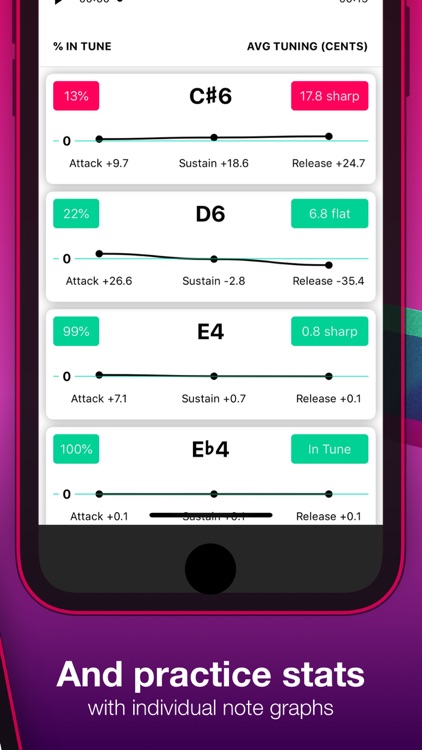
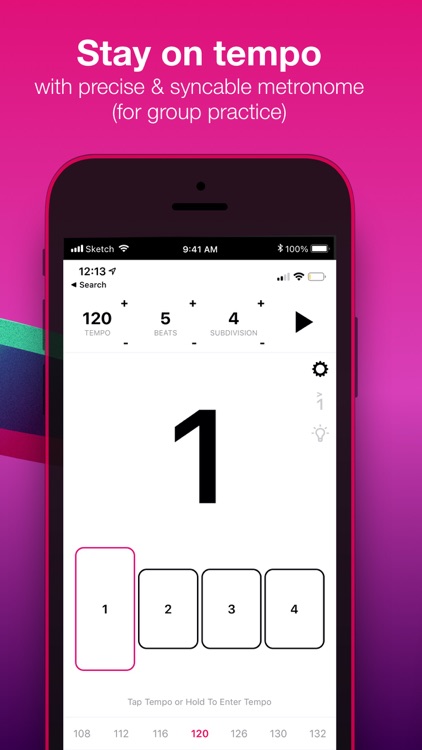
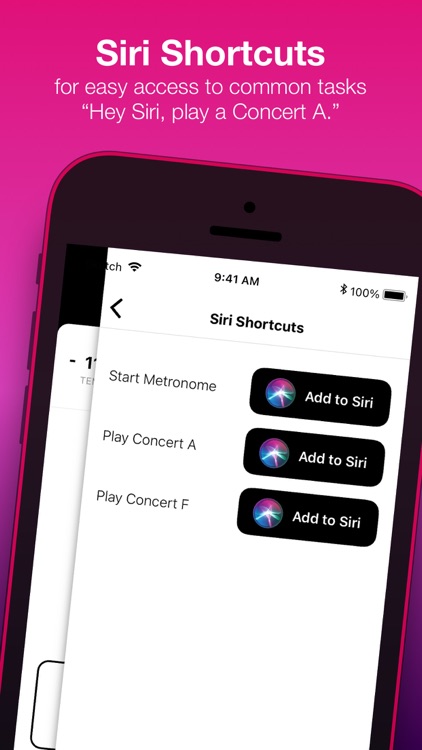
Tunable provides you with instant visual feedback, which is absolutely necessary for any musician. As notes are held out, a white line will show you how steady your pitch is. The straighter the line, the more consistent you are. Tunable also includes a chord generator, a metronome, AirPlay support, and the ability to record your practices and performances.

Musicians of all types will absolutely love Tunable thanks to its many different tools and customization options. You don’t need to be pro to utilize it, but you can be.

If you’re iDevice doesn’t have a built-in mic, Tunable is going to be of little use to you. It’s absolutely necessary for the tuning feature, but you can still utilize the metronome and chord generator.

Spell Dash
iPhone
iPad
Spell Dash

Spell Dash

Francisco Dalina

Spell out valid words to keep the board clear in Spell Dash. It’s ideal for anyone that likes their word games to be fast and frantic.

$1.99 $1.99
Why we picked this?

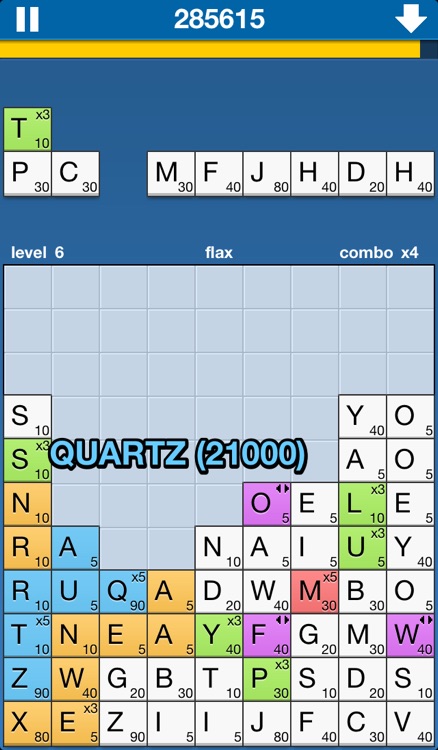
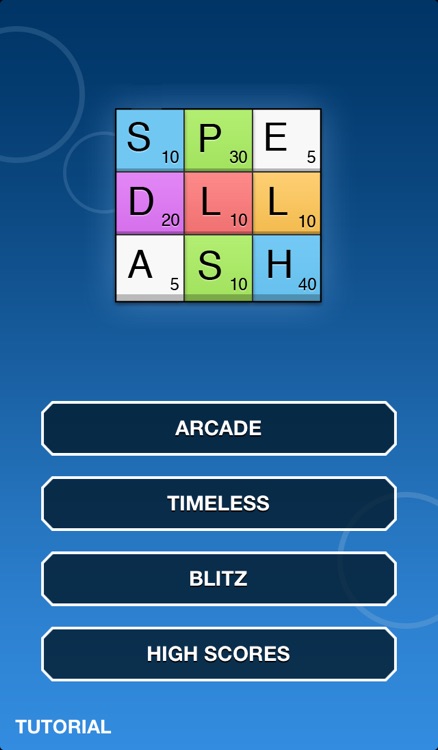
Spell Dash is all about competing for high scores, and the only way to obtain one is to move fast and string together combos. You’re provided with a wall of letter tiles, and you’re able to craft words from them by dragging your finger over the top. The bigger the word, the more tiles that will be cleared. Try to aim for the multiplier and special power-up tiles to really fly up the leaderboards. The game includes two fast-paced modes and one timeless mode, so there is a little something for everyone.

If you’re tired of the slow pace of word games like Words with Friends, check out Spell Dash. Its arcade and blitz modes offer frantic word-building action that will keep you coming back for more. You’re also able to compete with your friends on the four separate Game Center leaderboards.

Spell Dash does have a timeless mode, but really it’s all about the crazy fast word-building action. So if you like your word games slower paced, this one is probably not worth your time. You also can’t directly compete with your friends.

Swipy Notes
iPhone
Swipy Notes

Swipy Notes

Teokoul

Quickly capture notes with Swipy Notes. It’s an absolute must-download if you like taking a lot of short notes.

$0.99 $0.99
Why we picked this?

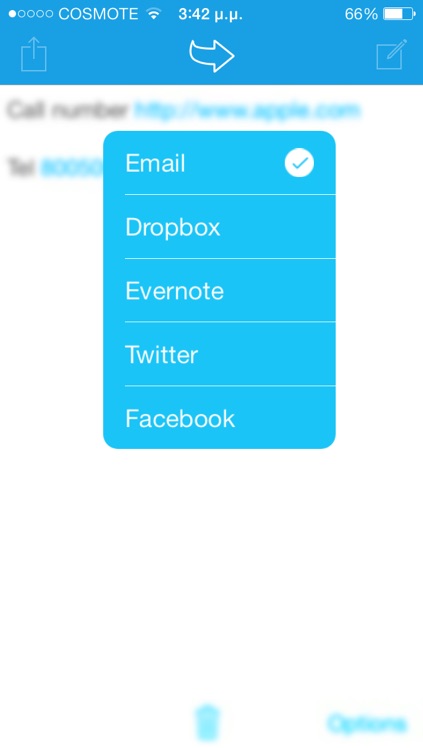
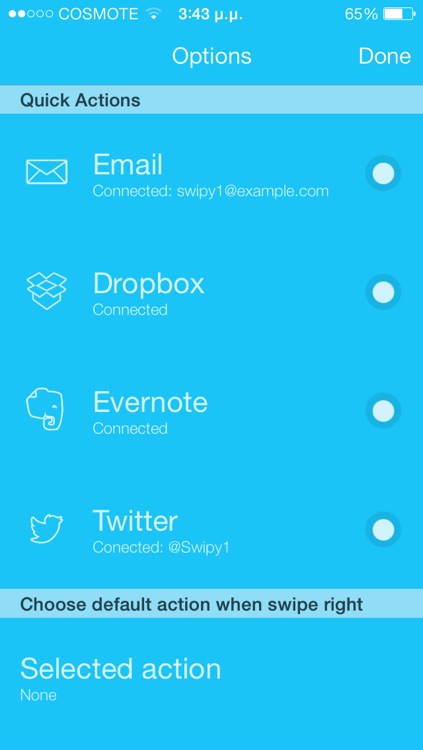
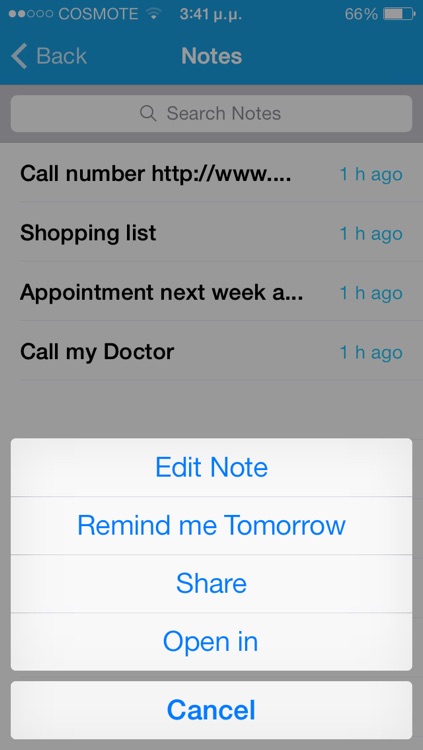
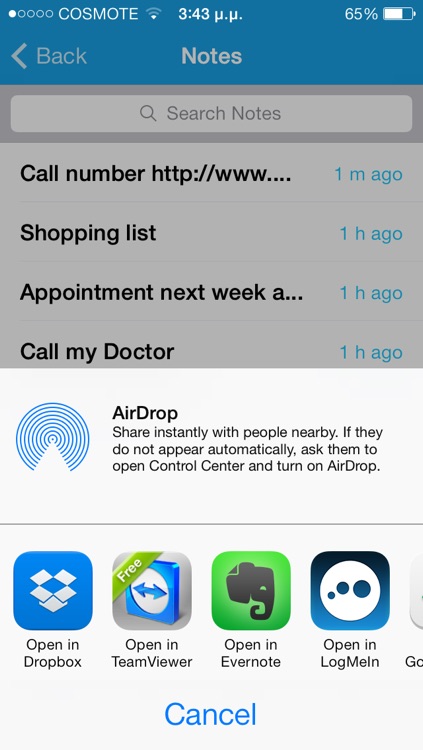
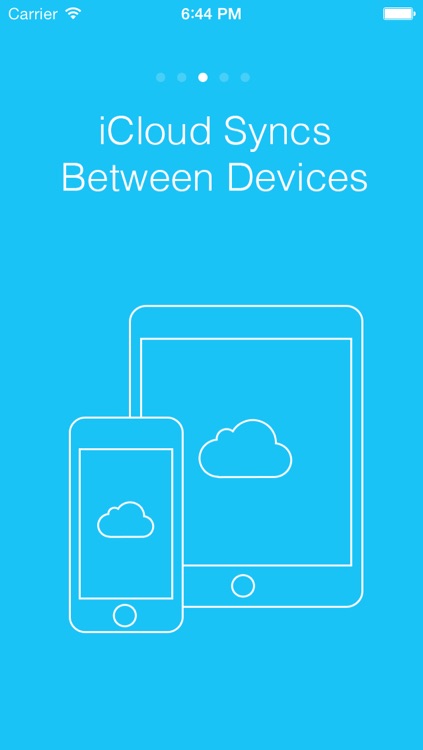
Swipy allows you to capture notes faster than any other app out there. Just tap the open field and start typing. When you’re done, swipe left to right across the screen to send it off to your preferred destination, which can be your email inbox, Dropbox, Evernote, Twitter, or Facebook. You’re also able to view previous notes and sync them between devices via iCloud.

If you’re always in a hurry, Swipy is your note taking app. Type. Swipe. Done!

Swipy lacks robust features like the ability custom your text, add reminders, and add due dates. If you need more than a place to store your thoughts, this isn’t it.

Air Keyboard for iPad
iPad
Air Keyboard for iPad

Air Keyboard for iPad

Alexey Filatov

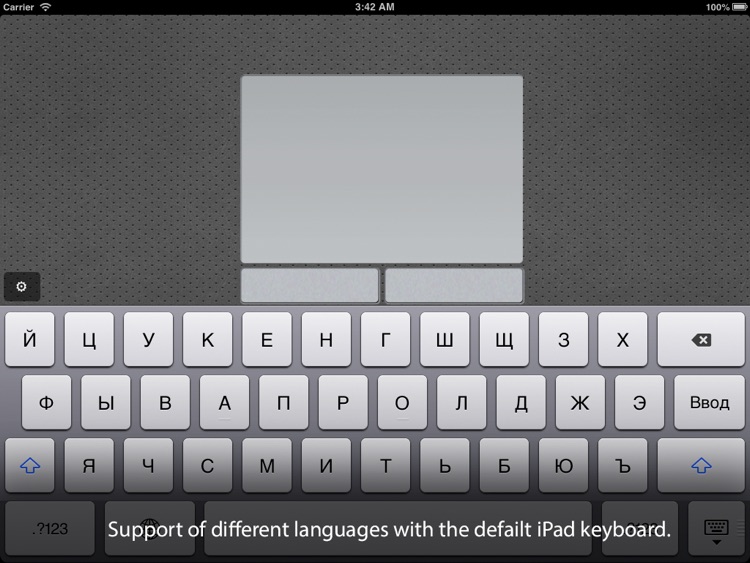
Turn your iPad into a wireless keyboard and touchpad with this utility app. Check out Air Keyboard today if you’re always just out of reach of your Mac or PC.

$2.99 $2.99
Why we picked this?

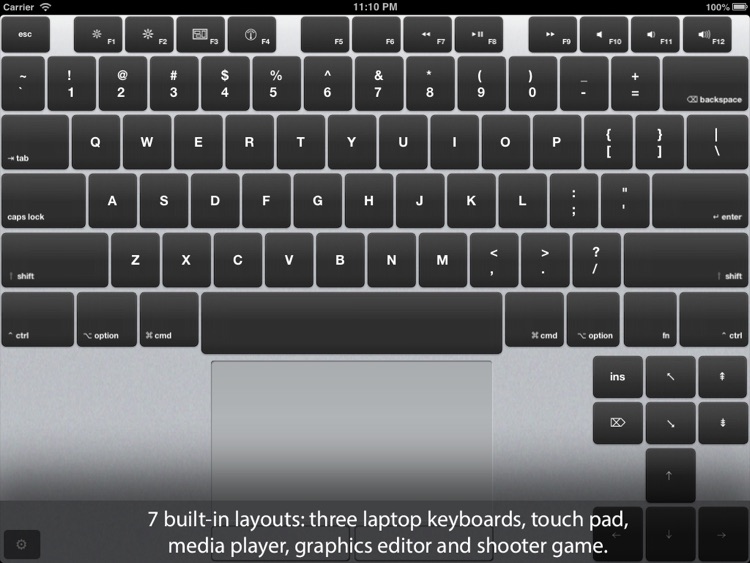
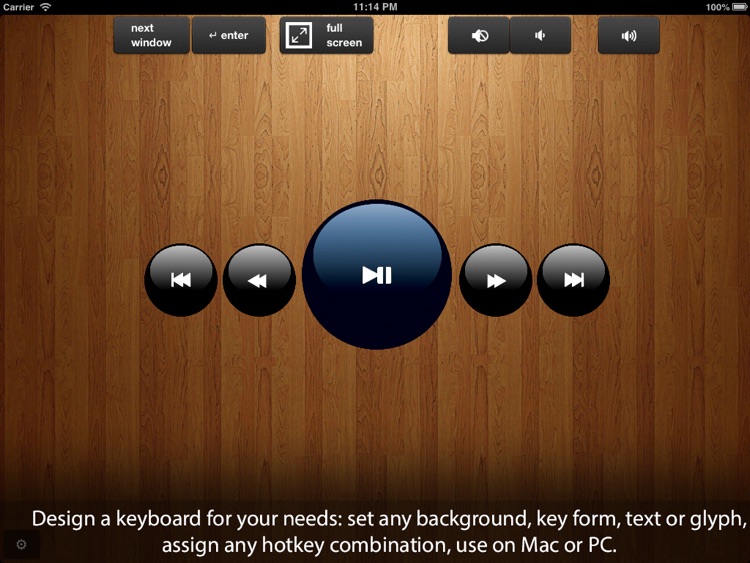
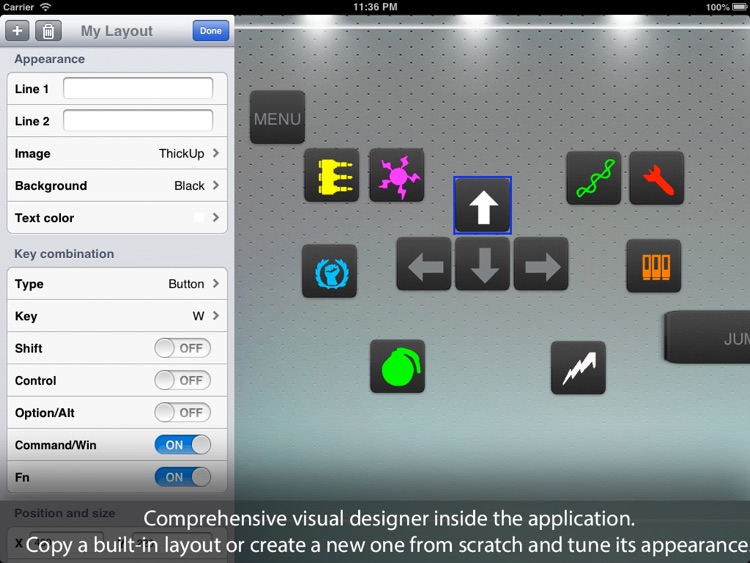
We really like Air Keyboard because of its customizability. Before you do anything, you’ll need to download the necessary, and completely free, companion software from the developer’s website. Then launch Air Keyboard, and your iPad and your computer will sync up automatically. Air Keyboard includes nine built-in layouts to meet most of your needs, but you can also customize them however you wish. You’re able to move buttons around, set their appearance, and bind keys. Layouts can be saved and imported via iTunes File Sharing.

If you need a way to remotely control your Mac or PC, Air Keyboard is a great solution. It’s easy enough to set up and connect your computer using the free companion software, and if you want to do things manually, the options are available.

Not all computers and connection types are supported, so make sure to check the developer’s website before wasting time download Air Keyboard.