

You are using an outdated browser. Please upgrade your browser to improve your experience.

Apps That
Went Free on
2014-09-25

Record and edit your videos with the all-in-one Vizzywig. We also have an app that allows you to add stylish text to your photos, and a game that allows your child to build their own robots.

Geló | Add color with gels, shapes and gradients
iPhone
Geló | Add color with gels, shapes and gradients

Geló | Add color with gels, shapes and gradients

James Moore

Enhance the color of your photos and add designs with this photography app. The app is great for anyone interested in making their photos more moody.
FREE ($0.99) For a limited time FREE ($0.99) For a limited time
Why we picked this?

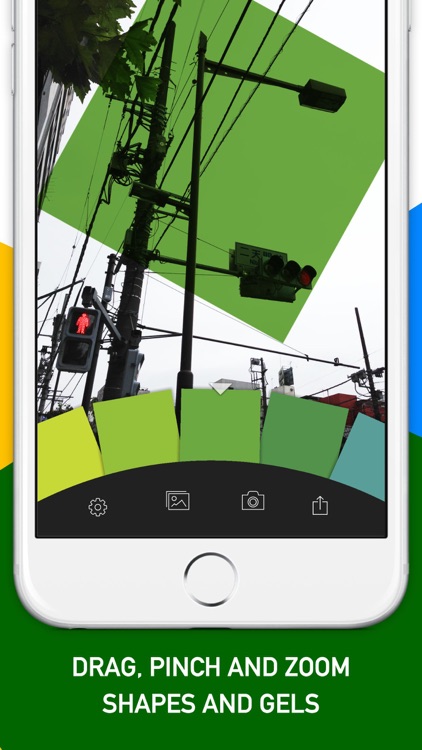
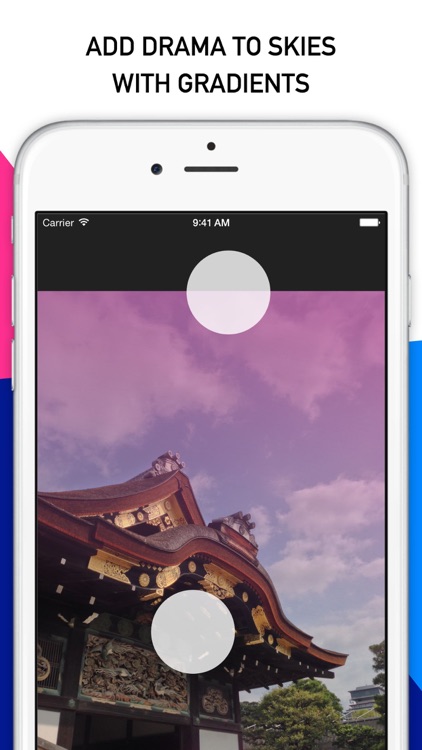
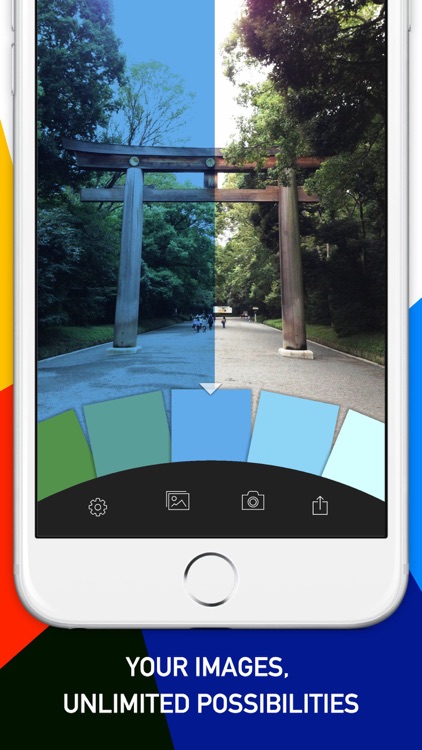
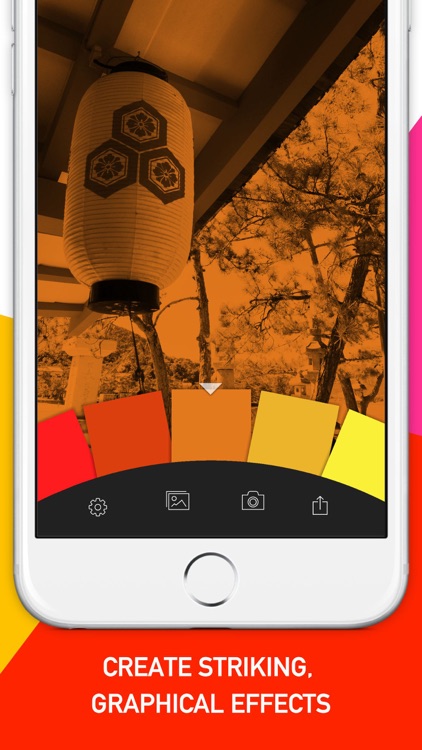
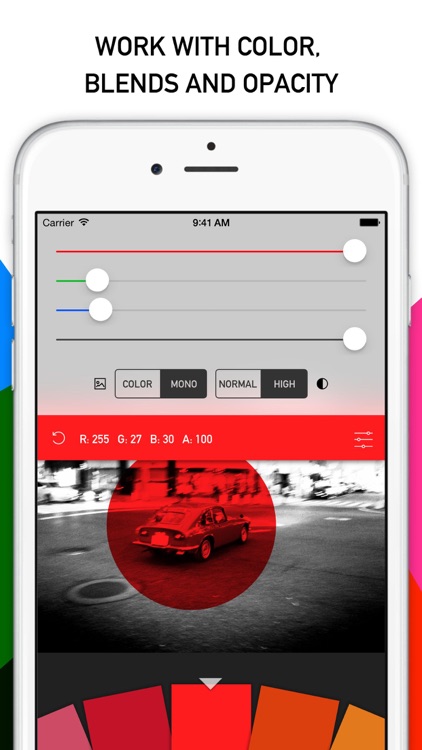
Gelo’s unique interface streamlines the coloring process. You’re able to work with a wide variety of solid colors to enhance tones by sliding your finger across the wheel. Gradients can also be applied to give your photos a more moody look. Three different shape tools are available as well, allowing you to apply color to specific areas.

If you want to accentuate areas of your photos or simply give them a more moody look, Gelo will get the job done for you. It’s a great addition to your photography app collection because it serves a very specific purpose with its 32-color swatch palette.

Gelo is all about color. You won’t find any filters or effects here. If you want a do-everything photography app, this isn’t it.

Fonta - Little Design Studio
iPhone
Fonta - Little Design Studio

Fonta - Little Design Studio

ThirtyFive Inc.

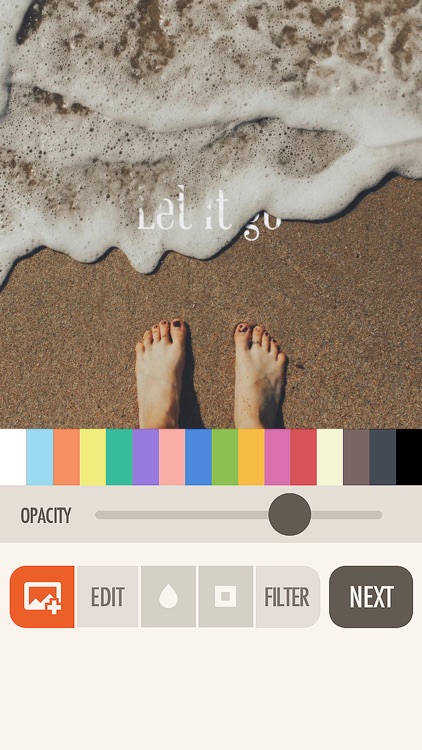
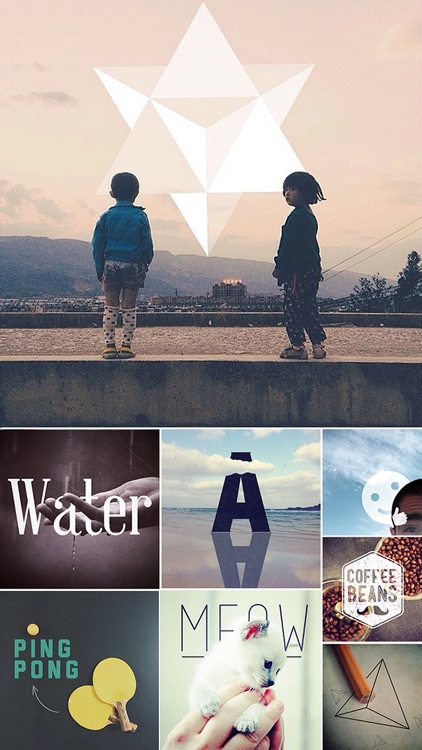
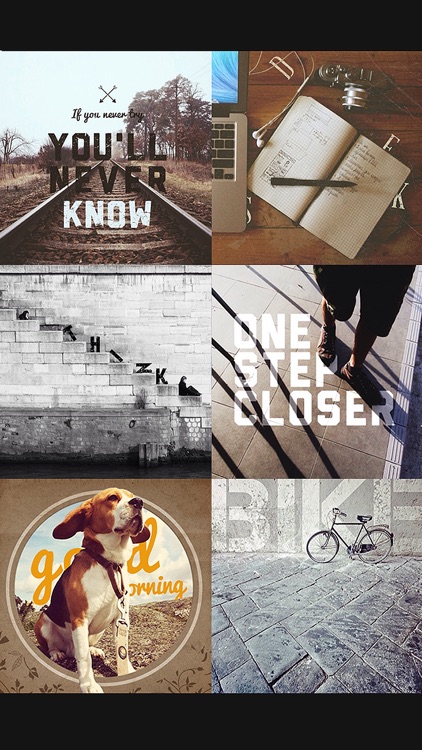
Add stylish text to your favorite photos with Fonta. The app is ideal for anyone that wants to tell a story with their photos.

FREE ($1.99) For a limited time FREE ($1.99) For a limited time
Why we picked this?

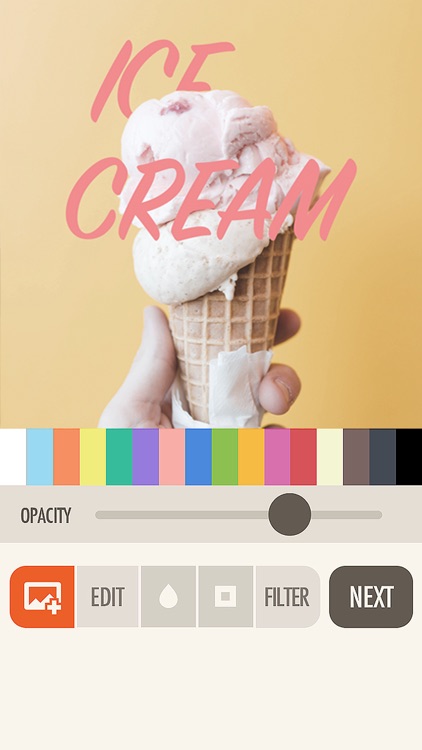
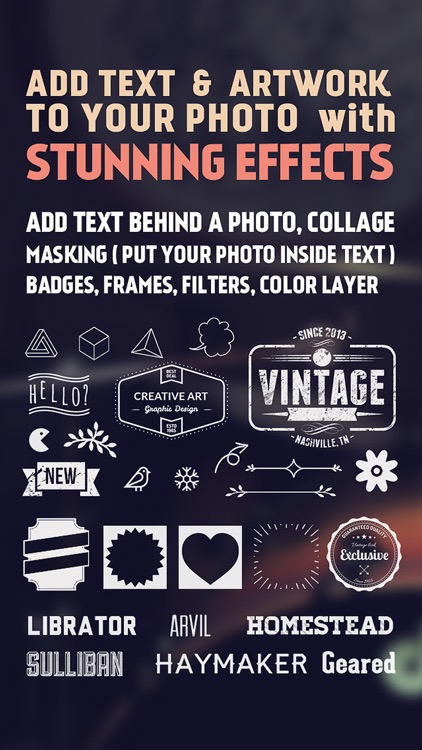
Fonta has a ridiculous amount of text options, allowing you to stand out from the crowd. Before you get to that point, however, you can edit your original photo by cropping, rotating, framing, filtering, and blurring it. Then come up with a message you want to drive home, and place it wherever you like on your photo. You’re able to select from a wide variety of fonts, colors, opacity levels, and even layer your text. There are also loads of frame and artwork options to choose from. Fonta allows you to share your creations via Instagram, Facebook, and Twitter.

If you really want to make your photos personal and unique, Fonta will help you accomplish that. It’s like a little design studio that you can bring wherever you go.

To come up with truly great results, you’re going to have to fiddle around for a while and dig through all of the options. If that sounds horribly unappealing to you, avoid Fonta.

GPS Navigation Hiking Compass
iPhone
GPS Navigation Hiking Compass

GPS Navigation Hiking Compass

Alexander Deplov

Store GPS locations and find your way back to them with this navigation app. This is the perfect tool for adventurers and travelers alike.

FREE ($1.99) For a limited time FREE ($1.99) For a limited time
Why we picked this?

We really enjoy using Anchor Point because of its simplicity. Just tap the “Add Anchor” button to pinpoint your location, and attach a name and icon to it. The location will be stored in your personal list, where you can also share it with your friends. When you want to make your way back to your anchor point, just follow the compass or view the directions on the built-in map.

If you like to wander around outdoors, Anchor Pointer will become an indispensable tool. It will lead you back no matter where you find yourself. It’s great for remote locations where all you have is a compass to go off of and some coordinates.

Besides being able to name and attach an icon to your location, Anchor Pointer is pretty slim on options. You’re not able to store notes, photos, or any other additional information. It’s solely a navigational tool.

Toca Robot Lab
iPhone
iPad
Toca Robot Lab

Toca Robot Lab

Toca Boca AB

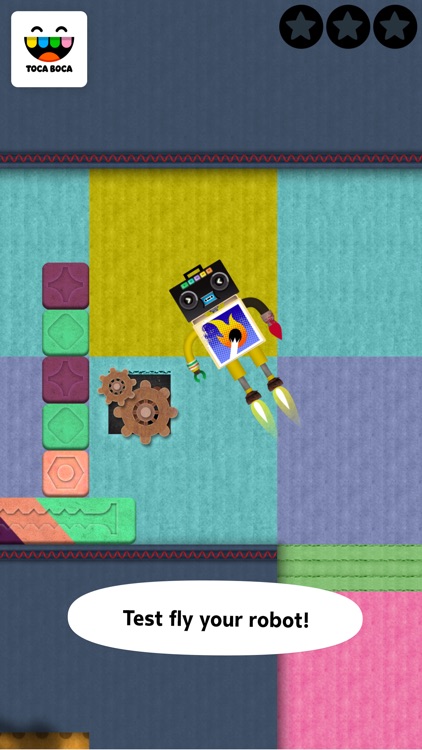
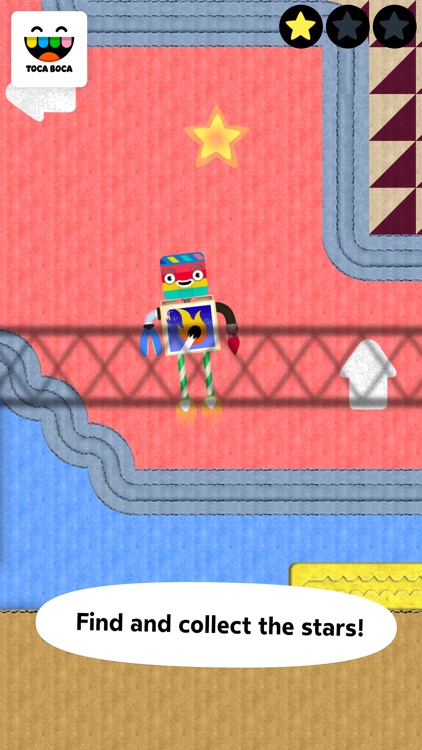
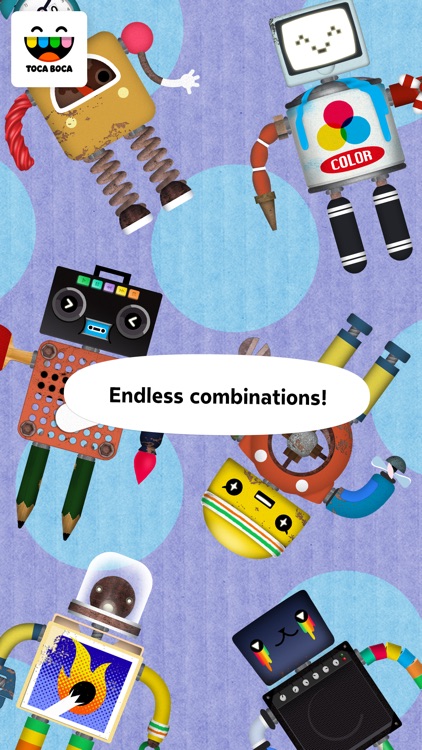
Children can build their very own robots and give them test flights in various facilities in this educational game. Toca Boca makes some of the best children’s games around, so don’t delay and download today!

$3.99 $3.99
Why we picked this?

Toca Robot Lab allows your child’s imagination to run wild. They’re able to build their very own robots from hundreds of colorful scraps, but they won’t be overwhelmed by the choices since only three are presented at a time. Each session is different, however, so eventually your child will make it though every one. Once completed they can give their robot a test flight to make sure it works.

If you have a creative little one, Toca Robot Lab is right up their alley. There aren’t any rules or causes for stress. They just get to play however they want.

Toca Robot Lab is really a virtual playground meant for building motor skills. It’s not going to teach your child new words or how to solve math problems. If that’s what you’re looking for, you won’t find it here.

Vizzywig HD Classic
iPhone
iPad
Vizzywig HD Classic

Vizzywig HD Classic

i4software

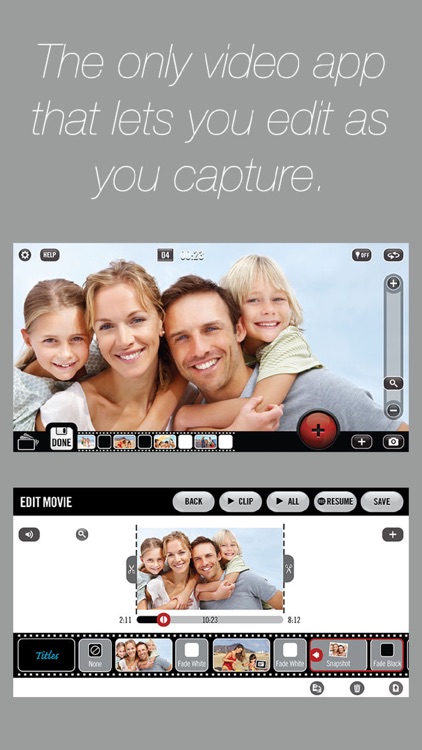
An all-in-one video recording and editing solution. It’s for those who are tired of jumping around into different photography apps to complete their videos.

$29.99 $29.99
Why we picked this?

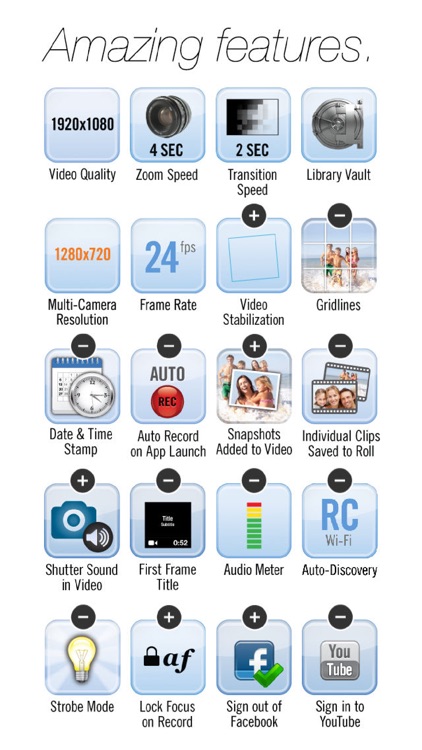
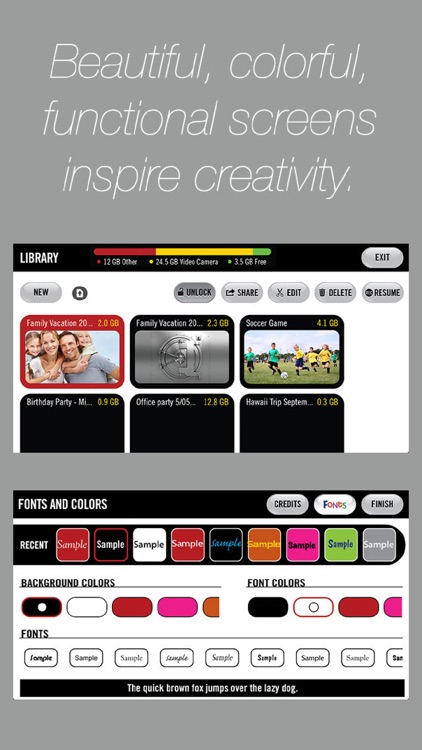
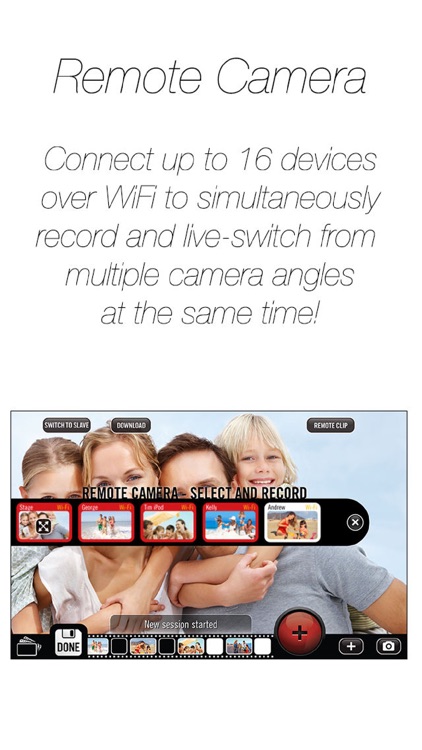
Vizzywig provides everything you could ever want and need from a video recording app. It allows you to capture live video, load clips from your camera roll, and load photos from your library. While recording, you’re actually able to edit your video and add music, credits, and more. There’s even an option to connect and simultaneously record from up to 16 iDevices linked over Wi-Fi. This app literally has it all!

If you want more from your videos, Vizzywig will help you get there. It’s insane number of powerful features make it stand head and shoulders above the competition.

Vizzywig is a true all-in-one video recording app, which also makes it rather cumbersome to use. Features and editing options are hidden deep within menus, making it difficult to utilize them all. If you don’t want to spend time looking getting to know the app, it won’t do you much good.

Learn Colors App Shapes Preschool Games for Kids
iPhone
iPad
Learn Colors App Shapes Preschool Games for Kids

Learn Colors App Shapes Preschool Games for Kids

Eggroll Games LLC

Your little one can learn to identify colors and shapes with this memory matching game. It’s the perfect addition to your collection if your child enjoys playing education games on your iDevice.

$2.99 $2.99
Why we picked this?

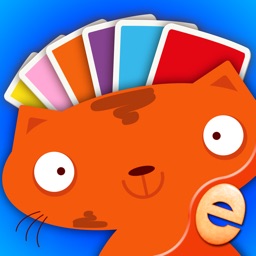
We’re recommending Colors Memory Match today because it’s easy for your child to just pick up and play thanks to its relatable card system. Various amounts of cards will appear on the screen face down. Your child can tap on them to reveal what’s on the flip side. They must find all of the matching pairs of colors and shapes to complete each game. When tapped on, your child is able to hear the color or object pronounced.

If you have a young child that likes playing games on your iDevice, they’ll love Colors Memory Match. It’s loaded with adorable animal characters to play with, and the professional narration will guide them through every step of the process.

If you have a child over the age of seven, this game probably won’t challenge them enough. It’s a pretty straightforward matching game.