





You are using an outdated browser. Please upgrade your browser to improve your experience.

Apps That
Went Free on
2014-10-07

Get a better understanding of your end users with Journeys. We also have a fun photo effects app, and a puzzle game that forces you to keep an eye on the clock.

Hexagonal!
iPhone
Hexagonal!

Hexagonal!

SlideFactory LLC

Keep your eye on the clock in this minimalist puzzle game.
Hexagonal is the perfect game for anyone looking to test their reflexes.

FREE ($0.99) For a limited time FREE ($0.99) For a limited time
Why we picked this?

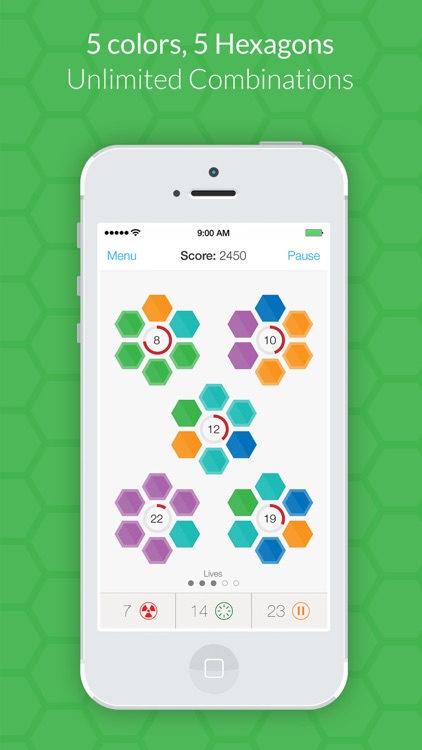
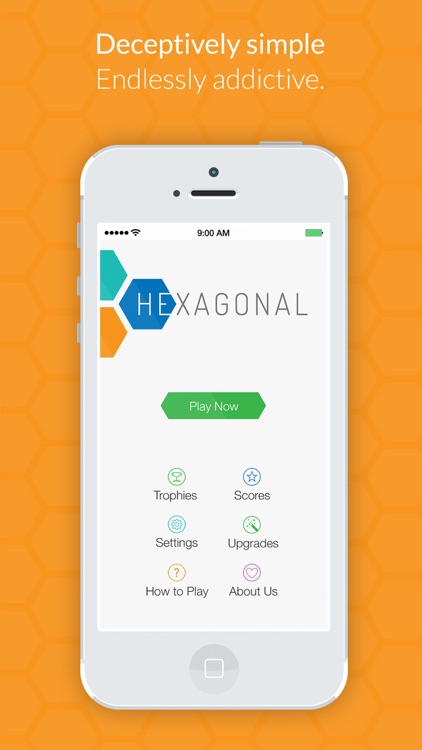
Don’t let its simple looks fool you. Hexagonal is one challenging puzzle game. The idea is to fill each of the hexagons in a cluster with a single color before the timer in the middle hits zero. You’re able to fill in a hexagon with a color by tapping on it when the one you want appears. What makes the game truly difficult is that as you progress you’ll be required to manage a total of five clusters, all of which will be counting down at the same time. Good luck with a that.

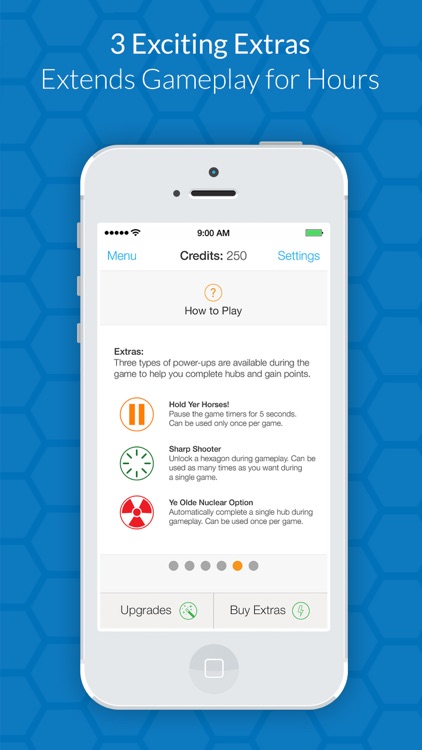
If you like reflex-based puzzle games, you’re really going to enjoy Hexagonal. Once you have to manage more than a single cluster, you’ll realize the true challenge of this game. At least there are power-ups at your disposal.

f you don’t like high pressure games, you’ll hate Hexagonal. It’s all about timing and quickness.

Screen Candy
iPhone
Screen Candy

Screen Candy

Kevin G Fox

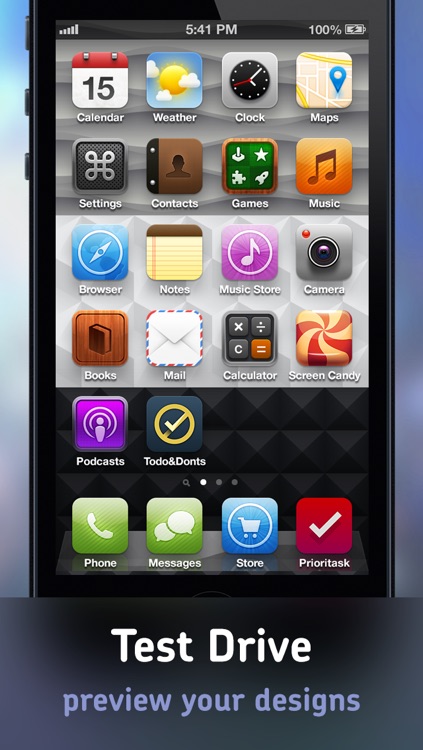
Create your own sweet wallpaper and lock screen designs with Screen Candy.

It’s perfect for those who want to personalize their iDevice.

FREE ($0.99) For a limited time FREE ($0.99) For a limited time
Why we picked this?

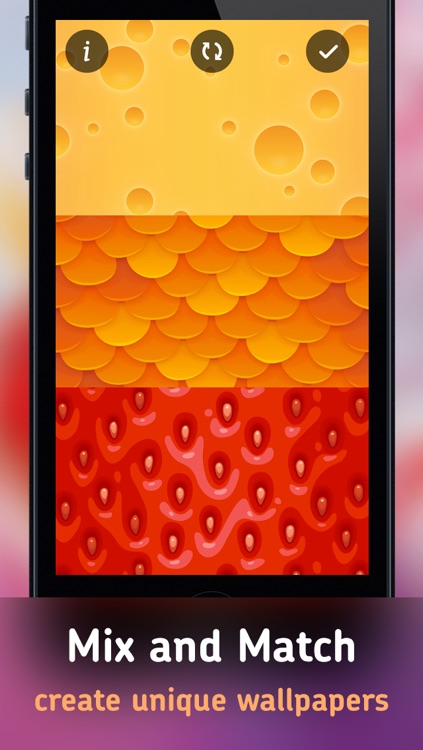
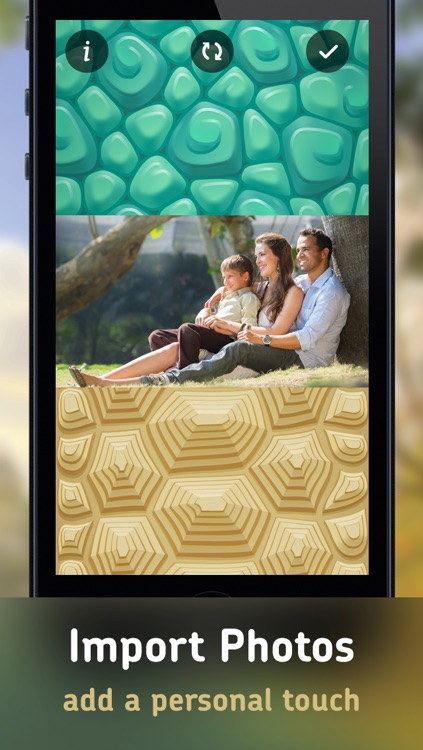
Screen Candy is all about mixing and matching. Just swipe horizontally across the three separate sections to browse through the custom patterns and illustrations. Double tap on a section to view all patterns and illustrations in a scrollable list or choose an image from your library. Can’t decide on a design? Let Screen Candy choose for you with the randomizer option.

If you want to create a personalized wallpaper without a lot of fuss, Screen Candy will help you get the job done.

Screen Candy is limited in content and doesn’t offer many tools for customization. If you’re looking for a robust wallpaper creator, this isn’t it.

Journeys: The Customer Experience Mapping Tool
iPad
Journeys: The Customer Experience Mapping Tool

Journeys: The Customer Experience Mapping Tool

Universal Mind

Get a better understanding of your end users with Journeys.

It’s for business owners that want to gain customer experience insight.

$4.99 $4.99
Why we picked this?

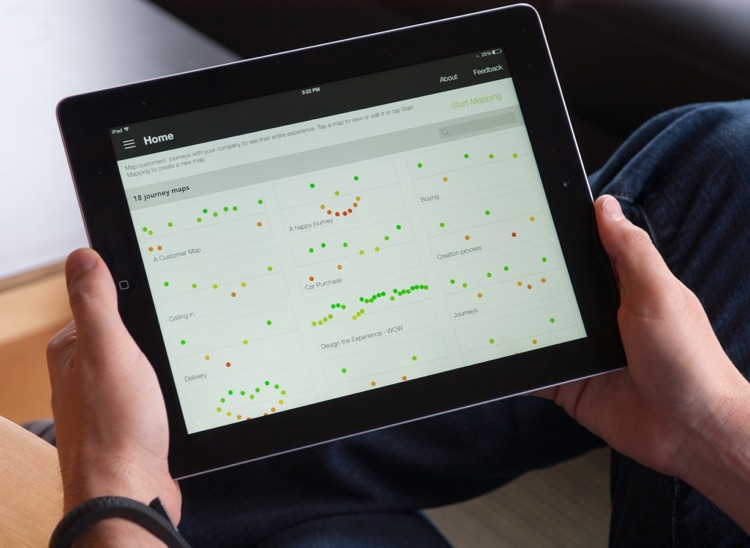
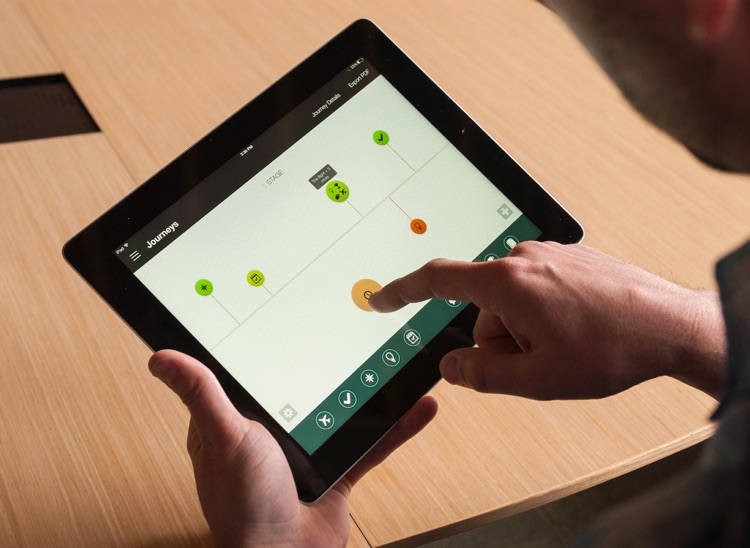
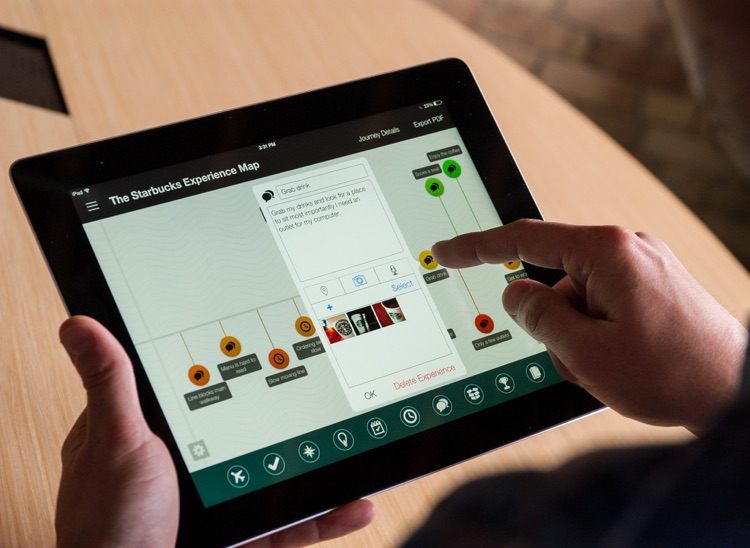
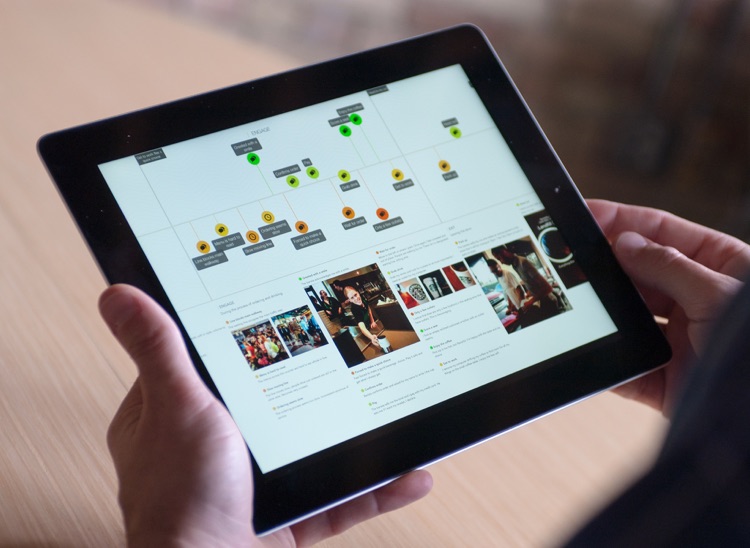
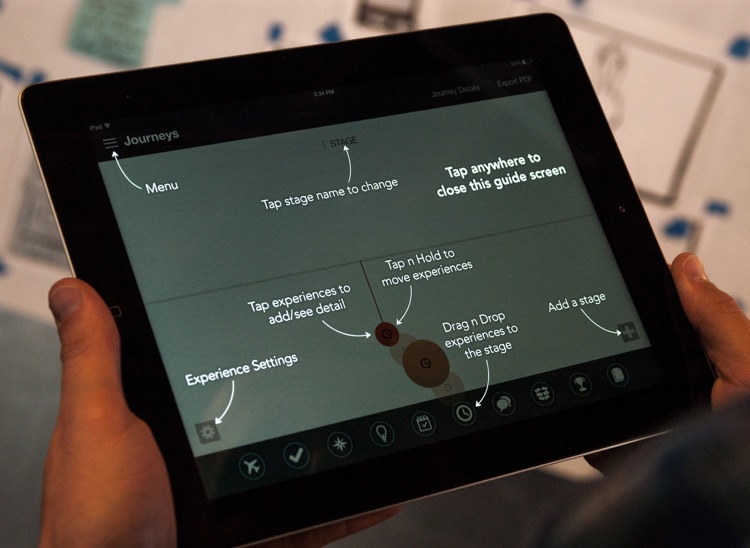
Journeys comes highly recommended today because there’s no other app like it in the App Store. It allows you to visualize customer experiences by mapping them with icons. Just drag and drop experience icons, like travel time, location, dialogue, and motivation, onto the map. The vertical position of each icon indicates whether the experience was positive or negative. You can also attach images, audio notes, videos, and locations to each experience. Maps can be duplicated, shared, and exported as PDFs.

If you’ve been looking for a way to better understand your end users, look no further than Journeys. It’s remarkably easy to use, and the feedback is invaluable.

If you don’t have a direct way to access your customers, Journeys will be of little use to you. Your customers must either fill in the map themselves or be on hand to relay the information to you. There’s no way to send them a map to fill out. That is, unless they have Journeys installed on an iPad of their own.

Angle Meter PRO
iPhone
Angle Meter PRO

Angle Meter PRO

nakhon phagdeechat

Measure all kinds of different angles or slopes with this utility app.

It’s perfect for do-it-yourself projects.

$1.99 $1.99
Why we picked this?

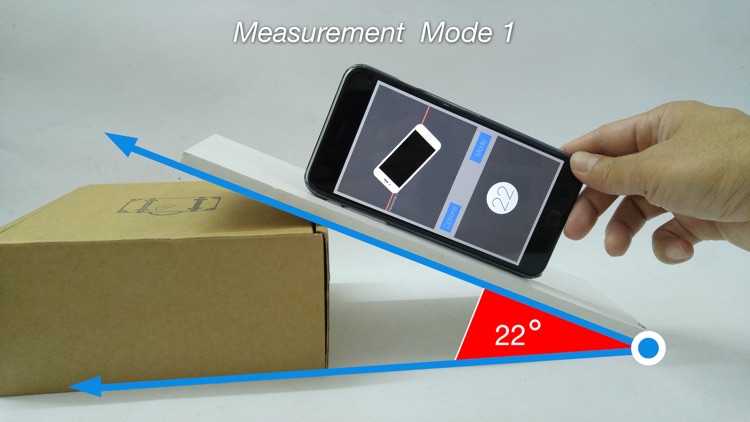
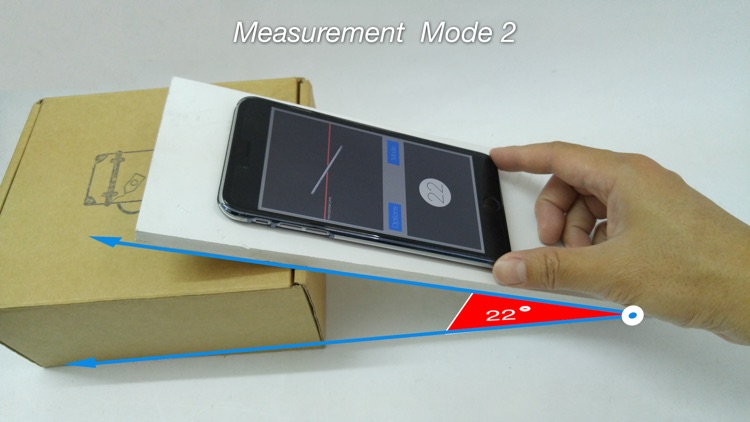
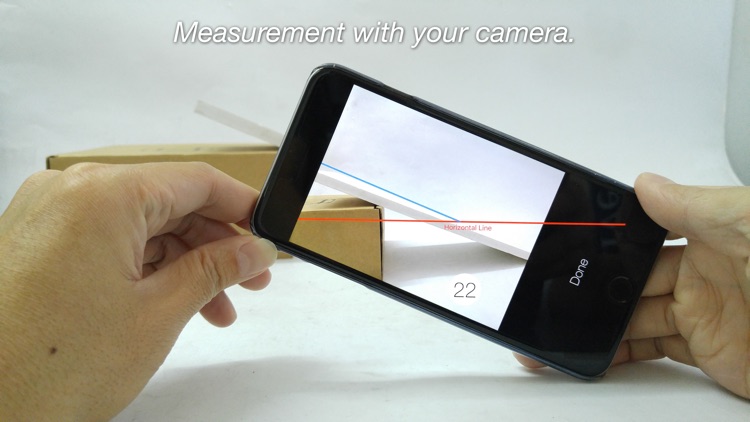
Every home project is different, which is why Angle Meter Pro offers so many ways to measure. You’re able to hold your iDevice’s edge up against an object or lay it flat and see the angle measurement in real-time. You’re also able to point the camera at an object or import a photo from your library to make a measurement. If something feels off, the app can be calibrated for better accuracy.

If you like to tackle projects yourself, Angle Meter Pro will come in handy. It’s camera mode is by far the most useful since there’s no need to get up close to the object you want to measure.

If your iDevice lacks a built in gyroscope or camera, Angle Meter Pro won’t be of much use to you.

Effexy - Photo Effects
iPhone
iPad
Effexy - Photo Effects

Effexy - Photo Effects

Blue Jinjer, LLC

Have fun with your photos with this effects app.

It’s for anyone that wants to go hands-on with their photos.

$0.99 $0.99
Why we picked this?

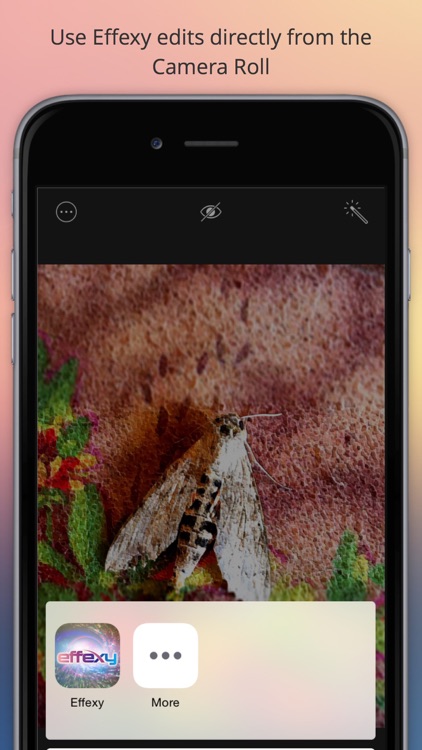
With a name like Effexy, it’s no wonder the app is all about its interactive effects. You’re able to choose from 10 interactive effects, like liquefy, melt, and motion blur, and then drag your finger across your photo to dramatically alter it. Effects and filters can be layered to create something wholly unique. You’re also able to adjust the intensity of each effect and the parameters of your photo. Your creations can be shared via Twitter, Tumblr, Facebook, or Instagram.

If you want complete creative freedom over your photos, Effexy will give it to you. The 10 different interactive effects are so natural and fluid, you’ll feel like your painting over your photos.

Effexy is a little light on options outside of its neat interactive effects. If you were looking for a full-featured photo editor, this isn’t it.

Buy Me a Pie! - Grocery List
iPhone
iPad
Buy Me a Pie! - Grocery List

Buy Me a Pie! - Grocery List

Skript, LLC

This slick productivity app allows you to create and share grocery shopping lists.

Buy Me a Pie was designed for shoppers that want to do away with paper lists.

$49.99 $49.99
Why we picked this?

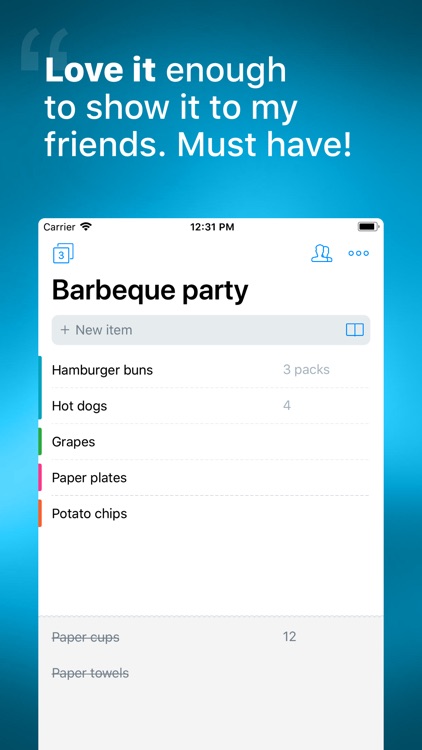
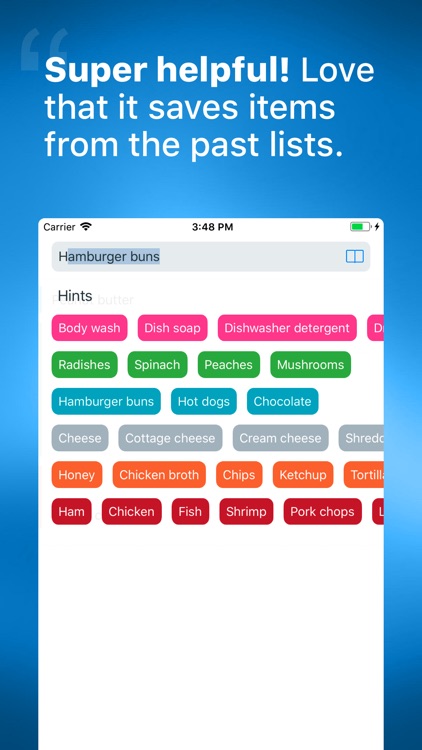
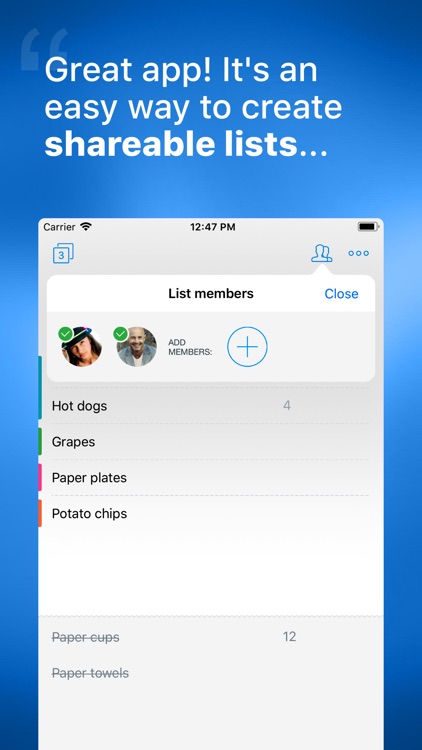
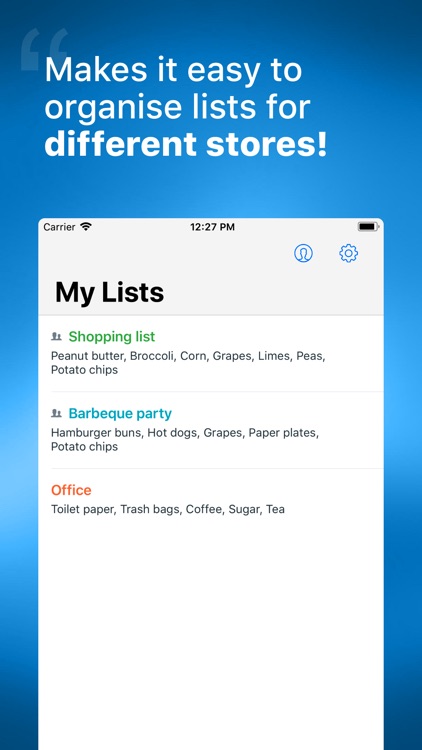
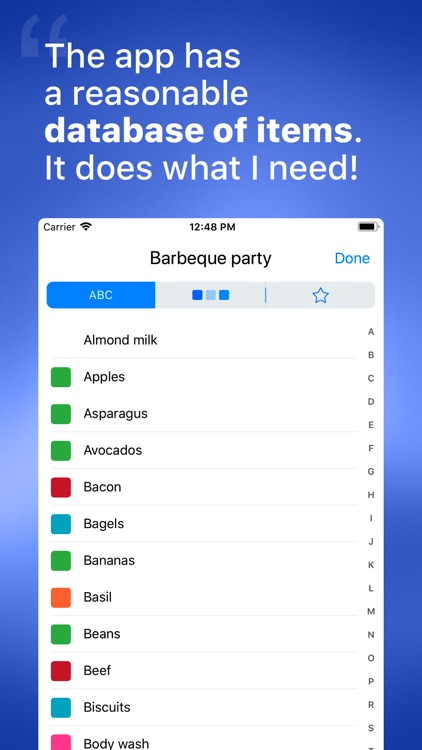
Buy Me a Pie is all about sharing. The app features an intuitive interface that allows you to easily create and manage multiple grocery shopping lists. When adding items to your list, Buy Me a Pie’s built-in database will provide recommendations. It even learns what items you use the most, and allows you to quickly attach quantities. Any additions and changes within your lists will be synced automatically in the background, so no matter who you’re sharing them with, they’ll be able to stay up-to-date.

If you’re looking to finally do away with your paper lists, Buy Me a Pie will help you get it done. It’s a breeze to use, and the ability to group products together to make shopping easier is a lifesaver.

Buy Me a Pie is all about groceries. You won’t be able to make any other type of list.