

You are using an outdated browser. Please upgrade your browser to improve your experience.

Apps That
Went Free on
2014-10-12

Convert all kinds of units and currencies in style with Convertizo 2. We also have an app that allows you to spin some vinyl, and an app that will change the way you take notes.

Vinyl Tap - this one goes to 11
iPad
Vinyl Tap - this one goes to 11

Vinyl Tap - this one goes to 11

andBoom Ltd

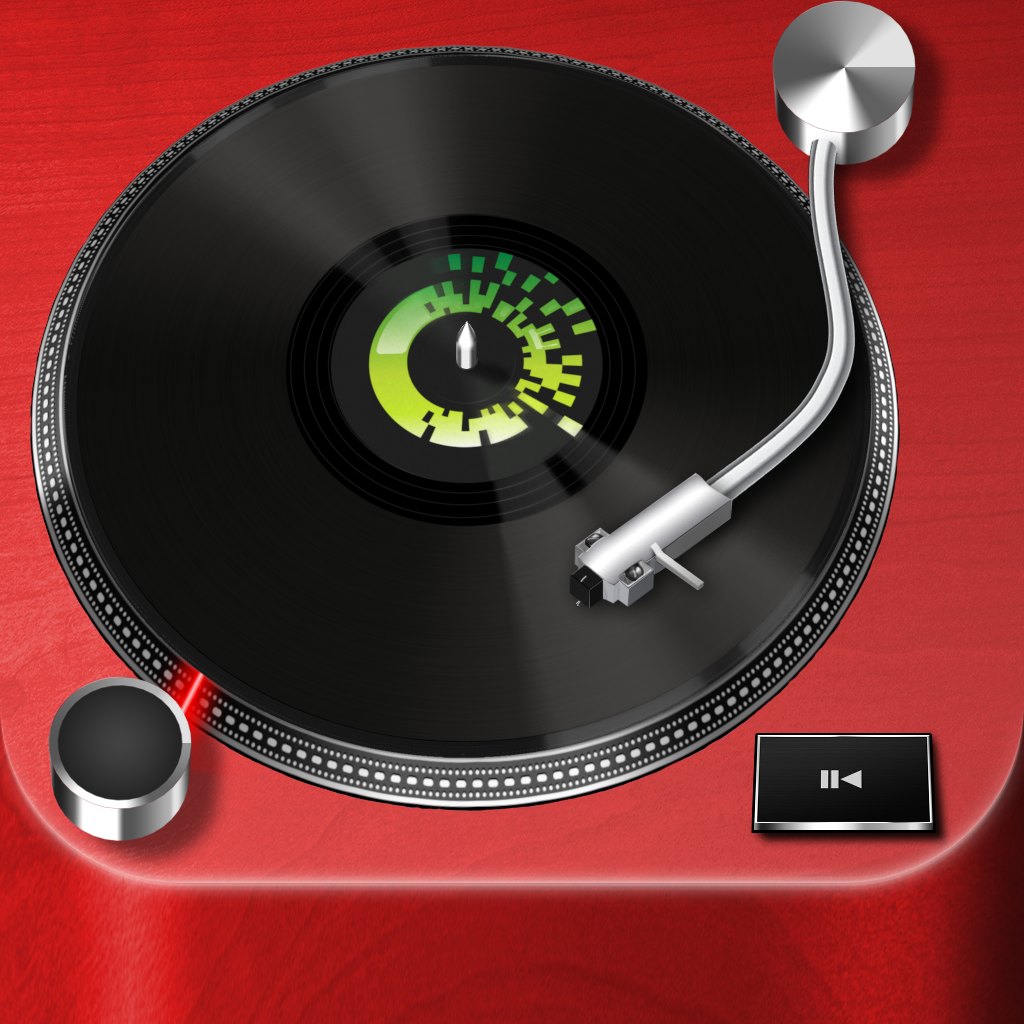
Crank it up to 11 with this digital turntable app.

Vinyl Tap is for music lovers that want an extra level of interaction.

FREE ($0.99) For a limited time FREE ($0.99) For a limited time
Why we picked this?

Vinyl Tap allows you to enjoy your favorite tunes just as you used to. You’ll have to decide on one of the seven different table styles, each with seven vinyl colors to choose from. Then select an artist or album from your library and hit play to start spinning your vinyl. The needle must be dragged to a point on top of the vinyl for your turntable to start playing music. The position of the needle will determine the point in the song.

If you miss the days of vinyl, you’ll want to check out Vinyl Tap. It may not be the most practical app, but it’s a lot of fun to spin your records.

If you need precision from your music player, skip Vinyl Tap. Since it’s trying to be authentic, it’s nearly impossible to pick the right spot on the vinyl to select a song.

Convertizo 2 - Convert Units and Currency in Style - Imperial & Metric - Angle Area Currency Data Energy Flow Length Power Pressure Speed Temperature Time Volume & Weight
iPhone
iPad
Convertizo 2 - Convert Units and Currency in Style - Imperial & Metric - Angle Area Currency Data Energy Flow Length Power Pressure Speed Temperature Time Volume & Weight

Convertizo 2 - Convert Units and Currency in Style - Imperial & Metric - Angle Area Currency Data Energy Flow Length Power Pressure Speed Temperature Time Volume & Weight

Perfect Dimension

Convert in style with Convertizo.

It’s for anyone that needs to make quick conversions.

$2.99 $2.99
Why we picked this?

Who says conversion apps need to be ugly and dull? Convertizo breaks the mold by offering an icon-based interface that’s not only easy on the eyes but also easy to use. All of its conversion categories are laid out on a single screen. Just tap on the one you want, choose your two units, and enter a value. Units can be flipped with a tap, and you’re able to jump to the next category via a button in the lower right corner of the screen. The app also includes eight themes to choose from, and live currency updates.

If you like stylish apps, no matter what category they fall under, you’ll truly appreciate Convertizo.

If you don’t need to convert units all that often, stick with Siri. This will just clutter up your home screen.

Fliptastic Pro
iPhone
iPad
Fliptastic Pro

Fliptastic Pro

Ting Tze Chuen

Craft one happy memory from many others with this slideshow creator.

It’s great for anyone that wants to impress their Instagram followers.

$1.99 $1.99
Why we picked this?

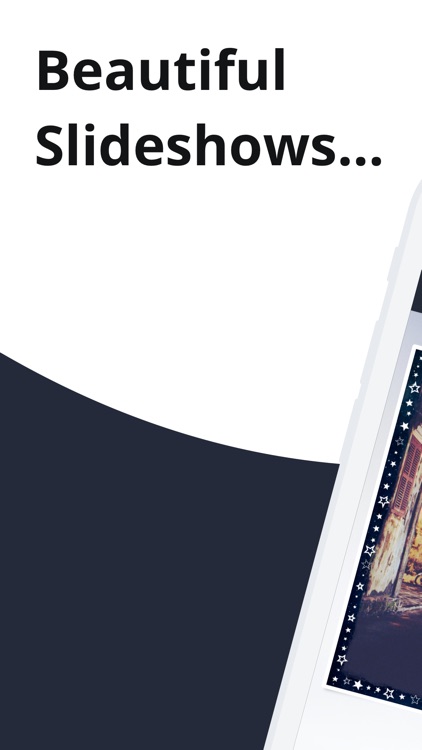
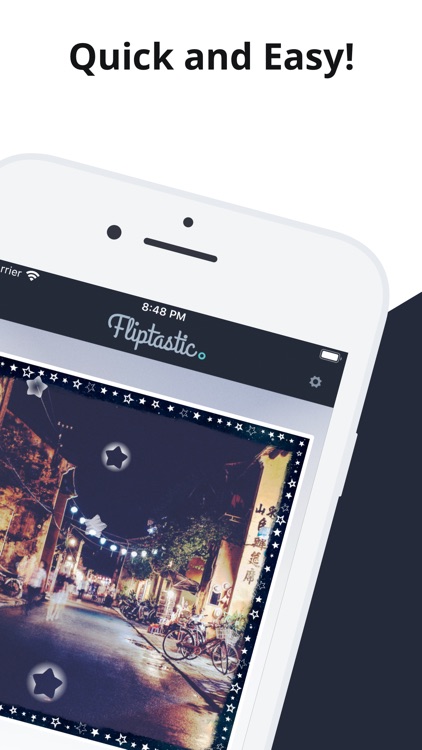
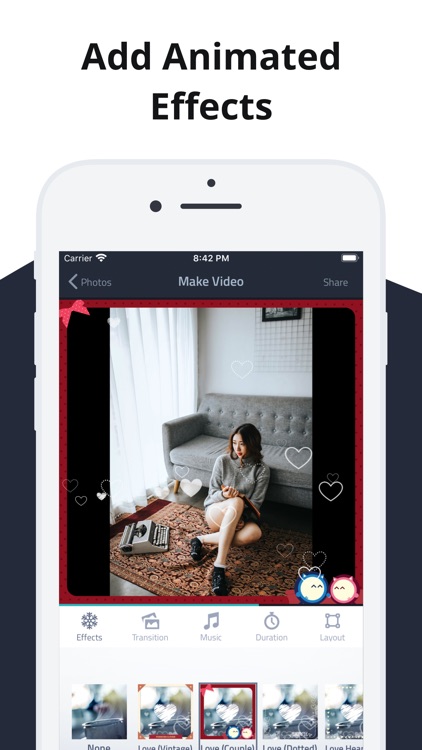
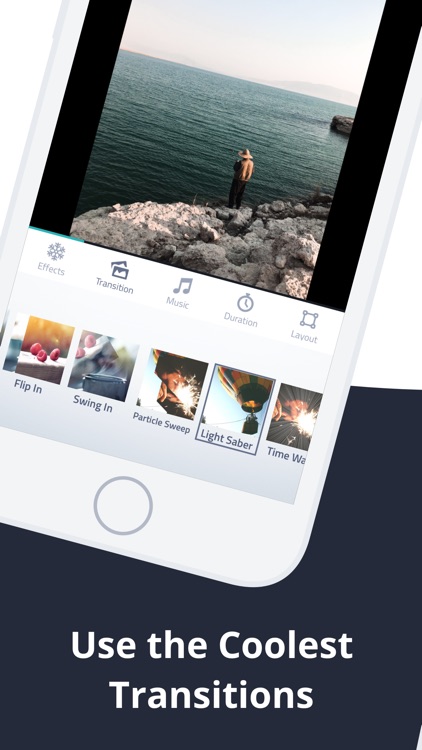
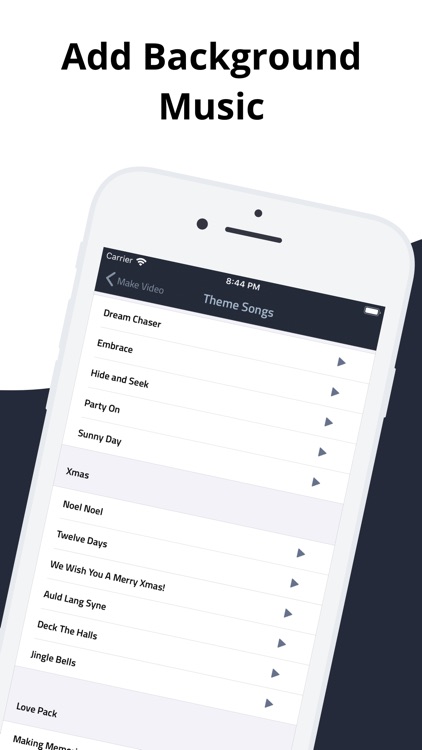
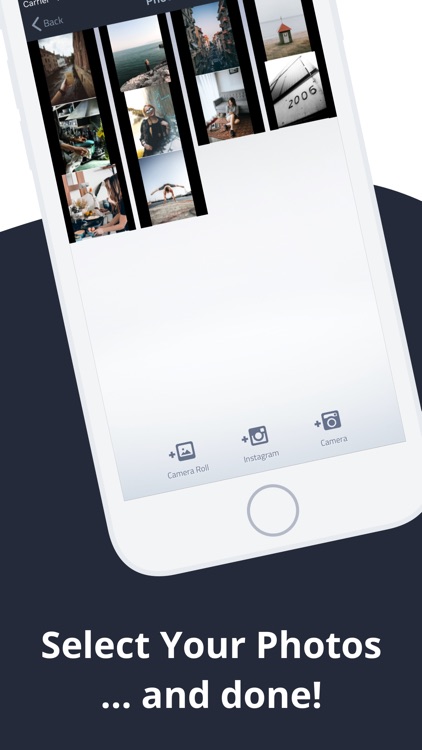
Can’t decide on just one photo to share? How does 100 sound instead? Fliptastic Pro allows you to gather up to 100 photos, which can be pulled from Instagram, your photo library, or your camera roll. There’s no need to limit yourself. Tap on a photo to add different filters and captions to help it stand out from the rest. You can finish up your slideshow by adding cool animated transitions and some background music. Your slideshows can be shared on Instagram, Facebook, or YouTube. Additional transitions and effects are available via in-app purchase.

If you want to share a lot, Fliptastic Pro will help you do it the right way. The best part is, you won’t need to jump in and out of apps in order to create your slideshow since Fliptastic Pro has all of the editing features, effects, and transitions you’ll ever need.

If you despise in-app purchases within photography apps, you’ll want to skip Fliptastic Pro. It basically teases you with new content on every screen.

MarginNote 2 Pro
iPad
MarginNote 2 Pro

MarginNote 2 Pro

Sun Min

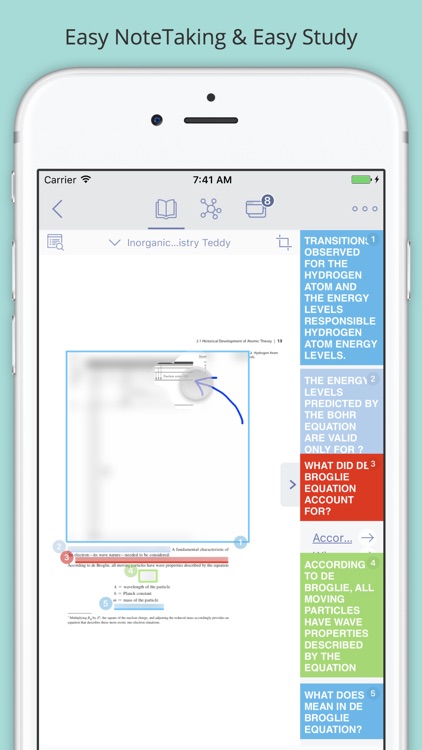
Add notes to your PDF files, books, and documents with this helpful productivity app.

It’s great for teachers, students, consultants, and basically anyone else that needs to organize their thoughts.

$4.99 $4.99
Why we picked this?

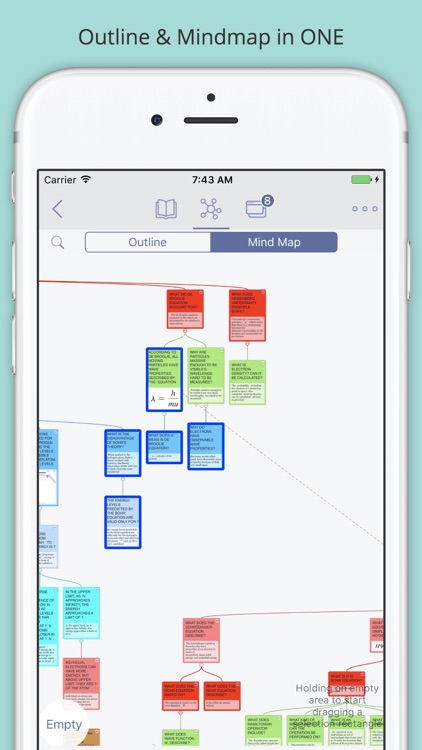
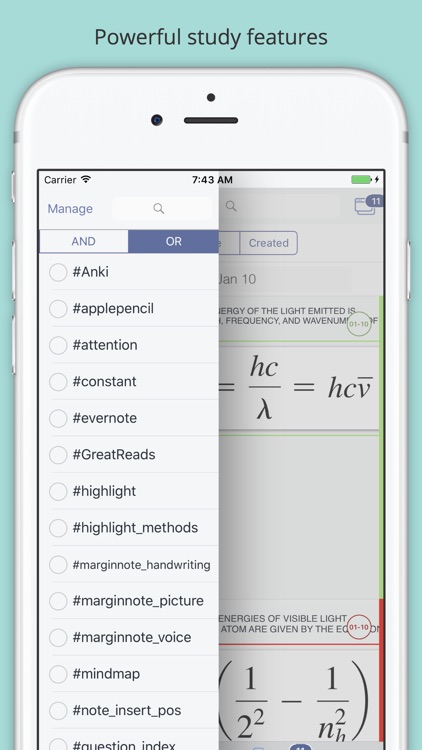
Note taking is about to get a whole lot easier for you thanks to MarginNote Reader Pro. It allows you to add PDF files, books, and documents from Dropbox, the web, or via iTunes File Sharing. You can then add handwritten notes, typed notes, highlights, and annotations within the margins. Not only that, MarginNote Reader Pro includes a separate mind mapping section that allows you to turn your content into separate cards.

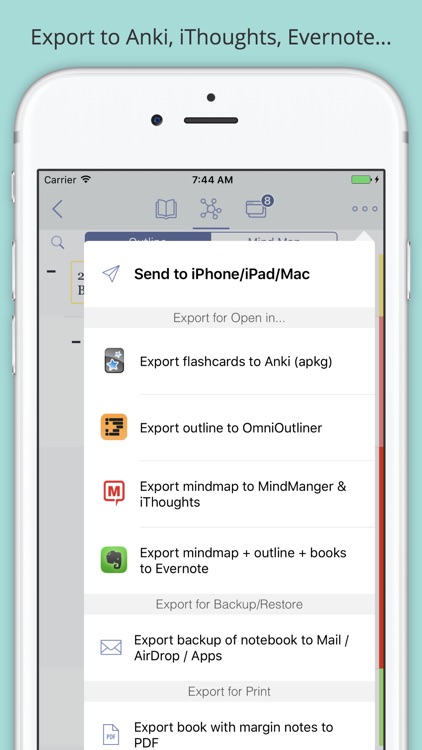
If you’re tired of lugging around books just so you can mark them up, MarginNote Reader Pro will save you the hassle. Its seamless syncing with Dropbox and Evernote ensures you never lose another thought.

Some content simply can’t be imported or sync with MarginNote Reader Pro, but you won’t know until you try.

Project Reno
iPhone
Project Reno

Project Reno

inPulse Inc.

Plan, monitor, and track your projects with this business app.

It’s ideal for architects, contractors, and even home owners that are constantly juggling projects.

$1.99 $1.99
Why we picked this?

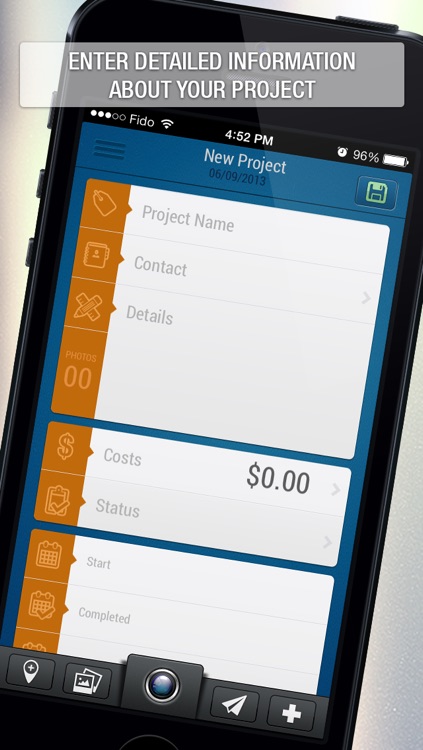
Project Reno provides you with complete control over all aspects of your projects. You're able to attach contacts to your projects, provide details, outlines costs, update statuses, and define start and due dates. Photos and geo-location information can be attached as well to provide more context. The projects in your main box can be filtered out by status, number, name, or contact to keep things tidy and help you stay focused.

If you’re a business owner, you’re going to want to at least give Project Reno a try. It does a great job in helping you keep all of your projects in order, and helps you stay focused on the task at hand.

If you need to monitor specific tasks within projects, Project Reno falls a bit short. It’s more for general project management.