

You are using an outdated browser. Please upgrade your browser to improve your experience.

Apps That
Went Free on
2014-11-09

Learn basic and key functions of Microsoft Excel Visual Basic for Applications with VBA Guide. We also have a sloshy puzzle game, and a very neat note taking app.

LiquidSketch
iPad
LiquidSketch

LiquidSketch

Tobias Neukom

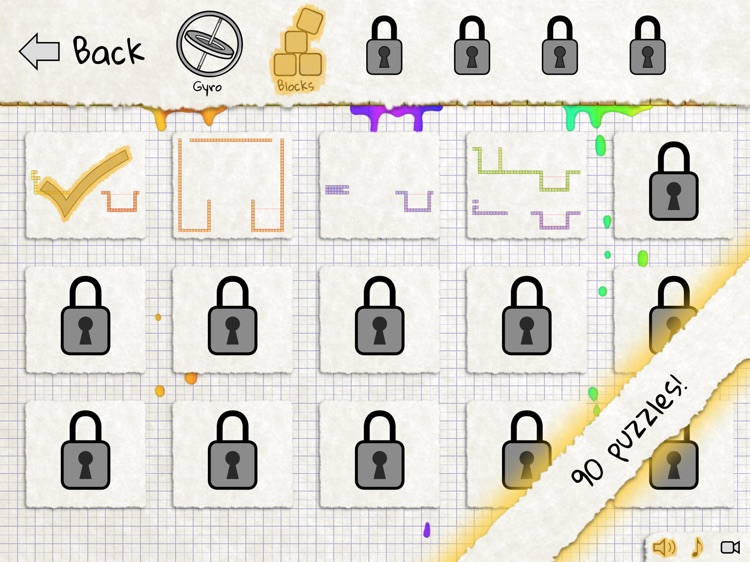
Guide realistic liquid from one area to another in this fantastic puzzle game.

It’s for those who enjoy getting interactive with their games.

FREE ($0.99) For a limited time FREE ($0.99) For a limited time
Why we picked this?

LiquidSketch is more than a game. It’s interactive art! You’re able to rotate your iPad to pour the liquid, use your fingers to splash it around, or build structures to funnel it through. The game includes six types of challenges, 90 levels, and a sandbox mode where you can really get creative. The sandbox mode also features the ability to share your masterpieces via YouTube.

If you’re looking for a totally unique game with a fantastic soundtrack, you’ve found it in LiquidSketch. The sloshy liquid is probably more fun to play with than it has any right to be.

If you don’t like moving your iPad around, don’t download LiquidSketch. It requires multiple methods of interaction that will be too much for you.
Weather Compass Gps+ (Map, Speedometer, Altimeter)
iPhone
Weather Compass Gps+ (Map, Speedometer, Altimeter)

Weather Compass Gps+ (Map, Speedometer, Altimeter)

Tigran Mkhitaryan

This utility app will help you find your way around.

It’s perfect for the outdoor adventurer.

FREE ($1.99) For a limited time FREE ($1.99) For a limited time
Why we picked this?

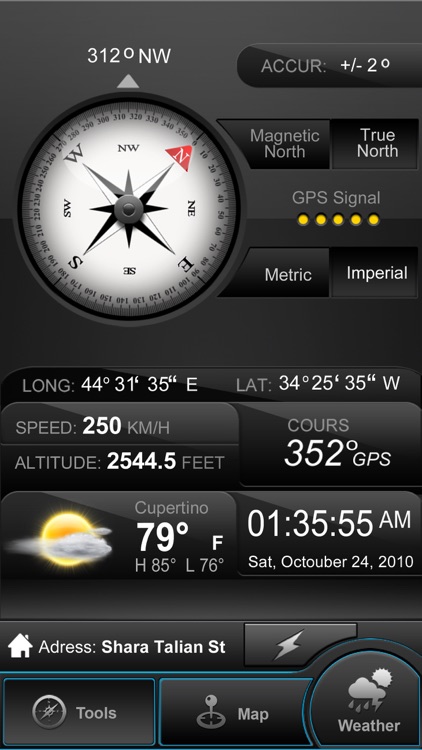
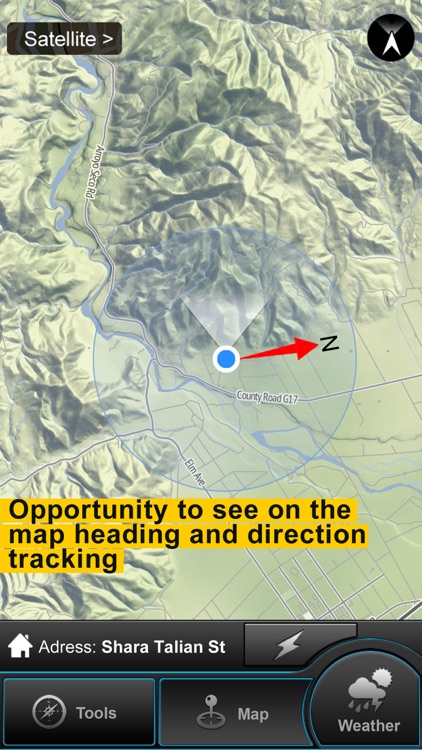
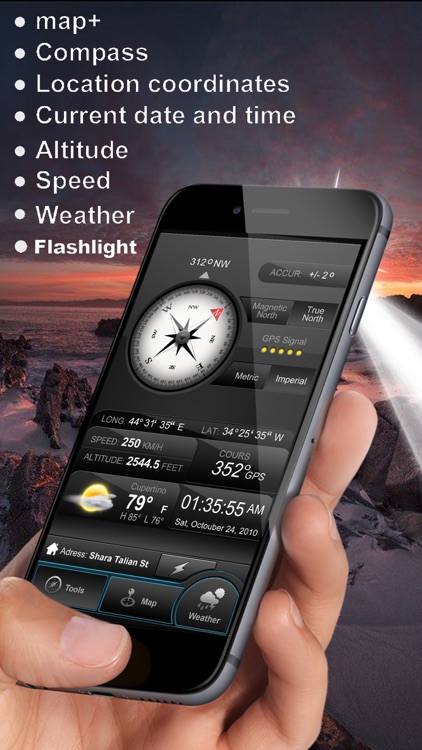
Weather Compass provides you with a ton of location data all in a single place. It features everything you could ever need to get by in the great outdoors including a compass with true and magnetic North, coordinates, speed of travel, altitude, date and time, a hybrid map, a flashlight, and complete weather data.

If you venture out often, check out Weather Compass. It will help you get around without getting lost.

If you’re worried about battery life while making your way through the great outdoors, you’ll want to skip this one.

VBA Guide For Excel
iPhone
iPad
VBA Guide For Excel

VBA Guide For Excel

michael webb

Learn basic and key functions of Excel Visual Basic for Applications with this supremely helpful reference app.

It’s perfect for anyone who wants to become more efficient when using Excel.

$1.99 $1.99
Why we picked this?

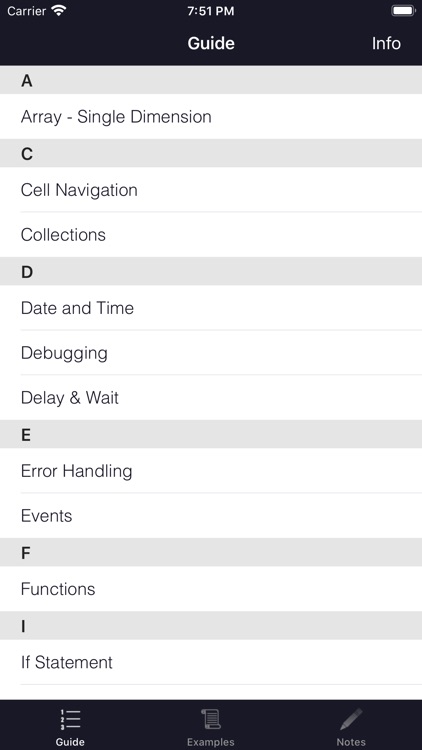
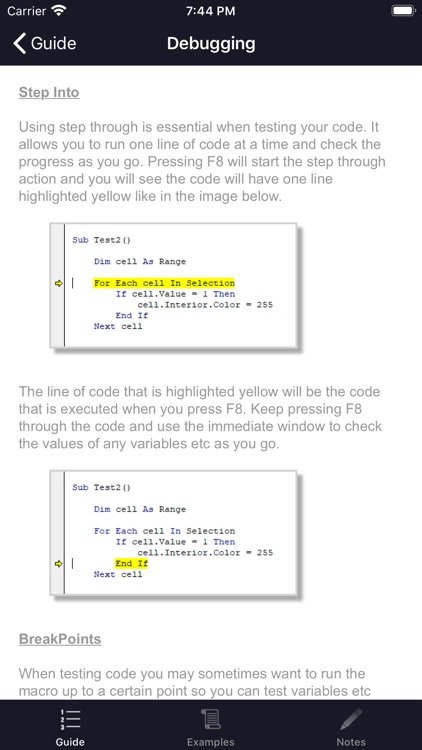
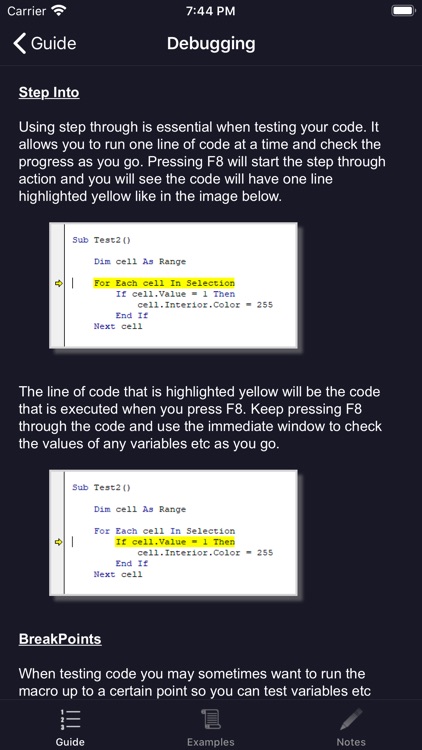
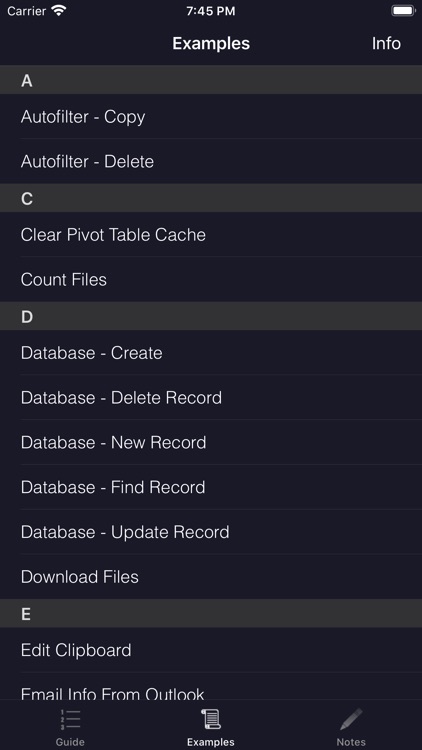
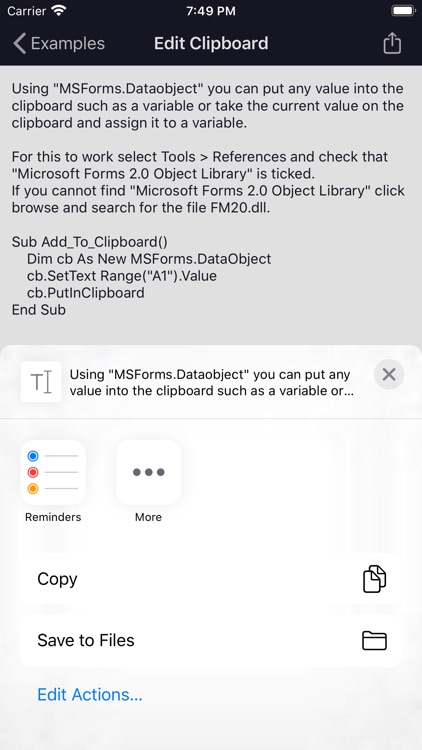
VBA Guide For Excel will not only save you time, it will also save your sanity. You’re able to browse through its list of 25 guide pages with a swipe. Each page includes a detailed breakdown along with animated images for reference. The app also has more than 35 macro example pages, allowing you to simply copy code and use it for your own projects. Macro examples can be exported via email or Messages, or printed off via AirPrint. VBA Guide For Excel includes a section for storing your own notes, and loads of helpful keyboard shortcuts.

If you utilize Excel on a daily basis, check out the handy VBA Guide For Excel. It introduces you to basic and key functions of Excel VBA without becoming too complicated.

If you don’t have a clue how to utilize Excel’s most basic features or have never once considered programming, you might want to start somewhere else. Although this app introduces you to the basics, you still need at least a small amount of experience with both Excel and VBA.

The Wee Adventures of Shabu Shabu - Book 1 - The Jade Legend
iPad
The Wee Adventures of Shabu Shabu - Book 1 - The Jade Legend

The Wee Adventures of Shabu Shabu - Book 1 - The Jade Legend

Steam Powered Productions

An interactive storybook about a little rabbit inventor who dreams of following in her grandfather’s paw prints.

It’s for young readers who enjoy out of this world stories.

$4.99 $4.99
Why we picked this?

This storybook is absolutely loaded with content. Each of its 43 pages offers fun ways to interact with Shabu Shabu’s crazy inventions. You’re able to pull, push, and flip levers to activate animations and reveal hidden scenes. The storybook also contains professional narration, fun sound effects, upbeat music, and a variety of puzzles to solve.

If you’re child enjoys adventurous stories, this is the perfect app for them. It’s loaded with fun contraptions to play around with, which enhance the story in every way.

If you have a child under the age of five, you’ll probably want to skip this one. The characters may be cute and adorable, but the story is epic in nature and it may be lost on them.

Birthday Board Premium – Anniversary calendar, events, reminder and countdown.
iPhone
iPad
Birthday Board Premium – Anniversary calendar, events, reminder and countdown.

Birthday Board Premium – Anniversary calendar, events, reminder and countdown.

Superdik B.V.

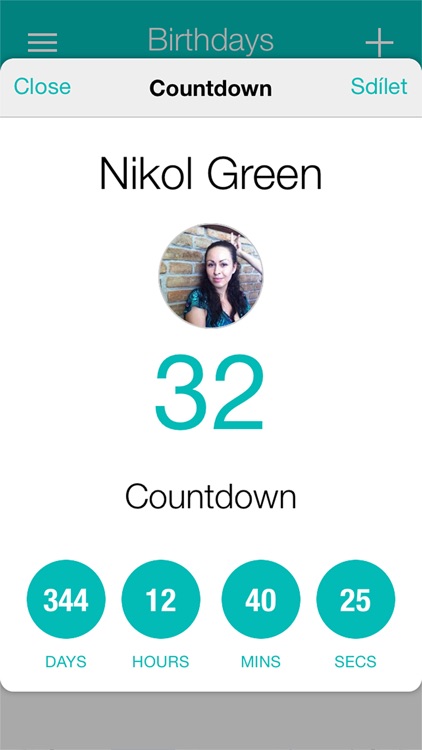
Birthday Board offers a unique way to remember your friends’ and family members’ birthdays.

It’s perfect for busy people with too much on their calendar.

$1.99 $1.99
Why we picked this?

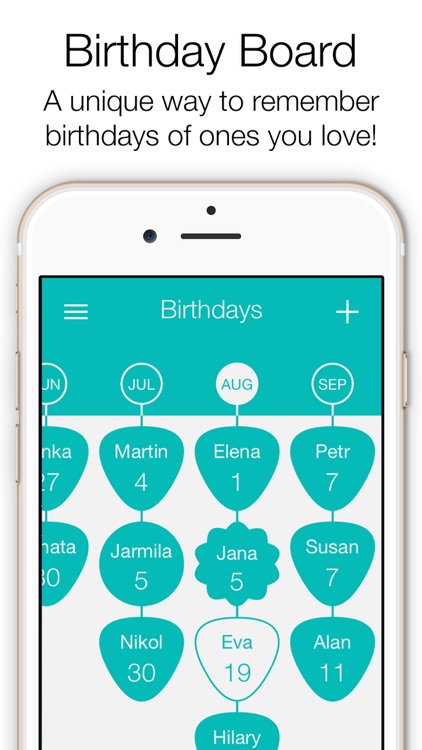
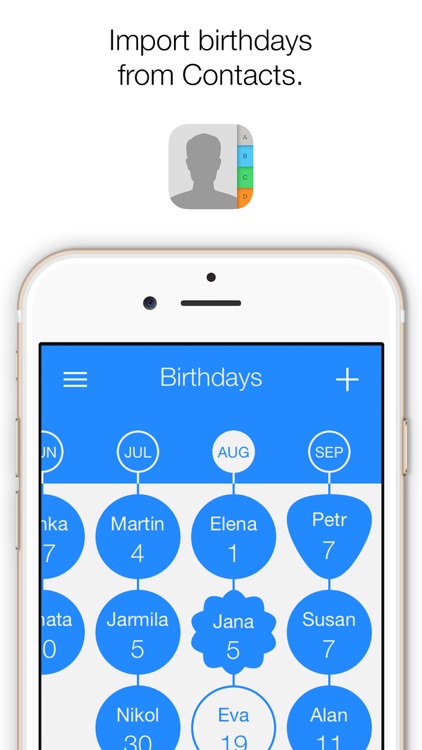
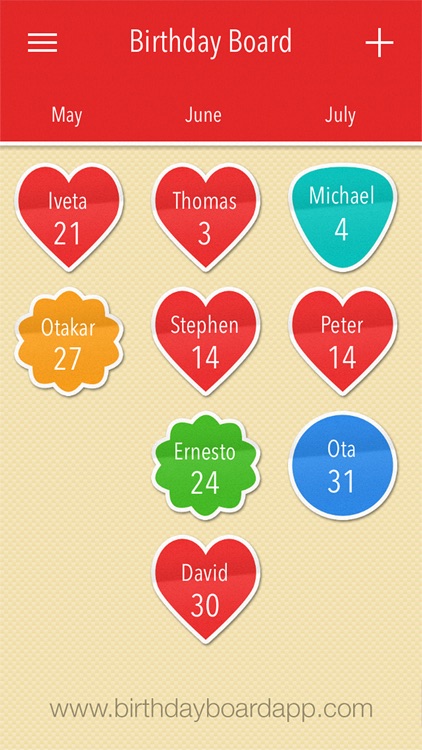
We’re recommending Birthday Board today because of its unique way of presenting and recalling birthdays. You’re able to import birthdays from Facebook or the Contacts app. Swipe right and left across the newly imported birthdays to browse through them month by month. Tap on a birthday badge to view detailed information, and tap and hold to set a new badge style and highlight it. The app also includes birthday countdowns, zodiac signs, and the ability to share birthdays.

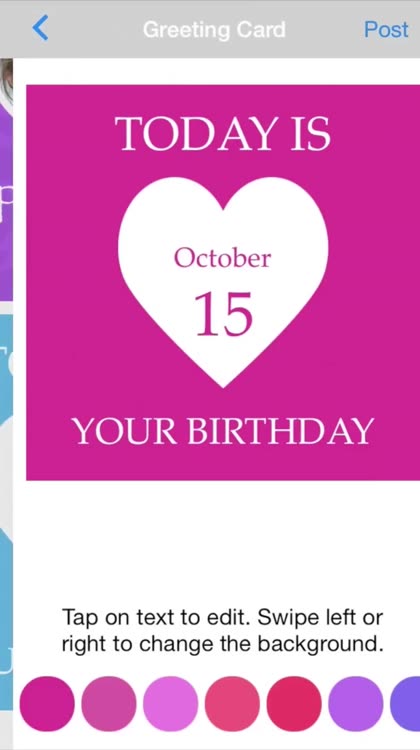
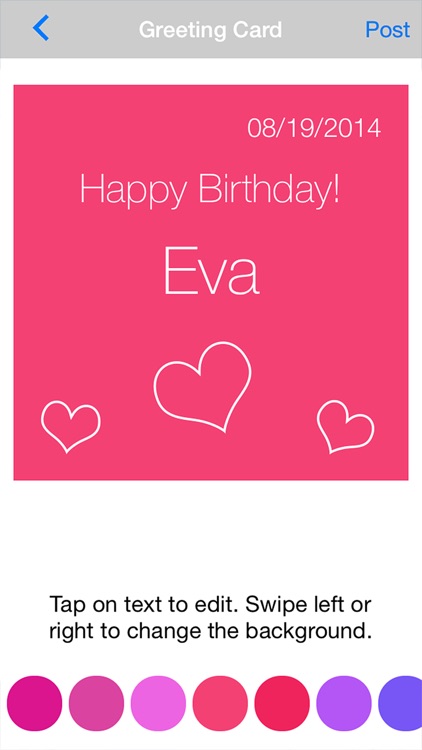
If you’re looking for a dedicated way to remember everyone’s birthdays, this highly customizable app is for you. There’s even a greeting card option built-in, which allows you to send a birthday wish at the very last moment.

Having a separate app dedicated entirely to birthdays isn’t ideal for everyone. If you have enough room on your main calendar, you may just want to stick with it.

Neato - Jot down note and save to Dropbox or Evernote with iOS8 widget
iPhone
Neato - Jot down note and save to Dropbox or Evernote with iOS8 widget

Neato - Jot down note and save to Dropbox or Evernote with iOS8 widget

Mohammad Khoman

Jot down notes right from within Notification Center with Neato.

It’s ideal for anyone who needs to take quick and short notes.

$2.99 $2.99
Why we picked this?

As its name alludes, this is one neat note taking app. Launch the app to link your Evernote and Dropbox accounts. Then pull down Notification Center and scroll all of the way down to the bottom of the Today tab. Tap the Edit button to add Neato to Notification Center. You’ll then be able to take notes from within Notification Center and send them off to your favorite services.

If you want an extremely convenient way to jot down notes, this is it. It’s so convenient you’re going to wonder how you ever lived without it.

If you want to save your notes to anything besides Dropbox or Evernote, you’re out of luck with Neato. It’s really too bad the notes taken in Notification Center can’t be saved to the Neato app itself for local storage purposes.