



You are using an outdated browser. Please upgrade your browser to improve your experience.

Apps That
Went Free on
2014-11-12

Give yourself a funky new look in Toca Hair Salon Me. We also have an app that allows you to make hilarious reversed videos, and a customizable desktop clock.

Coloring Clock
iPhone
iPad
Coloring Clock

Coloring Clock

KIM KYUNG MIN

Create your own colorful clock with this utility app.
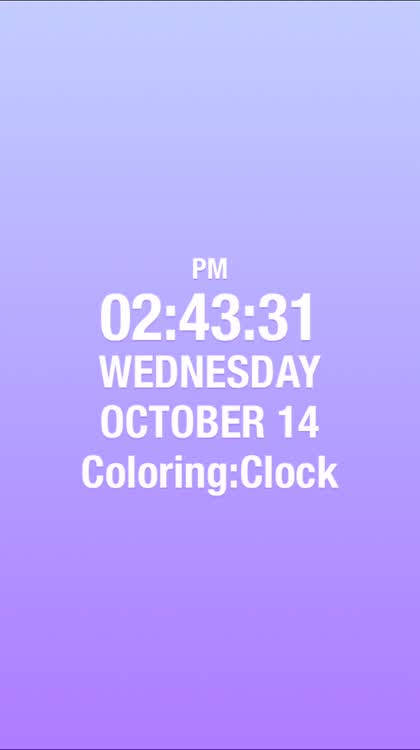
It’s ideal for those who like to utilize their iDevice as a desktop or bedside clock.

$0.99 $0.99
Why we picked this?

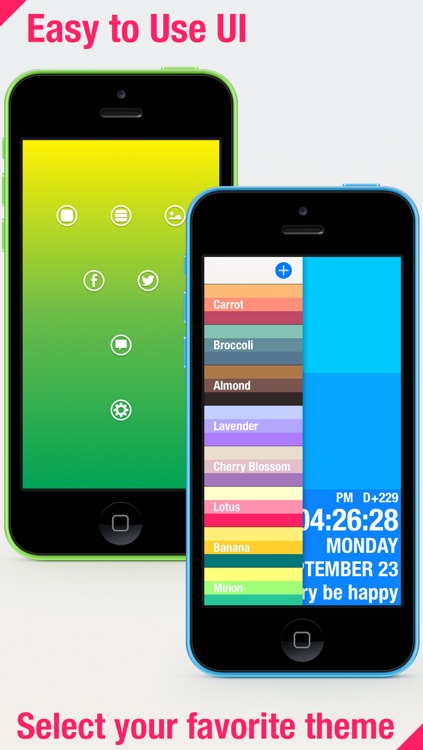
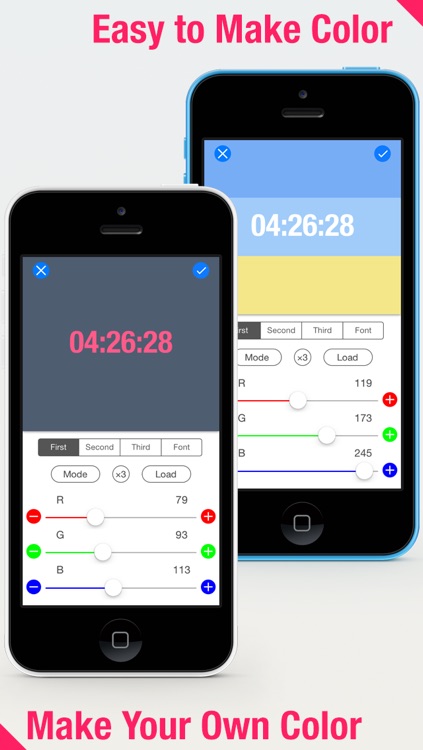
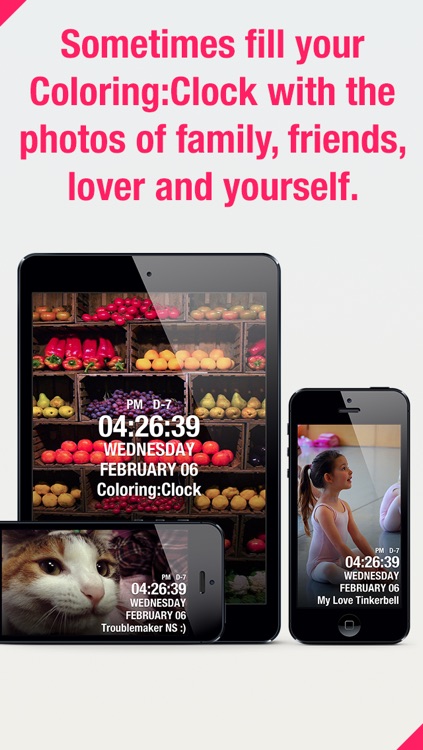
Coloring Clock allows you to show off your sense of style. Give the main screen a left to right swipe to pull out the color panel. You’re able to choose from a huge selection of colors and gradients, or you can craft your own combination using RGB color codes. Swipe right to left to reveal additional options like the ability to switch the color mode, share your color combinations, and change the display content. The app also includes iCloud support, allowing you to sync your combinations across all of your iDevices.

If you want to match your clock to your room, download Coloring Clock today. There’s no room nor paint that can’t be matched thanks to its vast collection of colors.

If you want to customize the display of your clock and not just the color, you’re going to have to look elsewhere.
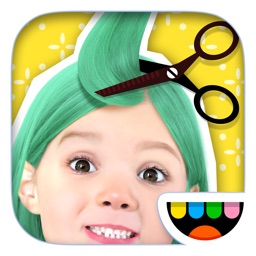
Toca Hair Salon Me
iPhone
iPad
Toca Hair Salon Me

Toca Hair Salon Me

Toca Boca AB

Give you and your friends a totally new look with Toca Hair Salon Me.

It’s basically for anyone who wants to a have a ton of hair-raising fun.

$4.99 $4.99
Why we picked this?

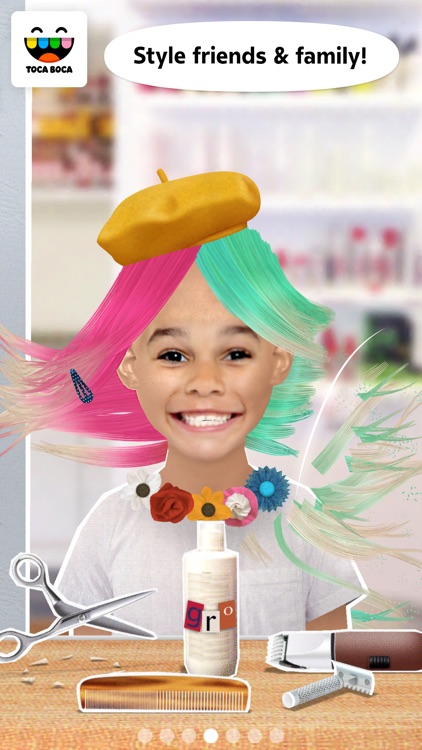
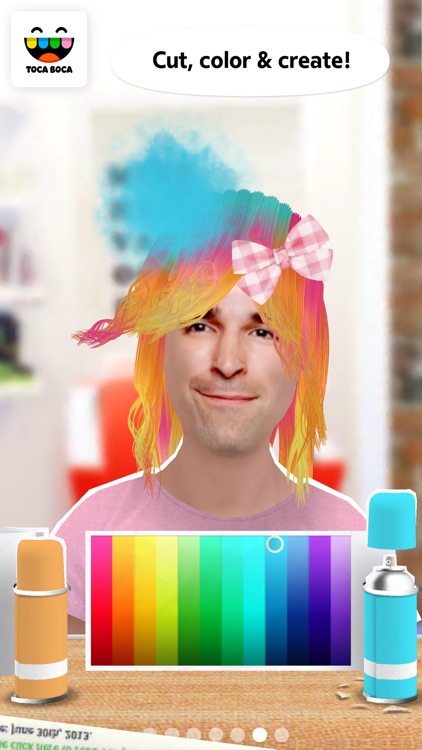
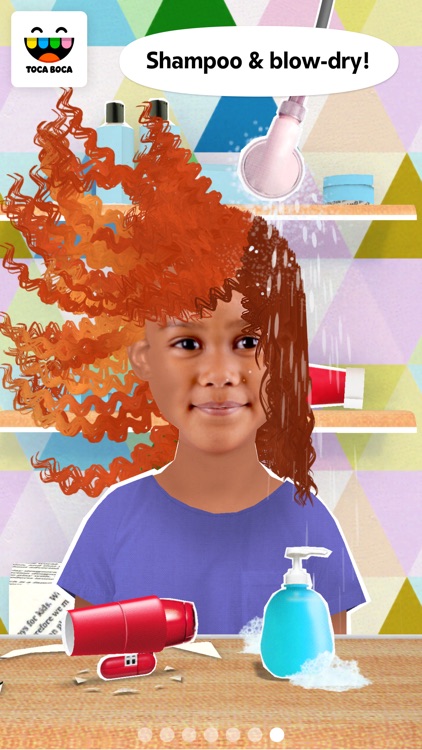
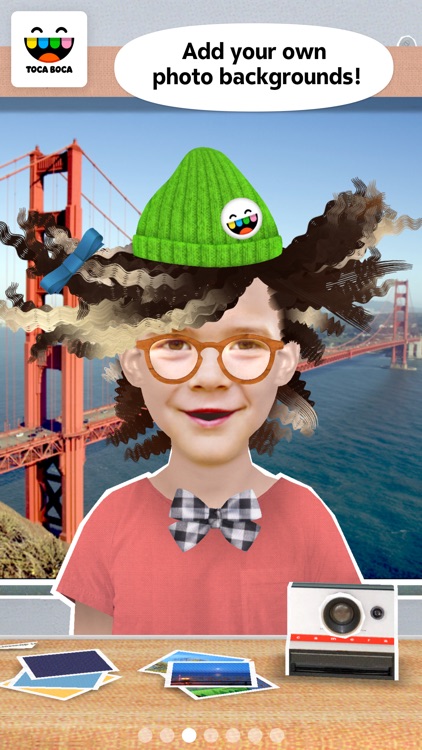
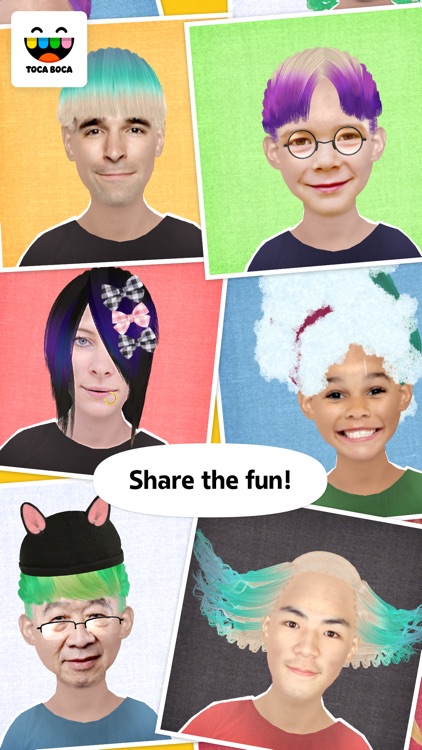
Like all of Toca Boca’s other apps, Toca Hair Salon Me is highly interactive. You must first either choose a headshot from your library or take a new one. Your face will then be placed within the app along with a funky hairdo. You can then lather, rinse, color, straighten, curl, cut, crimp, comb, shave, and even grow your hair longer. The possibilities are nearly endless!

If you have kids of any age, they’re going to enjoy playing around in Toca Hair Salon Me. The app offers so many different ways to customize each character and hairdo, they’ll spend hours and hours coming up with new styles.

If you want to save and share your work, Toca Hair Salon Me might not be the best option. For whatever reason they didn’t build in the functionality.

Hatchi - A retro virtual pet
iPhone
iPad
Hatchi - A retro virtual pet

Hatchi - A retro virtual pet

Portable Pixels

Raise your very own Hatchi monster in this retro-inspired game.

It’s for anyone who enjoyed the virtual pets that were made popular in the late ‘90s.

$7.99 $7.99
Why we picked this?

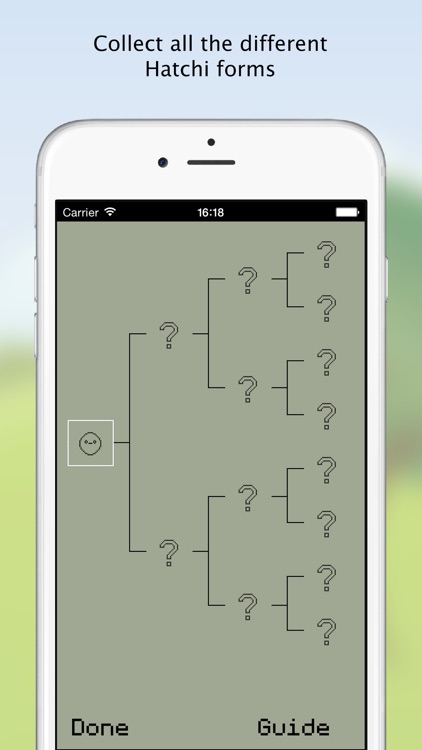
You don’t have to be a ‘90s kid to enjoy Hatchi. Your Hatchi monster will need to be hatched, fed, played with, bathed, and generally looked after to ensure it grows up happy and healthy. Hatchi monsters can also be pitted against each other in multiplayer battles. While you’re not tending to your Hatchi, you’re able to play some mini games including Whack a Hatchi and Hatchi Matchi.

If you can’t resist adorable simulation games, tap that download button. Hatchi monsters aren’t just fun to take care of, they’re also a blast to play with.

If you find tending to virtual pets monotonous, Hatchi will do nothing to change that. It’s the same tried and true formula from the ‘90s.

Manual Photo Camera
iPhone
Manual Photo Camera

Manual Photo Camera

Rego Korosi

Get full control over how you capture your photos and videos with Manual Photo Camera.

It’s perfect for iPhoneographers who want to personalize their photos.

$0.99 $0.99
Why we picked this?

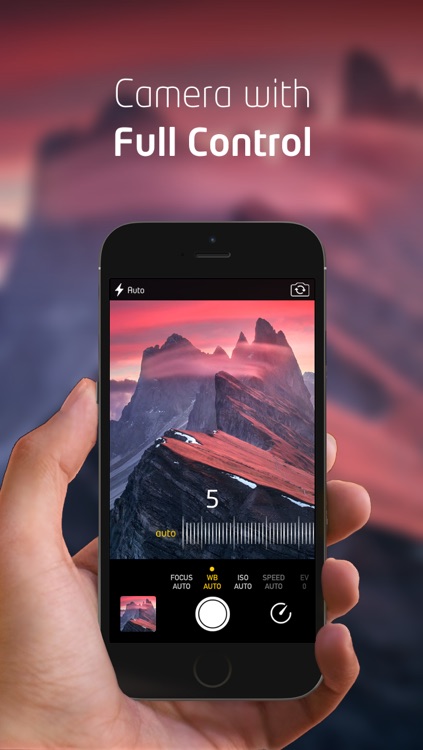
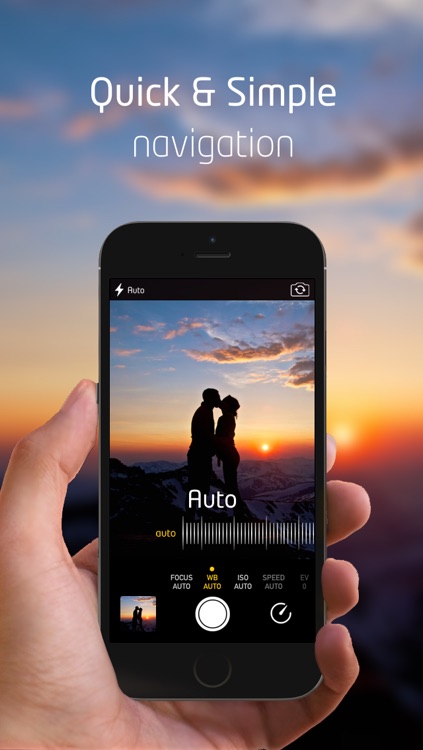
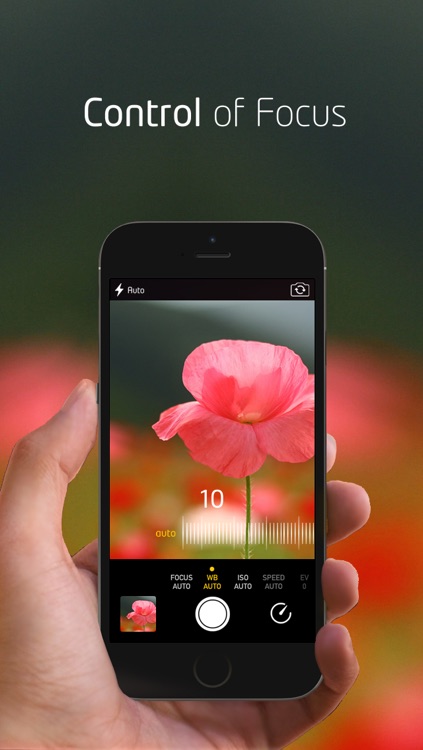
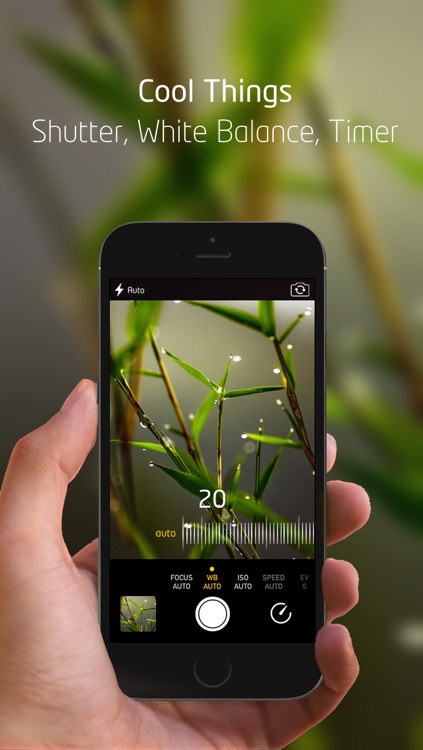
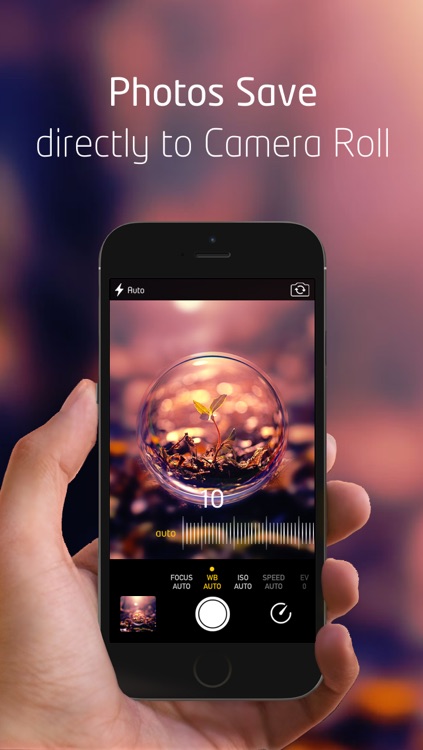
Manual Photo Camera allows you to take the best possible photos. It provides you with manual control over focus, exposure, ISO, shutter speed, white balance, and flash level. To adjust each parameter, simply slide your finger left or right. Manual Photo Camera can also automatically adjust all of the parameters if you prefer. All captured photos and videos are directly saved to your library.

If you want more control over your photos and videos, Manual Photo Camera provides it. You’re able to adjust each parameter with high precision in order to get the exact results you want.

If you prefer to point and shoot, there’s no need for Manual Photo Camera.

Reverser - Backwards Video Maker with Reverse Cam
iPhone
iPad
Reverser - Backwards Video Maker with Reverse Cam

Reverser - Backwards Video Maker with Reverse Cam

Magic App Factory LLC

Create hilarious backwards slow motion videos with Reverser.

It’s for anyone who wants to have a little fun with their videos.

$0.99 $0.99
Why we picked this?

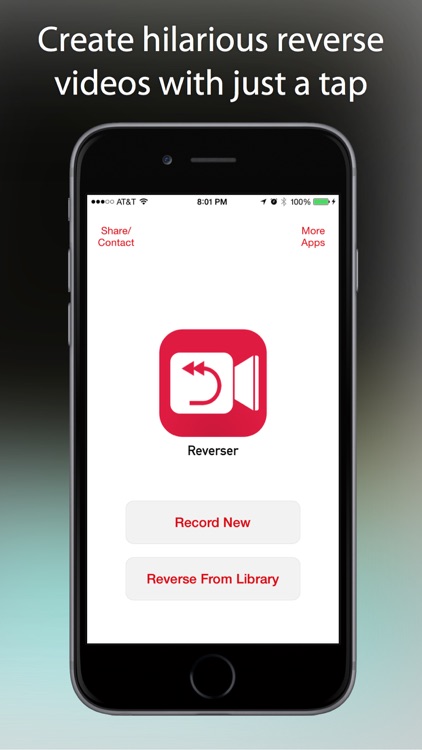
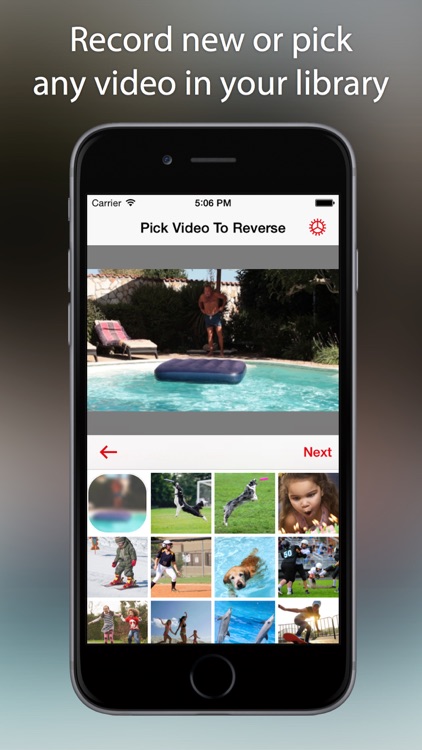
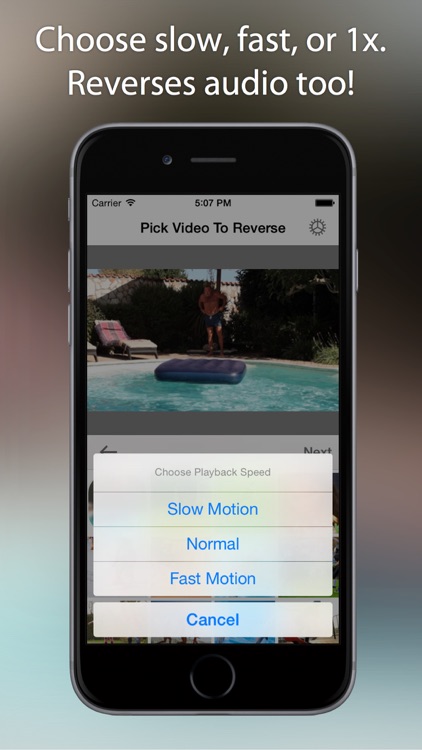
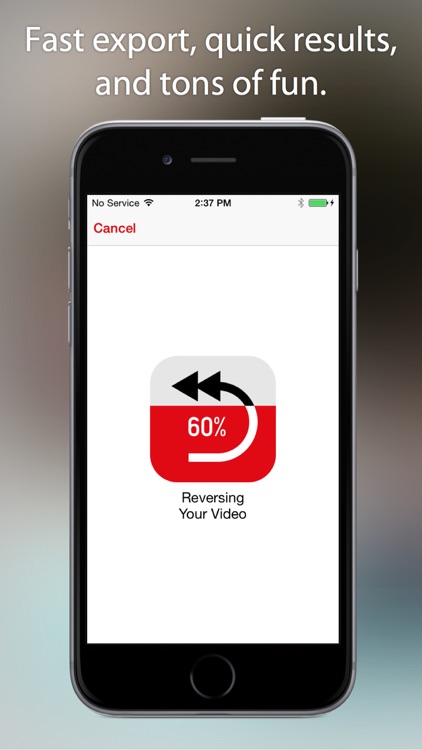
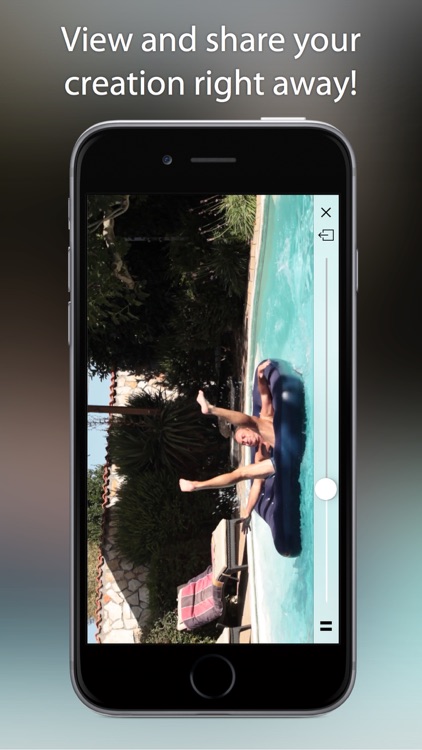
You’re able to start from scratch or choose a video from your library. You can preview it before starting the conversion process to ensure you have the right one. Then choose one of the three playback speeds and Reverser will take care of the rest. Reversed videos can be played through Reverser or shared via Facebook, Twitter, Instagram, Messages, WhatsApp, or email.

If you’re looking for something fun to do today, reverse your videos with Reverser. It’s so easy even a child could do it, and the results are fantastic.

If for some reason you don’t enjoy watching slow motion videos in reverse, don’t download Reverser. That’s really the only reason not to try it.