



You are using an outdated browser. Please upgrade your browser to improve your experience.

Apps That
Went Free on
2014-12-09

We have a bunch of apps and games today that have never been featured before including Scriptus, Ecoute, Hoplite, and Mail+. Download them while you can!

Hoplite
iPhone
iPad
Hoplite

Hoplite

Douglas Cowley

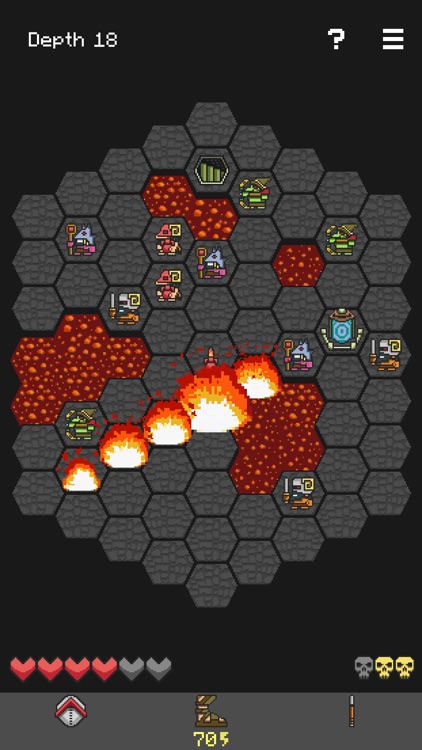
Recover the Fleece of Yendor by battling your way deeper and deeper into the depths of the underworld in this fantastic strategy game.
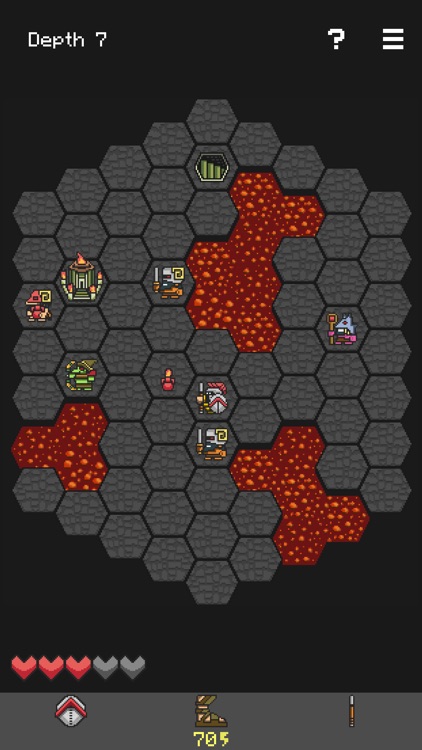
It’s the perfect game for those who enjoy tactical rogue-like and turn-based gameplay.

$3.99 $3.99
Why we picked this?

Hoplite may not be flashy, but it sure is a ton of fun. To make your way into the depths, you must move your character across small maps towards the stairs while battling your foes. Each and every move counts, as you’ll have to strike your opponents by moving next to them or leaping over them. Leaping will chew up energy, so you’ll have to make strategical choices in order to survive. The levels are all procedurally generated, so each and every play through will be a new experience.

If you enjoy dungeon crawlers, you’re going to love Hoplite. You’ll notice the amount of thought and care that went into the gameplay the very moment you begin the tutorial.

If AAA games are your thing, this isn’t it. Hoplite is all about strategic gameplay; not flashy graphics.

Ecoute
iPhone
Ecoute

Ecoute

Julien Sagot

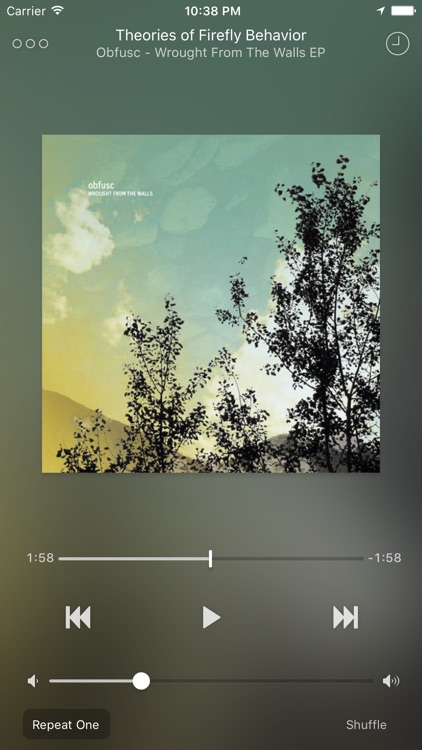
A visually appealing alternative to Apple’s native music player.

It’s ideal for music fans who prefer gesture controls.

$0.99 $0.99
Why we picked this?

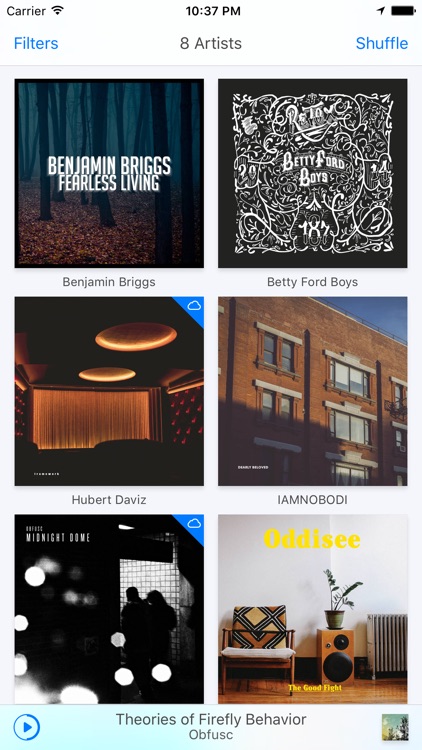
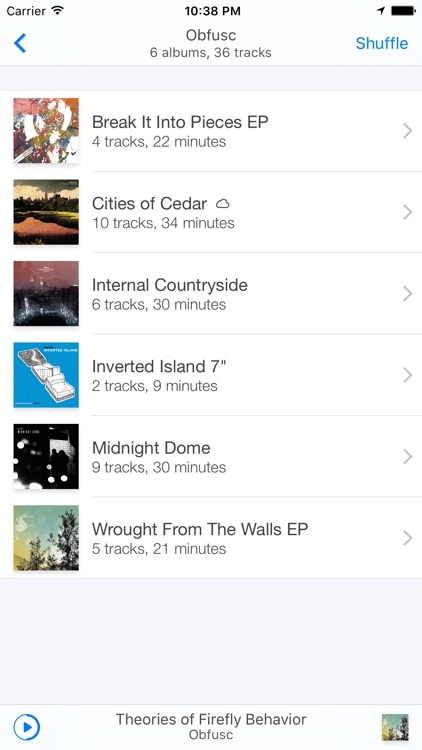
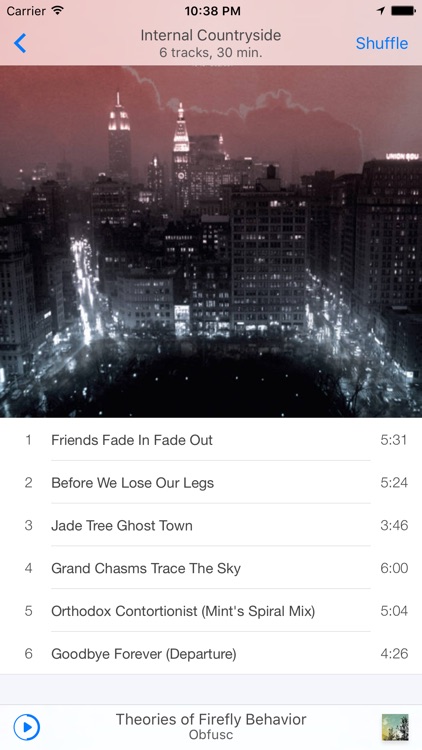
Ecoute does just about everything better than Apple’s native music player. Its clean interface allows you to quickly filter your music by artist, album, genre, playlist, composer, compilation, or song. While the music is playing you’re able to swipe across the album art to control playback. You’re also able to share what you’re listening to, view lyrics, tap into Last.fm, and create playlists on the fly.

If you’ve tired of Apple’s native music player, check out Ecoute. It’s beautifully simple, just as a music player should be.

If you prefer utilizing your iDevice in landscape orientation, you’re not going to be happy to know Ecoute doesn’t support it.

SCRIPTUS
iPad
SCRIPTUS

SCRIPTUS

Paulo Freitas

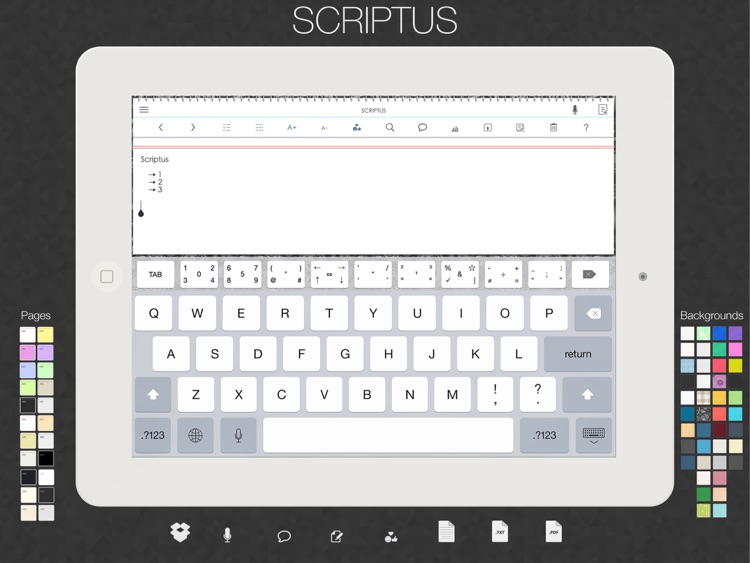
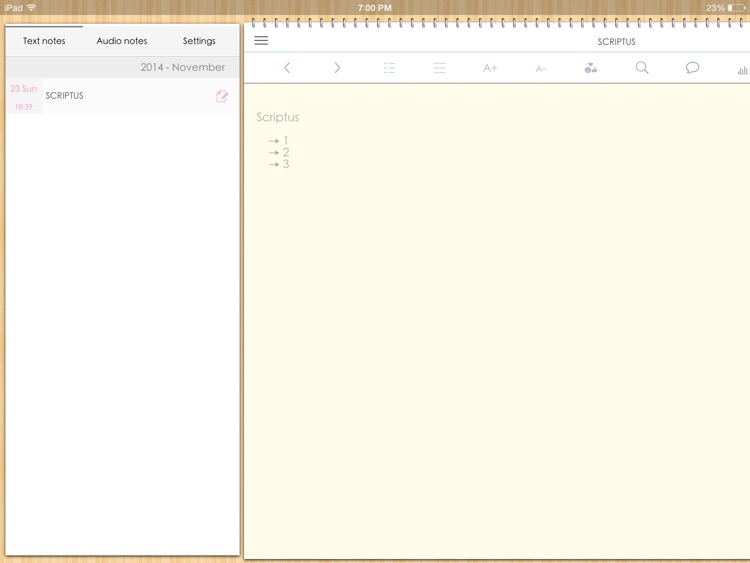
This innovative text editor allows you to quickly and easily record your thoughts.

It’s suitable for people young and old who simply need a way to take notes.

$0.99 $0.99
Why we picked this?

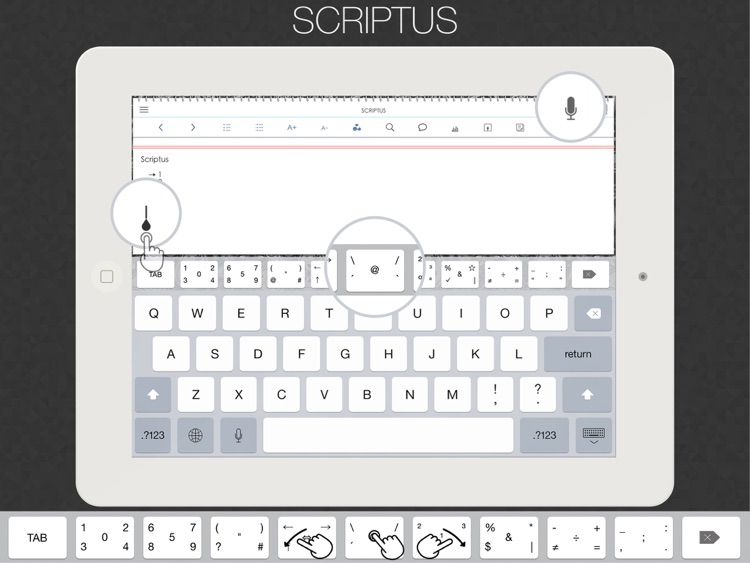
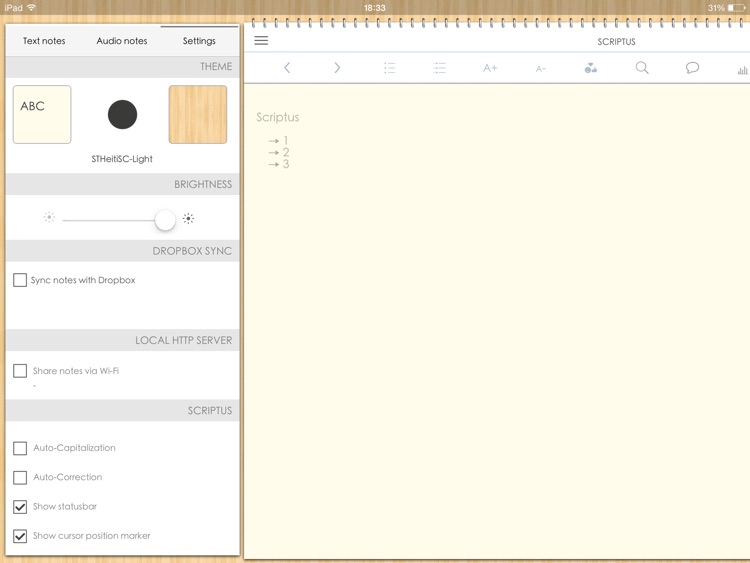
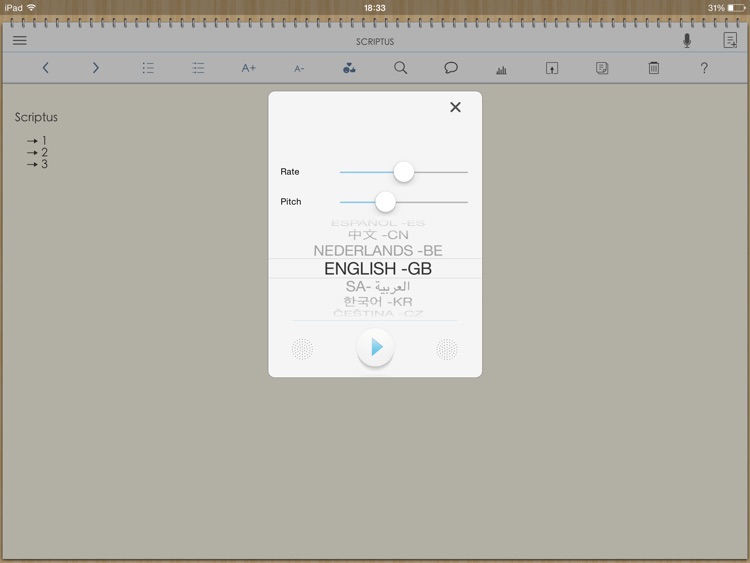
Scriptus strikes a nice balance between usability and feature-rich. It brings you straight into the composition field, allowing you to quickly record text or audio notes. The toolbar at the top of the screen makes it easy to quickly search text, create bullet point lists, adjust the font size, view stats, and even speak what you’ve written. But what makes this app really stand out is its extra row of keys across the top of the keyboard. Each key has multiple keys within, requiring you to simply tap and swipe to select one of five different options. It’s truly an inspired design and remarkably easy to use. You’re able to save your notes within the app itself or upload them to Dropbox.

If you take a lot of notes, download Scriptus right now. Unlike similar apps, you don’t have to go digging around to find features. They’re all laid out in front of you.

Really, the only bad thing about Scriptus is that it’s only available for iPad. We really can’t fault it for much else.

Smack that Gugl for iPad
iPad
Smack that Gugl for iPad

Smack that Gugl for iPad

Tayasui.com

A whack-a-mole style game starring those crazy Gugls.

It’s for young gamers that enjoy hanging out with Carl and his crazy friends.

$1.99 $1.99
Why we picked this?

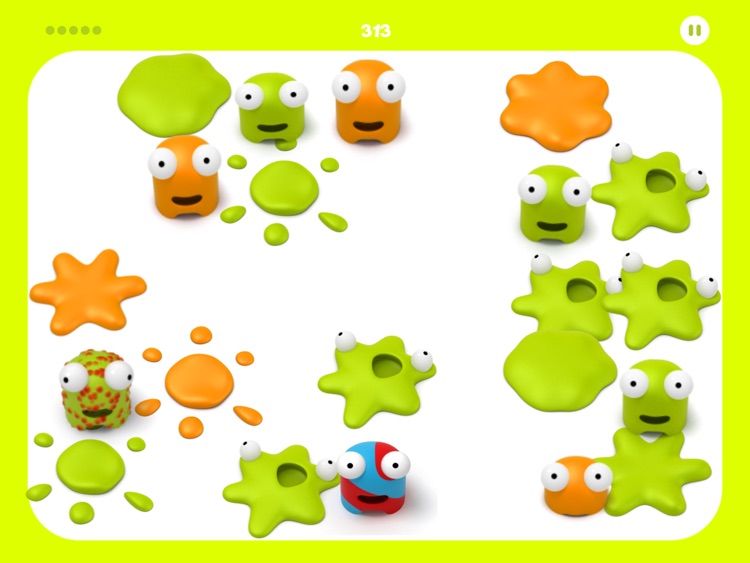
All you have to do is smack Gugls as fast as possible. Sounds easy, right? Well, if you wait too long to smack those Gugls they will start to change color. If they turn red and pop, you’ll lose a life. You’ll also lose a life for smacking the sickly looking Gugls before they change to a healthy green color. Lose all five lives and it’s game over. The game includes two modes, and leaderboards via Game Center.

If you enjoy arcade games and competing for high scores, check out Smack that Gugl. It’s easy to pick up and play for gamers of almost any age.

The gameplay is obviously kind of shallow. Really, what more can you do with the whack-a-mole mechanic? So it’s really intended for young gamers.

Smack That Gugl
iPhone
Smack That Gugl

Smack That Gugl

Tayasui.com

A whack-a-mole style game starring those crazy Gugls.

It’s for young gamers that enjoy hanging out with Carl and his crazy friends.

$0.99 $0.99
Why we picked this?

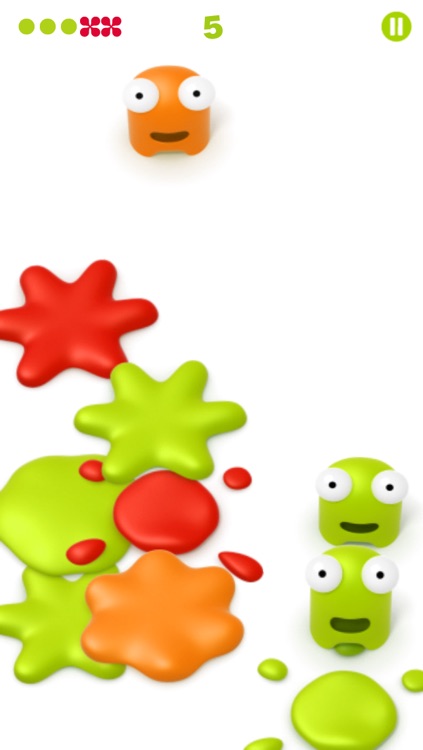
All you have to do is smack Gugls as fast as possible. Sounds easy, right? Well, if you wait too long to smack those Gugls they will start to change color. If they turn red and pop, you’ll lose a life. You’ll also lose a life for smacking the sickly looking Gugls before they change to a healthy green color. Lose all five lives and it’s game over. The game includes two modes, and leaderboards via Game Center.

If you enjoy arcade games and competing for high scores, check out Smack that Gugl. It’s easy to pick up and play for gamers of almost any age.

The gameplay is obviously kind of shallow. Really, what more can you do with the whack-a-mole mechanic? So it’s really intended for young gamers.

Mail+ for Outlook
iPhone
iPad
Mail+ for Outlook

Mail+ for Outlook

MAIL PLUS APP LLC

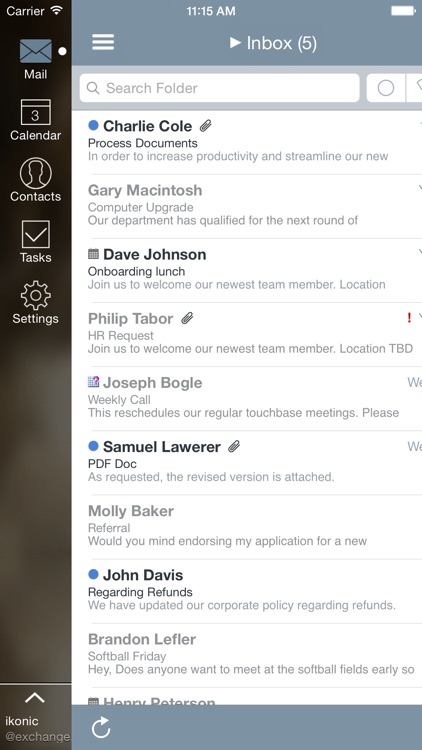
Separate your work and personal life with the slick Mail+ for Outlook.

It’s ideal for business professionals who need a better way to manage their email and calendar.

$4.99 $4.99
Why we picked this?

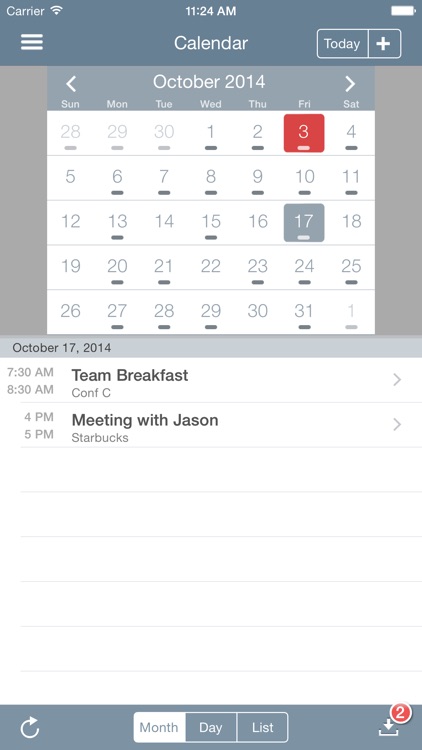
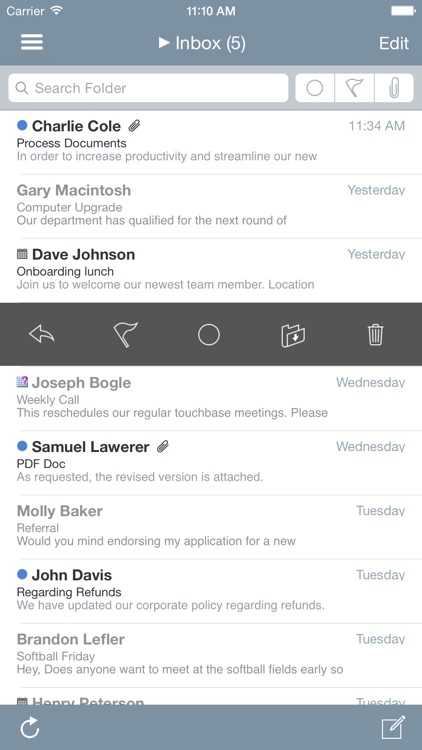
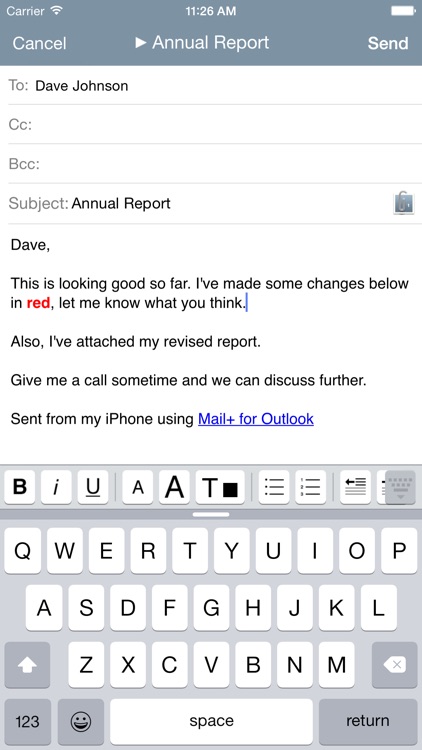
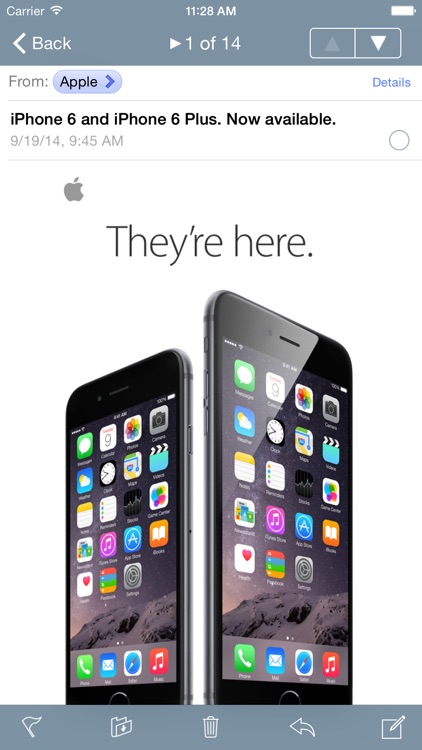
Mail+ makes life on the road so much easier. It allows you to tap into multiple mailboxes and calendars including Gmail, Exchange, Outlook.com, AOL, and Yahoo. Once you’re all setup you can view upcoming appointments, create calendar events, compose rich HTML emails, flag content, and more. You’re also able to view your emails and appointments offline, allowing you to stay productive even while you're in the sky or have poor reception. The app also includes passcode protection, and support for landscape orientation.

If you need a better way to manage your Outlook account, you’ve found it with Mail+. Its deep integration with Outlook mailboxes and calendars allows you to be more productive while on the go.

The app is intended for power users and business professionals. If you simply need a way to manage your personal account, stick with Apple’s native email client.