



You are using an outdated browser. Please upgrade your browser to improve your experience.

Apps That
Went Free on
2014-12-23

We’re all about getting the most out of your iDevices with today’s AppsGoneFree collection. Learn all about the latest and greatest apps and games with our very own AppAdvice app! Remotely control your computer from your iPhone or iPod touch with Splashtop. And view, edit, and manage your documents with Briefcase Pro.

SteamPunk Hockey HD
iPad
SteamPunk Hockey HD

SteamPunk Hockey HD

Kenneth Mayfield

It's air hockey with a victorian twist.

SteamPunk Hockey HD is the perfect holiday distraction thanks to the ability to compete head-to-head on the same iPad.

FREE ($0.99) For a limited time FREE ($0.99) For a limited time
Why we picked this?

Grab your paddle and swat the puck all over the screen with only the tip of your finger. You're able to play with up to four players and four pucks on the screen at once. The game also includes six background styles, three puck sizes, five obstacle types, three AI strengths, and leaderboards via Game Center.

If you want to challenge friends and family to a game of air hockey, download SteamPunk Hockey HD today. It may be old, but that just means it’s a classic.

SteamPunk Hockey HD hasn’t been updated for a while, which means its graphics are a little fuzzy on high resolution iPads.

Briefcase Pro - File manager, cloud drive, document & pdf reader and file sharing App
iPhone
iPad
Briefcase Pro - File manager, cloud drive, document & pdf reader and file sharing App

Briefcase Pro - File manager, cloud drive, document & pdf reader and file sharing App

Qiwen Zhang

An all-in-one document viewer, creator, and manager.

It’s for anyone who frequently deals with a variety of documents while on the go.

FREE ($4.99) For a limited time FREE ($4.99) For a limited time
Why we picked this?

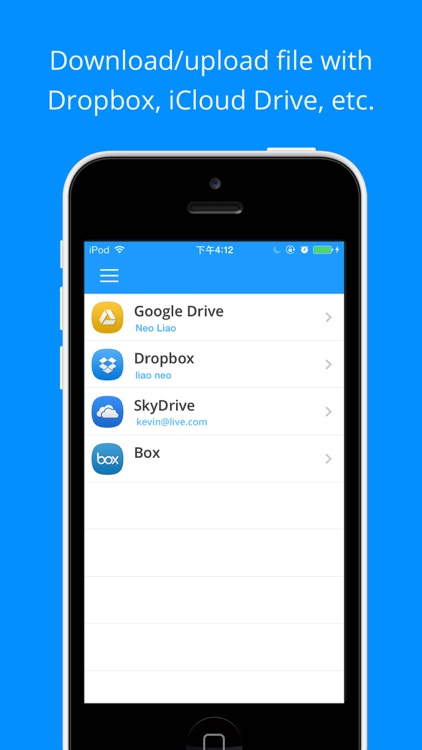
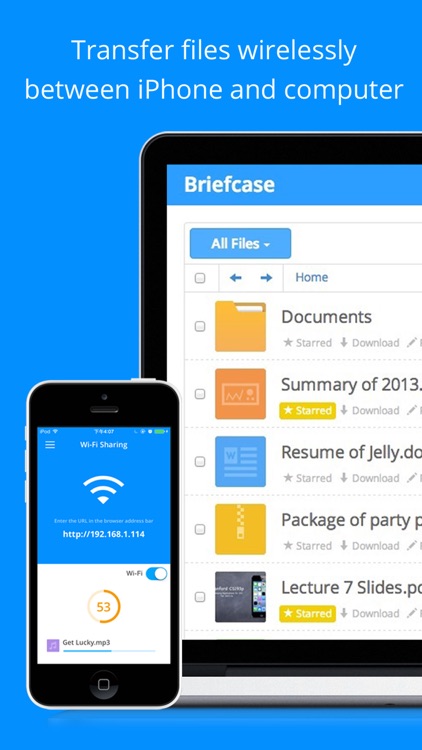
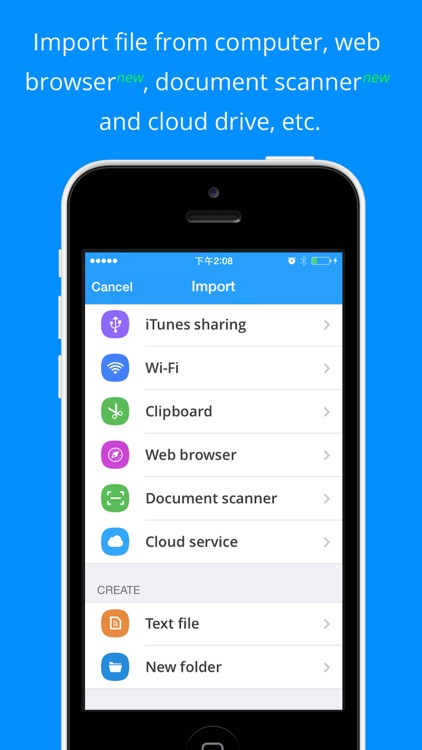
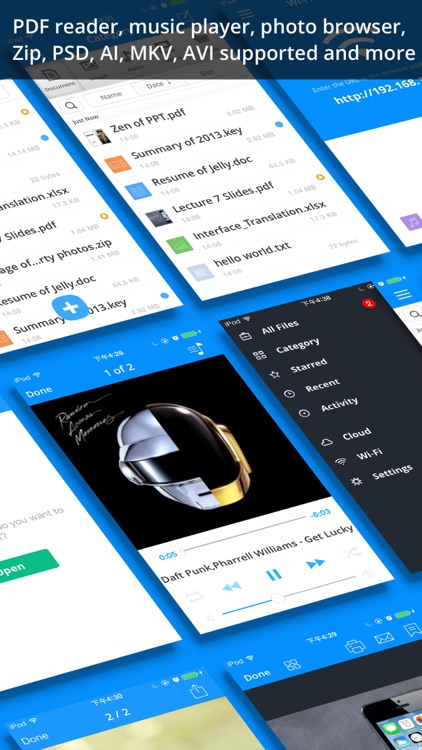
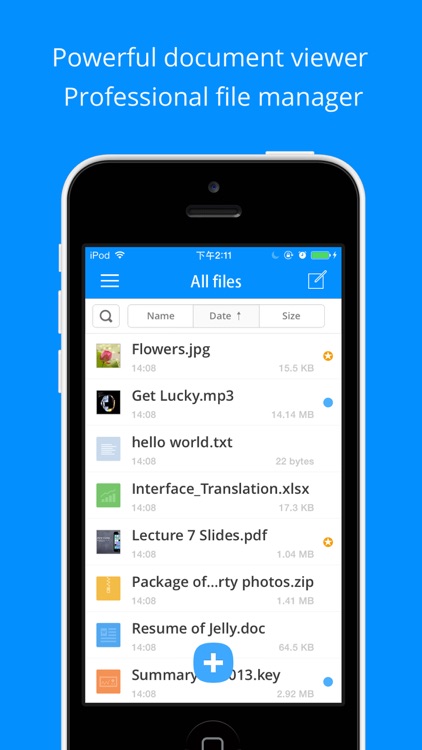
Briefcase Pro can do it all. Files can be imported from cloud services including Dropbox, SkyDrive, Box, and GoogleDrive. You can also pull files in from your photo library, email, or your computer via Wi-Fi or iTunes File Sharing. Files can be viewed, played back, favorited, categorized, search for, and uploaded back to the cloud. You’re able to create your own TXT files as well. And, if you’re worried about document security, you can activate Touch ID or utilize a passcode.

If you want to work while on the go, Briefcase Pro will help you get it done. It’s truly a do-it-all app with its myriad of features, and it connects to just about every service available.

If you’re in need of a word processor or document creator, you’ll want to find something else. The best Briefcase Pro can do is help you create a TXT file.

Camera360 Concept - HelloCamera
iPhone
Camera360 Concept - HelloCamera

Camera360 Concept - HelloCamera

PinGuo Inc.

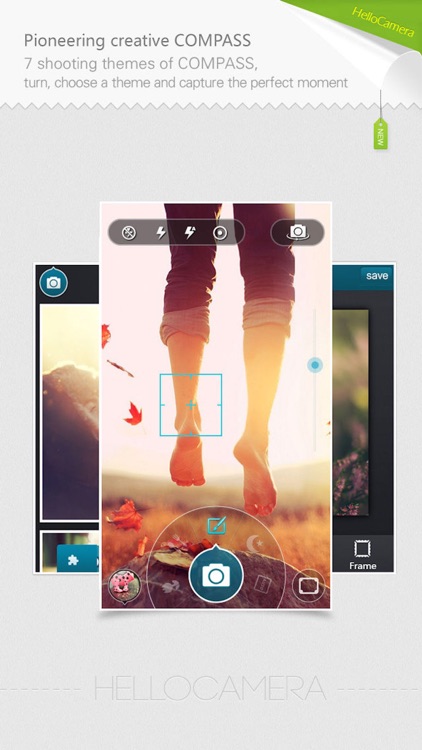
A single app that allows you to capture photos, apply filters and frames, create collages, and share.

It’s the ideal app for anyone who wants a camera app that can do a little bit of everything.

$0.99 $0.99
Why we picked this?

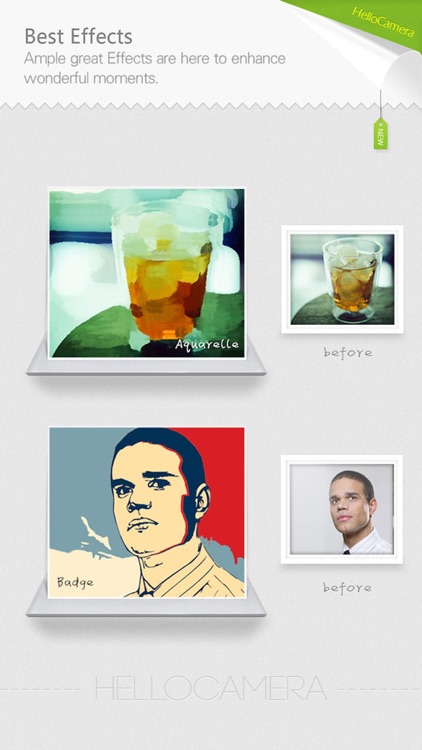
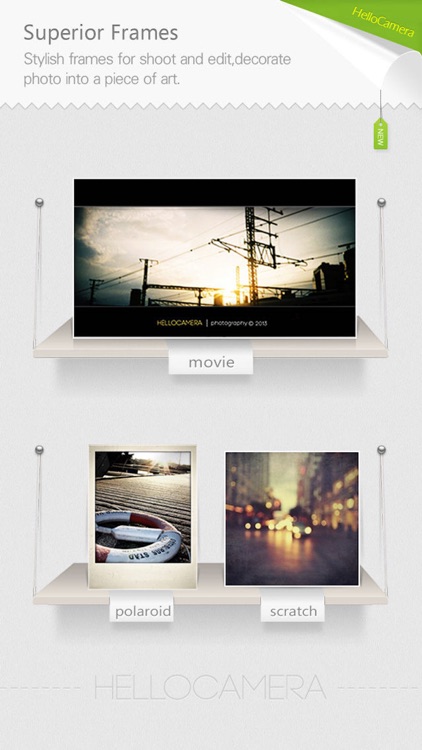
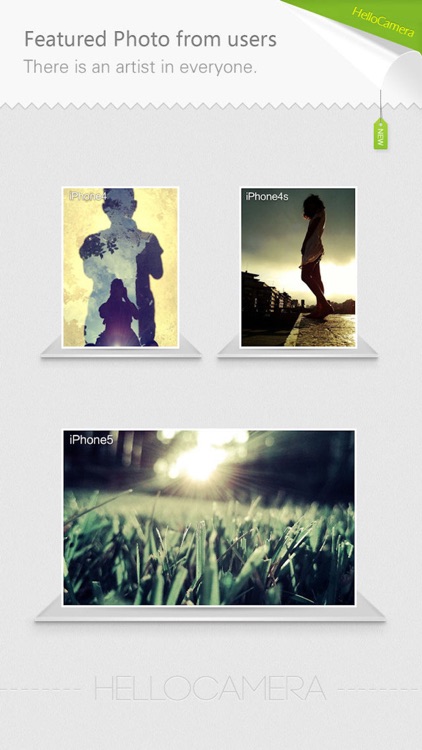
Camera360 isn’t just a concept, it’s a full fledged photo studio. You're able to apply a wide variety of filters to your camera feed in real time along with six different frames. You're also able to apply both filters and frames after the fact or to photos imported from your library. Once you have something captured, you're able to edit and adjust your work. Camera360 also includes the ability to create collages, and a huge collection of sharing options.

If you’re tired of jumping between apps to perform different actions, give Camera360 a try. It allows you to capture, create, and share.

Camera360 may be able to do a little bit of everything, but it’s still limited by the number of frames and effects. If you want hundreds of options, you’ll have to look elsewhere.

Splashtop Remote Desktop for iPhone & iPod
iPhone
Splashtop Remote Desktop for iPhone & iPod

Splashtop Remote Desktop for iPhone & iPod

Splashtop Inc.

Access your Mac or PC remotely from your iPhone or iPod touch with this business app.

It’s great for streaming video and audio.

$6.99 $6.99
Why we picked this?

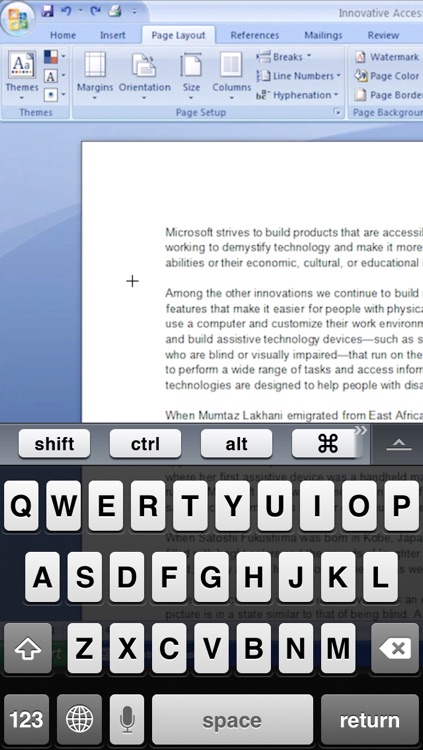
You must first install the free companion software on your home computer. Splashtop will then be able to automatically discover and connect as long as you’re on the same Wi-Fi network. Once connected, you’ll be able to access and view files on your computer, watch videos, play games, and listen to music remotely.

If you have files you want to view or need to run remotely, check out Splashtop. It’s one of the easiest remote viewers to set up.

It’s only for iPhone and iPod touch. The iPad version will cost you.