


You are using an outdated browser. Please upgrade your browser to improve your experience.

Apps That
Went Free on
2014-12-31

It has been one fantastic year for AppsGoneFree and our entire team. We can’t thank you enough for your support. Enjoy the final 2014 edition of AppsGoneFree. We’ll see you in 2015!

Scribe - Copy anything from your Mac to your iPhone
iPhone
Scribe - Copy anything from your Mac to your iPhone

Scribe - Copy anything from your Mac to your iPhone

Hippo Foundry Inc.

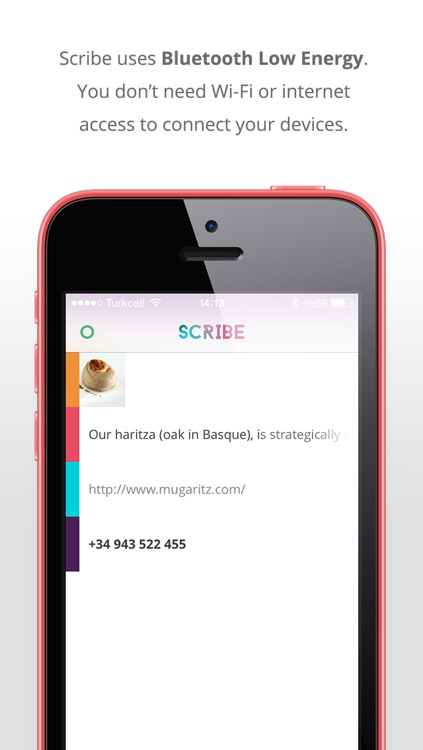
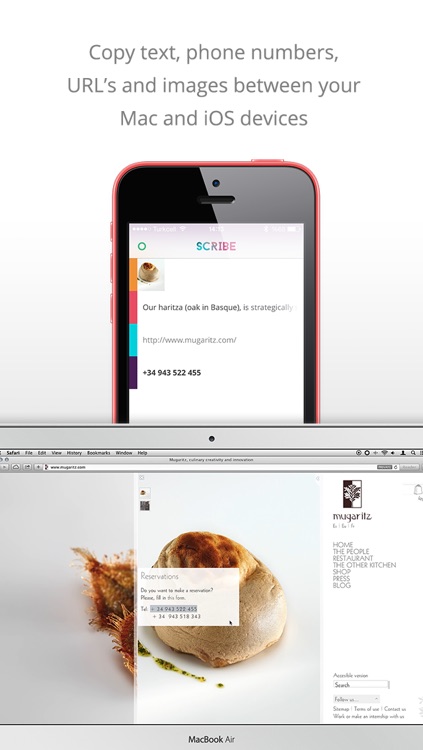
Copy anything from your Mac and send it to your iDevice without using a Wi-Fi connection with Scribe.
This is the ideal app for those who want to be more efficient throughout their work day.

FREE ($2.99) For a limited time FREE ($2.99) For a limited time
Why we picked this?

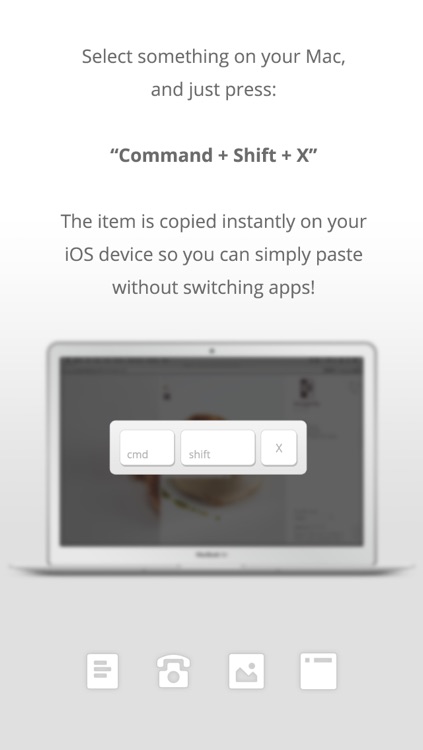
Since Scribe utilizes Bluetooth Low Energy, you’re able to keep your iDevices and your Mac paired without eating up the battery life. This allows you to transfer text, links, numbers, and small images between devices all day long. All you have to do is download the free Mac companion app from the App Store, select something, and press “Command + Shift + X” to send. That’s all there is to it. Please make sure your iDevices and your Mac are both compatible before giving this a try. You don’t want to waste your time. You can see all compatible devices within Scribe’s App Store description.

If you’re always in need of the ability to send links, text, and small files to your iDevice, this is the perfect app for it. It always stays paired, so there’s no hassle.

Obviously, if your iDevice or your Mac isn’t supported, this is of no use to you.

Place My Face ™
iPhone
iPad
Place My Face ™

Place My Face ™

Lemondo Apps LLc

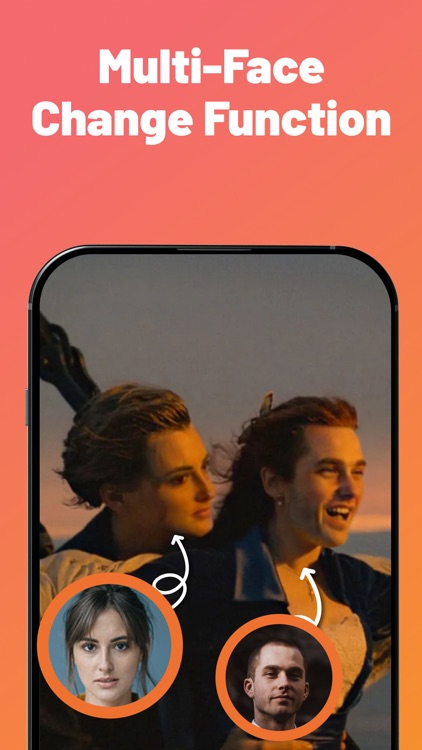
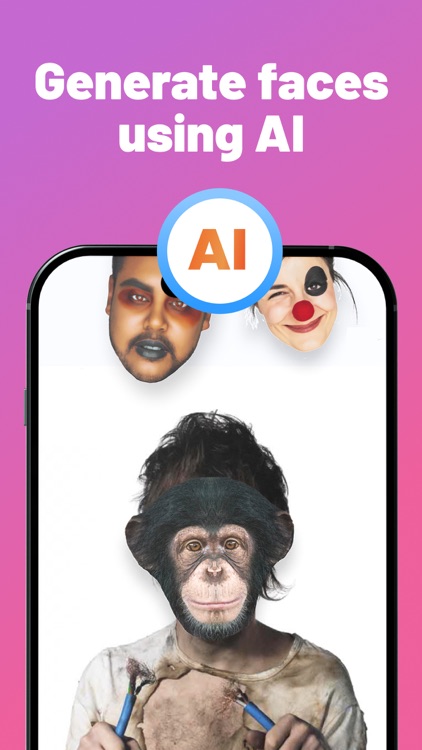
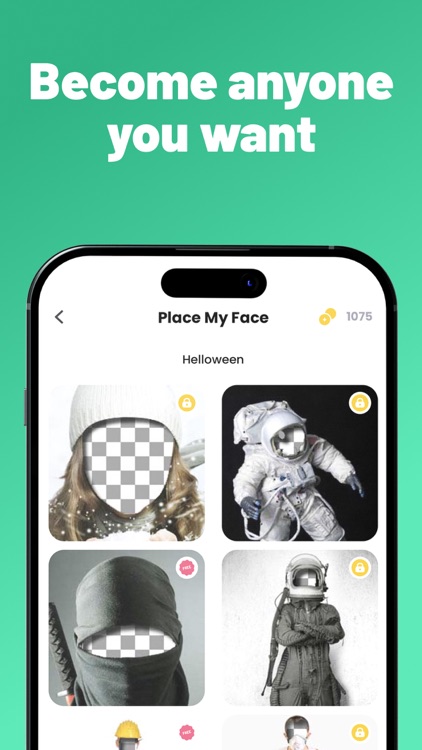
Place your face within a wide variety of wacky templates with this photography app.

It’s ideal for making those New Year’s photos memorable.

FREE ($0.99) For a limited time FREE ($0.99) For a limited time
Why we picked this?

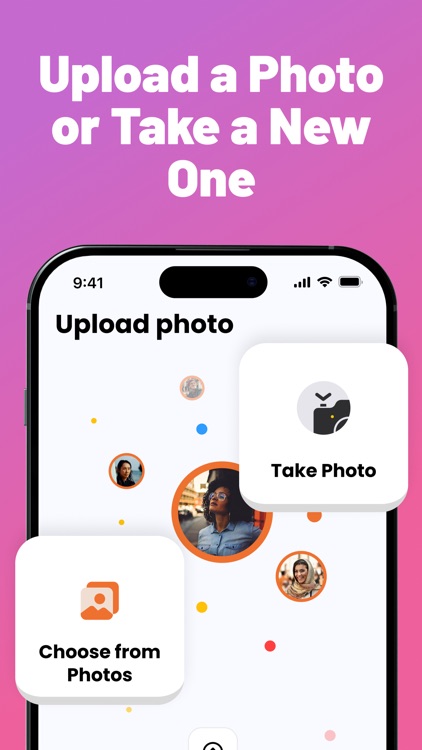
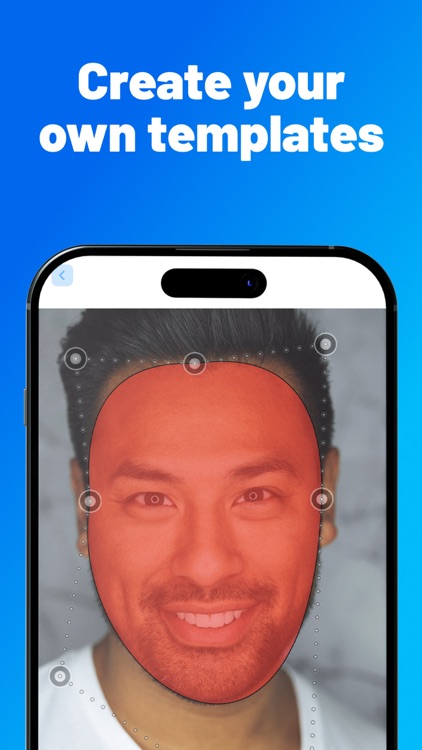
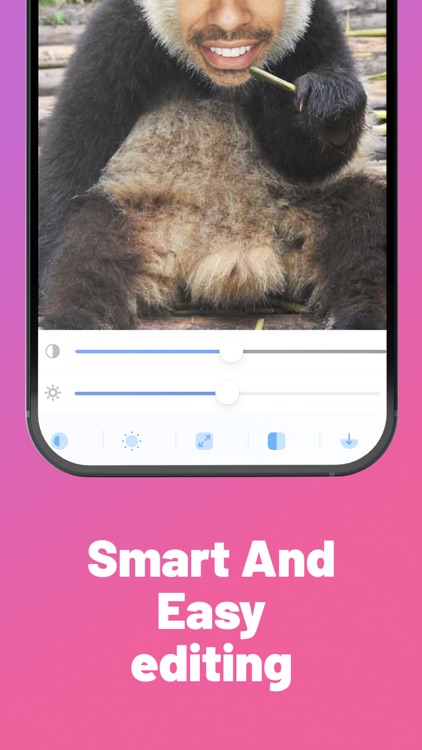
You’re able to choose from six template categories: Animals, Babies, Fun, Miscellaneous, Wedding, and Uniform. If none of those interest you, go ahead and create your own from a photo in your library. You can then take a new selfie or grab one from your library to be used within the template. Place My Face allows you to adjust the size and rotation of your photo and correct the color and brightness. Your final creations can be shared via Facebook, Twitter, email, or Messages. Additional templates are available via in-app purchase.

If you just want to have some fun with your photos, give Place My Face a try. The template selection isn’t bad, but it’s almost more fun creating your own from photos in your library.

The app looks a bit dated, UI-wise.

WEB To PDF
iPhone
iPad
WEB To PDF

WEB To PDF

Darsoft Inc.

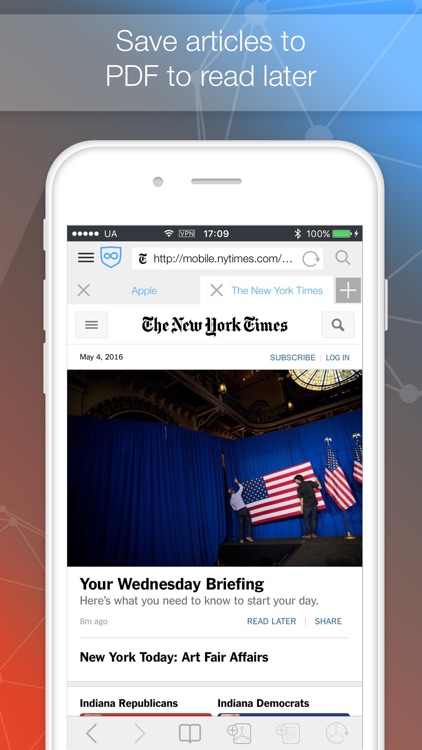
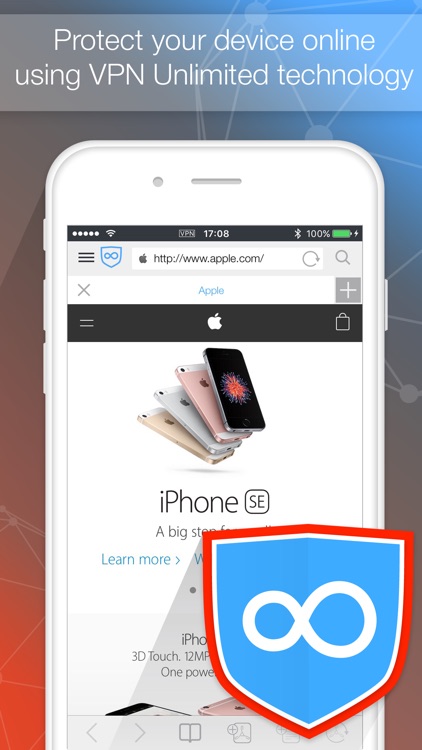
Convert any webpage into a PDF with this convenient utility app.

It’s perfect for anyone that needs to capture and annotate content from the web.

FREE ($3.99) For a limited time FREE ($3.99) For a limited time
Why we picked this?

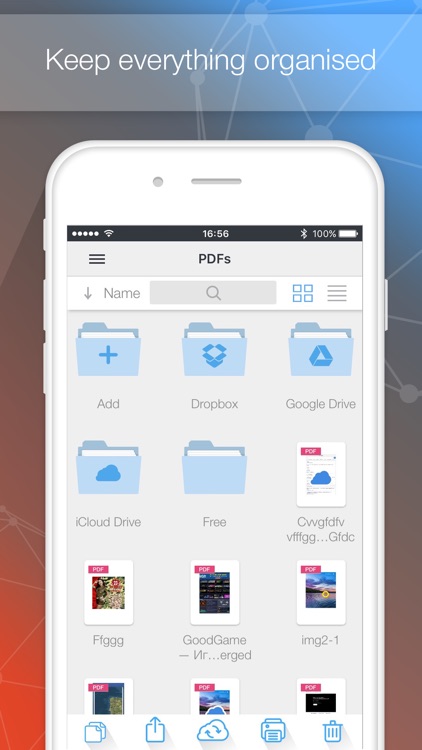
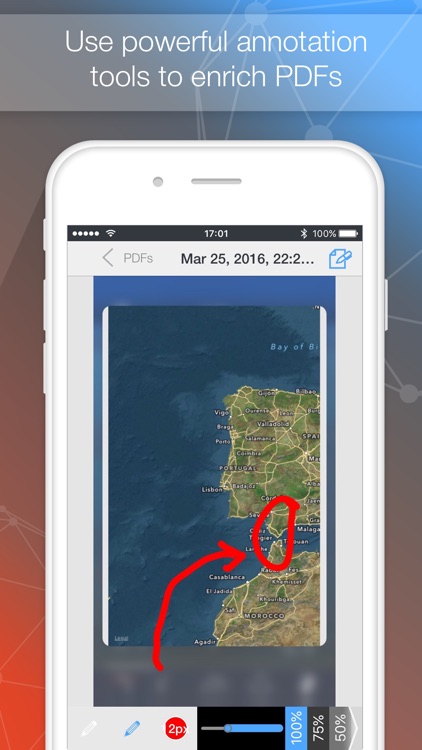
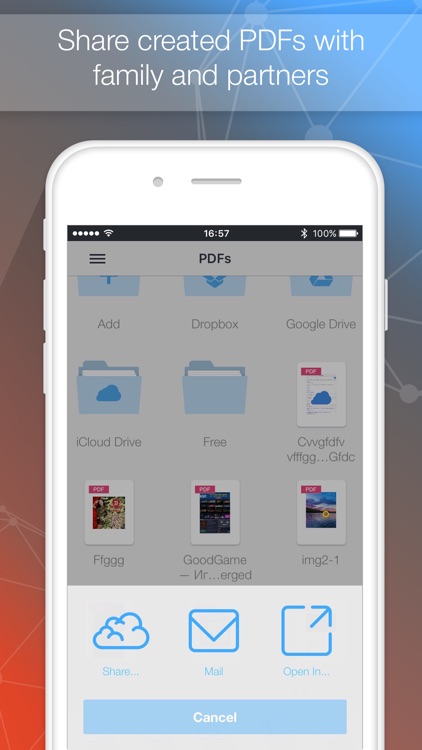
Web To PDF couldn’t be easier to use. Just point the built-in browser at any page and tap the add PDF button in the bottom right corner of the screen. Web To PDF will need a brief moment to convert the page and automatically place it into the files folder. You can then make changes to the PDF by adding text notes, highlighting text, or drawing over the top of it. PDFs can be shared via email, Dropbox, or iTunes File Sharing.

If you deal with a lot of web content, Web To PDF will definitely come in handy at some point. You’re able to store as many files as you want and come back to them as necessary.

Web To PDF offers three editing tools, but for some reason lacks the option to crop captured files down. If you don’t want to be dealing with entire pages all of the time, you may want to look elsewhere for a PDF converter.

AppAdvice
iPhone
iPad
AppAdvice

AppAdvice

AppAdvice.com

Find out everything you need to know about iOS apps and your iDevices with the official AppAdvice app.

It’s for anyone and everyone interested in Apple.

FREE ($1.99) For a limited time FREE ($1.99) For a limited time
Why we picked this?

Our very own AppAdvice app has gone free for the holidays! It will be available for free until New Year’s Day because we want to make sure everyone has a chance to download it. AppAdvice has the latest information on everything App Store related, helping you discover and learn about the very best apps for you iDevice. You’ll also be able to find the latest news on Apple products and accessories, learn about big sales, and watch daily video news recaps with Robin Rhys. We’re working on a long overdue update that will be released in the new year, so make sure to install AppAdvice today and stay tuned!

WeightDrop PRO
iPhone
WeightDrop PRO

WeightDrop PRO

VisualHype GmbH

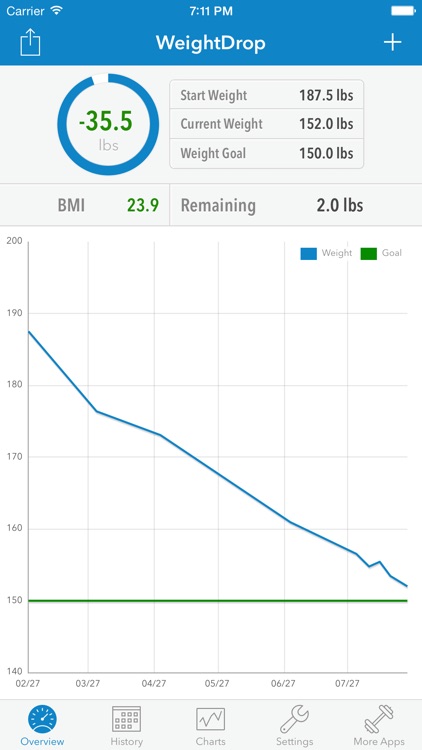
This easy to use fitness app will help you track your weight loss in 2015.

It’s the perfect app for anyone ready to shed some pounds in the New Year.

$0.99 $0.99
Why we picked this?

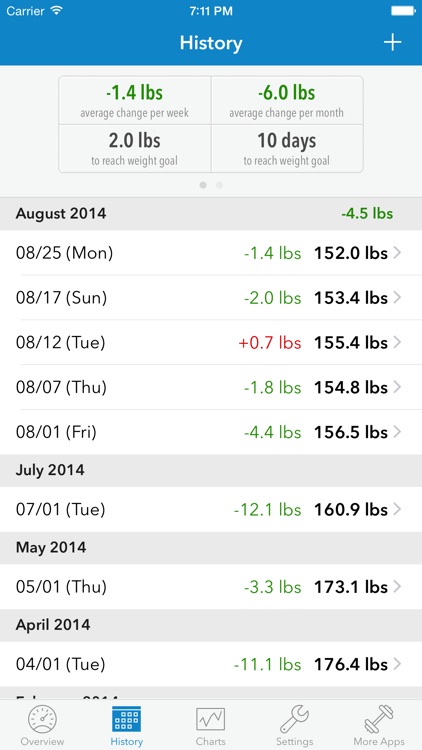
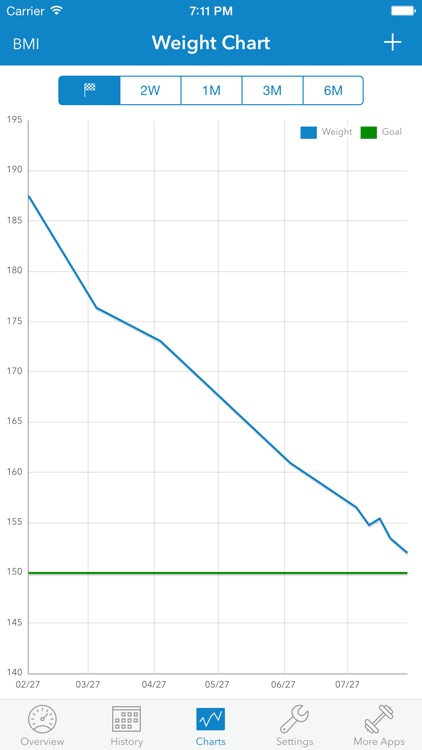
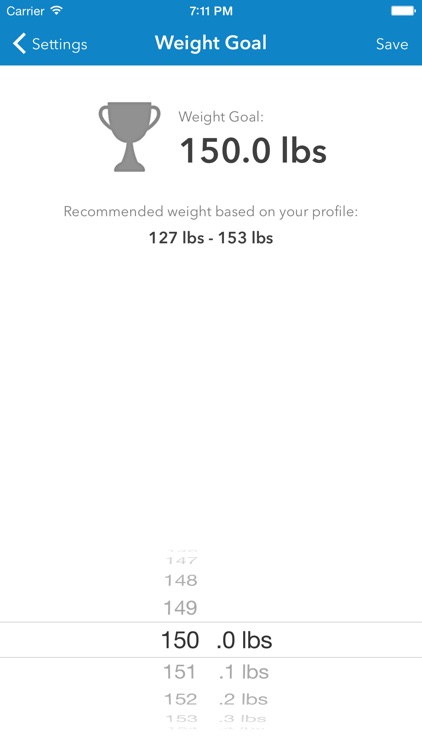
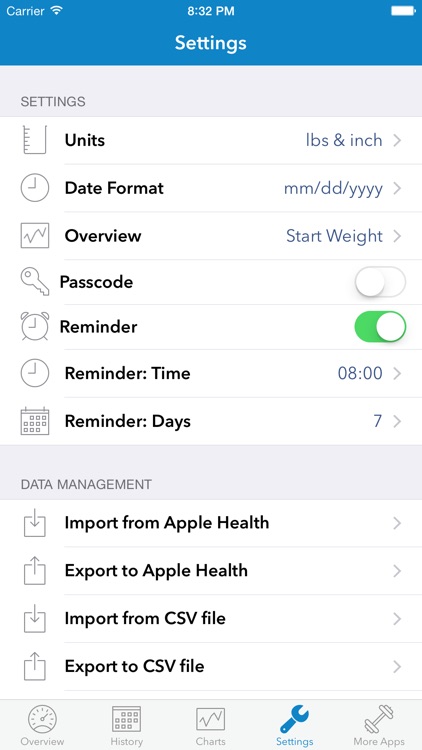
Sometimes less is more, and in the case of WeightDrop Pro, that couldn’t be more true. It sheds away all of the unnecessary features of similar fitness apps and helps you focus on just your weight. You’ll first have to go through a quick setup process that includes your age, height, and current weight. The app will then provide you with an ideal weight range and allow you to set a goal. All you have to do is wait for the daily reminder to pop up and record your weight to track your progress. The app also includes passcode protection, Health app integration, stats and charts, and the ability to export your data.

If you want to get started on improving your health in 2015, this is your app. It allows you to quickly enter and track your weight loss without anything else getting in the way.

WeightDrop Pro is free of unnecessary features, which means all you get is a weight tracker. If you want more, look elsewhere.