



You are using an outdated browser. Please upgrade your browser to improve your experience.

Apps That
Went Free on
2015-01-27

Simplify your life with Weather Dial and eHighlighter, or just kick back and enjoy a good game with today’s AppsGoneFree collection.

nulis
iPhone
iPad
nulis

nulis

UAB QB CODE

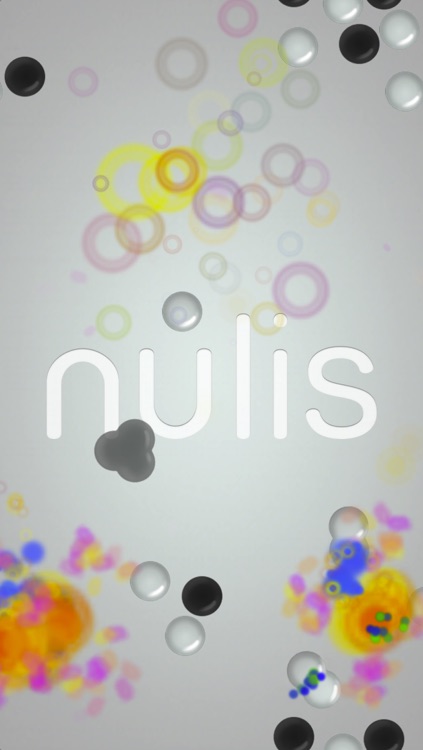
A mind bending physics puzzle game that has you combining particles to discover new ones.
It’s for those who enjoy experimenting in games.

FREE ($0.99) For a limited time FREE ($0.99) For a limited time
Why we picked this?

Created with the Large Hadron Collider in mind, this puzzle game has you pushing and pulling particles around the screen in order to neutralize them. How you accomplish this task is entirely on you, as the game is void of direct instructions. The game includes 50 levels, multitouch controls, and achievements via Game Center.

If playing around with physics sounds fun to you, give Nulis a try. Once you start flinging particles all over the screen it’s hard to stop.

Since there aren’t any directions besides learning how to control particles, this game clearly isn’t for everyone.

Weather Dial 2 - A Simpler, More Beautiful Weather App
iPhone
Weather Dial 2 - A Simpler, More Beautiful Weather App

Weather Dial 2 - A Simpler, More Beautiful Weather App

David Elgena

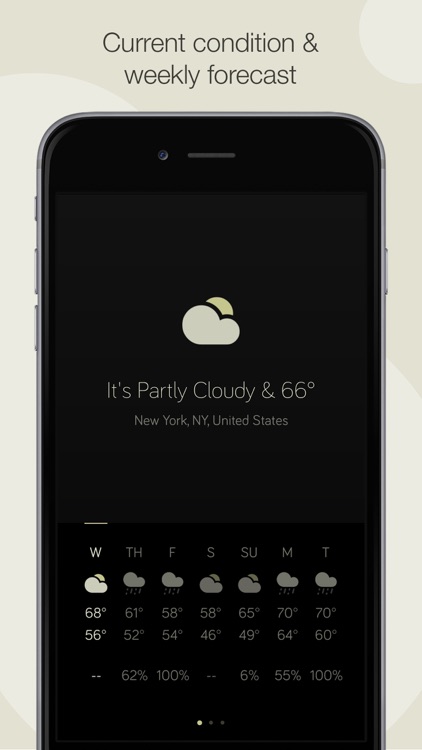
Get a quick and beautiful look at the weather with Weather Dial.

It’s for anyone who wants to spend more time enjoying the weather and not watching it.

$1.99 $1.99
Why we picked this?

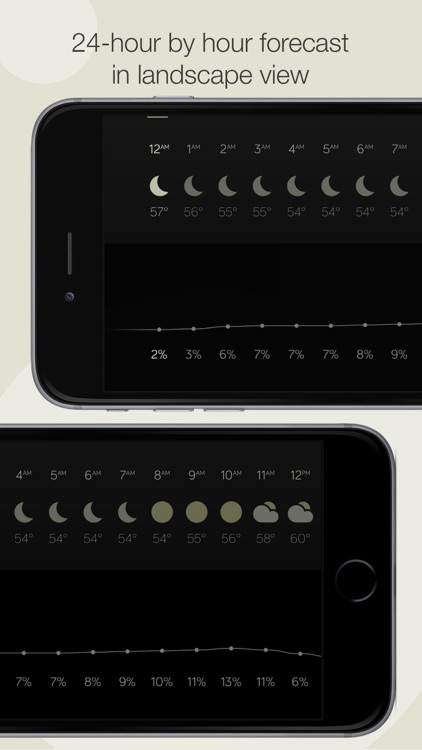
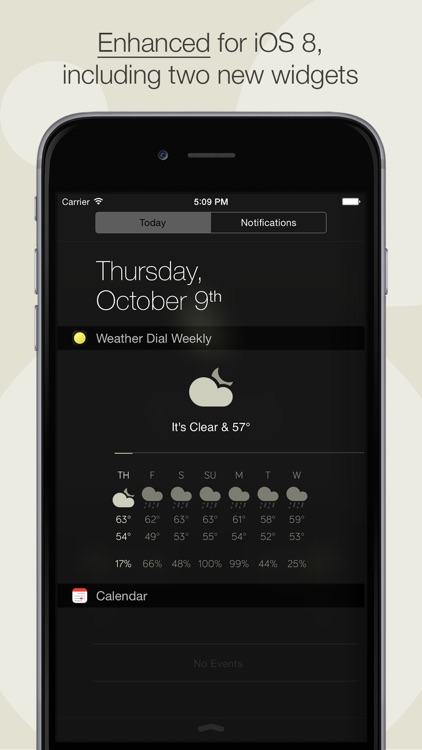
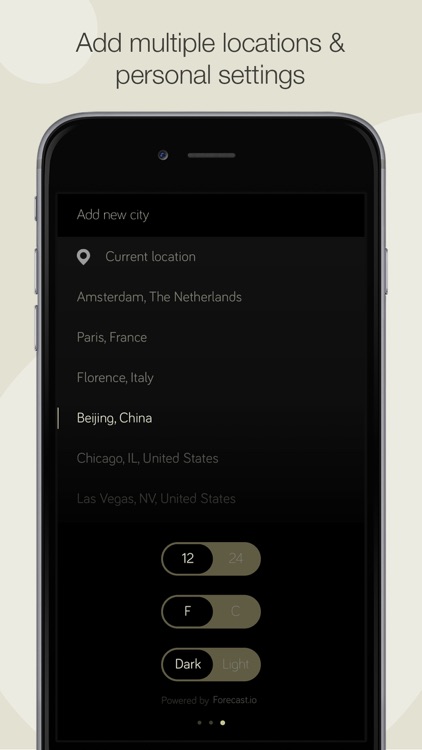
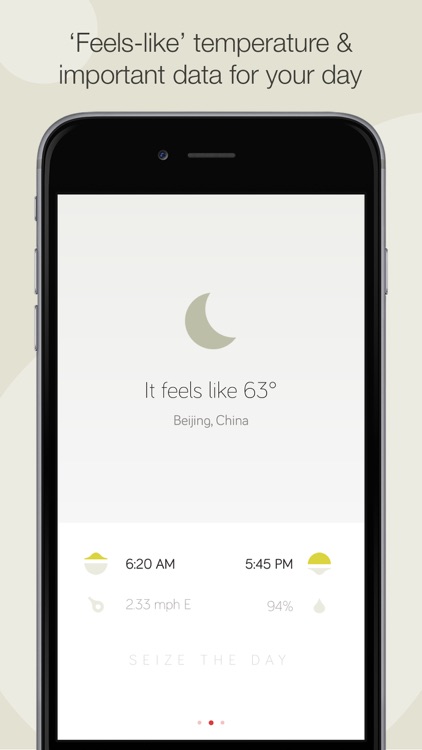
Weather Dial’s design is laser focused. You won’t be wasting time learning new gestures or digging around menus. Just launch the app, get a glimpse of the weather, and get back to what you were doing. In portrait orientation you’re able to see the current conditions and temperature accompanied by a seven-day forecast. Rotate your iDevice into landscape orientation to get a 24-hour forecast. The app also includes light and dark modes, and iOS 8 Today widget support.

If all you want is a forecast, Weather Dial is perfect for you. Its Today widget makes it wholly more useful since you can glance at the weather right from Notification Center.

If you need detailed data and animated maps, you’re going to have to look elsewhere for your weather needs.

TapDot
iPhone
iPad
TapDot

TapDot

zephLabs

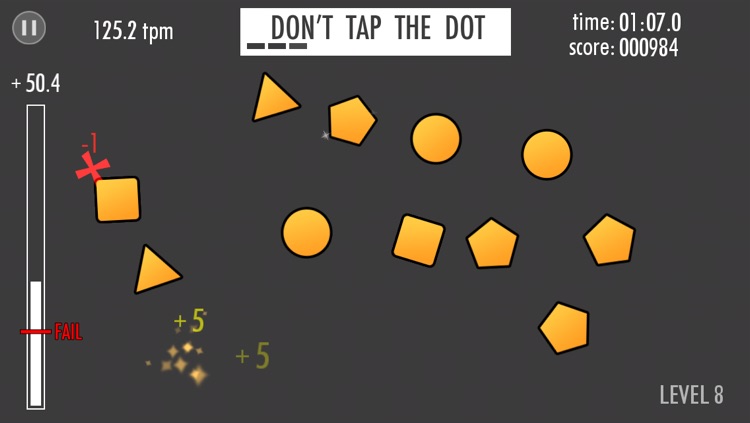
Tap the dots, or don’t, in this frantic arcade game.

It’s a fun game for those who want to work on their hand-eye coordination.

$2.99 $2.99
Why we picked this?

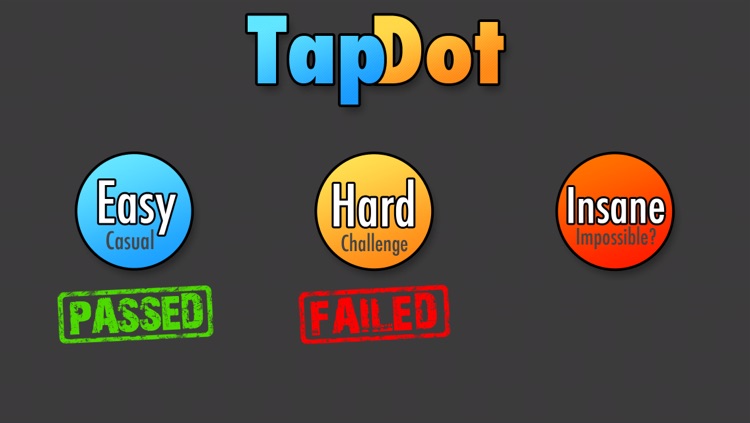
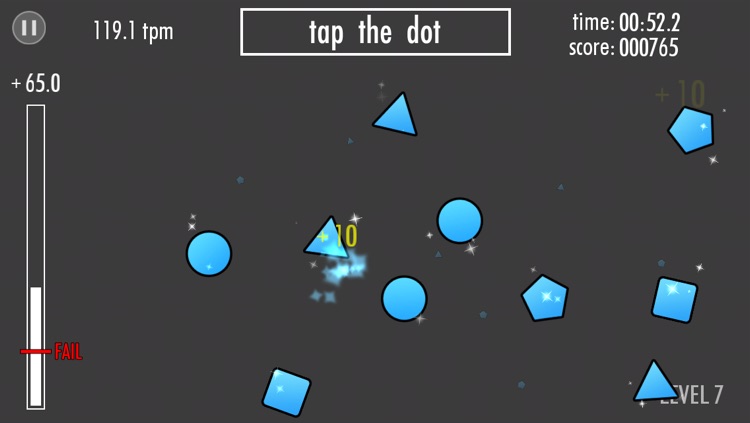
All you have to do is tap the blue dots as they appear as quickly and accurately as possible. Over time other blue shapes will be introduced, and you'll have to go against your every desire to tap them. Orange shapes will also be introduced as you progress, and you'll actually have to tap all shapes but the dots to turn them all blue again. The game includes three skills levels, funky music, and achievements and leaderboards via Game Center.

If you’re a fan of quick action games, TapDot is worth a download. The thumping soundtrack perfectly compliments the gameplay.

If you aren’t into high score games, skip this one. There’s not much outside of tapping and more tapping.

Gentlemen...Ricochet!
iPhone
iPad
Gentlemen...Ricochet!

Gentlemen...Ricochet!

Bïtse Games

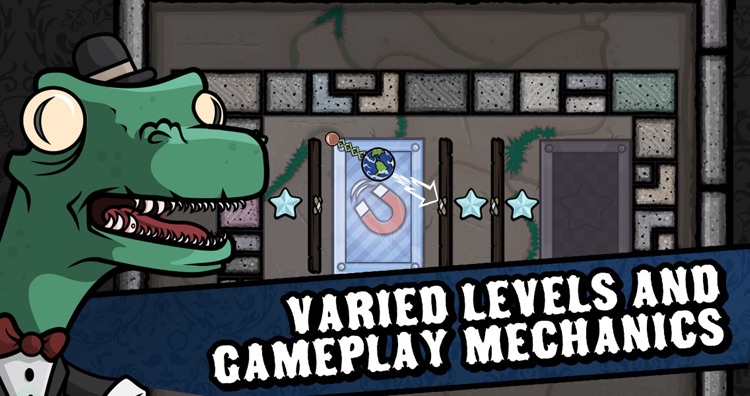
Bounce tokens around various tables in order to be the first to reach the capture zone in Gentlemen…Ricochet!

It’s the ideal game for fans of physics-based puzzle games.

$0.99 $0.99
Why we picked this?

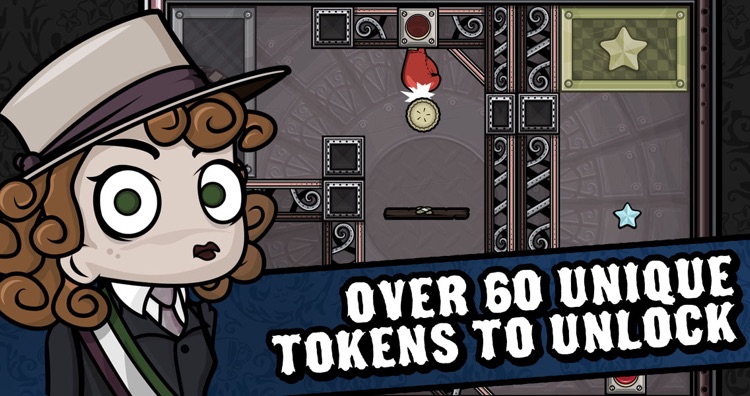
Take a stroll through the town of Smallbridge and enter different buildings to challenge the locals to games of Ricochet. The basic idea is to place your launcher in the best possible position and fire your token across the table to collect the stars and end up in the capture zone. You want to do all of this in as few shots as possible to earn a perfect rating. Each Ricochet table offers a different challenge, like destructible walls, punching gloves, and gravity bending buttons, so you better be up for the task. The game includes 72 levels, more than 50 tokens to unlock, and achievements via Game Center.

If you like your games to have a heart and quirky characters, you need to check this one out. As you make your way around town, you’re going to come across some truly funny characters that you’ll have a blast taking on.

The game can be quite difficult. Especially some of the later tables, which require multiple attempts to conquer.

eHighlighter
iPhone
eHighlighter

eHighlighter

Research Habits Digital, LLC

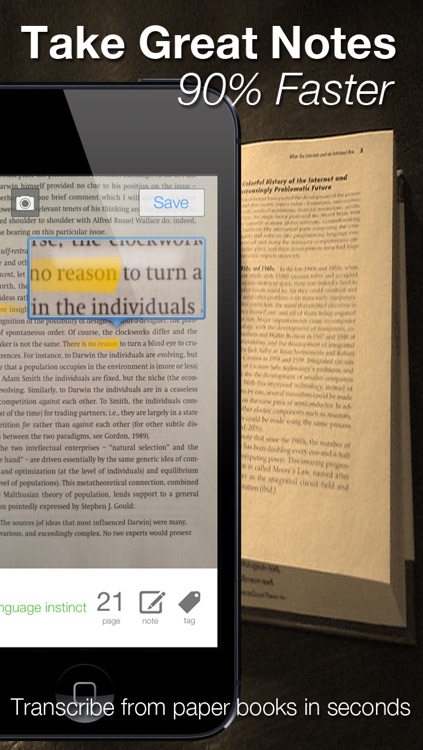
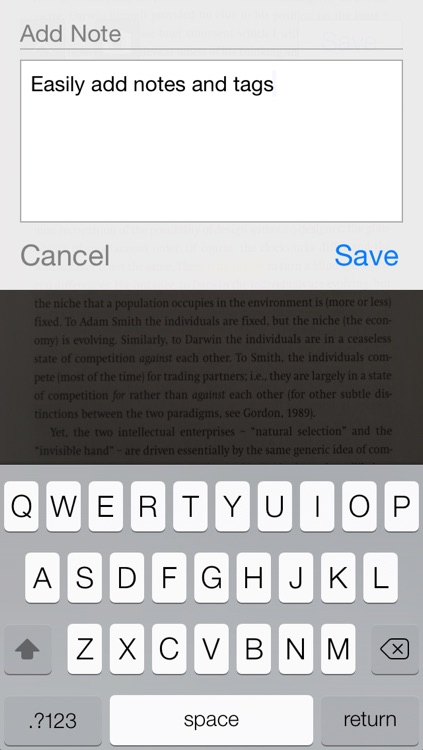
This productivity app helps you take better notes by transcribing from paper books in seconds.

It’s for students, teachers, or just general book lovers.

$4.99 $4.99
Why we picked this?

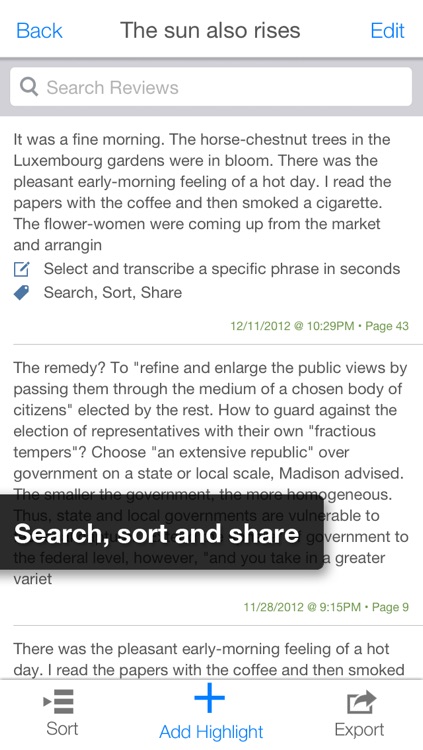
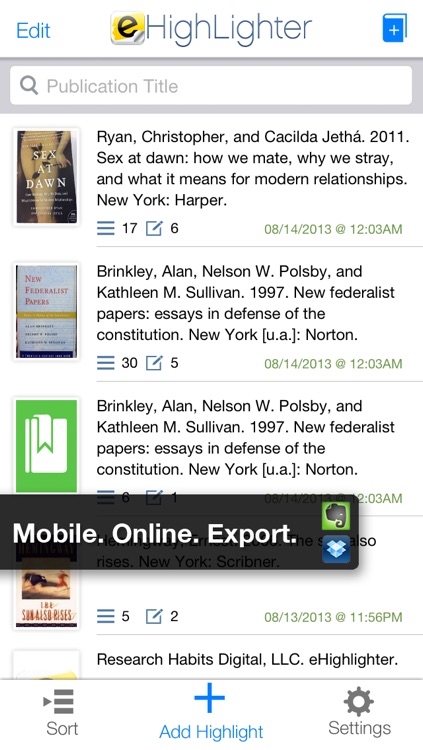
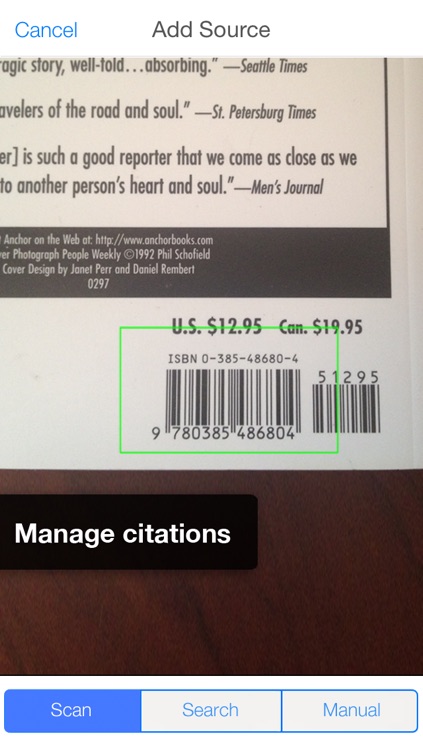
Paper books, magazines, and journals can be cumbersome to work with, especially if you need snippets of text. This productivity app makes it easier than ever before to deal with the physical world. Whenever you find something within a physical document you want to record, simply point your camera at it. The app will grab your highlighted text and allow you to add annotations. It also allows you to record the book it was pulled from by scanning the barcode, and record the page you found it on. Everything you transcribe can be exported to Evernote or Dropbox.

If you deal with physical content, this is your app. It has superior OCR, so you won’t have to go back and edit everything you record.

The app is intended for the physical world. If you’ve gone digital, you have no use for this one.