



You are using an outdated browser. Please upgrade your browser to improve your experience.

Apps That
Went Free on
2015-02-01

In today’s issue of AppsGoneFree we’re focused on recording your thoughts, whether that’s by hand, by keyboard, or within a digital notebook.

Heat Sense
iPhone
iPad
Heat Sense

Heat Sense

Graham Dennis

Brighten up your day with this art creation app.
It’s ideal for those who enjoy doodling.

FREE ($0.99) For a limited time FREE ($0.99) For a limited time
Why we picked this?

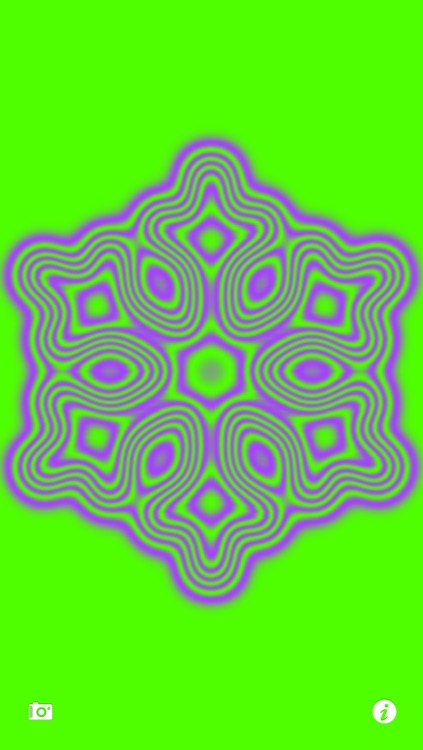
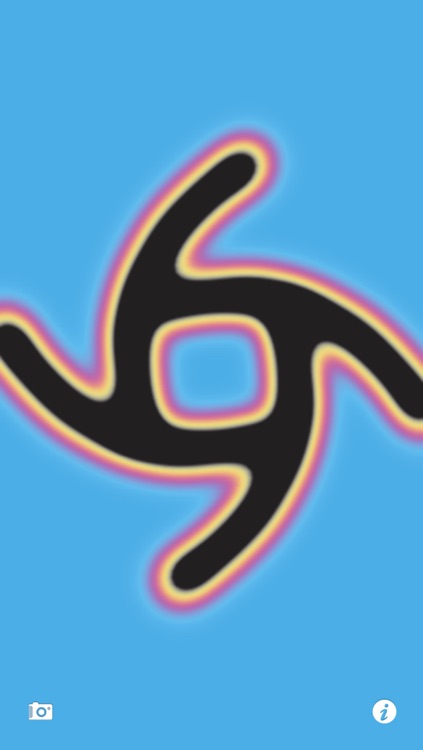
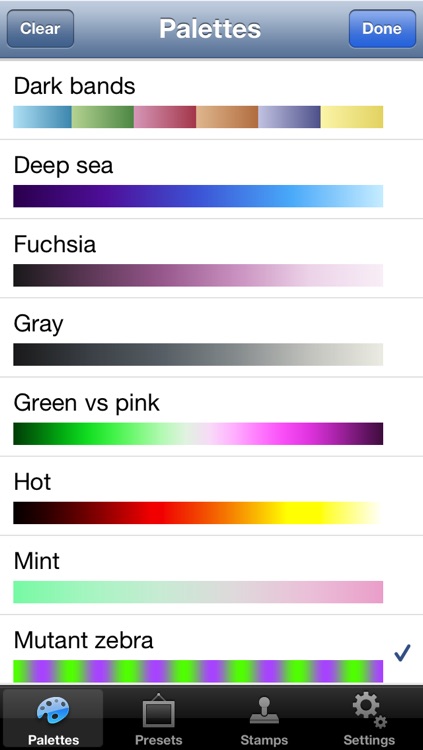
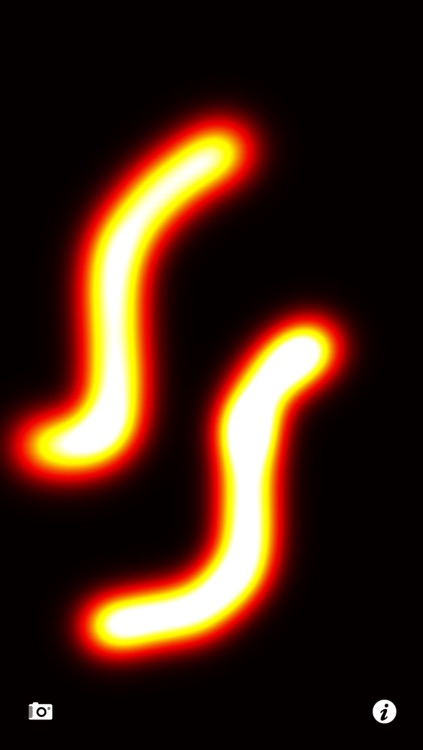
Heat Sense mimics the heat produced by your finger, allowing you to create glowing works of art. The app includes more than 25 color palettes to choose from, 66 preset images, and different 66 stamps. You’re also able to apply a variety of additional effects and customize the decay rate, finger size, and finger temperature.

Heat Sense is simply mesmerizing. If you need a good distraction today, give it a try.

The app isn’t intended for true artists. It’s simply designed for doodling and experimenting.

NOTE'd
iPhone
NOTE'd

NOTE'd

Suxxexx

This digital notebook is not only easy to use, but also easy on the eyes.

It’s the ideal app for those who need to categorize notes or thoughts.

FREE ($0.99) For a limited time FREE ($0.99) For a limited time
Why we picked this?

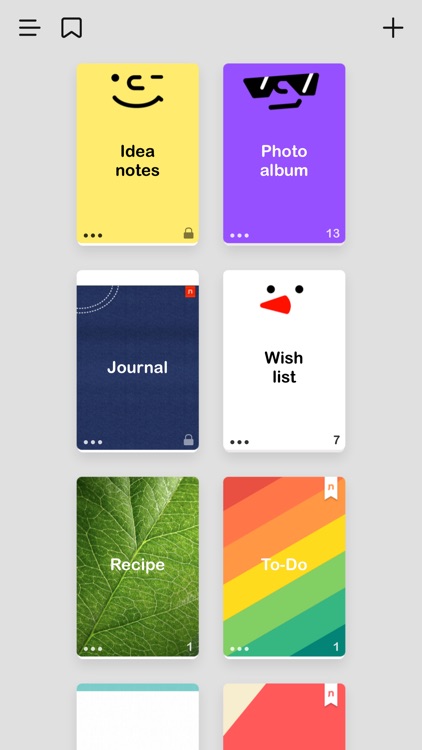
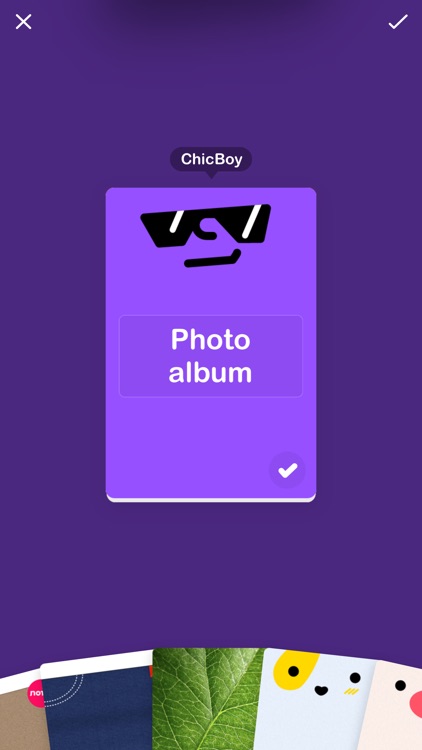
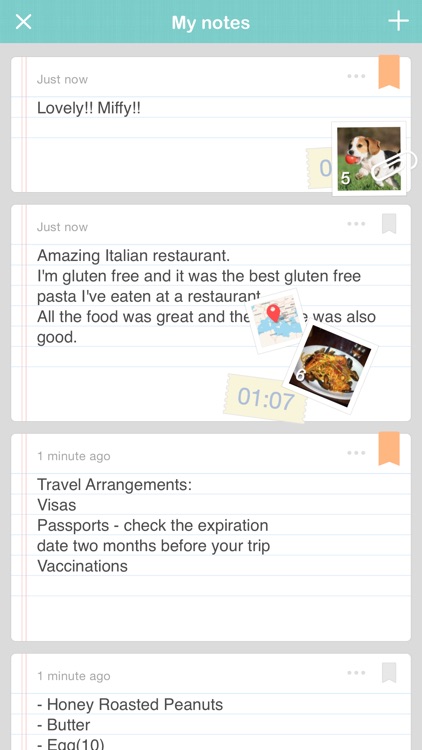
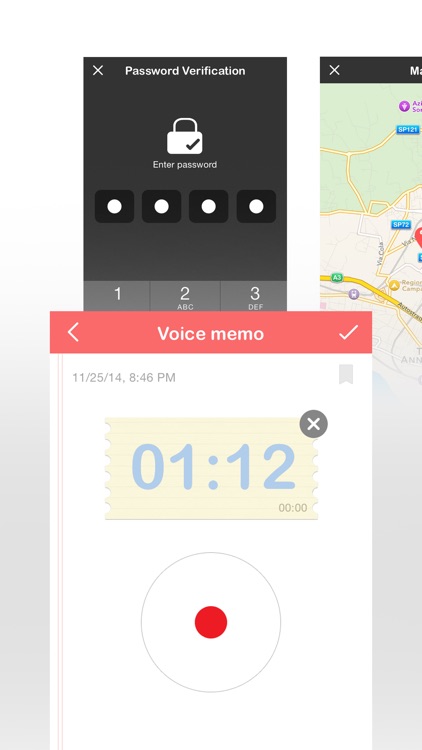
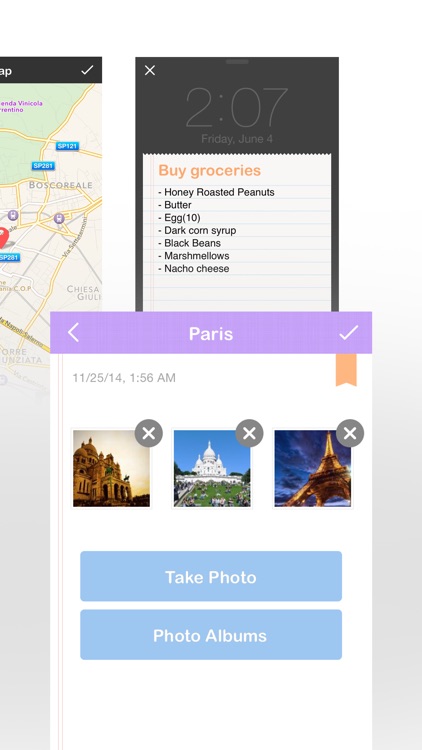
We’ve always enjoyed NOTE’d, but its latest update makes it better than ever thanks to its completely new iOS 8-inspired design. Choose any one of the 17 fantastic notebook styles, and then add text notes, audio memos, location data, and images. Notebooks can be renamed, passcode locked, rearranged, and backed up and restored via Dropbox. The app also includes the ability to bookmark notes, view all of the notes from all of your notebooks at once, and share notes via Twitter, SMS, or email.

This is one pretty notebook app, so if you’re all about style, download it right now.

Outside of being stylish, NOTE’d doesn’t offer anything new or different than the competition. If you already have a preferred note taking app, stick with it.

Use Your Handwriting GOLD
iPhone
iPad
Use Your Handwriting GOLD

Use Your Handwriting GOLD

Gee Whiz Stuff

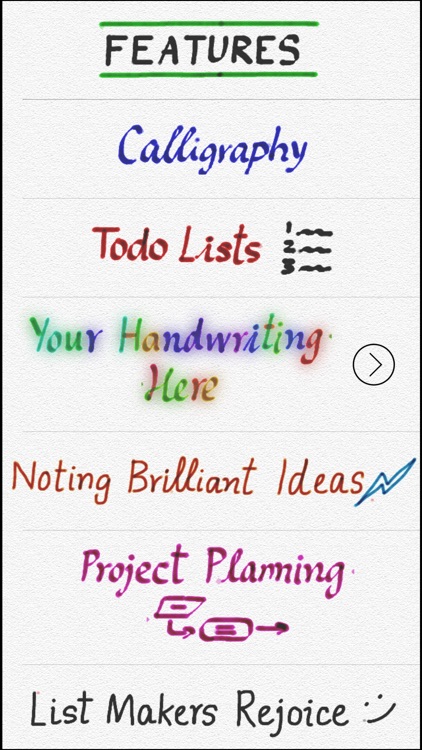
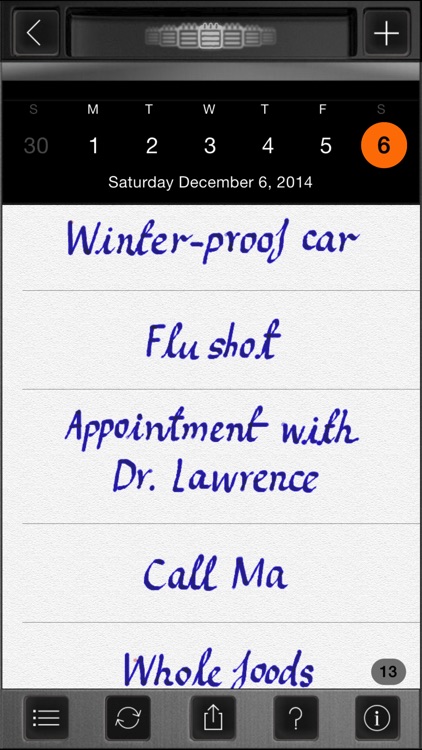
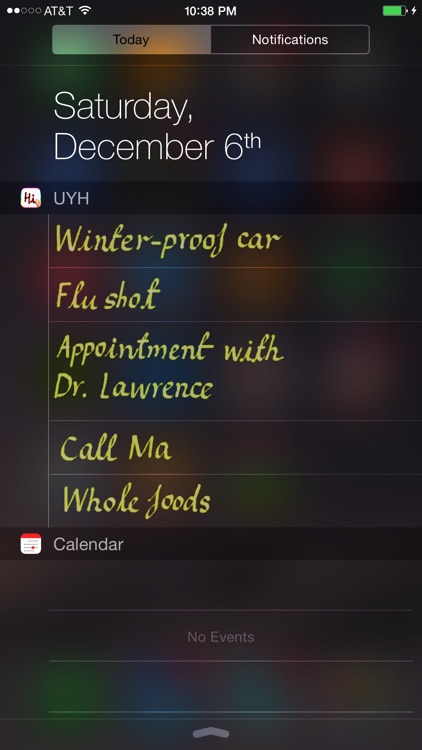
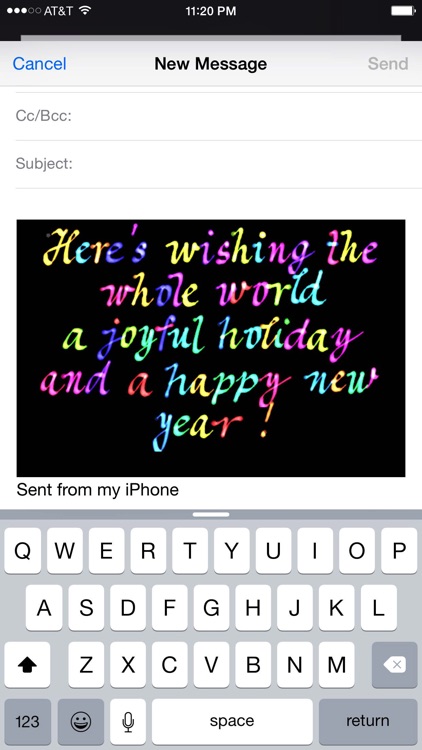
Use your own handwriting to jot down notes, take messages, and create task lists with this business app.

It’s for anyone who is tired of typing everything out.

$19.99 $19.99
Why we picked this?

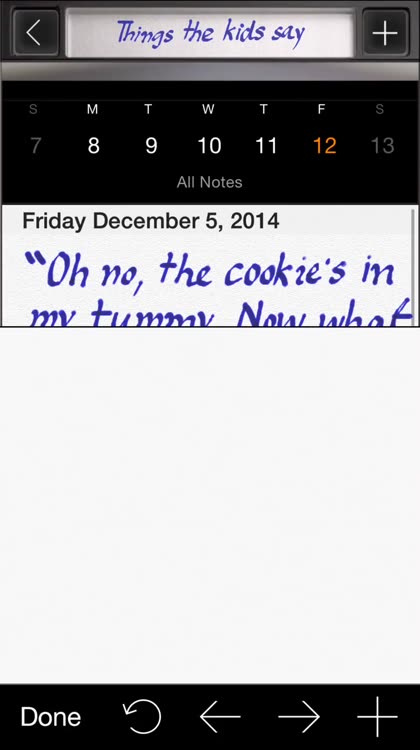
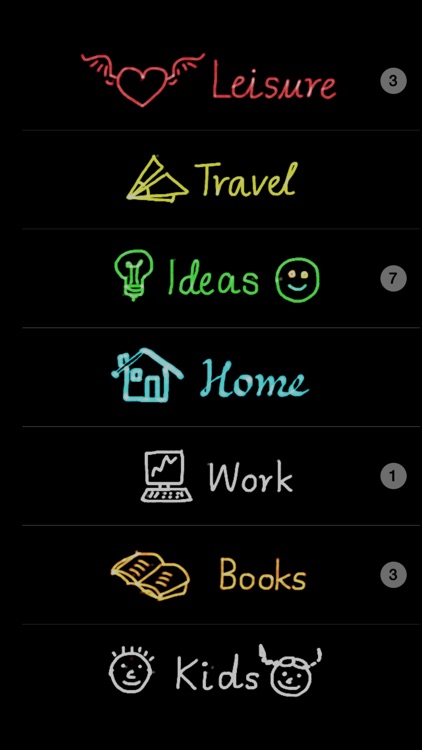
You have beautiful handwriting, so why not use it more often? Use Your Handwriting allows you to do just that. Tap the add button in the top right corner of the screen to jump right into the creation process. Then choose a color and start writing on the screen. When you're finished, tap the done button to return to your list. All entries can be reordered, edited, shared, and categorized at any time. The app also includes a variety of customization options, icon badging, and the ability to set priority levels.

If you prefer to write, this is your app. It’s becoming a lost art form, so don’t lose it yourself.

Writing things out by hand can be fun, but it can also be time consuming. If you prefer to save precious seconds, you’ll probably want to skip this one.

JukeBox HD Mini
iPhone
JukeBox HD Mini

JukeBox HD Mini

Andy Martinez

Your music will come alive with this digital jukebox.

It’s for fans of anything retro.

$0.99 $0.99
Why we picked this?

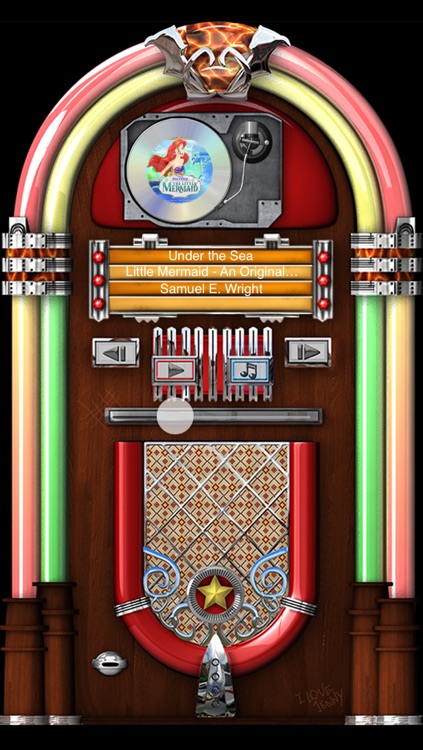
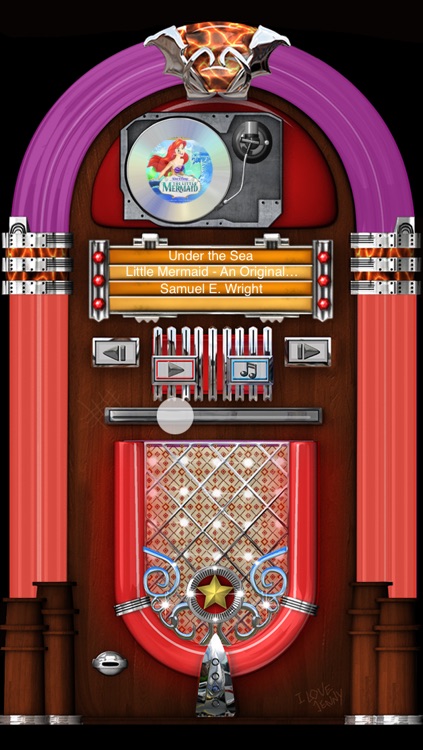
JukeBox HD Mini is a visual treat for fans of the ‘40s and ‘50s. It allows you to spin your favorite records on a digital jukebox inspired by the legendary Wurlitzer jukeboxes. You’re able to watch the record spin complete with album art, view all of the song and album details, and bathe in the glow of neon flashing lights.

If you want a visual way to enjoy your music, this is it. It’s good clean fun.

The app lacks bells and whistles. You won’t find any customization options here. Just a single jukebox to play.

Elliptic Keyboard
iPhone
Elliptic Keyboard

Elliptic Keyboard

Aleksandr Vlasov

Reach all of the keys on your iPhone 6 or iPhone 6 Plus keyboard with Elliptic Keyboard.

It’s for anyone who prefers typing with one hand.

$0.99 $0.99
Why we picked this?

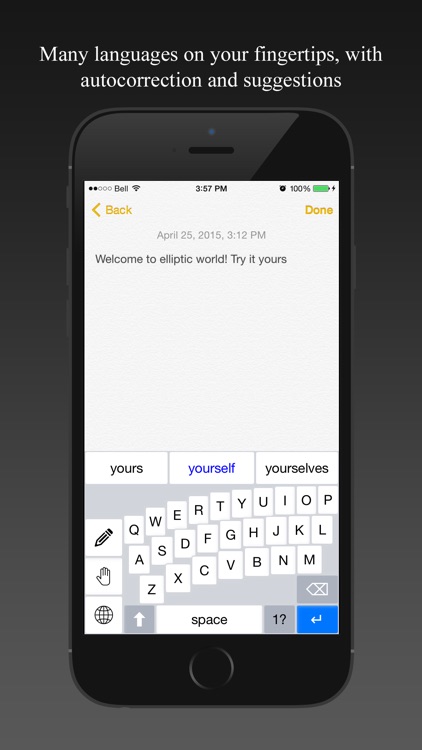
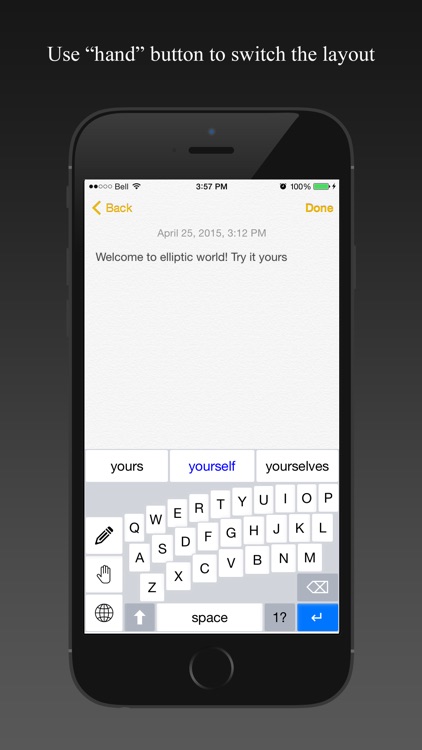
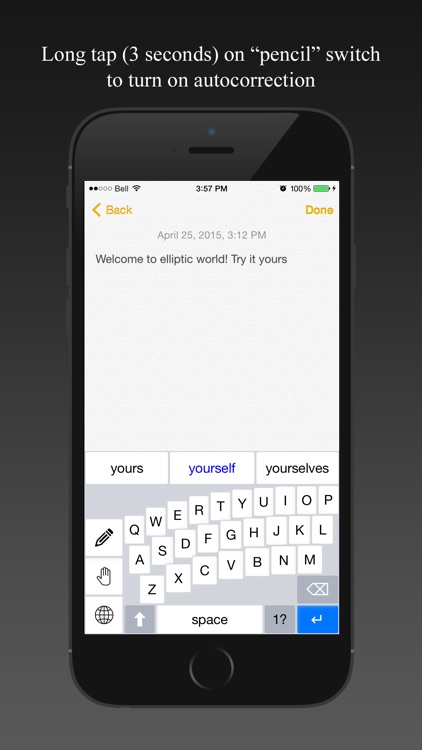
Most custom keyboards are simply eye candy or loaded with gimmicks. Not Elliptic Keyboard. Instead, it actually tries to solve a problem: One handed typing. It’s quite difficult to do on the new iPhone 6 and iPhone 6 Plus due to their widths. Elliptic Keyboard makes it easier by bending and pushing the rows of keys closer to one side of the screen. Lefties can tap the hand icon to flip the keyboard around. You’re also able to swipe across the keyboard to create a space and delete characters.

If you want to get back to typing one handed, Elliptic Keyboard will help you get it done. The keyboard performs just as expected and allows you to receive suggestions just like the native one.

If you are running anything earlier than iOS 8.1, you’ll have to skip this one.

Handy Photo
iPhone
iPad
Handy Photo

Handy Photo

Adva-Soft

You’ll find this feature-rich photo editor to be super handy.

It’s a great addition to any iPhoneographer’s collection.

$2.99 $2.99
Why we picked this?

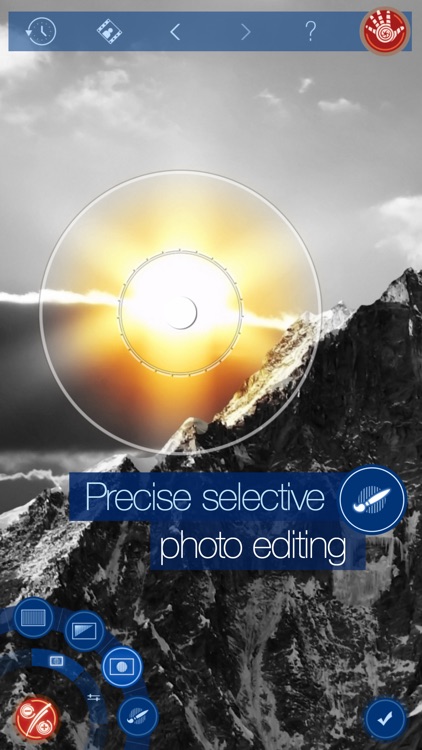
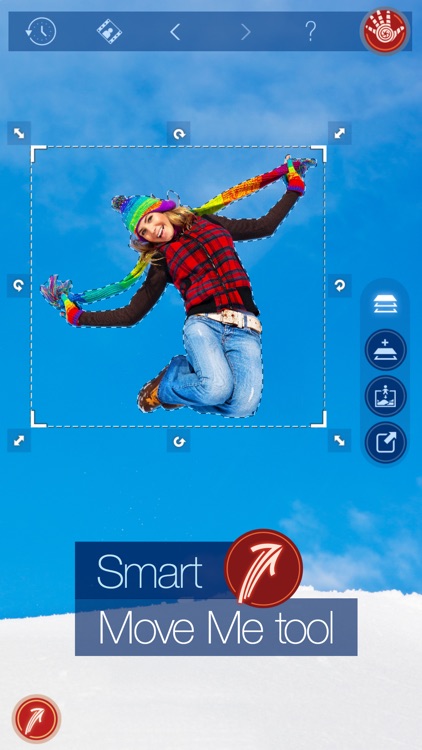
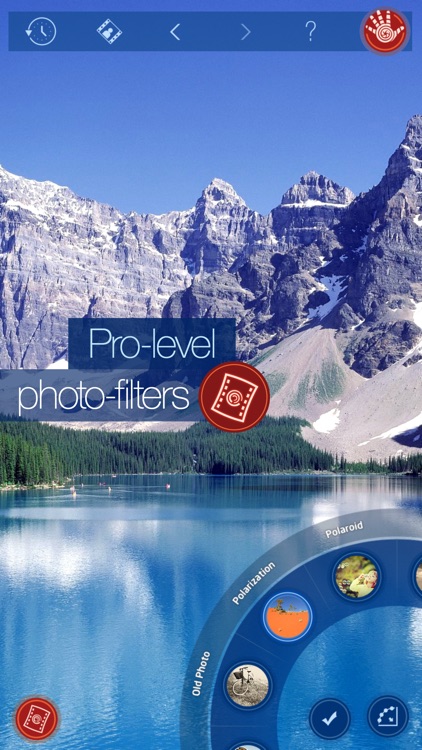
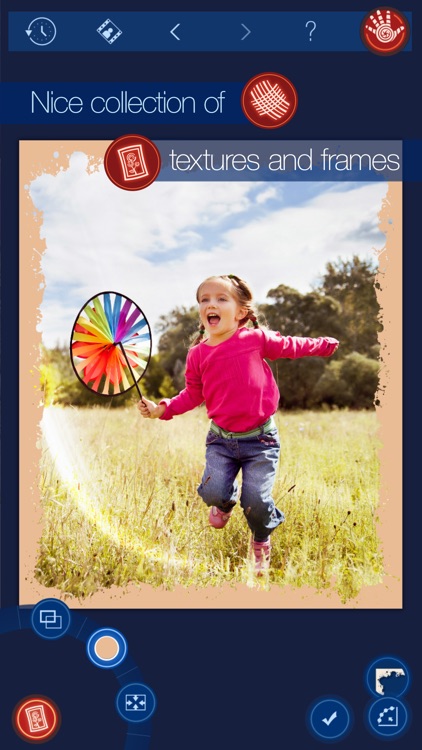
Handy Photo is a desktop-class photo editor for your iDevice. It has every feature you could ask for and then some. Standout features include the ability to remove unwanted content from your photo with a tap, the ability to apply professional quality filters to only parts of your photo, loads of high quality textures and frames, and advanced retouching. Basically, grab one of your favorite photos and just start digging around.

If you have a passion for photo editing, Handy Photo will help you get the job done. It’s not just great for editing on the go; it can be used in any setting.

The app is meant for power users. If you need to do basic editing, look elsewhere for your needs.