



You are using an outdated browser. Please upgrade your browser to improve your experience.

Apps That
Went Free on
2015-02-14

Happy Valentine’s Day! Whether you’re enjoying it with a significant other, your family, or a friend, we have a collection of great apps and games that will add to the experience.

Tesla Wars - II
iPhone
iPad
Tesla Wars - II

Tesla Wars - II

Pavel Tarabrin

The followup to the smash hit tower defense game, Tesla Wars.

It’s for those who enjoyed the original but want more firepower.

FREE ($0.99) For a limited time FREE ($0.99) For a limited time
Why we picked this?

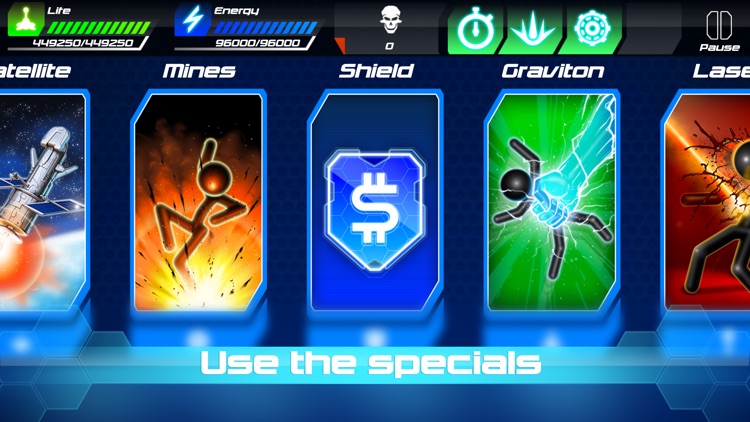
Just like the original, your job is to keep the faceless invaders from reaching your Tesla tower. This time, however, bigger and more powerful weapons are at your disposal including six auxiliary turrets. The main tower still is the most powerful, allowing you to strike down your opponents by tapping and holding your finger on them to send off an electric charge. By completing various goals and ensuring no invader reaches your tower, you’ll be rewarded with cash. The cash can be spent on upgrades and special attacks. The game includes a total of 80 levels, and a survival mode.

If you enjoy tower defense games, you have to give Tesla Wars II a try. It’s quite challenging since the invaders can come at you from all angles.

If you didn’t enjoy the original, Tesla Wars II will do nothing to change that. It follows the same formula.
Wake Alarm Clock
iPhone
iPad
Wake Alarm Clock

Wake Alarm Clock

Jaded Labs Inc

Slap, flip, swipe, and shake your sleep away with this innovative alarm clock app.
It’s ideal for anyone who has trouble getting out of bed.

FREE ($3.99) For a limited time FREE ($3.99) For a limited time
Why we picked this?

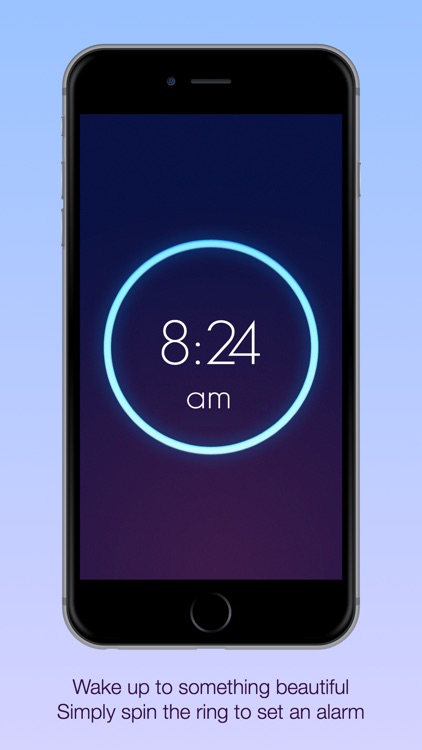
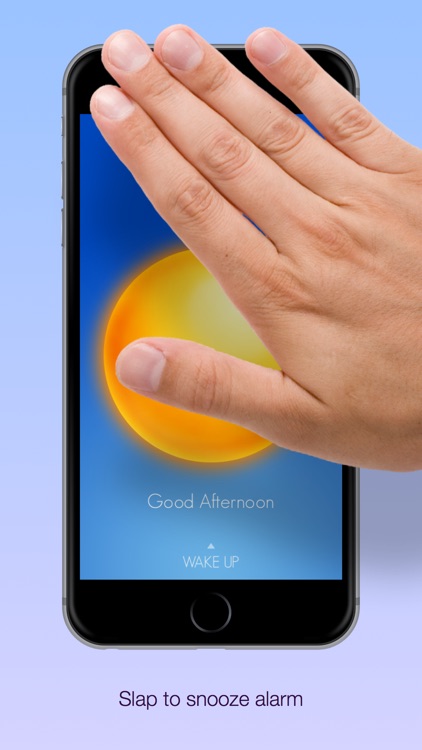
Its simple gesture-based UI allows you to quickly set and interact with your alarms. All you have to do is spin the dial to set and swipe down to customize. You're able to personalize your alarms with 12 exclusive sounds, and set recurring alarms for any day of the week. When it's time to get up, you can have the app require you to slap or shake to snooze, flip to disable, or swipe to snooze or disable. The app also includes progressive alarm sounds that gradually get louder, the ability to set your alarm with your voice, landscape orientation support, and three levels of shake difficulty.

If you constantly find yourself sleeping in, give Wake Alarm Clock a try. The app requires you to perform basic actions in order to get the alarm to stop, forcing you to shake the cobwebs off and pop out of bed.

If your iDevice isn’t your bedside clock, skip Wake Alarm Clock.

Thunderspace Rain Sleep Sounds
iPhone
iPad
Thunderspace Rain Sleep Sounds

Thunderspace Rain Sleep Sounds

Franz Bruckhoff

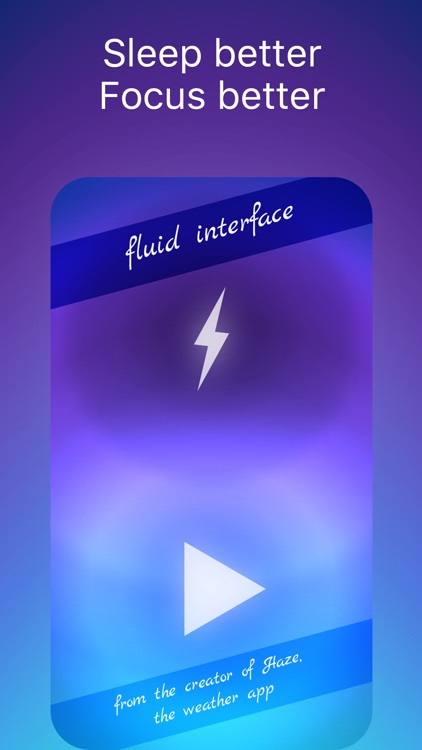
Unwind to the sights and sounds of a thunderstorm with this revolutionary relaxation app.

It’s great for those who find storms relaxing.

FREE ($2.99) For a limited time FREE ($2.99) For a limited time
Why we picked this?

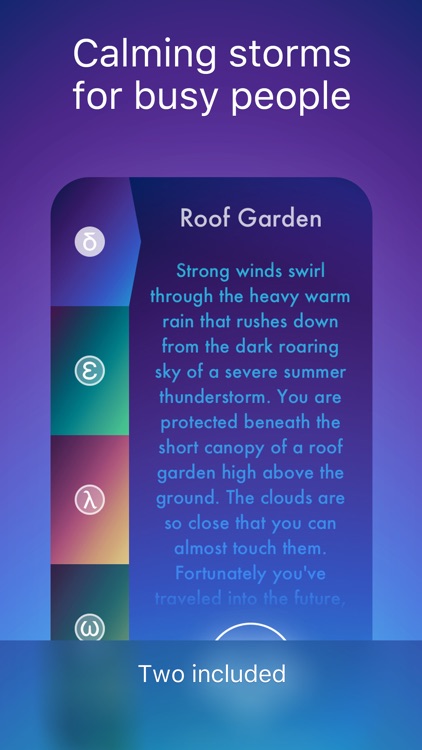
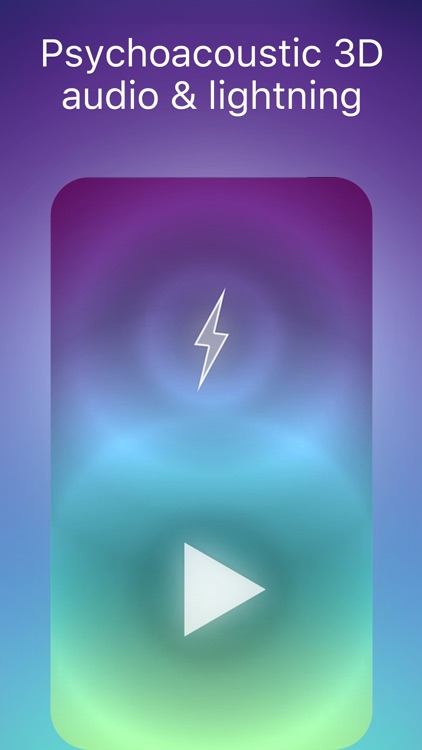
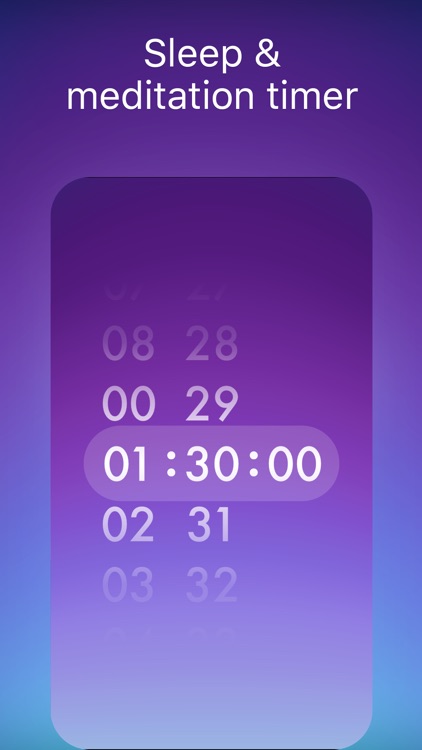
Thunderspace utilizes stereoscopic 3-D audio and realistic lightning flashes to create a thunderstorm around you. Put your headphones on and listen as the audio moves back and forth between your ears, and watch as your room is lit up by your iDevice’s LED flash. You’ll want to place your iDevice out of sight so you don’t see the source of the flashes, otherwise you’ll ruin the experience. The app includes a sleep timer, two storms to choose form, and the ability to disable the flash. Additional storms are available via in-app purchase.

If you have troubles relaxing or sleeping, you have to give Thunderspace a try. The 3-D audio coupled with the LED flashes makes the experience totally unique.

If you despise in-app purchases, skip Thunderspace.

Potsticker Chat
iPhone
iPad
Potsticker Chat

Potsticker Chat

Panabee LLC

Send Emoji messages faster than ever before with Potsticker.

It’s for iOS 8 users who love using Emoji.

FREE ($0.99) For a limited time FREE ($0.99) For a limited time
Why we picked this?

Potsticker is for the Emoji fanatics. It allows you to create groupings of Emoji and access them directly through a custom keyboard. That way all of your favorites are always accessible. Additionally, you can create your own custom combinations of text and Emoji. Each new category can be accessed with a left or right swipe. The keyboard also contains basic controls like the ability to add spaces, returns, and delete characters.

If you can’t get enough Emoji, Potsticker will be your go-to keyboard.

If you can’t stand the thought of providing a developer with full access to your keystrokes, skip this one.

Code Blast
iPad
Code Blast

Code Blast

Matt Rayner

Get your child hooked on programming with Code Blast.

It’s for parents who want to introduce their children to programming concepts and skills.

$0.99 $0.99
Why we picked this?

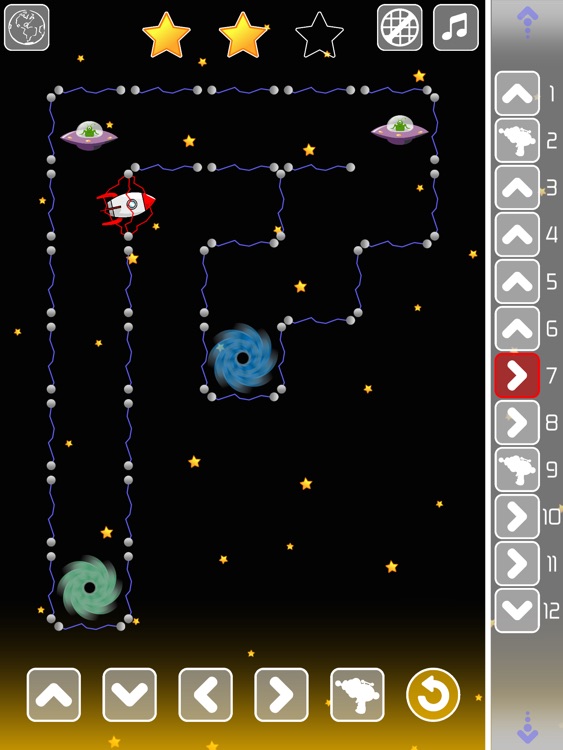
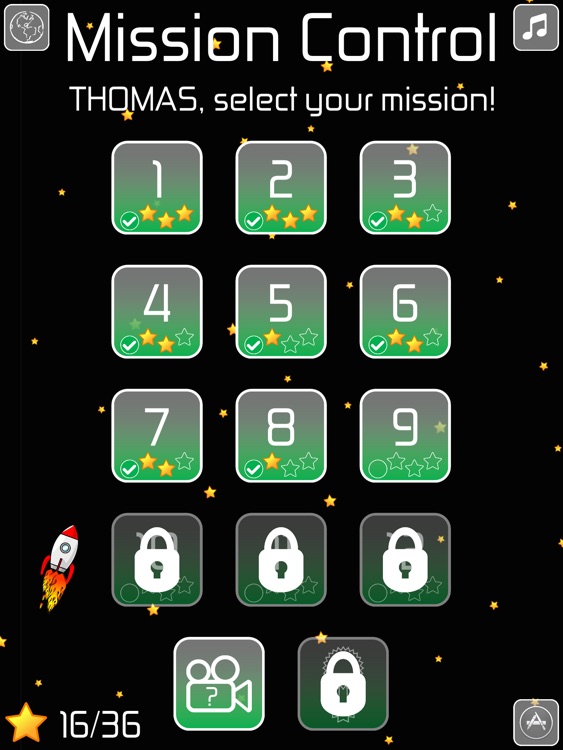
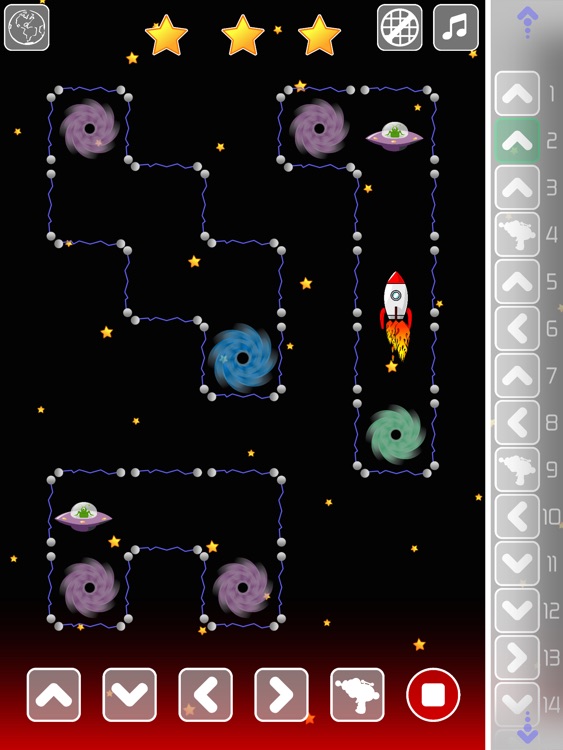
Programming is a great skill to learn, so why not teach it to your child at a young age? Code Blast helps introduce concepts like the need for precise and accurate instructions, forward planning, and bug removal through interactive games. It’s also easy for any child to get the hang of since the entire interface is based on dragging and dropping instructions into a path and allowing them to play out. The game includes 36 missions, a custom mode so your child can practice at any time, the ability to create multiple profiles, and a rewarding star system.

If you have a child that’s even remotely interested in computers, hand them your iPad with Code Blast installed. It’s so much fun they won’t even know they’re learning.

The game is intended for younger children who are able to understand the concepts of order and operation.

Dingle Dangle
iPhone
iPad
Dingle Dangle

Dingle Dangle

Just Some Games

Play as a friendly pirate and save Dingles from their dangerous habitats in Dingle Dangle.

It’s for fans of casual physics-based puzzle games like Cut the Rope.

$0.99 $0.99
Why we picked this?

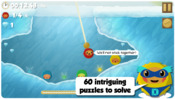
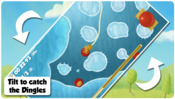
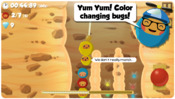
Dingles are lodged in all kinds of hard to reach places. You must lower your pirate ship's grappling hook, latch onto them, and pull them to safety as quickly as possible. While pulling them up, you must tilt your iDevice to keep them from ramming into dangerous objects. The game includes three environments, 60 levels, and achievements and leaderboards via Game Center.

If cute and colorful physics puzzlers are your thing, this is your game. Catching Dingles feels a lot like those claw machines, except you get to control the angle of the drop.

To unlock all of the levels, you’ll need to become a Dingle catching master. If you’re the type of player that prefers to have all of the levels unlocked from the get go, this isn’t your game.

Poetics
iPhone
Poetics

Poetics

Soulincode Inc.

Get poetic with your photography this Valentine’s Day with Poetics.

It’s perfect for those who want to create some visual poetry.

$2.99 $2.99
Why we picked this?

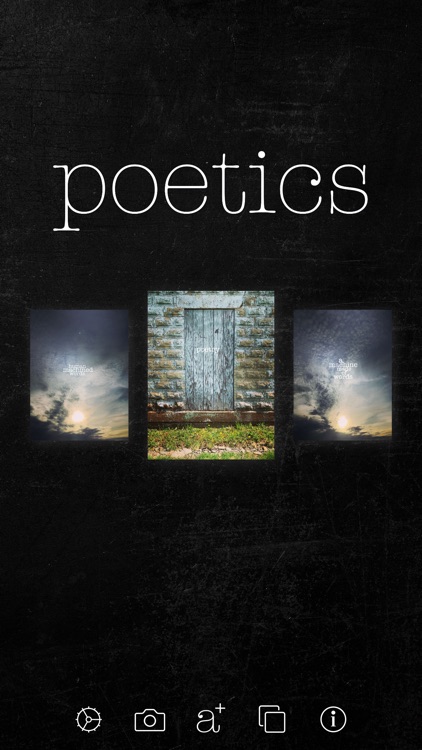
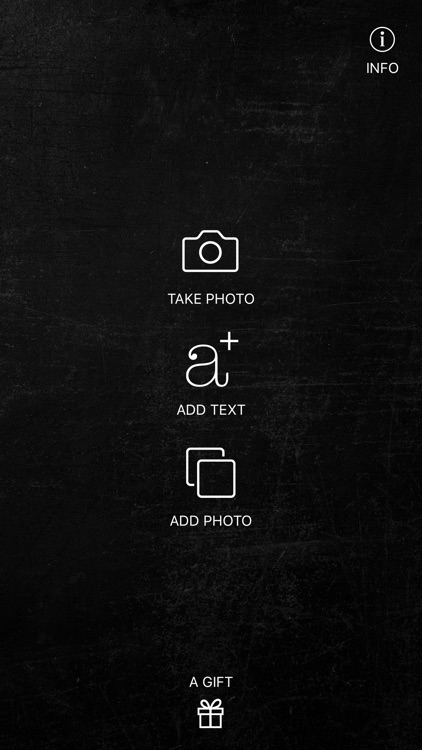
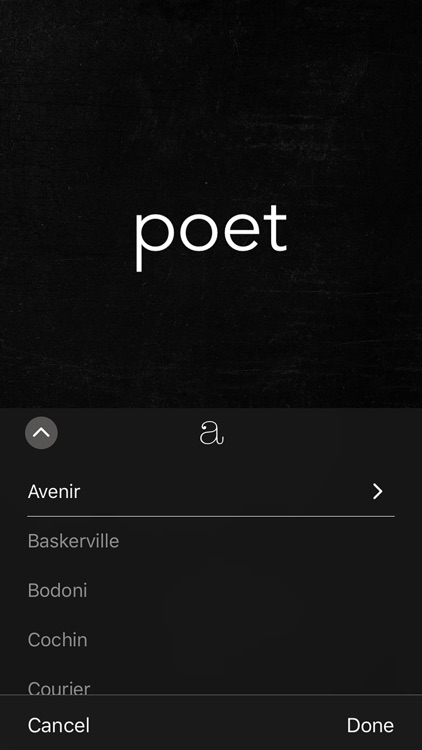
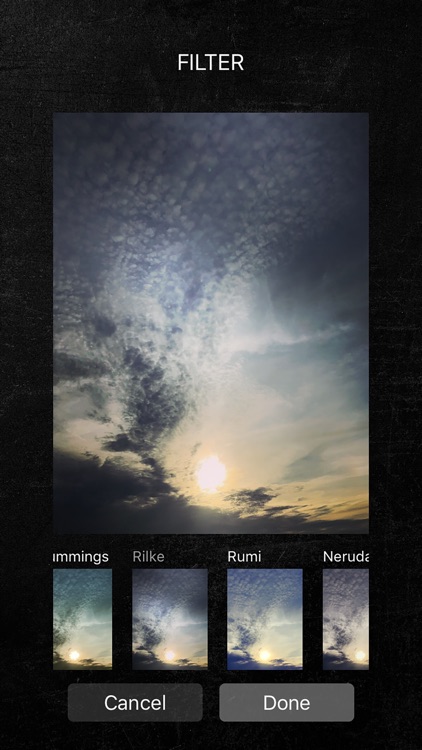
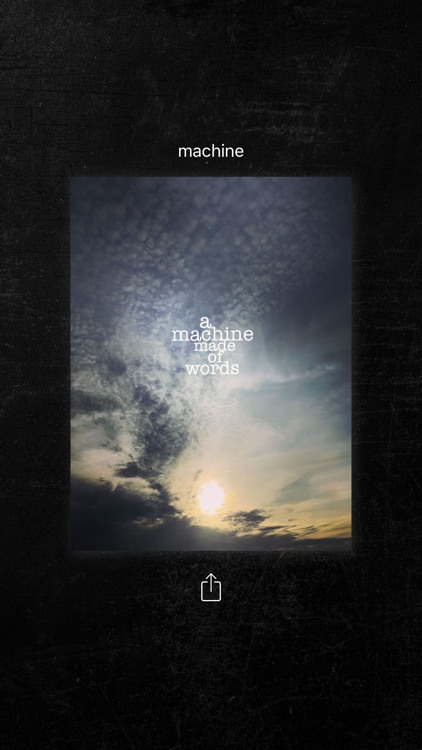
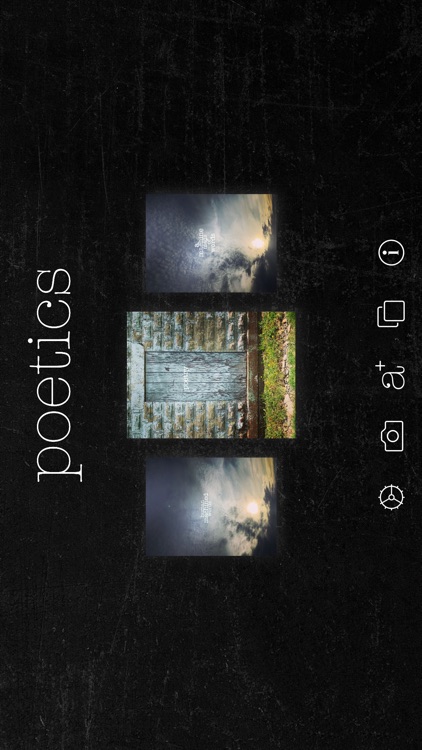
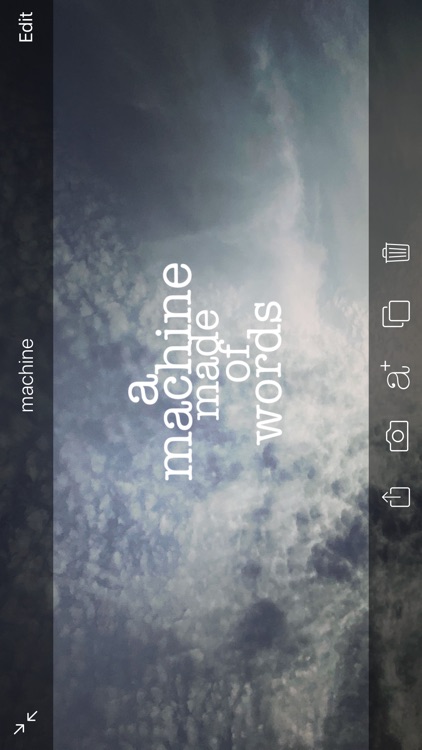
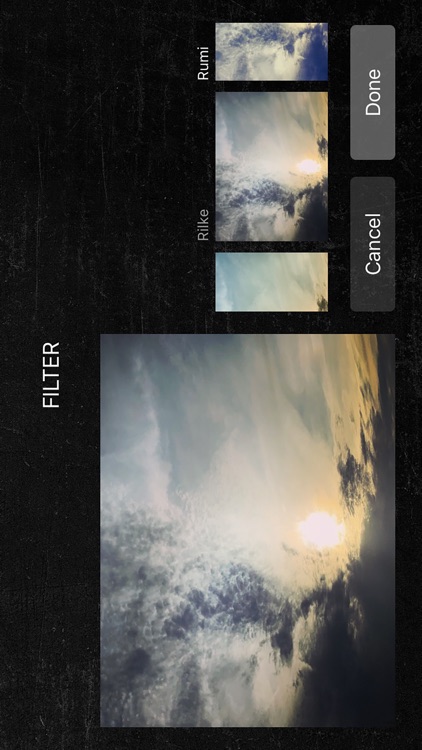
You're able to import any photo from your library or take a new one from within the app. You can scale, apply filters, and adjust the parameters of your photo. Then write anything you want on it, whether that's a poem or a caption. You're able to add as few or as many words as you want and manipulate them with common gesture controls. Your unique creations can be shared via email, Facebook, Tumblr, Instagram, or Twitter.

If you want to say something with your photos, Poetics will help you out. If you come up with something worth sharing, don’t forget to use the hashtag #poetics on Instagram and Twitter.

If you want an all-out photo editing app, Poetics isn’t it. There are a few effects and editing options to choose from, but Poetic’s focus is on your words.