
You are using an outdated browser. Please upgrade your browser to improve your experience.

Apps That
Went Free on
2015-03-01

Today’s AppsGoneFree collection really focuses on your words. Record your thoughts in a distraction-free environment with Writebox. Animate your words with Legend. Gain quick access to the phrases you use the most with OftenType. Put words over your photos with Phot.oLab.

Legend - Animate Text in Video & GIF
iPhone
Legend - Animate Text in Video & GIF

Legend - Animate Text in Video & GIF

Stupeflix

Put your words in motion with this animation app.
It’s ideal for Instagram users or anyone else who wants to add context to a photo or video.

FREE ($1.99) For a limited time FREE ($1.99) For a limited time
Why we picked this?

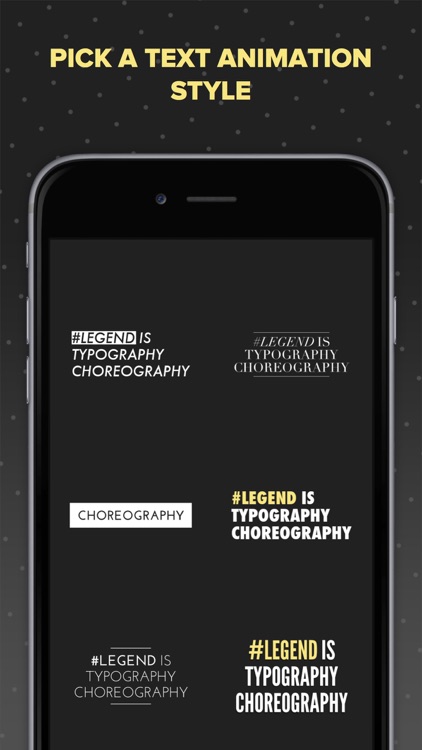
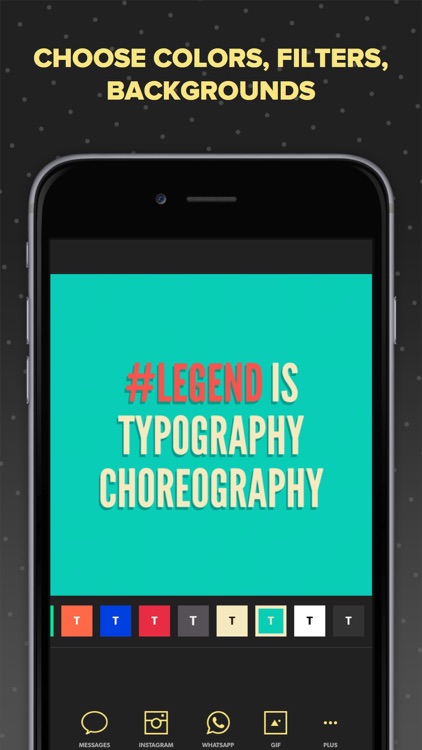
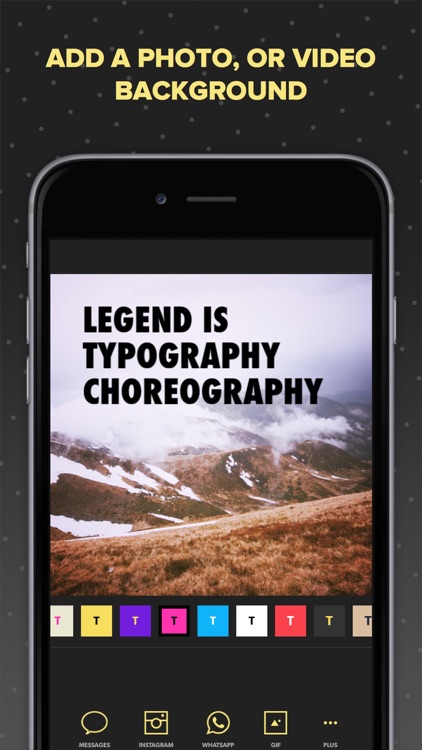
Legend will make your words legendary. You start off by coming up with a short blurb of text. Then choose from one of six animation styles. Depending on what your blurb is about, you can choose to leave it stand on its own with a colorful background, or choose a photo or video from your library or Flickr. You must then decide how you want to share or save your creation, whether that’s as a regular video or animated GIF. The app supports text up to 100 characters, and videos up to six seconds in duration.

If you want your words to be the star of the show, download Legend today.

Legend has some pretty awesome animations, but there just aren’t enough of them. It’d be great to have more options.

Writebox
iPhone
iPad
Writebox

Writebox

Kazuhiro Shibuya

A distraction-free text editor.

It’s for those who need help concentrating on getting their thoughts recorded.

FREE ($1.99) For a limited time FREE ($1.99) For a limited time
Why we picked this?

Writebox provides the best mobile writing experience possible by keeping things simple. You’re able to customize your writing environment by choosing from different background colors, keyboard colors, and font sizes, colors, and type. While writing you’ll see a live character and word count at the bottom of the screen. An extra row of keys across the top of the keyboard allow you to easily navigate your text. Anything you’ve written can be synced with Dropbox or GoogleDrive.

If all you care about is your words, get Writebox today. Its no-frills interface allows you to stay on task.

Although it’s intended to offer a distraction-free writing environment, Writebox could use a couple of additional formatting features. This definitely isn’t a full-fledged text editor.

Nihilumbra
iPhone
iPad
Nihilumbra

Nihilumbra

BEAUTIFUN GAMES SL

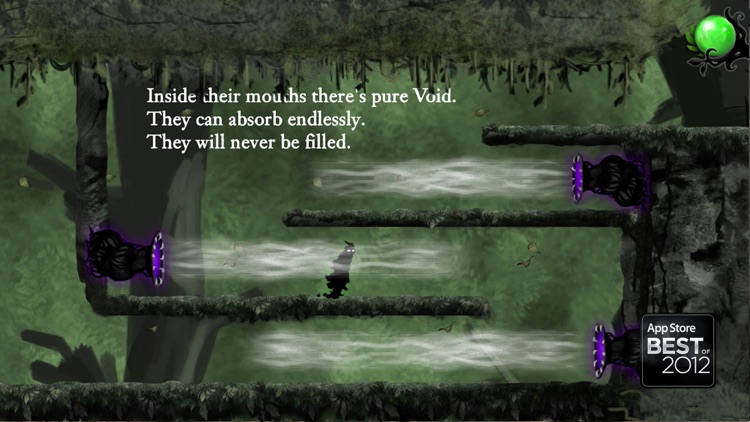
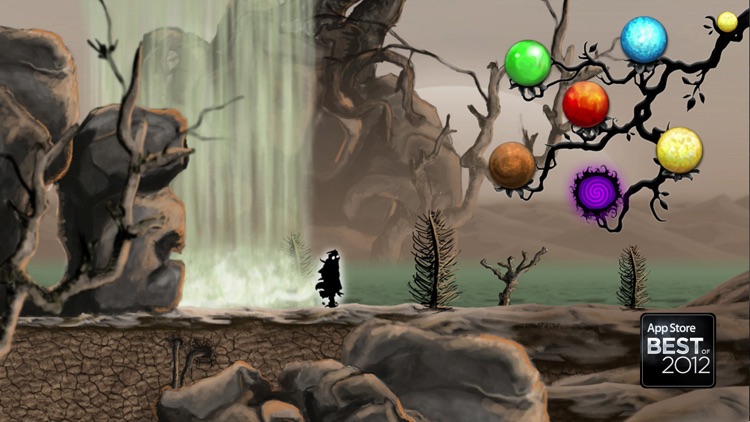
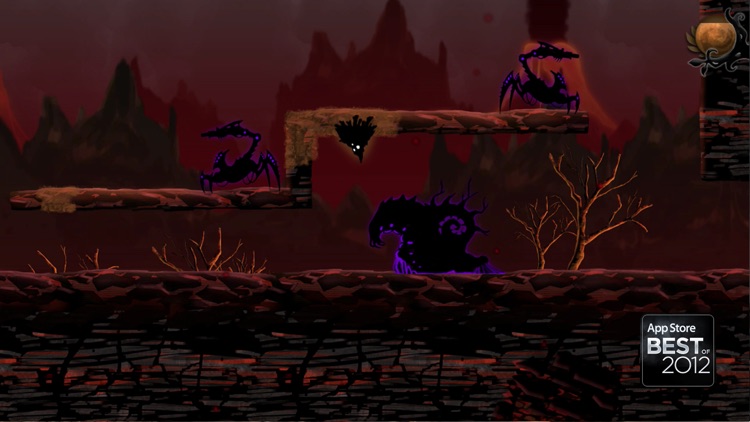
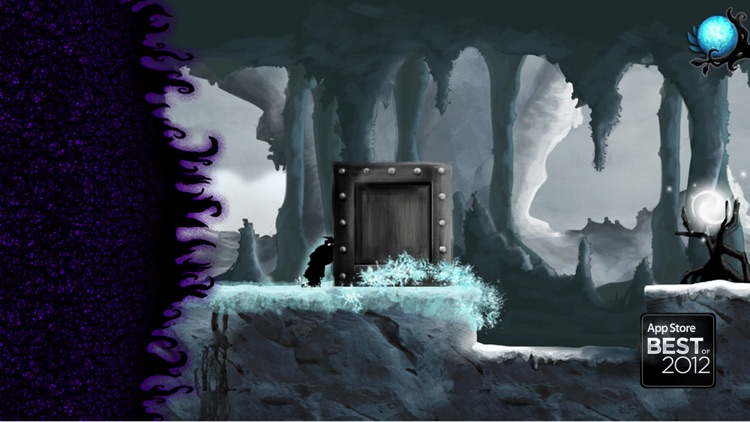
Help Born escape from his inevitable curse in Nihilumbra.

It’s the perfect game for fans of the puzzle-platformer genre.

$2.99 $2.99
Why we picked this?

The Void will stop at nothing to become one again. You must manipulate the earth to try and avoid capture at all costs. The game includes five different worlds that can be used as your canvas, two control schemes, about 10 hours of gameplay, an original soundtrack, and an unlockable surprise once you complete the game.

If dark and moody games are your thing, Nihilumbra is absolutely worth checking out. Just make sure to complete the massive adventure, because there’s a surprise waiting for you at the end.

The game starts off rather slowly in order to focus on storytelling. If you want a true pick-up-and-play platformer, this isn’t it.

OftenType - quick keys for often used words and phrases
iPhone
OftenType - quick keys for often used words and phrases

OftenType - quick keys for often used words and phrases

Carlos Romeu

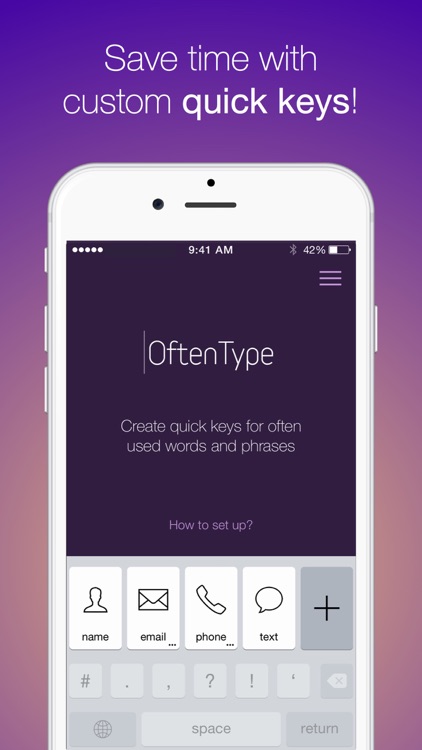
Have quick access to the content you utilize the most with OftenType.

It’s the perfect app for iOS 8 users who need access to snippets of content over and over.

$1.99 $1.99
Why we picked this?

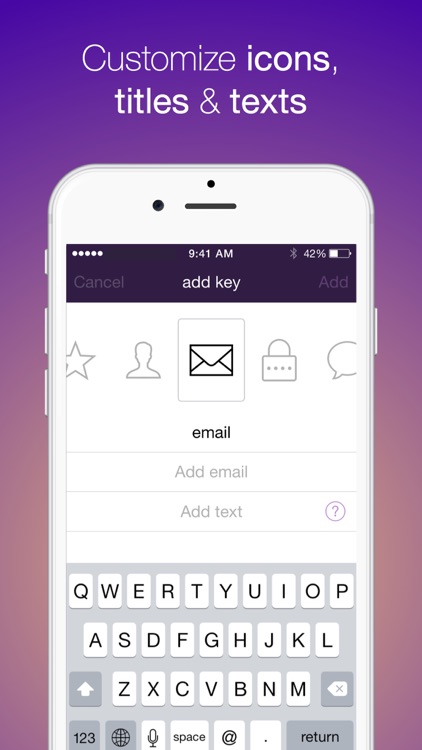
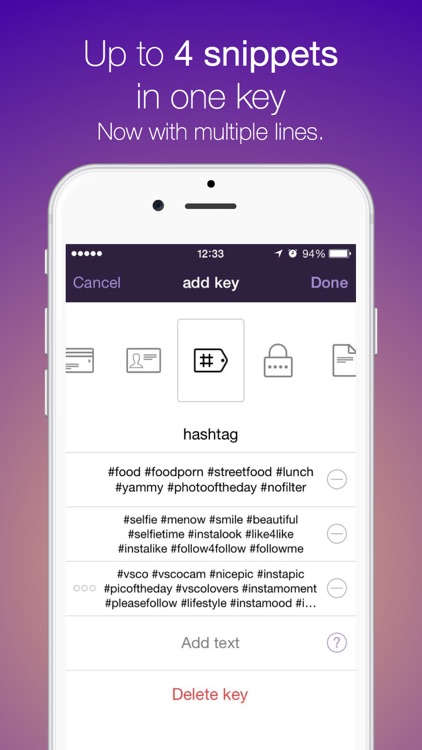
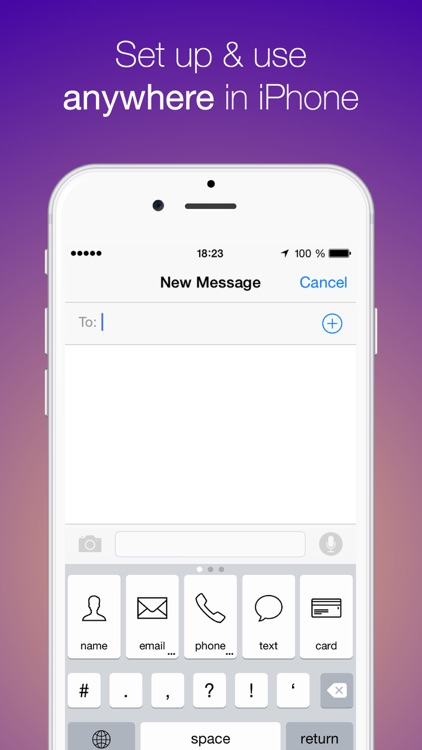
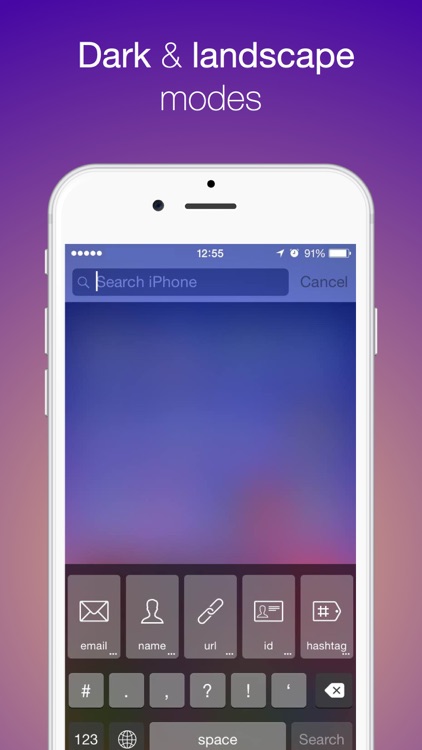
OftenType requires a little bit of setting up, but once you’re done, you’ll be happy with the results. You’re able to create an unlimited number of quick keys that contain all of your most used content. Keys can take on different icons to help better distinguish them, and you’re able to add up to four snippets of content per key. When you need a piece of content, simply tap the appropriate key and it will be instantly placed within your document.

If you use email addresses, phrases, or any other small piece of content over and over, give OftenType a try.

The app requires full access to your content, like most other third party keyboards. If you’re not willing to provide full access, the app will not operate.