



You are using an outdated browser. Please upgrade your browser to improve your experience.

Apps That
Went Free on
2015-03-02

Twist and create stories from your photos, learn how to tie a tie, monitor your iDevice from Notification Center, and do so much more with today’s collection of apps.

Tie Right
iPhone
iPad
Tie Right

Tie Right

Esoteric Development

Learn to tie right with this lifestyle app.
It’s great for business professionals and anyone else who needs to look their best.

FREE ($0.99) For a limited time FREE ($0.99) For a limited time
Why we picked this?

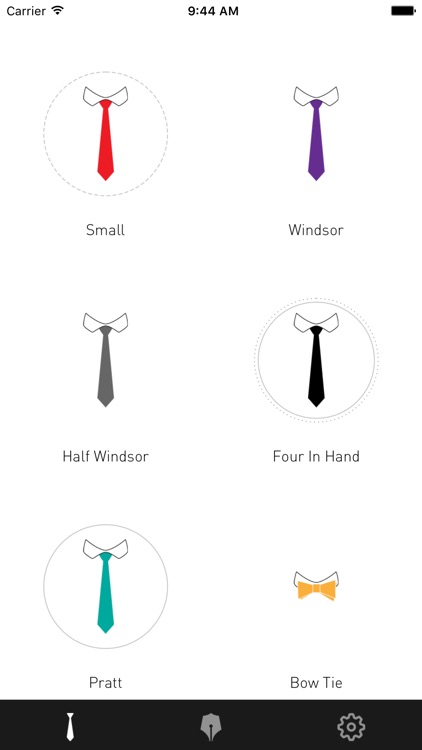
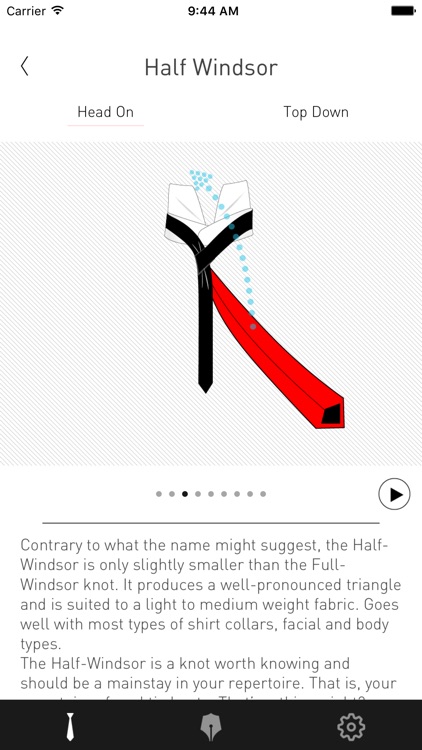
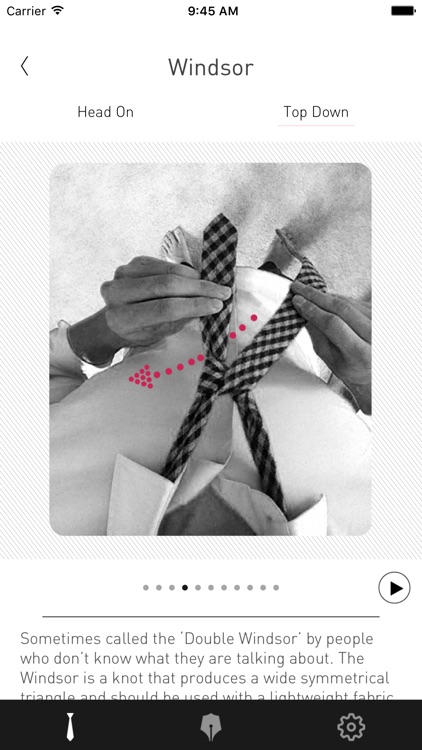
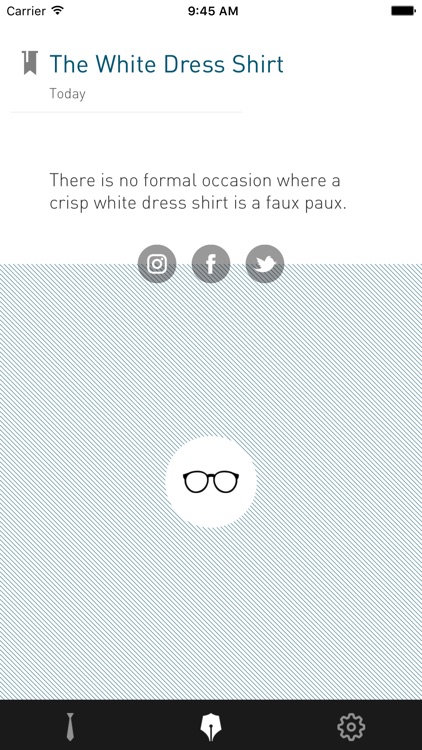
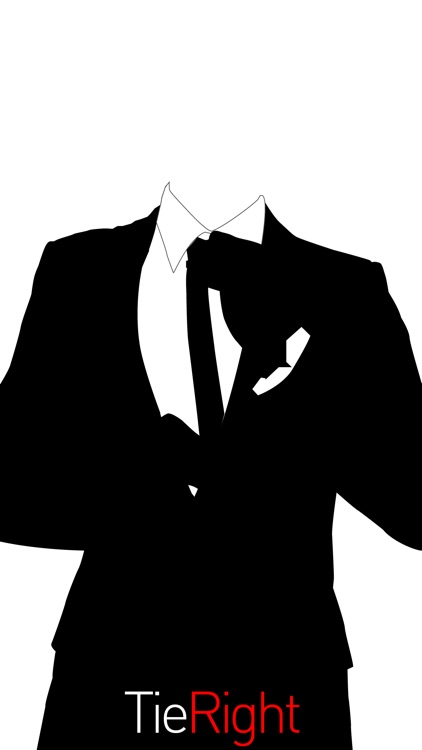
Tie Right walks you through how to tie six popular necktie knots. Each knot includes step-by-step instructions that can be scrolled through manually or automatically. It also includes head-on and top-down perspectives, and daily tips.

If you never learned the proper way to tie a tie, there’s no better time than the present.

It is limited to six knots, which isn’t bad, but you won’t find any adventurous knots like the Trinity or the Eldredge.

Circular Tiny Planet Editor
iPhone
iPad
Circular Tiny Planet Editor

Circular Tiny Planet Editor

James Grote

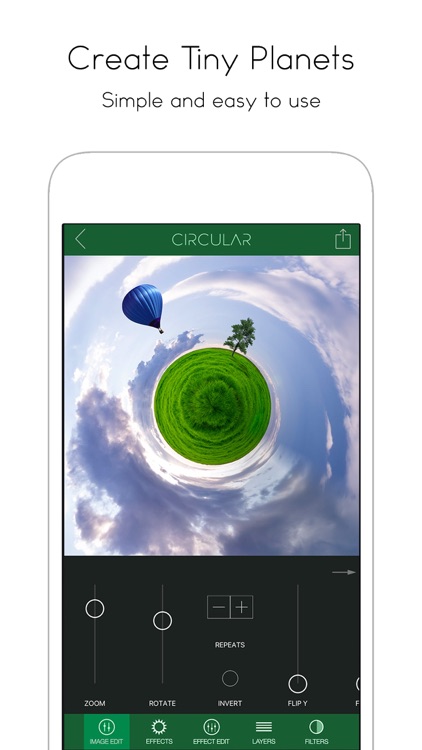
This twist on photo editing allows you to turn your favorite shots into circular works of art.

It’s for iPhoneographers who want more control over their photo editing experience.

$4.99 $4.99
Why we picked this?

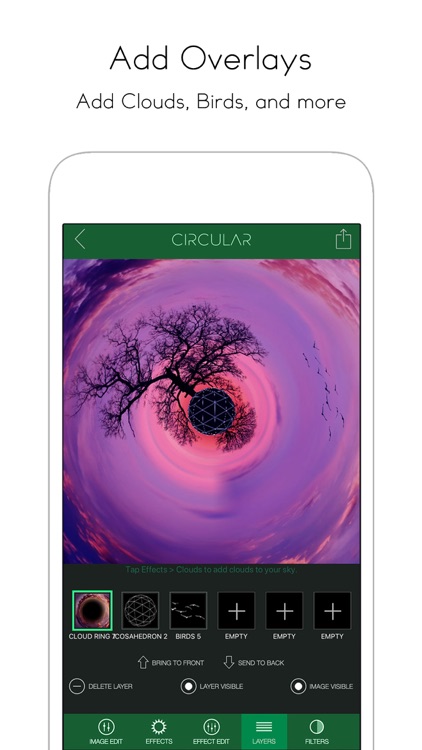
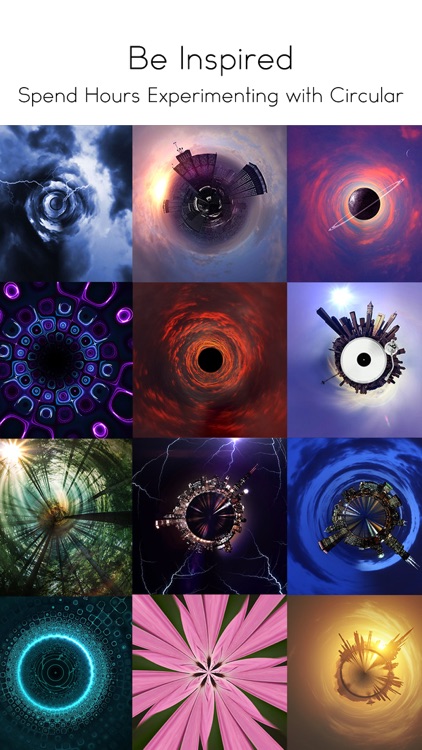
You’re able to import any photo from your library or take a new one from within the app. Then crop your photo before applying the circular effect. Your now circular photo can be rotated, repeated, inverted, and dressed up with filters. You’re able to add and layer additional lighting effects and sky objects, which can be customized as well. When you’re finished with the creation process, share your unique photo via Twitter, Facebook, Instagram, Messages, AirDrop, or email. Samples are available within the app in order to provide you with some inspiration.

If you want your photos to stand out on Instagram and other social media networks, you have to give Circular a try. It offers so much more control over the editing process than similar apps in the App Store.

The stitching can look a little clunky at times, and there isn’t a blending option to get rid of it.

DMD Topic - Talking Pictures
iPhone
iPad
DMD Topic - Talking Pictures

DMD Topic - Talking Pictures

Dermandar

DMD Topic allows you to create a story from a single photo.

It’s ideal for anyone who wants to highlight subjects in their photos.

$0.99 $0.99
Why we picked this?

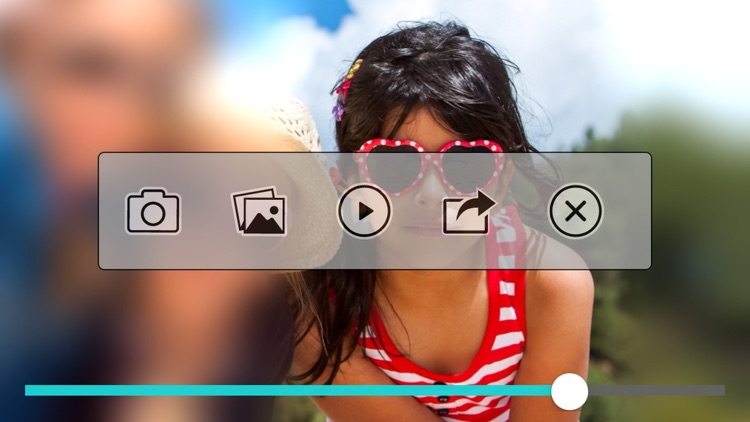
DMD Topic does one thing and it does it well. It allows you to focus in on subjects in your photo and add a voice recording to describe to your audience what they’re seeing. You’re able to tap on your subjects to have the camera focus in on them or you can use a pinch to zoom gesture to get even more accuracy. While zooming in, you’re able to record your voice to add some context. Then share your unique creation via Facebook, Twitter, email, or Messages.

If you have a photo with multiple subjects that you want to highlight, this is the perfect tool. There really isn’t anything like it in the App Store, so make sure to add it to your collection today.

DMD Topic is really a one trick pony. Plus, it doesn’t allow you to trim or edit what you’ve created. You only get one shot at it.

Orby Widgets - To Make Notification Center Even More Useful
iPhone
iPad
Orby Widgets - To Make Notification Center Even More Useful

Orby Widgets - To Make Notification Center Even More Useful

Monis Manzoor

Orby will tell you everything you need to know about your iDevice right from within Notification Center.

It’s a useful app for iOS 8 users who want to keep tabs on things like storage space and data usage.

$1.99 $1.99
Why we picked this?

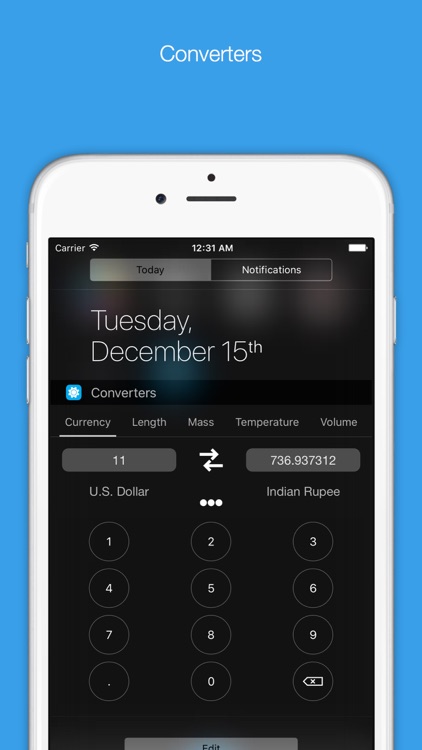
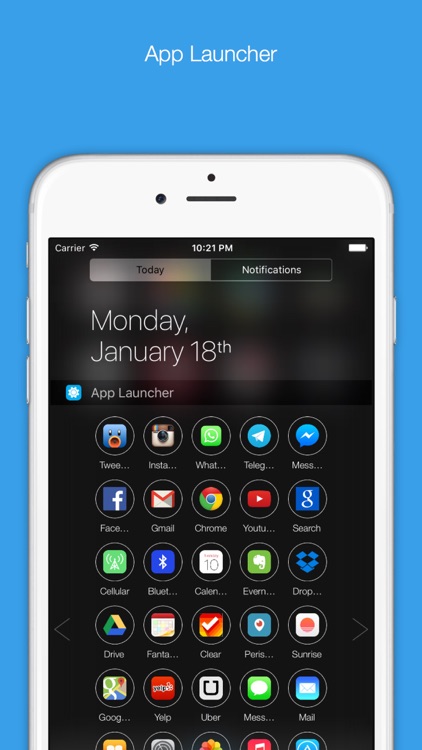
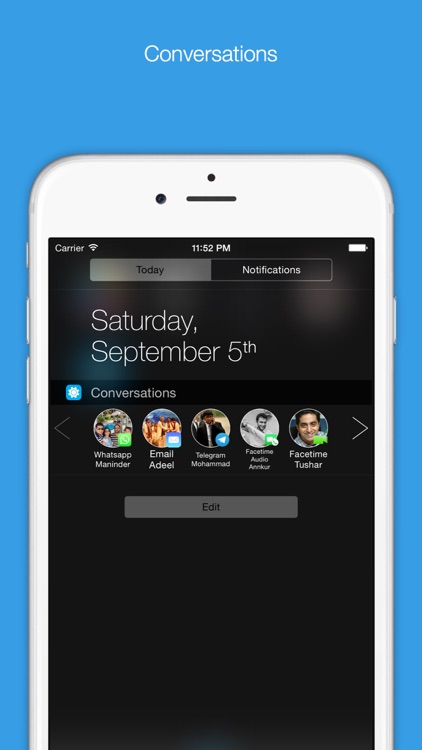
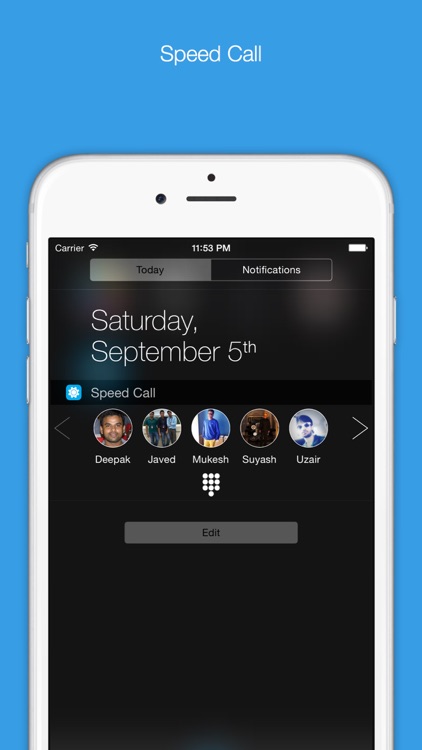
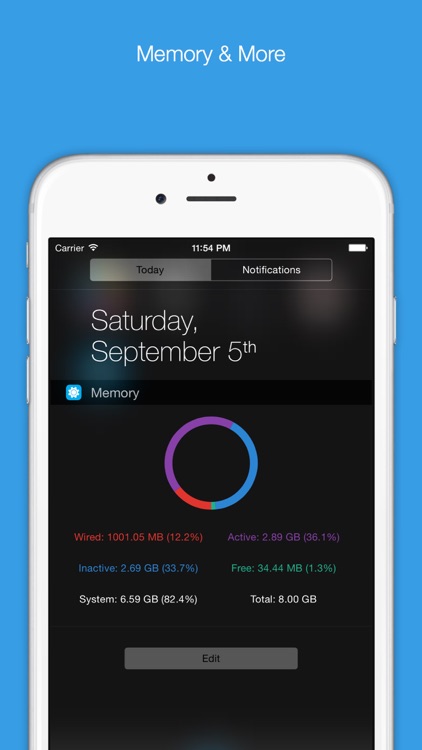
The app includes nine different Notification Center widgets: Memory, CPU, Storage, Battery, Share, Speed Call, Network, Network Addresses, and Runtime. To add any or all of the widgets, simply scroll all of the way down to the bottom of Notification Center and tap on the “Edit” button. You can arrange the widgets however you wish. Some of the widgets include customizable settings and colorful themes.

If you want all kinds of data at your fingertips, Orby is the app for you. It can display as much or as little as you want.

A lot of Orby’s widgets take up substantial amount of space, so be prepared for a lot of scrolling through Notification Center.

NoteLedge Premium - Take Notes, Sketch, Audio and Video Recording
iPad
NoteLedge Premium - Take Notes, Sketch, Audio and Video Recording

NoteLedge Premium - Take Notes, Sketch, Audio and Video Recording

Kdan Mobile Software LTD

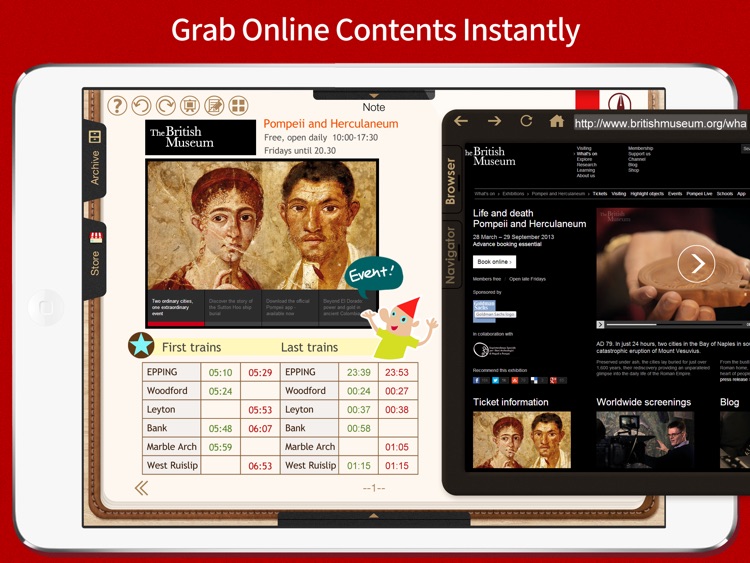
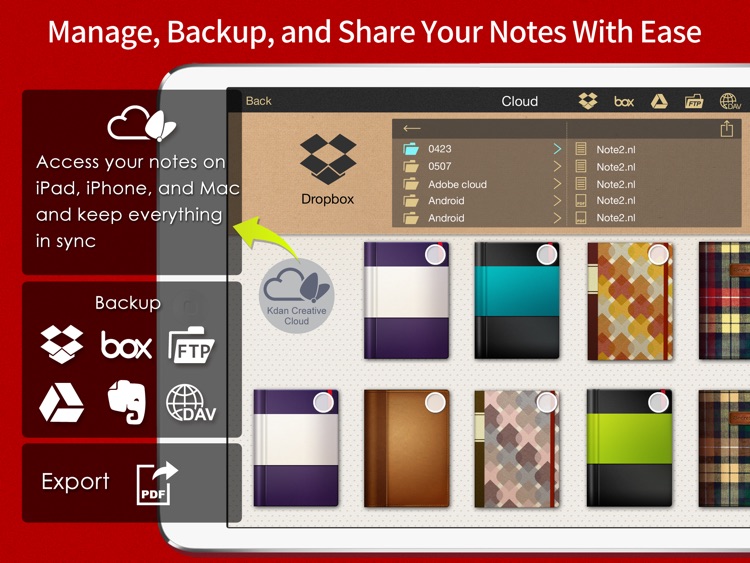
A personal digital notebook for you to take with you wherever you go.

It’s ideal for everyone from travelers to students.

$4.99 $4.99
Why we picked this?

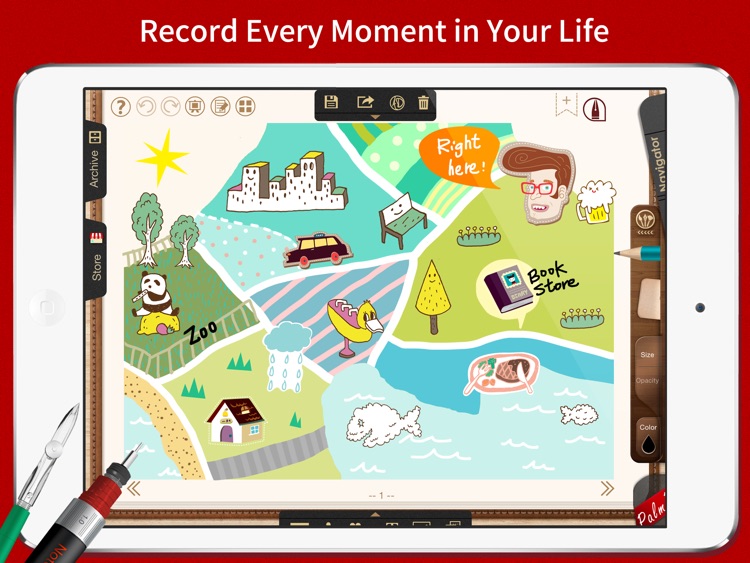
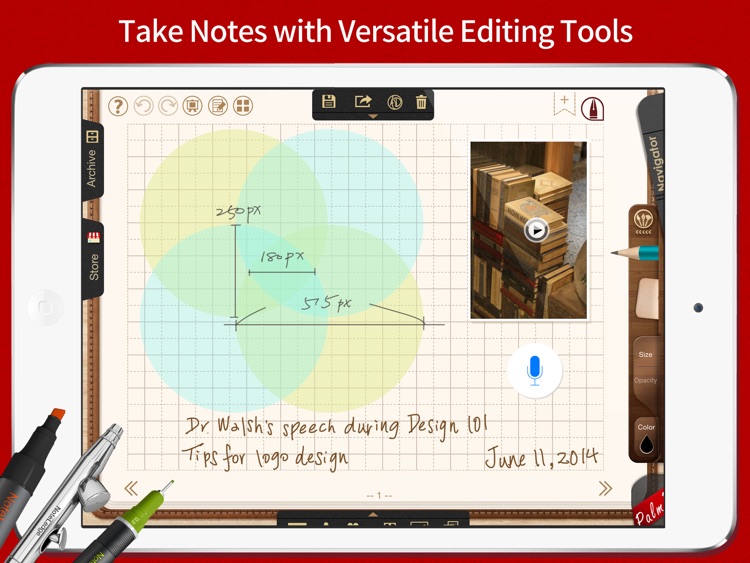
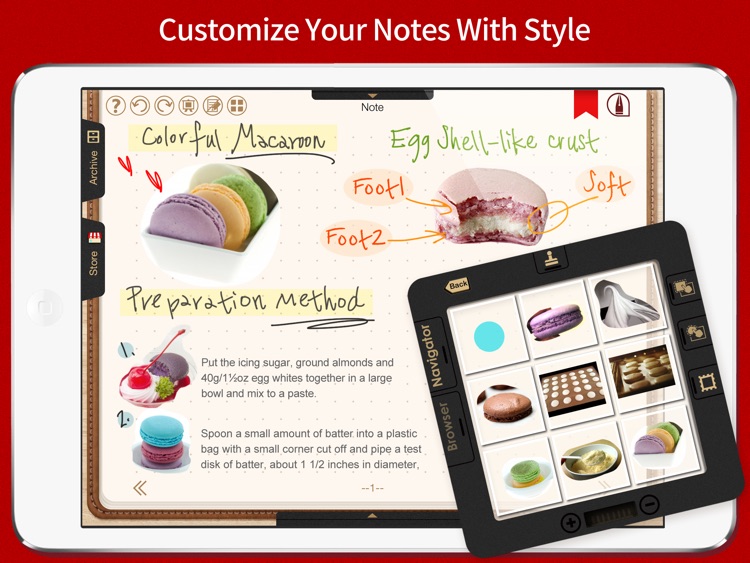
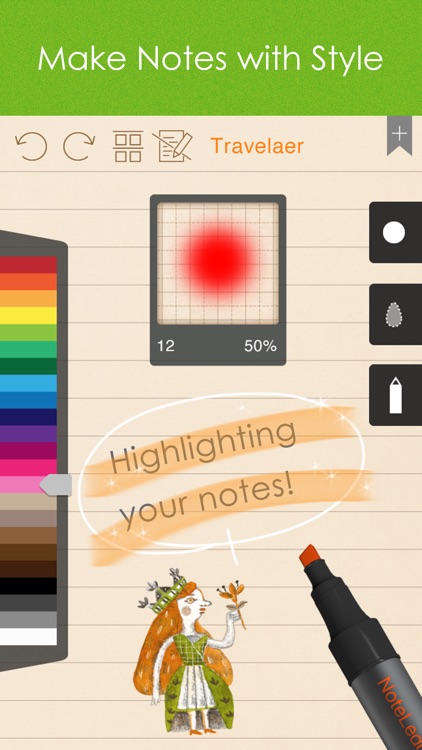
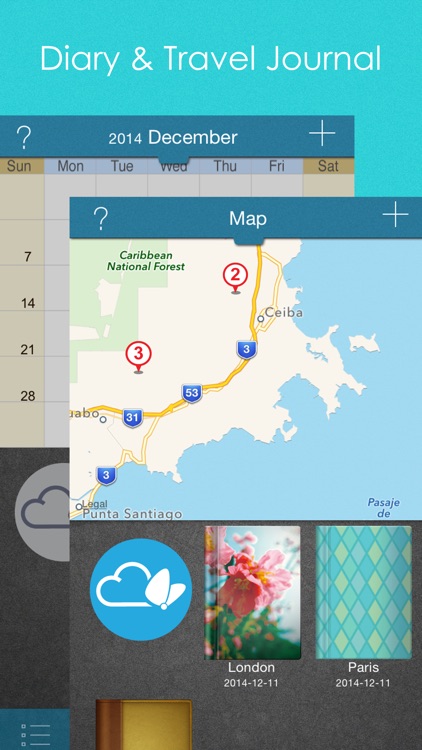
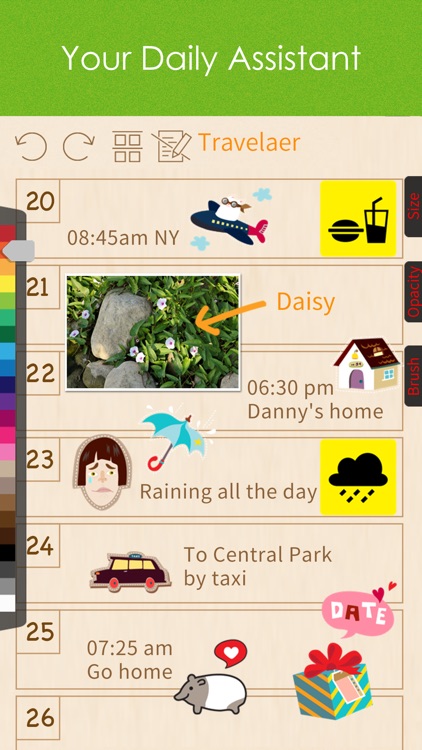
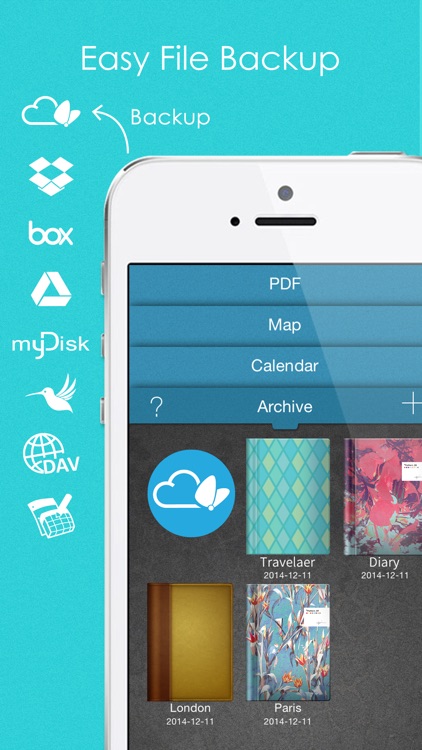
Whatever it is, NoteLedge will help you record it. You can use the app to jot down handwritten notes, draw pictures, edit photos, create presentations, record audio and video, and so much more. There’s not enough room to list all of NoteLedge’s nifty little features, so just download it right now, dig around a bit and enjoy.

If you need a way to record and organize your notes, this is it. NoteLedge offers a superior handwriting and doodling experience, making it feel as if you always have a pencil and paper with you at all times.

NoteLedge is packed with features, but there’s so much more available via in-app purchase. If you just can’t stand not having everything unlocked from the get go, skip this app.

NoteLedge Premium - Take Notes, Memo, Audio and Video Recording
iPhone
NoteLedge Premium - Take Notes, Memo, Audio and Video Recording

NoteLedge Premium - Take Notes, Memo, Audio and Video Recording

Kdan Mobile Software LTD

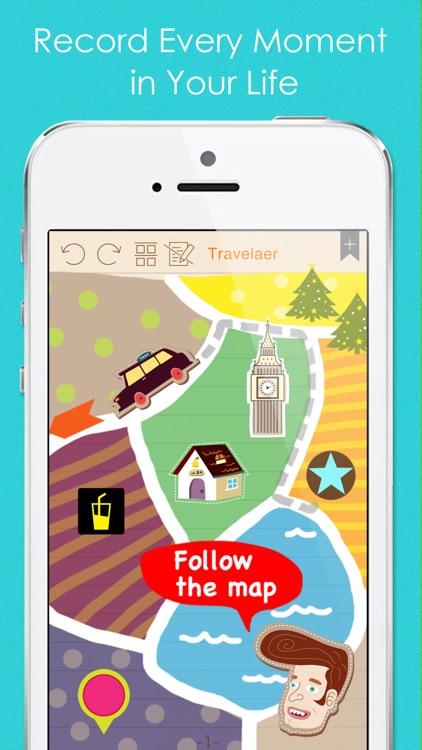
A personal digital notebook for you to take with you wherever you go.

It’s ideal for everyone from travelers to students.

$2.99 $2.99
Why we picked this?

Whatever it is, NoteLedge will help you record it. You can use the app to jot down handwritten notes, draw pictures, edit photos, create presentations, record audio and video, and so much more. There’s not enough room to list all of NoteLedge’s nifty little features, so just download it right now, dig around a bit and enjoy.

If you need a way to record and organize your notes, this is it. NoteLedge offers a superior handwriting and doodling experience, making it feel as if you always have a pencil and paper with you at all times.

NoteLedge is packed with features, but there’s so much more available via in-app purchase. If you just can’t stand not having everything unlocked from the get go, skip this app.