



You are using an outdated browser. Please upgrade your browser to improve your experience.

Apps That
Went Free on
2015-09-10

Finish the fight against the titans, fly through the sky, and convert units in a snap with today’s collection of apps and games.

Infinity Blade III
iPhone
iPad
Infinity Blade III

Infinity Blade III

Epic Games

Finish the fight with this epic conclusion of the Infinity Blade series.

It’s for fans of combat games.

$6.99 $6.99
Why we picked this?

You're able to explore new immersive environments with multiple paths to take. Engage enemies and perform attack and defense moves through intuitive gestures. Along your journey you'll have the chance to forge even more powerful weapons and obtain new armor for your warrior. The game includes gorgeous 3-D graphics powered by the Unreal engine, new achievements to earn, and three new modes.

Infinity Blade III was designed with mobile in mind. The controls are perfectly suited for anyone who enjoys a good combat game.

If you have an older iDevice, you may want to skip this one. It has some steep requirements thanks to its advanced graphics.


Sky Tourist Blitz Trip
iPhone
iPad
Sky Tourist Blitz Trip

Sky Tourist Blitz Trip

Zoltan Lading

Reach for the sky in the innovative Sky Tourist Blitz Trip.

It’s for fans of physics-based games like Cut the Rope.

$0.99 $0.99
Why we picked this?

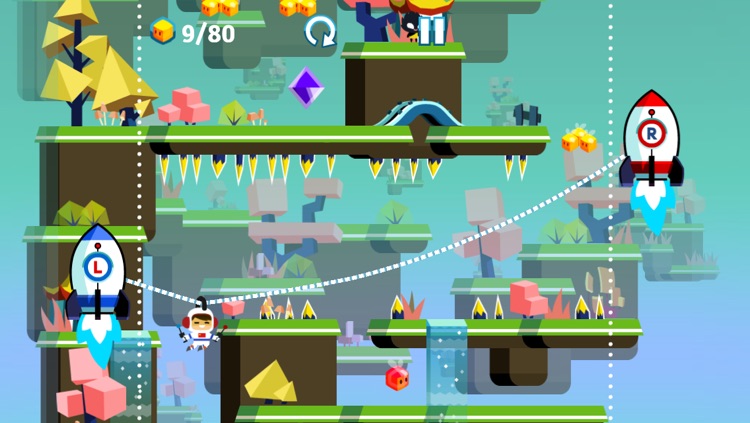
You get to join Petey Pendent, the astro-travel guru, on his fantastic journey through the east side of the jungle planet Plumia. Sky Tourist features a very unique control system, where you guide Petey up into the sky by manipulating rockets on each side of the screen. A rope connects the two rockets, and Petey slides between them based on the angle. Collect the treasures along the way and avoid obstacles in order to earn a perfect rating in all of the 60 beautiful levels.

If you’re a casual gamer, Sky Tourist Blitz Trip is for you. The levels are short in sweet, but you can take your time to work on perfect ratings if you like.

It’s not really ideal for competitive gamers since there isn’t a timed mode or anything else to push you along quickly.

10 - a Puzzle Made of Numbers
iPhone
iPad
10 - a Puzzle Made of Numbers

10 - a Puzzle Made of Numbers

IOJOE

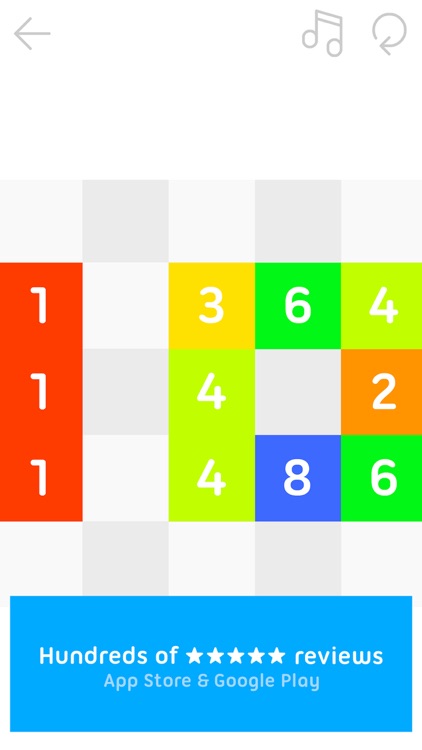
A puzzle game that’s all about the number 10.

It’s perfect for puzzle game fans who enjoy simple yet challenging gameplay.

$1.99 $1.99
Why we picked this?

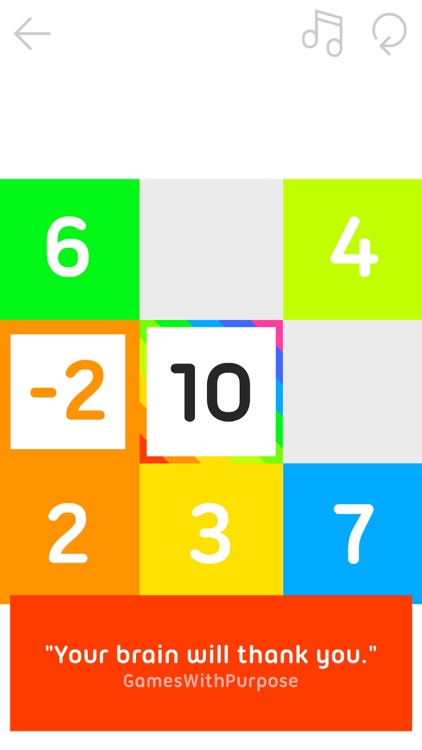
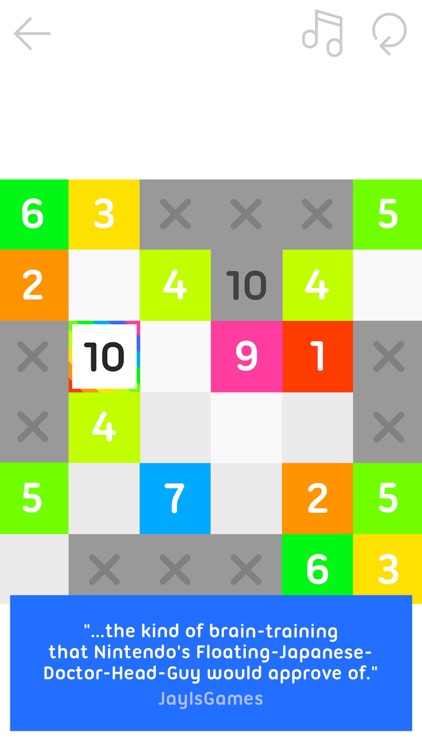
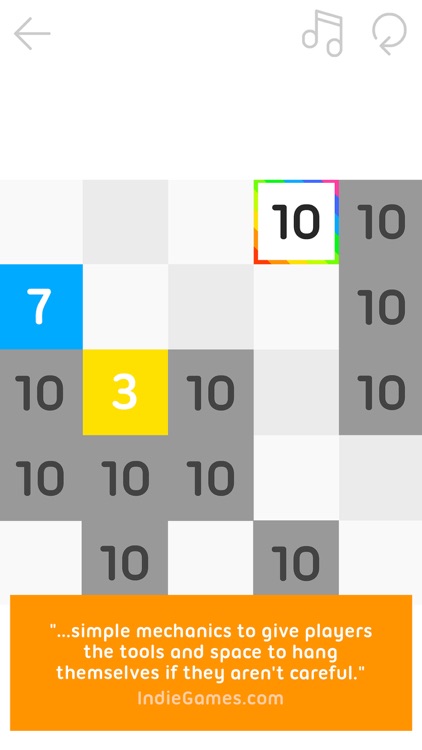
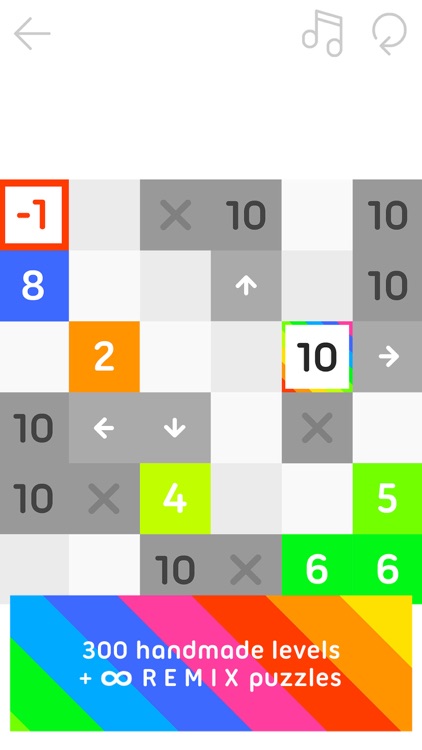
This puzzle game will really get your brain juices flowing. Numbers are scatted all around the grid. It’s up to you to slide them together to add them up to 10. You can not exceed 10, and you are required to use all of the number tiles on the board to complete each level. As you progress, other factors like blocked out grid pieces and tiles that reduce your total will be added, making it rather difficult to complete all 300 levels. Hopefully you’re up for the challenge!

If you like logic puzzle games, you’ll love 10. It utilizes the tried and true sliding puzzle game mechanic to reel you in, and then stomps out all hope with its challenging gameplay.

If you don’t like to be challenged, skip 10. It ramps up in difficulty relatively quickly, and doesn’t offer any hints, which means once you’re stuck you’ll stay stuck.

Unit Converter ∞
iPhone
iPad
Unit Converter ∞

Unit Converter ∞

Incpt.Mobis

Make quick work of unit conversions with this utility app.

It’s ideal for travelers, contractors, and anyone else in need of converting units without an internet connection.

$2.99 $2.99
Why we picked this?

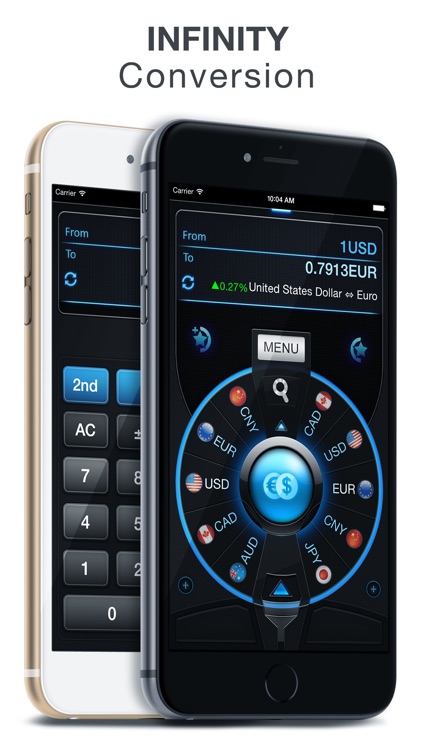
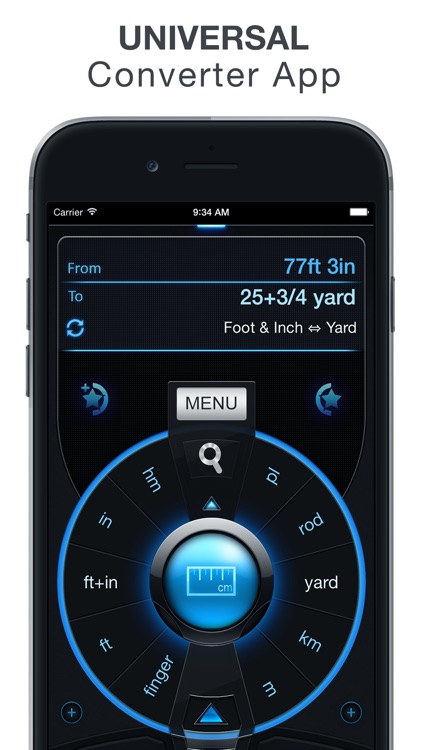
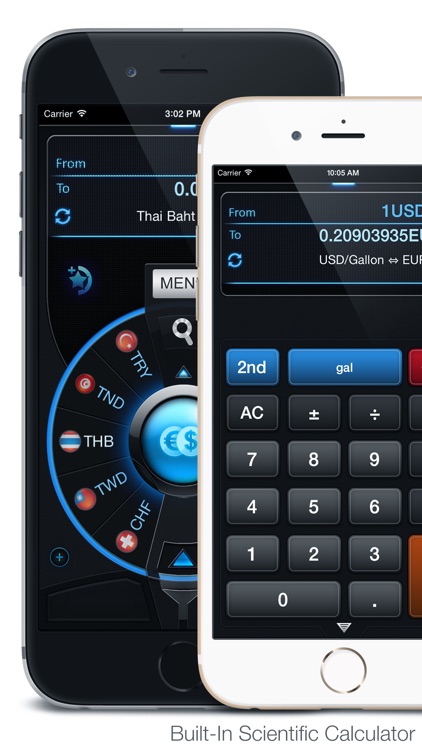
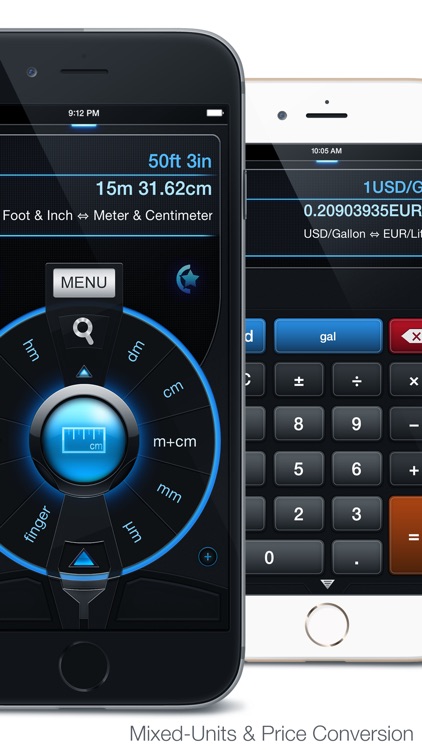
Select your unit category by rotating the dial on the main screen and tapping the big blue button in the middle. Then rotate the dials on each side to select the two units you want to convert. The app includes more than 50 categories, more than 1,000 units, search, the ability to save your favorite units, the ability to disable categories and units, and up-to-date currency rates.

If you need quick access to frequently used units, you won’t find a more efficient converter.

If Siri is cutting it for you, just skip this one.

DrawOnMp
iPhone
DrawOnMp

DrawOnMp

leerom

Annotate maps with DrawOnMap.

It’s great for anyone who frequently needs to share directions.

$0.99 $0.99
Why we picked this?

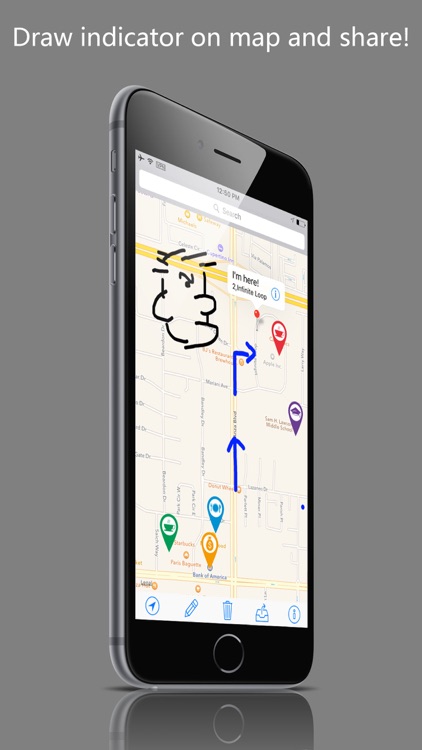
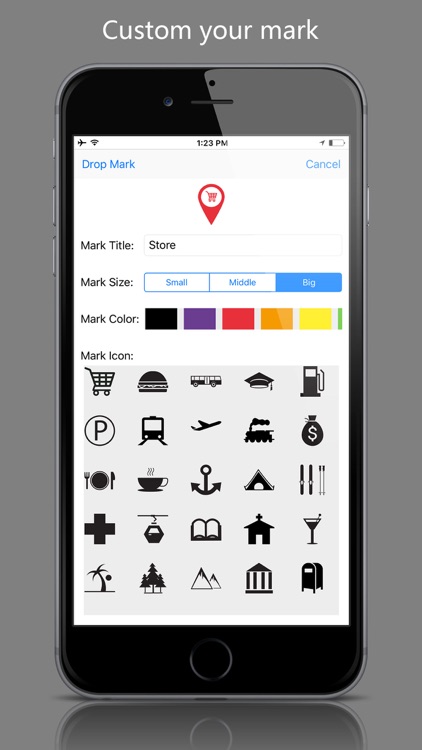
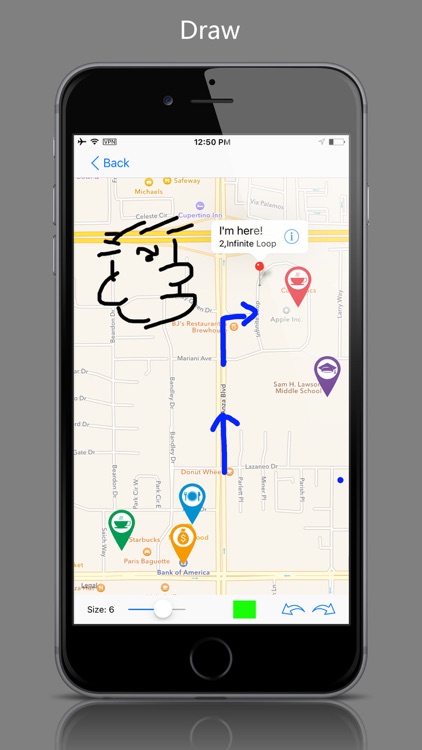
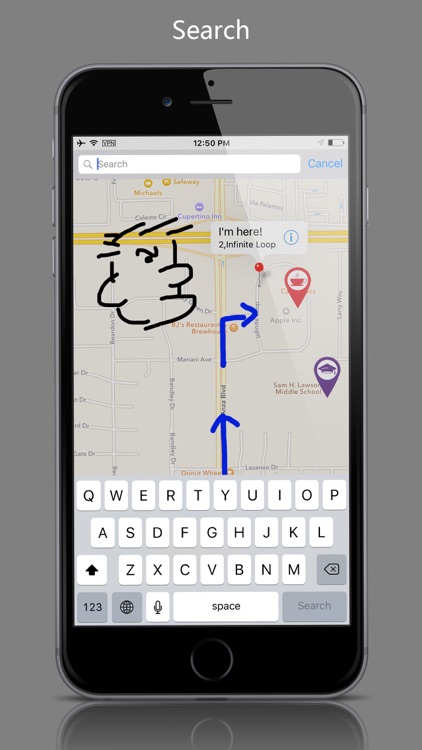
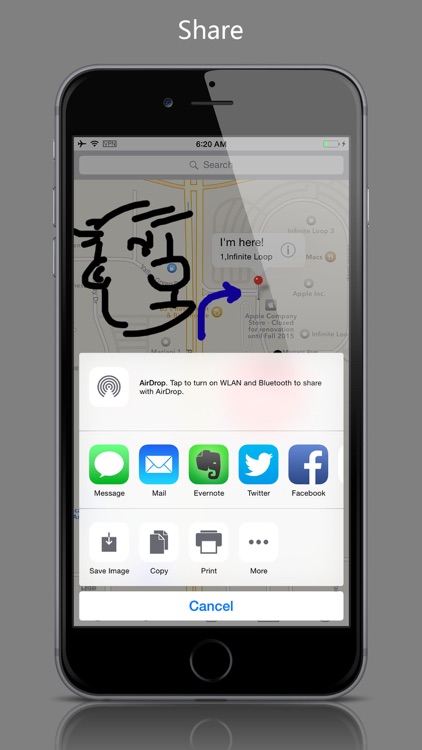
DrawOnMap is pretty straightforward. It will automatically detect your location or you can enter a street address. To annotate, simply tap the pencil icon in the toolbar at the bottom and the map will flip over. You’re able to adjust the size and color of the pencil, and undo and redo any strokes that are made. When you’re finished, tap the back button to return to the live map view and see all of your annotations. You can then change the location on the map and continue to draw, or you can complete the process by saving or sharing it.

If your life or job requires you to share directions, this is the perfect tool for you. Its no-frills approach to annotation helps you get in and out quickly.

DrawOnMap has a very specific purpose. It really isn’t intended to be anything other than a map annotation tool.