


You are using an outdated browser. Please upgrade your browser to improve your experience.

Apps That
Went Free on
2015-11-19

Fight a futuristic war, play dress-up, and ride in style with today’s collection of apps and games.

Stellar Wars
iPhone
iPad
Stellar Wars

Stellar Wars

Liv Games

The futuristic successor to the Legendary Wars series.

It’s for fans of sci-fi strategy games.

$0.99 $0.99
Why we picked this?

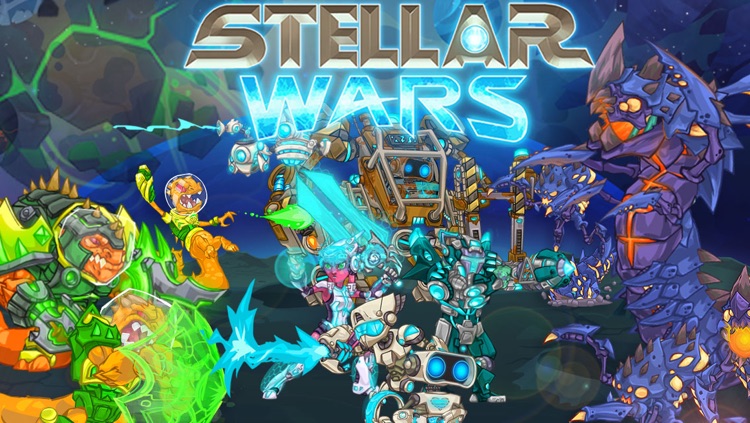
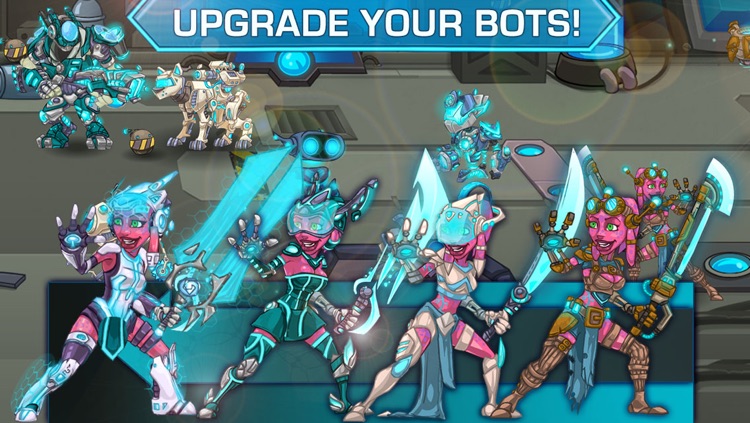
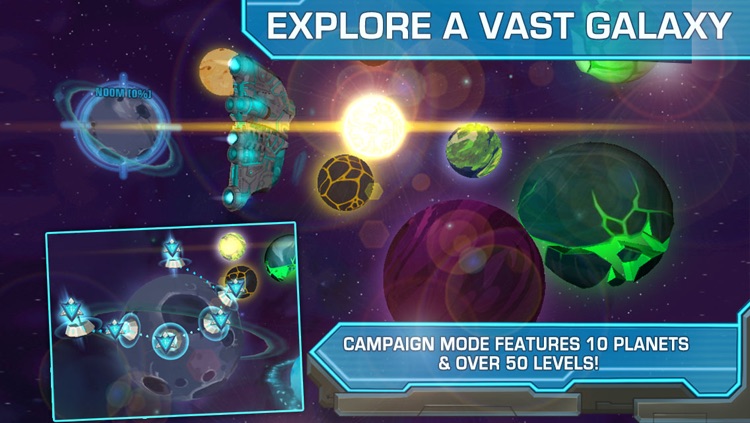
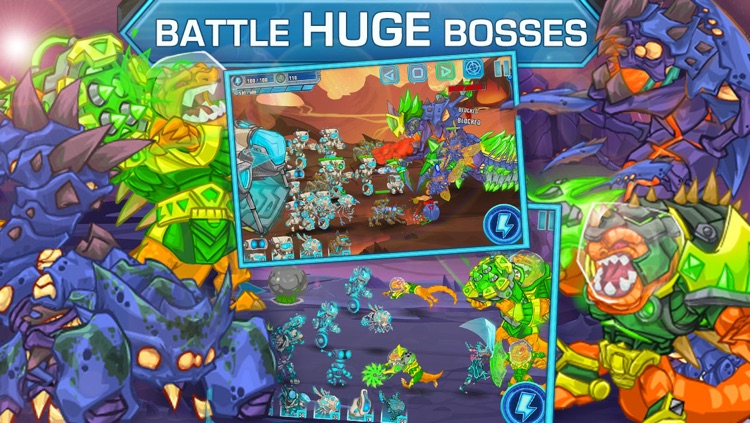
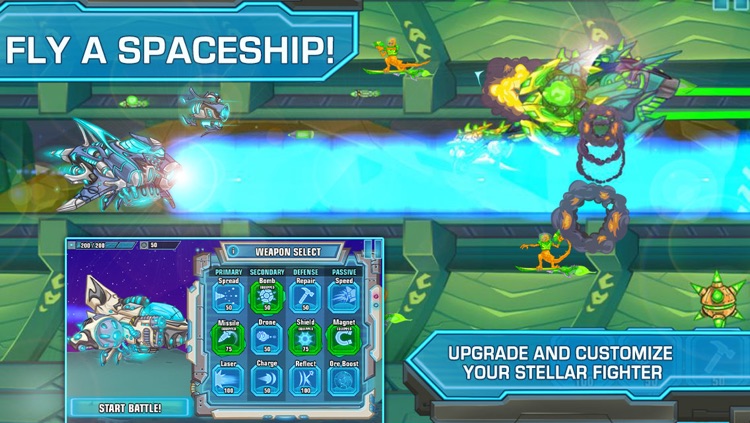
Join the last remaining robots on a quest to rebuild their civilization in a mysterious new solar system. The only problem is, you and your robots are stuck in the middle of a war that could determine the future of the entire galaxy. You must build up a massive army of customizable robots by mining resources, and then unleash them upon the hordes of aliens. You’re able to assist your robots by blasting the aliens with your customizable Stellar Fighter. The game features a crazy mix of strategy and action within the massive campaign mode, so there will never be a dull moment. It also includes 10 planets to explore, 50 levels, 12 customizable robots, 30 enemies, 10 bosses, and achievements and leaderboards via Game Center.

Few games are able to combine action and strategy so well on a mobile platform, so if you like your gameplay varied, you need to at least give Stellar Wars a try.

Due to the unique gameplay, it can take a bit to get used to the setup of the battles. Hang in there.
DailyArt PRO
iPhone
iPad
DailyArt PRO

DailyArt PRO

Moiseum

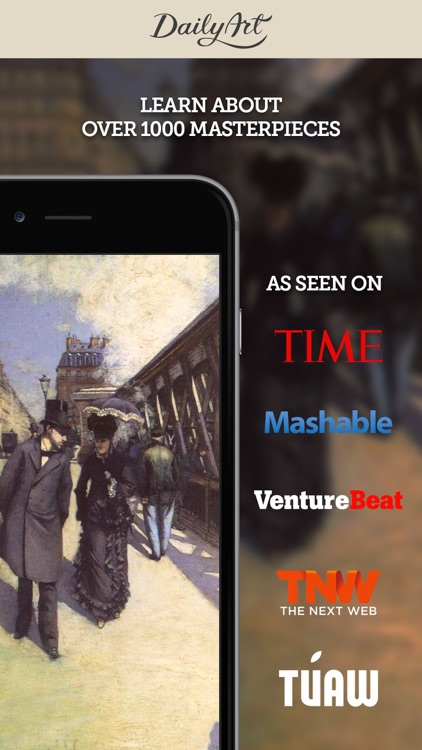
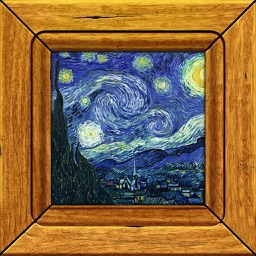
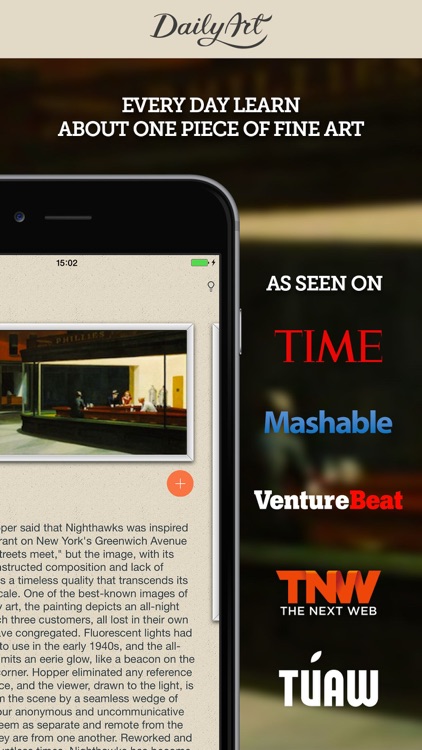
Get inspired by works of art each and everyday with DailyArt.

It’s for those interested in paintings and the artists who create them.

$4.99 $4.99
Why we picked this?

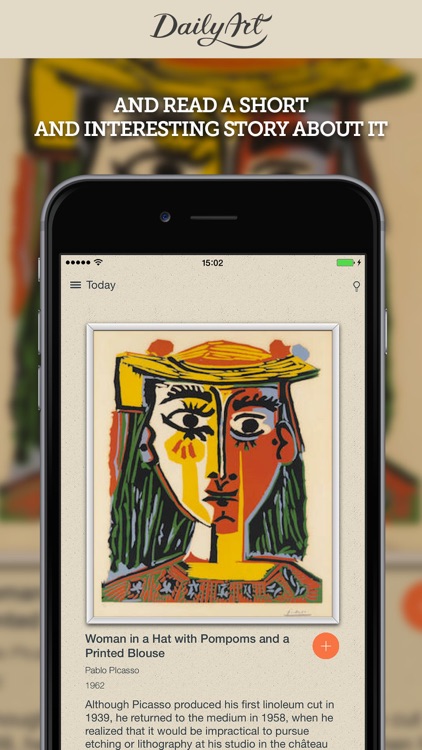
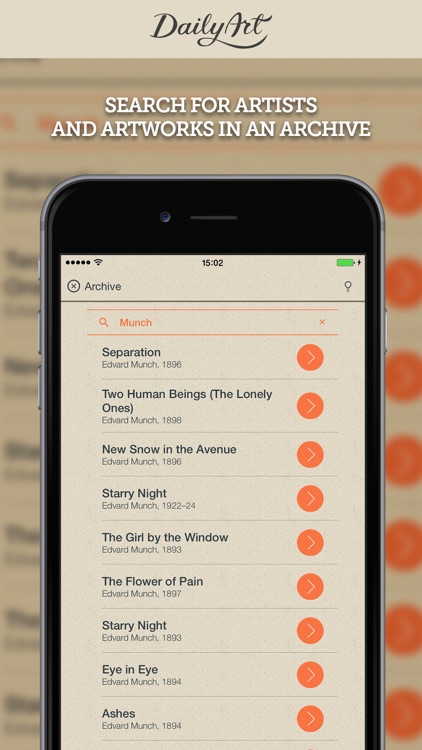
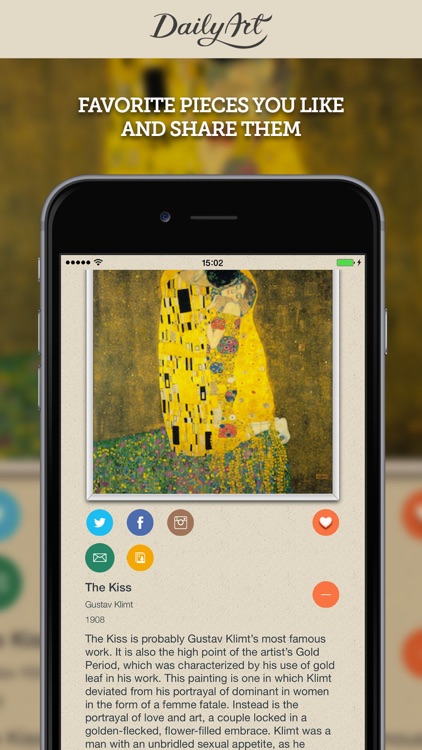
This is a dream come true for anyone who loves art. Every day you launch the app you’ll see a classic work of art. Tap on it to get a closer look. Each entry includes the name of the piece and the artist who created it, the year it was created, a thorough breakdown of the story behind it, its current location, and its dimensions. You’re able to share your favorites via social media, or simply save them for later viewing. The app also allows you to go back and time and search the archives.

If you’re fascinated by the history of art, download DailyArt today. It’s simply fantastic.

The app is universal, so it can be used on any iDevice, but those with smaller screens simply won’t be able to appreciate the works of art as much.

Stezza: Simple Music Player
iPhone
iPad
Stezza: Simple Music Player

Stezza: Simple Music Player

Foobar Creative

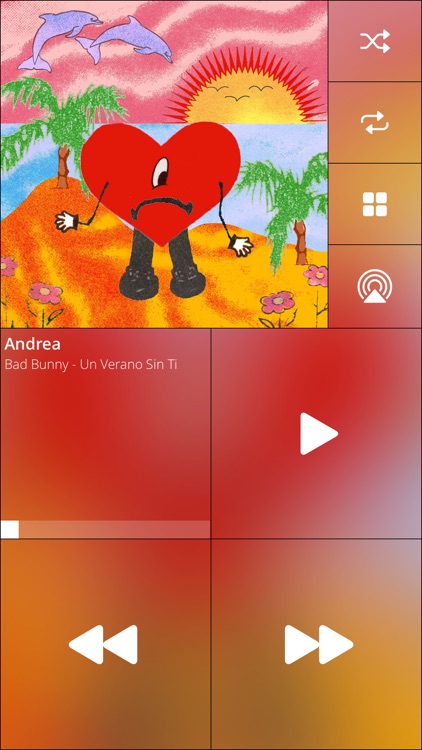
Stezza was made for cruising.

It’s ideal for those who mount their iDevice in their vehicle.

$2.99 $2.99
Why we picked this?

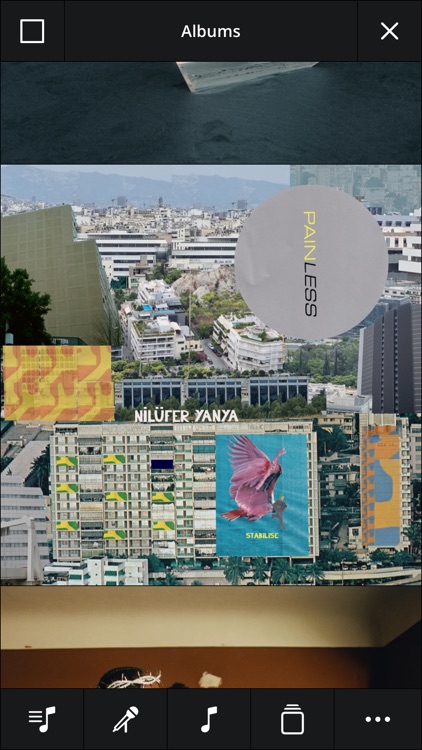
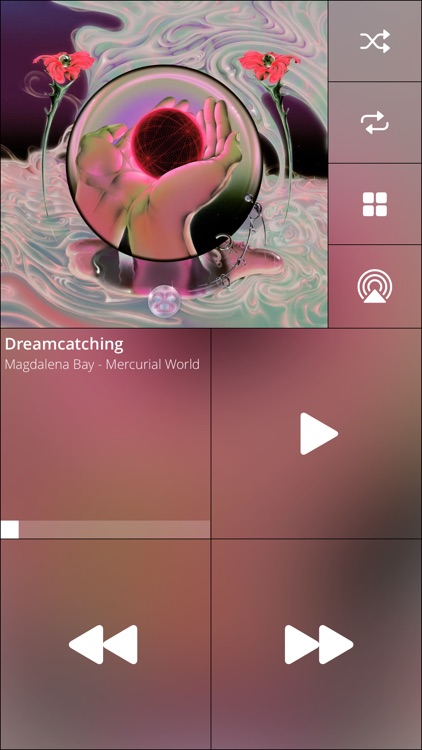
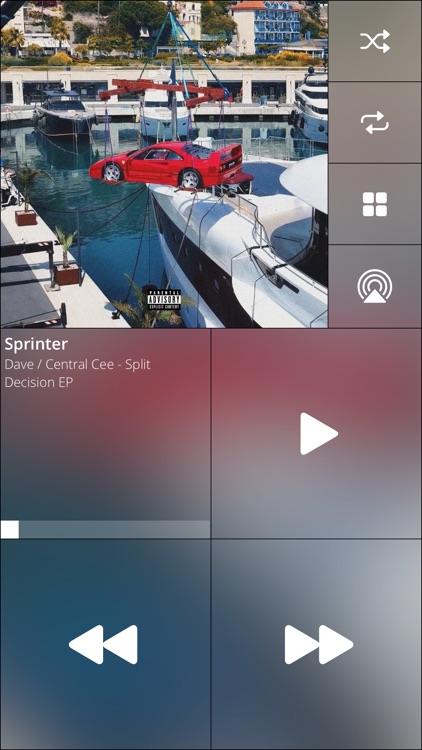
Its large, easy to read buttons allow you to play, skip, pause, and crank up your music with little effort. You're able to choose new tunes by tapping on the album art or by swiping right to left on the screen. You can also change the color of the entire interface to match your mood or style. The app works great in portrait or landscape orientation as well.

If you constantly find yourself fumbling with your iDevice while trying to play tunes, this is the app for you. Making things even more convenient, it even features Pioneer AppRadio compatibility and accessibility support.

If Apple’s native music player is cutting for you, skip this one. Its interface is what sets it apart.

Toca Tailor
iPhone
iPad
Toca Tailor

Toca Tailor

Toca Boca AB

Your little ones can play dress-up with Toca Tailor.

It’s for children ages four through 11.

$3.99 $3.99
Why we picked this?

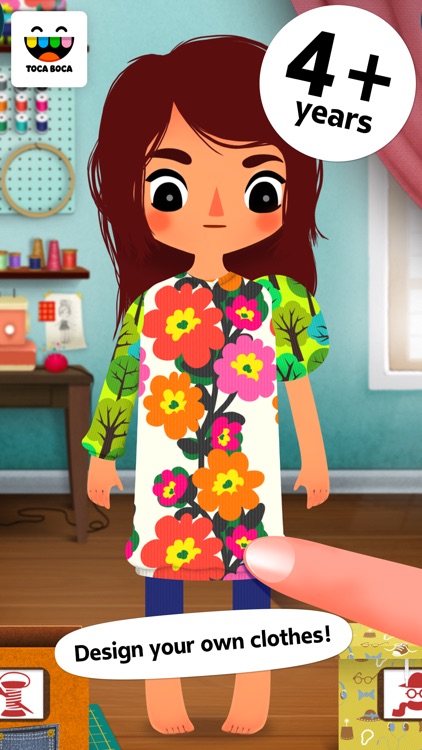
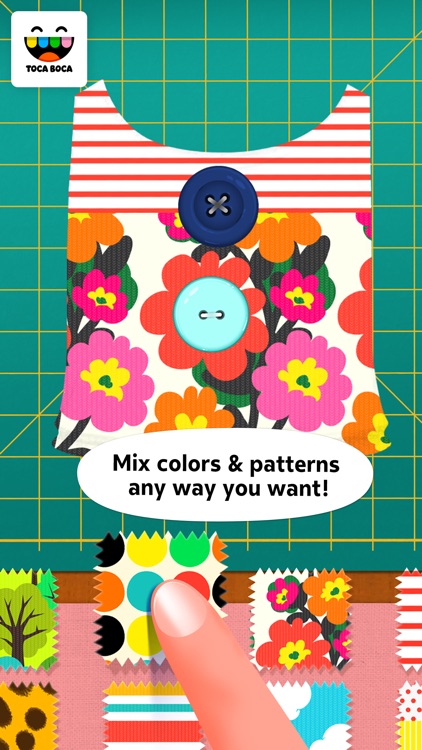
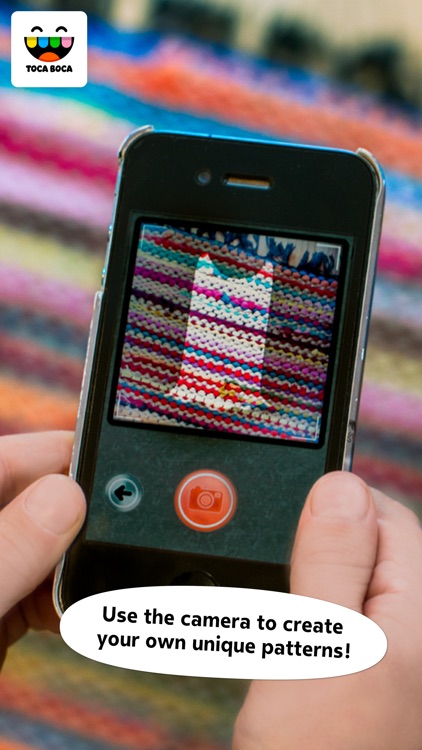
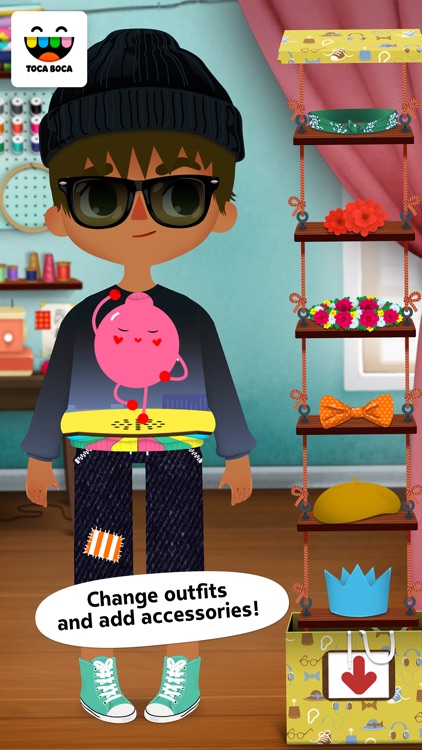
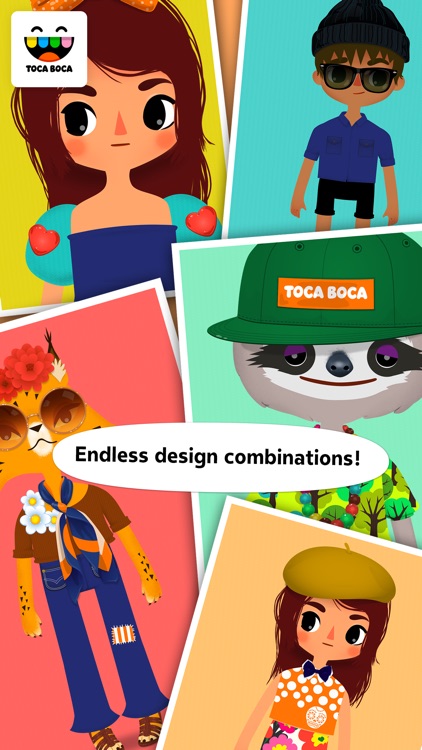
They can choose between four characters, and then mix and match colors, prints, and fabrics to create funky outfits. Your child can also create their own unique pattern by snapping a photo of something in their environment. Once everything looks in order, your child can take a photo of their creation using their own room as a background.

Foster your child’s creative side with Toca Tailor. With 24 fabric patterns, 24 clothing details, and 30 cool accessories, they’ll never run out of things to create.

Children under the age of four will struggle with the interface.

Stackables for iPad - Layered Textures, Effects, and Masks
iPad
Stackables for iPad - Layered Textures, Effects, and Masks

Stackables for iPad - Layered Textures, Effects, and Masks

Samer Azzam

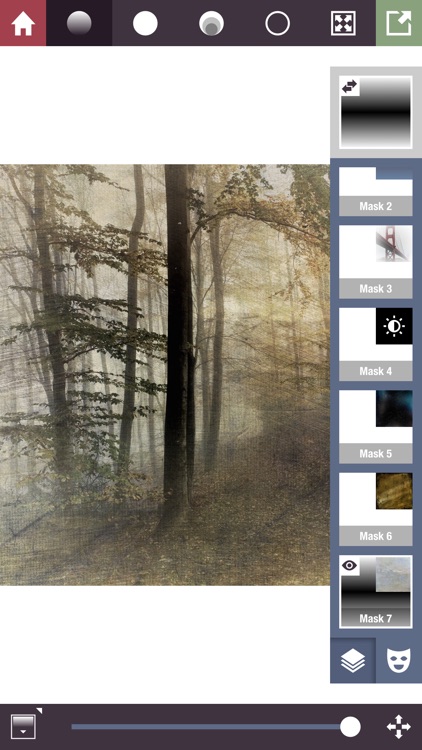
Transform your photos by stacking layers upon layers of effects, textures, and filters with Stackables.

It’s really ideal for iPadographers of all levels thanks to its flexibility.

$2.99 $2.99
Why we picked this?

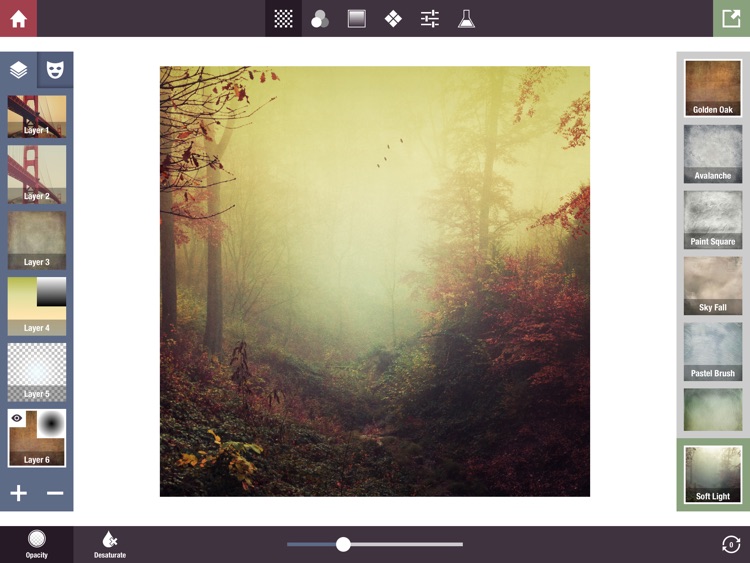
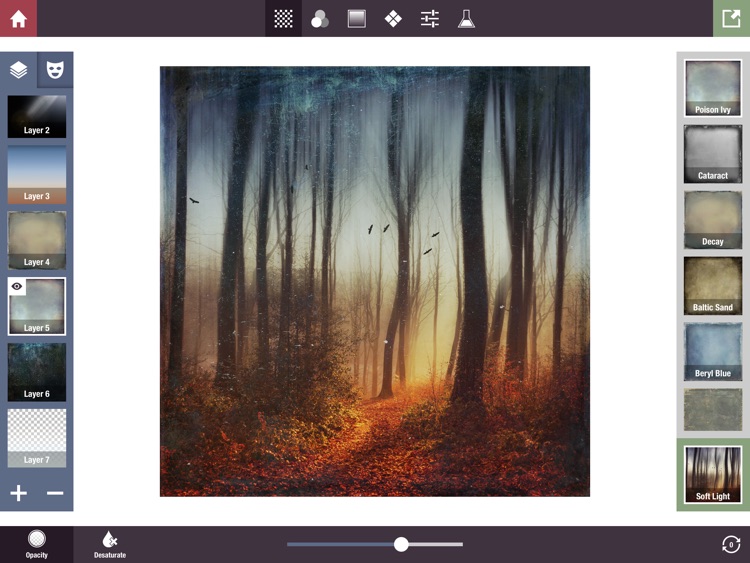
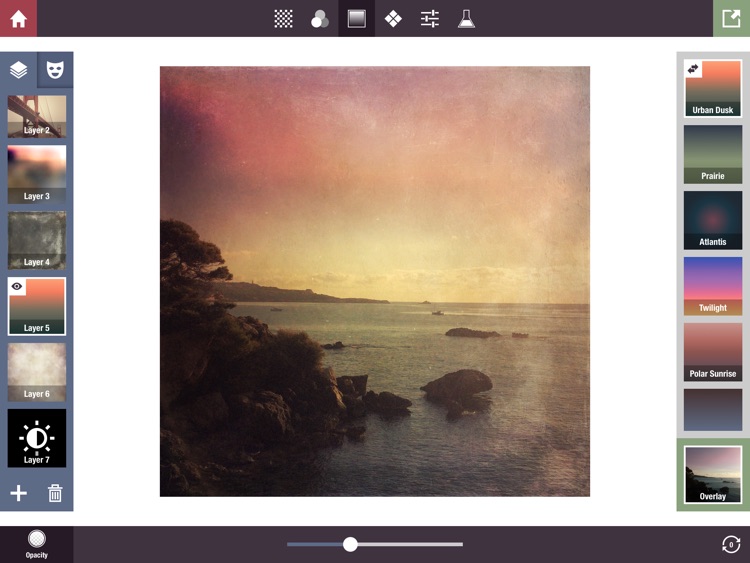
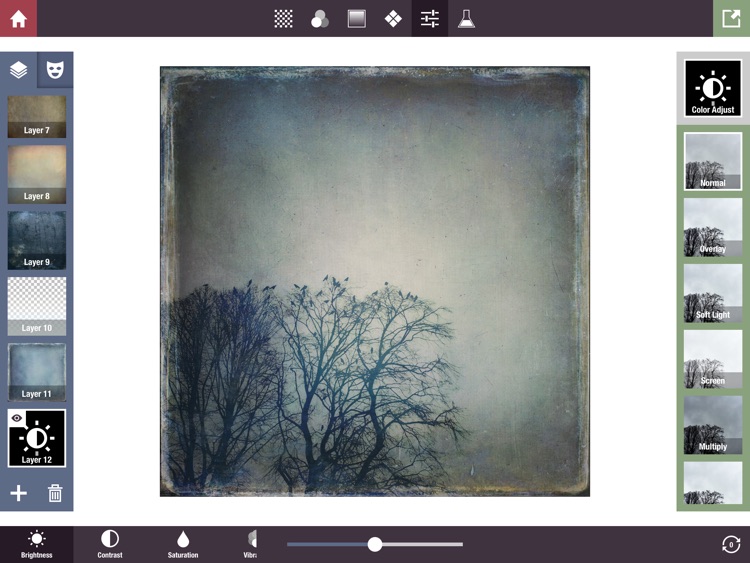
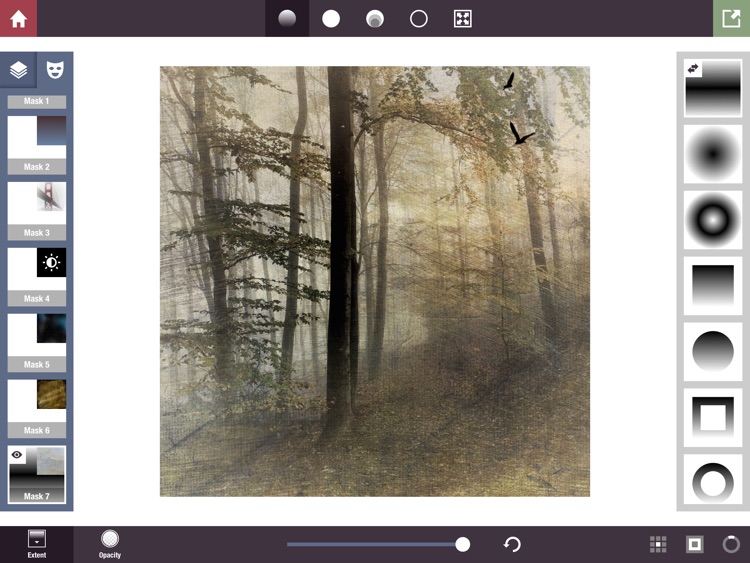
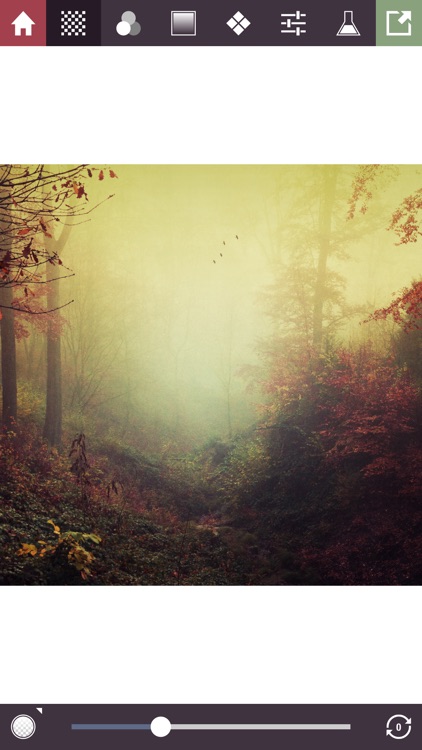
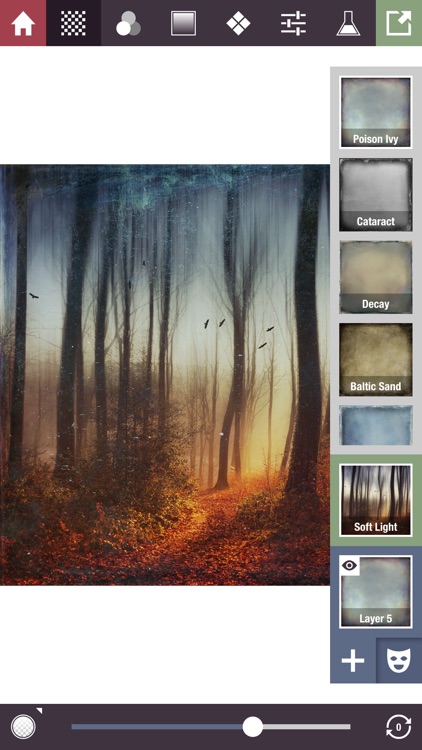
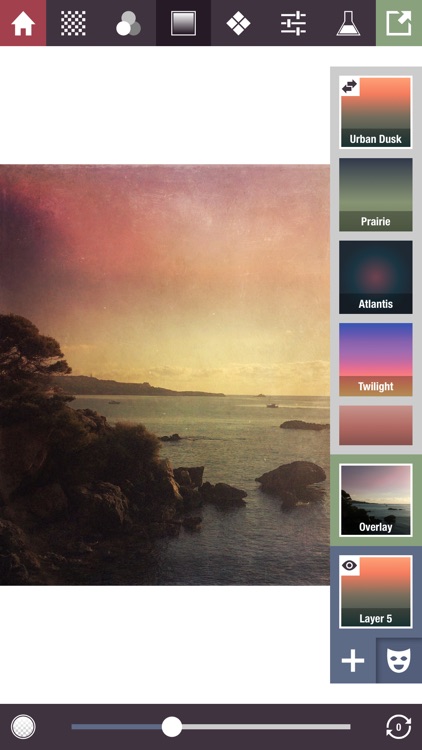
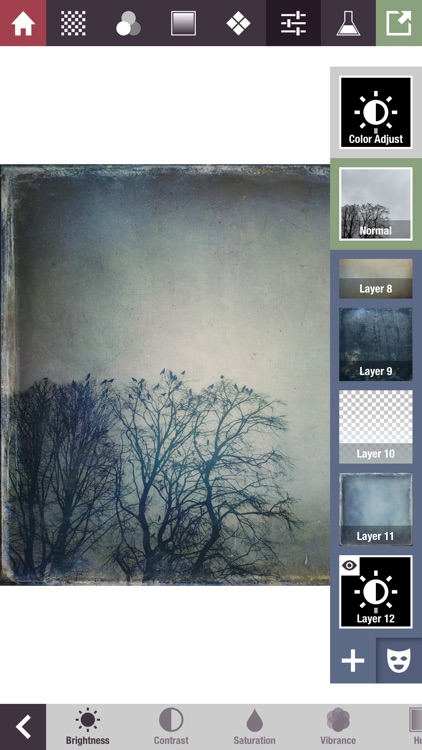
Choose any photo from your library or take a new one from within the app. You’ll then see a scrollable list of more than 200 unique effects, filters, and textures appear down the right-hand side of the screen. Stackables allows you to apply as many or as few of these as you like by creating separate layers for each. The layers can be customized in a variety of ways, and you’re able to rearrange them after the fact by dragging and dropping them into place. The app also includes 20 professional adjustment tools, the ability to create your own formulas and share them via email, and three resolutions to choose from.

If other photography apps have left you feeling limited and wanting more, download Stackables today.

The app is absolutely loaded with options, but there are still many, many more effects and filters available via in-app purchase. If you simply can’t stand the thought of not having them all, you’re either going to have to spend $3.99 to download the master pack or skip this one.

Stackables - Layered Textures, Effects, and Masks
iPhone
Stackables - Layered Textures, Effects, and Masks

Stackables - Layered Textures, Effects, and Masks

Samer Azzam

Transform your photos by stacking layers upon layers of effects, textures, and filters with Stackables.

It’s really ideal for iPhoneographers of all levels thanks to its flexibility.

$2.99 $2.99
Why we picked this?

Choose any photo from your library or take a new one from within the app. You’ll then see a scrollable list of more than 200 unique effects, filters, and textures appear down the right-hand side of the screen. Stackables allows you to apply as many or as few of these as you like by creating separate layers for each. The layers can be customized in a variety of ways, and you’re able to rearrange them after the fact by dragging and dropping them into place. The app also includes 20 professional adjustment tools, the ability to create your own formulas and share them via email, and three resolutions to choose from.

If other photography apps have left you feeling limited and wanting more, download Stackables today.

The app is absolutely loaded with options, but there are still many, many more effects and filters available via in-app purchase. If you simply can’t stand the thought of not having them all, you’re either going to have to spend $3.99 to download the master pack or skip this one.