



You are using an outdated browser. Please upgrade your browser to improve your experience.

Apps That
Went Free on
2015-11-22

Decipher squares of scrambled letters, freely roam the skies, and manage all of your files with today’s collection of apps and games.

PocketWings: Discovery Island
iPhone
iPad
PocketWings: Discovery Island

PocketWings: Discovery Island

PocketWings, LLC

Explore an island from above in PocketWings.

It’s for those who enjoy arcade-style flight games.

FREE ($2.99) For a limited time FREE ($2.99) For a limited time
Why we picked this?

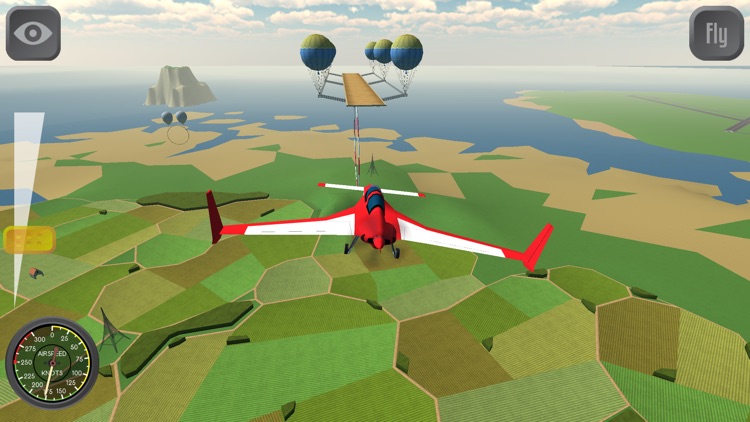
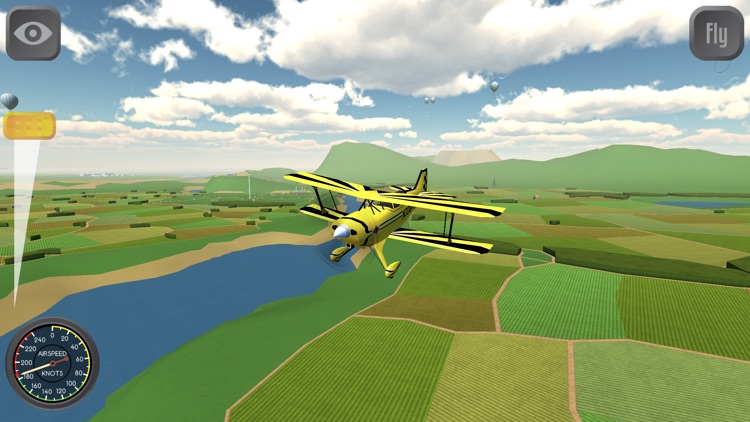
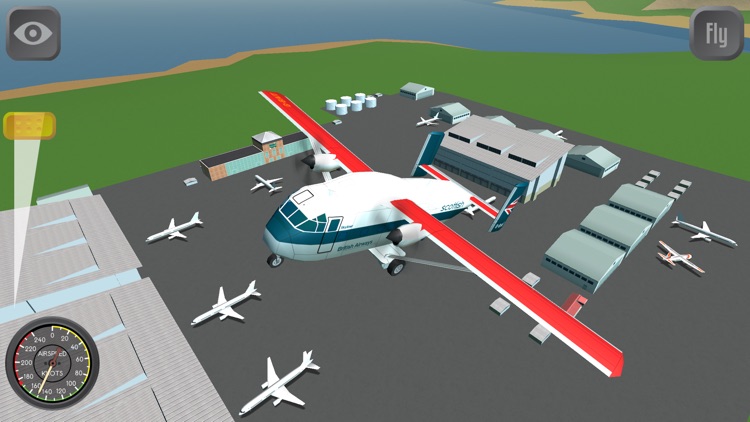
PocketWings is the ultimate pick-up-and-play flight game. You’re able to choose from six different types of aircraft, and then immediately take to the skies. The throttle is located in the bottom left corner of the screen and a speedometer is seated in the bottom right. Just tilt to steer. There are no rules or complicated maneuvers to learn. Simply enjoy the experience and take in the scenery. You’re able to record your flights and play them back, or share them with the world via YouTube.

If you’re looking for a casual gaming experience, it doesn’t get much more breezy than PocketWings. No objectives. No rules. Just fly.

This isn’t a realistic flight simulator nor does it try to be one.

Word²
iPhone
iPad
Word²

Word²

BorderLeap

Unscramble words not once but twice in Word².

It’s for anyone who enjoys a good word game.

$0.99 $0.99
Why we picked this?

Word² will test your vocabulary and your patience. Each level features a square with scrambled letters. Your objective is to put the square back together by rearranging the letters so that each row and column pair have the same word reading both vertically and horizontally. The game starts you off easy with squares that are three-by-three, but eventually you’ll work your way up to six-by-six squares. Hopefully, at least. You can get some help along the way by utilizing hints and clues. Word² includes 80 levels in all.

If you enjoyed BorderLeap’s other word game, Alpha Omega, you’re going to love Word². It has the same colorful, minimalist design aesthetic and engaging gameplay.

The later levels are quite difficult. Even though all 80 levels are 100 percent solvable, you’ll most likely need some help.

Runtastic Mountain Bike PRO
iPhone
Runtastic Mountain Bike PRO

Runtastic Mountain Bike PRO

runtastic

Keep track of your mountain bike rides with this health and fitness app.

Runtastic Mountain Bike Pro is great for AppsGoneFree users that enjoy hitting the trails.

$3.99 $3.99
Why we picked this?

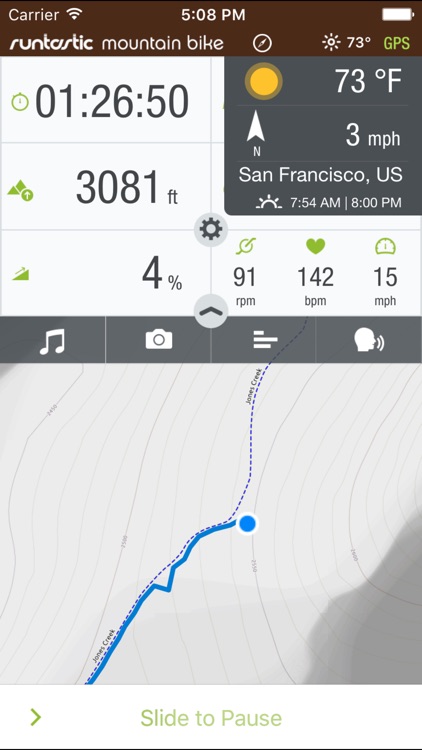
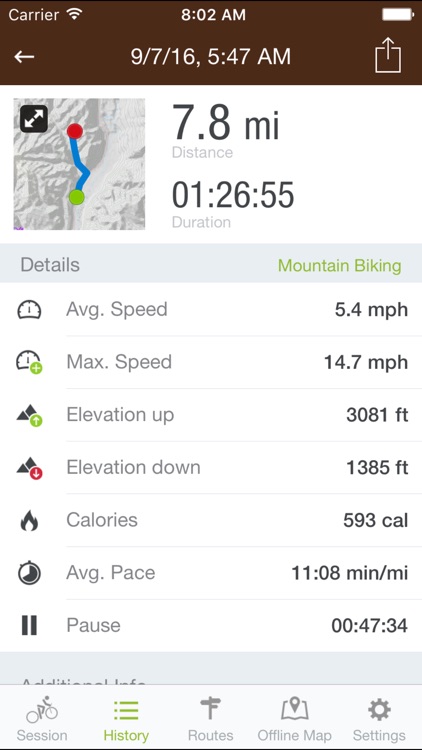
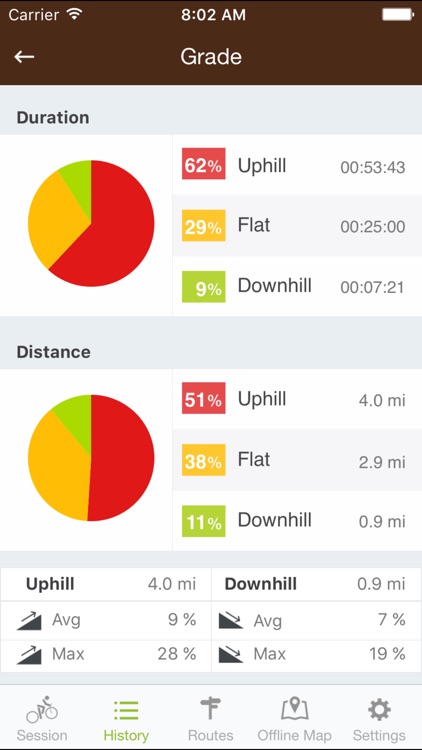
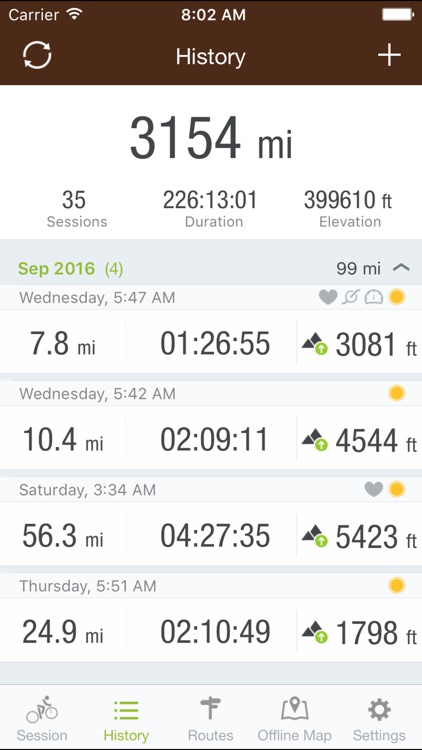
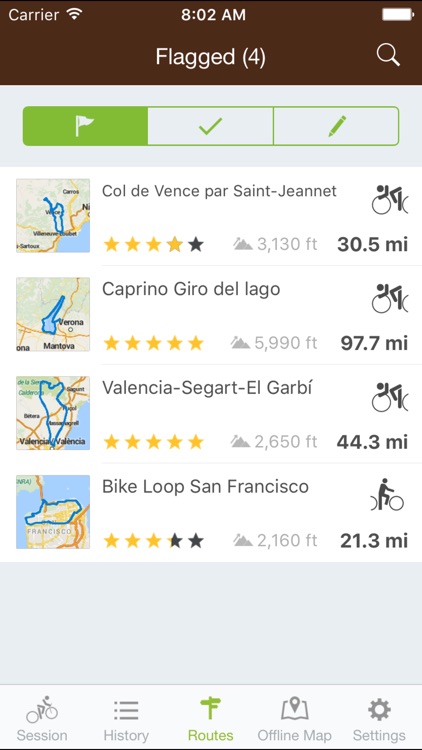
Runtastic Mountain Bike Pro’s real-time data is second to none. You won’t find a more accurate ride tracking app in the App Store. It’s able to record your trip, duration, distance, altitude, and calories burned. If you’re going for a ride in an area with poor cellular coverage, you can choose to download map data ahead of time for offline viewing. The app even includes weather data, Pebble support, voice detection, and automatic pause detection.

Whether you hit the trails or go for a spin around the house, Runtastic Mountain Bike Pro has you covered. All of the data can be synced online and shared with others, so you won’t have to take your journey alone.

Runtastic Mountain Bike Pro can be a data and battery hog. If either of those things are always in the back of your mind, you may want to skip downloading Runtastic Mountain Bike Pro.

File Manager Pro App
iPhone
iPad
File Manager Pro App

File Manager Pro App

Zuhanden GmbH

Download, organize, view, and share all of your files while on the go with this business app.

It’s for anyone who has files spread across multiple services and devices.

$4.99 $4.99
Why we picked this?

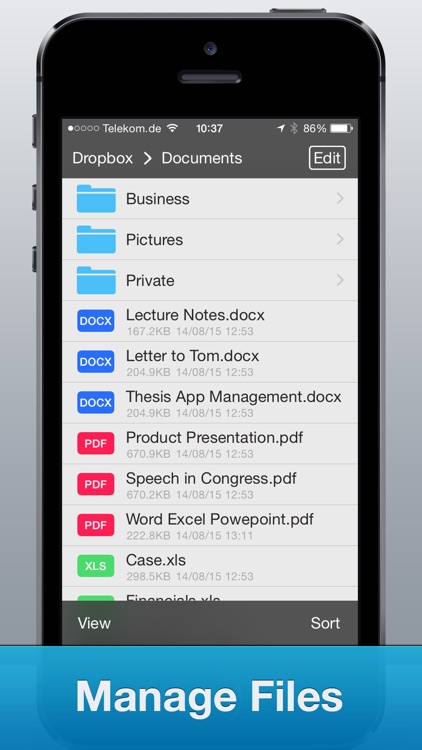
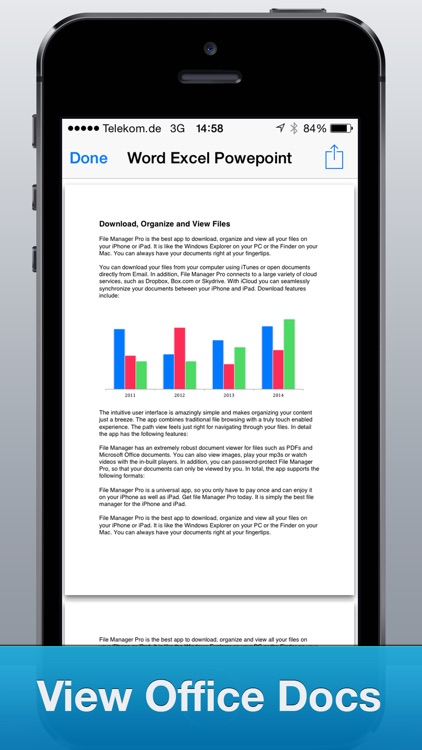
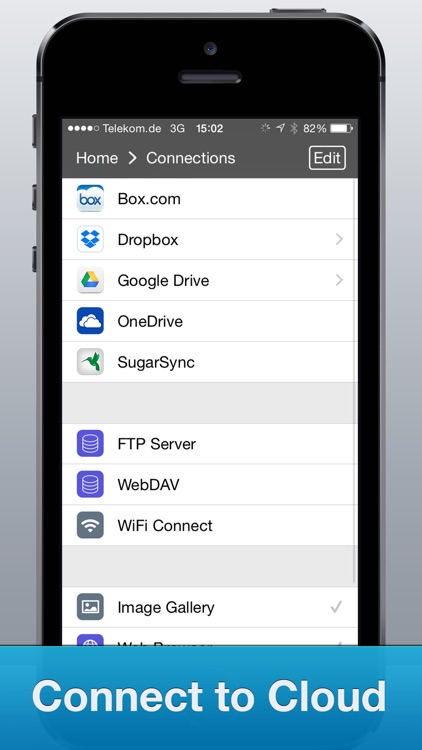
You're able to add files via iTunes File Sharing, email, and other installed apps, or you can download them from Google Drive, Dropbox, SkyDrive, or Box. Files can then be viewed, organized with folders, zipped and unzipped, favorited, renamed, and shared. The app also includes search, a built-in browser, and password protection.

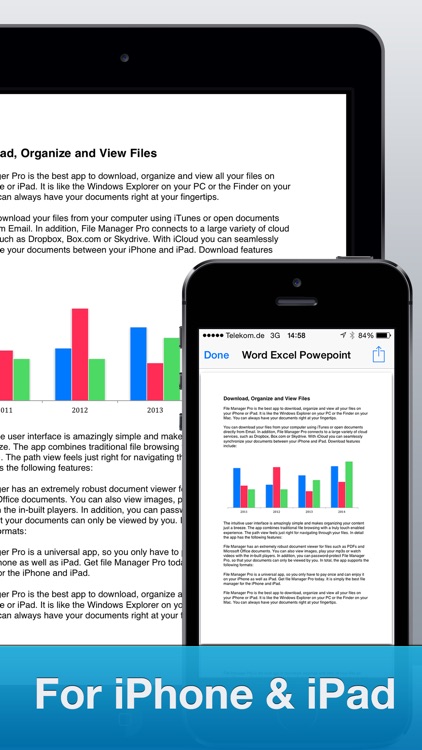
If you need access to your files at all times, File Manager Pro is the app for you. It now even has quick actions via 3D Touch, so if you have the latest iPhone you can access your files even faster.

Don’t be fooled by the name. This app won’t hunt down all of the files on your iDevice. You need to point it at servers, import files, etc.

iArrow
iPhone
iArrow

iArrow

Alexey Ilyin

Find your way back to wherever you came from with iArrow.

It’s ideal for outdoor adventurers.

$2.99 $2.99
Why we picked this?

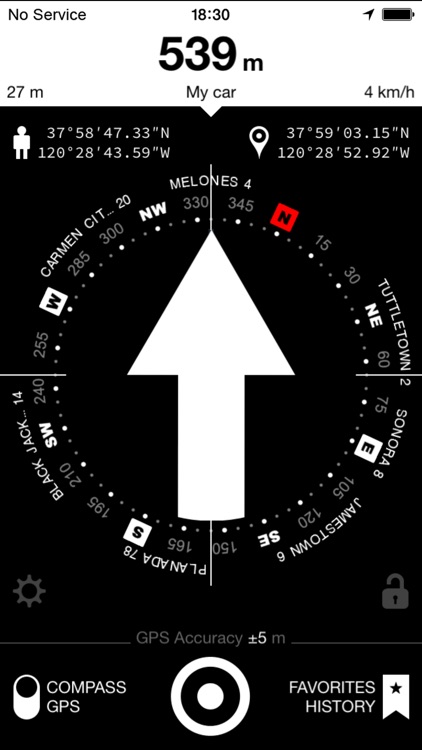
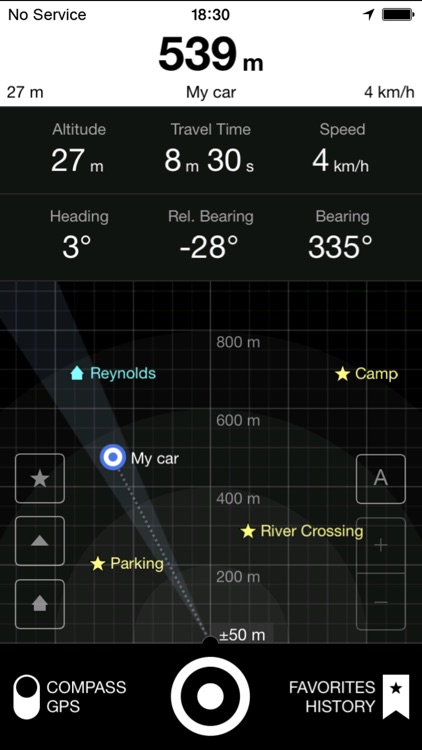
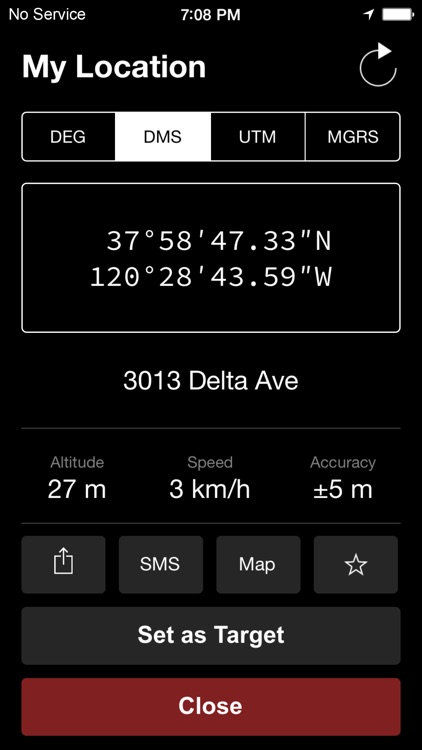
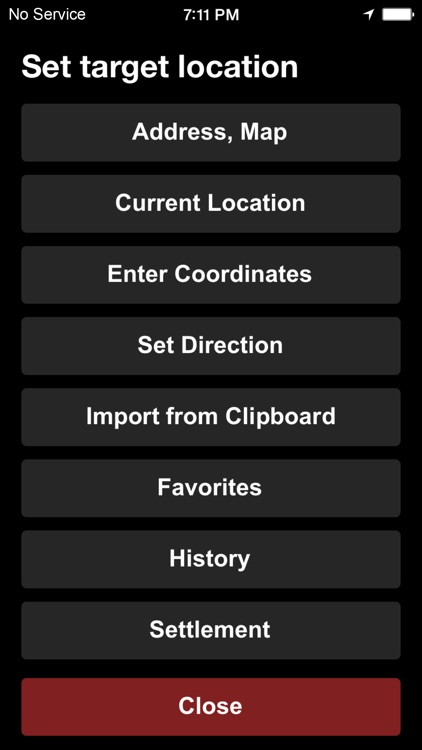
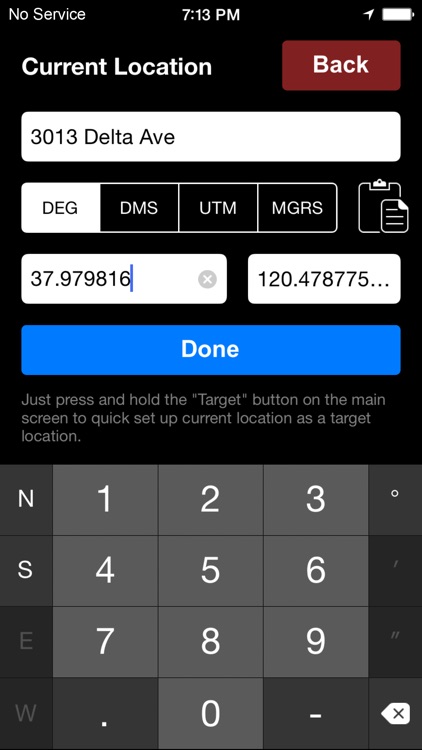
You must first set your target coordinates by selecting a point on the map or entering a specific address. You’re also able to set targets by simply holding your finger on the arrow. Then walk away and the app will indicate the direction and distance from which you came. The app includes two methods of location discovery, more than 2 million locations to choose from, the ability to share your coordinates, and loads of additional information like speed, altitude, bearing, and heading.

If you often find yourself without roads, this is the app for you. It’s handy for fishing, camping, and hunting trips.

The app isn’t really meant for city travel since you can’t simply import information from your contacts app or select major points of interest.