



You are using an outdated browser. Please upgrade your browser to improve your experience.

Apps That
Went Free on
2015-11-29

Remove a Sea of Squares, start a journal, and help your little one get the rest they need with today’s collection of apps and games.

KOON
iPhone
KOON

KOON

Ruben Rozeboom

Navigate two cones through a series of obstacles in Koon.
It’s for anyone who enjoys challenging games like Flappy Bird.

FREE ($0.99) For a limited time FREE ($0.99) For a limited time
Why we picked this?

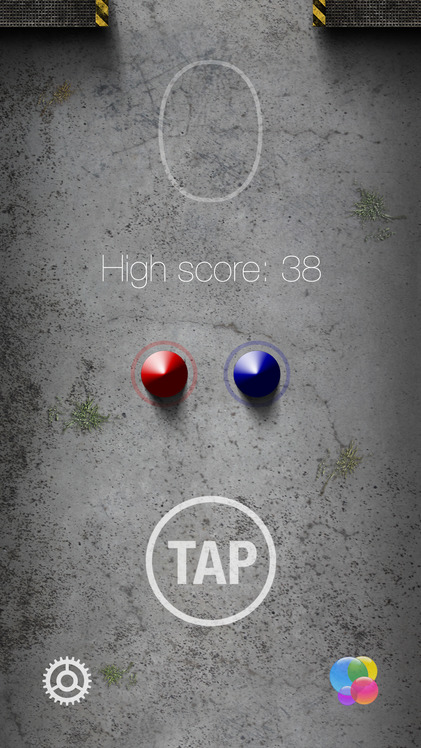
Koon is a fresh take on an old concept. Your objective is to move cones between barriers without allowing them to touch. The twist is that the cones revolve around each other, and your taps are what anchors them. You must essentially walk the cones as far as you can. Koon doesn’t feature a timer, so be patient to earn a high score.

If you enjoy new challenges, check out Koon. It’ll frustrate you at first, but it’s a blast once you get the hang of it.

Not everyone will enjoy this one. Like Flappy Bird, it’s remarkably difficult to master.

Brainess - Train your Brain
iPhone
iPad
Brainess - Train your Brain

Brainess - Train your Brain

Raffaele D'Amato

Exercise your brain with Brainess.

It’s for anyone who enjoys mini-games.

$0.99 $0.99
Why we picked this?

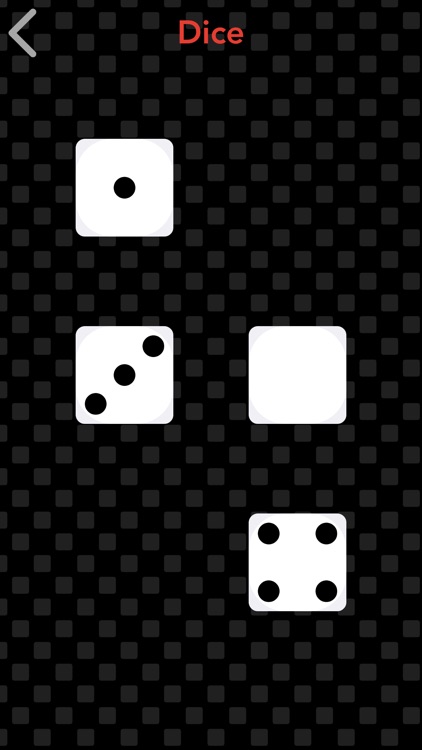
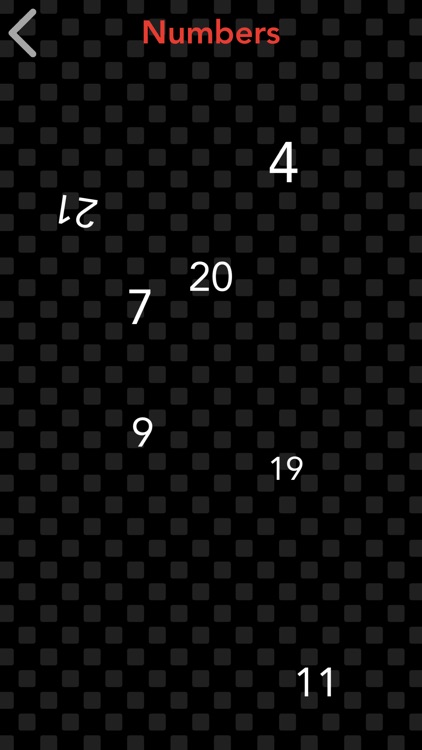
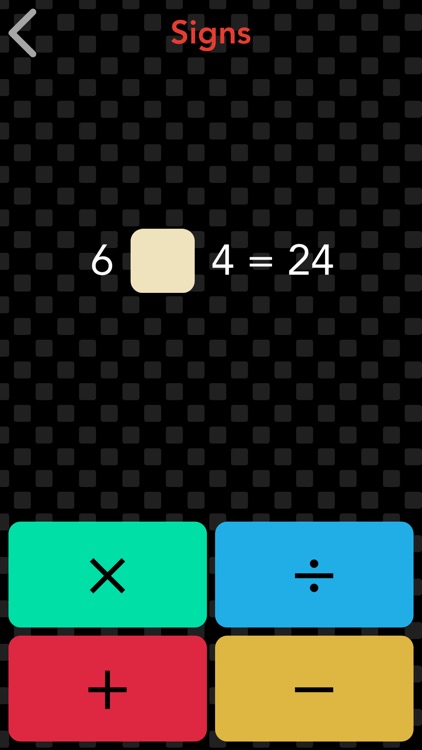
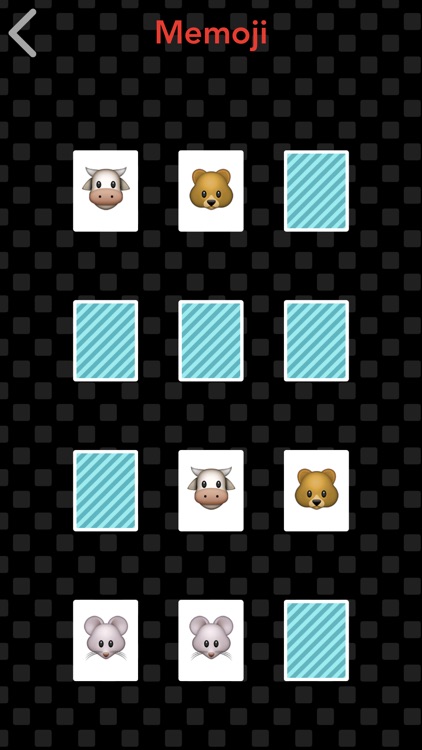
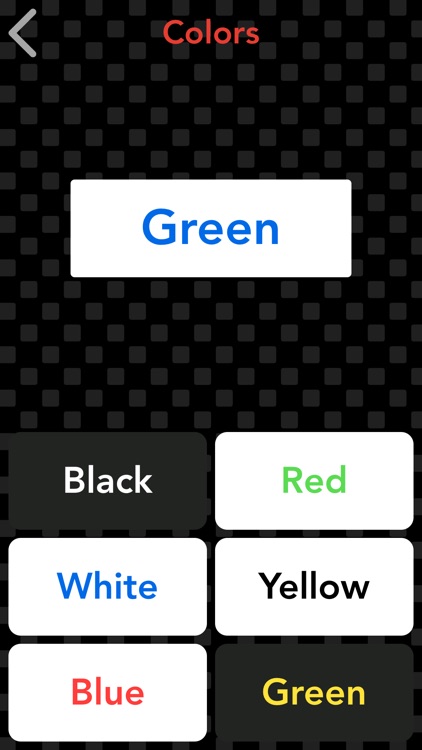
Brainess is a collection of seven mini-games that will help train your brain. The mini-games include dice, signs, equations, memoji, numbers, colors, and fruits. The main brain test only takes a few minutes of your time each day, so it should be easy to stick with it. The best part is, you can even play on your wrist thanks to Apple Watch compatibility.

If you want to exercise your memory, vision, and calculating skills, Brainess is for you. If you intend to use it on your Apple Watch, make sure you have watchOS 2 installed. Otherwise it won’t work.

The games are pretty basic by design.

Baby Dreams PRO - Calm lullaby
iPhone
iPad
Baby Dreams PRO - Calm lullaby

Baby Dreams PRO - Calm lullaby

WonderApps AB

Help your little ones get the rest they need with Baby Dreams.

It’s for parents with toddlers.

$2.99 $2.99
Why we picked this?

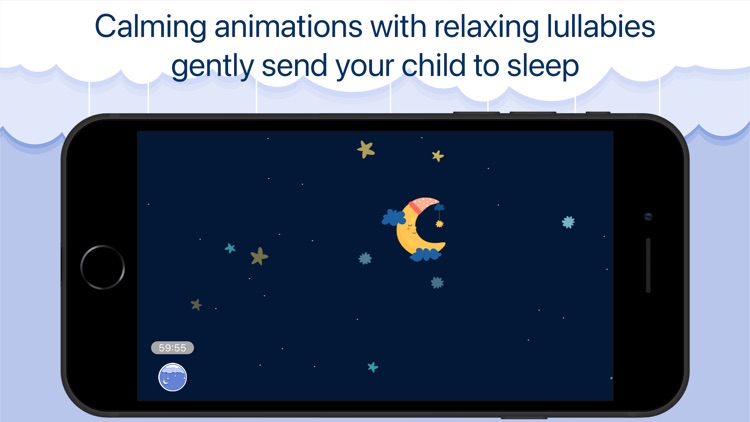
Baby Dreams is a lot like counting sheep, except for the digital age. When it’s time to put your baby down for a nap, first choose from one of the five interactive scenes. Each scenes features little surprises that can be activated with taps. You can then choose one of the 10 included lullabies to play softly in the background, or you can play your own music.

If you need a better nap routine for your baby, Baby Dreams will help you achieve it. The soft lullabies will ease them to sleep.

Baby Dreams lacks a sleep timer.

Sea of Squares
iPhone
iPad
Sea of Squares

Sea of Squares

Electrofish Interactive Ltd

A puzzle game that has you strategically removing 3-D squares.

It’s for fans of casual games looking for something relaxing.

$0.99 $0.99
Why we picked this?

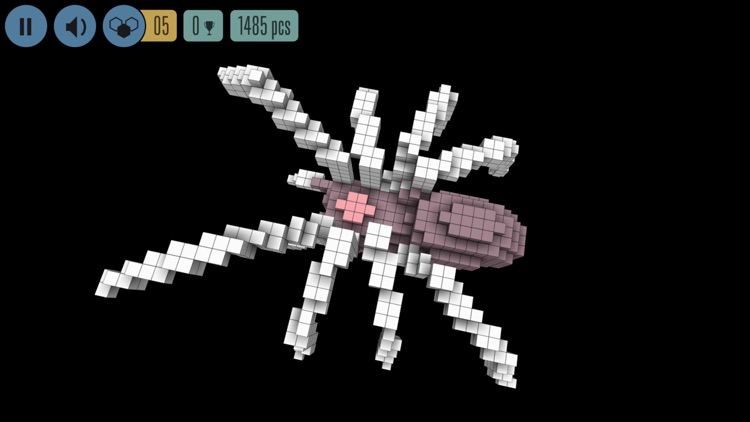
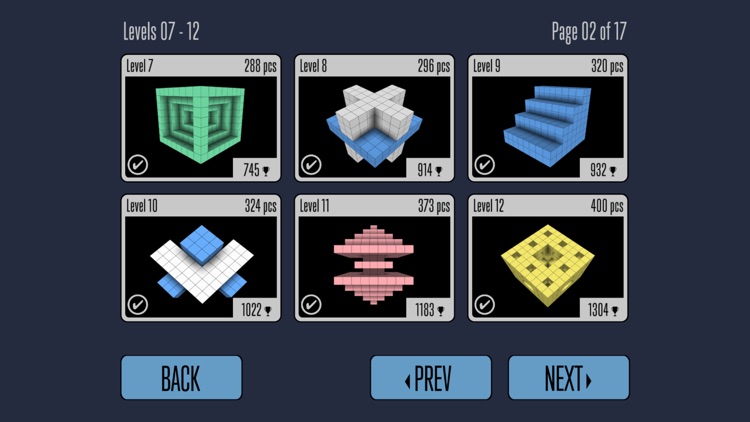
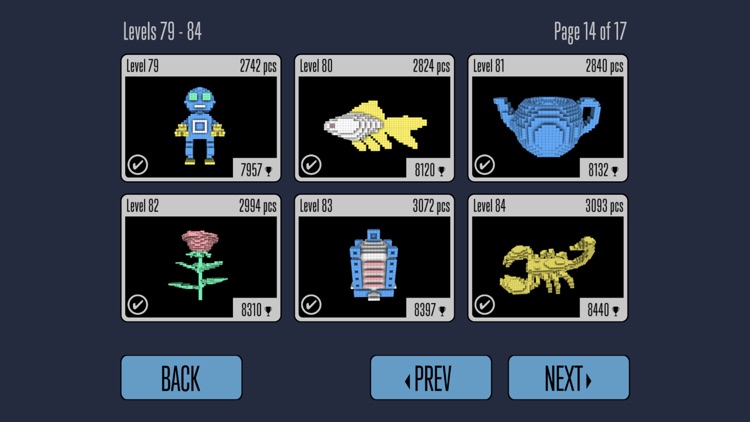
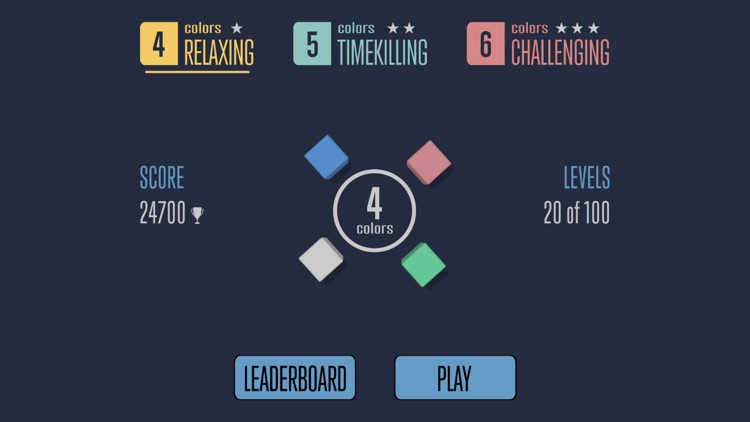
Sea of Squares is simple fun, and there’s nothing wrong with that! Each level presents you with a sea of squares that must be cleared. You’re able to remove them by tapping two or more adjacent squares of the same color. Every time you remove a set of squares the rest will squeeze in, creating new matches. When you near the end and can’t create a match, hit the reshuffle button and mix up the colors. You have a limited amount of reshuffles, so use them wisely. The game includes a total of 100 levels and three difficulty settings.

If you’re idea of fun is kicking your feet up with a good puzzle, this is your game. It has a simple concept and design, and yet it’s ridiculously addictive.

The later levels are quite challenging, and there's no way to skip them.

Zentries:  The Art of Journaling
iPhone
iPad
Zentries:  The Art of Journaling

Zentries: The Art of Journaling

Fishington Studios

Focus on your thoughts with this no-frills journaling app.

It’s for those who want to avoid distractions while recording their thoughts and ideas.

$1.99 $1.99
Why we picked this?

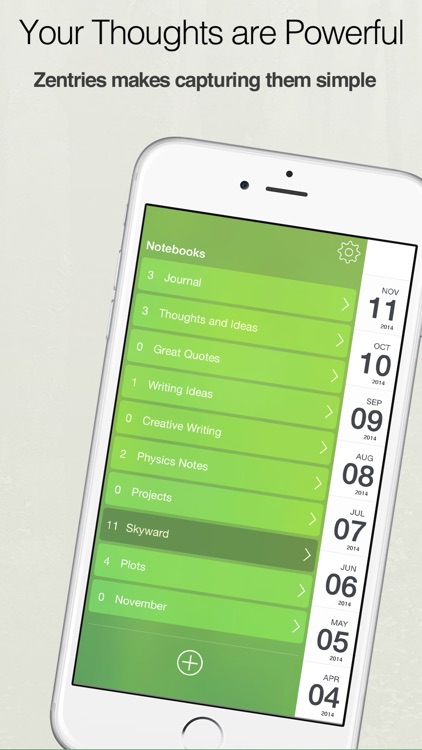
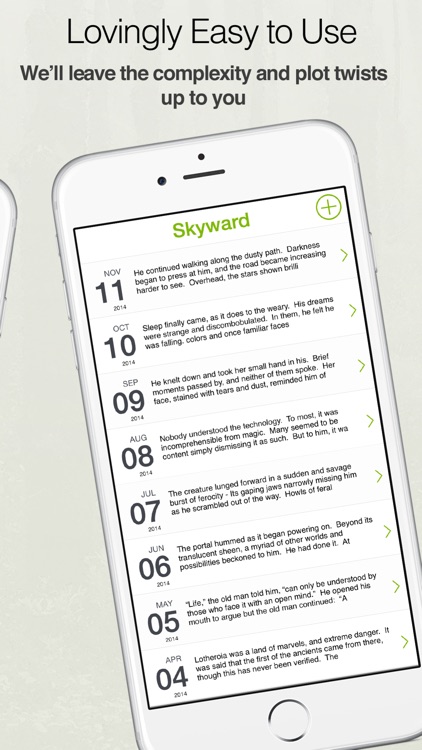
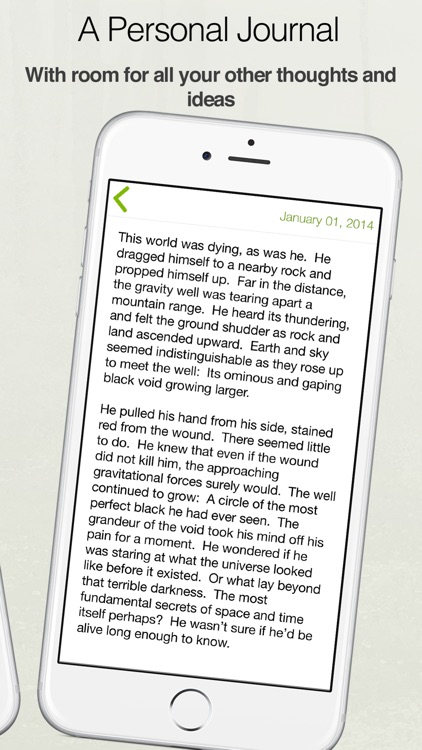
You're able to create multiple journals to separate your thoughts. Then jump into the text editor and start recording them. By default, the journal entry date is automatically set to today, but you can change it if necessary. When you're done writing, just swipe left to right to go back to your list of entries. You’re also able to share individual pages or entire journals.

If all you want to do is get your thoughts and ideas recorded, you won’t find an easier way to do it than with Zentries. It’s designed to be simple, because sometimes what you record is not.

If you want to attach media of any kind to your journal entries, skip this one.