




You are using an outdated browser. Please upgrade your browser to improve your experience.

Apps That
Went Free on
2016-01-03

Explore the city, remove location data from your photos, and create the perfect resume with today’s collection of apps and games.

Resume Builder - CV Maker゜
iPhone
iPad
Resume Builder - CV Maker゜

Resume Builder - CV Maker゜

Logo Maker LLC

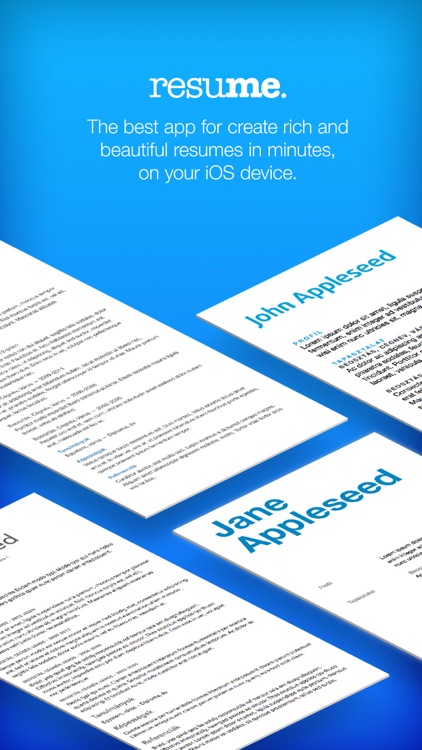
Create the perfect resume in minutes with Resume Maker.
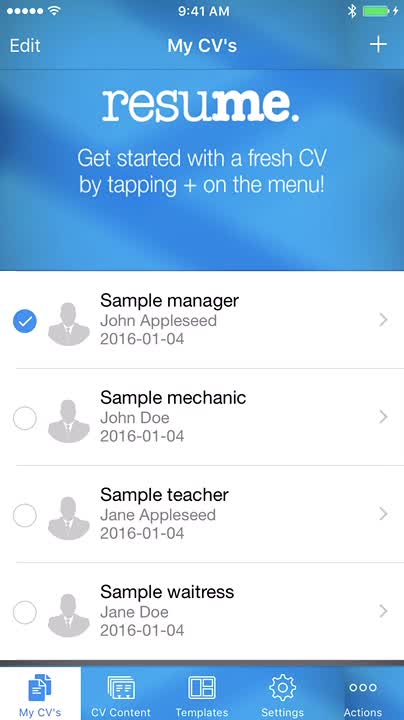
It’s great for anyone searching for a new job.

FREE ($2.99) For a limited time FREE ($2.99) For a limited time
Why we picked this?

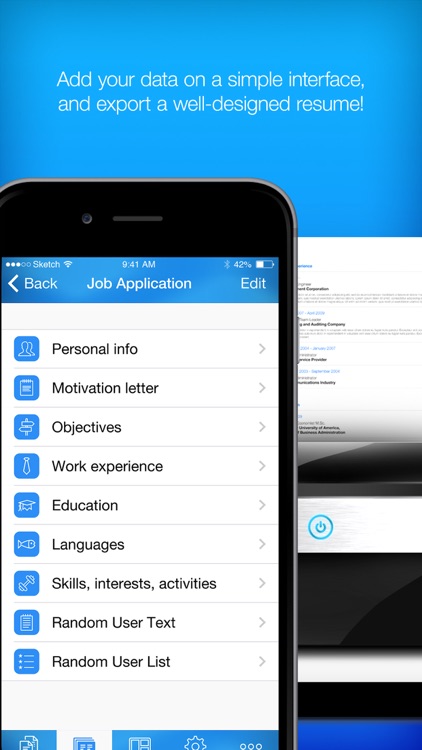
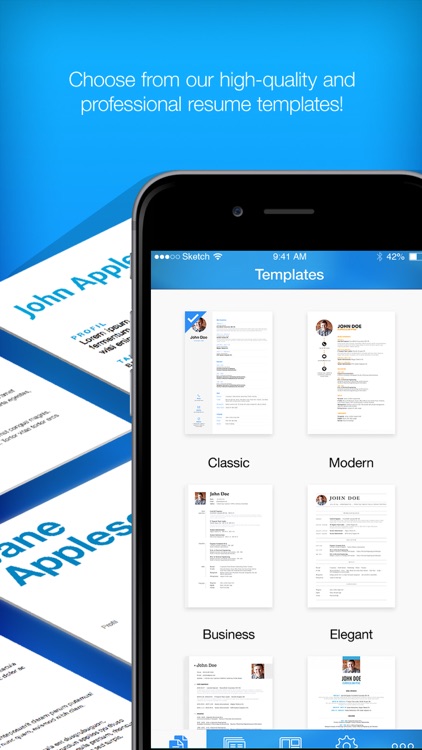
Resume Maker does most of the work for you. All you need to do is fill in the categories. The built-in categories include personal info, cover letter, objectives, work experience, education, and skills, but you can also add to them by creating your own. Once everything has been filled out, choose from one of the 10 templates and get a preview of how your resume turned out. You can print your resume using AirPrint, send it off via email, or upload it to your favorite cloud storage service.

If you need a job, you need Resume Maker. It allows you to create variations of your same resume for different job types.

Resume Maker is limited to 10 templates without any ability expand the database via in-app purchase or another means.

Snow Brawlin' Xtreme
iPhone
iPad
Snow Brawlin' Xtreme

Snow Brawlin' Xtreme

Ghost Hand Games, LLC

Go Snow Brawlin’ with Risoo in this wacky arcade game. A gang of rogue rodents are trying to move in on Risoo’s turf, and the only way to settle this standoff is with a snowball fight!

Snow Brawlin’ Xtreme is for casual gamers that are looking for a quick fix in between daily activities.
$0.99 $0.99
Why we picked this?

We really like how Snow Brawlin’ Xtreme combines tilt and tap mechanics. Tilt your iDevice to move Risoo into position and dodge the incoming snowballs. Tap on the feisty rodents in the distance to return fire. Your snowball supply is unlimited, so don’t stop chucking them. Try to avoid taking a direct hit for as long as possible to climb the leaderboards.

If you’re longing for winter and a good snowball fight, you’ll find it in Snow Brawlin’ Xtreme. The gameplay mechanics are so easy to pick up, you won’t want to put the game down.

The gameplay can be a little shallow, even with all of the crazy power-ups that drop in. If you’re looking for a game that you can sing hours upon hours into, this just isn’t it.

NoLocation - Remove exif data from photos
iPhone
NoLocation - Remove exif data from photos

NoLocation - Remove exif data from photos

Jackson Cole

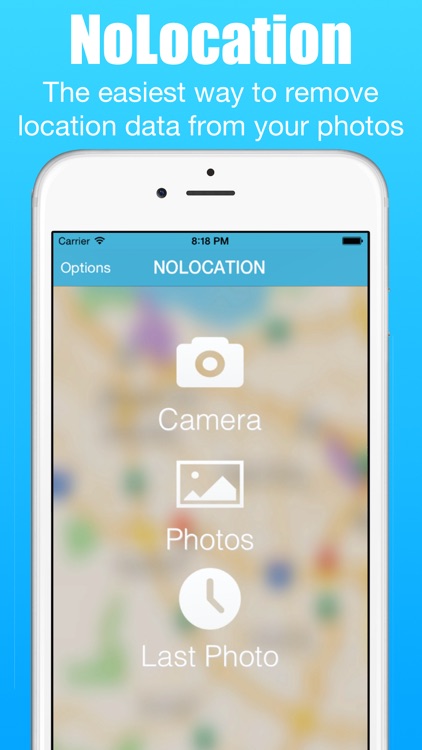
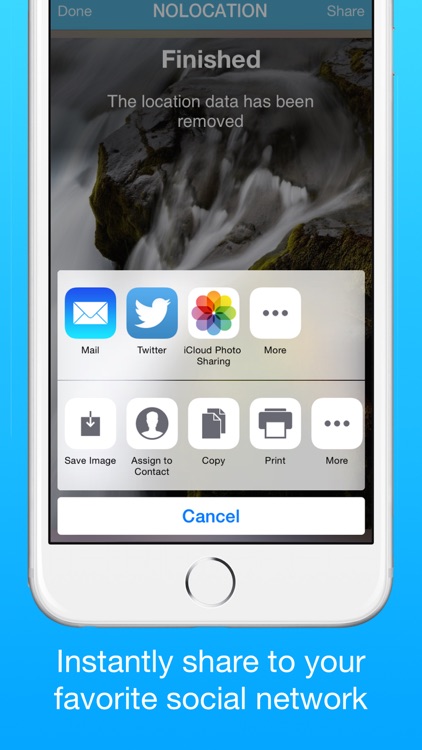
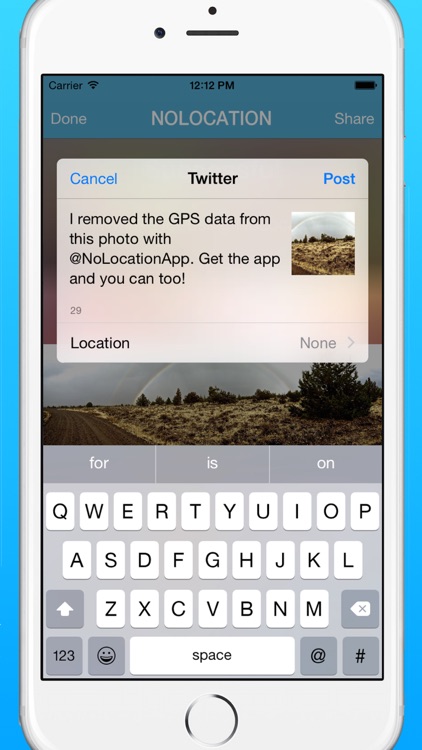
Remove location data from your photos with NoLocation.

It’s a handy tool for those who prefer to keep their data private.

$1.99 $1.99
Why we picked this?

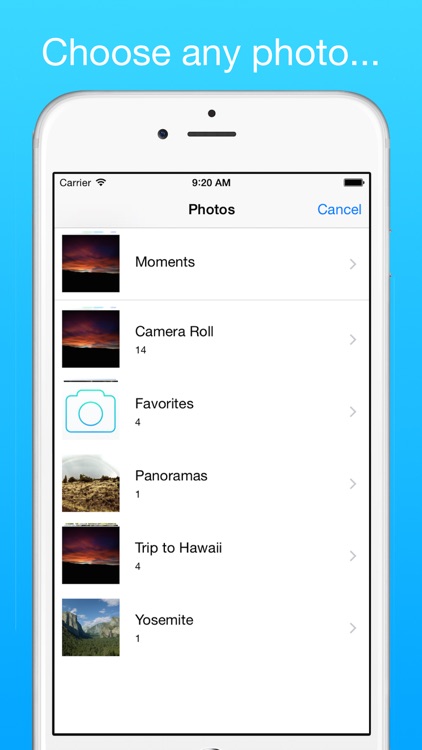
NoLocation allows you to quickly and easily remove EXIF data from your photos. The data can be removed from new photos taken within NoLocation, or you can import any photo from your library. Keep in mind that NoLocation doesn’t overwrite the original photo. It simply makes a copy of the photo without any of the EXIF data included.

If you don’t want to share your location, this is the app for you. It’s remarkably easy to use.

EXIF data consists of things like date, time, camera settings, and copyright information as well as location data. If you want to keep all of these things intact, skip this app.

Compass++ Digital PRO - Get a great looking compass!
iPhone
iPad
Compass++ Digital PRO - Get a great looking compass!

Compass++ Digital PRO - Get a great looking compass!

OnDemandWorld

This navigation app will point you in the right direction.

It’s ideal for iPad users since the device lacks a native compass app.

$0.99 $0.99
Why we picked this?

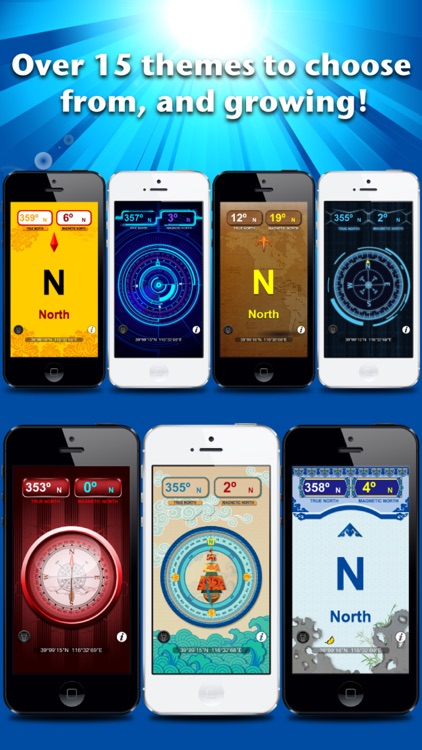
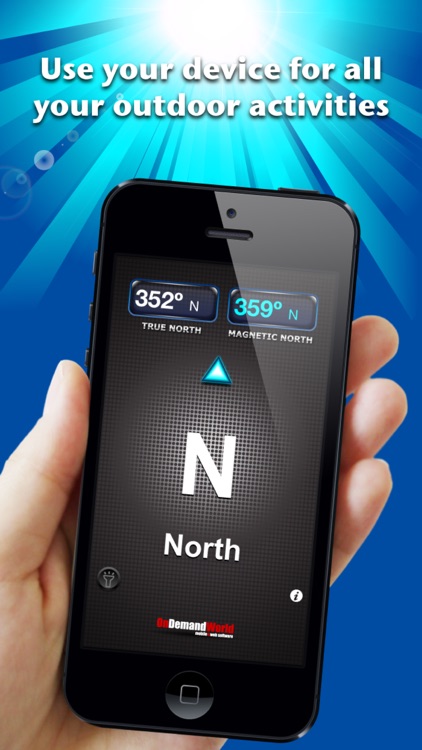
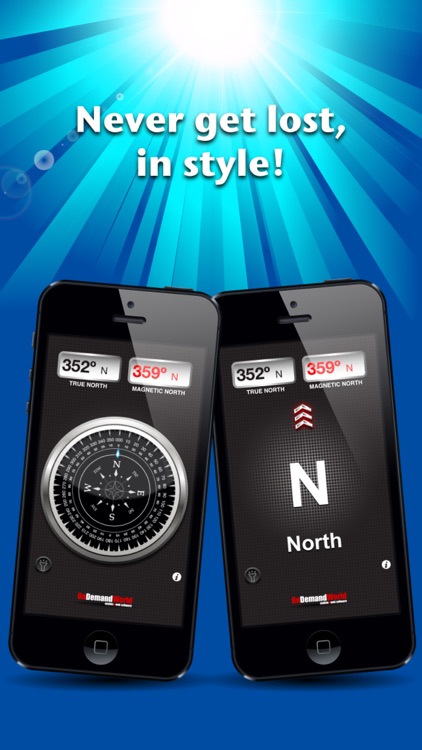
Compass allows you to view true north coordinates, magnetic north coordinates, and the general direction you are heading all on the same screen. Tap the middle of the screen to switch to the compass view. You’re able to switch between the 15 different themes by swiping left or right. The app also includes a built-in flashlight.

If you take your iPad with you wherever you go, download Compass today. It will come in handy at some point.

It operates perfectly with iPhone and iPad, but iPod touch users are out of luck since the device lacks built-in compass components.

Big City Vehicles for Kids
iPhone
iPad
Big City Vehicles for Kids

Big City Vehicles for Kids

The Melody Book

Learn about vehicles in the streets, the sky, and the subway with Big City Vehicles.

It’s designed for children ages one through four.

$2.99 $2.99
Why we picked this?

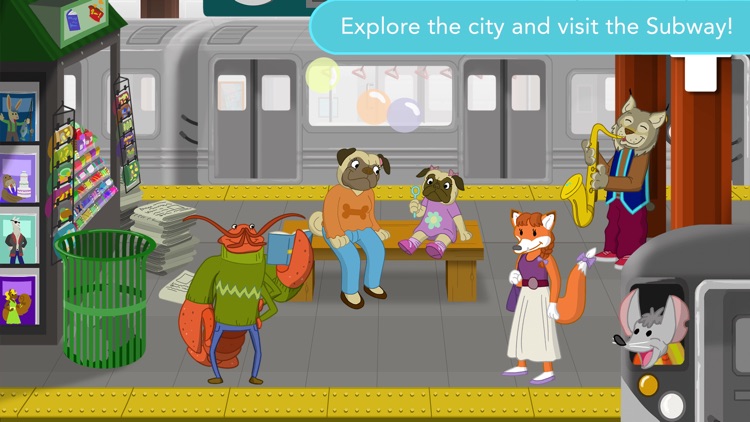
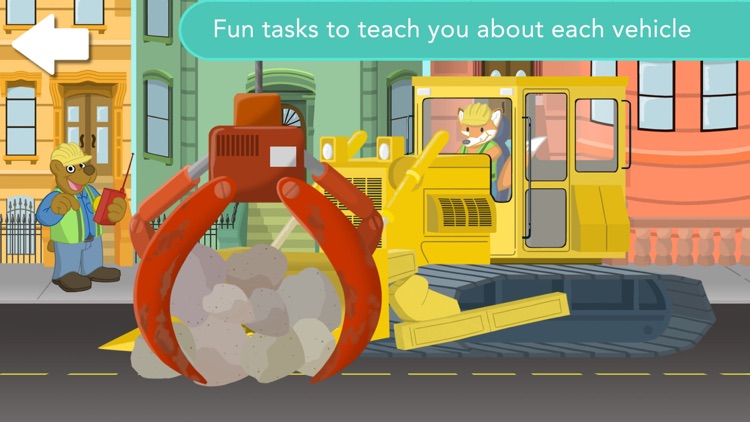
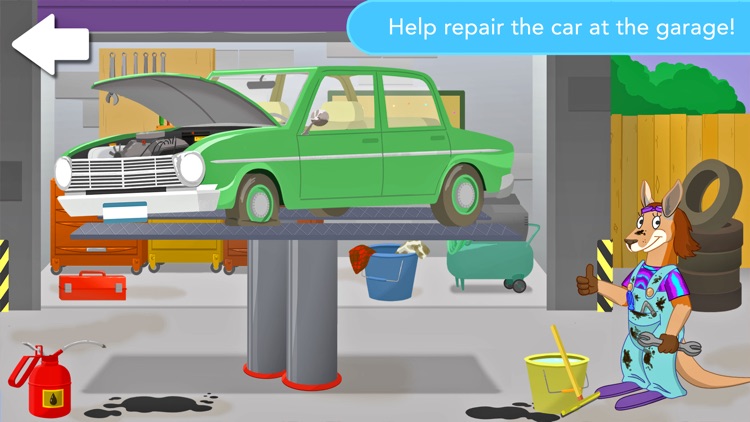
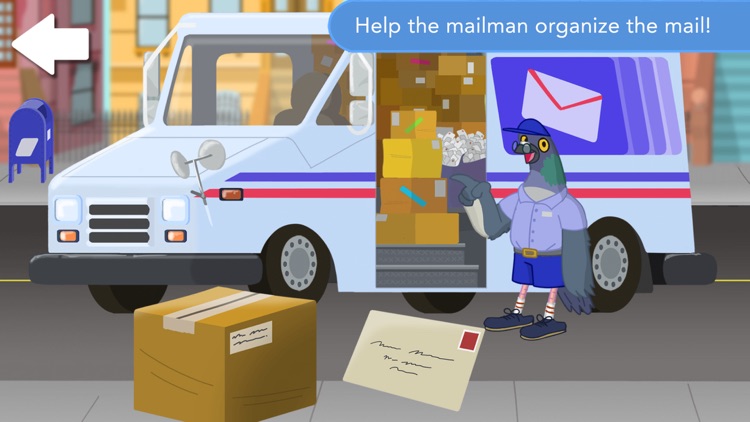
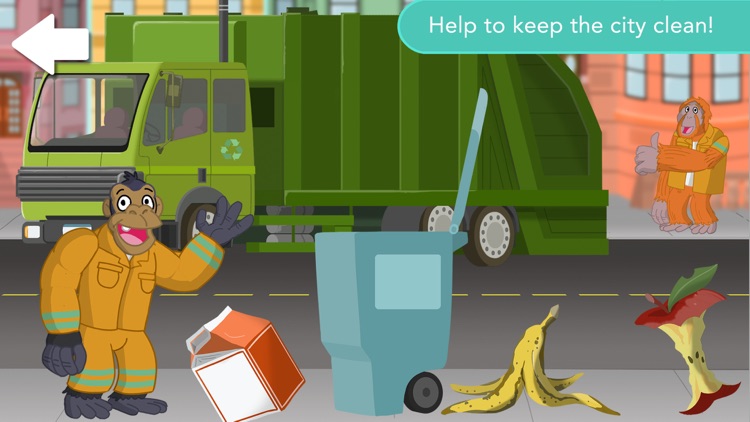
There’s no wrong way for your child to experience Big City Vehicles. It’s a wide open playground. They’re encouraged to interact with everything they see including funny animal characters, objects in the street, and more than 25 city vehicles. Along the way they’ll come across educational tasks like mixing cement, assisting the mailman, and sorting cookies.

If you’re little one loves to explore, hand them your iDevice with Big City Vehicles installed. You’re even able to control the content of the app from your Apple Watch.

If you’re child is above the age of four, they won’t get much out of this one. There’s only so much to keep them engaged.

Numberama 2
iPhone
iPad
Numberama 2

Numberama 2

Okroshka Lab

It’s a puzzling game of numbers.

Numberama 2 is ideal for those who enjoyed the original paper and pencil game.

$0.99 $0.99
Why we picked this?

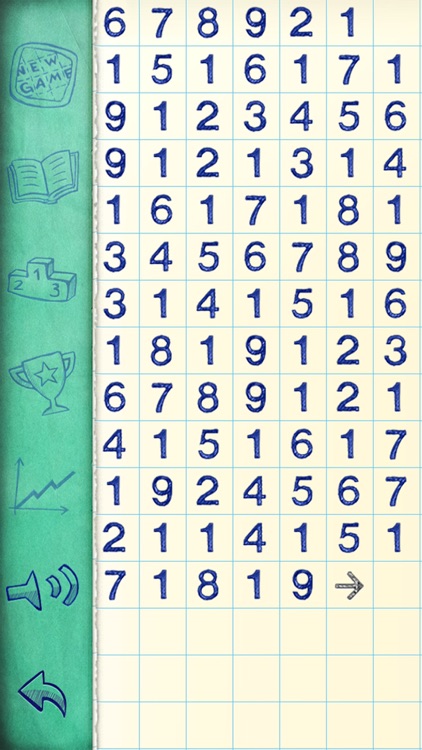
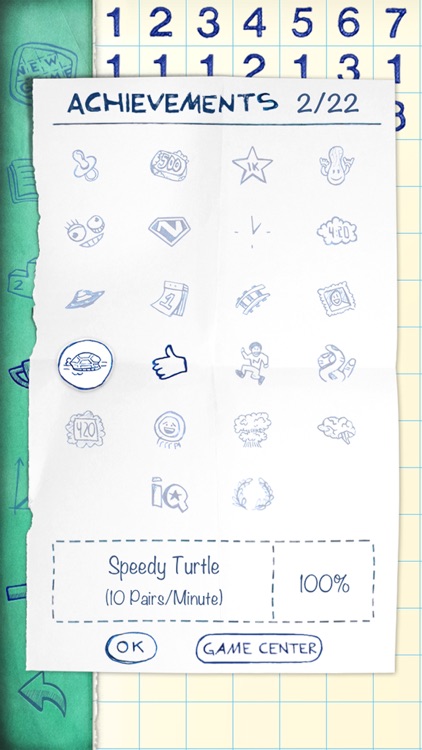
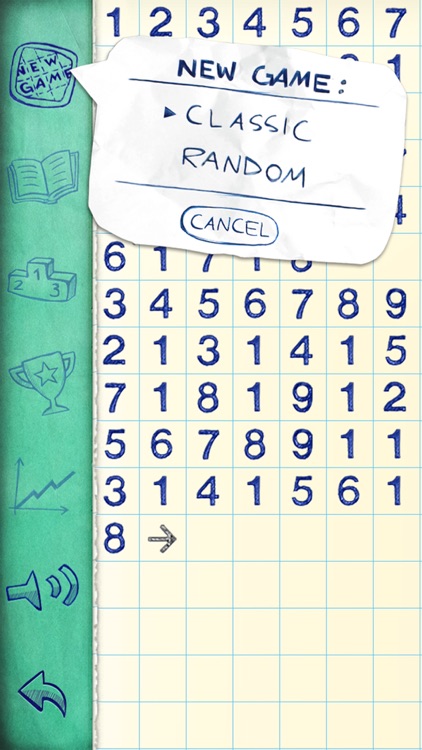
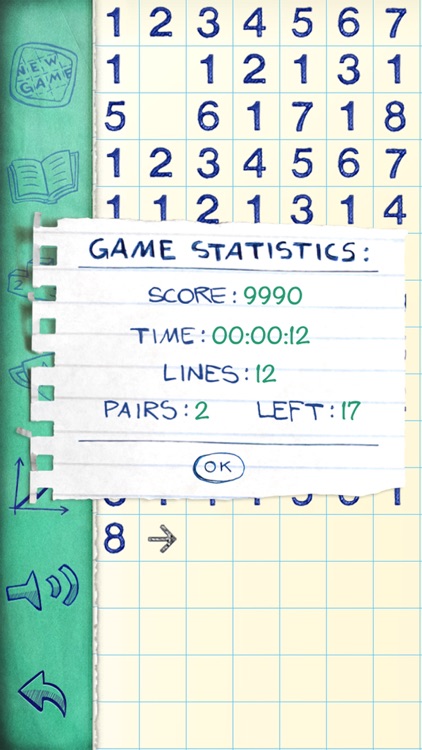
Your only goal is to remove all of the numbers from the screen. Numbers can be removed if they are matching pairs or if the pairs add up to 10. However, numbers can only be paired up if they are neighboring each other in the same row or column. Keep in mind that blank spaces are ignored. If you run out of moves, you can add more numbers to the board. The game includes two modes, 20 undo steps, and achievements and leaderboards via Game Center.

If you solving logic-based puzzles gets you going, Numberama 2 is your game. It’s classic puzzle action that can be played at your own pace.

The game can be a bit frustrating since it’s very difficult to actually win.