




You are using an outdated browser. Please upgrade your browser to improve your experience.

Apps That
Went Free on
2016-01-05

Track all of your spending, transform your photos with light, and tell your farm story with today’s collection of apps and games.

Lumiè
iPhone
iPad
Lumiè

Lumiè

Nostalgika LTDA - ME

Transform your photos with magical forms of light with Lumie.
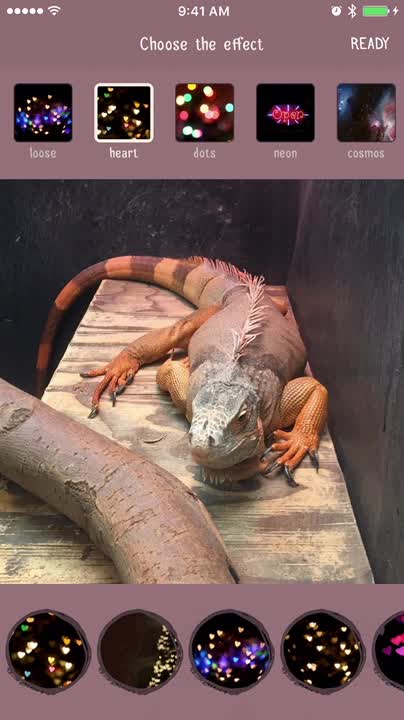
It’s a lot of fun for social photographers.

$1.99 $1.99
Why we picked this?

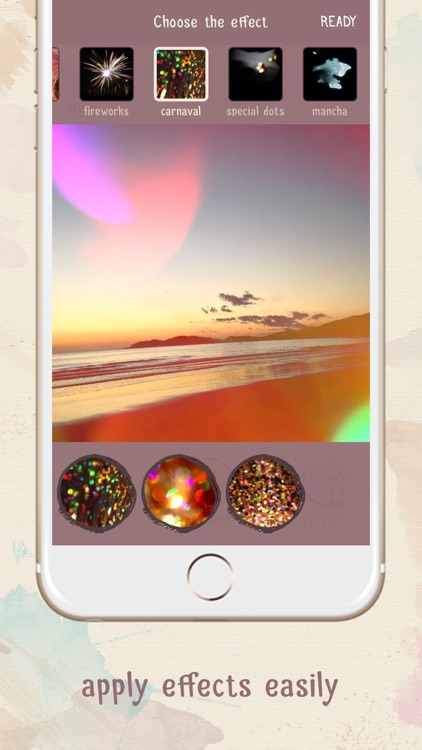
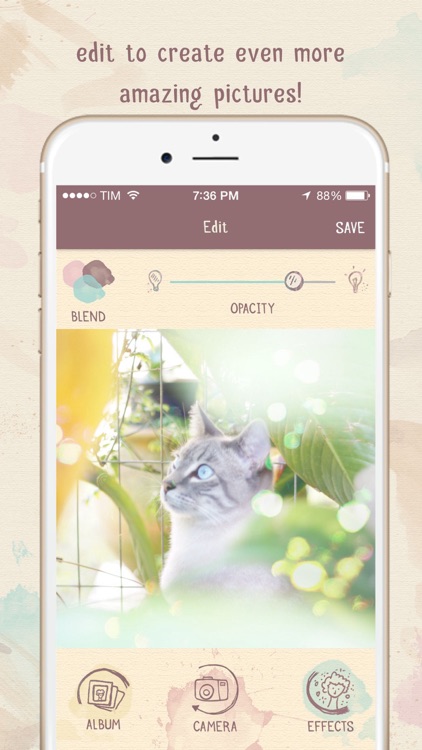
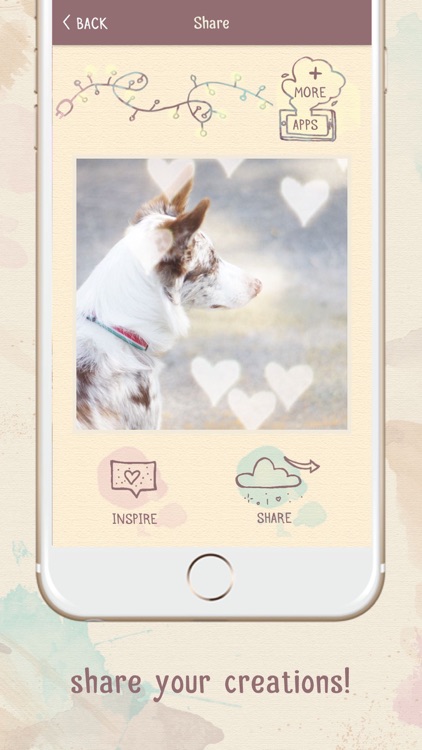
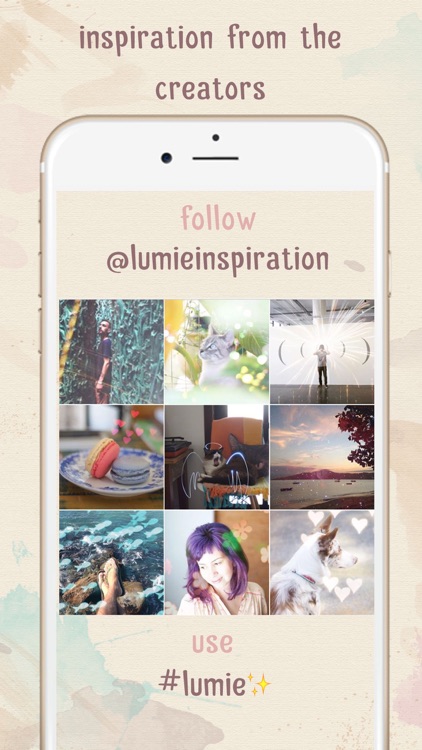
Lumie is the only app truly dedicated to the popular Bokeh blur effect. You're able to import any photo from your library or take a new one within the app. Then swipe to scroll through the huge list of 121 lighting effects. Tap on the one you want to apply it to your photo or live camera feed. Each effect can be repositioned and rotated, and you can adjust the intensity level of the lights. Once everything looks just right, share your new creation via Instagram, Facebook, Twitter, Tumblr, Flickr, or email.

If you’re looking for a subtle and beautiful way to make your photos stand out, Lumie provides it.

While the effects are customizable, you can’t create your own text.

Unspent - Track your spending money
iPhone
Unspent - Track your spending money

Unspent - Track your spending money

Nick Cochran

Track all of your spending with Unspent.

It’s for anyone who wants to know how much they have left to spend.

$0.99 $0.99
Why we picked this?

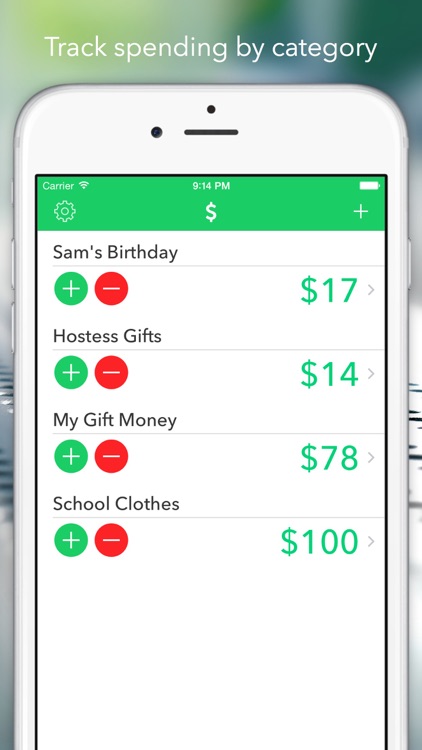
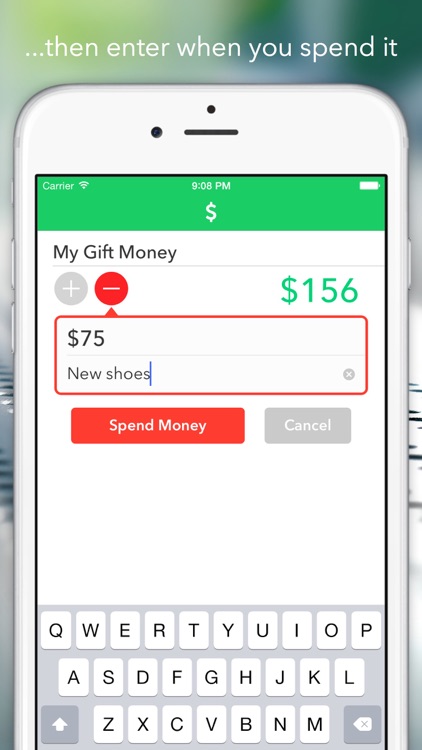
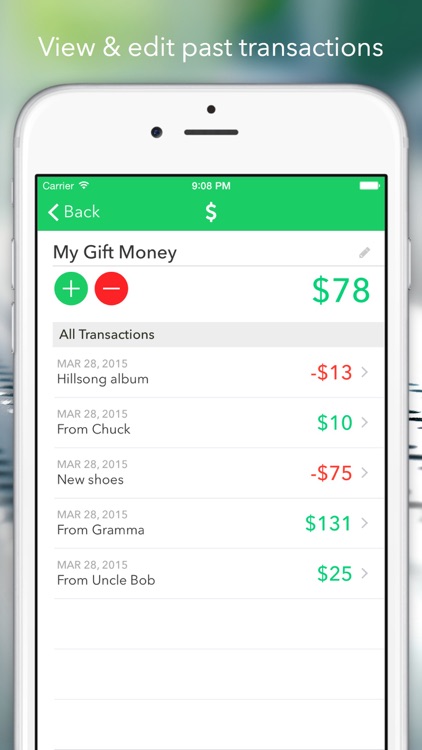
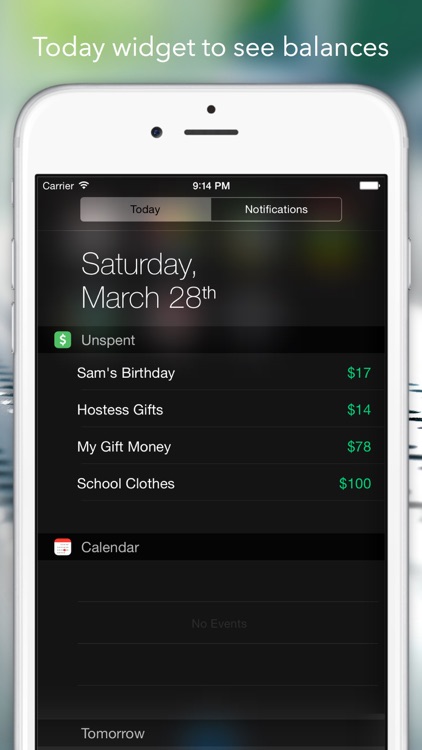
Unspent is the most painless finance app you’ll ever use. It allows you to track all of your spending and create one-off budgets with little hassle. You’re able to create as many categories as you wish. Then whenever money exchanges hands, enter the amount added or spent. Each transaction can include a short description. Unspent will provide a summary of what’s left to spend and log all of your transactions. The app also includes a Today view widget, Touch ID support, and Apple Watch support.

With no bank connections, no charts, and not even any decimal places, Unspent is perfect for tracking spending balances without overthinking anything.

See above. If you need any of those things, skip this one.

BusyBox - Track your time
iPhone
BusyBox - Track your time

BusyBox - Track your time

Claire Reynaud

Keep track of the time spent on all of your activities throughout the day with BusyBox.

It’s great for everyone from fitness addicts to business professionals.

$2.99 $2.99
Why we picked this?

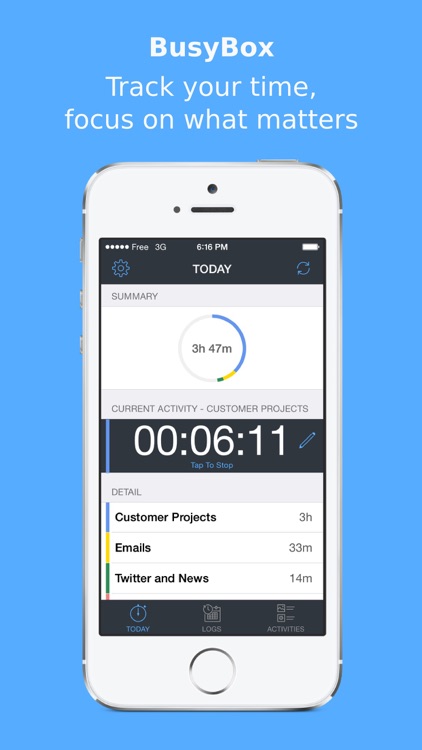
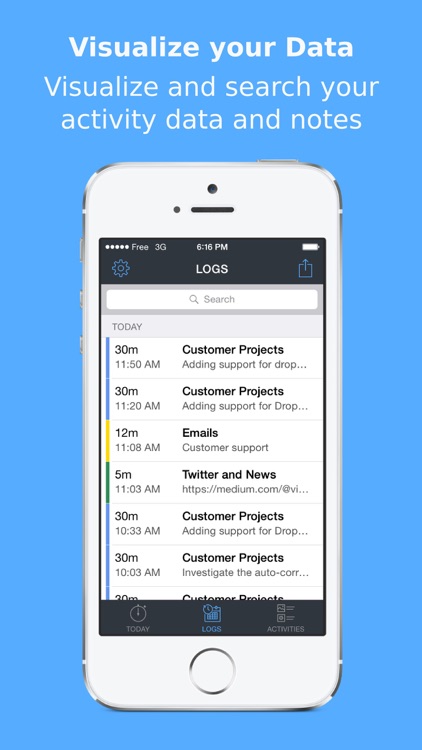
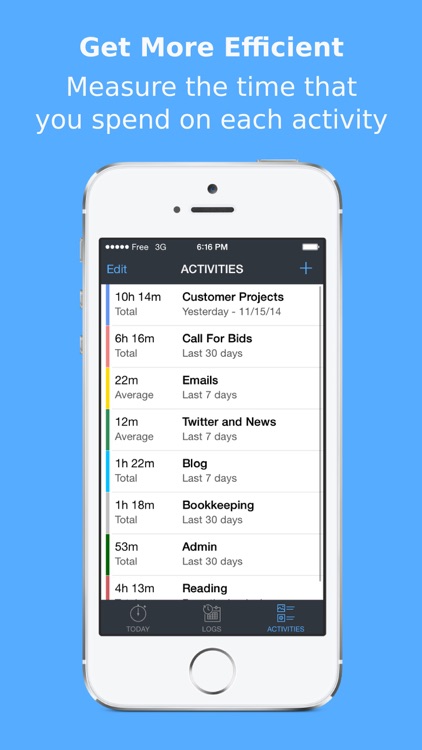
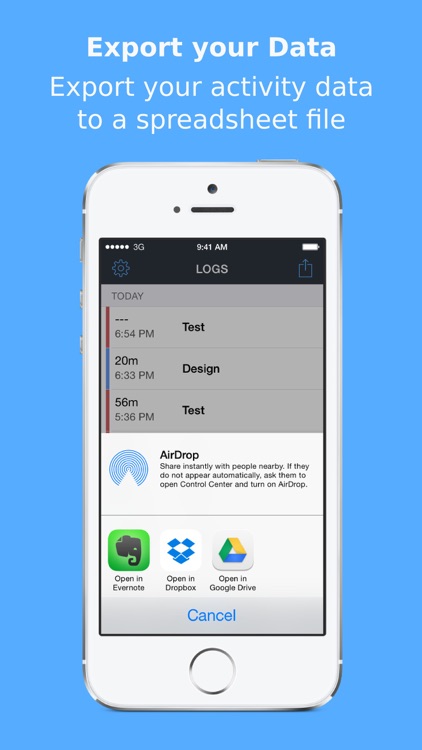
BusyBox comes highly recommended today thanks to its wide range of uses. Whether you’re looking to track your workouts or time spent on the job, BusyBox will help you get it done. You’re able to create as many different activities as necessary. They can also be color-coded for quick reference. Then when it’s time to start the activity, select it from your list and start the timer. The app will keep a running log of all of the time spent on each activity, and the data can be exported and shared via email.

If you’ve always been looking for a way to track your time spent on activities, look no further. The app’s open-ended nature makes it perfect for anyone and everyone. It doesn’t require you to waste time adding specific information.

BusyBox is pretty general, so if you need to track specific data, this isn’t the app for you.

Farm Story Maker Activity Game for Kids and Toddlers Premium
iPhone
iPad
Farm Story Maker Activity Game for Kids and Toddlers Premium

Farm Story Maker Activity Game for Kids and Toddlers Premium

Eggroll Games LLC

Put together scenes with Lily and her furry friends in Lily’s Farm Animal Stickers.

It’s great for children ages five and under.

$2.99 $2.99
Why we picked this?

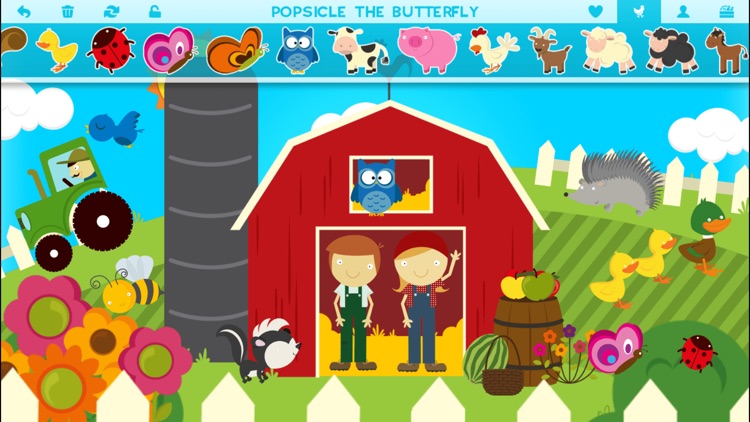
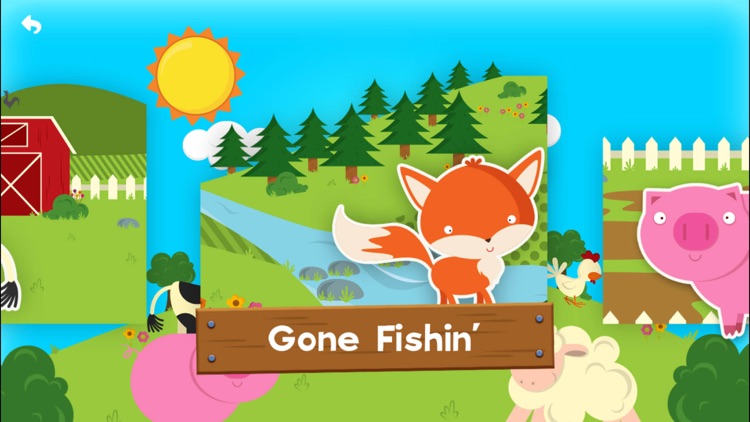
There’s so much to do on Lily’s farm. Your child is able to choose from nine different base scenes and populate their favorites with over 100 fun and cuddly stickers. The stickers can be placed anywhere in the scene with a drag and drop, and they can be resized and rotated with common gestures. Tap on a sticker to bring it to life. Stickers are sorted be category, so it’s easy for your child to find exactly what they’re looking for.

If your little one has a big imagination, let them run wild in Lily’s Farm Animal Stickers.

If your child has yet to master basic gestures, they simply won’t have much fun with Lily’s Farm Animal Stickers.

Change - Currency Converter
iPhone
Change - Currency Converter

Change - Currency Converter

Sigalit Amsalem

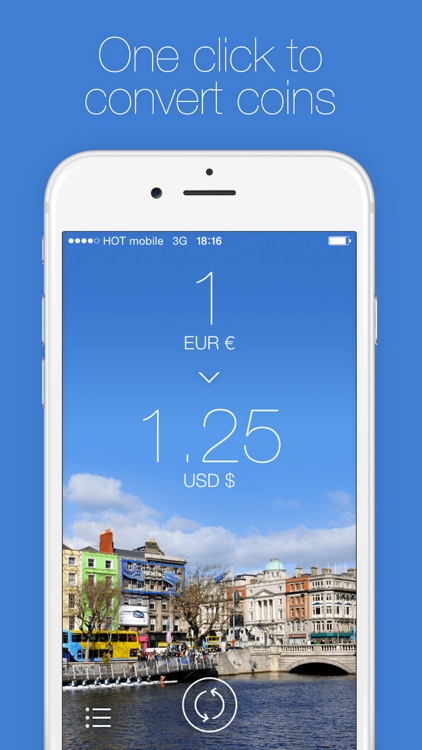
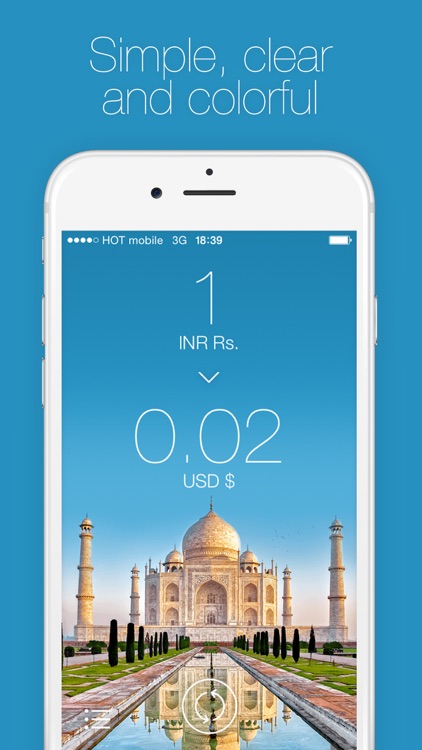
Convert currencies in a snap with Change.

It’s a handy app for frequent travelers.

$0.99 $0.99
Why we picked this?

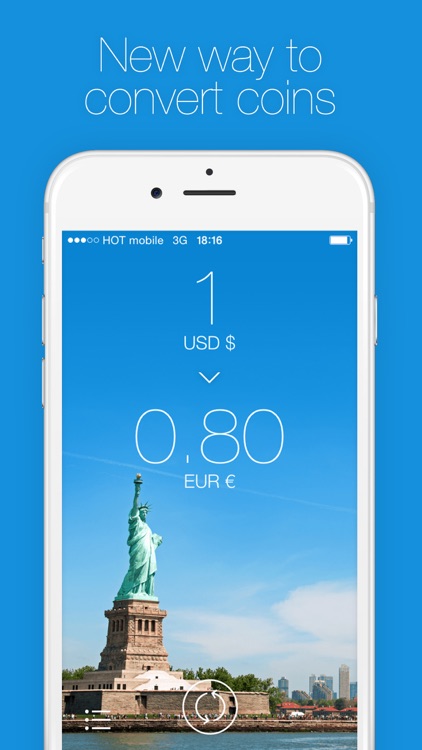
Change adds a bit of a style to a normally dull app category. You’re able to choose the currencies you’re converting from and to by swiping across the fields at the top of the screen. As you swipe, you’ll see the conversions instantly performed. You’re also able to reorder, activate, and deactivate currencies by tapping on the “+” button at the bottom of the screen. Change includes a total of 85 currencies.

If you’re constantly on the move, store Change in a folder on your iDevice for safe keeping. We guarantee it will come in handy.

If you rarely travel outside of your home country, there’s no need to download Change. You can do all of your currency exchanges via Siri and the web.