


You are using an outdated browser. Please upgrade your browser to improve your experience.

Apps That
Went Free on
2016-04-04

Scan documents with ease, measure objects with just your iDevice, and add stylish text to photos with today’s collection of apps and games.

Fonta - Little Design Studio
iPhone
Fonta - Little Design Studio

Fonta - Little Design Studio

ThirtyFive Inc.

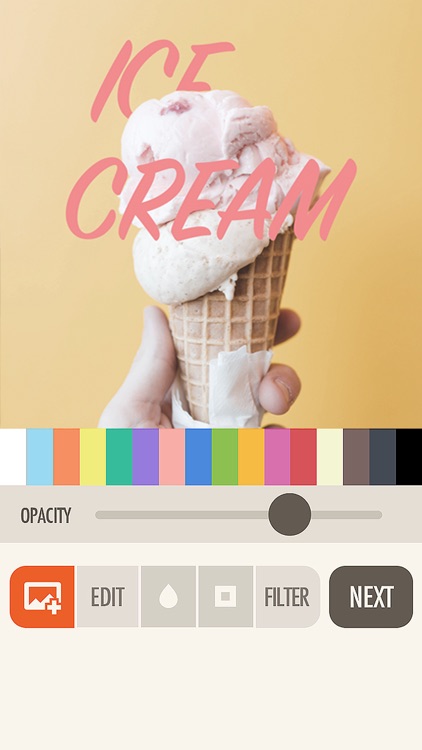
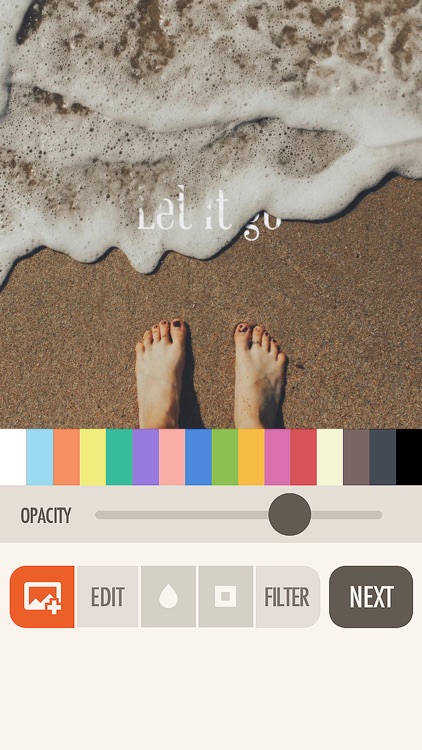
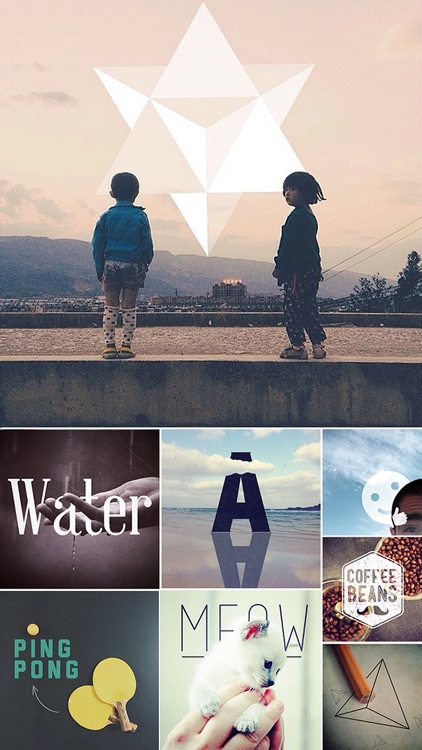
Add stylish text to your favorite photos with Fonta.

The app is ideal for anyone that wants to tell a story with their photos.

FREE ($0.99) For a limited time FREE ($0.99) For a limited time
Why we picked this?

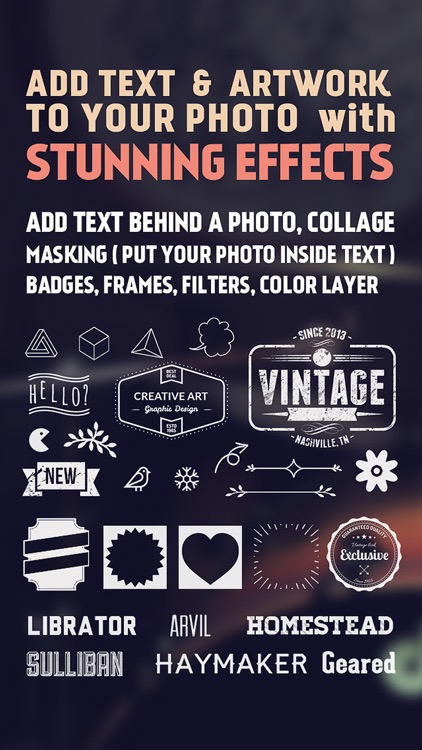
Fonta has a ridiculous amount of text options, allowing you to stand out from the crowd. Before you get to that point, however, you can edit your original photo by cropping, rotating, framing, filtering, and blurring it. Then come up with a message you want to drive home, and place it wherever you like on your photo. You’re able to select from a wide variety of fonts, colors, opacity levels, and even layer your text. There are also loads of frame and artwork options to choose from. Fonta allows you to share your creations via Instagram, Facebook, and Twitter.

If you really want to make your photos personal and unique, Fonta will help you accomplish that. It’s like a little design studio that you can bring wherever you go.

To come up with truly great results, you’re going to have to fiddle around for a while and dig through all of the options. If that sounds horribly unappealing to you, avoid Fonta.
Agenda: Widget+
iPhone
iPad
Agenda: Widget+

Agenda: Widget+

Jeeeyul Lee

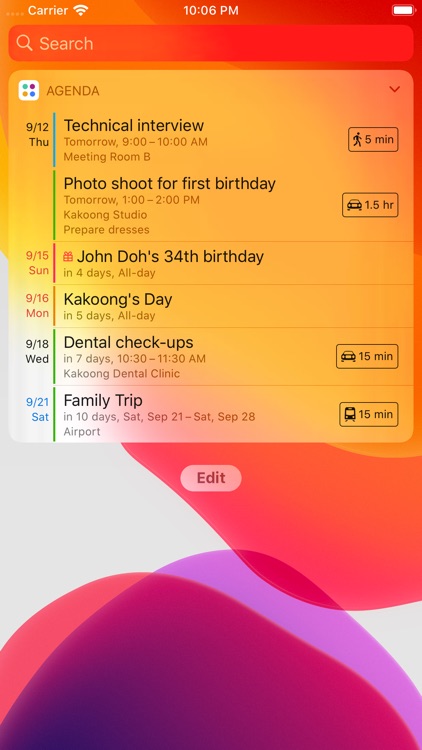
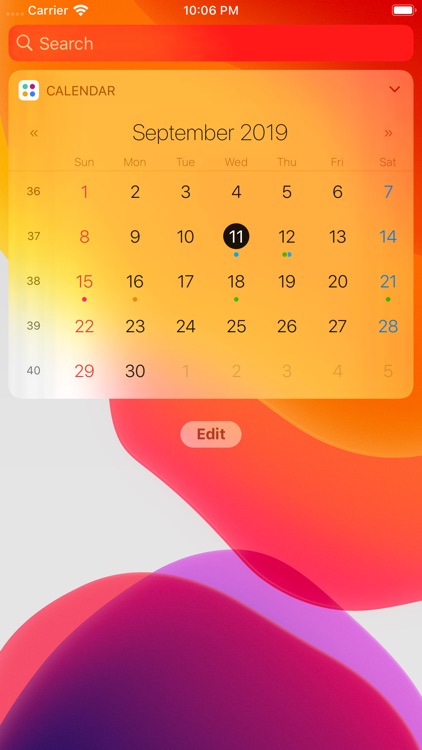
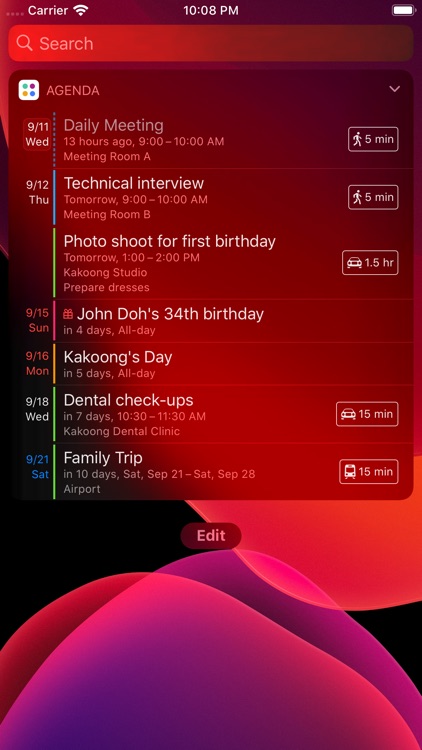
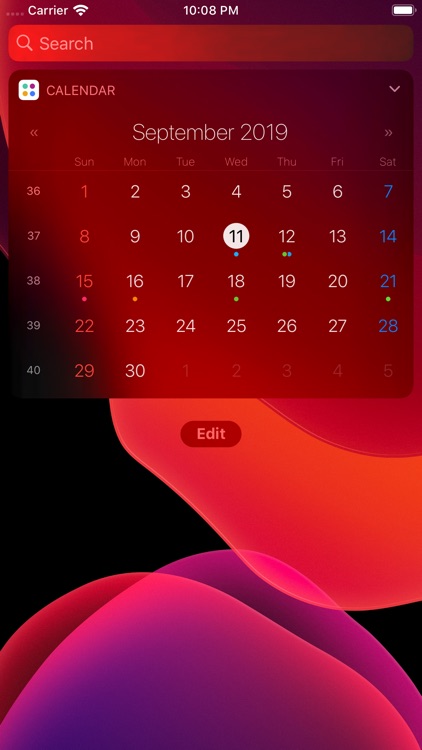
Display upcoming events within the Today view with Agenda: Widget.

It’s for anyone who wants to see beyond today.

$1.99 $1.99
Why we picked this?

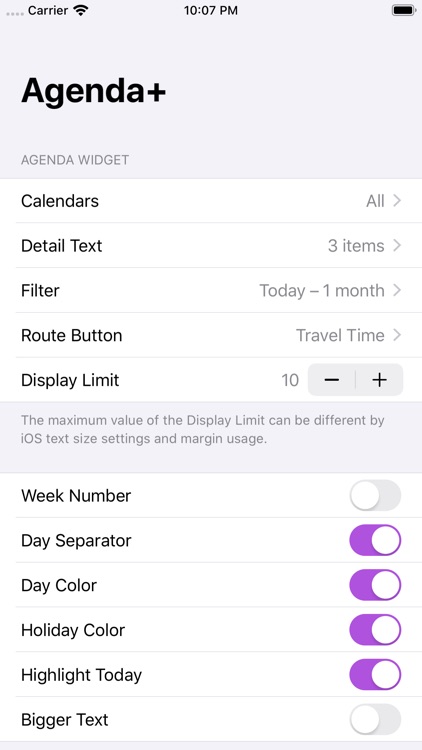
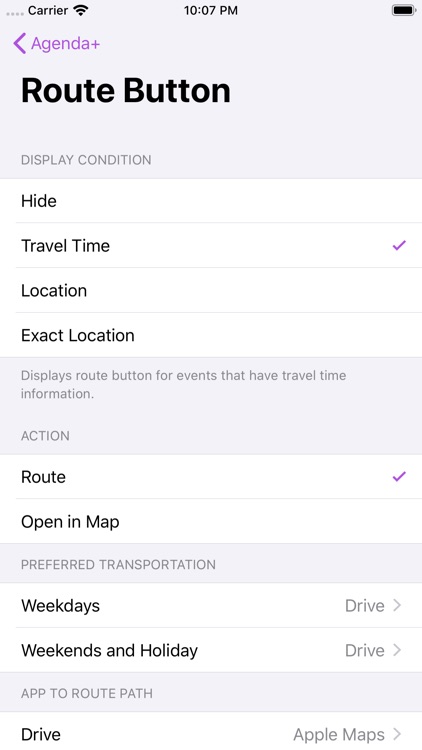
Agenda: Widget provides you with more control over how your calendar is displayed. Instead of only displaying events for today, you’re able to look up to one year into the future. You’re also able to choose how much text and how many events are displayed within the widget. Visibility per calendar can be toggled on and off as well.

If your calendar is pretty bare, this is the widget for you. It helps you see way into the future.

If your calendar is loaded with events, you’re probably doing just fine with the native widget.

Xylo - Cutie Monsters
iPad
Xylo - Cutie Monsters

Xylo - Cutie Monsters

Paul Smith

Learn to play classic melodies with Xylo.

Xylo is sure to get your kids excited about music.

$3.99 $3.99
Why we picked this?

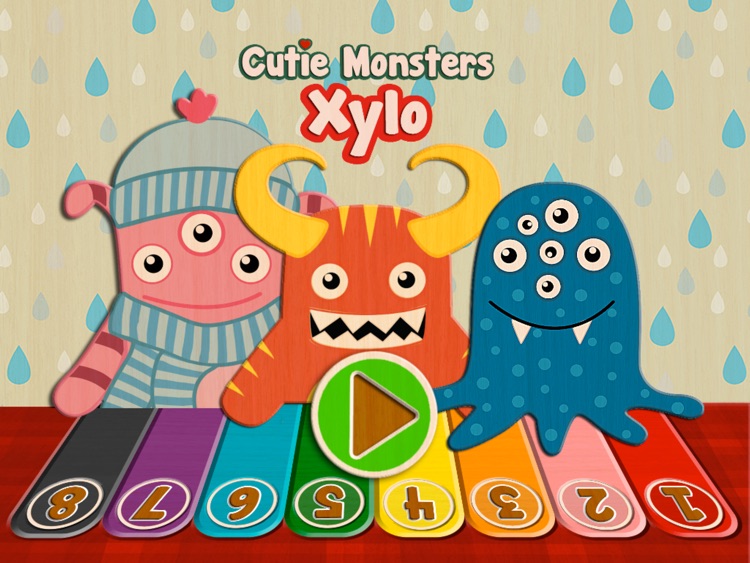
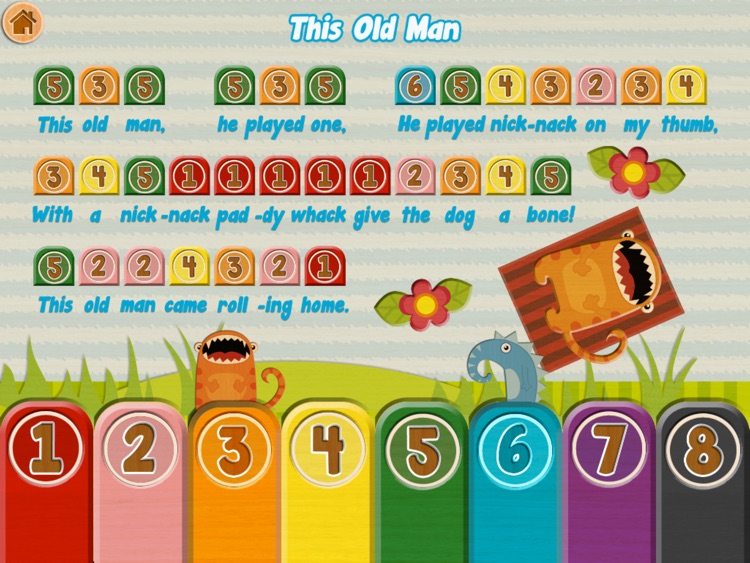
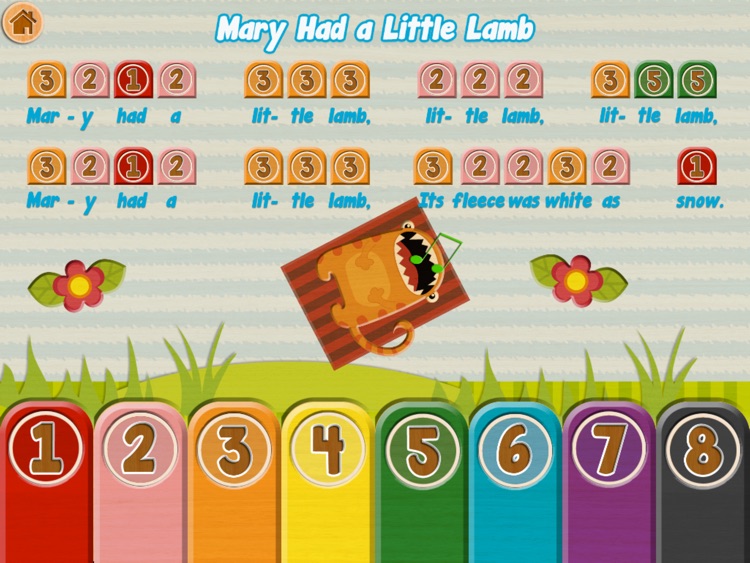
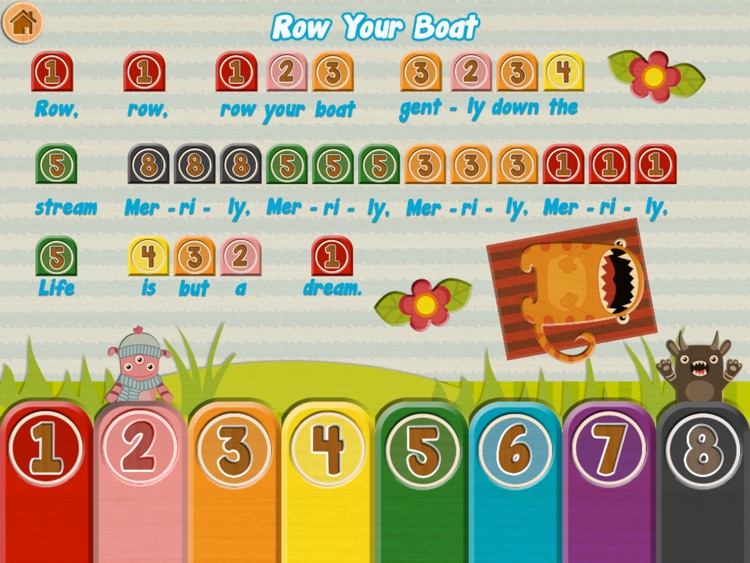
Xylo is an eight note xylophone for iPad. It includes eight classic melodies to learn to play: Mary Had a Little Lamb, Ring Around the Rosie, Row Your Boat, This Old Man, Pop Goes the Weasel, Jingle Bells, Three Blind Mice, and The Mulberry Bush. The notes and lyrics are clearly displayed at the top of the screen with the color-coded keys sitting at the bottom. Just tap to play! The app also supports multitouch, allowing multiple keys to be hit at once.

If you want to teach your child to play music, Xylo is a fun place to start. They don’t even have to follow the sheet music. They can play whatever they want.

It only includes eight notes, so there’s a limit on what you can play.

Ruler - tape measure length
iPhone
iPad
Ruler - tape measure length

Ruler - tape measure length

Dmitriy Pushkarev

Measure anything up to 17 feet with Ruler.

It’s a convenient tool for everyone.

$1.99 $1.99
Why we picked this?

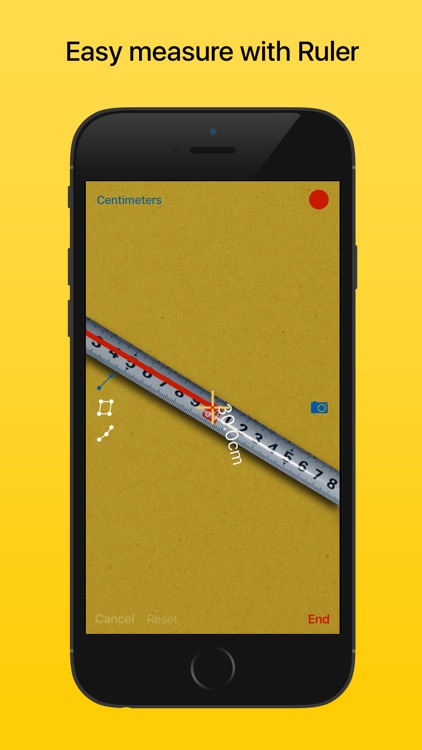
This virtual tape measure allows you to measure objects up to 17 feet in length with a high degree of accuracy. The idea is to place your iDevice down on the object you want to measure and put your finger on the screen. Then slide your iDevice with your other hand. Continue until you reach the end of the object, and pull the arrow down to reel off the tape measure.

Ruler is great for around the house or on the job. Just make sure to watch the tutorial video. It’ll help you achieve a high degree of accuracy.

Ruler doesn’t feature any other types of bells and whistles like the ability to record measurements. It’s just a tape measure.

SharpScan Pro: OCR PDF scanner
iPhone
iPad
SharpScan Pro: OCR PDF scanner

SharpScan Pro: OCR PDF scanner

Pixelnetica

Scan documents and recognize their text with SharpScan Pro.

It’s perfect for business travelers.

$0.99 $0.99
Why we picked this?

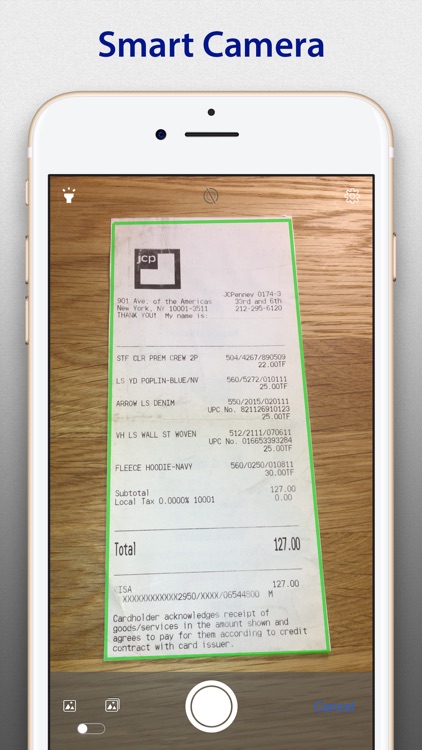
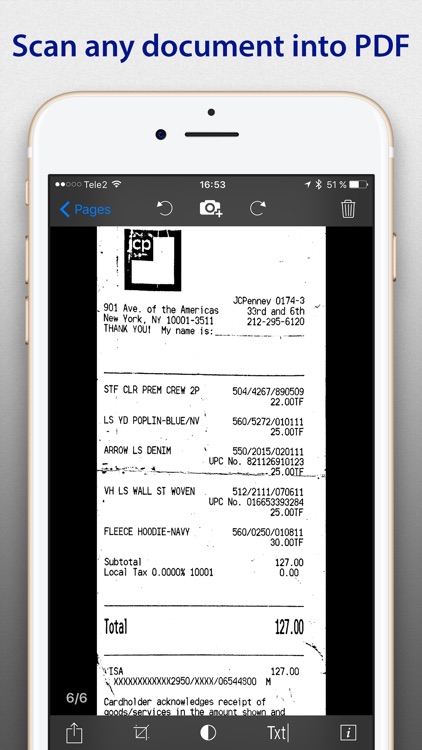
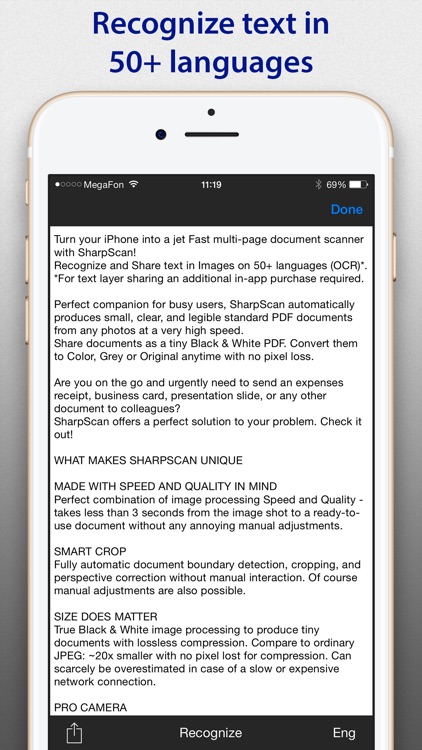
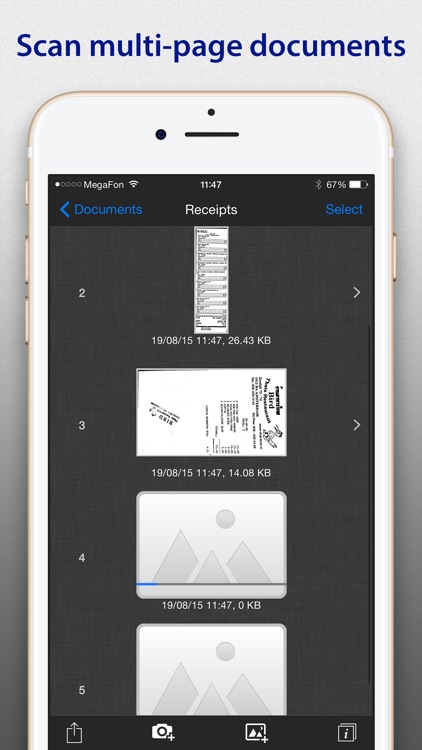
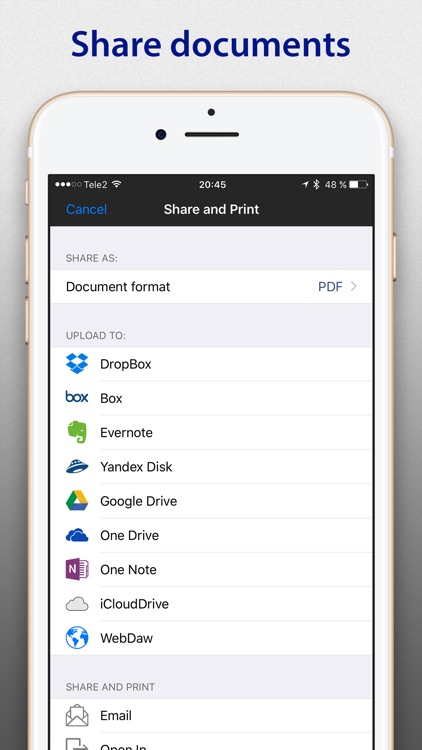
Scanning is a breeze with SharpScan Pro. You’re able to scan a single page or multiple pages rapidly. The app’s powerful camera engine ensures every pixel counts, getting rid of noise, shadows, distortions, and other artifacts. It’s also able to automatically detect the edges of your documents, but you can manually adjust them if need be. After scanning your documents you’re able to recognize the text in over 50 languages. Documents can be stored in the app, on your iDevice, or in the cloud.

If you need a reliable document scanner, you’ve found one. SharpScan Pro produces fantastic quality scans that can be sent wherever they need to go.

If you need to layer the text you’ve recognized, you’re going to want a different app. SharpScan Pro separately charges you for the feature.