


You are using an outdated browser. Please upgrade your browser to improve your experience.

Apps That
Went Free on
2016-04-05

Relax your mind with a puzzle, create tiny spreadsheets, and take control of your photos with today’s collection of apps and games.

Notes.xls expences spreadsheet
iPhone
iPad
Notes.xls expences spreadsheet

Notes.xls expences spreadsheet

Vladimir Chernatkin

Create spreadsheets while on the go with Notes.xls.

It can be as simple or as complex as needed.

FREE ($1.99) For a limited time FREE ($1.99) For a limited time
Why we picked this?

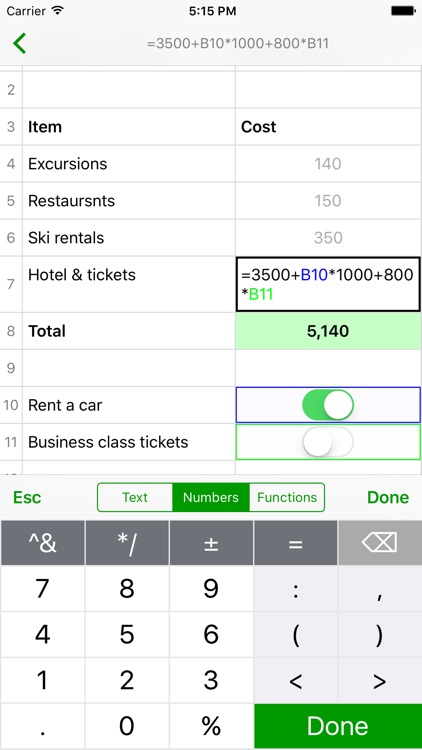
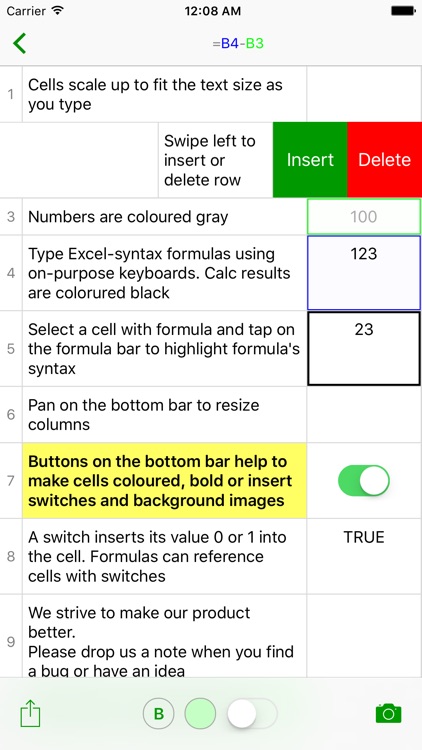
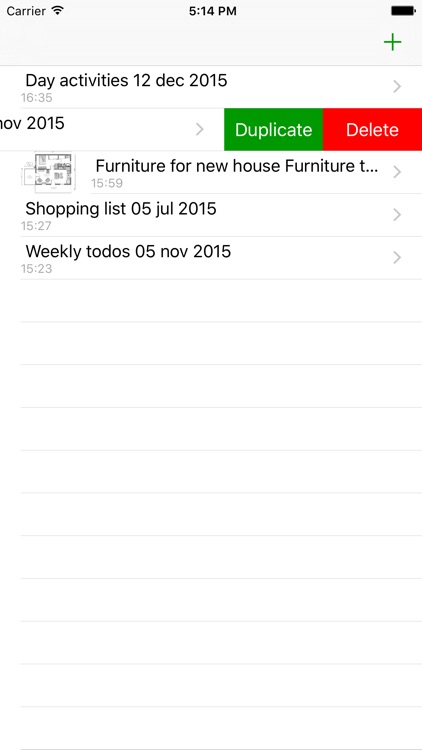
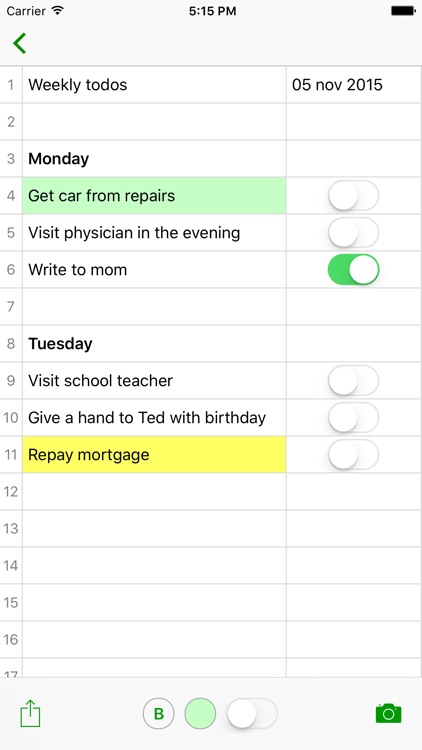
Notes.xls is like having Excel in your pocket. You’re able to use it to calculate daily expenses, track bank accounts, construct budgets, or deal with any other numbers you come across. If you already use Excel on a daily basis, you’ll be happy to know that the syntax formulas work exactly the same. The app also includes two columns, gesture controls, the ability to insert and delete rows, and the ability to share spreadsheets via email.

It’s a powerful tool in a tiny form. If you deal with numbers, you need this app.

Its simplified design is both a convenience and a drawback. Having only two columns is rather limiting.

HashPhotos
iPhone
iPad
HashPhotos

HashPhotos

beyondf

Take control of your photos and videos with Hash Photos.

It’s for anyone who has a ton of photos and videos stored locally on their iDevice.

FREE ($1.99) For a limited time FREE ($1.99) For a limited time
Why we picked this?

Hash Photos takes the hassle out of managing large photo and video libraries. Swipe left to right to access the album view where you can narrow down your photos and videos by category or create your own albums. Swipe right to left to narrow down your search even further by month. Tap on a photo to bring it into full view. This view also allows you to edit, share, tag, note, and glance at metadata for your photo. Hash Photos also includes the ability to customize the thumbnail size, and it has two themes to choose from.

If you can’t stop taking photos, Hash Photos is for you. It does a much better job organizing photos than Apple’s own solution, and the ability to tag photos makes it remarkably easy to track them down.

You’ll have to put some time in grouping and tagging photos to make the app worthwhile.

Markdown - Powerful markdown editor for Medium
iPhone
iPad
Markdown - Powerful markdown editor for Medium

Markdown - Powerful markdown editor for Medium

galaxy x9

Create, edit, and preview Markdown documents with this text editor.

It’s for those who utilize Markdown language.

FREE ($1.99) For a limited time FREE ($1.99) For a limited time
Why we picked this?

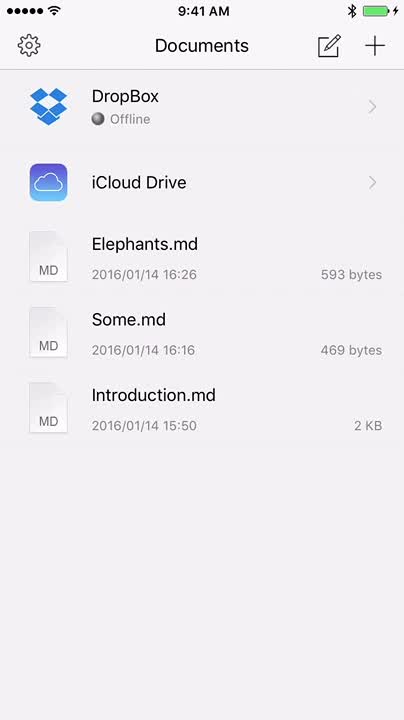
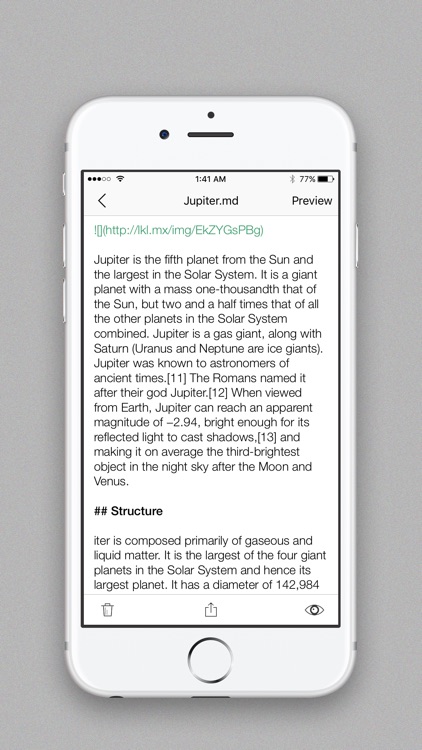
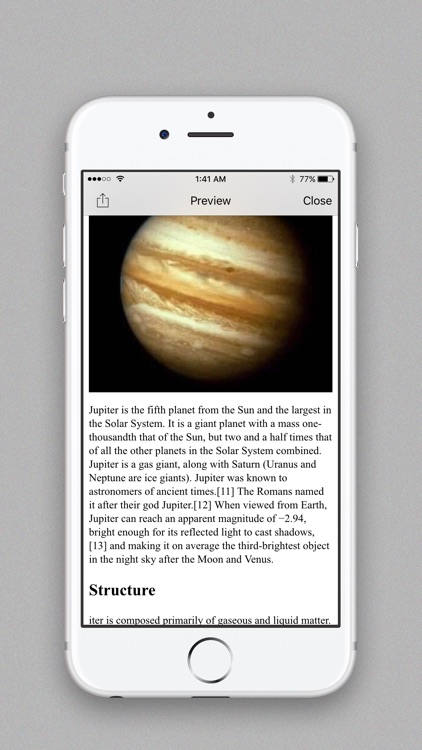
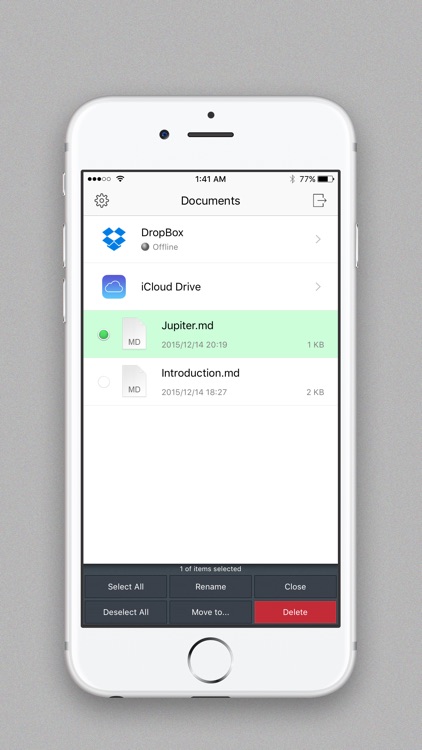
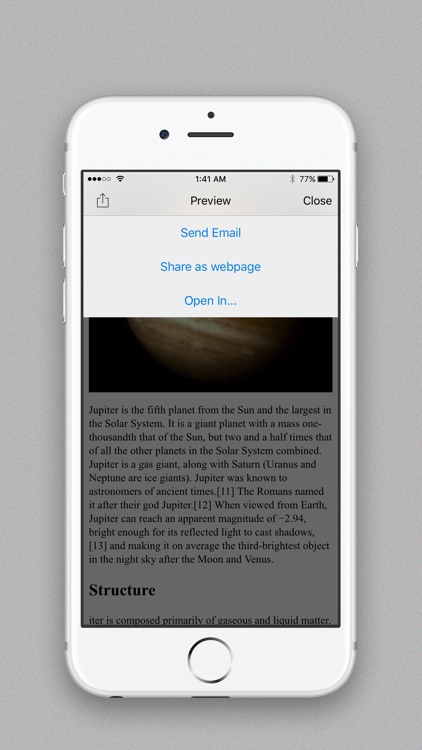
When your documents need to be beautifully formatted and shared with the world, there’s Markdown. It allows you to easily create documents using Markdown syntax thanks to its custom keyboard. Your documents can include bold text, headers, links, tables, and more with the tap of a button. Markdown allows you to preview your work to ensure everything is formatted correctly before sharing it as a webpage, posting it to Medium, or simply syncing it with Dropbox.

If you’re in need of a Markdown editor, this is a great option. It’s especially useful for bloggers.

Markdown is intended for writers who post to webpages or blogs.

TanZen - Relaxing tangram puzzles
iPhone
TanZen - Relaxing tangram puzzles

TanZen - Relaxing tangram puzzles

Little White Bear Studios, LLC

Relax your mind with this tangram puzzle game.

Play for as little or as long as you like.

$0.99 $0.99
Why we picked this?

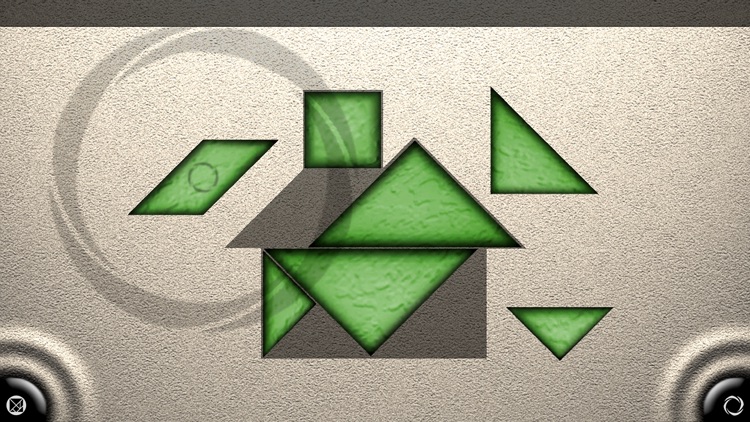
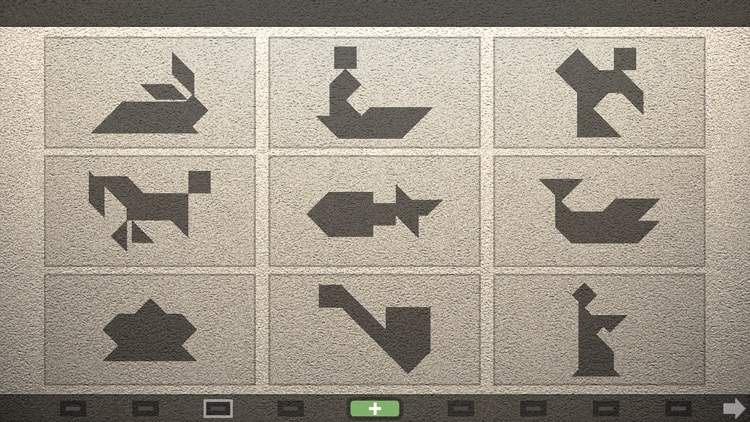
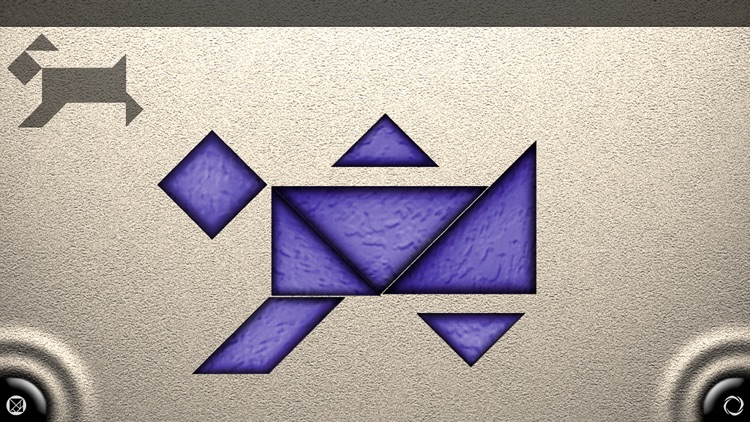
The object of the game is to complete the shape in the middle of the screen by using pieces from each side without allowing them to overlap. You’re also able to play at your own pace since there aren’t any timers to worry about. It includes over 567 puzzles, hints, and achievements via Game Center.

TanZen is now an App Store classic, and it’s not one to miss! The optional advanced mode will challenge even the most skilled puzzle solvers.

If you’re looking for blistering action, you’ve come to the wrong place.

Draw Pad Pro 2
iPhone
iPad
Draw Pad Pro 2

Draw Pad Pro 2

Fishington Studios

This sketchbook allows you to capture what’s on your mind.

It’s great for both business and classroom settings.

$2.99 $2.99
Why we picked this?

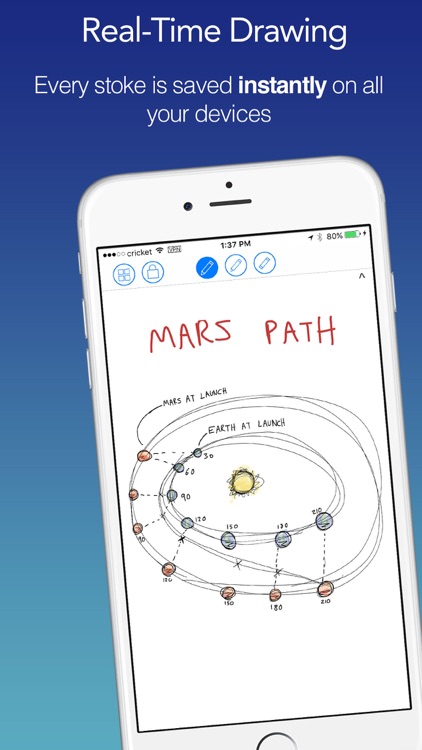
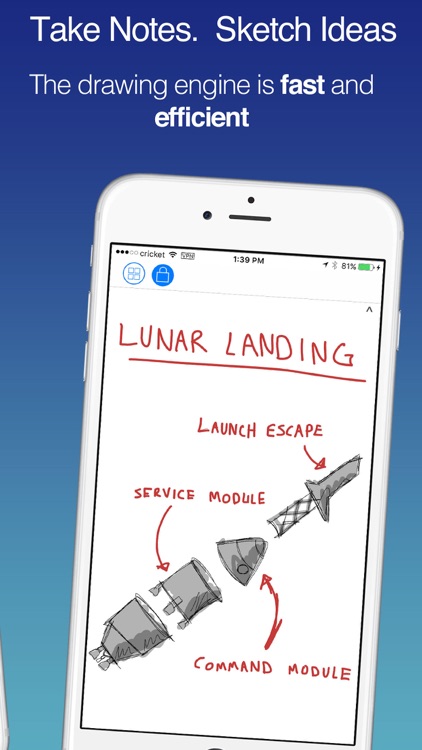
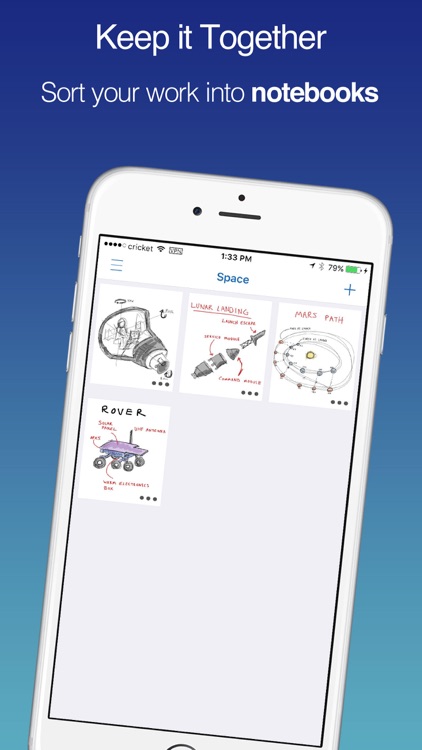
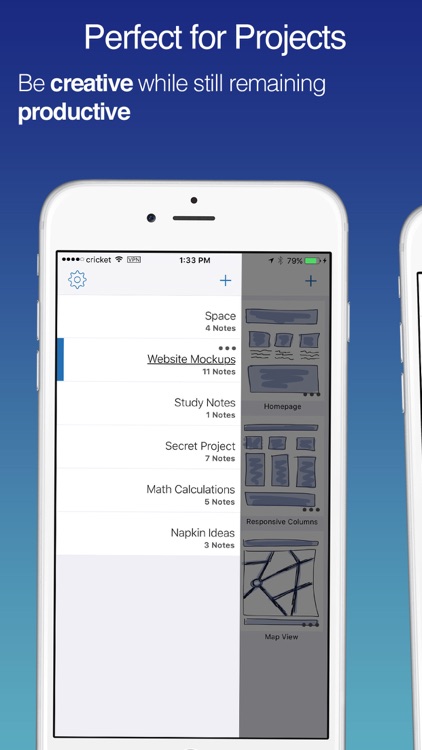
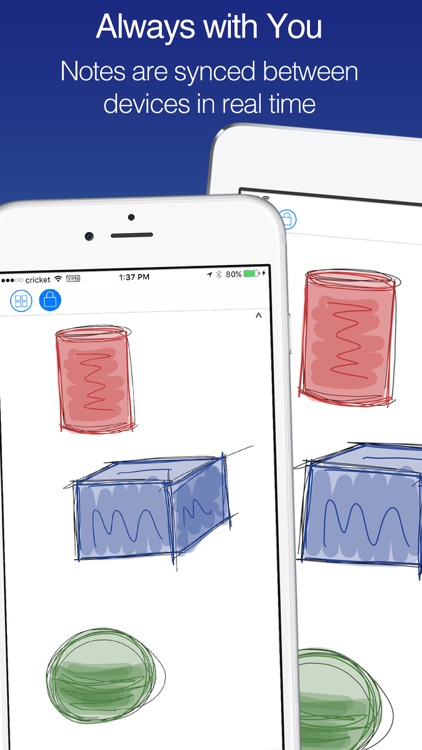
Draw Pad’s clean interface allows you to take notes, sketch out your ideas, and create visual concepts in a snap. The app utilizes a real-time drawing engine, ensuring that every stroke you make is saved and synced instantly across all of your iDevices. You’re able to create notebooks for all of your different projects, and organize them just as you see fit.

If you need to be fast and efficient with your sketches, Draw Pad is for you.

It’s less of an art tool and more of a notepad.

Questerium: Sinister Trinity, Collector's Edition HD (Full)
iPad
Questerium: Sinister Trinity, Collector's Edition HD (Full)

Questerium: Sinister Trinity, Collector's Edition HD (Full)

G5 Entertainment

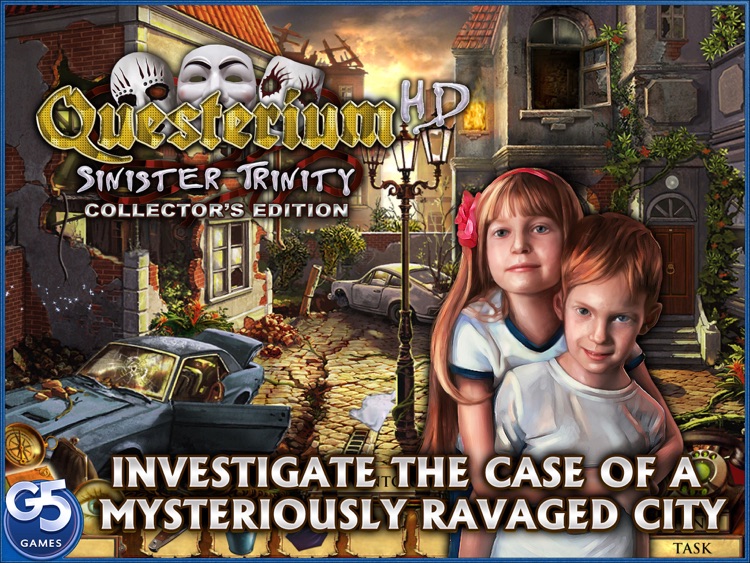
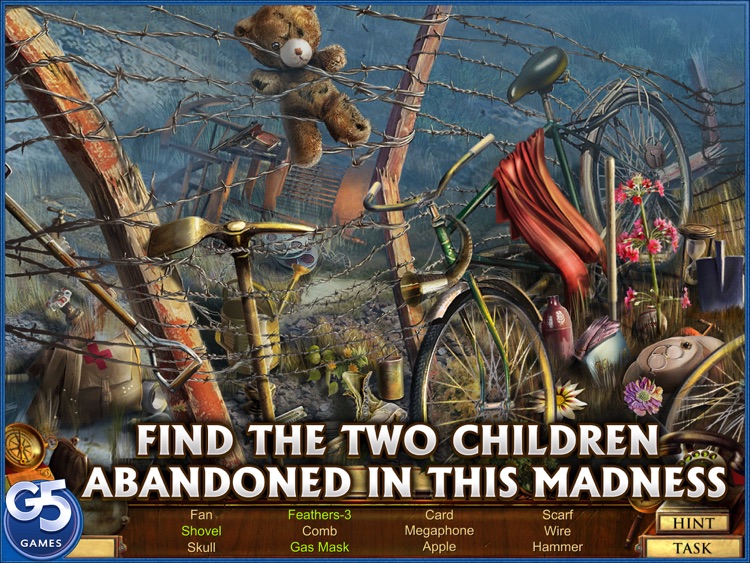
Explore a ruined town in search of two abandoned children in Questerium.

It’s for fans of hidden objects games.

$6.99 $6.99
Why we picked this?

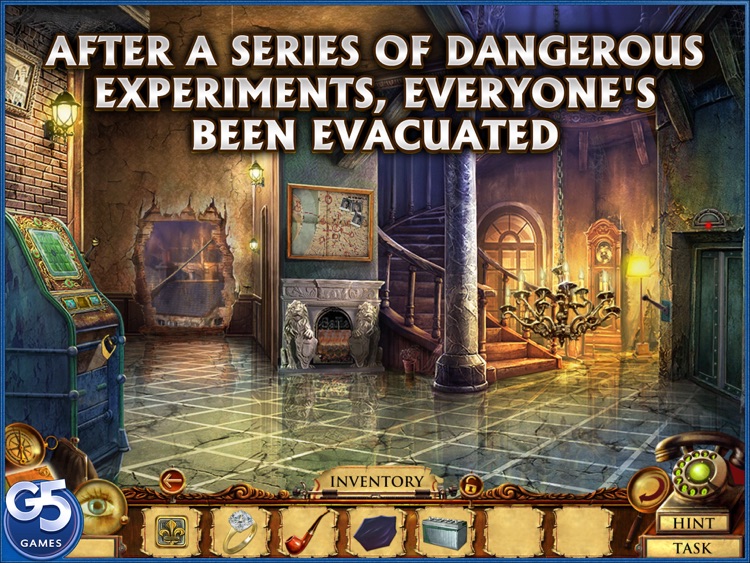
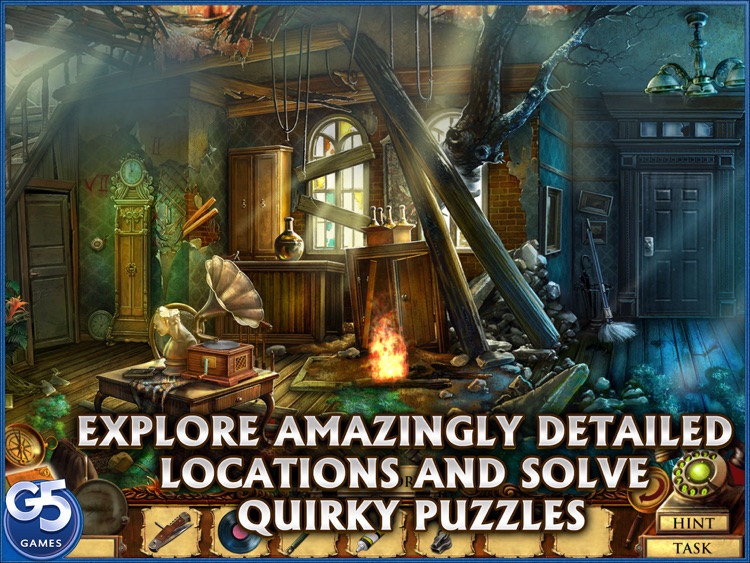
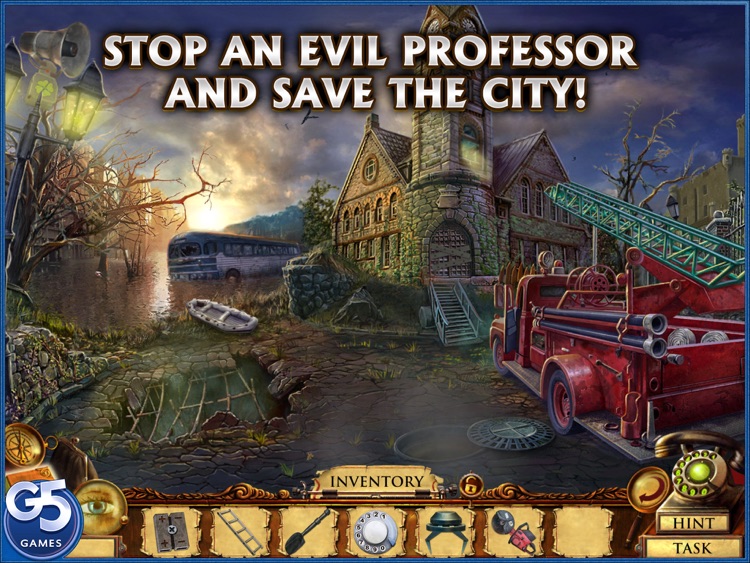
A mysterious meteor crash-landed in a small town, and three lifelong friends make the worst decision of their lives by choosing to use it for experiments. When things go wrong, the entire town needs to be evacuated, but two small children have been left behind. It’s up to you as the investigator to not only find the children but also destroy the machine harnessing the power of the meteor and bring the professor to justice. Along the way you’ll have to search 39 locations, hunt for objects in 17 scenes, and solve 21 brain-bending puzzles.

If you prefer your hidden objects games with a dash of mystery, check out Questerium.

If you’d rather just hunt for objects, you’ll want to skip this one. It’s a story-driven affair.