


You are using an outdated browser. Please upgrade your browser to improve your experience.

Apps That
Went Free on
2016-10-18

Add warmth and depth to your photos, take notes and categorize them, and save the world from oblivion with today’s collection of apps and games.

Minecraft: Story Mode
iPhone
iPad
Minecraft: Story Mode

Minecraft: Story Mode

Telltale Inc

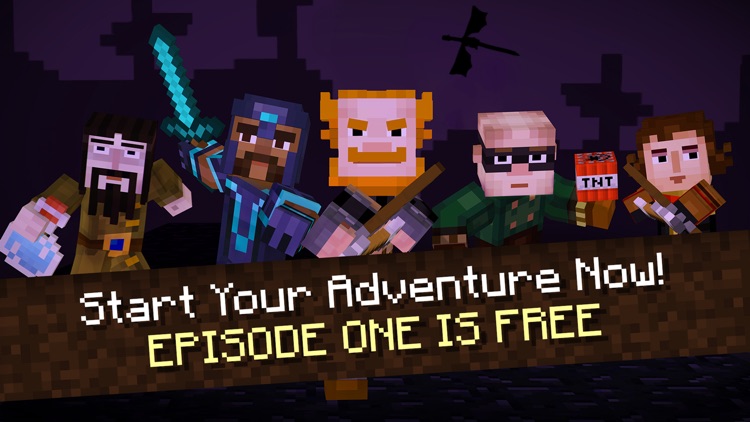
Save the world from oblivion in Minecraft: Story Mode.

It’s for those who have enjoyed Telltale’s award-winning adventure games.

FREE ($4.99) For a limited time FREE ($4.99) For a limited time
Why we picked this?

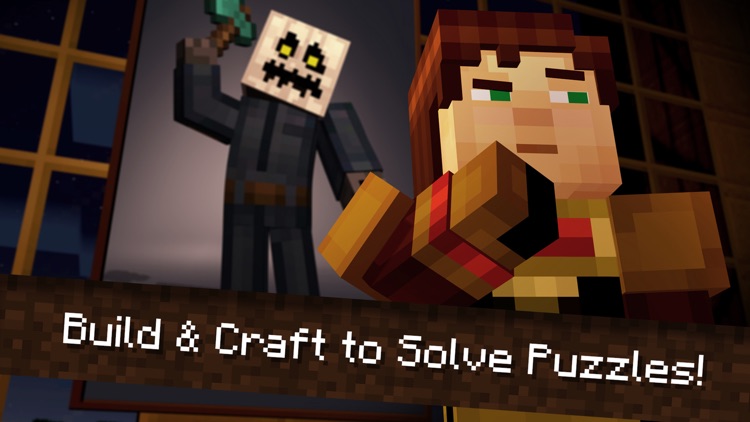
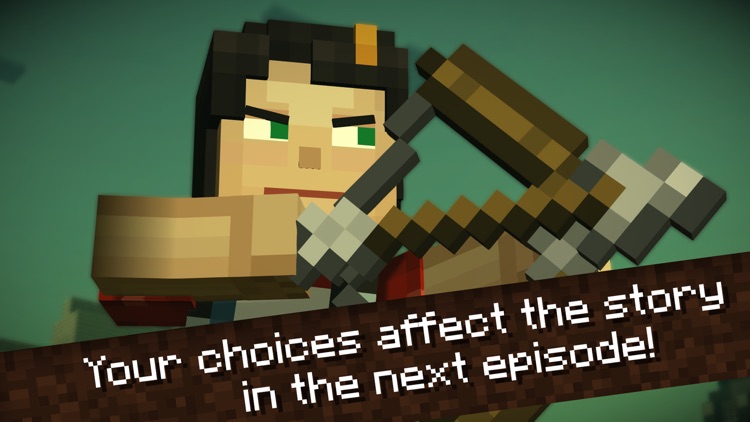
Minecraft: Story Mode takes you on an adventure within the blocky world of Minecraft. An unforeseen terror has been unleashed, and you and your friends must set out on a quest to find The Order of the Stone in order to save the world from total destruction. The decisions you make and what you say to people along the way will drive the story, so choose wisely.

If you’re at all a fan of Minecraft or any of Telltale’s adventure games, check this one out.

To unlock additional chapters, you’ll have to pay.
Meteor Notes
iPhone
iPad
Meteor Notes

Meteor Notes

Mathieu Routhier

Take notes and efficiently organize them with Meteor.

It’s for those who take a lot of notes.

FREE ($2.99) For a limited time FREE ($2.99) For a limited time
Why we picked this?

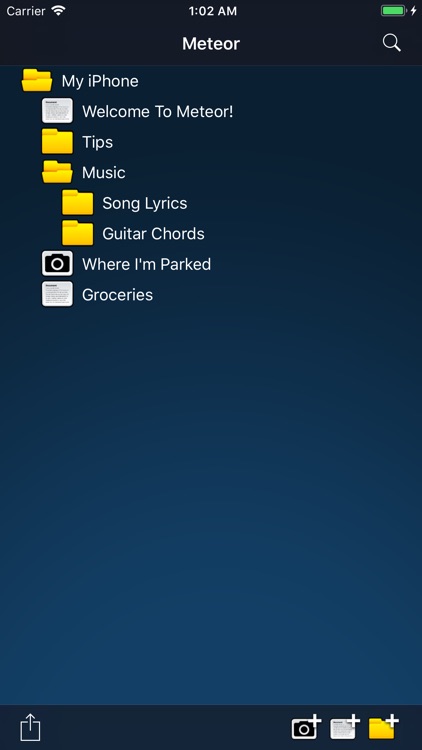
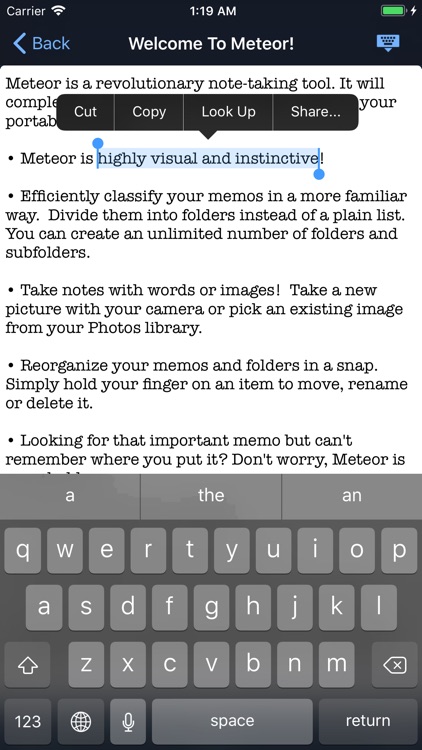
Meteor provides a more familiar way to classify the thoughts and ideas in your head. When generating a new note or adding a photo, your first task is to pick a destination by tapping on a folder. You can then add as much or as little information as necessary. The app allows you to create an unlimited number of folders and subfolders, and easily move files between them. The app also includes Dropbox support, search, passcode protection, and the ability to share notes locally over Wi-Fi.

If you take a lot of notes, Meteor will help you keep them straight.

It lacks formatting options.

Notes.xls expences spreadsheet
iPhone
iPad
Notes.xls expences spreadsheet

Notes.xls expences spreadsheet

Vladimir Chernatkin

Create spreadsheets while on the go with Notes.xls.

It can be as simple or as complex as needed.

FREE ($2.99) For a limited time FREE ($2.99) For a limited time
Why we picked this?

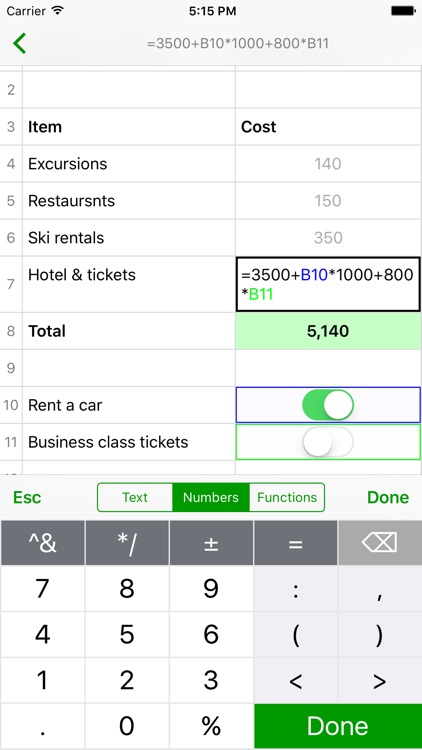
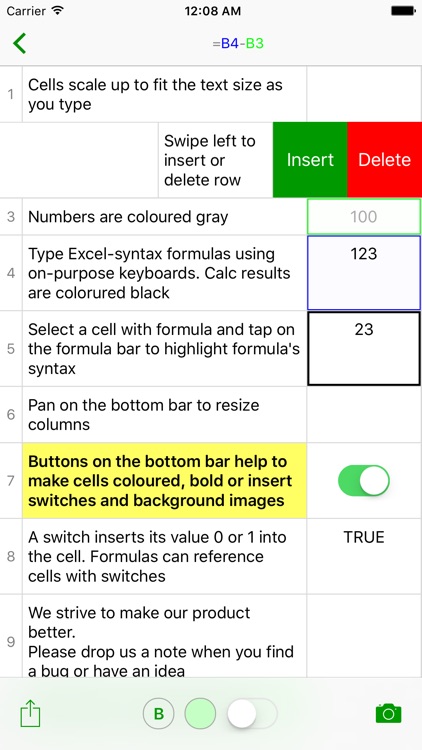
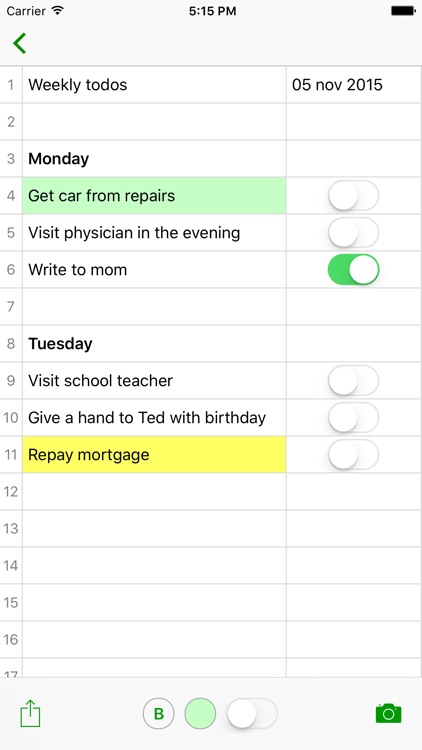
Notes.xls is like having Excel in your pocket. You’re able to use it to calculate daily expenses, track bank accounts, construct budgets, or deal with any other numbers you come across. If you already use Excel on a daily basis, you’ll be happy to know that the syntax formulas work exactly the same. The app also includes two columns, gesture controls, the ability to insert and delete rows, and the ability to share spreadsheets via email.

It’s a powerful tool in a tiny form. If you deal with numbers, you need this app.

Its simplified design is both a convenience and a drawback. Having only two columns is rather limiting.

Feelca D
iPhone
Feelca D

Feelca D

IDEAMP Co.,Ltd.

Capture photos that have a warm, real life feel to them with Feelca Daylight.

It’s for those who miss the good old days.

$0.99 $0.99
Why we picked this?

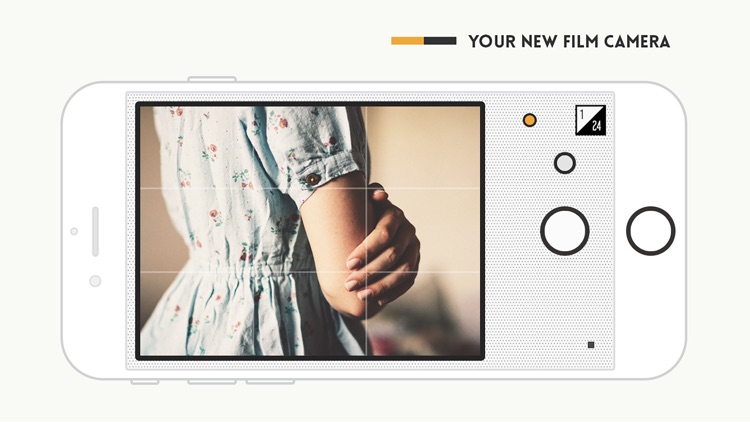
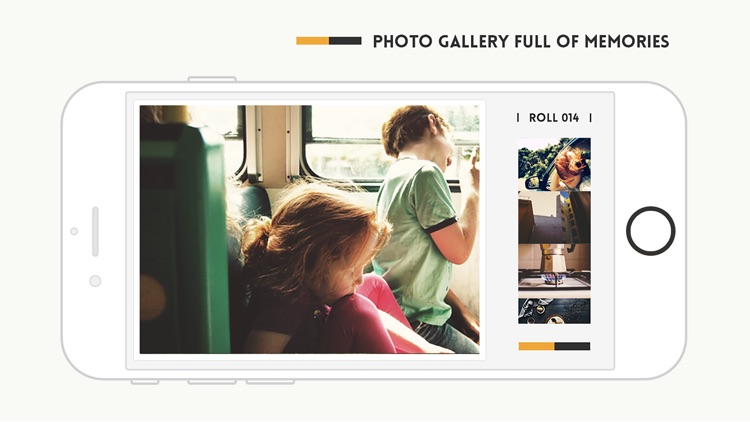
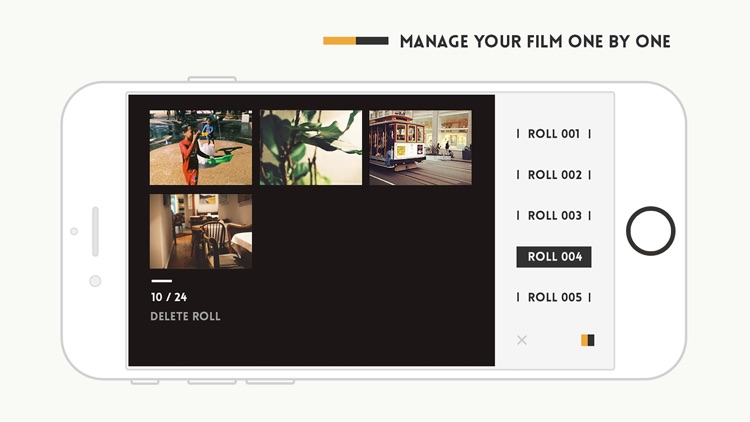
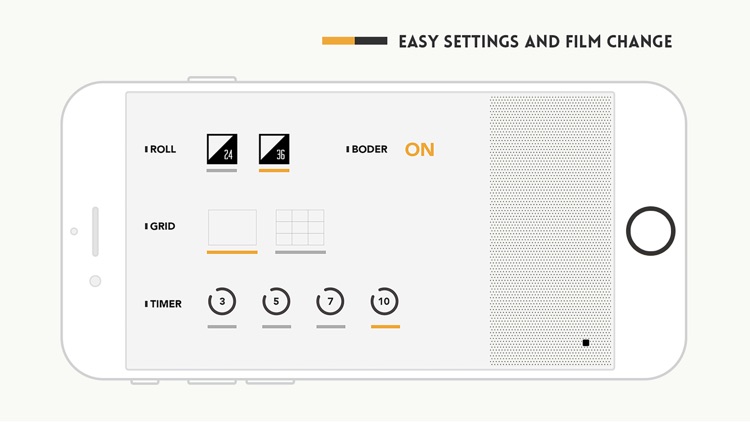
Feelca Daylight mimics the look of film cameras. You're able to choose between 24 and 36 exposure film. Then line up your subjects and snap away. The app automatically organizes photos as if they were rolls of film. Afterwards you can add a caption, which is presented as a Polaroid-like developed photo, or you can just share photos as they are.

If you take lots of outdoor photos, Feelca Daylight is for you. It has a classic look and feel.

You won’t find any editing options or additional filters.

After3D Prism - Craft 3D Art, Create 3D Models Pro
iPad
After3D Prism - Craft 3D Art, Create 3D Models Pro

After3D Prism - Craft 3D Art, Create 3D Models Pro

Khoo Si shit

Create 3-D models with After3D.

It provides a casual artistic environment.

$2.99 $2.99
Why we picked this?

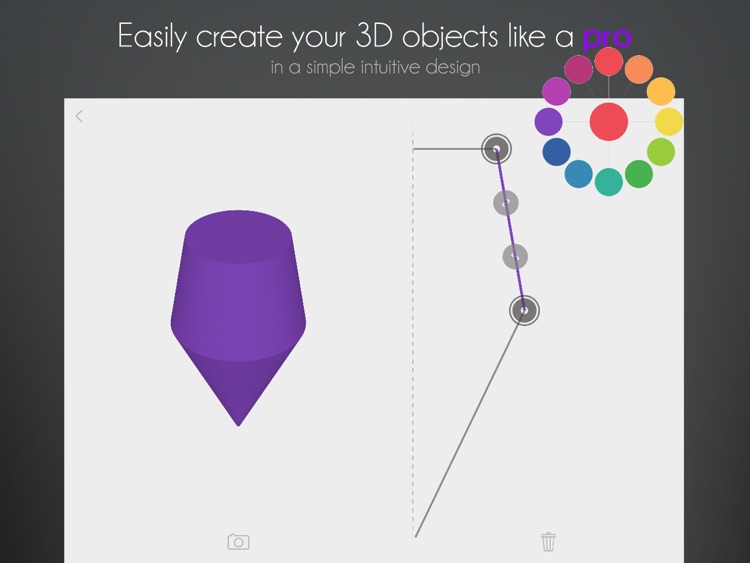
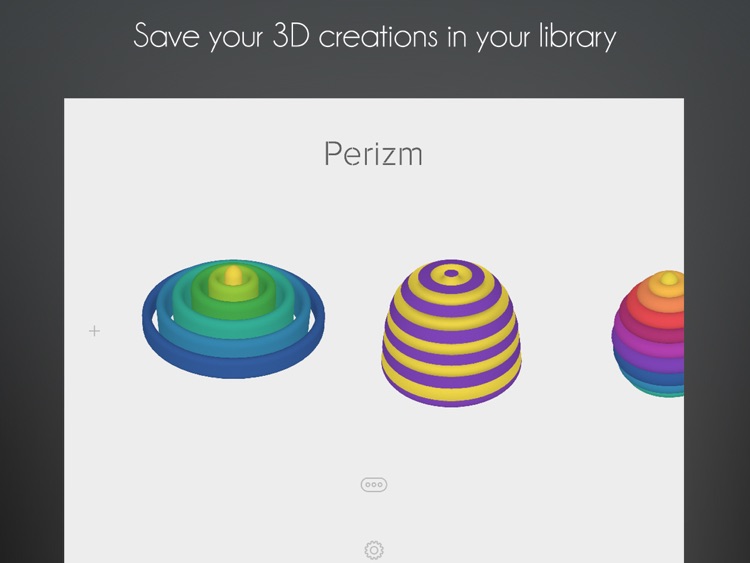
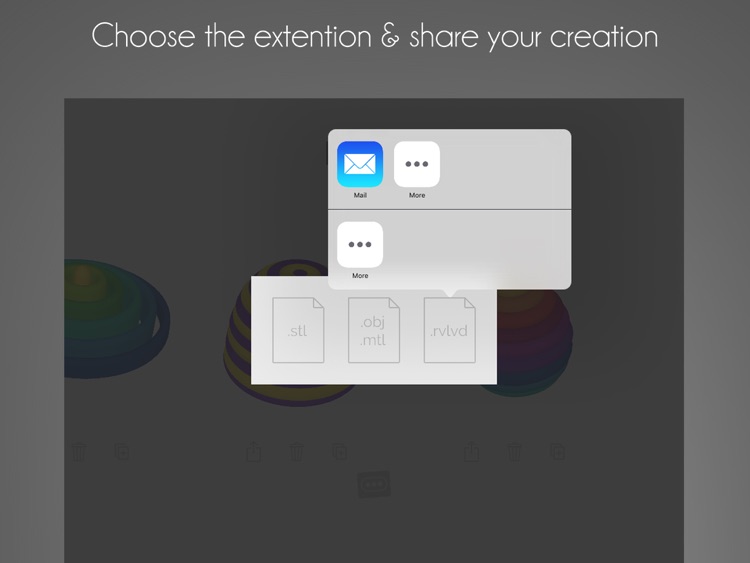
With After3D, anyone can create a 3-D design thanks to its unique interface. The screen is divided into two parts, with a preview of your model to the left and the drawing area to the right. The drawing area provides a simple 2-D view of your 3-D object. All you need to do is draw lines. The lines can be contorted and attached to each other to create the 3-D model. It’s surprisingly simple and effective. You’re able to share your creations as images or as files that 3-D printers can read.

If you’ve always wanted to try 3-D modeling, this is a great place to start. It provides a stress-free environment.

Its toolset is quite limited. You’ll only be able to create basic 3-D models.