
You are using an outdated browser. Please upgrade your browser to improve your experience.

Apps That
Went Free on
2016-10-27

Manage your money, perform space battles in VR, and learn to read the letters of the alphabet with today’s collection of apps and games.

Fudget: Budget Planner Tracker
iPhone
iPad
Fudget: Budget Planner Tracker

Fudget: Budget Planner Tracker

Danny Connell

Manage your money with Fudget.

It’s for anyone who wants to stay on a budget without a lot of fuss.

FREE ($1.99) For a limited time FREE ($1.99) For a limited time
Why we picked this?

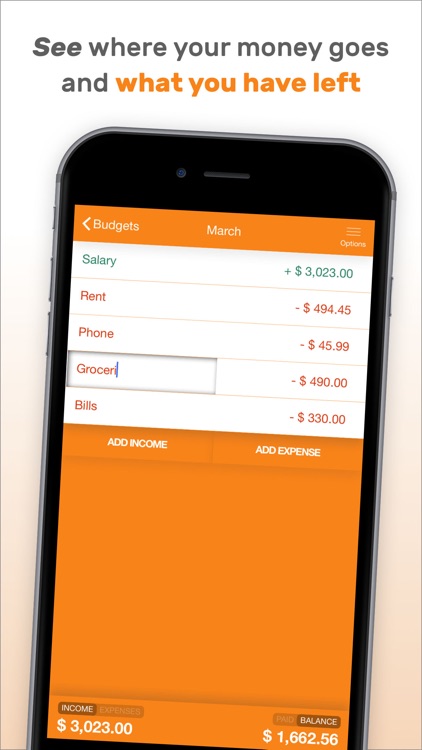
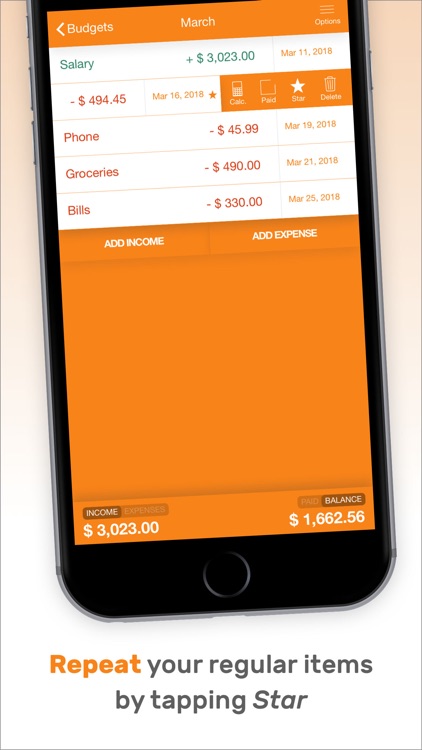
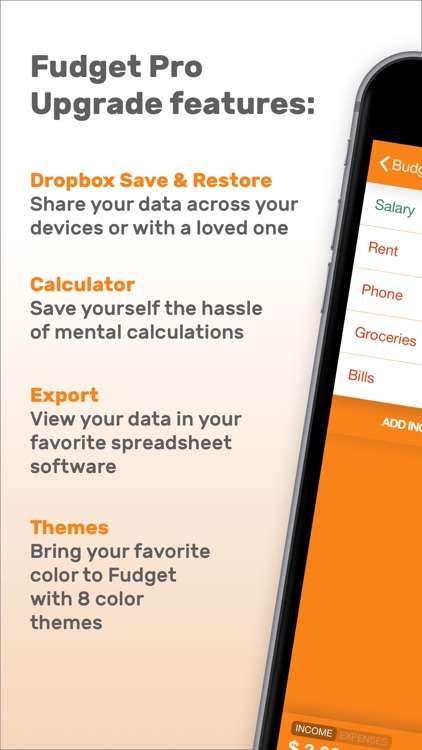
Today only: Unlock Fudget’s pro features free of charge! Simply go to the Settings menu, tap on Fudget Pro Upgrade, and confirm your action. The upgrade will unlock eight themes, a calculator, Touch ID support, and the ability to export budgets. Fudget takes a less-is-more approach to finance tracking. You’re able to create separate budgets for each month, specific occasions, or anything else you deem necessary. It only takes one tap to add income or an expense, and you will see your totals updated in real-time at the bottom of the screen. Income and expenses can be favorited in order to be repeated in future budgets. You’re also able to reorder, edit, and delete entries at will.

If you want an easy way to stay on top of your finances, Fudget is perfect for you. There aren’t any time constraints, so you can use it weekly, monthly, or however you wish.

The app is focused on simplicity, so it lacks a few power-user features like the ability to tag and attach symbols to entries.
Frutorious
iPhone
Frutorious

Frutorious

Infinite State Games Ltd

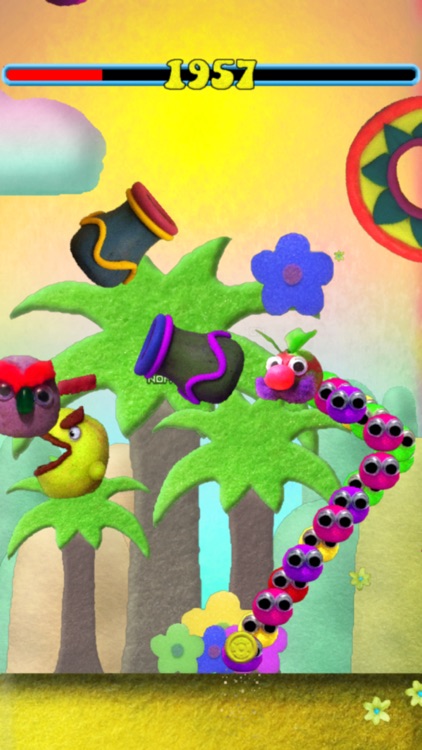
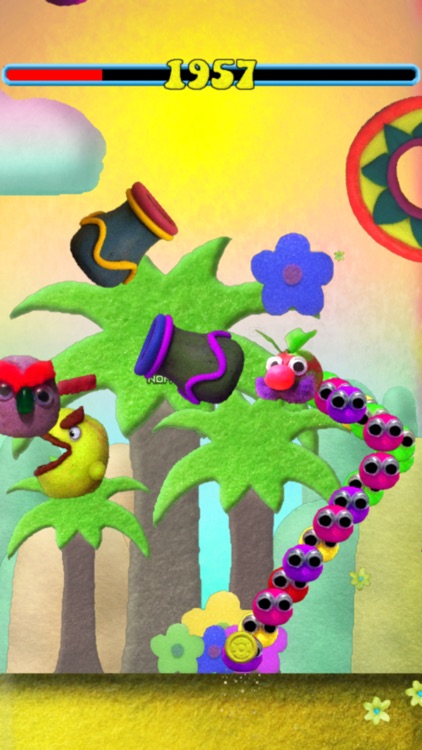
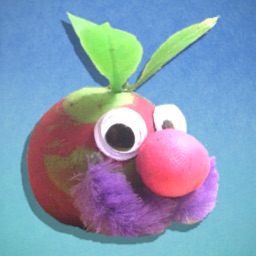
Fling Mr. Fruts around colorful environments and save his friends in Frutorious.

It’s a totally psychedelic platformer.

FREE ($0.99) For a limited time FREE ($0.99) For a limited time
Why we picked this?

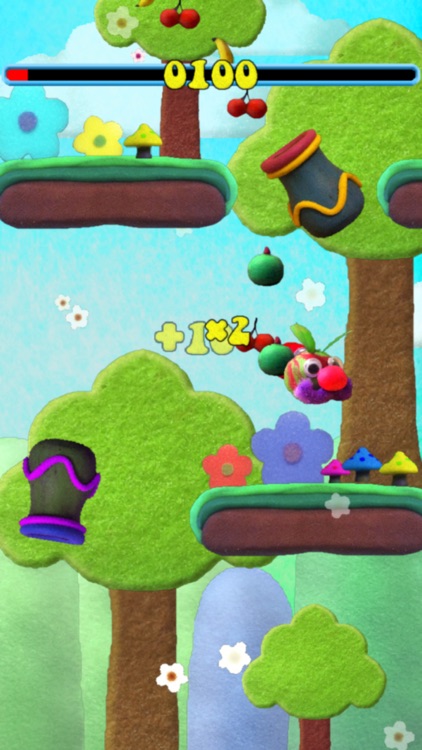
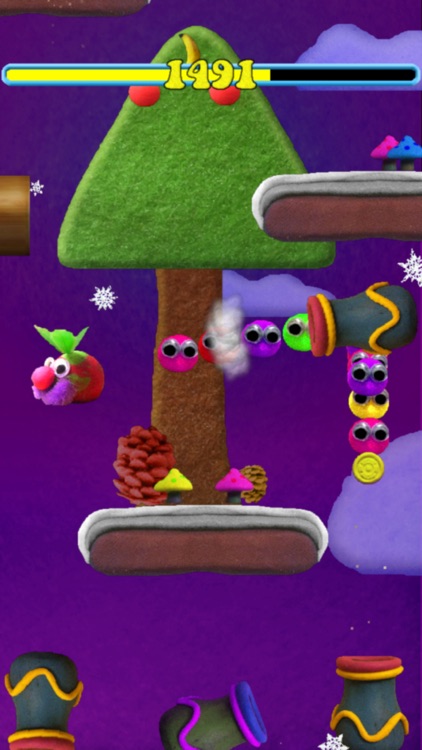
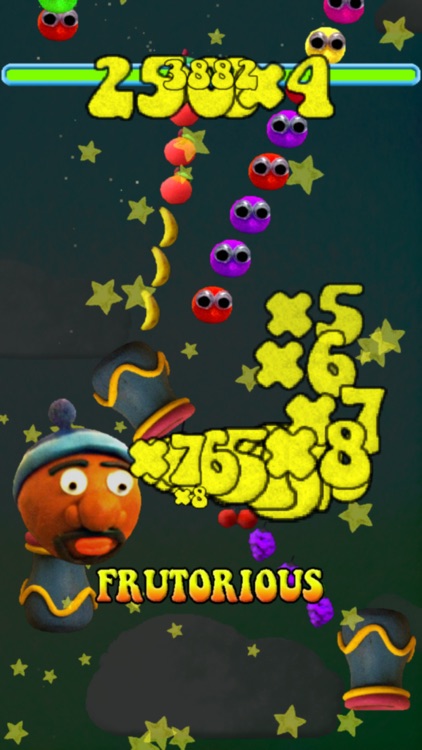
Mr. and Mrs. Fruts were having a peaceful picnic when suddenly an evil skull appeared and turned all of their friends into fruits. It’s up to you to help Mr. Fruts and his best friend Frutorious F.I.G. save the day. You’re able to fling Mr. Fruts by dragging your finger to aim and releasing to fire. Gather all of the fruits and coins on your way up while avoiding the many obstacles.

Platformers don’t get much more cute and colorful than this. If you enjoy classic mobile gaming goodness, check this one out.

If you’re looking for a true challenge, you probably won’t find it here. It’s a pretty casual affair.

VR Space: The Last Mission
iPhone
VR Space: The Last Mission

VR Space: The Last Mission

Loading Home

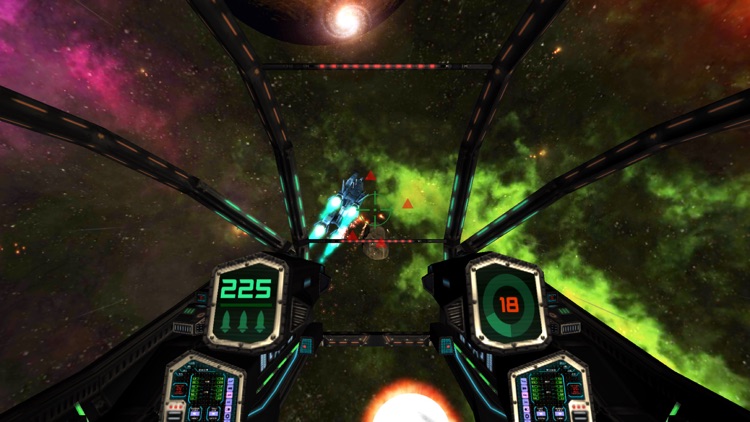
Perform space battles in virtual reality with VR Space: The Last Mission.

It’s for anyone who owns Google Cardboard.

$1.99 $1.99
Why we picked this?

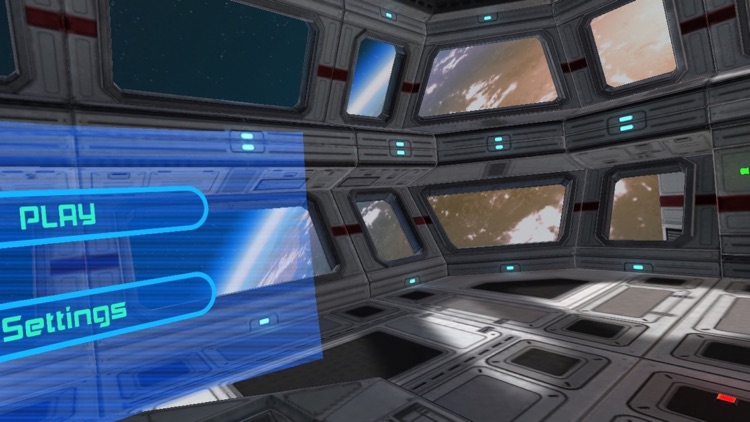
Play as a space war veteran with the only ship left in the entire squadron. Hop into the cockpit and battle endless waves of enemies. With Google Cardboard, you’re able to control your ship with a gamepad and simply turn your head to look around within the cockpit. It’s an immersive VR experience that you just have to see for yourself.

If you’ve always wanted to try VR, this is your chance.

Although it does have a “No VR” mode, it’s just not as fun.

Learn to Read : Mario Alphabet Apps Phonetic ABCD
iPhone
iPad
Learn to Read : Mario Alphabet Apps Phonetic ABCD

Learn to Read : Mario Alphabet Apps Phonetic ABCD

1tucan

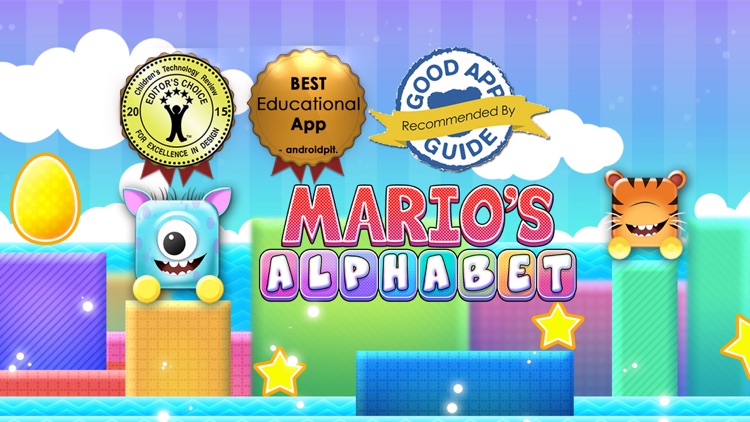
Learn to read all of the letters in the alphabet with Mario Alphabet.

It’s ideal for children ages three through seven.

$2.99 $2.99
Why we picked this?

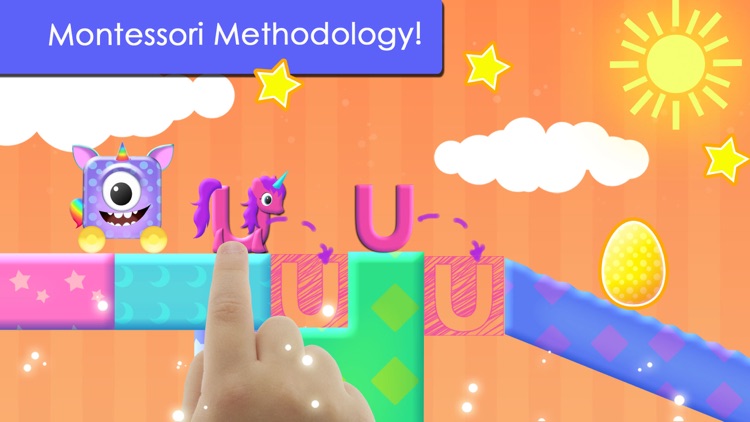
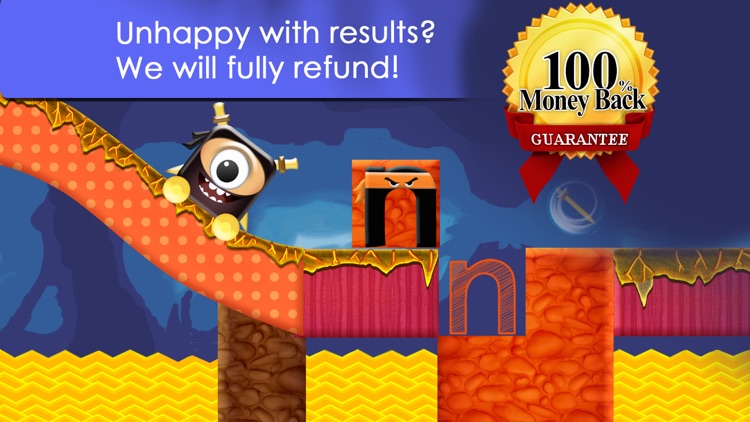
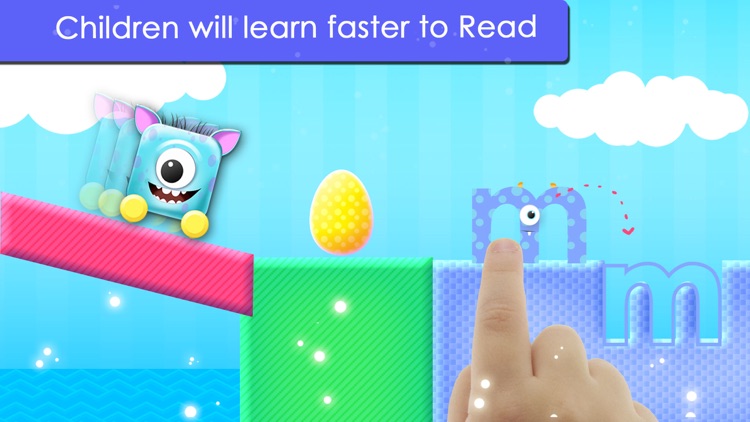
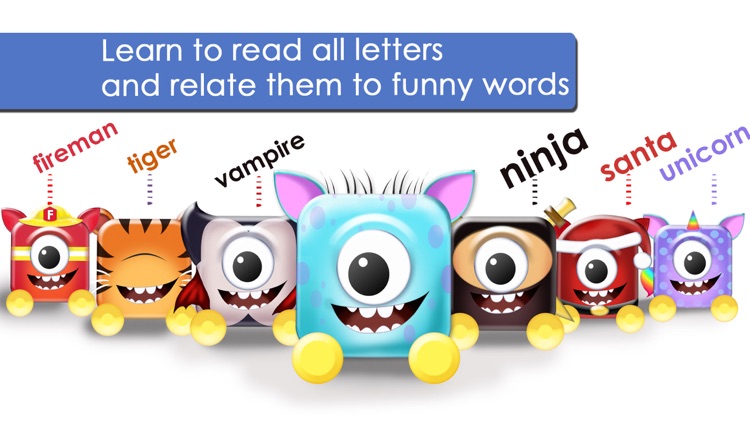
Your child will love learning the alphabet with Mario. They get to roll, jump, fly, and sail around environments while learning to read. As Mario approaches a new letter obstacle, your child must drag it out of the way and, while doing so, will get to hear the sound it makes. Mario Alphabet includes 25 adorable characters and 168 levels.

If your little one is just learning to read, they’ll enjoy Mario Alphabet. It’s based on the Montessori Methodology.

Some younger children will struggle with the interactive gameplay.