




You are using an outdated browser. Please upgrade your browser to improve your experience.

Apps That
Went Free on
2016-11-28

Manage all of life’s tasks, give your photos a gloomy look, and help your child develop cognitive and fine motor skills with today’s collection of apps and games.

Genius AdBlocker
iPhone
iPad
Genius AdBlocker

Genius AdBlocker

Genius Sbs Lab

Get rid of annoying ads and trackers with Genius AdBlocker.

It’s for everyone.

FREE ($0.99) For a limited time FREE ($0.99) For a limited time
Why we picked this?

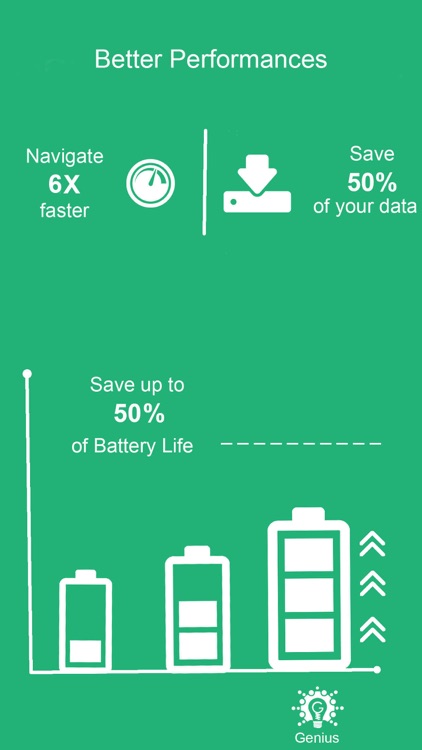
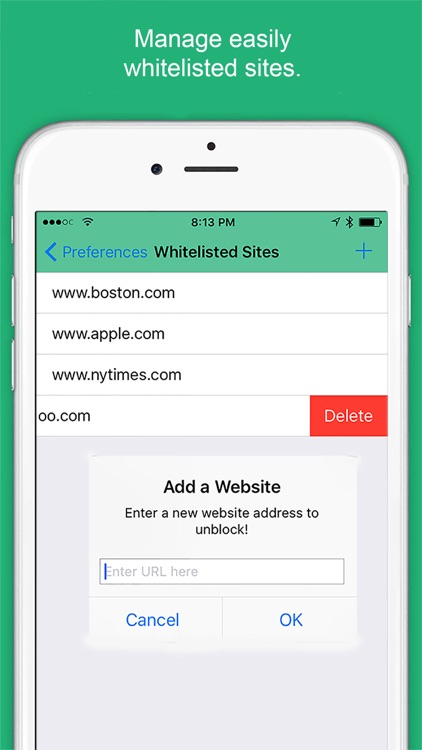
Tired of wasting data, speed, and battery life on unwanted content? Then install and enable Genius AdBlocker today. The process is really simple. Just launch the Settings app, tap on Safari, tap on Content Blockers, and then enable Genius AdBlocker. You’ll then be able to browse the web fast and freely. Genius AdBlocker can be customized in order to block not only ads but also tracking scripts, social widgets, images, and scripts. It also includes the ability to whitelist sites.

If you don’t yet have a way to block ads and trackers, download Genius AdBlocker.

The only reason to skip this one is if you’re not running iOS 9 or higher.

Zero+
iPhone
iPad
Zero+

Zero+

SaturnBoy, LLC

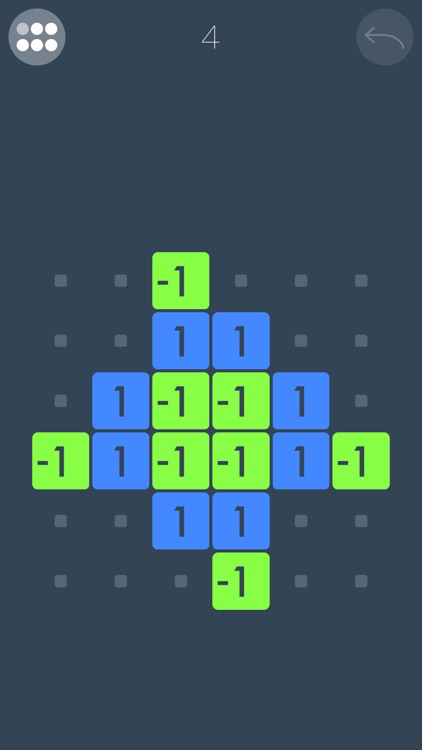
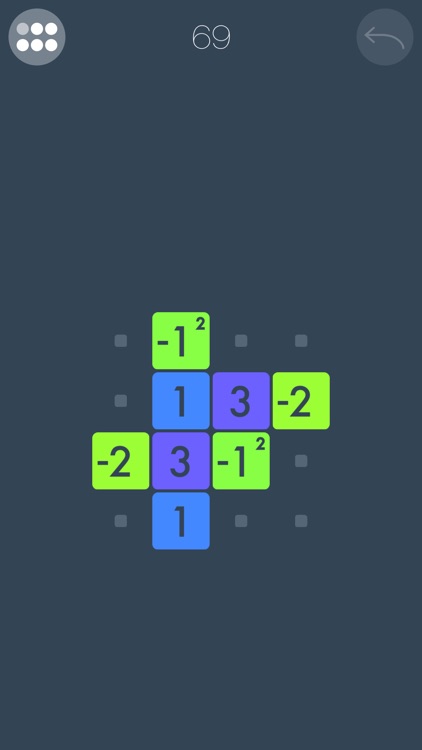
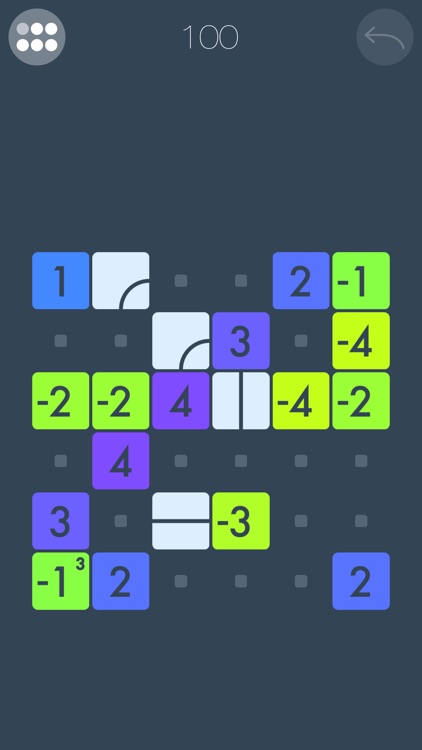
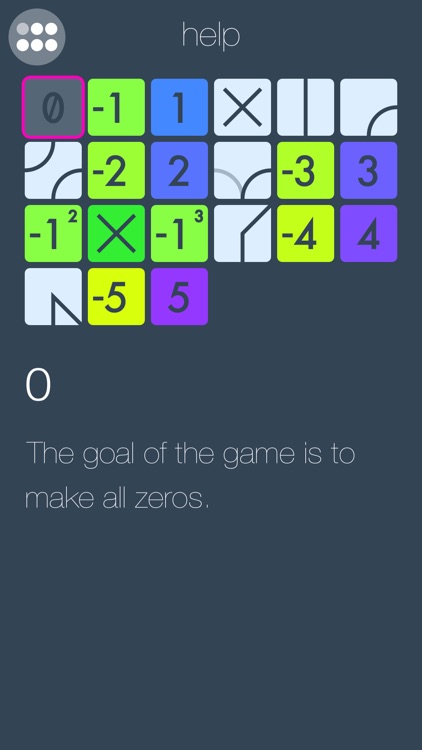
Swipe to slide numbered tiles in order to make them all zeroes in Zero.

Fans of logic-based puzzle games will thoroughly enjoy this one.

FREE ($0.99) For a limited time FREE ($0.99) For a limited time
Why we picked this?

The basic gameplay mechanics in Zero are simple enough. You must slide positive and negative numbered tiles around the board in order to achieve zero. The first few levels consist of just ones and twos, but things get crazy pretty quickly when large numbers and new kinds of modifier tiles enter the mix. Also, keep in mind that tiles won’t stop sliding unless they run into something. The game includes a total of 120 levels.

It’s mathematical fun. Each level is something entirely new.

Things get difficult rather quickly, and you can’t skip levels.

Gloomlogue
iPhone
iPad
Gloomlogue

Gloomlogue

Thomas Tsopanakis

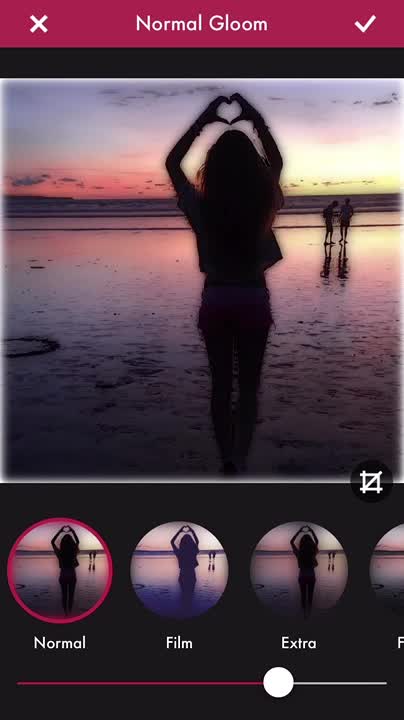
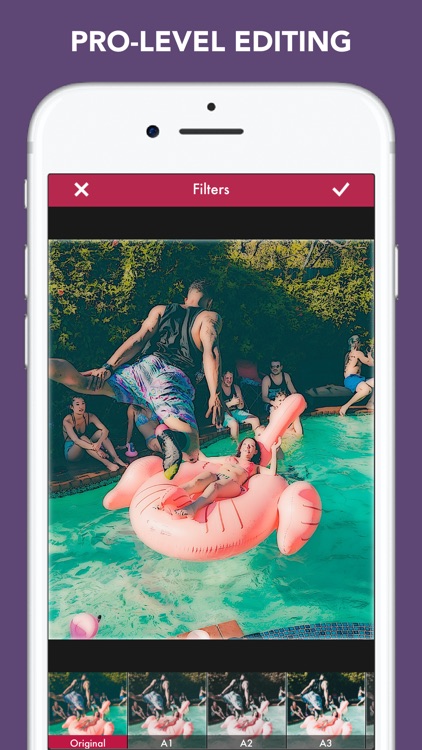
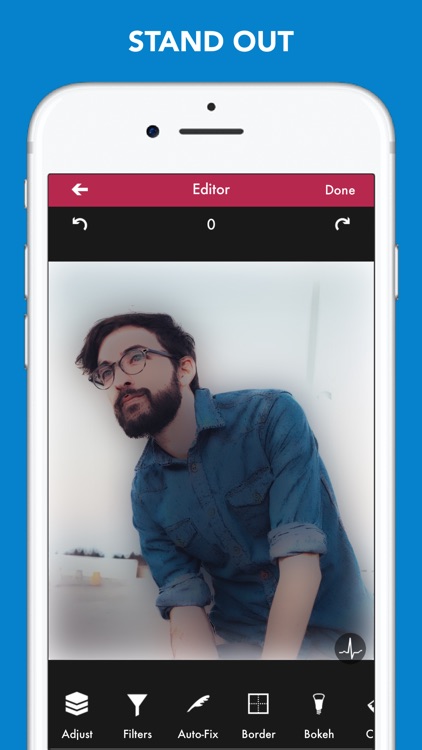
Add a little gloom to your photos with this powerful effects app.

It’s for anyone who wants to give their photos a more moody, film-inspired look.

$0.99 $0.99
Why we picked this?

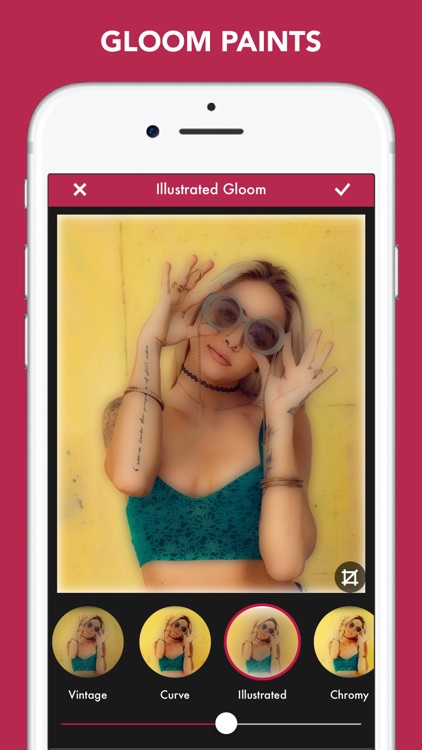
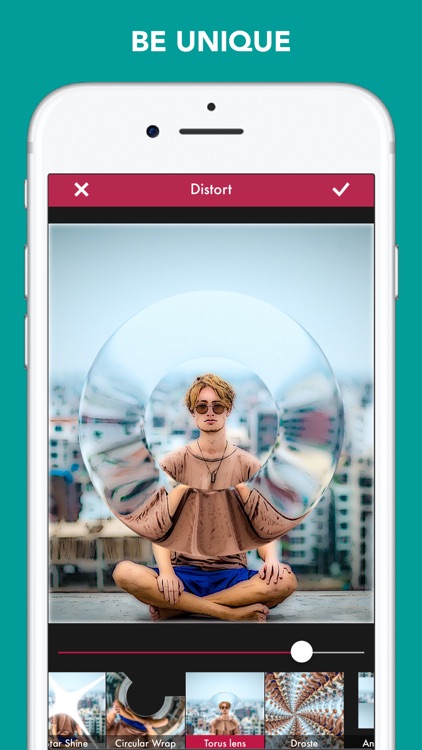
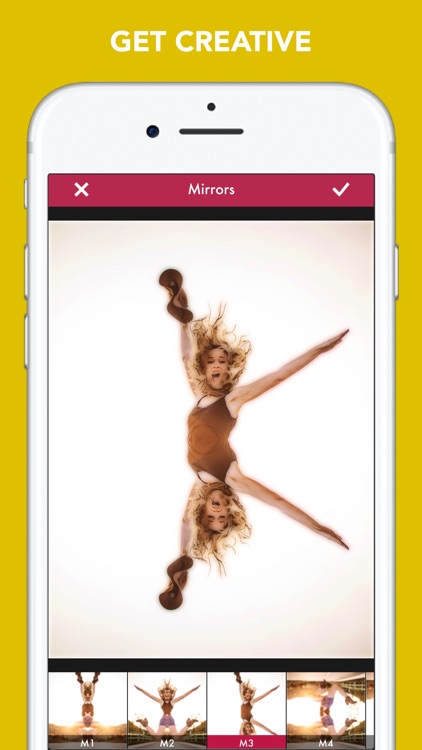
It requires very little effort to transform your photos into illustrated gloom paintings. Just choose a photo from your library or take a new one from within the app. Then drag the gloom slider to adjust the intensity of the effect. After that, you can take your photos to a whole new level by applying filters, text, borders, and distortions. Your creations can be shared via Facebook, Twitter, Instagram, AirDrop, or email.

If you like to collect photography apps, this is another great addition to your collection. The gloom painting effect is like no other.
If you don’t want to muddy up your selfies, skip Gloomlogue today. It turns your crisp and clear photos into gloomy paintings. It's best used for landscapes.

Primo Do
iPhone
iPad
Primo Do

Primo Do

Scirocco Consultants Inc.

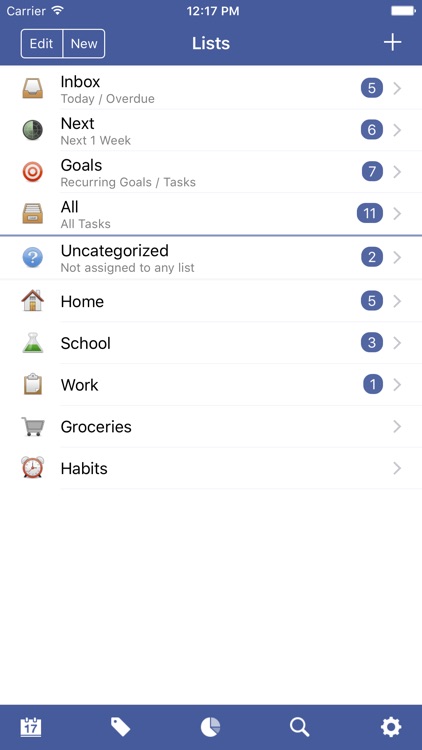
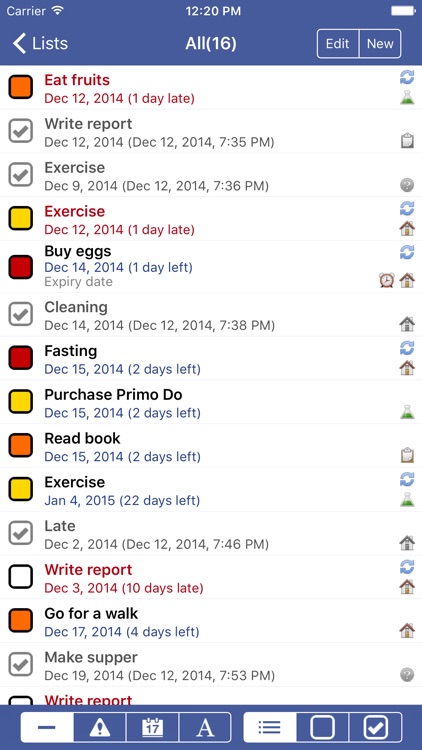
Manage all of life's tasks with Primo Do.

It’ll help create some extra time for yourself.

$1.99 $1.99
Why we picked this?

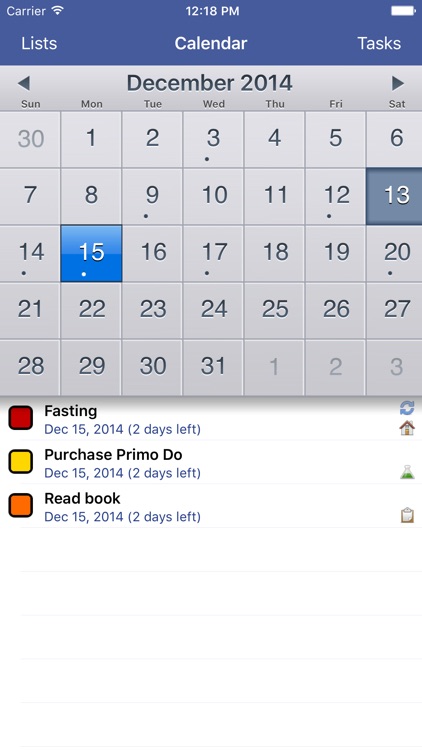
The app can be as basic or as advanced as you want it to be thanks to its myriad of features. Tasks can include a due date, list, notes, priority, recurrence, reminders, and an unlimited number of tags. You can also organize tasks into folders, and view them in list or calendar form. The app also includes 20 themes to choose from, passcode protection, custom icon badging, and search.

It’s highly flexible, so no matter what you need it for, Primo Do will help you get things done.

It lacks cloud syncing.

The Lost Ship
iPhone
iPad
The Lost Ship

The Lost Ship

Syntaxity Inc.

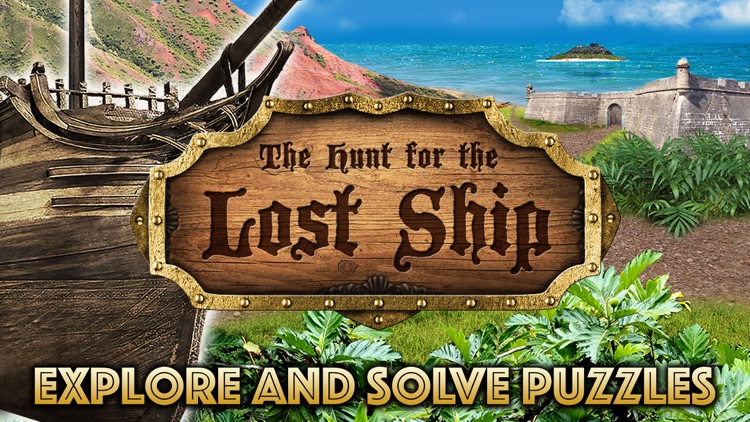
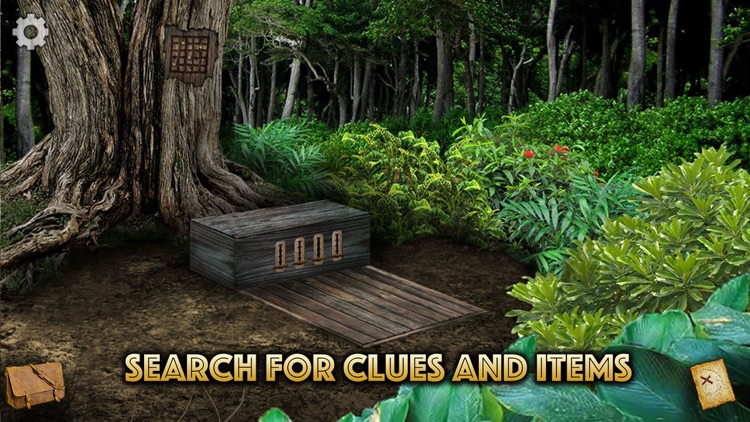
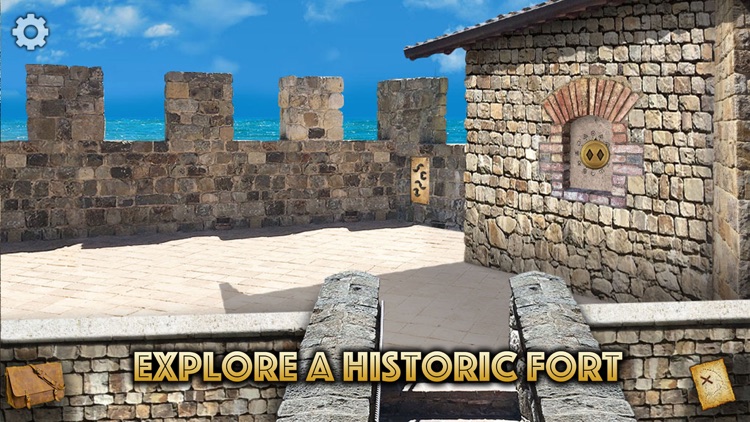
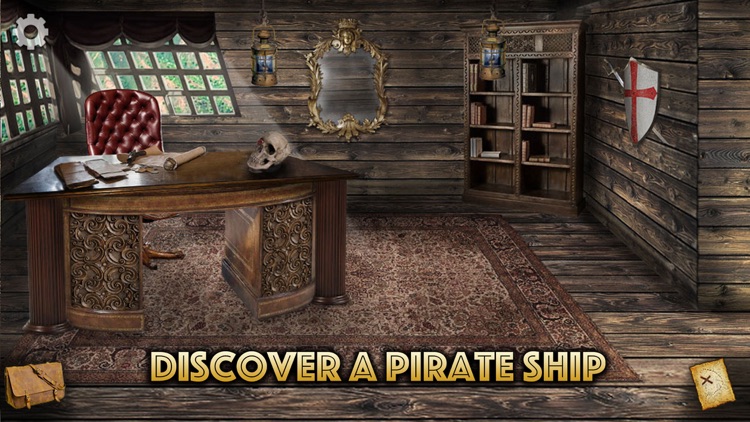
Embark on your very own treasure hunt in The Lost Ship.

It’s for fans of classic point and click adventure games.

$2.99 $2.99
Why we picked this?

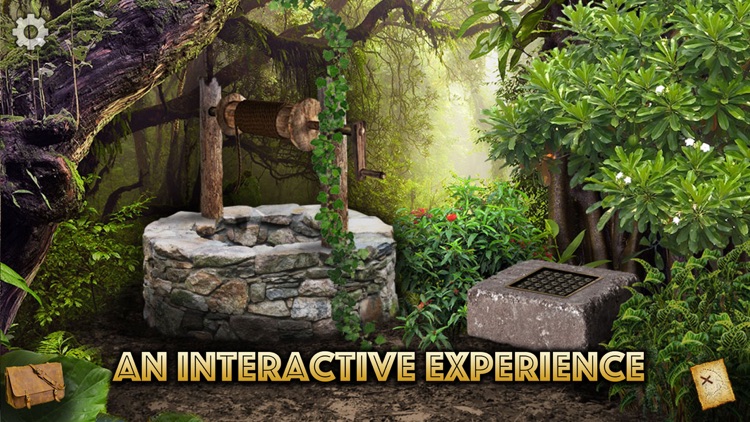
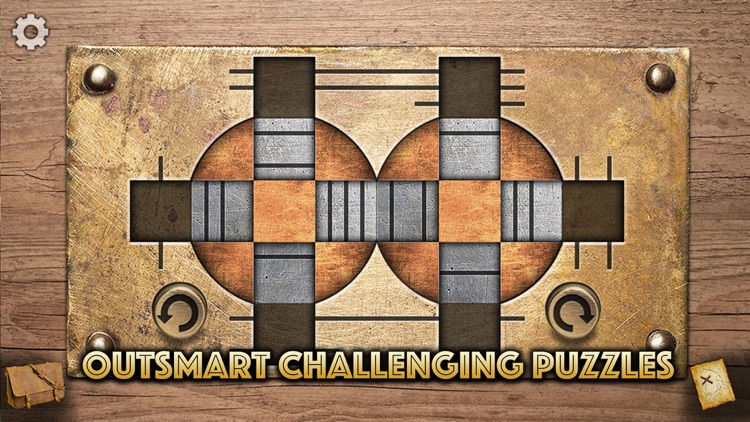
Uncle Henry has always enjoyed the thrill of treasure hunting, and that excitement was instilled in you at an early age. Race against time to help Uncle Henry discover a long lost pirate ship that was allegedly blown on to an island shore in the Caribbean waters. To do so you must pick the correct paths, solve puzzles, and search through old structures with just a tap. A built-in hint system will assist you when you’re stuck, and a dynamic map will ensure you won’t simply go running around in circles.

The Lost Ship is about as classic of a point and click adventure game as you can get. Well, that’s if you look past the beautifully rendered beach and jungle scenes, but why would you want to do that?

The Lost Ship is a bit short on content. If you want a big, sprawling adventure game, this isn’t it.

Magic Sorter 10 learning games
iPhone
iPad
Magic Sorter 10 learning games

Magic Sorter 10 learning games

Kindermatica Ltd.

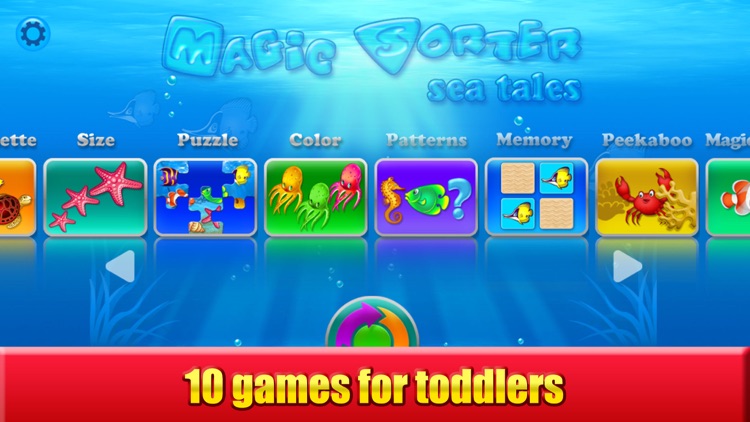
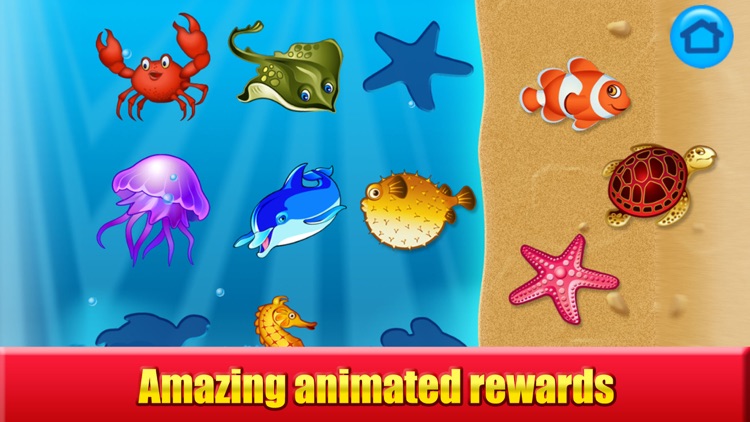
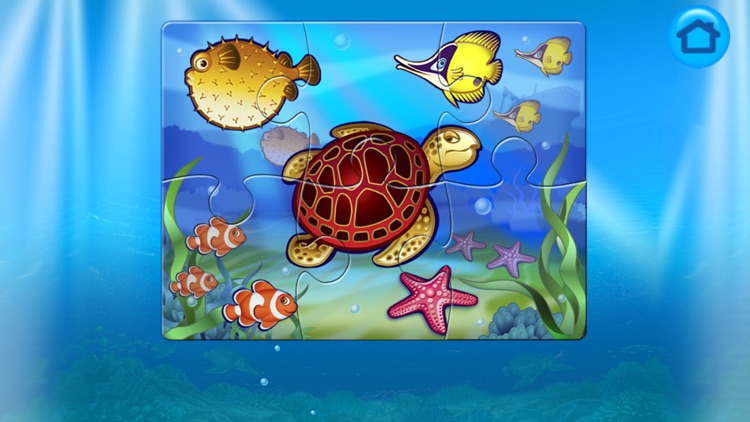
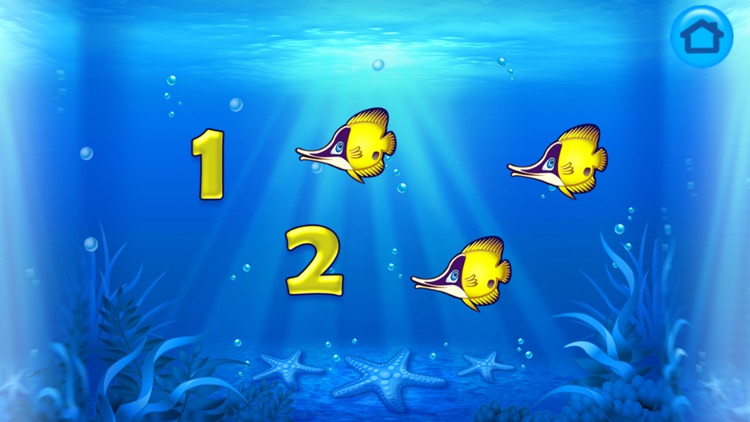
A collection of 10 educational games meant to help your child develop cognitive and fine motor skills.

It’s ideal for children ages one through three.

$2.99 $2.99
Why we picked this?

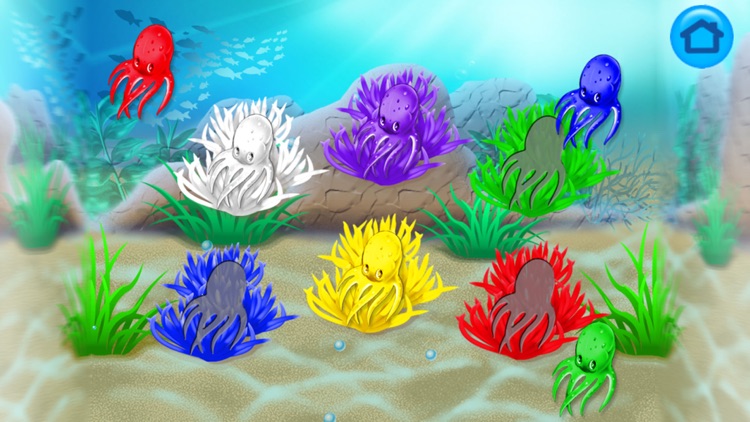
The 10 included games and activities will teach your child about colors, shapes, sizes, counting, and matching. The vibrant animations and upbeat music will keep them engaged for hours, and the uncluttered interface makes it easy for them to enjoy the app entirely on their own.

If you want to give your little one a head start, start with Magic Sorter. It’s complete free of outside links and any type of tracking mechanisms, so you can rest assured your child is learning in a safe environment.
Your mileage will vary here, so make sure to monitor your child on the first play through to see if the content is suitable for them.

Merry Cubes HD - 3d cube fruit puzzles to develop fine motor skills
iPhone
iPad
Merry Cubes HD - 3d cube fruit puzzles to develop fine motor skills

Merry Cubes HD - 3d cube fruit puzzles to develop fine motor skills

Kindermatica Ltd.

A puzzle game designed to help young children develop fine motor skills.

It’s ideal for parents with children ages two through seven.

$0.99 $0.99
Why we picked this?

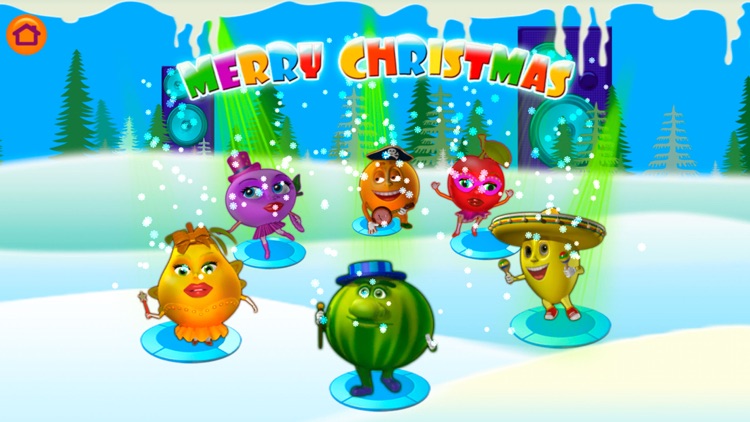
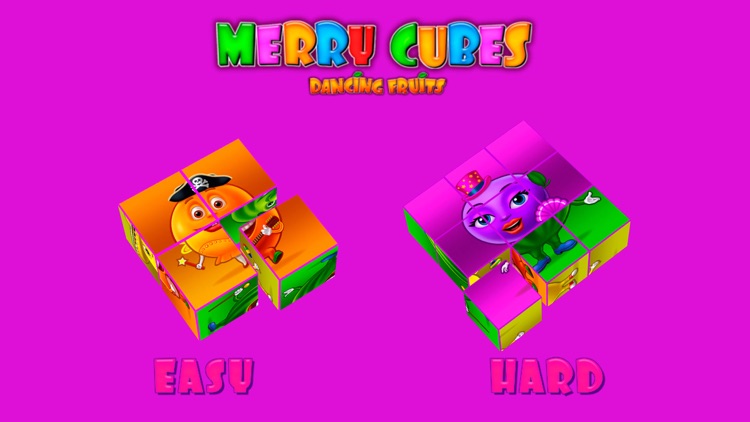
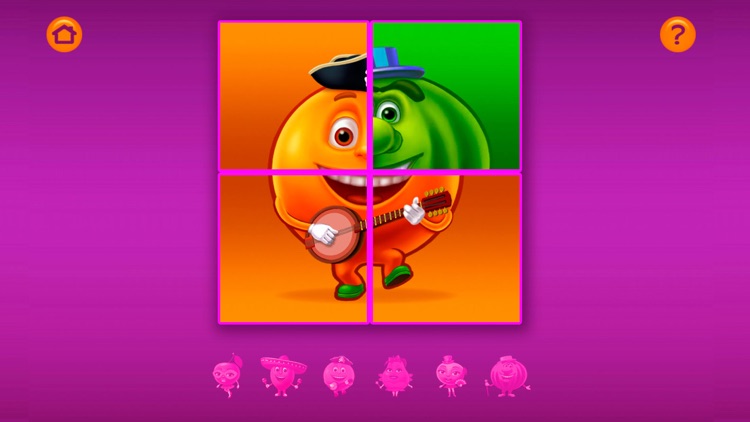
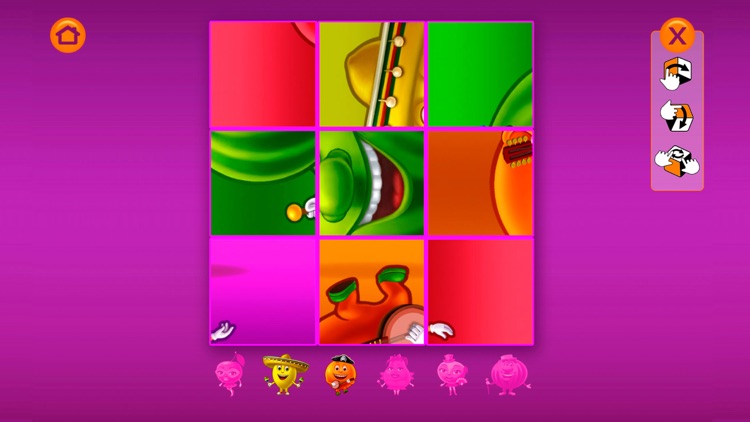
Merry Cubes HD provides a vibrant environment for your child to learn and play in. All they have to do is swipe across the cubes to reveal different sides and rotate two fingers to spin their faces. Once a fruity character has been reconstructed, they will begin to dance and are marked off the list at the bottom of the screen. The game includes six characters, two difficulty levels, and upbeat background music.

It’s educational and it’s fun. What more could a parent ask for?

The content is limited to reconstructing fruit characters. There are two difficulty levels, but that’s about it in terms of variety.