


You are using an outdated browser. Please upgrade your browser to improve your experience.

Apps That
Went Free on
2017-03-02

Get out of bed on time, enjoy your favorite tunes however you like, and keep track of what you spend on your next trip with today’s collection of apps and games.

Trip Wallet
iPhone
Trip Wallet

Trip Wallet

Big Ted Ltd

Keep track of what you spend on your next trip with Trip Wallet.
Travelers everywhere.

FREE ($1.99) For a limited time FREE ($1.99) For a limited time
Why we picked this?

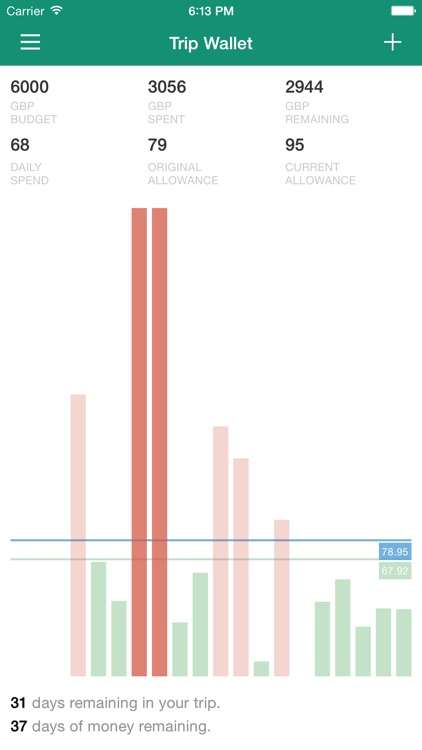
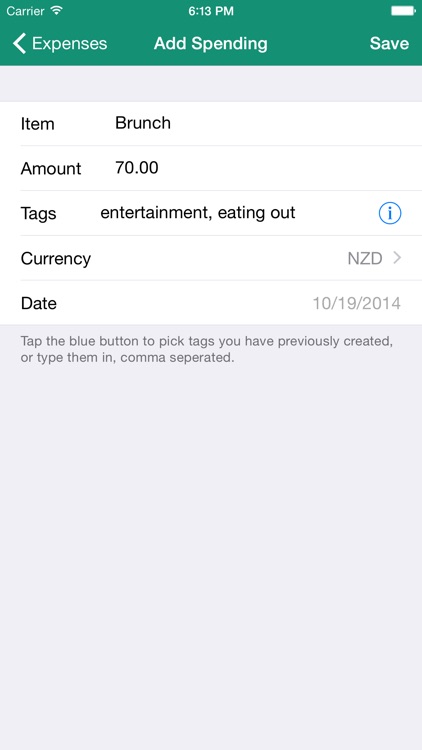
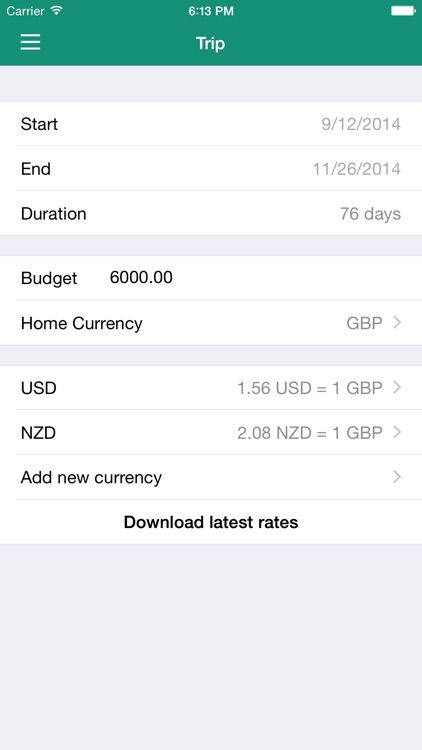
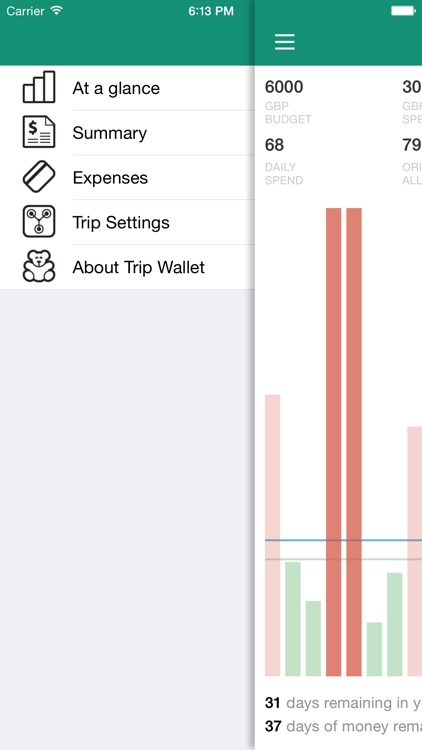
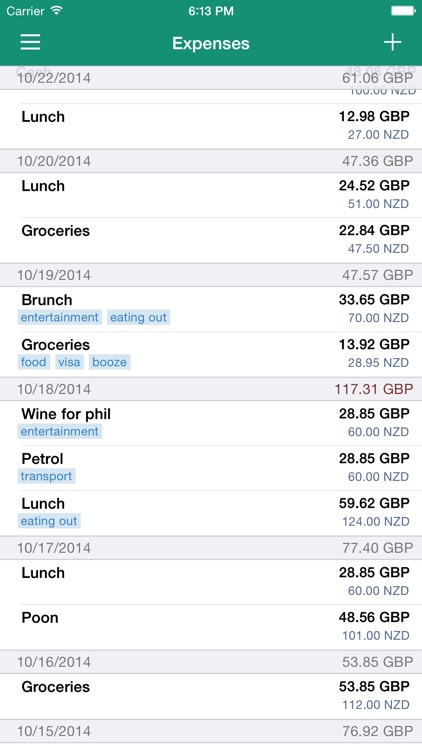
More than anything else, Trip Wallet is super flexible. You’re able to use it to keep track of your spending on your next international trip, road adventure, or just at home. Each trip must include a duration, budget, and currency. Then every time you purchase something, simply describe the item, add an amount, and tag it. You’re able to see all of your expenses at a glance, see your spending by tag, and export the data as a CSV file. The app also includes automatic currency updates.

You travel on a budget, which, let’s be honest, most people do.

You already have a budgeting app or simply follow your credit card trail.
InstaBlender - Double Exposure and Superimpose Image Blender
iPhone
InstaBlender - Double Exposure and Superimpose Image Blender

InstaBlender - Double Exposure and Superimpose Image Blender

Thomas Tsopanakis

Combine two photos to create a single masterpiece with InstaBlender.

Photographers who enjoy fiddling around.

$0.99 $0.99
Why we picked this?

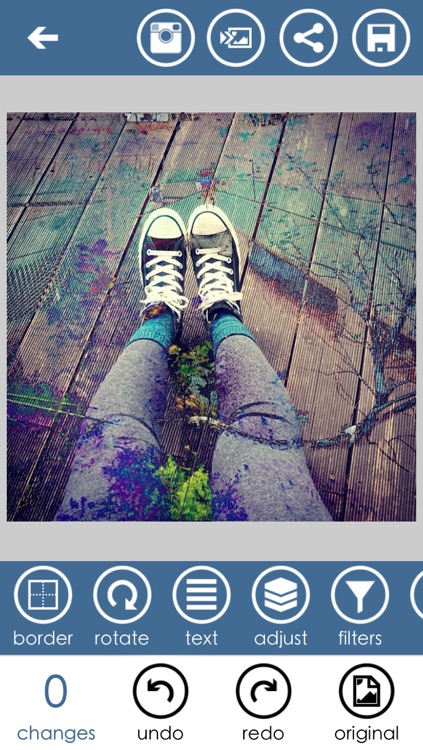
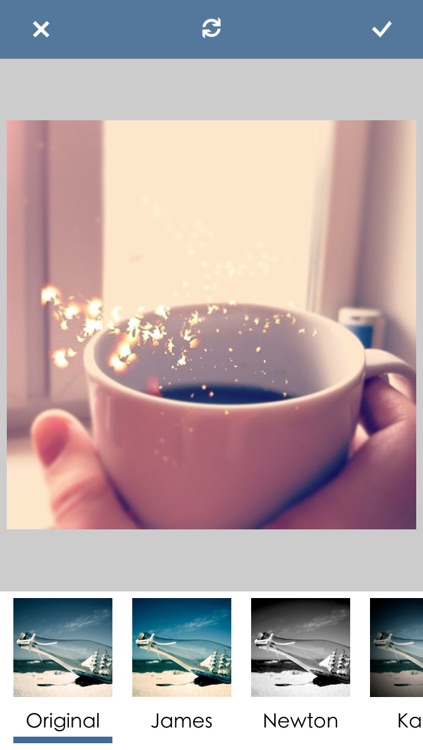
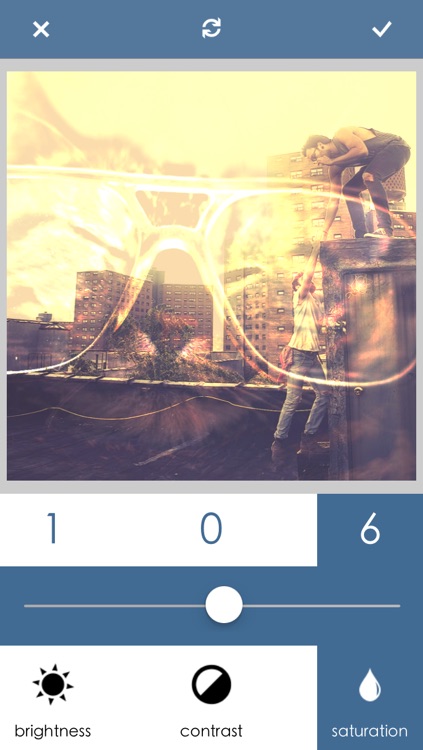
InstaBlender is absolutely loaded with options. You must first either select two photos from your library or take new ones from within the app. InstaBlender will then automatically superimpose them. You’re able to adjust the brightness, contrast, and saturation for each layer to get the exact effect you want. You can then apply a filter, one of 18 blend modes, text, and a frame to your creation. Blurring, distorting, and other editing options are also available. Photos can be shared via Instagram and other social networks.

You’re tired of the same old thing from your photography apps. It allows you to make use of some of those old photos you never look at anymore by combining them with others to create something fresh.

You don’t normally post to Instagram. The app uses a 1:1 ratio photos, so it’s clearly targeted at the Instagram audience.

TunesFlow - Music Player with Equalizer
iPhone
iPad
TunesFlow - Music Player with Equalizer

TunesFlow - Music Player with Equalizer

Hector Ricardo Garcia Peña A

Enjoy your favorite tunes however you want with TunesFlow.

Those who want more control over their music.

$4.99 $4.99
Why we picked this?

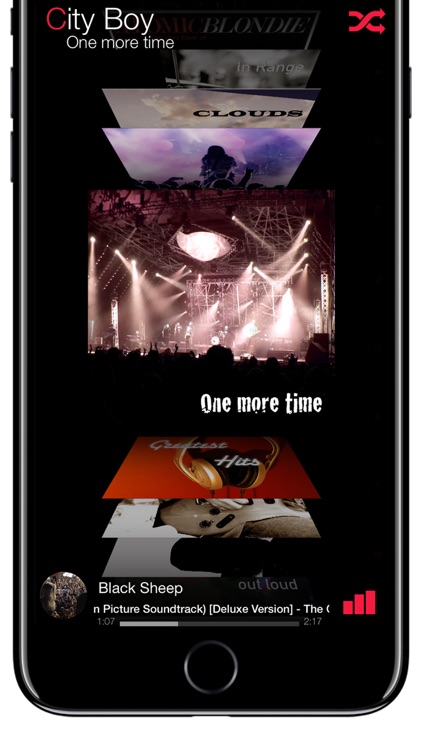
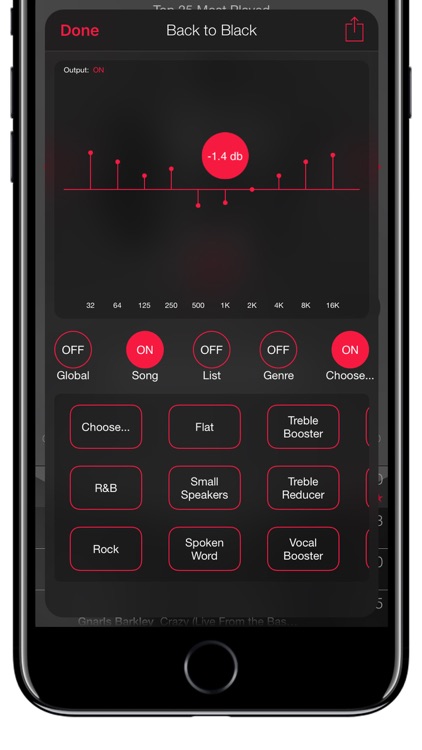
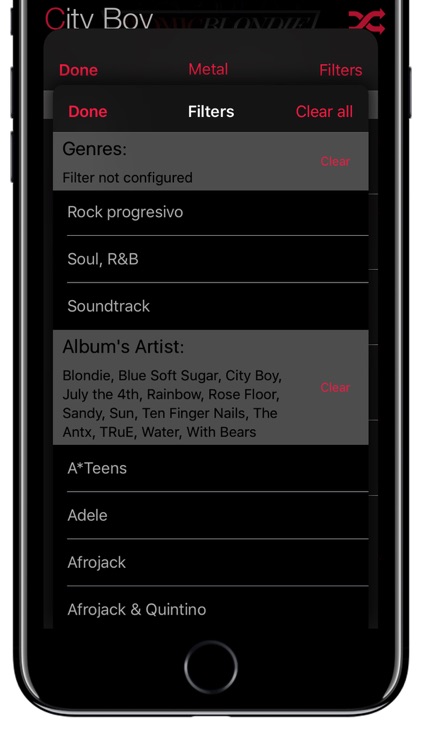
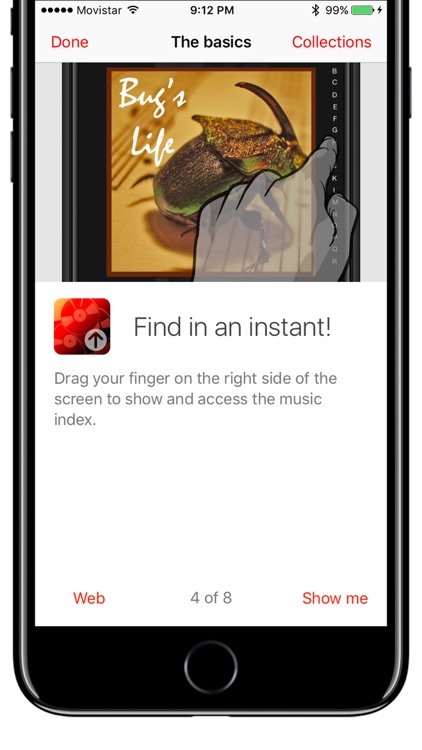
TunesFlow’s sleek UI presents your entire library as a flowing work of art. Swipe across the album art to browse through your music by artist, album, or playlist. You’re also able to search for something specific. Give an album a tap to view all of the included songs and playback controls. An equalizer is available with 10 different bands, allowing you to control the way your music sounds. The app looks great in both portrait and landscape orientations as well!

You have a library filled with different genres of music. TunesFlow will ensure they all sound perfect.

You stream your music.

Wake N Shake Alarm Clock
iPhone
Wake N Shake Alarm Clock

Wake N Shake Alarm Clock

Andres Canella

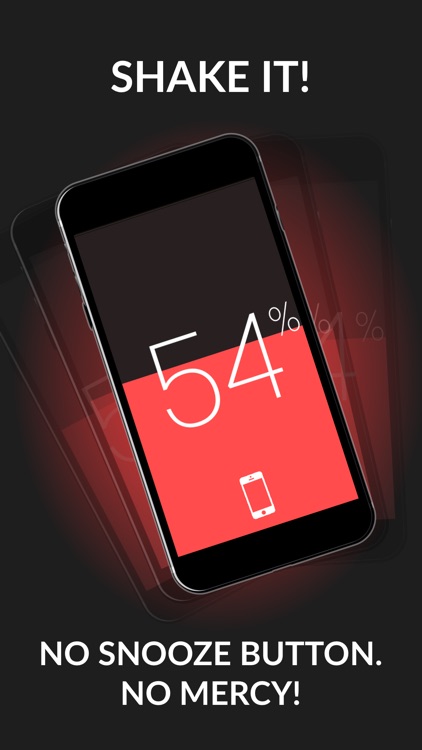
This merciless alarm clock will ensure you get out of bed.

Anyone who sucks at waking up.

$0.99 $0.99
Why we picked this?

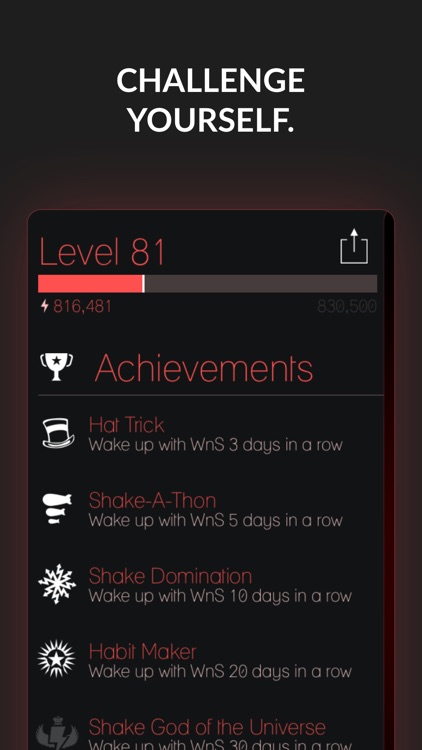
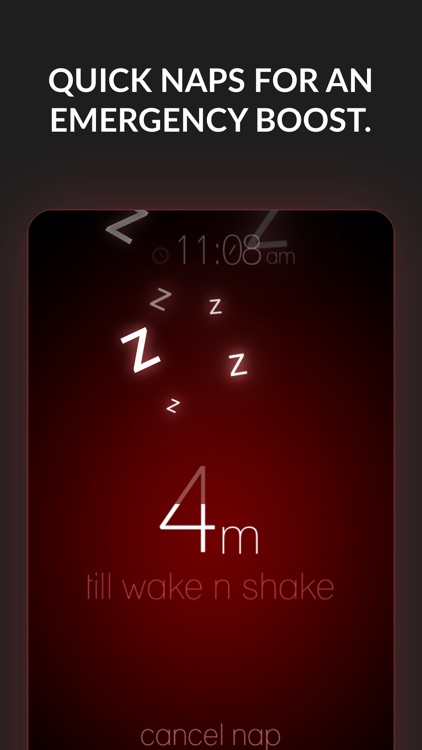
You'll get a taste of what Wake N Shake is all about the moment you launch the app. During the tutorial, it will ask you to furiously shake your iDevice just to get to the main screen. Don’t give up. There’s no way around this just like the real alarm. From there you can access the alarm clock, social, music, and settings menus with swipes in different directions. The app includes all kinds of alarm tones to choose from, achievements and leaderboards, a sleep timer, and the ability to adjust the shake intensity.

You’re the type of person that just won’t get out of bed. Wake N Shake is obnoxious, and you’ll have to do something about it.

You don’t leave your phone near your bed at night.