


You are using an outdated browser. Please upgrade your browser to improve your experience.

Apps That
Went Free on
2017-03-10

Block all unwanted content, put on your own fashion show, and display upcoming events in your lock screen with today’s collection of apps and games.

Content Blocker+
iPhone
iPad
Content Blocker+

Content Blocker+

Dynamic App Design LLC

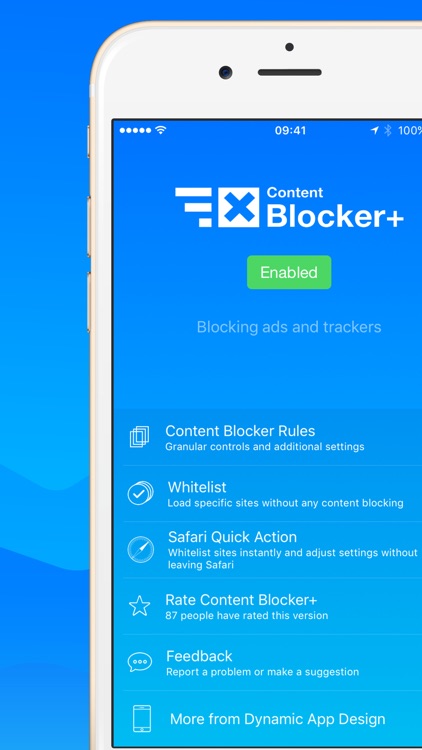
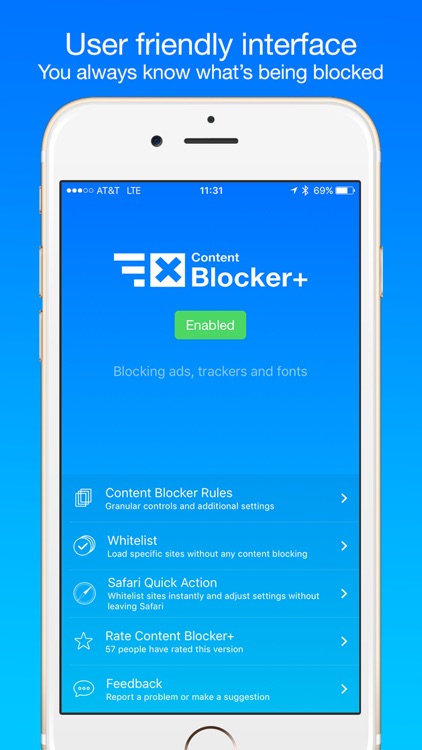
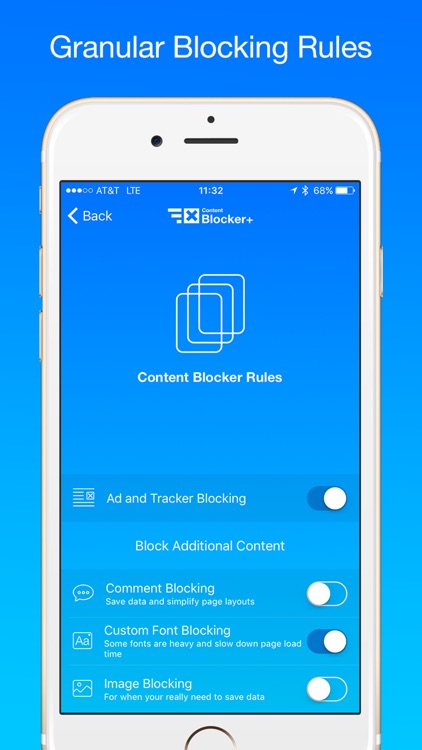
Get rid of annoying ads and trackers with Content Blocker+.

Anyone who doesn’t yet have a content blocker running in the background.

FREE ($1.99) For a limited time FREE ($1.99) For a limited time
Why we picked this?

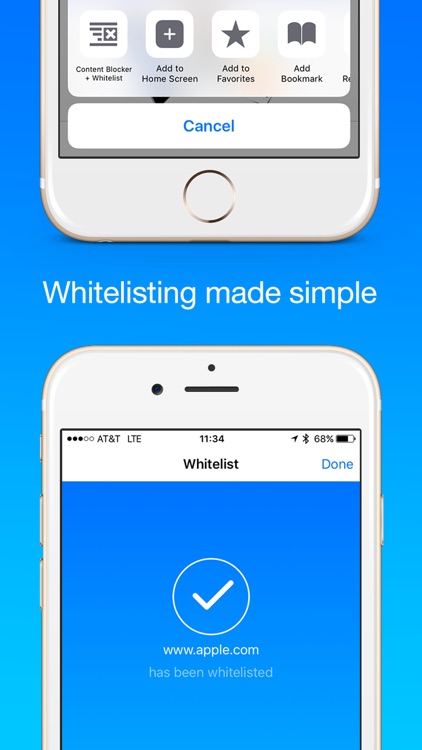
Today only: Unlock the full potential of Content Blocker+. Simply tap the upgrade link at the bottom of the main screen and confirm your action. You’ll then be able to whitelist sites, block comments, block custom fonts, and block images. Tired of wasting data, speed, and battery life on unwanted content? Then install and enable Content Blocker+ today. The process is really simple. Just launch the Settings app, tap on Safari, tap on Content Blockers, and then enable Content Blocker+. There’s nothing left for you to do but enjoy the Web as it was intended. It just works.

You you’re running at least iOS 9 and don’t yet have a way to block ads and trackers. Unlike similar apps, it’s not overly aggressive and it won’t break your favorite websites.

You have an old device running iOS 8.

Splashtop Personal for iPhone
iPhone
Splashtop Personal for iPhone

Splashtop Personal for iPhone

Splashtop Inc.

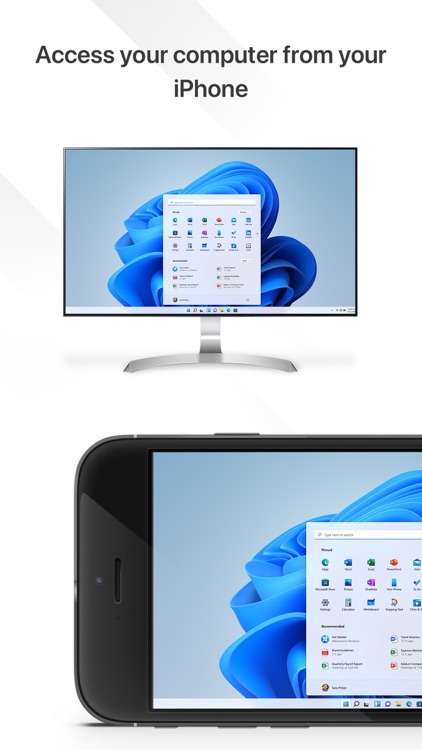
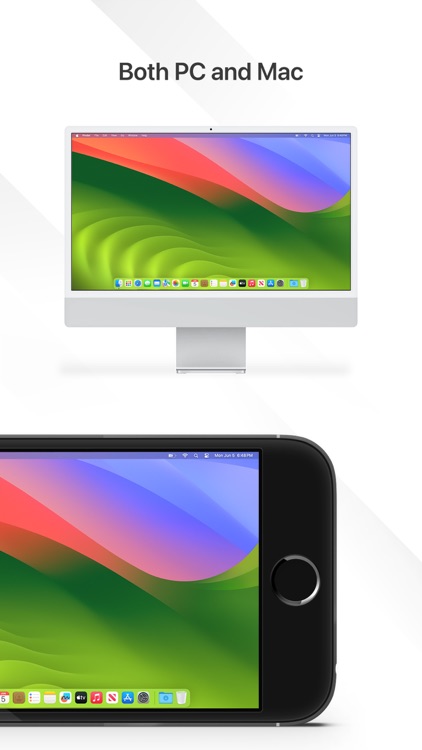
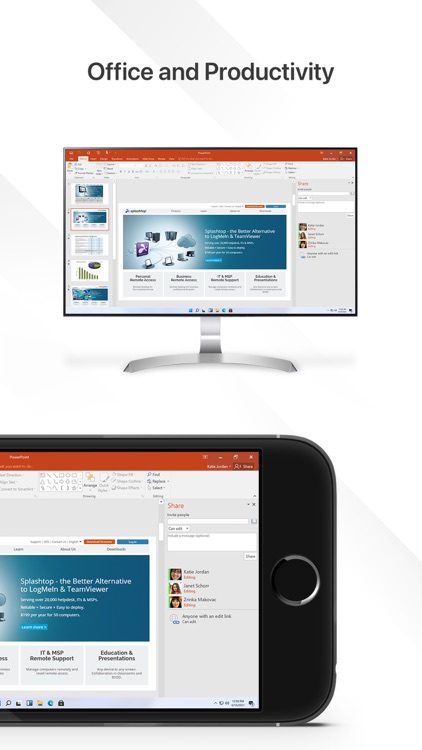
Access your Mac or PC remotely from your iPhone or iPod touch with this business app.

Those who want to operate and utilize computer apps and files on their iDevices.

FREE ($2.99) For a limited time FREE ($2.99) For a limited time
Why we picked this?

You must first install the free companion software on your home computer. Splashtop will then be able to automatically discover and connect as long as you’re on the same Wi-Fi network. Once connected, you’ll be able to access and view files on your computer, watch videos, play games, and listen to music remotely.

You need to access files on your computer often.

You want to access your computer from anywhere. All of your devices have to be on the same Wi-Fi connection in order to utilize Splashtop 2 or you’ll need a subscription.

Agenda: Widget+
iPhone
iPad
Agenda: Widget+

Agenda: Widget+

Jeeeyul Lee

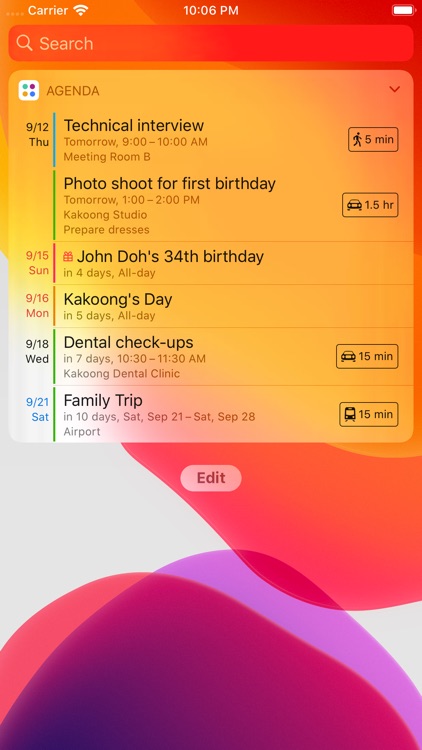
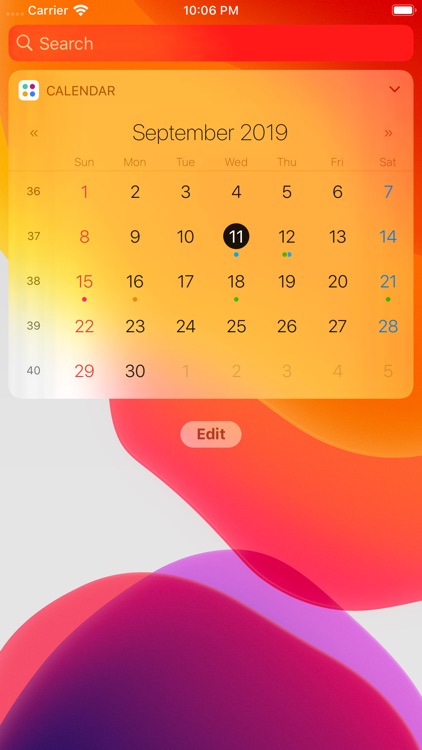
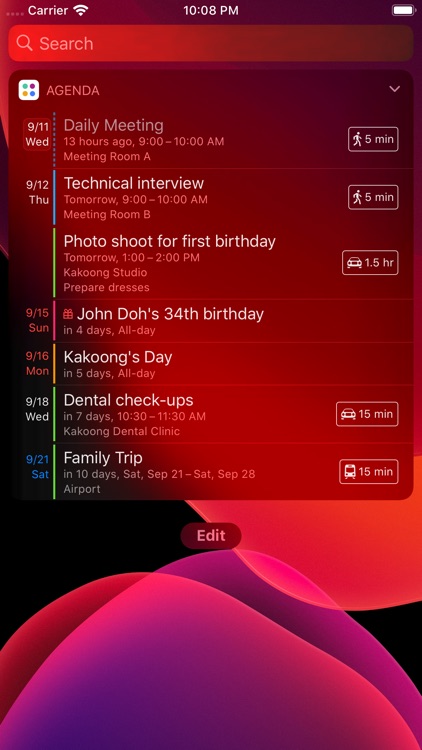
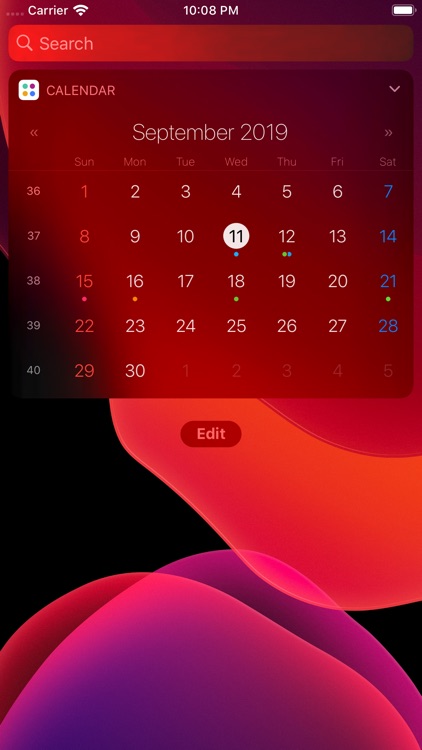
Display upcoming events on the lock screen with Agenda: Widget.

Anyone who wants to see beyond today.

$1.99 $1.99
Why we picked this?

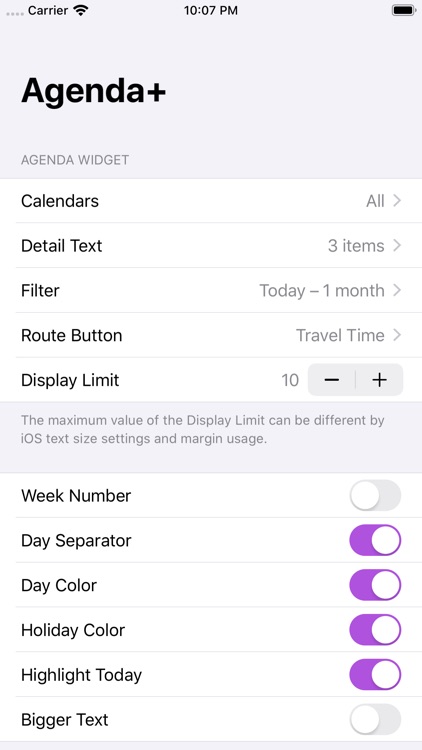
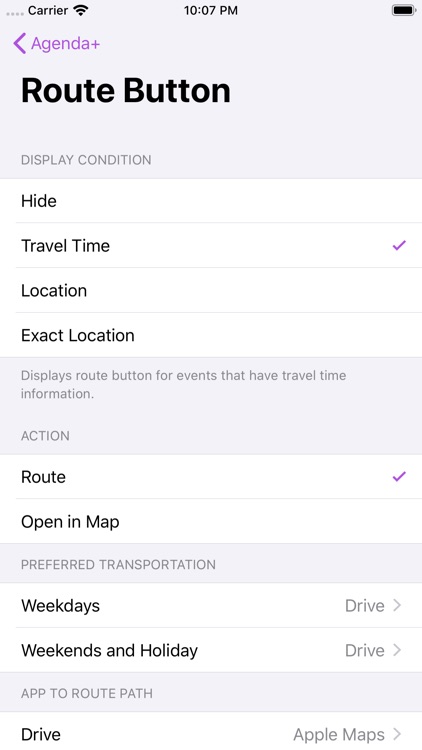
Agenda: Widget provides you with more control over how your calendar is displayed. Instead of only displaying events for today, you’re able to look up to one year into the future. You’re also able to choose how much text and how many events are displayed within the widget. Visibility per calendar can be toggled on and off as well.

Your calendar is pretty bare. It helps you see way into the future.

Your calendar is loaded with events.

Jigsaw Wonder Puppies Puzzles for Kids
iPhone
iPad
Jigsaw Wonder Puppies Puzzles for Kids

Jigsaw Wonder Puppies Puzzles for Kids

Eggroll Games LLC

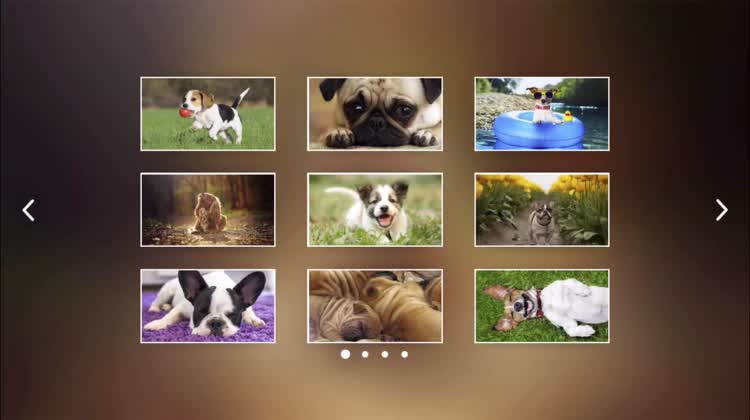
Put together adorable puzzles in Jigsaw Wonder Puppies.

The whole family.

$1.99 $1.99
Why we picked this?

You won’t be able to resist the charm of this jigsaw puzzle game. Each of the 35 jigsaw puzzles features an adorable puppy photo to reconstruct. The jigsaw puzzles can be broken up into as few as four pieces and as many as 24. You’re also able to choose whether or not you want a colored background and outline hints. What more could you ask for?

You can’t get enough puppies.

Your family prefers competitive games. You’re simply able to put together puzzles at your own pace.

My Town : Fashion Show
iPhone
iPad
My Town : Fashion Show

My Town : Fashion Show

My Town Games LTD

Put on your very own fashion show in My Town: Fashion Show.

Children ages three through 12.

$3.99 $3.99
Why we picked this?

Your child gets to create their own fashion show story. They’re able to play in seven new locations including a photoshoot room, cat walk, makeup room, and even a TV station vehicle. The app includes 14 characters to choose from, including male and female super models. Just tap and swipe to see what happens. It’s a completely open-ended experience without any time limits or stress points.

Your child loves to pretend.

Your child needs structure and objectives. It’s just a place to freely explore.

Reminder: Widget+
iPhone
iPad
Reminder: Widget+

Reminder: Widget+

Jeeeyul Lee

View and check off reminders from a widget with Reminder: Widget.

Those who have a lot of things to recall.

$1.99 $1.99
Why we picked this?

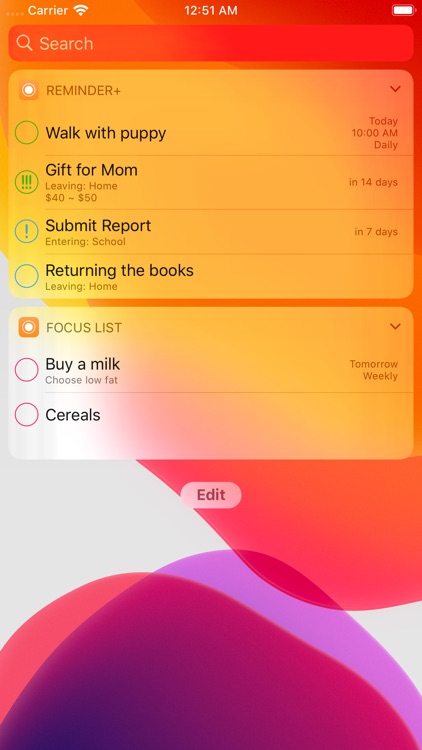
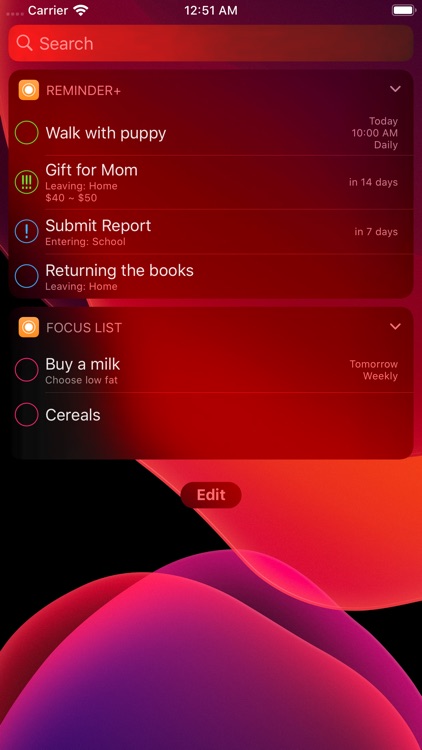
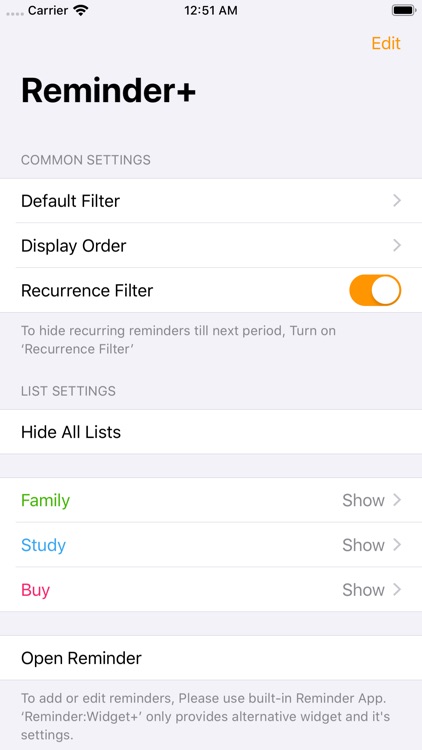
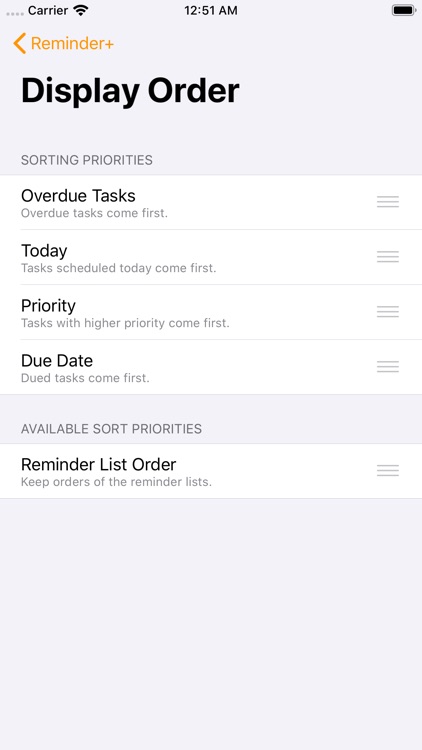
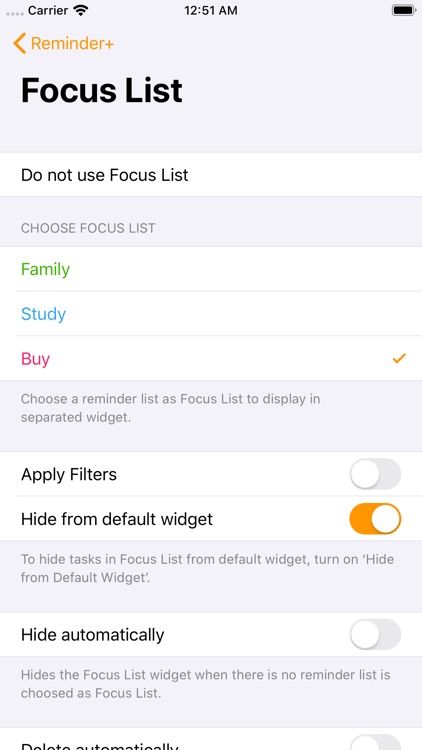
Reminder: Widget enhances the way you use reminders. It taps into the native Reminders app in order to pull any entries you’ve already created. You can then access all due or overdue reminders from a convenient lock screen widget. The widget also provides the ability to filter reminders by priority and due date, display them on Apple Watch, and display a separate shopping list.

You want to have more control over and quicker access to your Reminders.

Your Reminders app is barren.