



You are using an outdated browser. Please upgrade your browser to improve your experience.

Apps That
Went Free on
2017-03-23

Create and stick to budgets, spend less time getting more done, and guide a ball to its correct hole with today’s collection of apps and games.

Shortcuts
iPhone
iPad
Shortcuts

Shortcuts

Apple

Spend less time getting more done with Workflow.

Truly every iDevice user.

FREE ($2.99) For a limited time FREE ($2.99) For a limited time
Why we picked this?

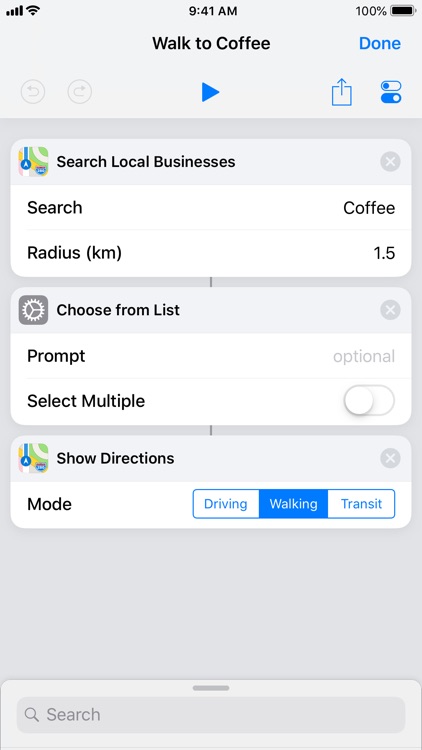
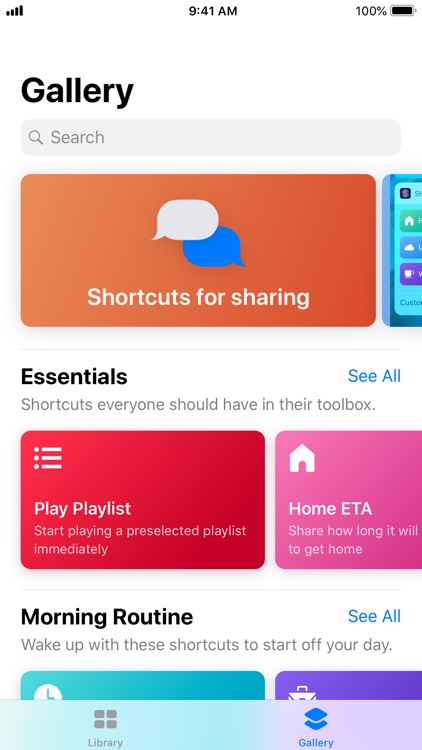
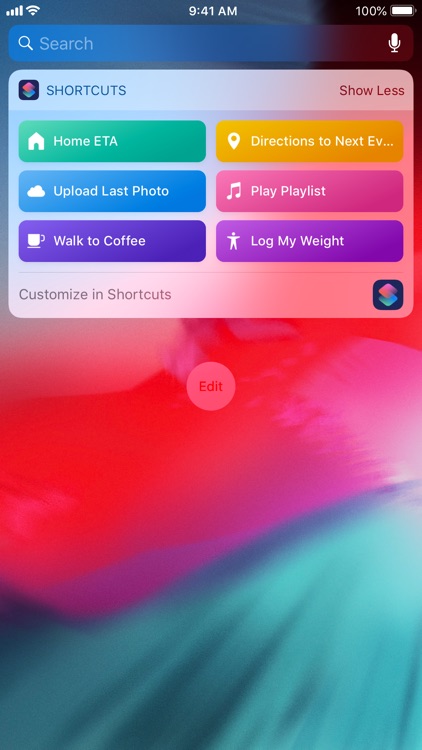
Workflow is only limited by your imagination. It allows you to make quick work of everyday tasks like making animated GIFs, getting directions, uploading images, generating PDFs, and so much more. To create a new workflow, start off by choosing the type or types: Normal, Widget, Apple Watch, or Action Extension. Then browse through suggested actions or search for something specific, and drag and drop the ones you want into your workflow. That’s all there is to it! The next time you want to start your workflow, it can be done with a single tap.

You’re always looking for ways to streamline your tasks. It’s just so easy!

You rely solely on third-party services. Workflow recently removed support for Uber, Pocket, Google Street View, and more.

AP US History 5 Steps to a 5
iPhone
iPad
AP US History 5 Steps to a 5

AP US History 5 Steps to a 5

gWhiz, LLC

Kick your studying into high gear with 5 Steps to a 5.

Anyone preparing to take the exam.

FREE ($9.99) For a limited time FREE ($9.99) For a limited time
Why we picked this?

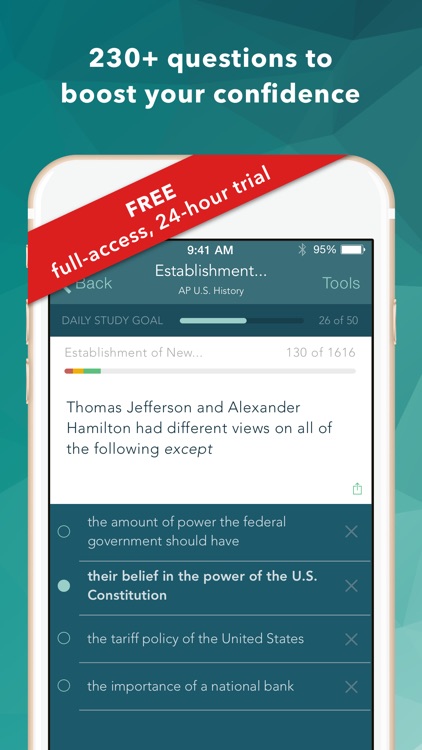
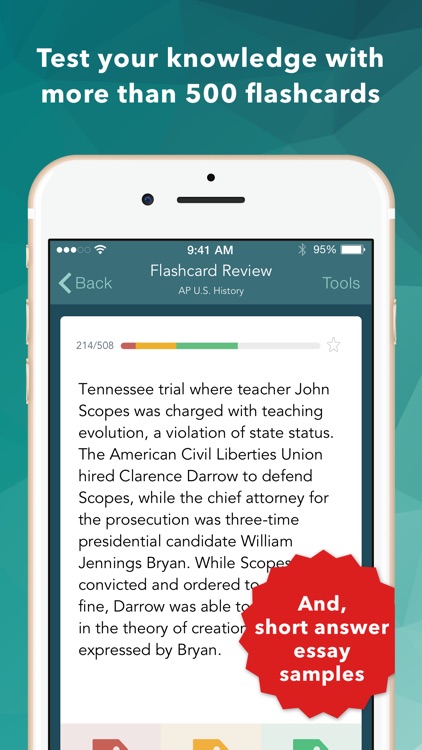
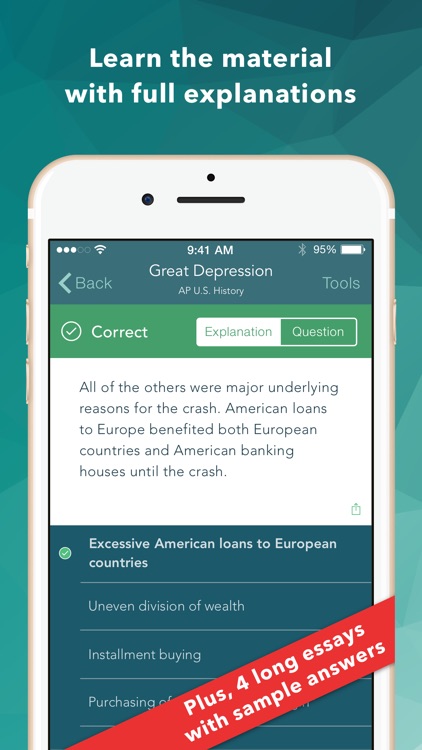
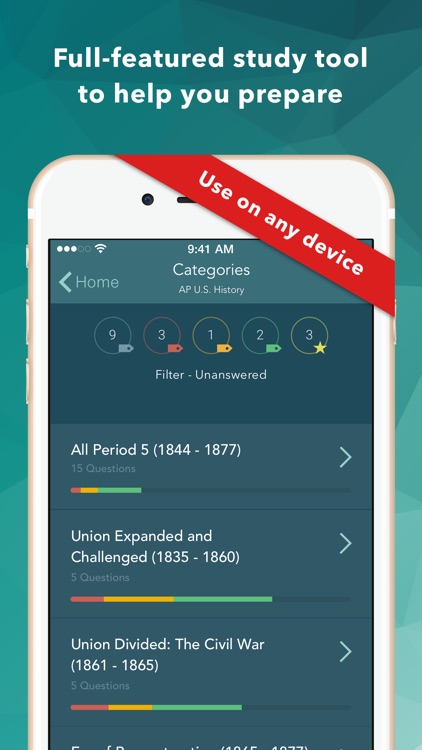
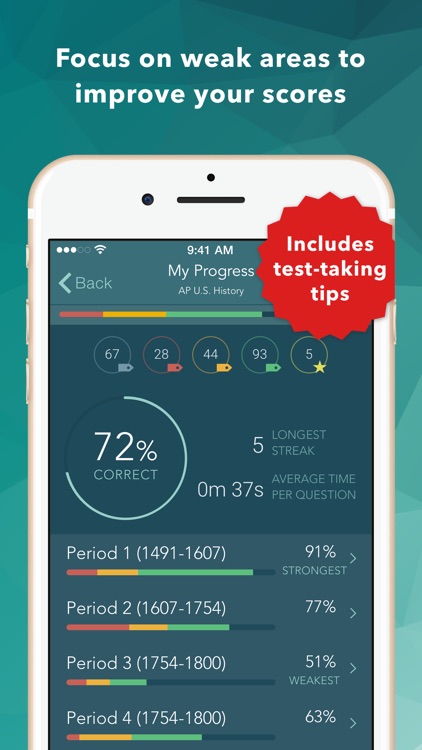
5 Steps to a 5 will help you ace the Ap U.S. History exam. The app features 500 flashcard-style questions that align to the current AP U.S. History exam as closely as possible. Each question is accompanied by an explanation, helping your really grasp the content. The questions are organized according to 18 major time periods, allowing you to focus on weak areas. The app also includes a 125 question diagnostic test, tips designed to help make your test day a successful one, and results tracking.

You want to go into the AP U.S. History exam with the best chance to succeed.

You’re not going to take the test.

Teeter (Up)
iPhone
iPad
Teeter (Up)

Teeter (Up)

Frosty Pop

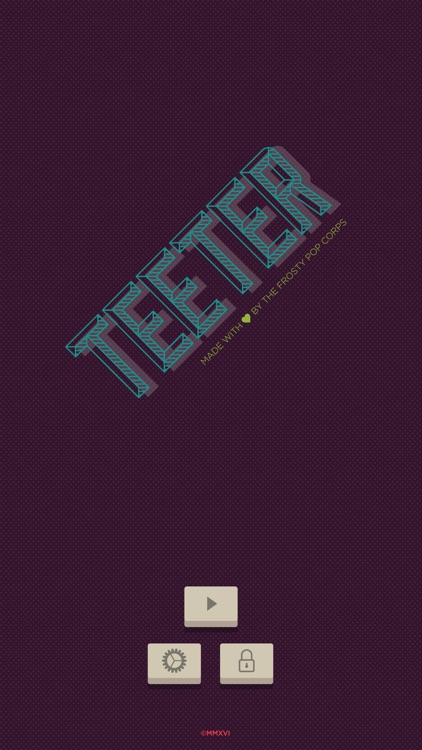
Guide a ball to the correct hole in Teeter.

Gamers looking for a distinctive challenge.

FREE ($1.99) For a limited time FREE ($1.99) For a limited time
Why we picked this?

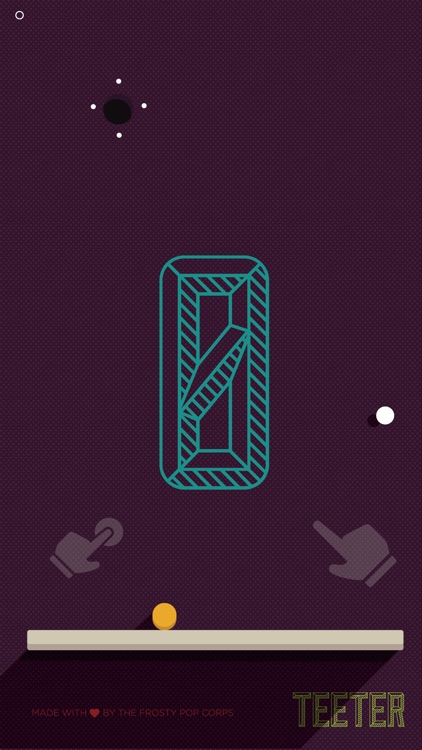
Teeter puts you in control of a bar with a ball safely resting on top of it. You’re able to lift each side of the bar by tapping on the sides of the screen. The objective is to get the ball safely into the correct hole. It may sound easy, but as you progress through the game new dangerous holes are added along with objects that will impede the bar. The game includes 120 levels, multiple themes, and 3D Touch enhanced controls.

You want to test your dexterity. With its simple tap and hold controls, Teeter can be enjoyed by anyone. It’s also a delight to look at.

You enjoy competing for high scores.

Wake Alarm Clock
iPhone
iPad
Wake Alarm Clock

Wake Alarm Clock

Jaded Labs Inc

Slap, flip, swipe, and shake your sleep away with this innovative alarm clock app.

Anyone who has trouble getting out of bed.

FREE ($1.99) For a limited time FREE ($1.99) For a limited time
Why we picked this?

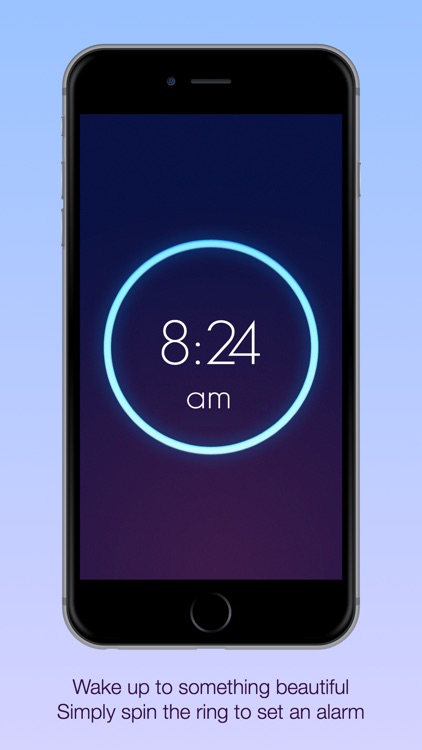
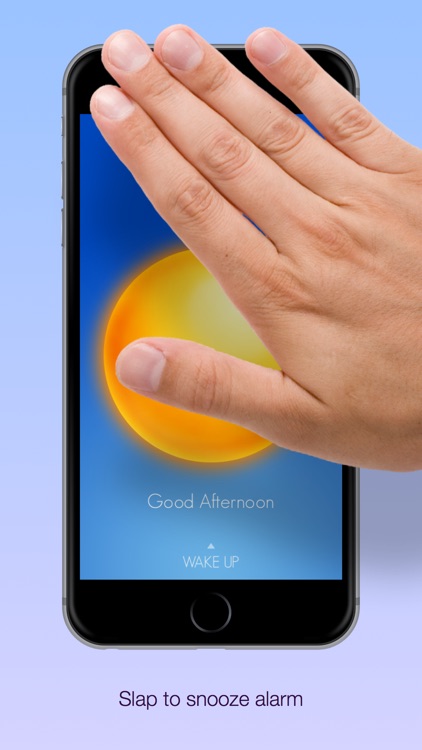
Its simple gesture-based UI allows you to quickly set and interact with your alarms. All you have to do is spin the dial to set and swipe down to customize. You're able to personalize your alarms with 12 exclusive sounds, and set recurring alarms for any day of the week. When it's time to get up, you can have the app require you to slap or shake to snooze, flip to disable, or swipe to snooze or disable. The app also includes progressive alarm sounds that gradually get louder, the ability to set your alarm with your voice, landscape orientation support, and three levels of shake difficulty.

You constantly find yourself sleeping in. The app requires you to perform basic actions in order to get the alarm to stop, forcing you to shake the cobwebs off and pop out of bed.

Your iDevice isn’t your bedside clock.

Budgets Pro - Expense Tracker
iPhone
Budgets Pro - Expense Tracker

Budgets Pro - Expense Tracker

MoneyBudgie

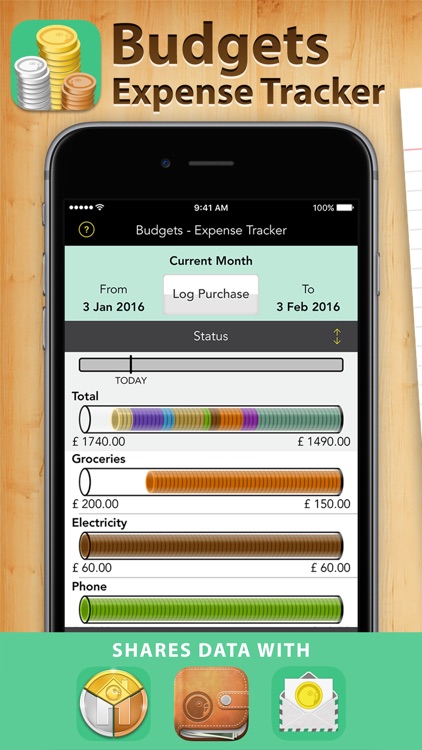
Create budgets and stick to them with Budgets.

Anyone who struggles with their finances.

$4.99 $4.99
Why we picked this?

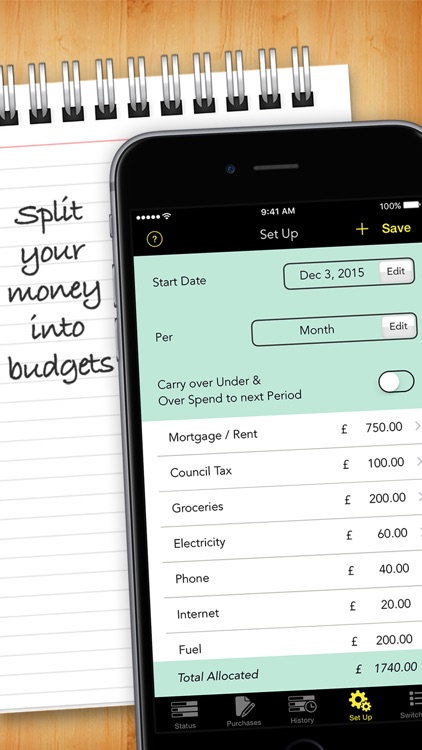
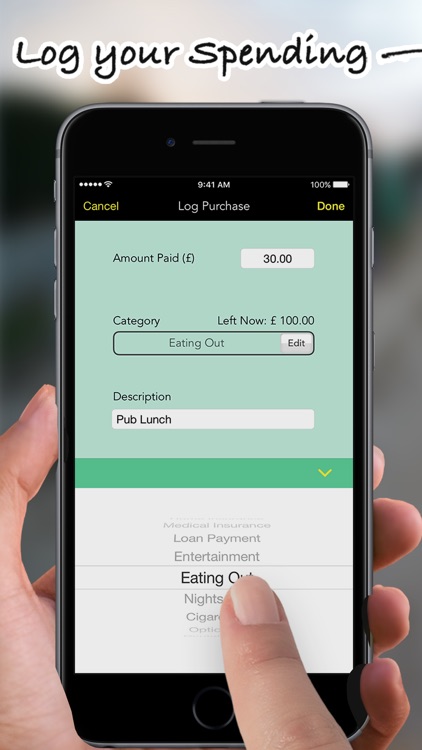
Budgets helps ensure that you live within your means. Start off by creating your budget within the “Set Up” menu. You’re able to add categories like gas, groceries, clothes, and rent along with how much you’re allowed to spend on them. Then every time you make a purchase or payment, log it by entering an amount, categorizing it, attaching a description, and adding a date paid. Budgets' main screen allows you to easily check how much you have left to spend via a coin tube graphic. The app also allows you to carry over unused budget amounts, view purchase history, create reports, and passcode protect your data.

You have a lot of money going out and coming in. This app will help you keep things in order. It’s even more useful if you downloaded the developer’s Bill Assistant app while it was free. They work well together.

You never really worry about your finances or have things under control.

Videomator
iPhone
Videomator

Videomator

Enrique Garcia

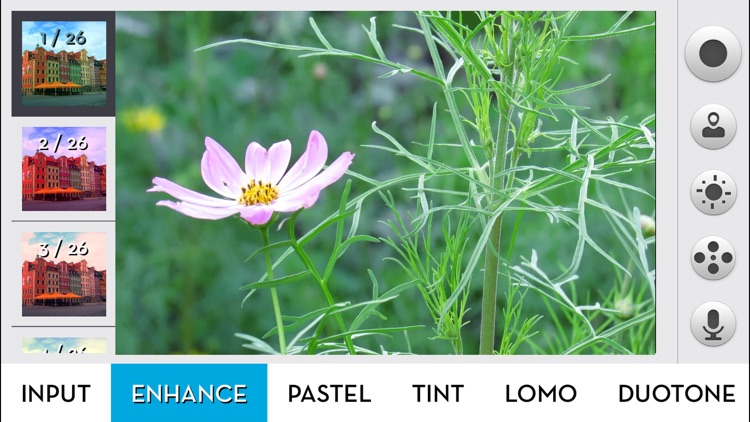
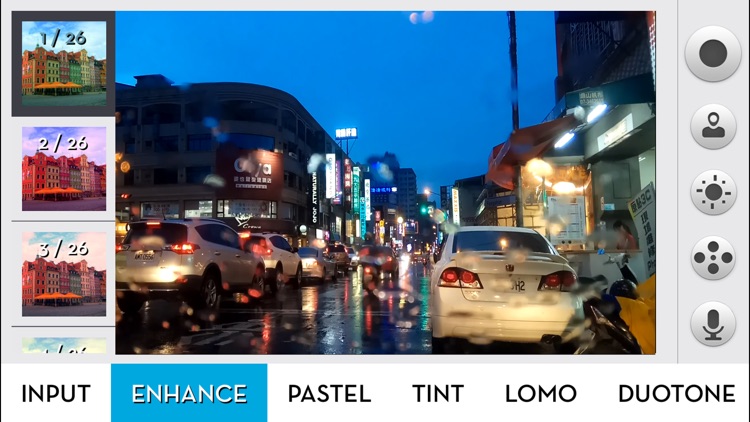
Make your videos stand out by applying different filters and colors with Videomator.

Anyone who is tired of standard video.

$3.99 $3.99
Why we picked this?

Videomator couldn’t possibly be any easier to use. All of its filters and color option categories run across the bottom of the screen. Tap on a category to bring up a secondary menu that will allow you to choose a specific filter or color option. Everything is done in real-time, so just point your camera at your subject and start recording. Videomator includes a total of 317 different presets to choose from.

You want your videos to stand out. It has a wide variety of filters and color options to choose from, so get experimenting!

You want to cut, crop, and transition videos. The app doesn’t offer any editing options whatsoever.