
You are using an outdated browser. Please upgrade your browser to improve your experience.

Apps That
Went Free on
2017-03-26

Create shopping lists, match colorful dice, and organize your life using shapes and colors with today’s collection of apps and games.

Dizy - The Vera&John Dice Puzzler
iPhone
iPad
Dizy - The Vera&John Dice Puzzler

Dizy - The Vera&John Dice Puzzler

Dumarca Gaming

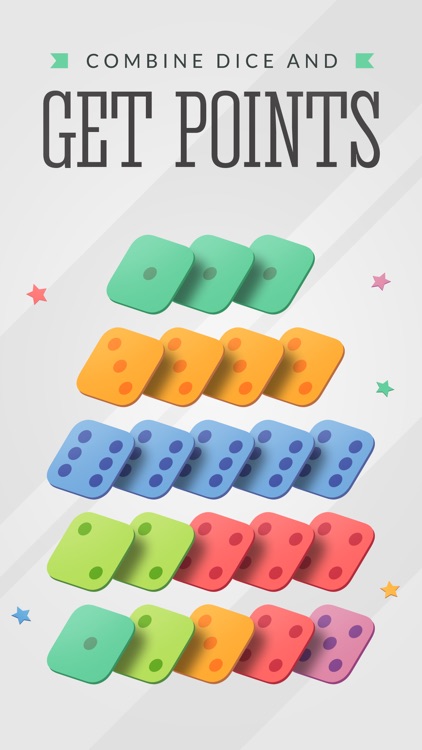
When you combine tile matching with Yahtzee, you get Dizy!
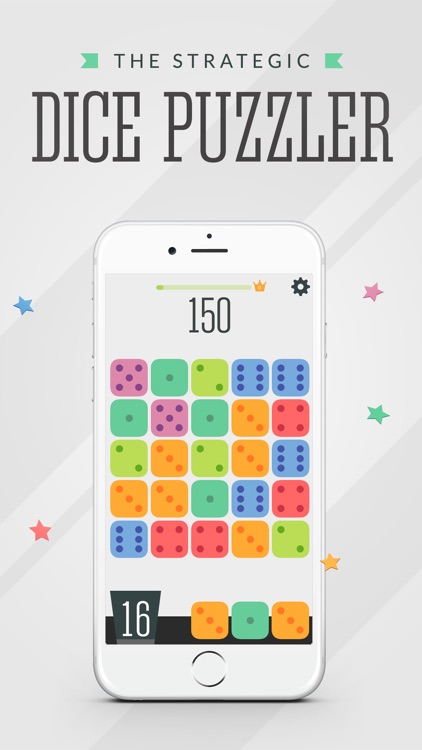
Dizy is perfect for all casual gamers.

FREE ($0.99) For a limited time FREE ($0.99) For a limited time
Why we picked this?

We love Dizy because it’s easy to learn, but difficult to master. The game board is made up of a five-by-five grid of randomly placed dice. At the bottom of the screen is a bucket of dice that you get to place to create combinations. Playable combinations are based on the game of Yahtzee, like three-of-a-kind, small straight, and full house. You’re also able to place dice anywhere on the board, even if they don’t create a match. The object of the game is to create huge combos, including cross combos, to earn the highest score.

You like matching games, you’re absolutely going to adore Dizy. It’s colorful graphics and simple yet complex gameplay will suck you right in.

You despise pay to win elements. There’s a checkpoint in-app purchase that helps you achieve a higher score.

Mind Magnets Info Organizer—Visual Grid Checklists
iPhone
iPad
Mind Magnets Info Organizer—Visual Grid Checklists

Mind Magnets Info Organizer—Visual Grid Checklists

Adams Immersive

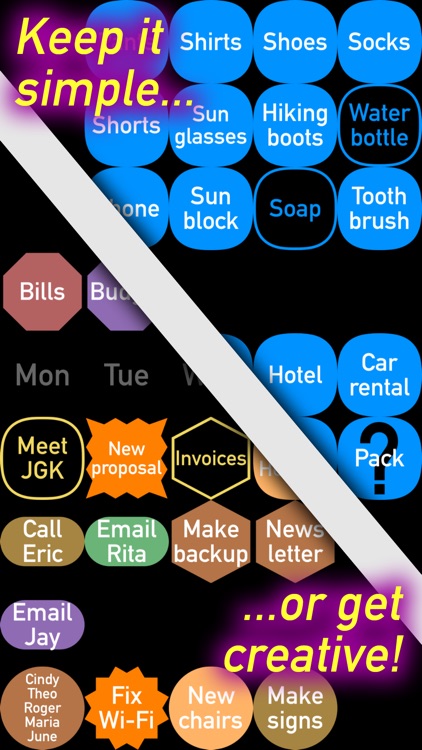
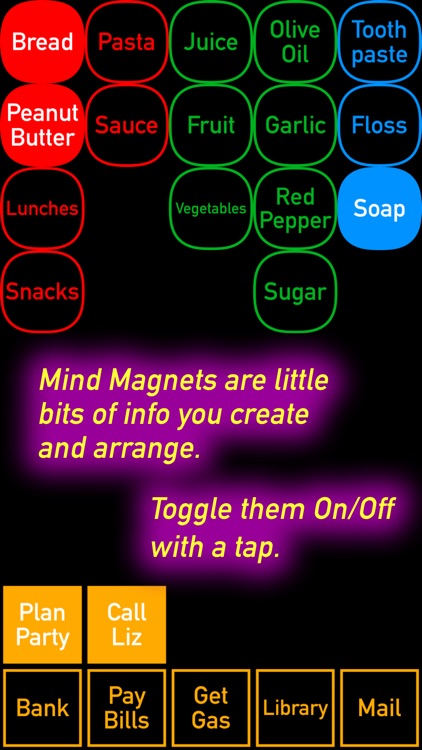
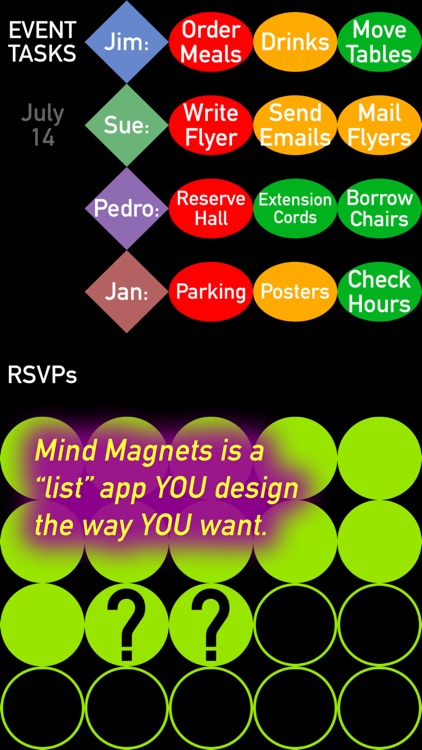
Organize your life with shapes and colors with Mind Magnets.

Anyone with something to remember, organize, or plan.

FREE ($1.99) For a limited time FREE ($1.99) For a limited time
Why we picked this?

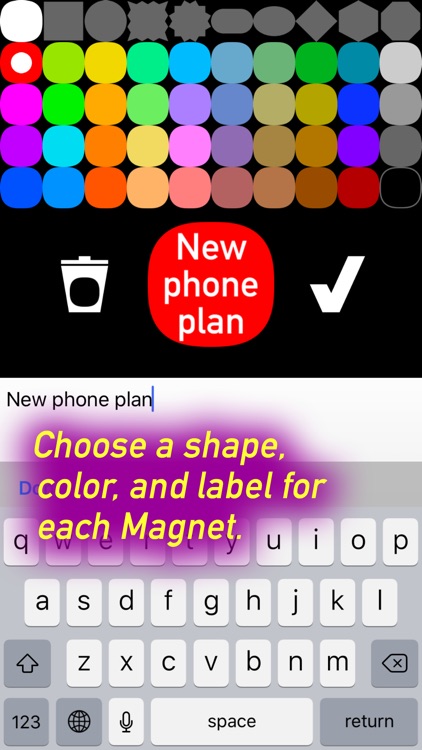
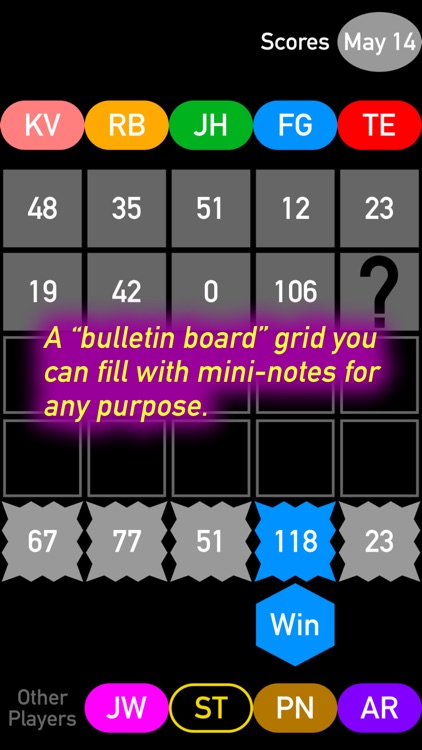
Mind Magnets can be used as a shopping list, task manager, habit tracker, and even a mind-mapper. Its simple two-button interface allows it to be anything you need it to be. Simply hold your finger on the screen to create a new item. The new item can take on one of three different shapes and 27 different colors. After an item has been created, you can drag and drop it anywhere on the screen. This allows you to group items together however you like.

You want more than simple lists. Its interface will free your mind.

You require cloud syncing.

PixelWakker
iPhone
iPad
PixelWakker

PixelWakker

Joseph WRIGLEY

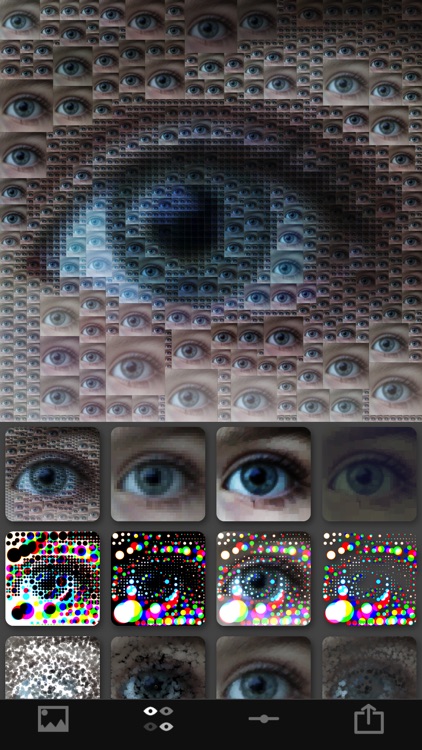
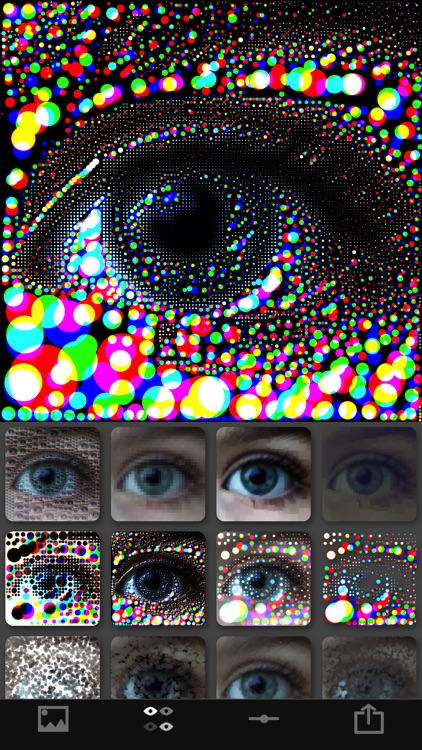
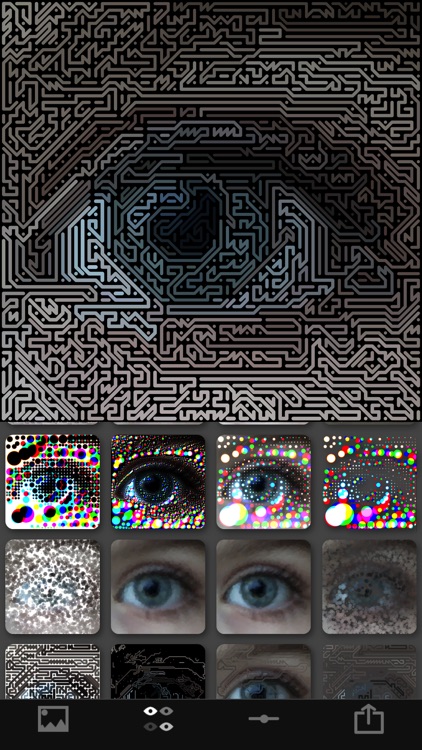
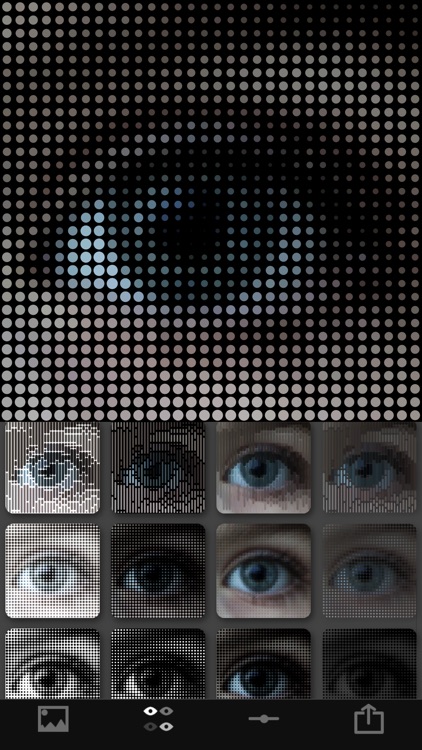
Turn your photos into pixel art with PixelWakker.

Those who enjoy effects apps like Percolator.

FREE ($2.99) For a limited time FREE ($2.99) For a limited time
Why we picked this?

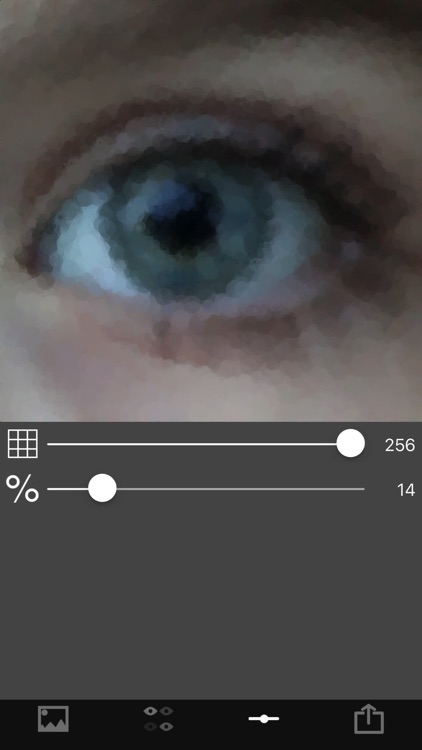
PixelWakker allows you to import any photo from your library or capture a new one from within the app. You can then choose from 20 different pixel art effects. You’re able to independently adjust the frequency and intensity of each effect via sliders. Your final creations can be saved or shared via your favorite social networks.

You enjoy abstract art. The effects can be adjusted in so many ways.

You want more than pixel art effects. You won’t find any other editing tools here.

Jotalicious
iPhone
Jotalicious

Jotalicious

Erik Eggleston

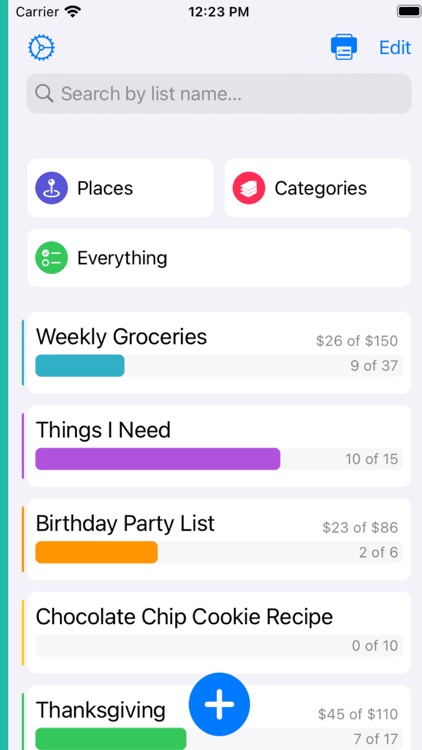
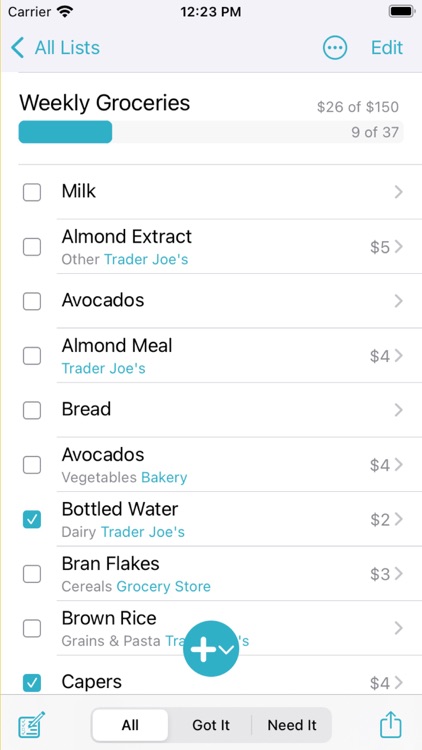
Create organized shopping and grocery lists with Jotalicious.

Anyone who wants to save time.

$0.99 $0.99
Why we picked this?

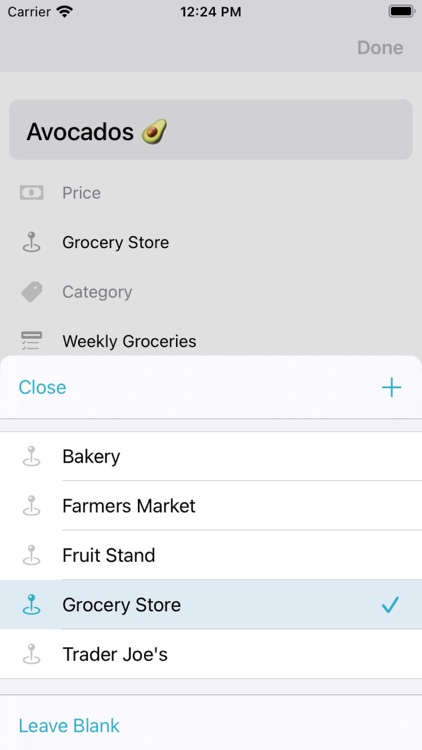
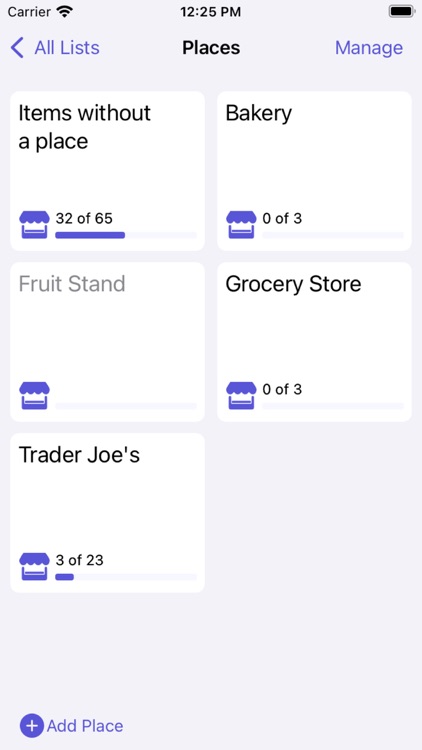
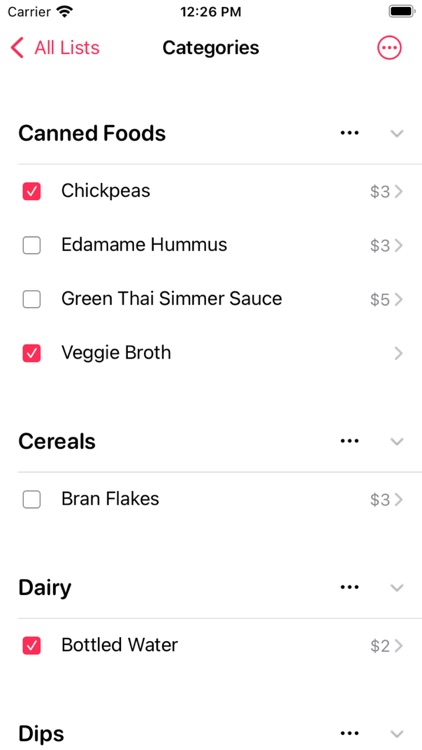
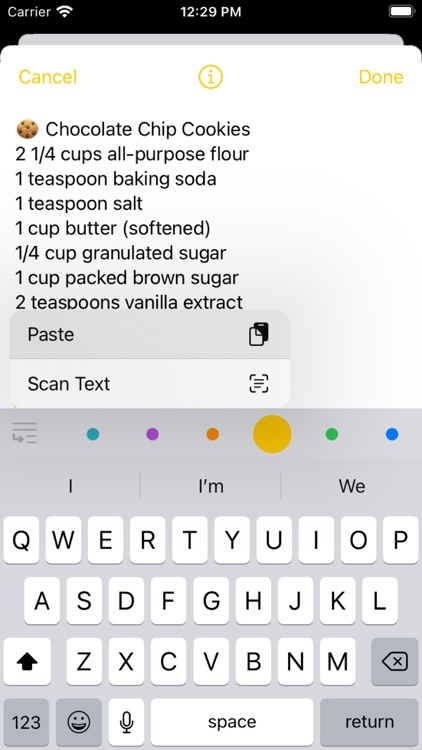
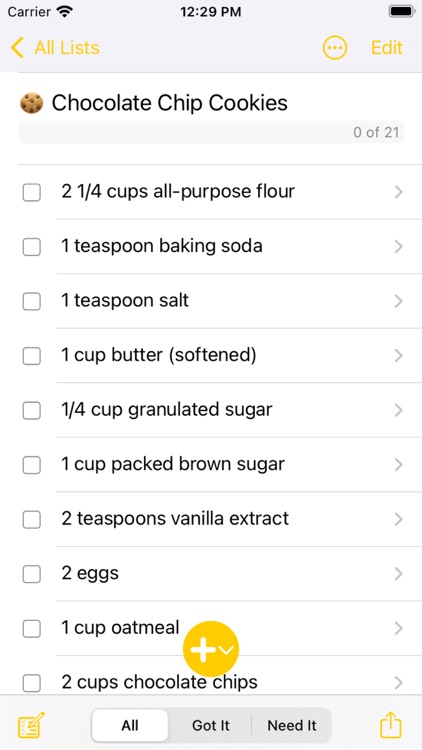
Jotalicious allows you to create lists just like you’re jotting down notes. The first line you type will turn into your list name. Each additional line will be an item on that list. The best part is, you don’t even have to type out your lists. You can dictate items on your list by saying an item name and “New Line” after each item. It really speeds up the process. Jotalicious also allows you to attach amounts to items, define the store the item is located at, and categorize items.

You need a better way to organize your shopping lists. It’s like magic.

You want to sync your lists across devices. It also doesn’t have native iPad support.

Modern Labyrinth
iPhone
Modern Labyrinth

Modern Labyrinth

kevin jego

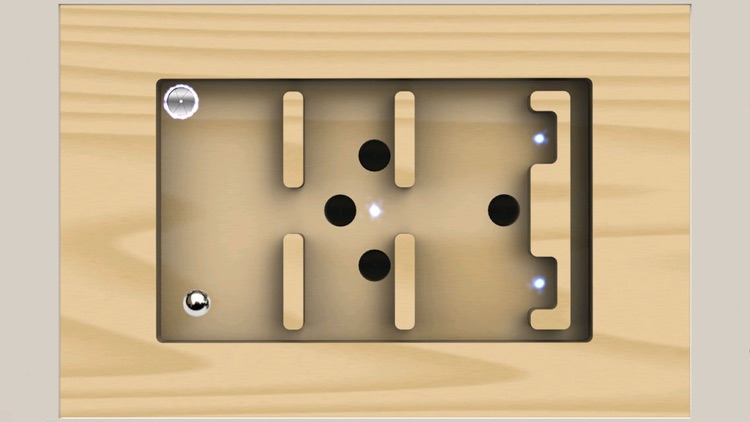
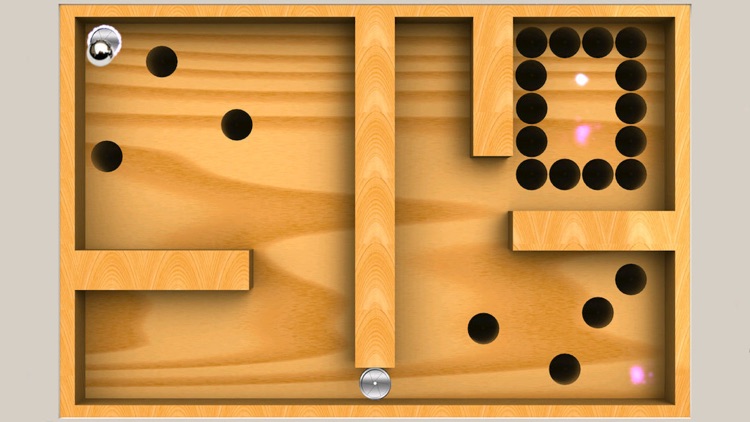
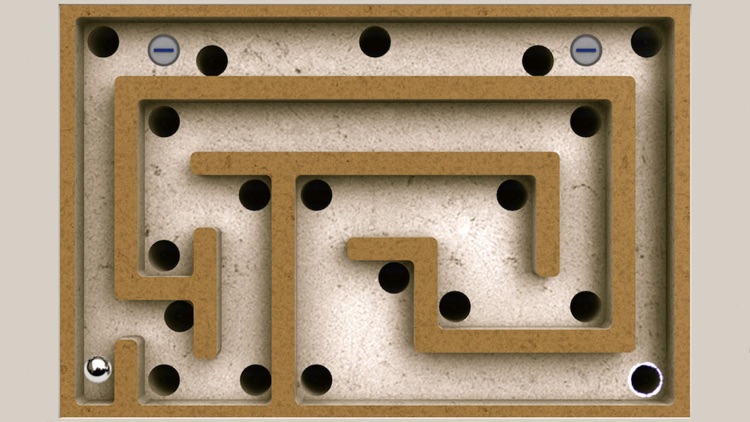
Go down the correct hole in Modern Labyrinth.

Anyone who enjoys tilt-based games.

$0.99 $0.99
Why we picked this?

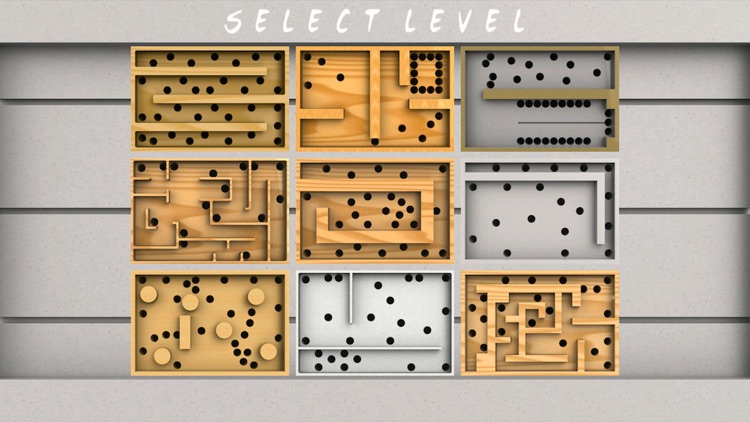
Modern Labyrinth is casual gaming at its best. It doesn’t have a ton of bells and whistles. Just launch the game and get rolling. As with all labyrinth games, your job is to avoid falling down the wrong hole on your way to the highlighted one by tilting your iDevice. Try to move quickly and achieve the best time possible. The game includes 36 levels.

You enjoy competing with yourself. It keeps track of your best times locally, so even when you complete all 36 levels, you can go back and improve upon them.

You have a lot of time on your hands. It’s pretty limited in scope, and there’s no way to expand upon the content.