




You are using an outdated browser. Please upgrade your browser to improve your experience.

Apps That
Went Free on
2017-04-19

Determine distance and area, make your photos pop, and stay persistent with today’s collection of apps and games.

Planimeter
iPhone
iPad
Planimeter

Planimeter

Guo Zhao

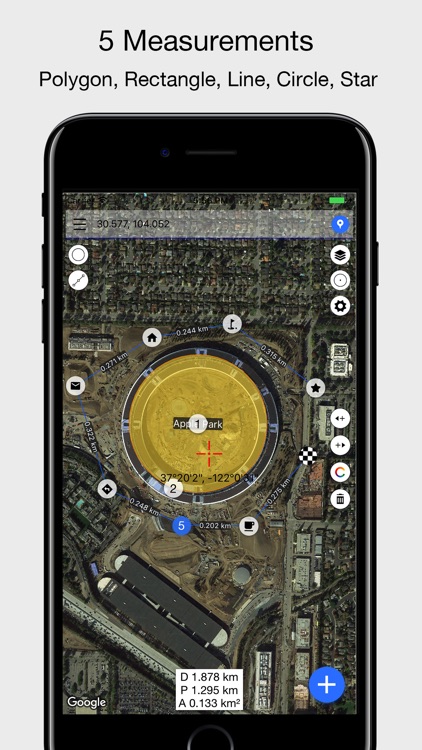
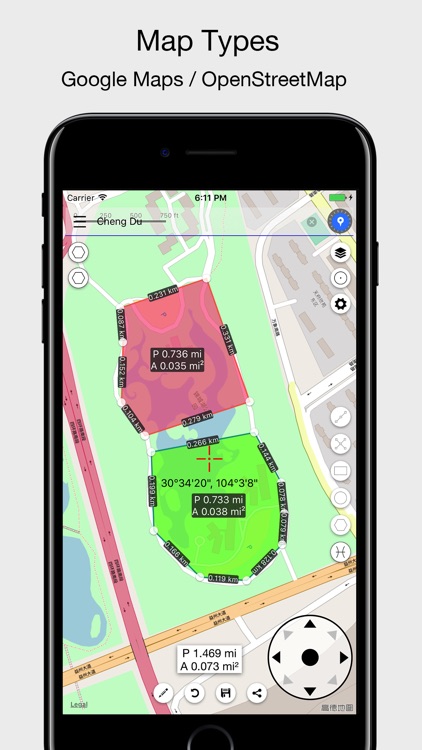
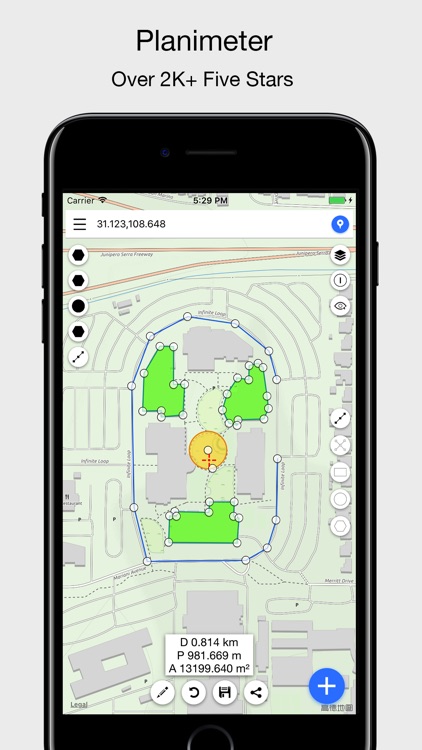
Determine the distance and area of measurements on maps with Planimeter.
Travelers, builders, and anyone else interested in measurements.

FREE ($1.99) For a limited time FREE ($1.99) For a limited time
Why we picked this?

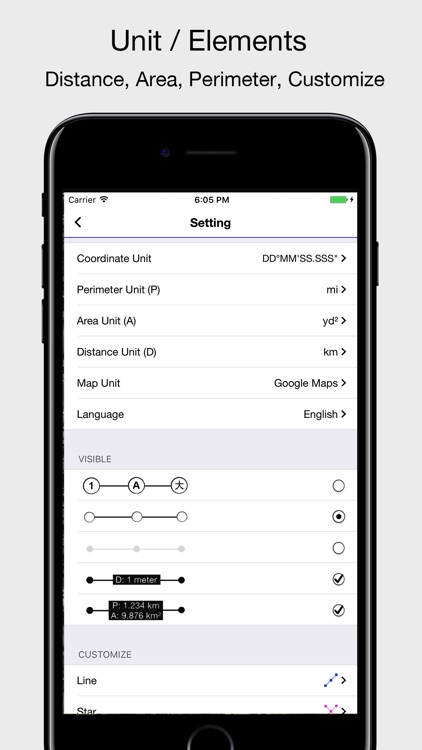
Pick a spot on the map or have Planimeter determine your location. Then choose from one of the five measurement tools, drag the marker to a spot on the map, and plant some pins. Planimeter will display all of your measurements in your chosen units, which can be saved or shared.

You spend a lot of time performing outdoor activities. If anything, it’s a fun way to see how much area you’ve covered.

You have no use for outdoor measurements.

Filterloop Infinite - Instant Analog Photo Effect
iPhone
Filterloop Infinite - Instant Analog Photo Effect

Filterloop Infinite - Instant Analog Photo Effect

Platform

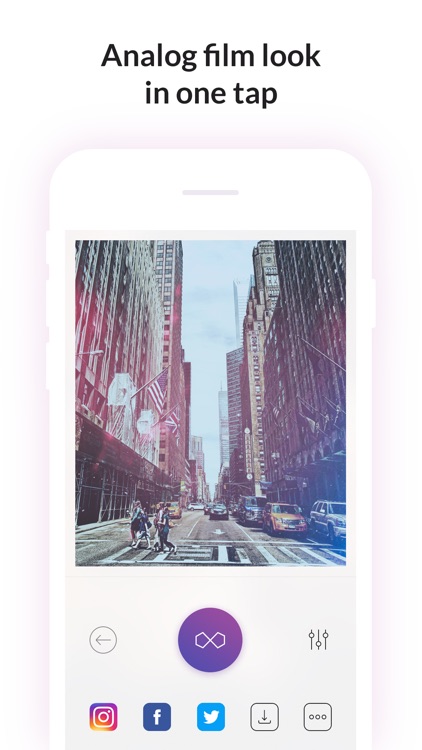
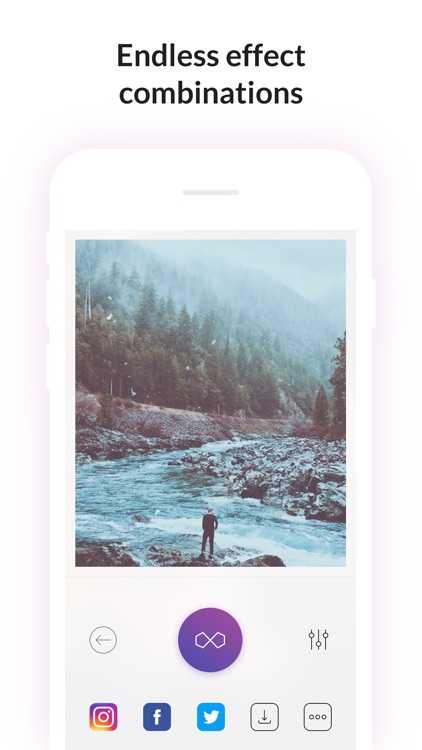
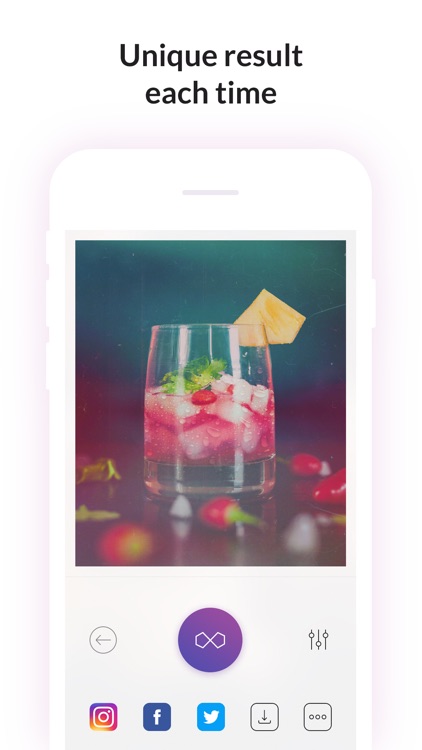
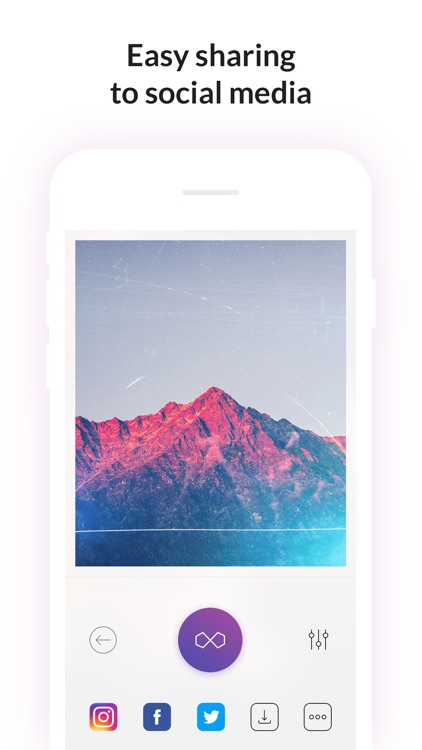
Tap to change your photo with Filterloop Infinite.

Those who don’t like to mess around.

FREE ($0.99) For a limited time FREE ($0.99) For a limited time
Why we picked this?

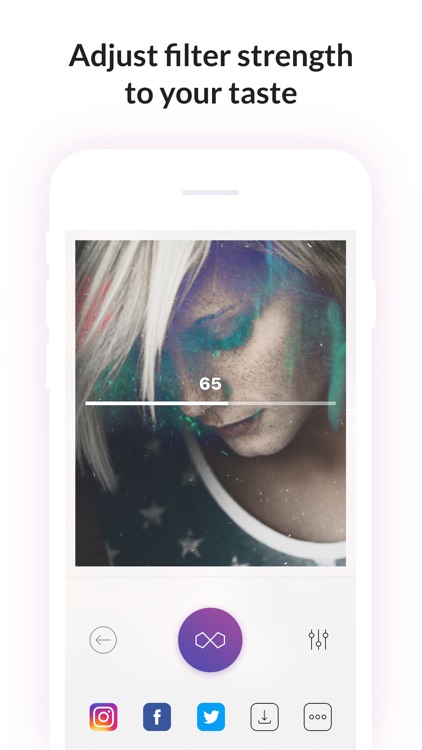
As its name alludes, Filterloop Infinite provides an endless source of edits for your photos. Just tap to apply a random retro or analog effect. If you don’t like what you see, tap again. You’re able to adjust the intensity of the effect by swiping left and right across the photo.

You want quick results. Just tap and upload.

You want the ability to edit the effects.

Organization Chart Management
iPhone
Organization Chart Management

Organization Chart Management

皓 李

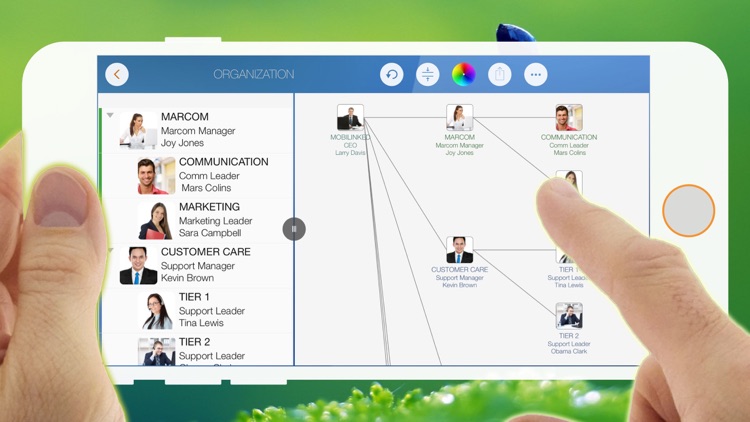
Create flowing organization charts with OrgChart.

Business professionals who need to visualize their teams or customers.

FREE ($0.99) For a limited time FREE ($0.99) For a limited time
Why we picked this?

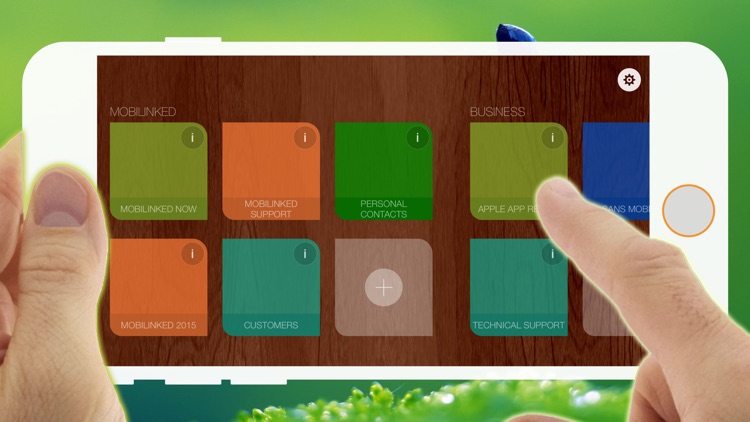
OrgChart simplifies the process of organizing large teams or personal databases. It allows you to create tree structures in a snap without the need to draw the connections. All the work is done for you. All you need to worry about is the details like unit names, sizes, layouts, colors, and properties. The app includes a ton of customization options and the ability to create an unlimited number of tree structures, so it can be used for just about anything. It also allows you to export your charts and share them in a variety of ways.

You have a bunch of contacts you want to organize. The best part is, it can tap right into your Contacts app to save you precious time.

You have an iPad. OrgChart offers a separate version for $2.99.

Princess Games for Girls Games Unicorn Kids Puzzle
iPhone
iPad
Princess Games for Girls Games Unicorn Kids Puzzle

Princess Games for Girls Games Unicorn Kids Puzzle

Eggroll Games LLC

Help the princess build a magical fantasy world in this children's puzzle game.

Children ages two through five.

$2.99 $2.99
Why we picked this?

Each scene features cork board cutouts. Your child must drag and drop the pieces from the top right corner of the screen into the scene to fill them in. As your child works their way through each scene, new cutouts and pieces will appear. The app includes adorable characters and sounds, and nine scenes.

You want to educate and entertain your little ones.

Your child falls outside of the age range. The app’s unique cork board cutout mechanic will be to simplistic for them.

Persistence - Goal Tracker
iPhone
Persistence - Goal Tracker

Persistence - Goal Tracker

Samuel Clark

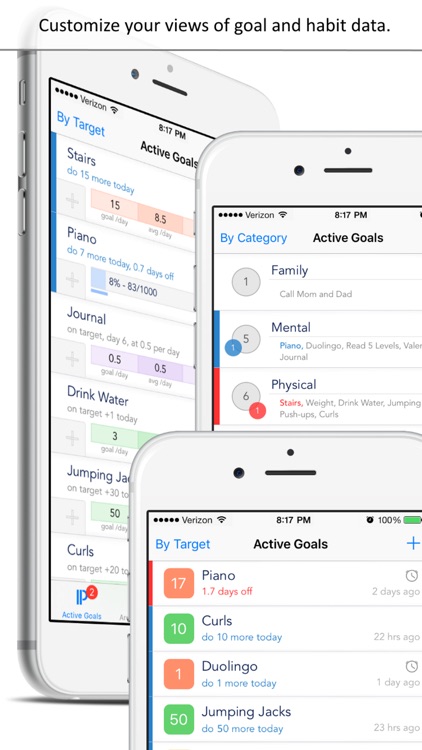
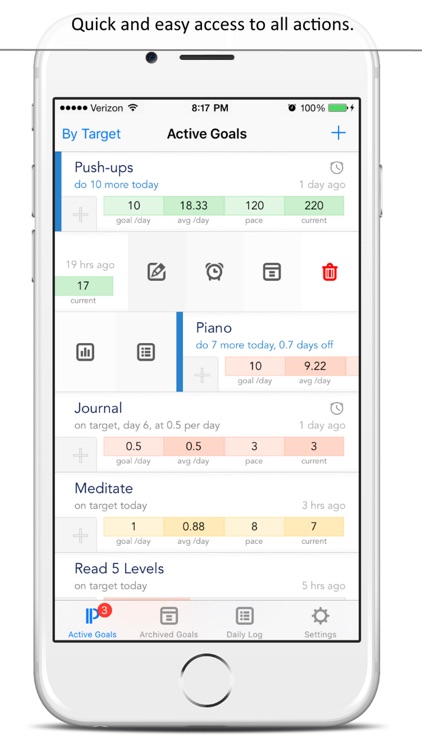
Stay persistent and complete your goals with Persistence.

Those who have trouble staying on track.

$1.99 $1.99
Why we picked this?

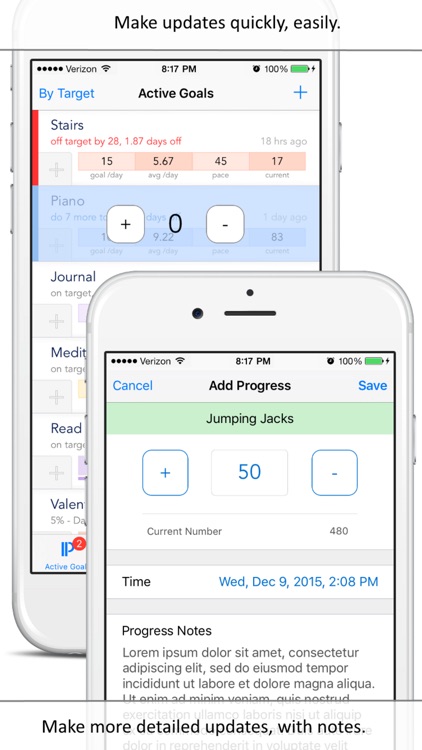
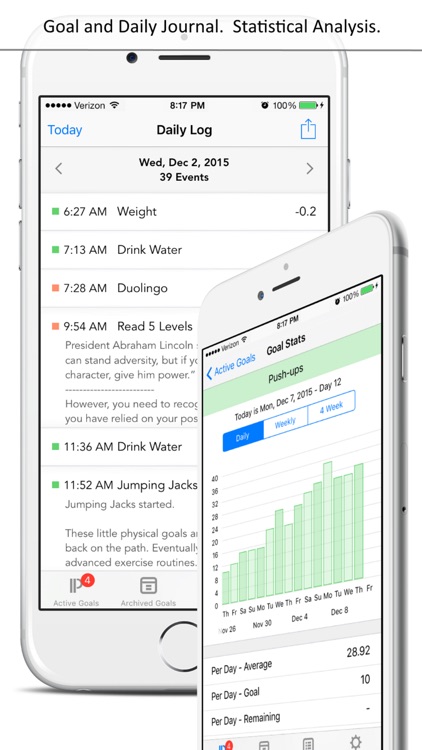
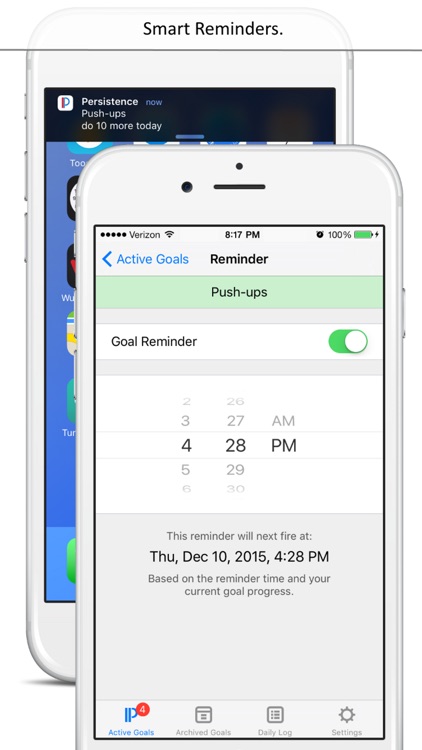
When creating a new goal, you’re able to title it and enter the number of times you want to work on it or the amount of time you want to spend on it each and everyday. After completing a goal for the day, simply enter your progress and attach notes. If you start to get behind on a goal, don’t fret, you can make up for it by doing more the next day. The idea is to keep those vertical blue and red bars from appearing on the side of your goal. The app also includes the ability to edit goals, set reminders, view statistical progress, and share your daily logs.

You want to achieve major and minor goals. Just remember: red is bad, blue is good. You’re also now able to view your progress from the Today view.

You rely on your Apple Watch for tracking the little things in life. Persistence lacks support for it.

BusyBox - Track your time
iPhone
iPad
BusyBox - Track your time

BusyBox - Track your time

Claire Reynaud

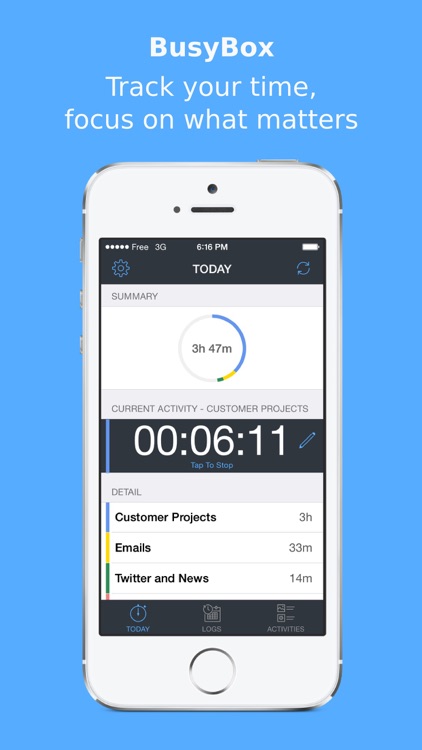
Keep track of the time spent on all of your activities throughout the day with BusyBox.

Everyone from fitness addicts to business professionals.

$2.99 $2.99
Why we picked this?

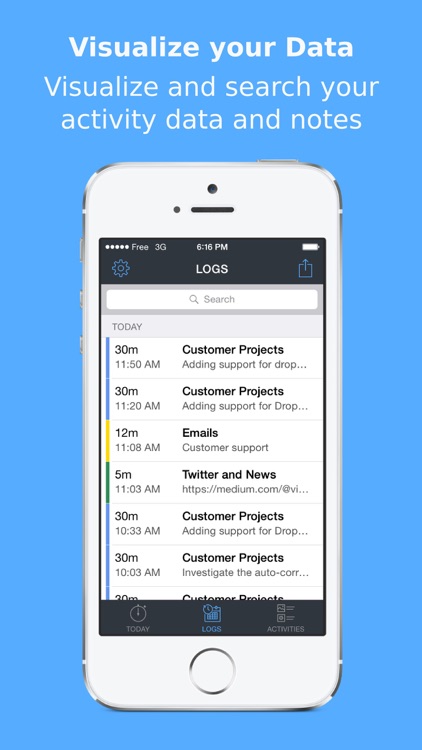
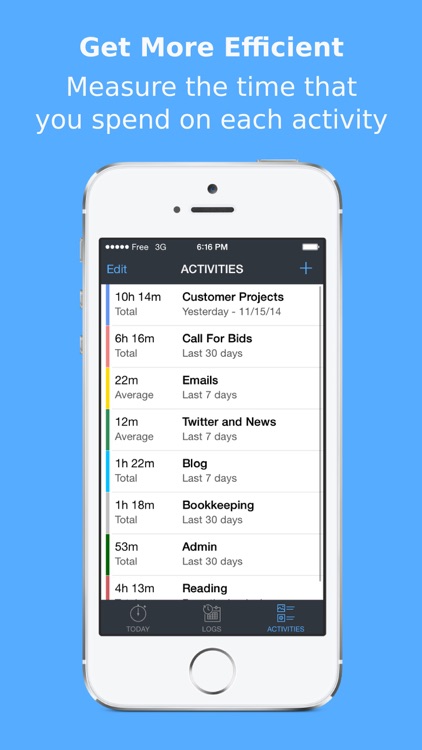
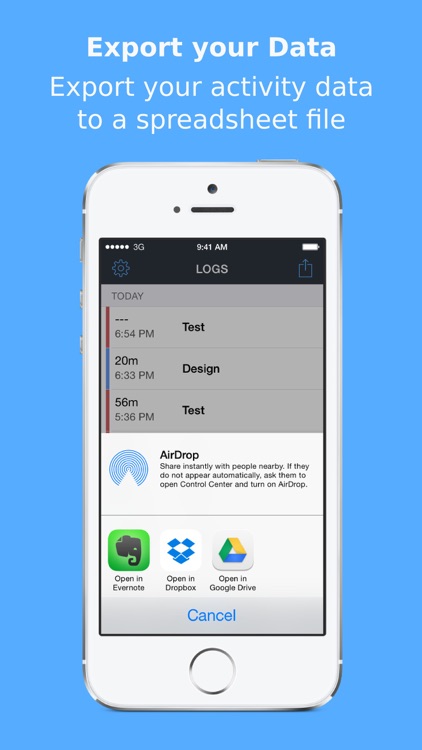
BusyBox comes highly recommended today thanks to its wide range of uses. Whether you’re looking to track your workouts or time spent on the job, BusyBox will help you get it done. You’re able to create as many different activities as necessary. They can also be color-coded for quick reference. Then when it’s time to start the activity, select it from your list and start the timer. The app will keep a running log of all of the time spent on each activity, and the data can be exported and shared via email.

You’ve always been looking for a way to track your time spent on activities. The app’s open-ended nature makes it perfect for anyone and everyone. It doesn’t require you to waste time adding specific information.

You need to track specific data. Its focus is broad.