


You are using an outdated browser. Please upgrade your browser to improve your experience.

Apps That
Went Free on
2018-01-09

Create precise designs, get out of bed, and keep your house or apartment clean with today’s collection of apps and games.

Pattern – Design Drawing
iPad
Pattern – Design Drawing

Pattern – Design Drawing

Andrew Chung

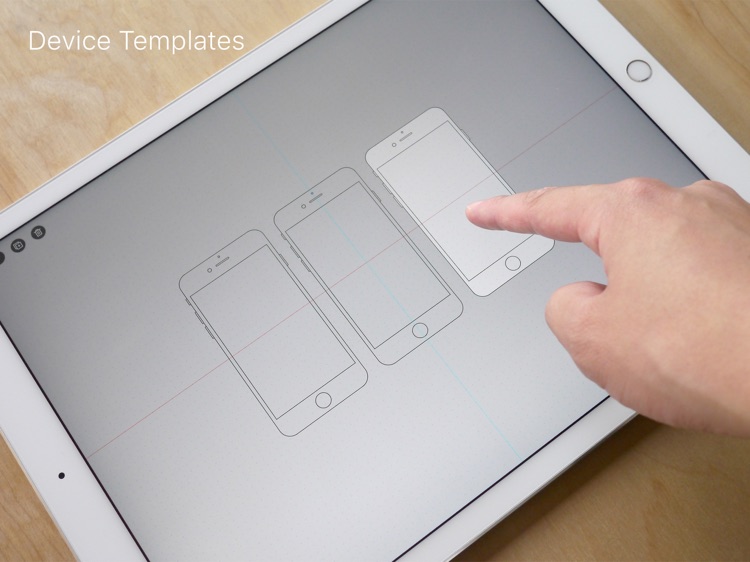
Create precise designs with Pattern.
Developers.

FREE ($2.99) For a limited time FREE ($2.99) For a limited time
Why we picked this?

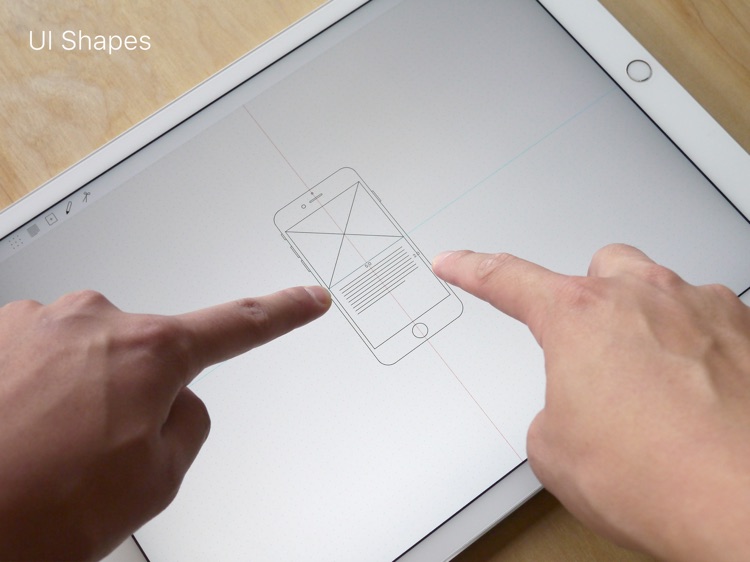
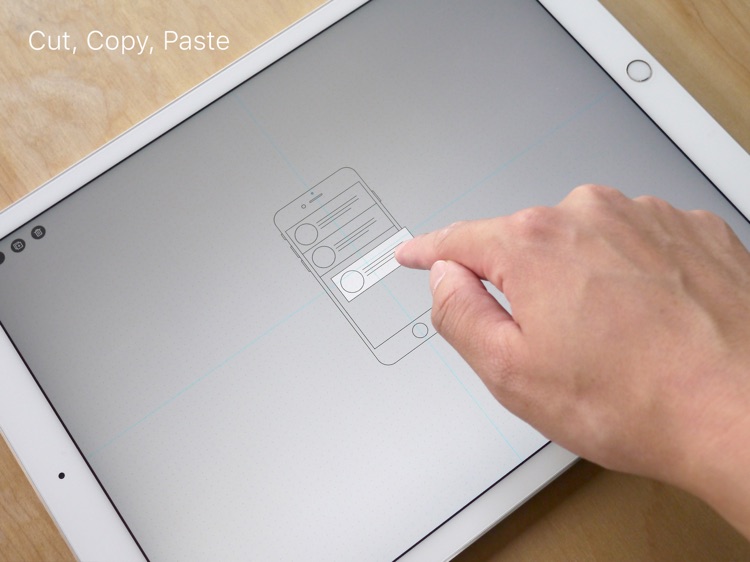
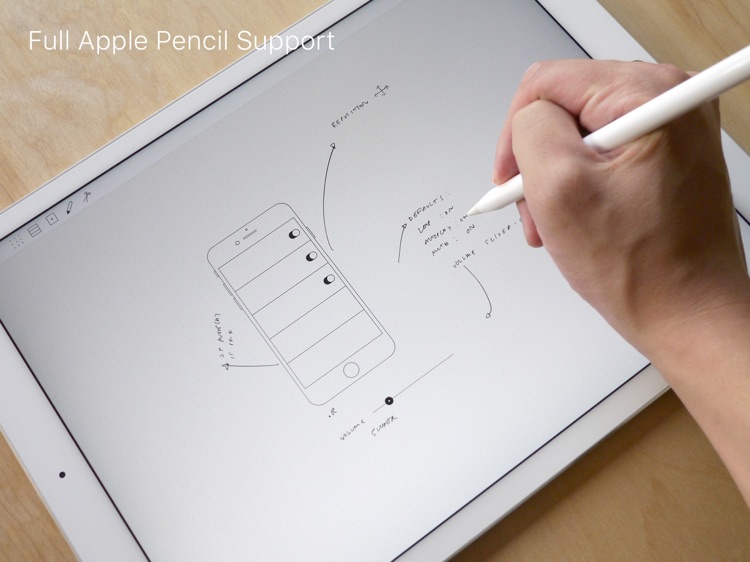
Pattern is a blank canvas for your app and website designs. You’re able to choose from four different templates: Phone, Tablet, Browser, and Watch. The app includes eight different UI shapes for creating placeholder text, images, table views, and columns, which can be added to the templates via basic two-finger gestures. Pattern also allows you to freely draw on the canvas, snap to the grid, and cut, copy, and paste.

You’re an app or website designer with loads of ideas. Pattern will help you capture them.

You’re looking for a drawing or painting app. There are better options since this is focused on app and website design.

OneSpan Sign - eSign Docs Now
iPhone
iPad
OneSpan Sign - eSign Docs Now

OneSpan Sign - eSign Docs Now

OneSpan Inc.

Securely prepare, send, and sign documents with eSignLive.

Business owners and professionals.

FREE ($32.99) For a limited time FREE ($32.99) For a limited time
Why we picked this?

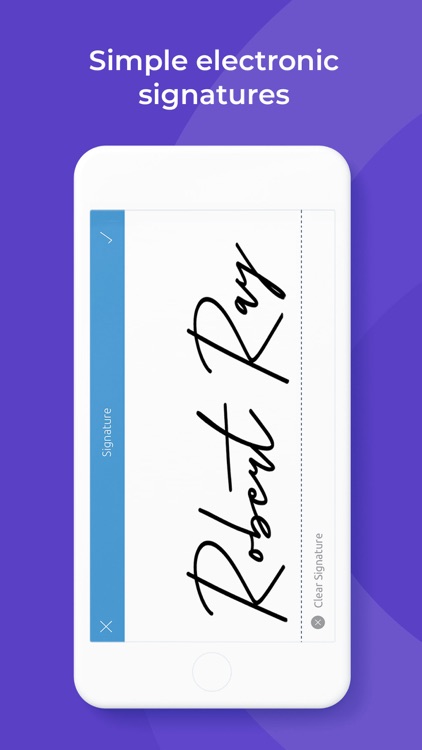
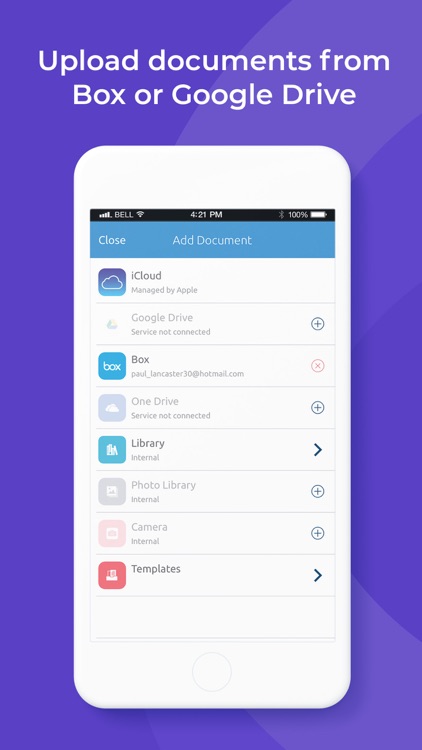
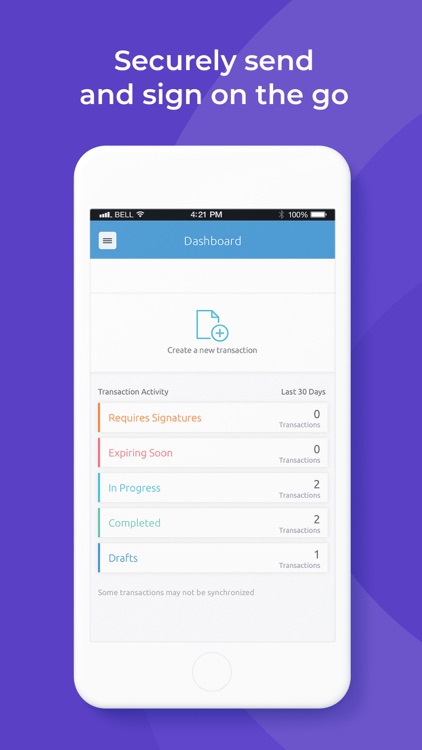
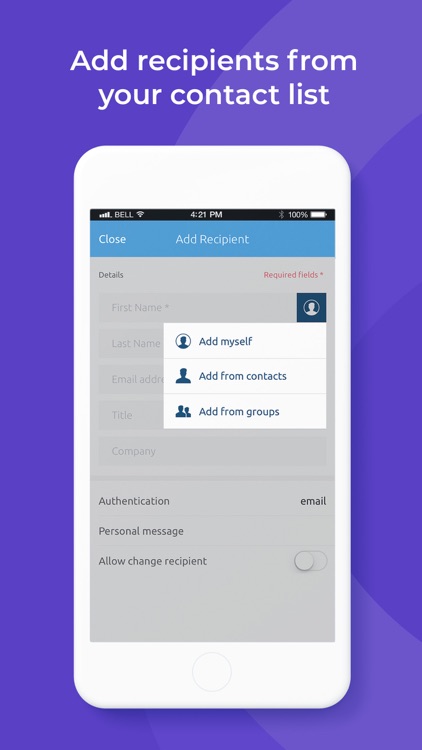
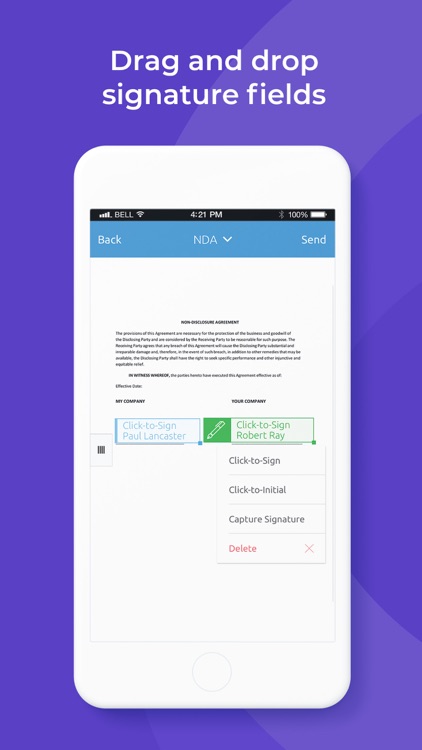
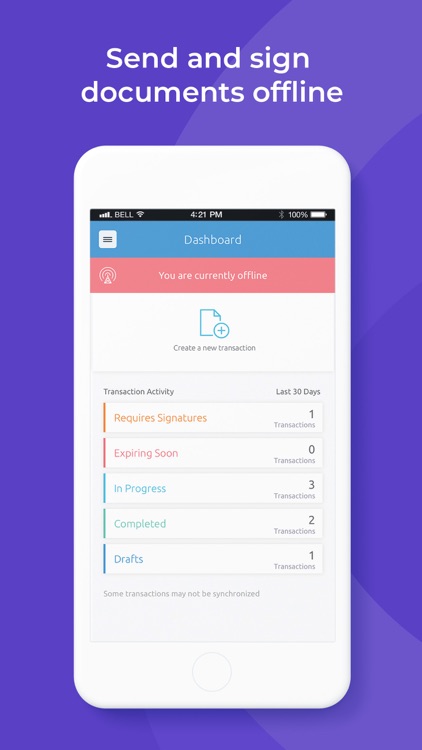
eSignLive is the market leader in e-signatures thanks to its ease of use and security. Either connect an existing eSignLive account to the app or create a new one. You’ll then be able to access existing documents, import new ones from other cloud services, or utilize photos in your library. Add signers and define the signing order for document, and prepare it by adding signature blocks and capture fields. Then send it off to your clients for signature. eSignLive’s built-in dashboard will help you track the progress of all of your outstanding documents. It’s also SOC 2, HIPAA< and FedRAMP compliant.

You work in banking, insurance, or government. eSignLive is the standard.

You’re not willing to pony up for a monthly subscription.

Wake N Shake Alarm Clock
iPhone
Wake N Shake Alarm Clock

Wake N Shake Alarm Clock

Andres Canella

This merciless alarm clock will ensure you get out of bed.

Anyone who sucks at waking up.

$0.99 $0.99
Why we picked this?

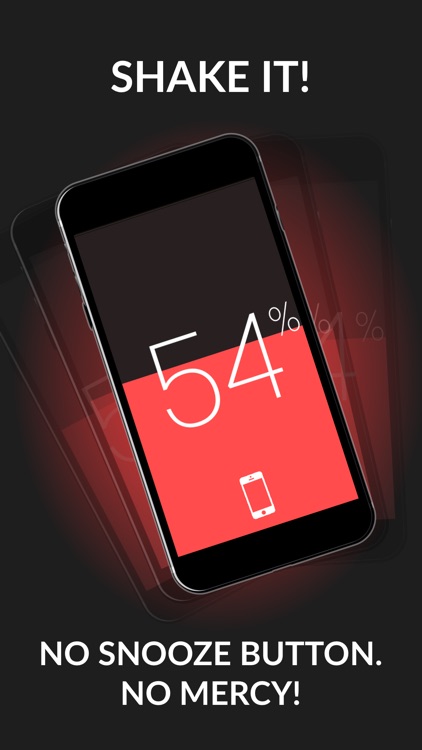
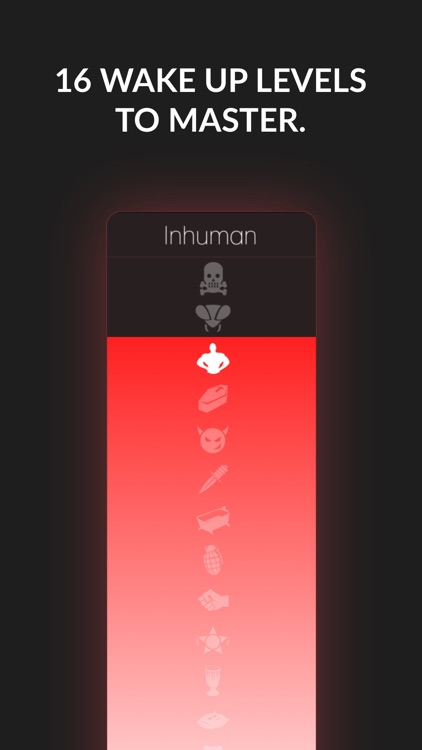
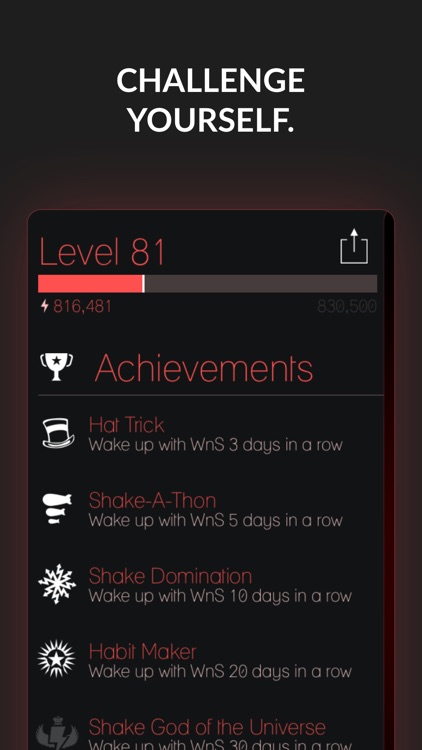
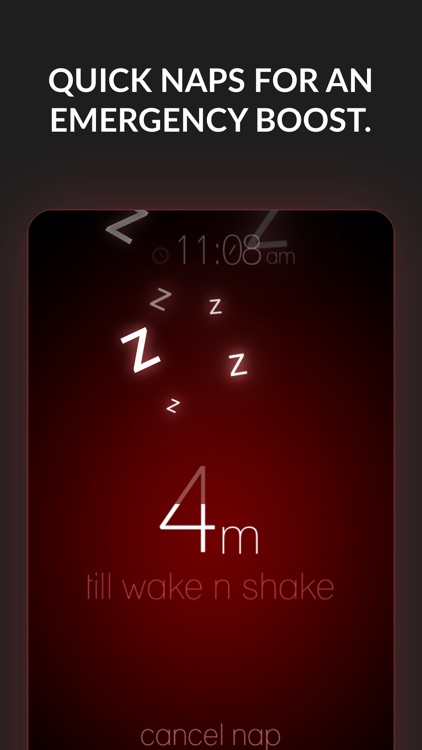
You'll get a taste of what Wake N Shake is all about the moment you launch the app. During the tutorial, it will ask you to furiously shake your iDevice just to get to the main screen. Don’t give up. There’s no way around this just like the real alarm. From there you can access the alarm clock, social, music, and settings menus with swipes in different directions. The app includes all kinds of alarm tones to choose from, achievements and leaderboards, a sleep timer, and the ability to adjust the shake intensity.

You’re the type of person that just won’t get out of bed. Wake N Shake is obnoxious, and you’ll have to do something about it.

You don’t leave your phone near your bed at night.

NoLocation - Remove exif data from photos
iPhone
NoLocation - Remove exif data from photos

NoLocation - Remove exif data from photos

Jackson Cole

Remove location data from your photos with NoLocation.

Those who prefer to keep their data private.

$1.99 $1.99
Why we picked this?

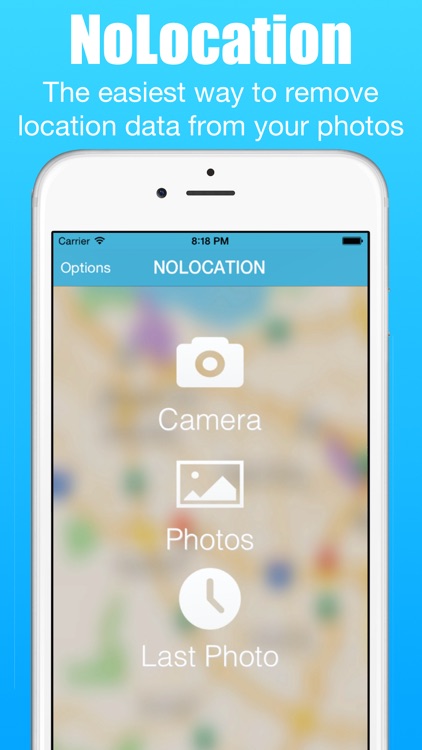
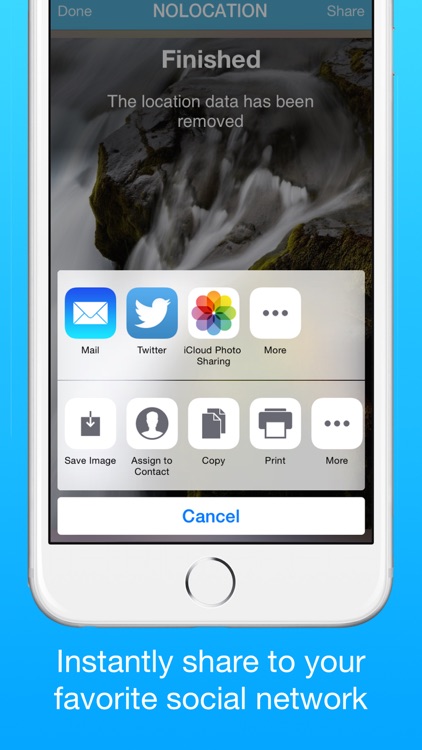
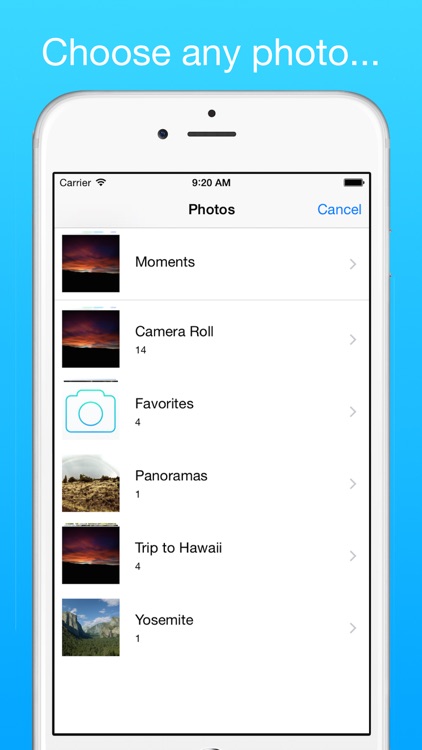
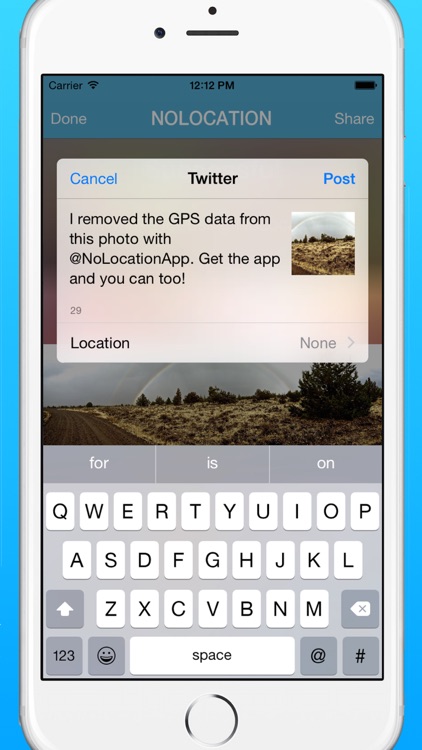
NoLocation allows you to quickly and easily remove EXIF data from your photos. The data can be removed from new photos taken within NoLocation, or you can import any photo from your library. Keep in mind that NoLocation doesn’t overwrite the original photo. It simply makes a copy of the photo without any of the EXIF data included.

You don’t want to share your location. NoLocation is remarkably easy to use.

You want to keep your photo data intact. EXIF data consists of things like date, time, camera settings, and copyright information as well as location data.

Cleaning Checklist: Kondo
iPhone
iPad
Cleaning Checklist: Kondo

Cleaning Checklist: Kondo

Linebreak LLC

Keep your house or apartment spotless with Kondo.

Everyone.

$4.99 $4.99
Why we picked this?

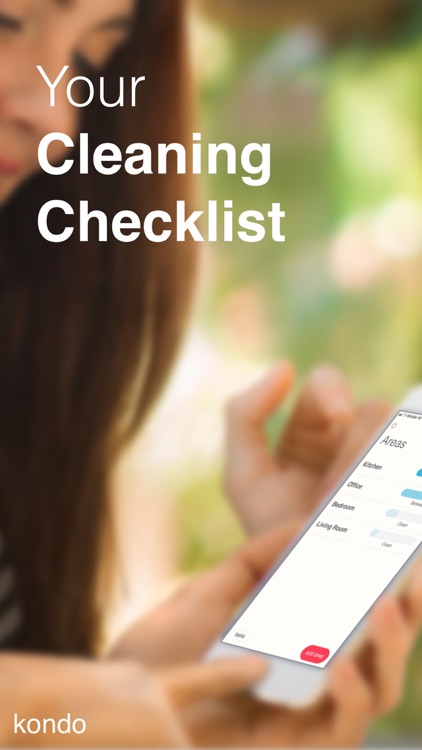
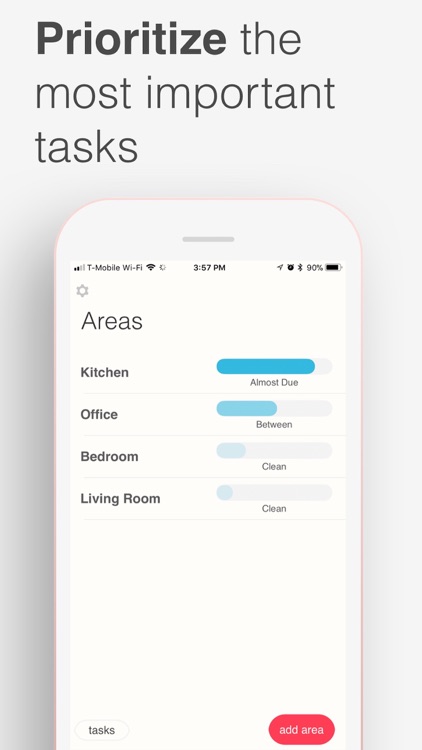
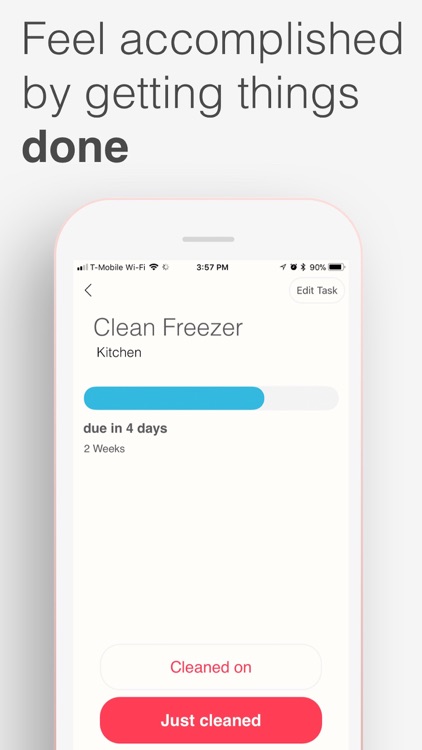
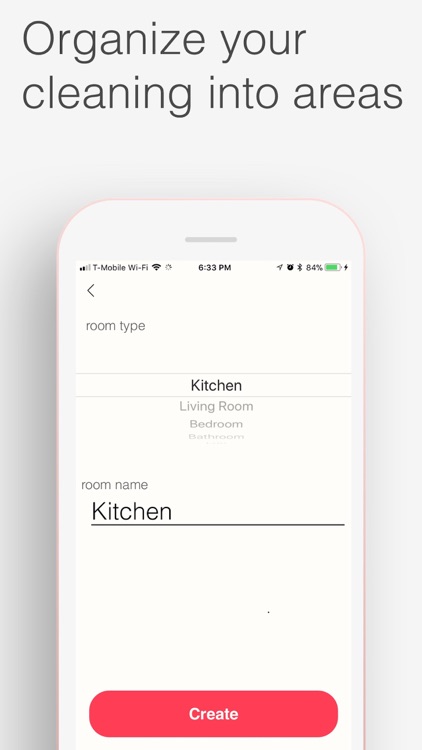
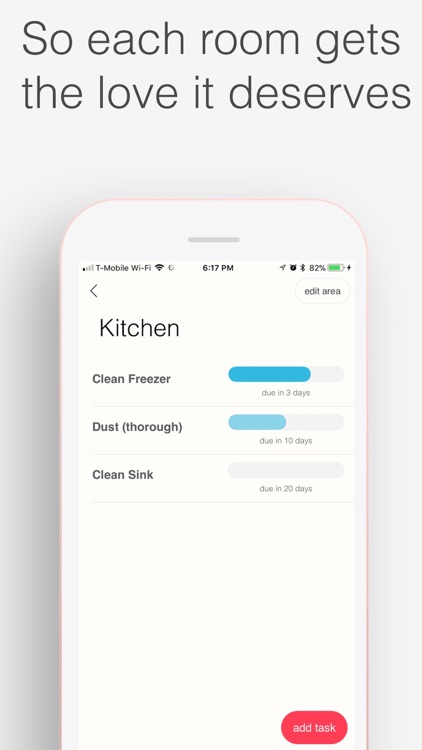
Kondo is your cleaning checklist. It allows you to create separate lists for the areas of your home and prioritize the most important tasks. Room names are pre-defined, but they can be edited to better suit your home. Kondo also includes a task library, making it easy to come up with and schedule your tasks. Tasks can be repeated at various intervals, and the main dashboard allows you to keep track of your cleaning progress.

Like everyone else on the planet, you’re not fond of cleaning. This app will make it easier.

You somehow enjoy the process of cleaning your home everyday and don’t need a list.

Number Games Match Fun Educational Games for Kids
iPhone
iPad
Number Games Match Fun Educational Games for Kids

Number Games Match Fun Educational Games for Kids

Eggroll Games LLC

Designed with your little one in mind, this educational app focuses on number identification, counting skills, and color matching.

Perfect for parents with children in kindergarten.

$3.99 $3.99
Why we picked this?

The app is loaded with fun and colorful items to count and match. Depending on their ability level, your child can either play with cards face down or face up to make things easier. Hints are also available if need be. The game includes professional narration for every included item, positive reinforcement, and parental controls.

You have a child in kindergarten and want to help them improve their number and color skills.

Your child is older than six years of age. The concepts will most likely be below their skill level. If that’s the case, you can skip this one.