
You are using an outdated browser. Please upgrade your browser to improve your experience.

Apps That
Went Free on
2019-01-22

Focus on the task at hand, view and add reminders from your lock screen, and search public WHOIS databases with today’s collection of apps.

Deep Whois
iPhone
iPad
Deep Whois

Deep Whois

Pavel Ahafonau

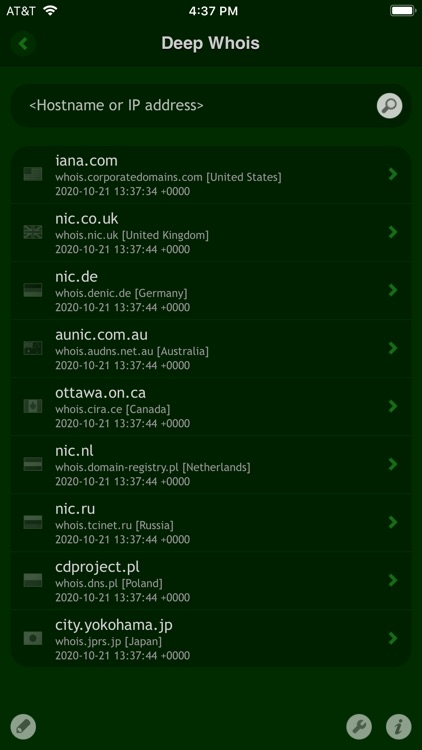
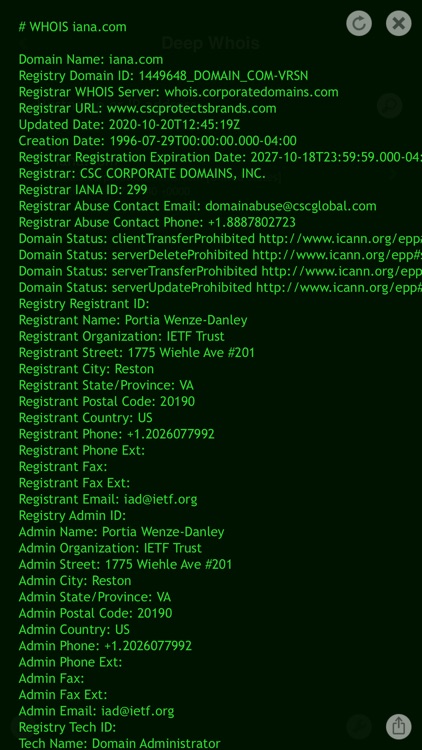
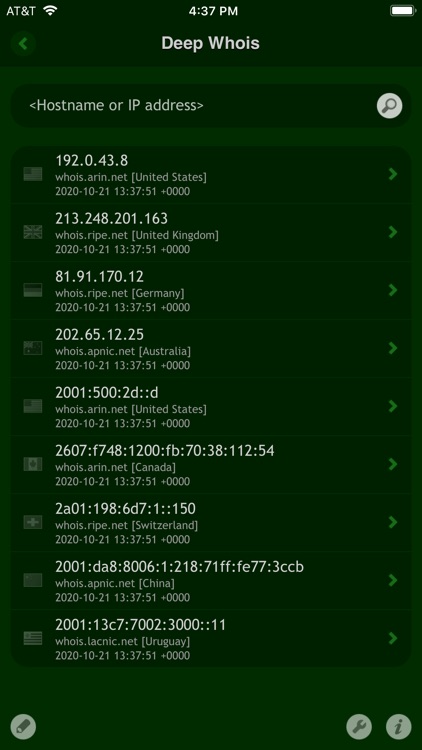
Search public WHOIS databases with Deep Whois.

Network administrators and anyone else interested in securing local networks.

FREE ($1.99) For a limited time FREE ($1.99) For a limited time
Why we picked this?

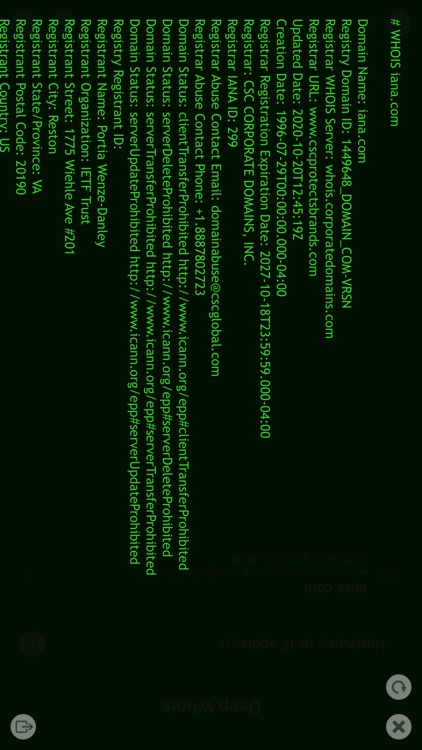
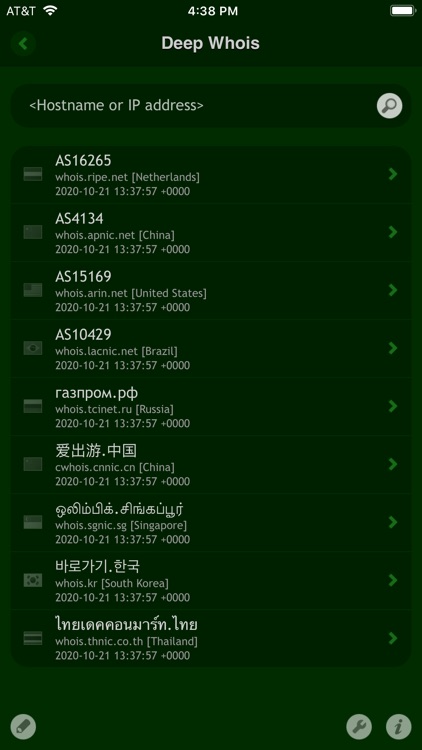
Deep Whois allows network administrators to search for hostnames, domains, IDNs, IP addresses, IP networks, and ASNs. It keeps track of your result history for all lookups, and allows you to share it via email.

You’re in charge of a network. You need this and the rest in Happy Magenta’s suite of utility apps.

You’re not even sure what a WHOIS database is.

Bear Focus Timer -Stay Focused
iPhone
Bear Focus Timer -Stay Focused

Bear Focus Timer -Stay Focused

EUIHYUNG JUNG

Focus on the task at hand with Bear Focus Timer.

Those with a lot on their plate.

$1.99 $1.99
Why we picked this?

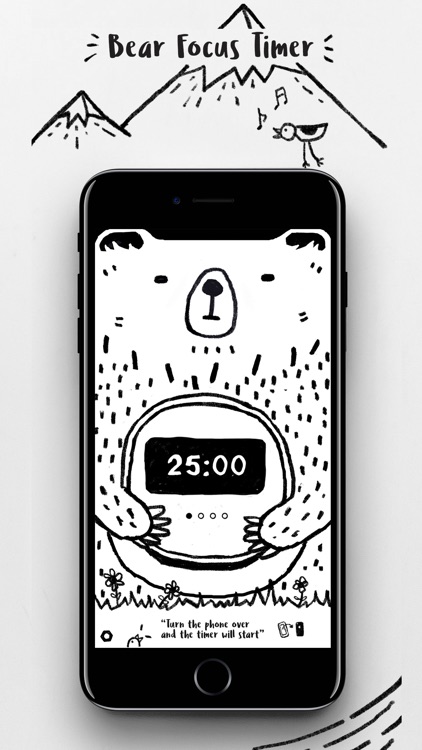
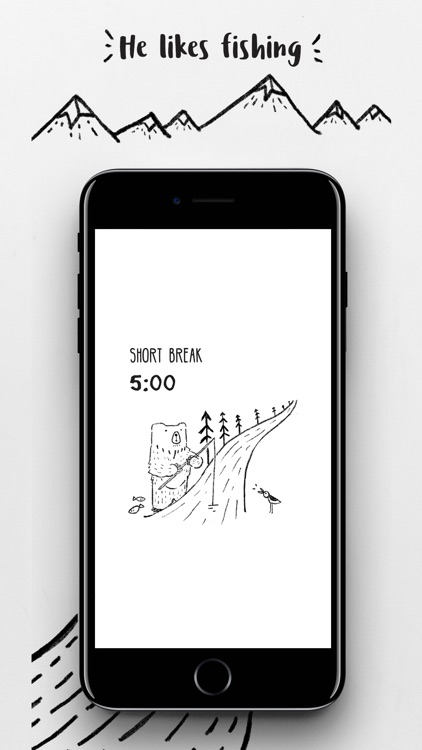
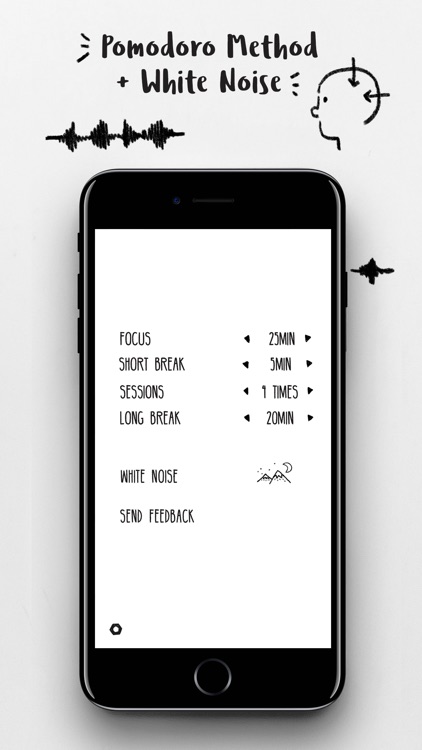
Tom the bear is here to help you get things done. The app utilizes the Pomodoro Method, requiring you to set aside blocks of time to ensure ultimate focus. You’re able to adjust the focus length, break length, and the amount of sessions required for the task to be completed. Then simply flip your iPhone over and get to work. Tom the bear will notify you when it’s time to take a break. Bear Focus Timer also includes three alert options, and six white noise recordings to choose from.

You’re a procrastinator or lack focus. The Pomodoro technique will help you achieve your goals.

You want the ability to manage projects and tasks. This is just a timer.

Change - Currency Converter
iPhone
Change - Currency Converter

Change - Currency Converter

Sigalit Amsalem

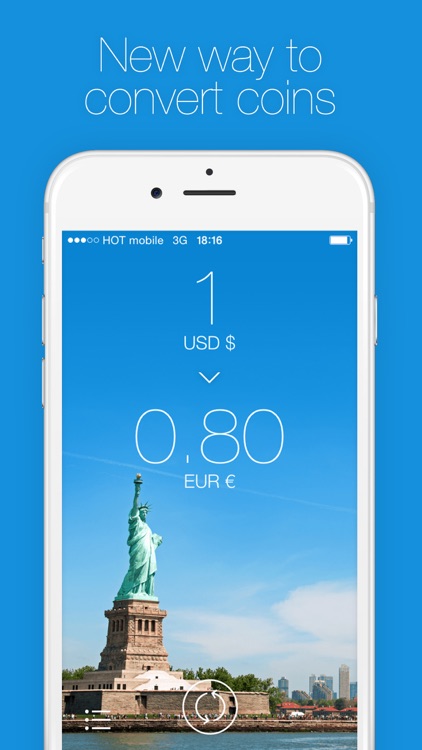
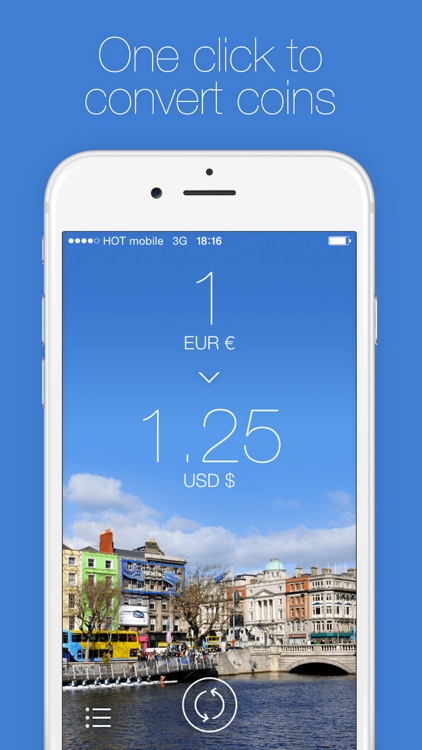
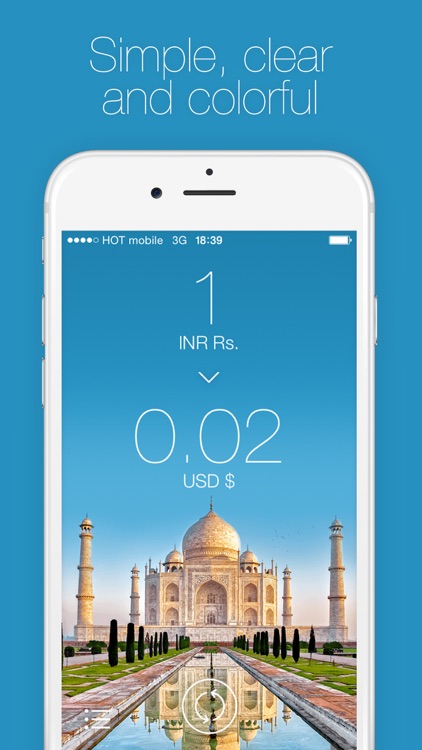
Convert currencies in a snap with Change.

Frequent travelers.

$0.99 $0.99
Why we picked this?

Change adds a bit of a style to a normally dull app category. You’re able to choose the currencies you’re converting from and to by swiping across the fields at the top of the screen. As you swipe, you’ll see the conversions instantly performed. You’re also able to reorder, activate, and deactivate currencies by tapping on the “+” button at the bottom of the screen. Change includes a total of 85 currencies.

You’re constantly on the move. Store Change in a folder on your iDevice for safe keeping. We guarantee it will come in handy.

You rarely travel outside of your home country. You can do all of your currency exchanges via Siri and the web.

Reminders Widget
iPhone
iPad
Reminders Widget

Reminders Widget

Crater Tech LLC

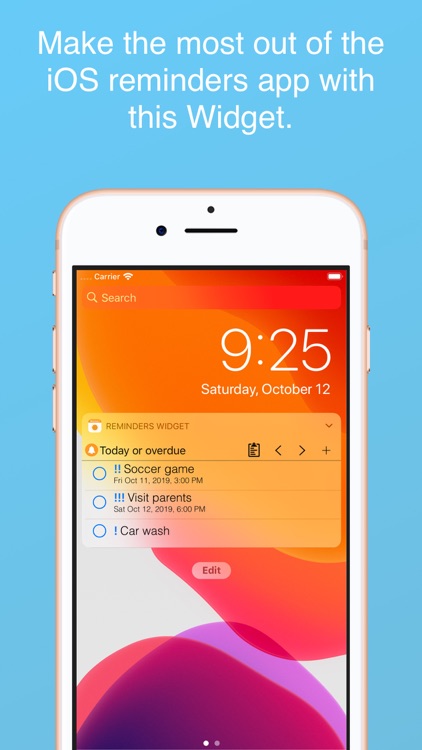
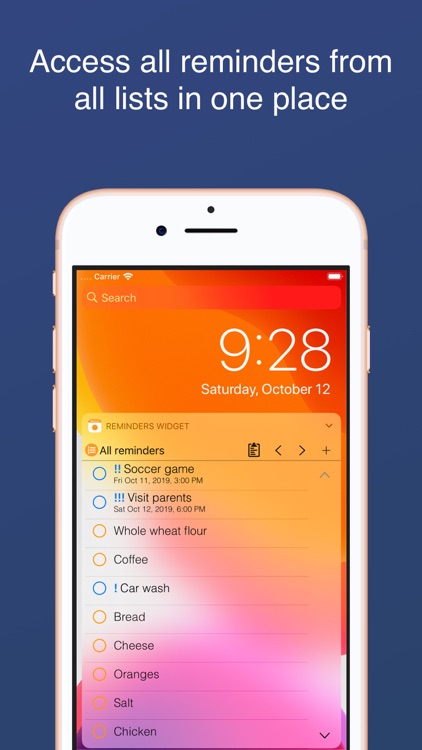
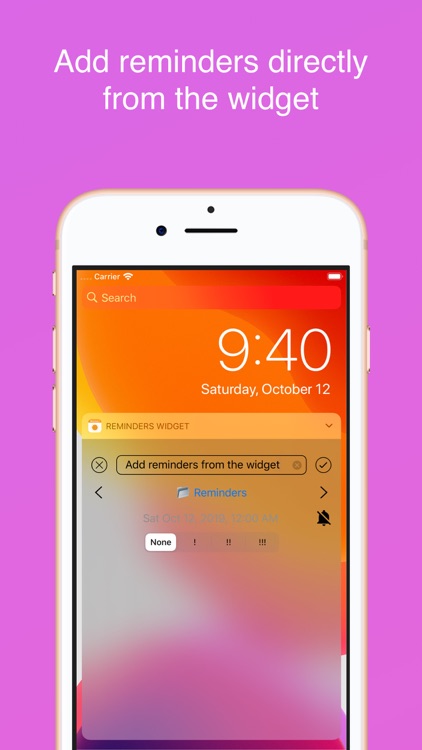
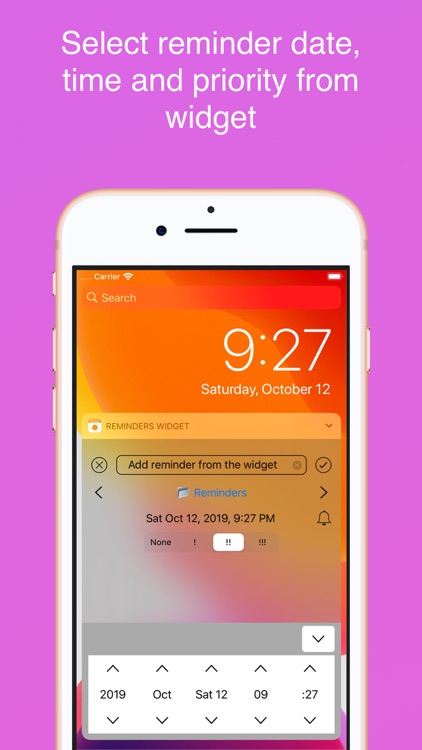
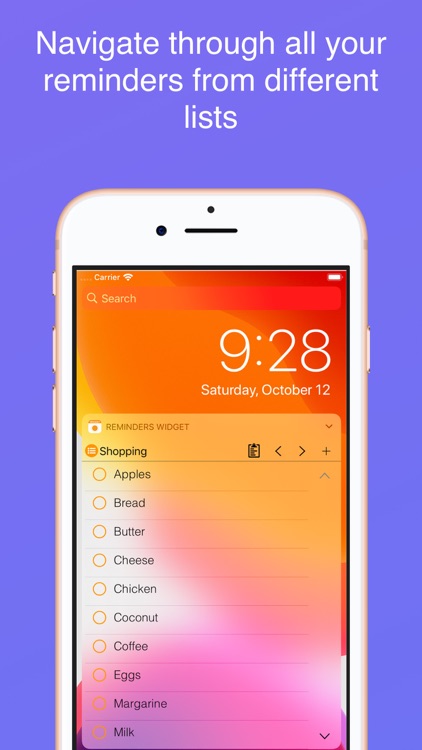
View and add reminders from a widget with Reminders Widget.

Those who have a lot of things to recall.

$1.99 $1.99
Why we picked this?

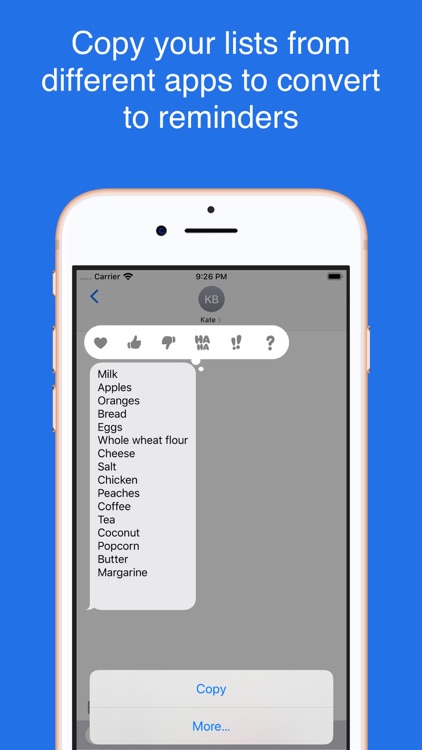
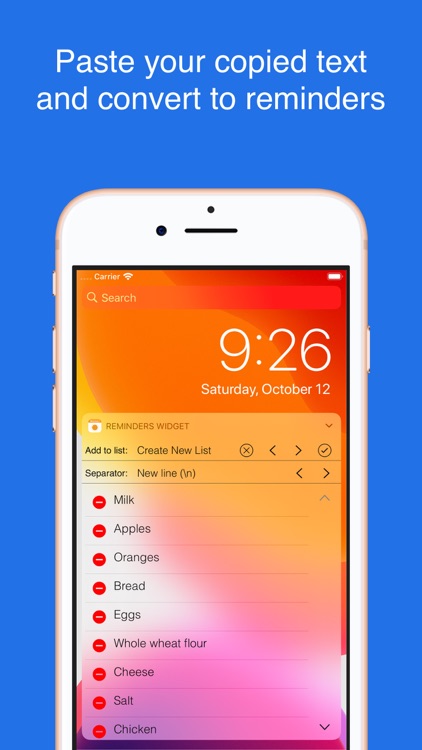
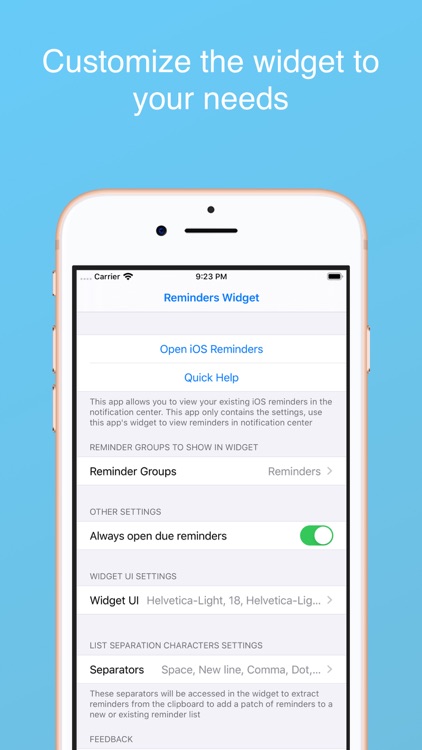
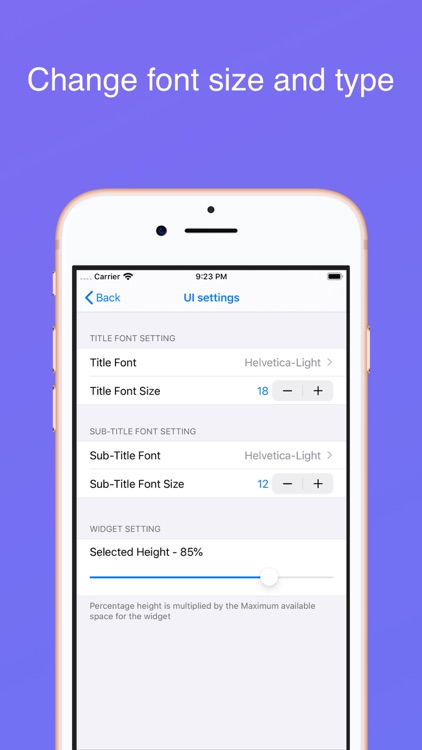
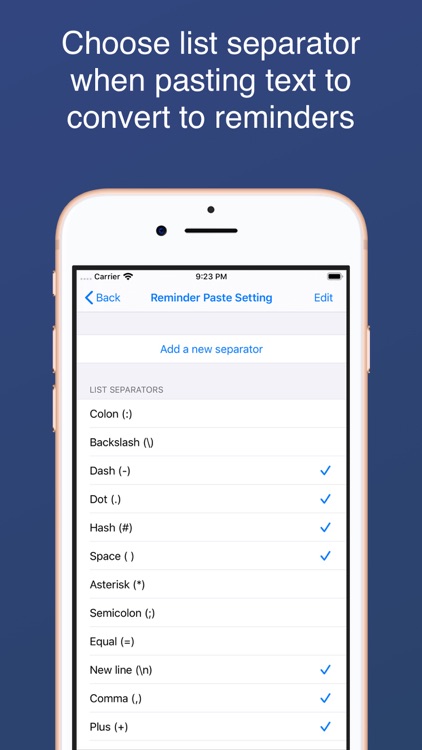
Reminders Widget enhances the way you use reminders. It taps into the native Reminders app in order to pull any entries you’ve already created. You can then access all due or overdue reminders from a convenient Today widget. The widget also allows you to create new reminders, sort reminders, scroll through groups, and complete reminders.

You want to have more control over and quicker access to your Reminders.

Your Reminders app is barren.