

You are using an outdated browser. Please upgrade your browser to improve your experience.

Apps That
Went Free on
2019-03-13

Sketch out ideas, manage tasks, and match elements with today’s collection of apps and games.

Asketch
iPhone
iPad
Asketch

Asketch

Andrew Kern

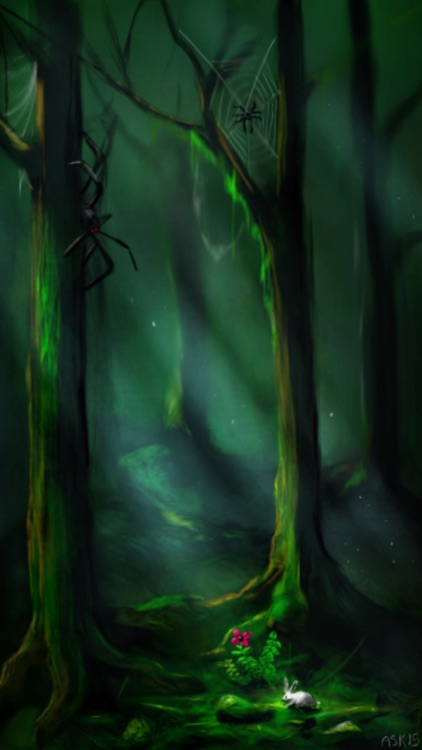
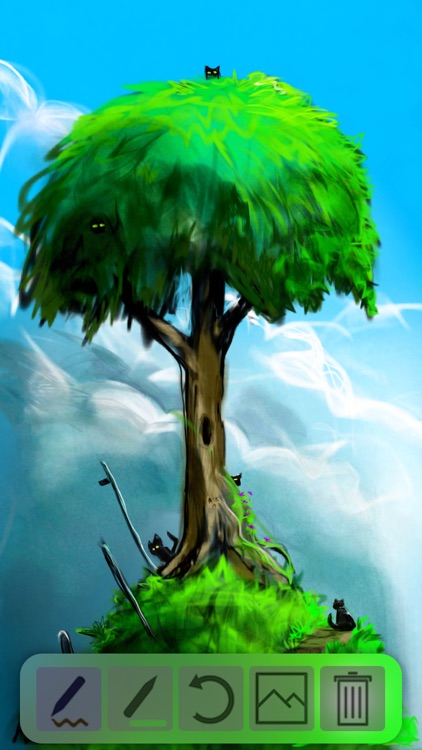
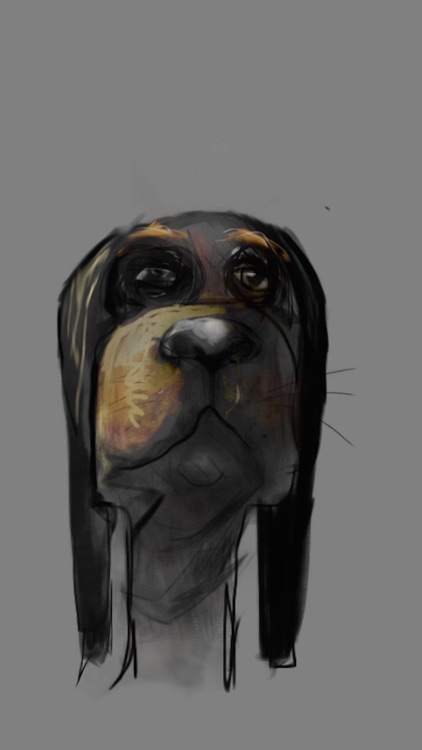
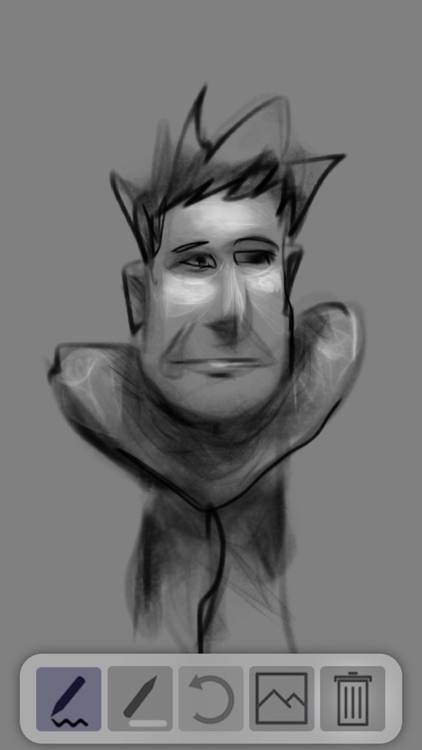
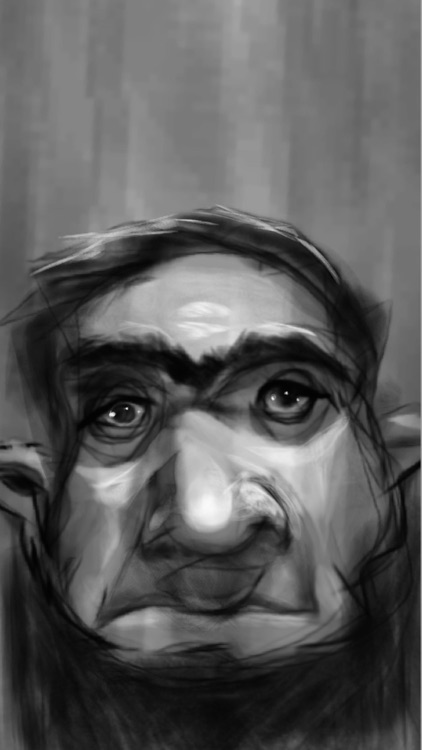
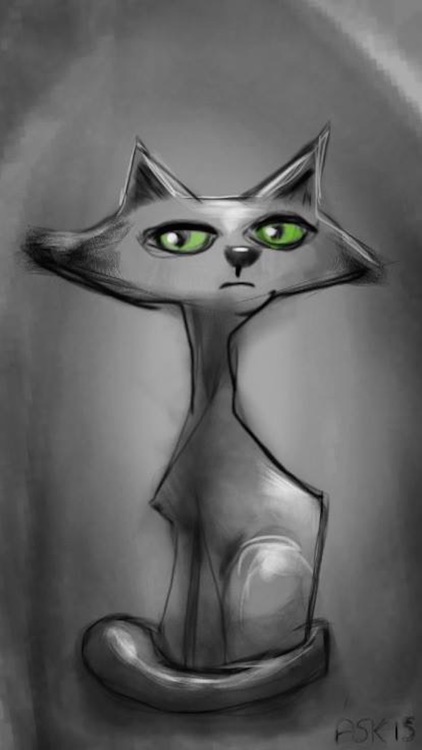
Sketch out ideas with Asketch.

Everyone from doodlers to designers.

$1.99 $1.99
Why we picked this?

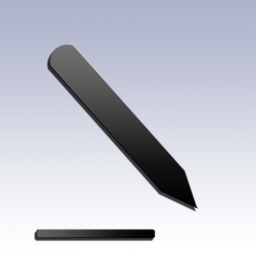
Asketch puts your work into focus with its fullscreen canvas. Tap with two fingers to access the tool tray to choose different colors, drawing tools, and manage content. A two-finger pinch and rotate gesture allows you to adjust the weight of the pencil’s line. The same two-finger gesture allows you to adjust the eraser’s size and transparency. Asketch includes 20 levels of undo and redo.

You want to be able to get creative anytime, anywhere.

You already have a go-to drawing tool.
Shape Game & Colors App Preschool Games for Kids
iPhone
iPad
Shape Game & Colors App Preschool Games for Kids

Shape Game & Colors App Preschool Games for Kids

Eggroll Games LLC

Your little one can learn to identify shapes and colors with this memory matching game.

Parents with toddlers.

$2.99 $2.99
Why we picked this?

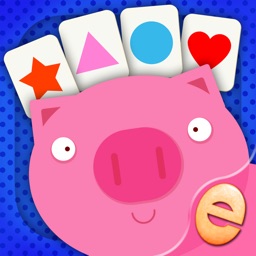
Various amounts of cards will appear on the screen face down. Your child can tap on them to reveal what’s on the flip side. They must then find all of the matching pairs of shapes and colors to complete each game. When tapped on, your child is able to hear the object or color pronounced. The app also includes a Show Me mode where the cards are all face up, making it easier to play.

You want to provide your child with a friction-free learning environment at an early age.

Your child is over the age of three.

Aureus Prime
iPhone
iPad
Aureus Prime

Aureus Prime

Galta

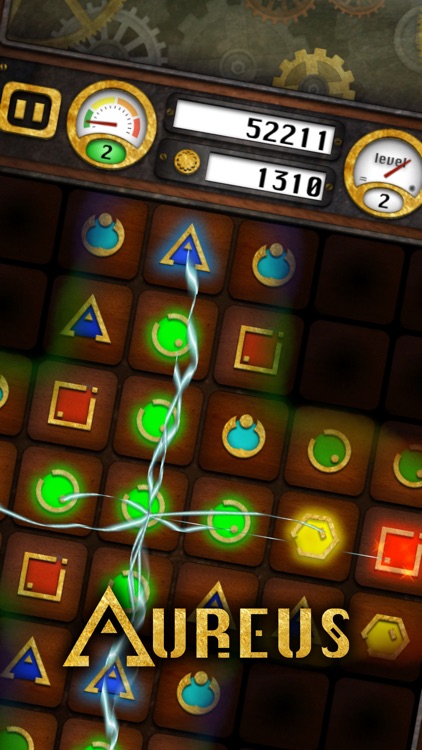
Match elements to produce gold in Aureus.

Anyone who wants to work on their memorization skills.

$1.99 $1.99
Why we picked this?

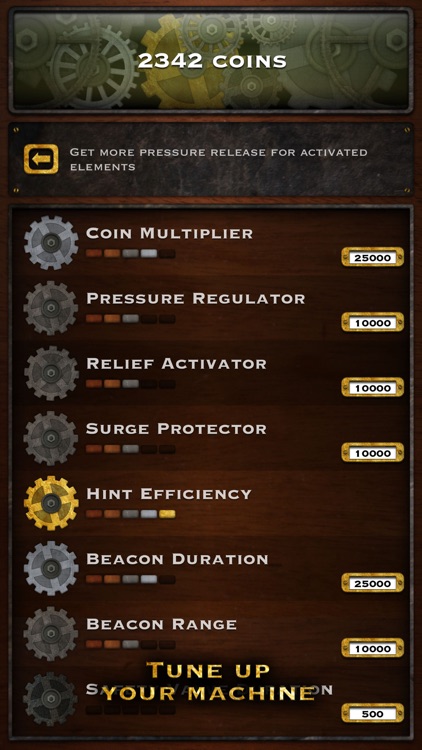
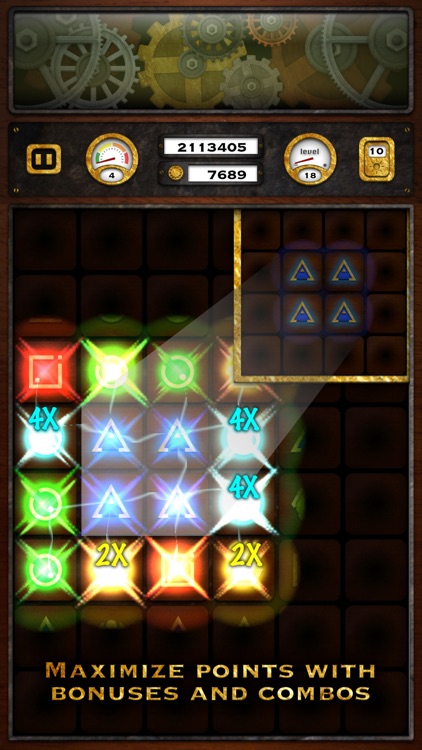
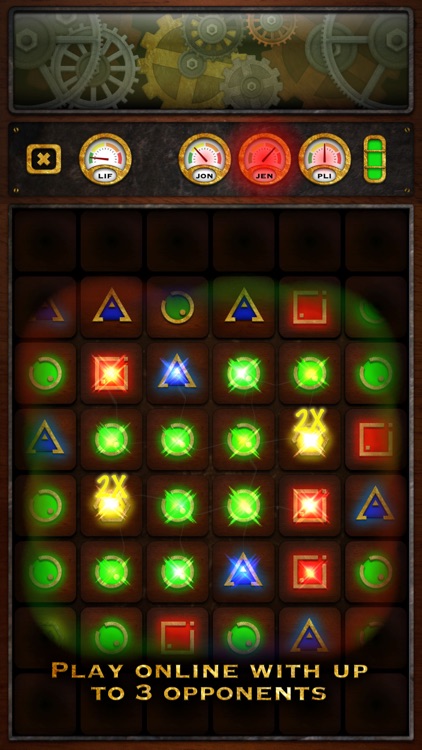
Take a good look at the board while it is lit up because the lights will go out! You must then match elements to create electrical currents that will briefly illuminate the board, disintegrate the elements, and turn them into gold. While the board is briefly illuminated from creating a match, you will have another chance at seeing where elements are located and how they’re aligned. If you wind up not getting a good enough look, you can use a hint. The game includes three modes, loads of ways to upgrade your gold producing machine, and achievements and leaderboards via Game Center.

You’re tired of the same old matching games. It successfully combines multiple elements to bring you something wholly unique.

You want to see some progress besides high scores. It doesn’t have a campaign mode.

TenFive
iPhone
iPad
TenFive

TenFive

Shihab Mehboob

Stay on top of life’s daily tasks with TenFive.

The forgetful types.

$0.99 $0.99
Why we picked this?

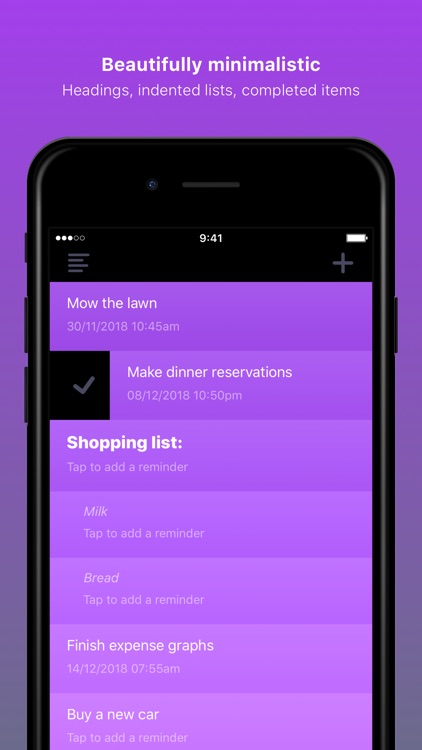
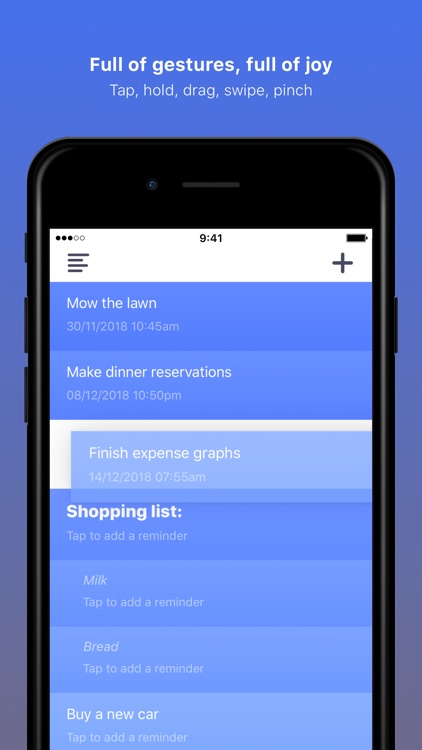
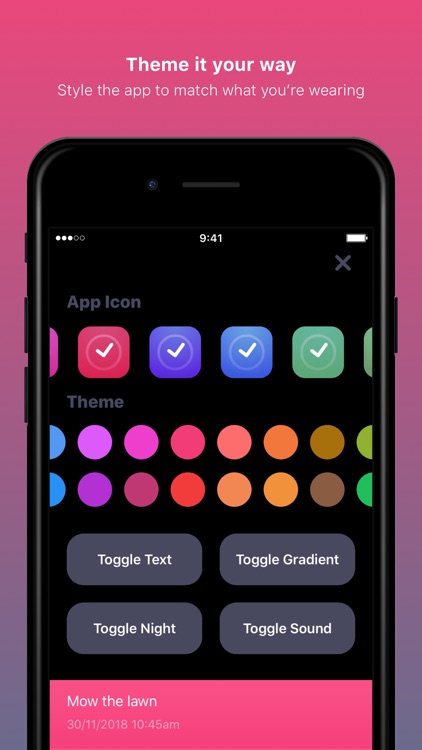
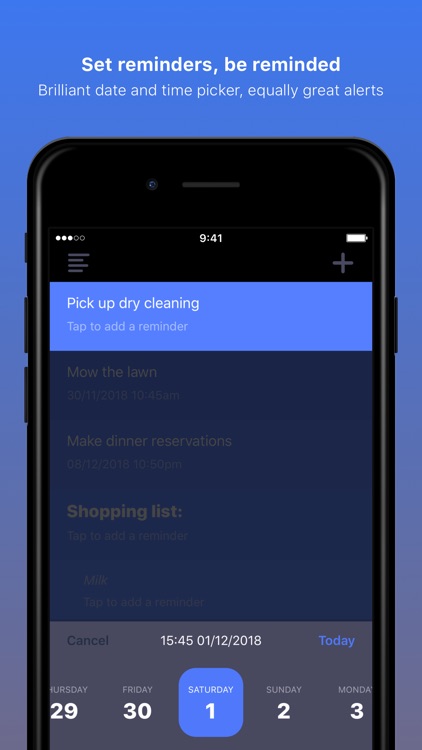
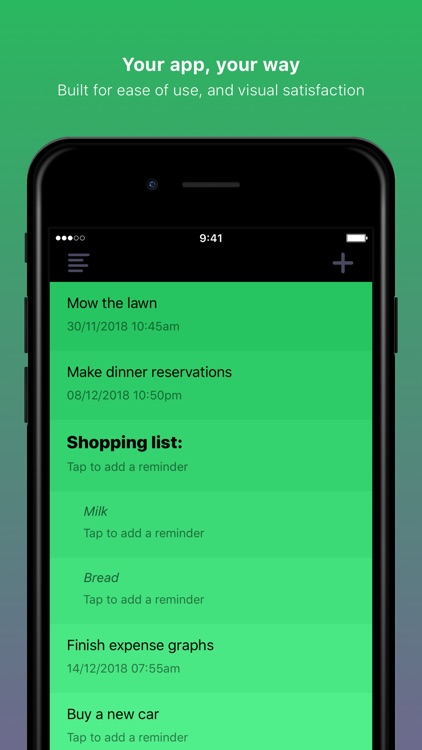
TenFive puts all of your tasks and ideas at the forefront. Simply swipe down to add a new task. To add a header, add a colon to the end of the task text. To create an indented list, start with a space before the task text. Tap to edit any task, swipe to complete, and tap and hold to reorder. A pinch gesture allows you to export and share lists. TenFive also includes with more than 25 themes and 10 app icons to choose from, a night mode, 3D Touch support, Siri Shortcuts, Apple Watch support, and a lock screen widget.

You want a task manager that’s effective while also being easy on the eyes.

The native app is good enough.