
You are using an outdated browser. Please upgrade your browser to improve your experience.

Apps That
Went Free on
2019-03-18

Ask a question and receive an answer, play peek-a-boo, and view calendar events from the lock screen with today’s collection of apps and games.

Modern Magic Ball
iPhone
iPad
Modern Magic Ball

Modern Magic Ball

Hayden Watson

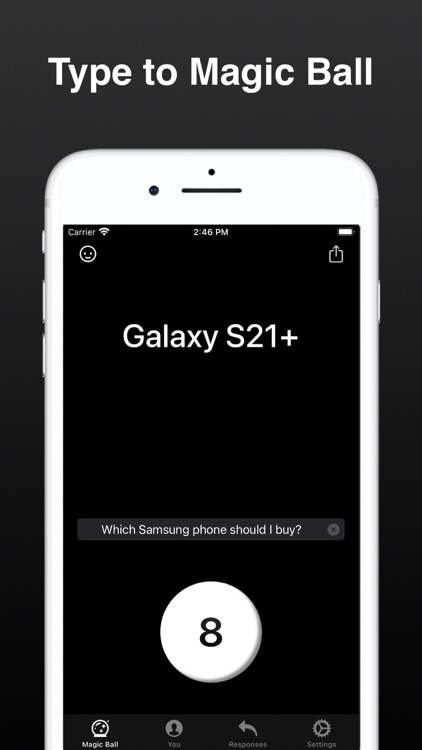
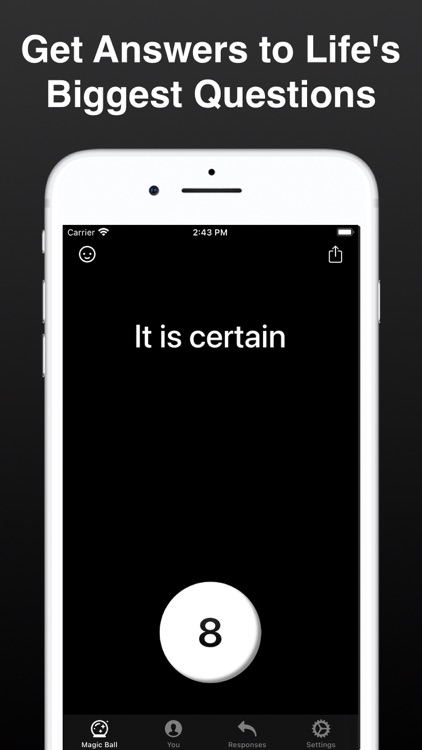
Ask a question and receive an answer with Modern Magic 8 Ball.
Those looking for a little fun.

$0.99 $0.99
Why we picked this?

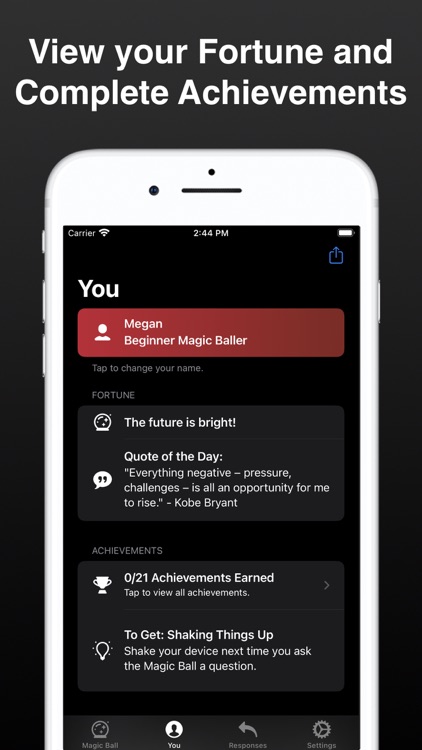
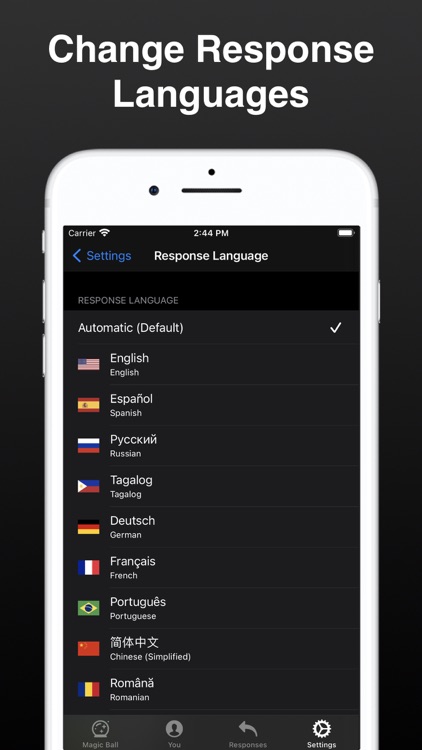
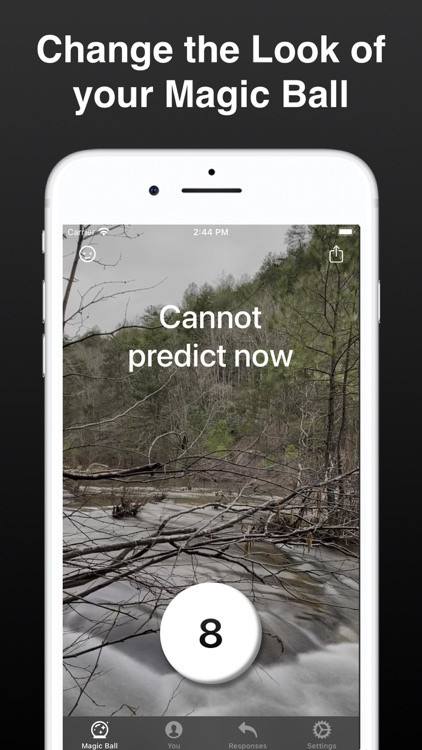
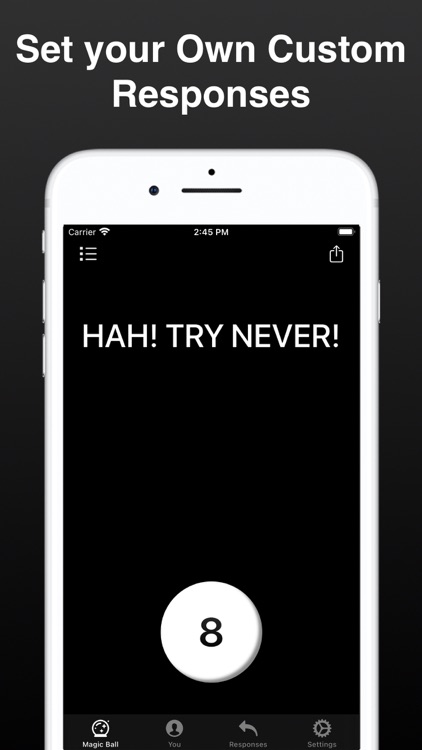
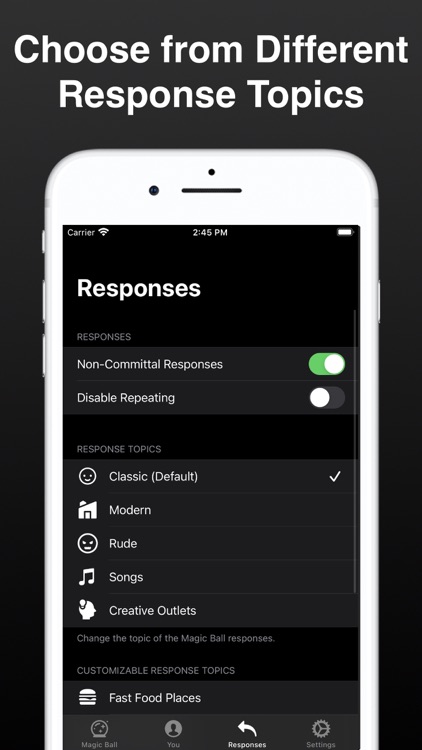
Modern Magic 8 Ball is an updated version of everyone’s favorite fortune-telling device. Just ask a yes or no question, tap the 8 button or shake your device, and receive an answer. You can choose to receive classic responses, new responses, or create your own. The app also includes various themes and icon designs to choose form, Smart Invert and VoiceOver support, Apple Watch support, and eight languages to choose from.

You need an answer.

You don’t trust the Magic 8 Ball.

Peek a Boo Farm Animals Sounds
iPhone
iPad
Peek a Boo Farm Animals Sounds

Peek a Boo Farm Animals Sounds

OkiPlay Educational Apps & Preschool Games Ltd

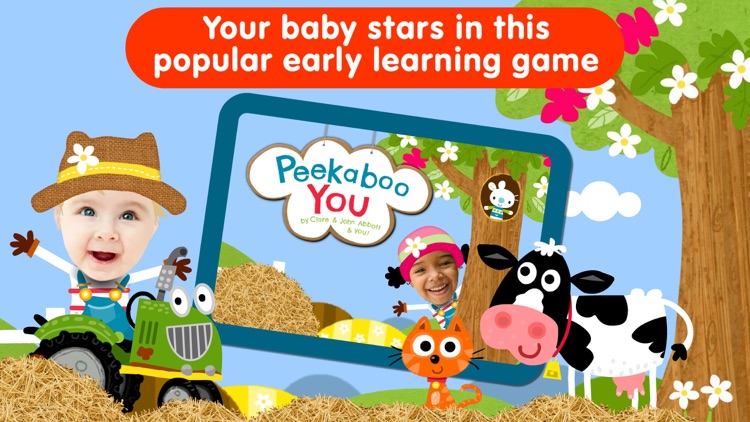
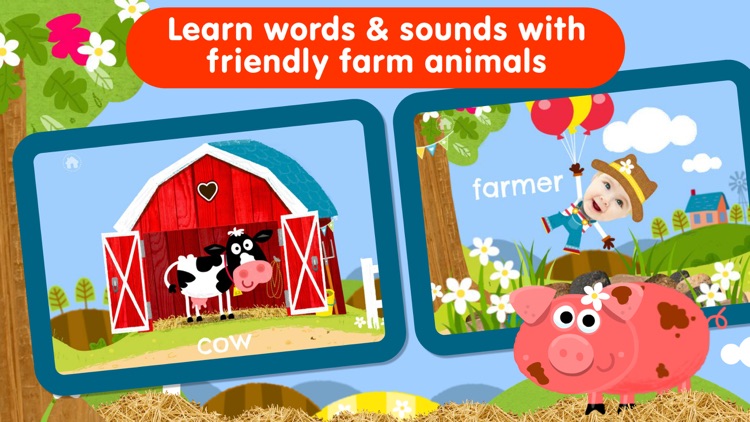
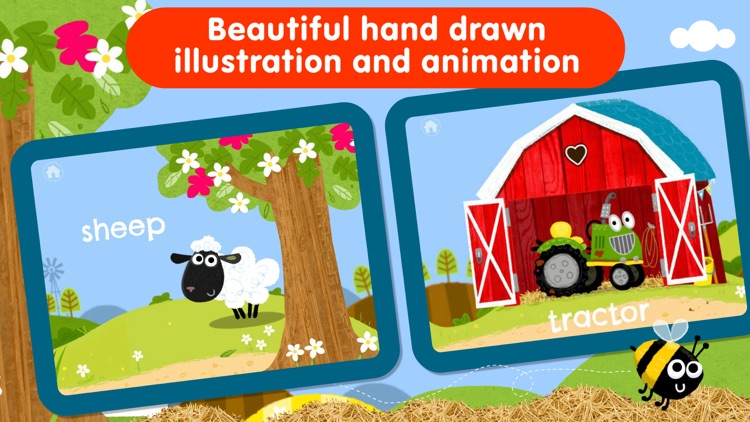
Learn the names of farm animals and the sounds they make with Peek a Boo Farm Animals.

Parents.

$2.99 $2.99
Why we picked this?

Peek a Boo Farm Animals is full of surprises. Your child gets to spend a day on the farm playing peek-a-boo with all of the animals. Subtle movements and sounds will provide clues on where to tap next and reveal the animal. The name of the animal will appear clearly on the screen along with its pronunciation. The app is free of outside links, timers, and other distractions, so you can hand off your iDevice and let them enjoy.

Your child is between the ages of one and two.

Your child is outside of the age range.

Week Calendar Widget Pro
iPhone
iPad
Week Calendar Widget Pro

Week Calendar Widget Pro

Crater Tech LLC

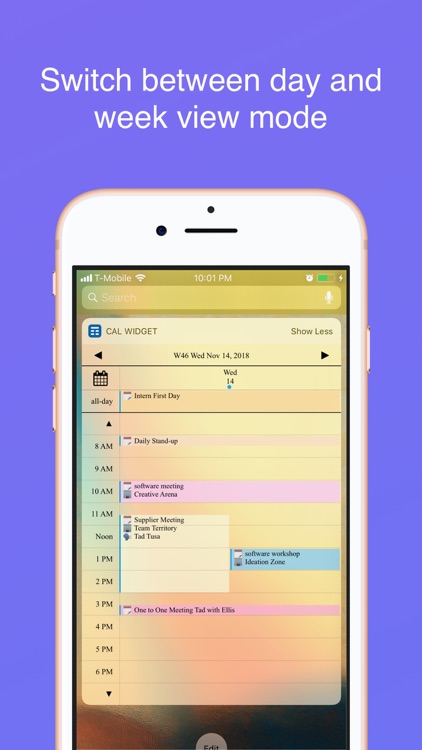
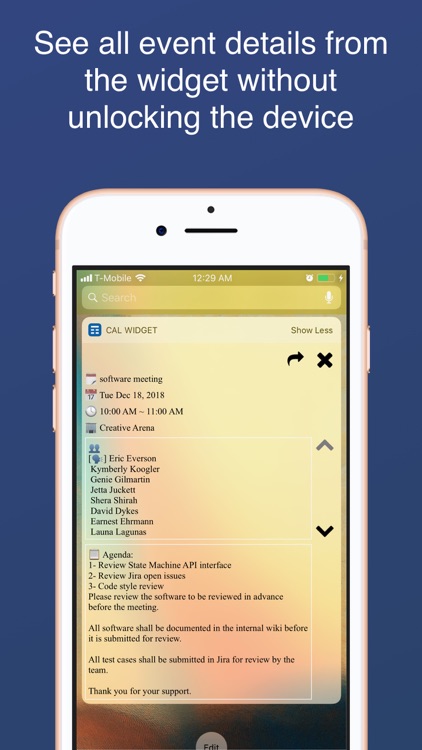
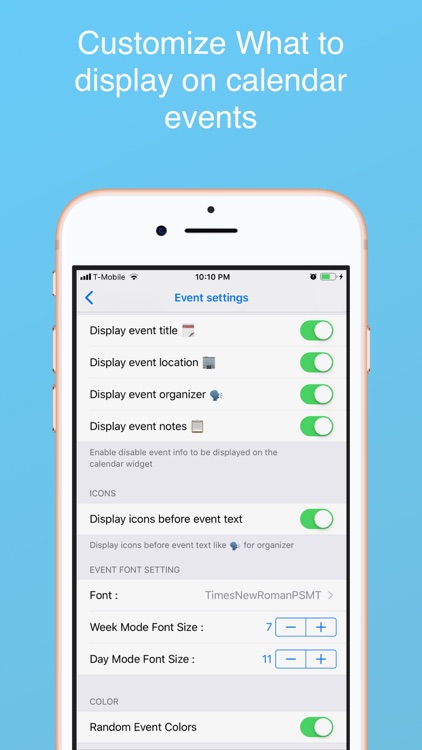
View all of your calendar events from the lock screen with Week Calendar Widget.

Those who are always looking for new ways to save some time.

$1.99 $1.99
Why we picked this?

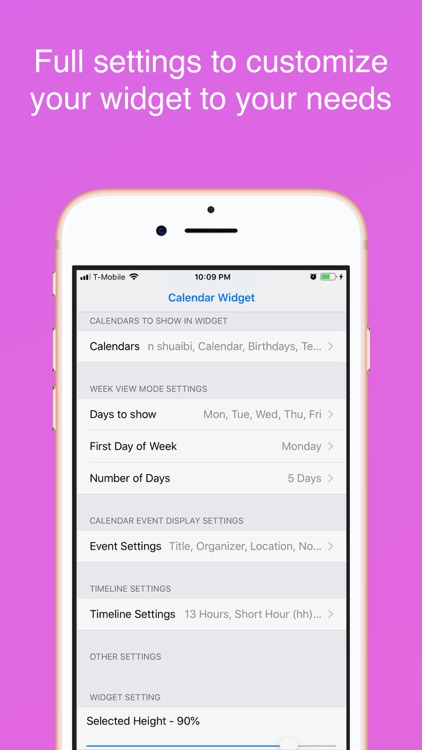
Week Calendar Widget isn’t a standard calendar app in any way, shape, or form. It taps into your iDevice’s native calendar app in order to populate a lock screen widget with everything that’s coming up on your schedule. When you launch the app itself, you’re greeted with ways to customize the look and content of the widget. Week Calendar Widget includes a day timeline, a week timeline, and the ability to scroll through days and weeks.

You’re in a hurry. It easily handles complicated events that overlap, and assigns colors to allow for quick discovery.

You value your lock screen space.