



You are using an outdated browser. Please upgrade your browser to improve your experience.

Apps That
Went Free on
2019-03-25

Convert currencies, bring The Very Hungry Caterpillar to life, and check Twitter from the lock screen with today’s collection of apps and games.

My Very Hungry Caterpillar AR
iPhone
iPad
My Very Hungry Caterpillar AR

My Very Hungry Caterpillar AR

StoryToys Entertainment Limited

Bring The Very Hungry Caterpillar into the real world with this augmented reality app.

Parents and Eric Carle fans.

FREE ($1.99) For a limited time FREE ($1.99) For a limited time
Why we picked this?

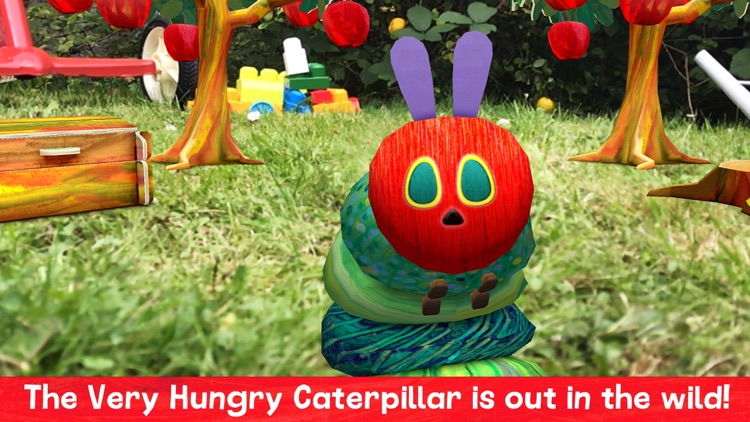
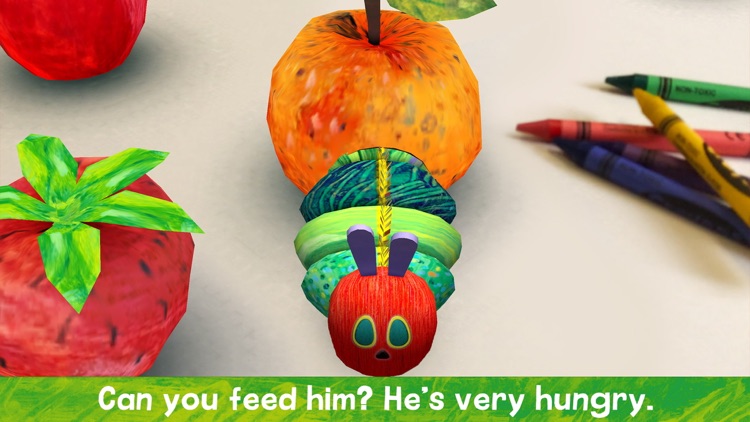
My Very Hungry Caterpillar AR brings the much-loved childhood character to life. Start off by hatching him from an egg right in your own living room. The Very Hungry Caterpillar needs to be nurtured and fed in order to help him grow into a butterfly. Through various non-competitive AR activities your child will learn about caring for other living things and discover a love for nature.

You have a preschooler who loves The Very Hungry Caterpillar.

You have an older iDevice that doesn’t support ARKit.

Tweety Pro Widgets for Twitter
iPhone
iPad
Tweety Pro Widgets for Twitter

Tweety Pro Widgets for Twitter

Roxwin Vietnam Technologies Company Limited

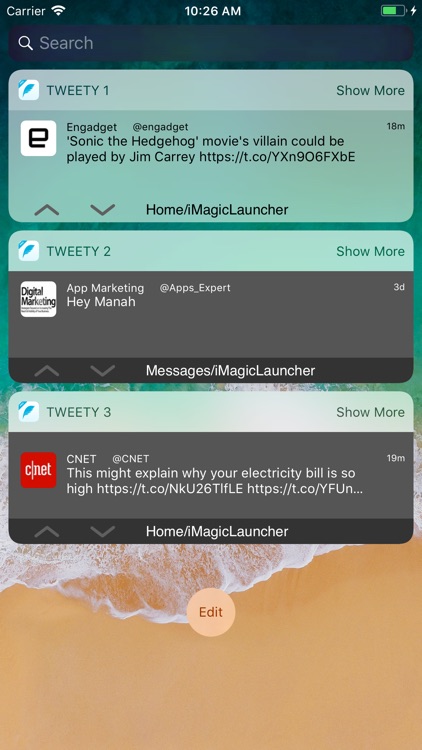
Check Twitter from your lock screen with Tweety Pro.

Those who want quick updates from Twitter.

$2.99 $2.99
Why we picked this?

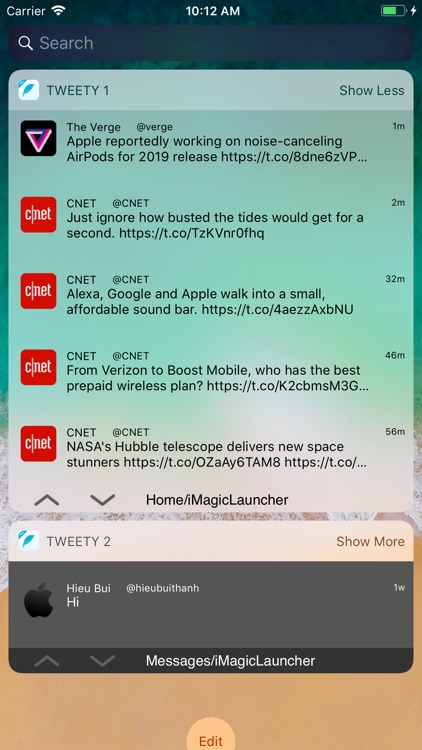
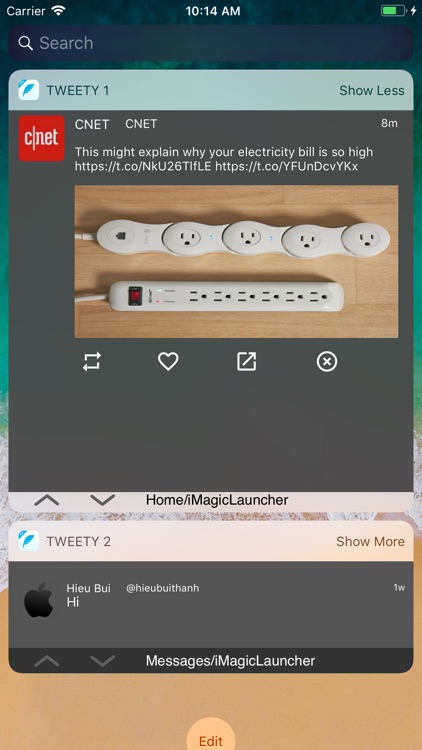
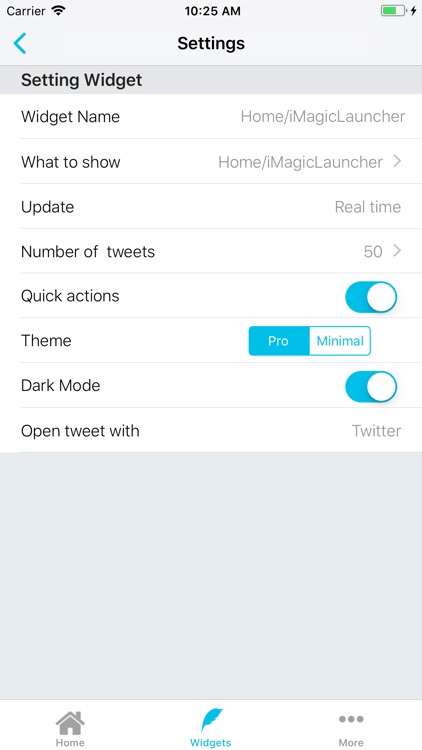
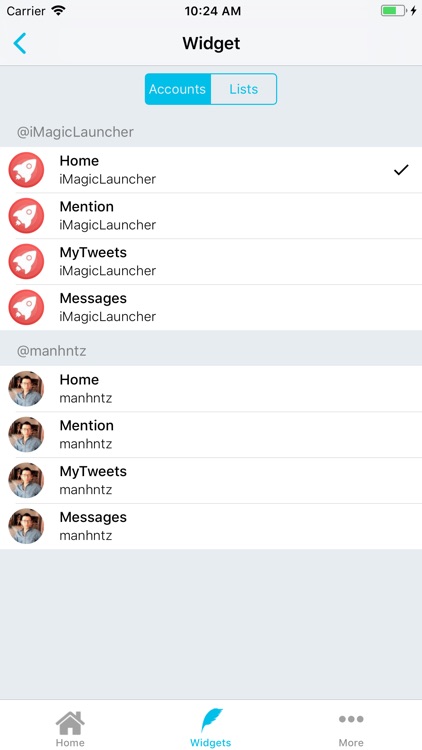
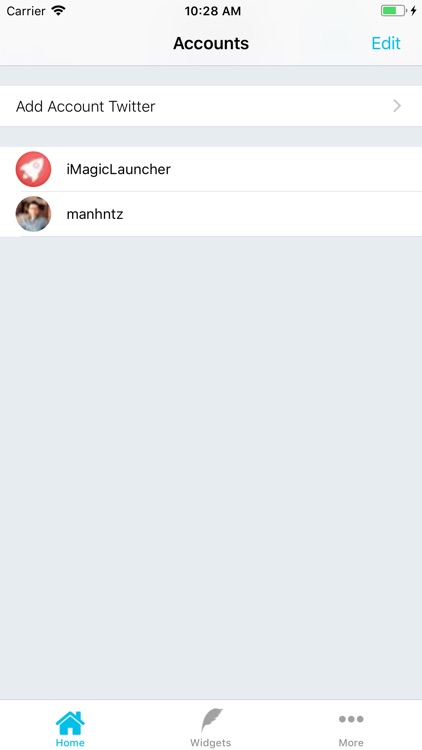
Before you do anything, you’ll have to link your Twitter accounts with Tweety. You can then customize the widget in order to fit how you use Twitter. Tweety allows you to adjust which accounts are showing tweets, how often they update, how much information is displayed, and whether or not you want quick actions. Tweety is also able to open tweets in Safari, the Twitter app, Tweetbot, or Twitterrific.

You get your news from Twitter. Tweety provides an easy way to consume information.

Twitter isn’t your thing.

Reminders Widget
iPhone
iPad
Reminders Widget

Reminders Widget

Crater Tech LLC

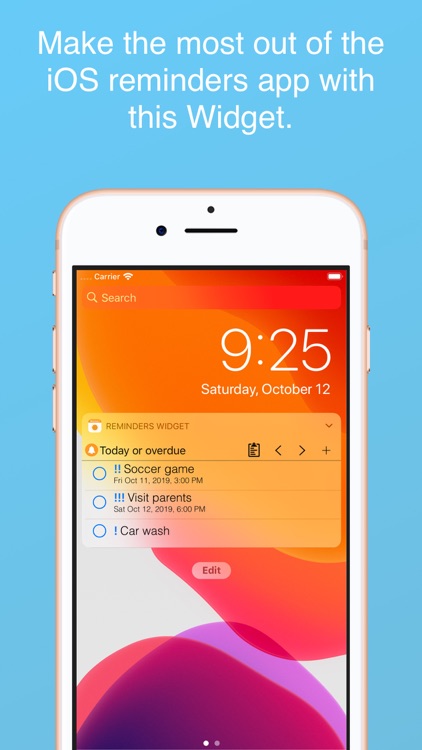
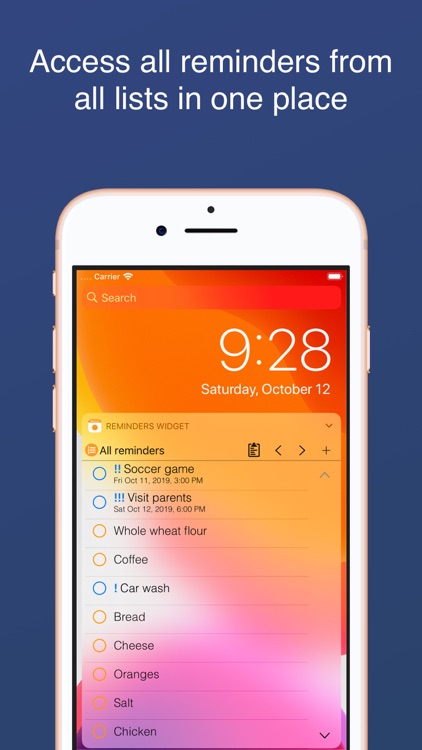
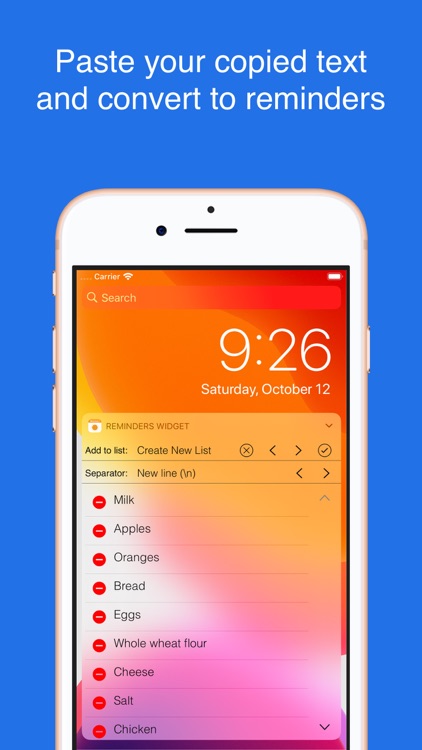
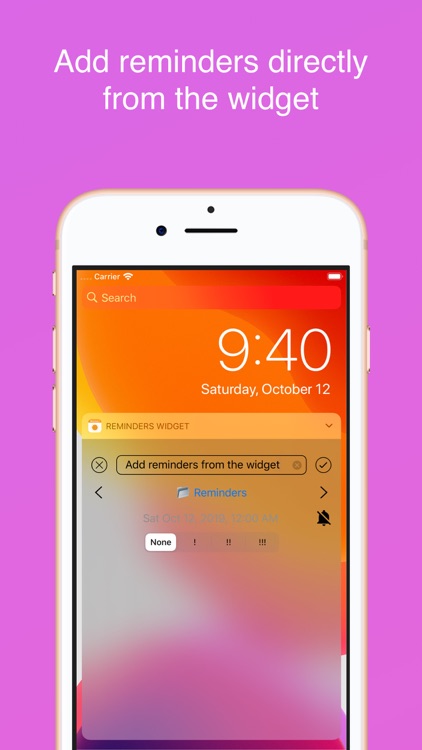
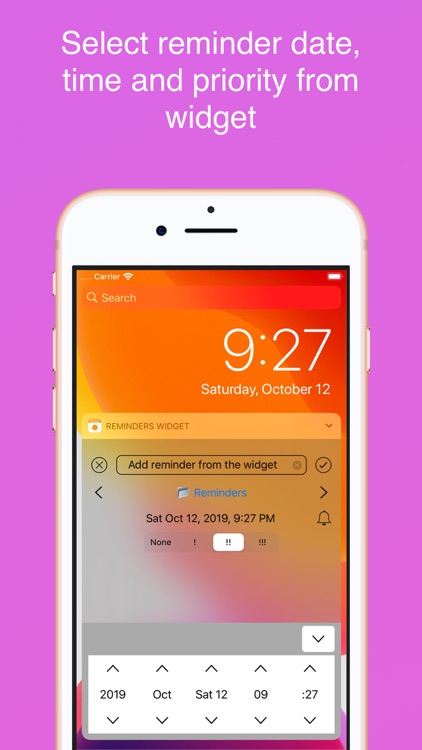
View and add reminders from a widget with Reminders Widget.

Those who have a lot of things to recall.

$1.99 $1.99
Why we picked this?

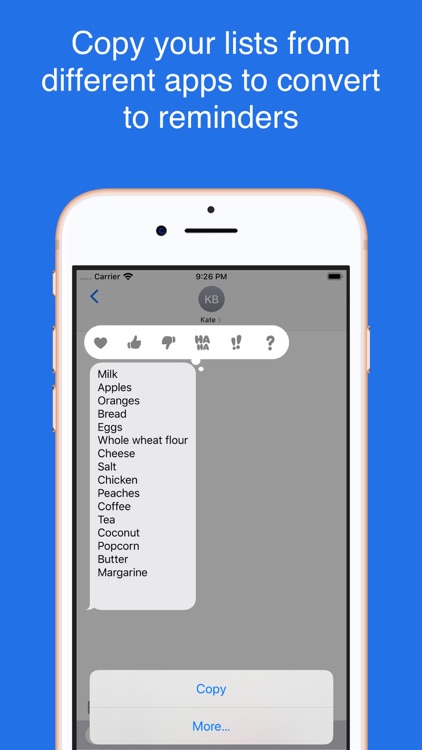
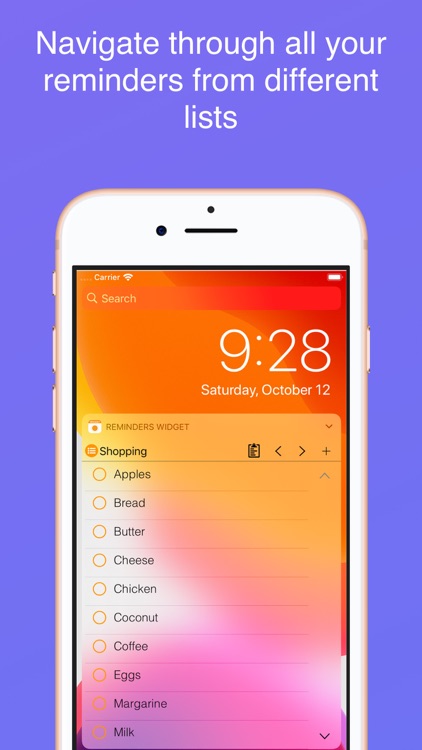
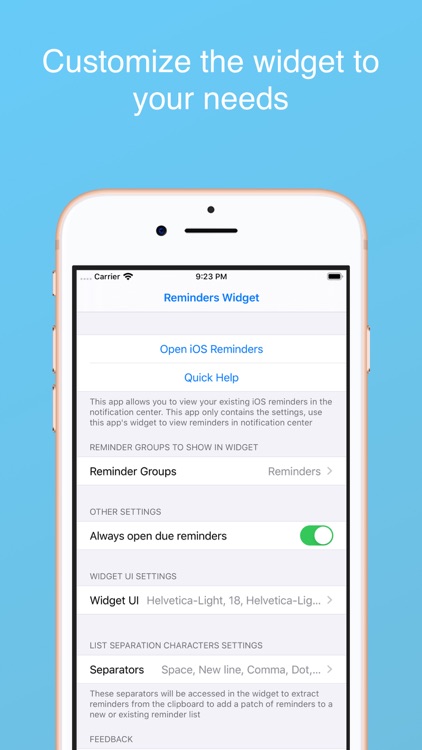
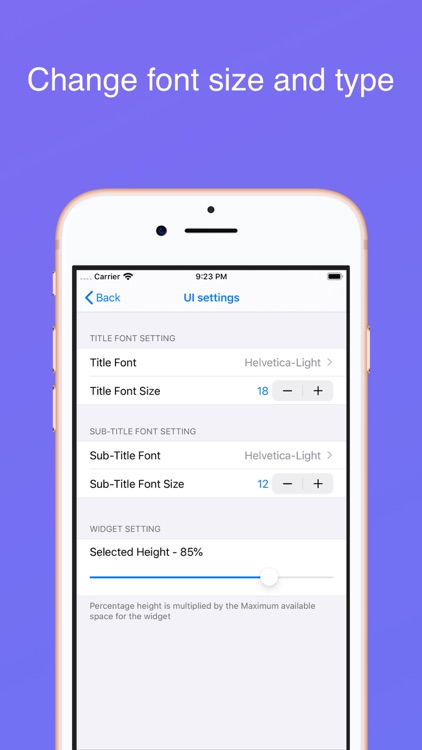
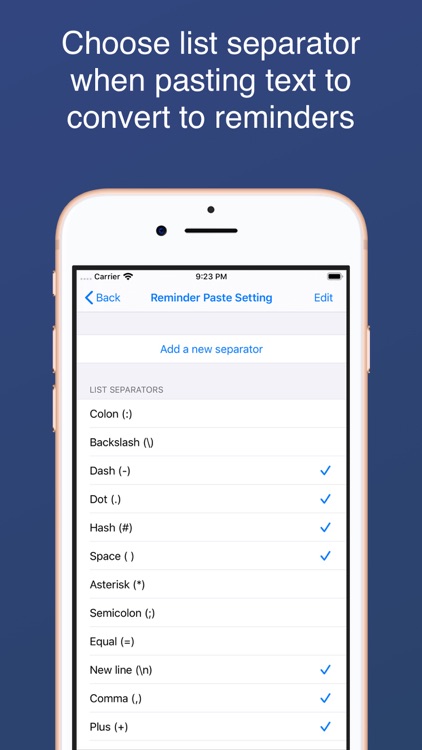
Reminders Widget enhances the way you use reminders. It taps into the native Reminders app in order to pull any entries you’ve already created. You can then access all due or overdue reminders from a convenient Today widget. The widget also allows you to create new reminders, sort reminders, scroll through groups, and complete reminders.

You want to have more control over and quicker access to your Reminders.

Your Reminders app is barren.

Change - Currency Converter
iPhone
Change - Currency Converter

Change - Currency Converter

Sigalit Amsalem

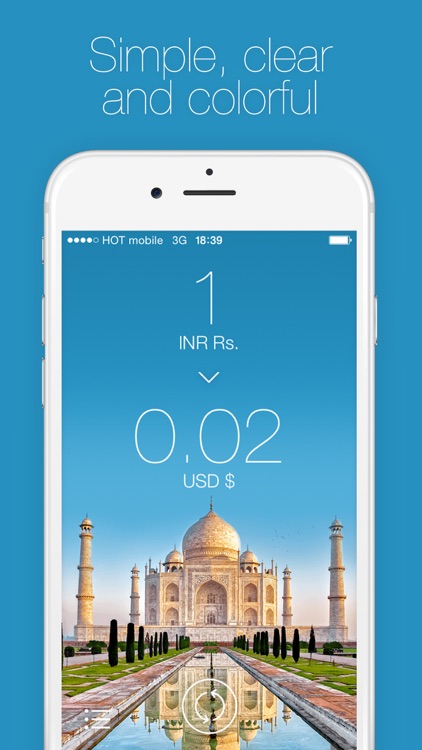
Convert currencies in a snap with Change.

Frequent travelers.

$0.99 $0.99
Why we picked this?

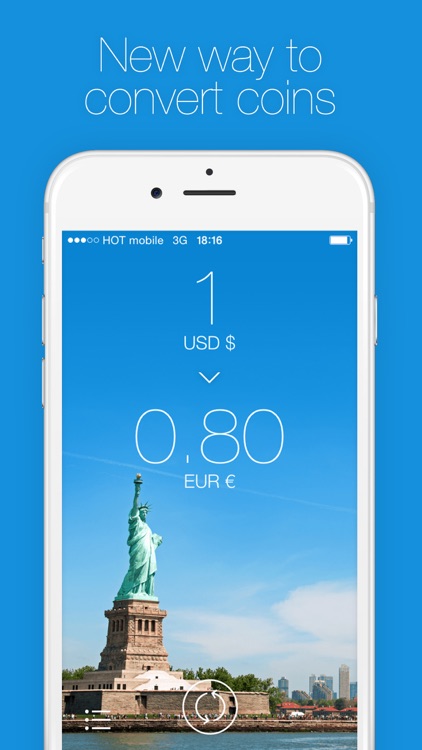
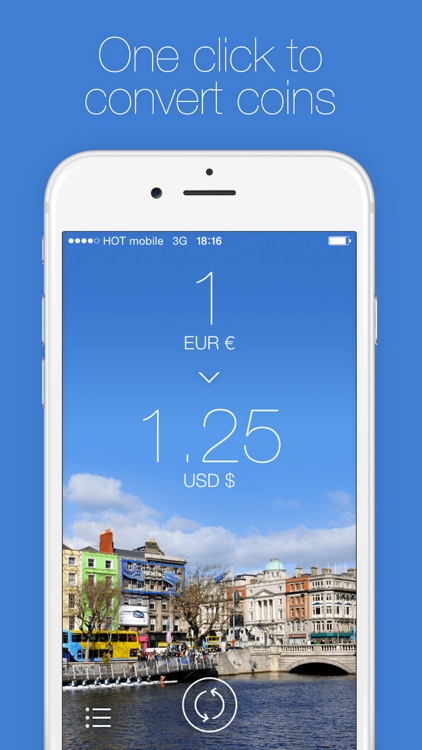
Change adds a bit of a style to a normally dull app category. You’re able to choose the currencies you’re converting from and to by swiping across the fields at the top of the screen. As you swipe, you’ll see the conversions instantly performed. You’re also able to reorder, activate, and deactivate currencies by tapping on the “+” button at the bottom of the screen. Change includes a total of 85 currencies.

You’re constantly on the move. Store Change in a folder on your iDevice for safe keeping. We guarantee it will come in handy.

You rarely travel outside of your home country. You can do all of your currency exchanges via Siri and the web.