

You are using an outdated browser. Please upgrade your browser to improve your experience.

Apps That
Went Free on
2019-08-18

Track gym sessions, remove EXIF data from photos, and get full control over how you capture photos and videos with today’s collection of apps.

Hit The Gym - Workout Schedule
iPhone
Hit The Gym - Workout Schedule

Hit The Gym - Workout Schedule

Lino Grubben

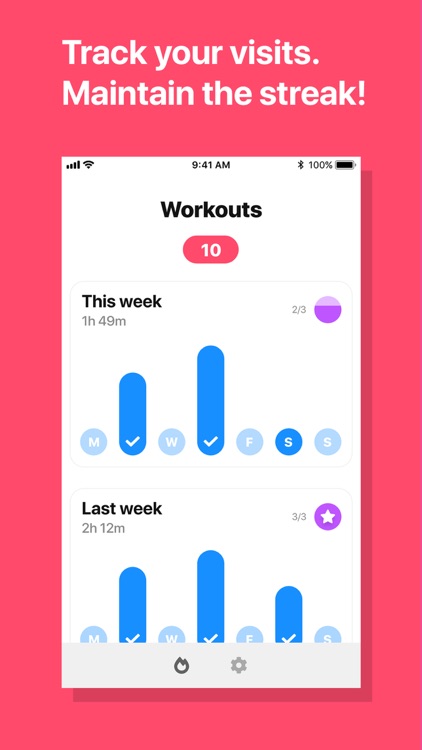
Automatically track your gym sessions with Hit The Gym.

Those with gym memberships.

$1.99 $1.99
Why we picked this?

Hit The Gym will help you achieve your gym goals and motivate you to exercise regularly. First add your gym by name and address. Then all you have to do is bring your iPhone with you to the gym and the app will save check-in dates and times as well as workout durations automatically based on location. Create workout goals and schedule reminders within the app, and try to keep your streak going to ensure you’re getting the most out of your gym membership.

You want a passive way to track gym visits.

You want to track reps and other activities. This isn’t that type of app.

ReliCam
iPhone
iPad
ReliCam

ReliCam

Lee Searle

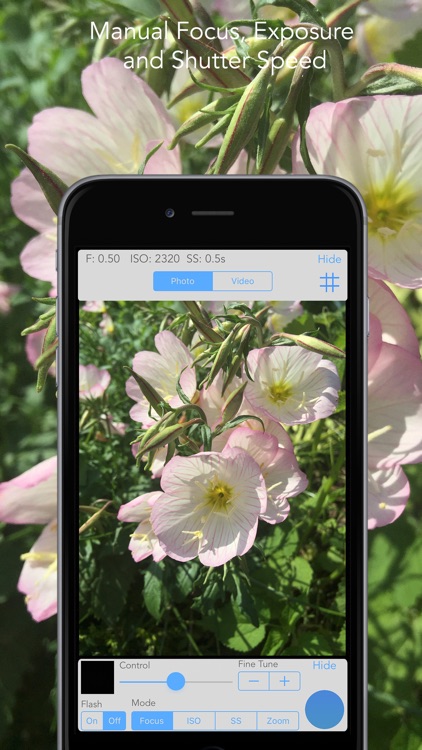
Get full control over how you capture your photos and videos with ReliCam.

iPhoneographers who want to personalize their photos.

$0.99 $0.99
Why we picked this?

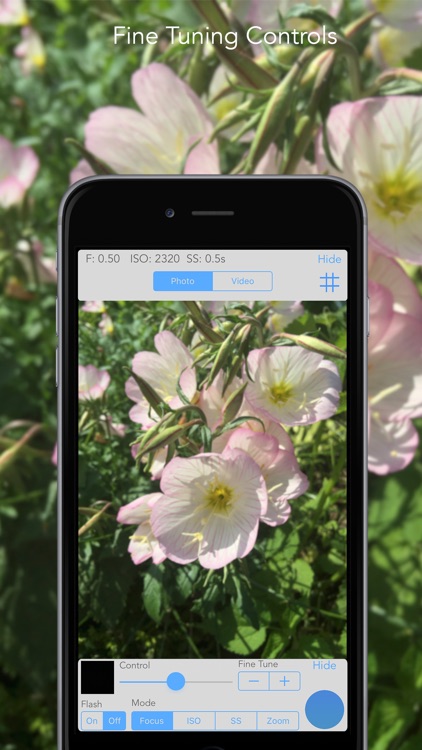
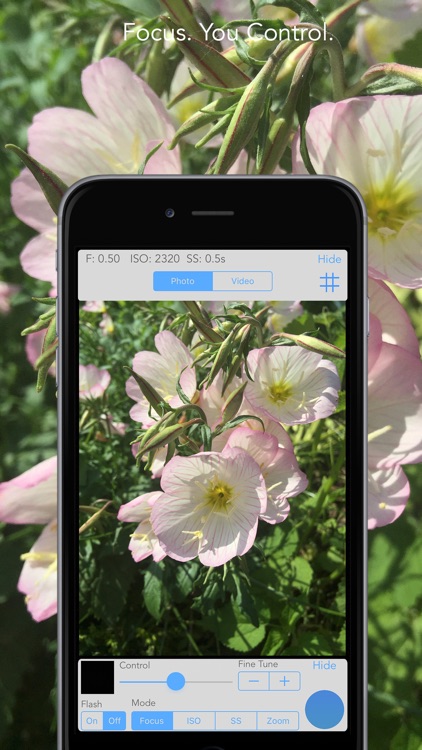
ReliCam allows you to take the best possible photos. It provides you with manual control over focus, ISO, shutter speed, and zoom. Slide your finger left or right to adjust each parameter or use the fine tune controls. ReliCam also provides helpful grid lines when necessary. All captured photos and videos are directly saved to your library.

You want to finesse your photos. The power is in your hands.

The idea of fidgeting with features comes across as tedious.

EXIF Viewer by Fluntro
iPhone
iPad
EXIF Viewer by Fluntro

EXIF Viewer by Fluntro

Fluntro

Find out more about the photos you’ve taken with EXIF Viewer.

Professional iPhoneographers.

$2.99 $2.99
Why we picked this?

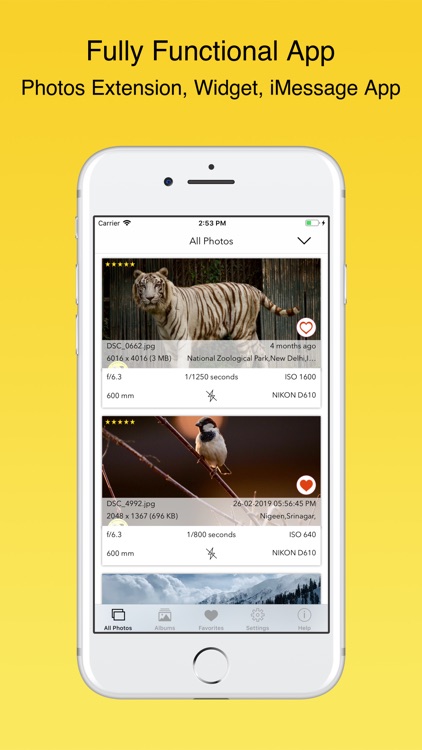
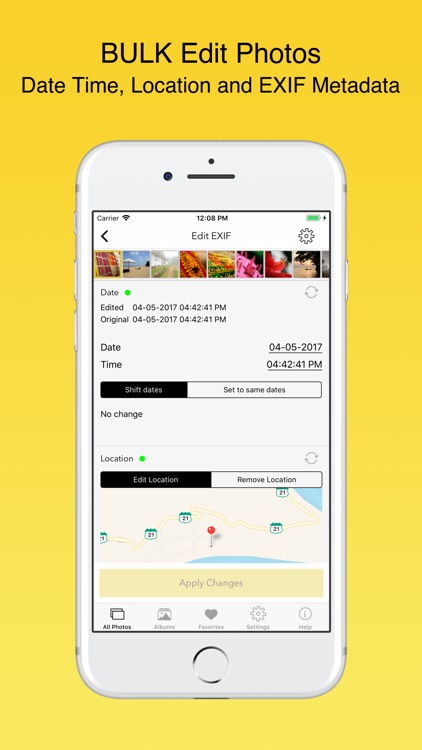
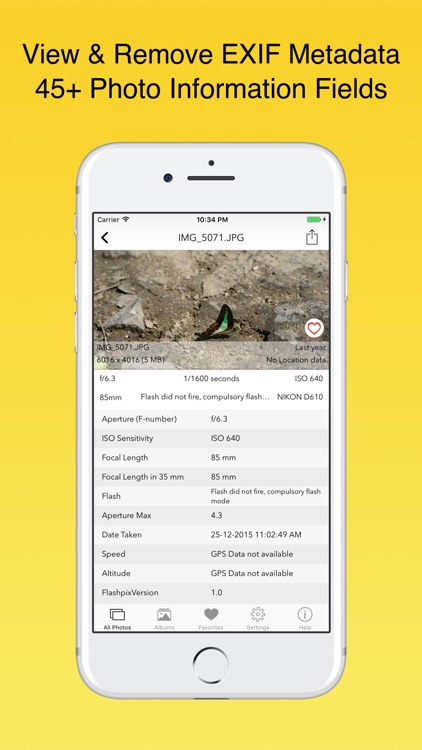
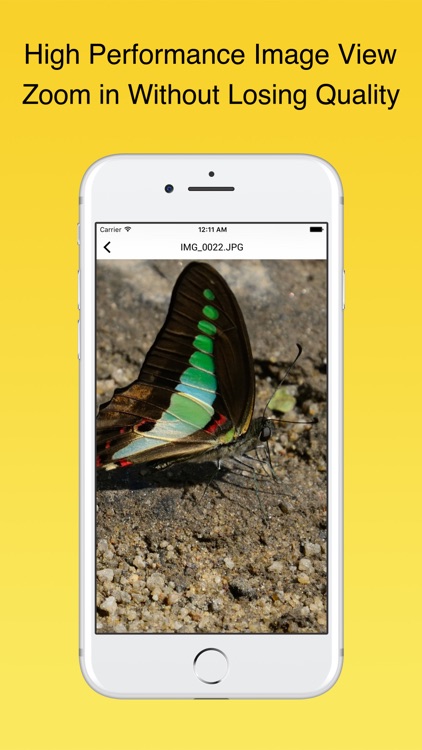
Want to know everything about your photos? Just launch EXIF Viewer and provide it with access to your photo library. EXIF Viewer will then grab each photo’s EXIF metadata and display the most important information right below. You can swipe across a photo to view even more detailed information. Tap on a photo to bring up the ability to remove the EXIF data. The app also includes a wide variety of other handy features including a photos extension, three viewing modes, a Messages app, and the ability to copy EXIF metadata to the clipboard.

You’re interested in finding out what settings and tools were used to take your photos.

You simply don’t care about metadata.