
You are using an outdated browser. Please upgrade your browser to improve your experience.

Apps That
Went Free on
2020-07-07

Create custom gym routines, get full control over your shots, and track fuel expenses with today’s collection of apps.

Strongify Rep Count
iPhone
Strongify Rep Count

Strongify Rep Count

Astrochimp SRL

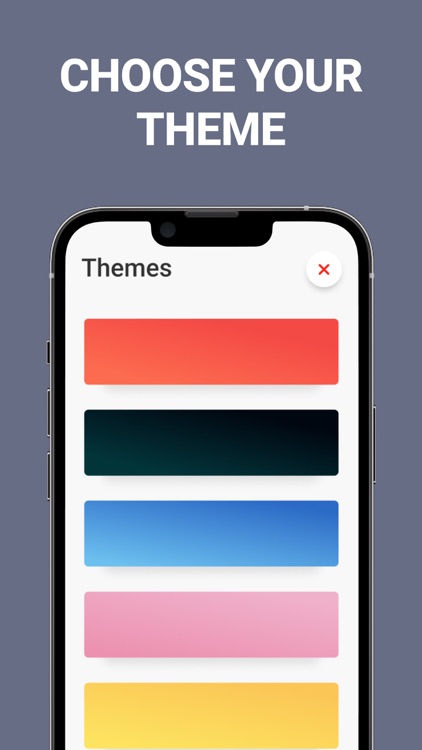
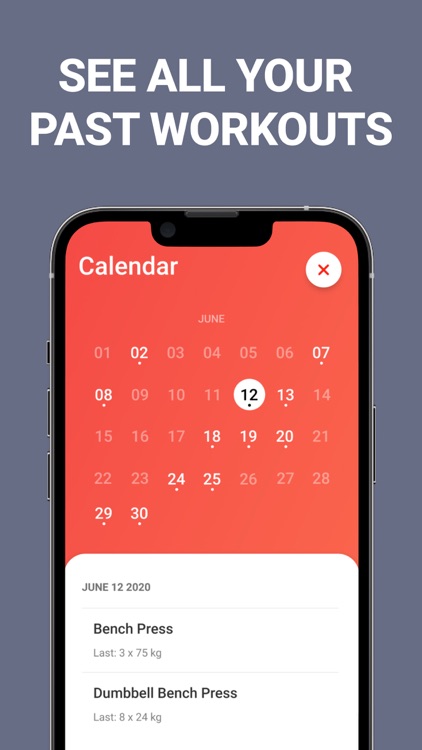
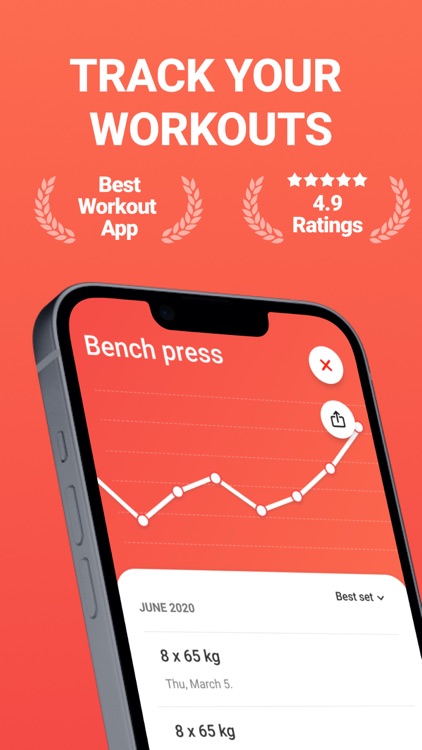
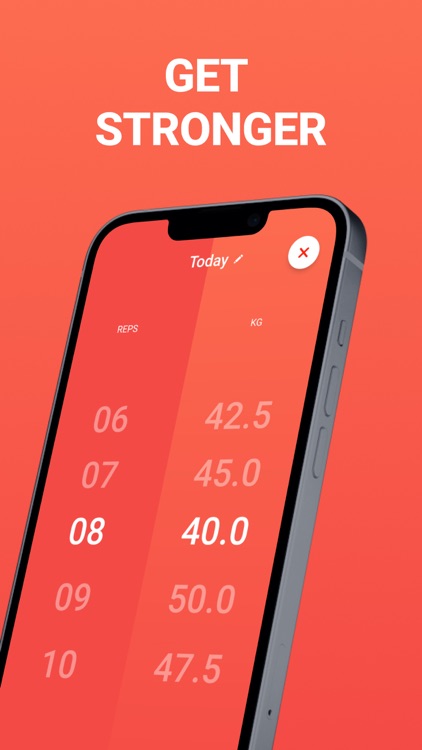
Create gym routines and log your workouts with Strongify. TODAY ONLY: Upgrade to Strongify Premium for free! This will unlock unlimited exercises, workout calendar, and multiple themes. Simply tap the settings icon in the top right corner and tap on “Go Premium.”
Those who lift weights at the gym.

FREE ($1.99) For a limited time FREE ($1.99) For a limited time
Why we picked this?

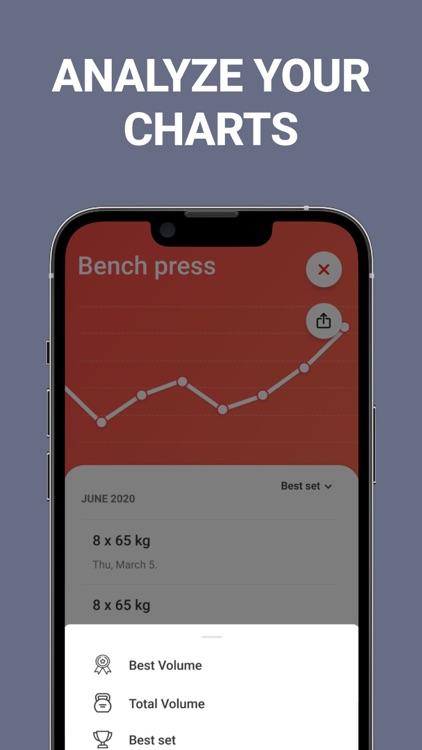
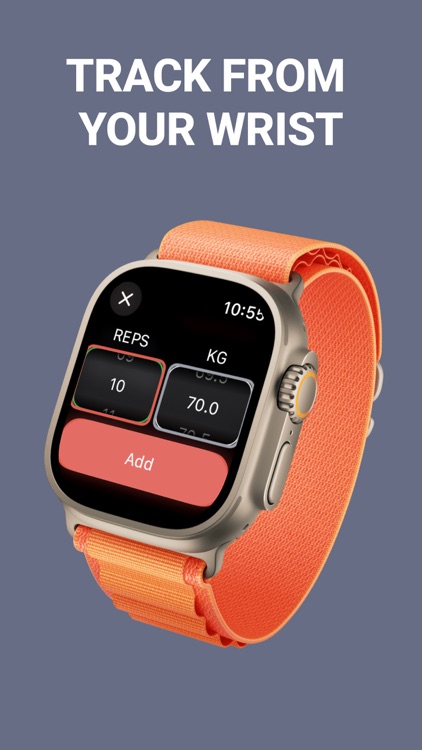
Strongify was designed to be fast and efficient. Instead of wasting valuable gym time scrolling through long lists, Strongify allows you to create custom routines in a snap. Simply name the routine, add a workout, and select the number of reps and weight. Strongify will remember the last weight and reps entered, allowing you to log workouts even faster. You’re also able to share your workout progress, view workout charts, and choose from eight different themes.

You go to the gym to workout, not sit on your phone.

Your routines are complex and you need additional ways to log information.

To Do List, Calendar Organizer
iPhone
iPad
To Do List, Calendar Organizer

To Do List, Calendar Organizer

Planner X LLC

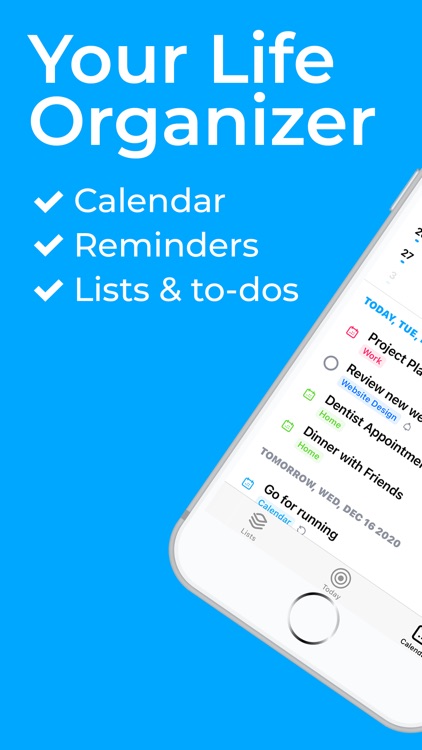
Manage your busy life with XToDo. TODAY’S PROMOTION: Get 7 days of premium access for free!

Those who want to get more done.

FREE ($0.99) For a limited time FREE ($0.99) For a limited time
Why we picked this?

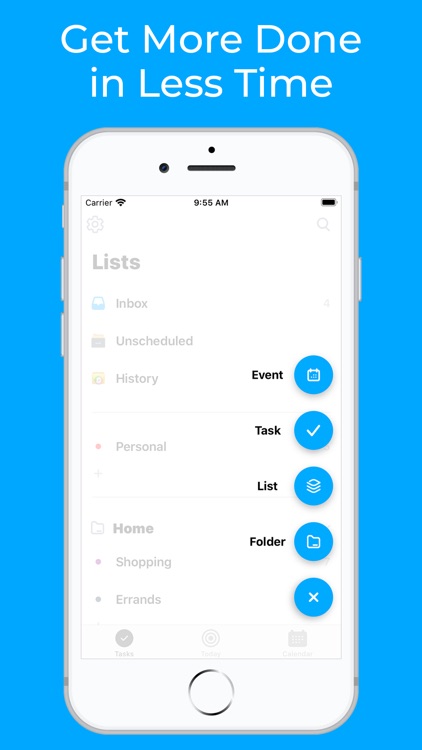
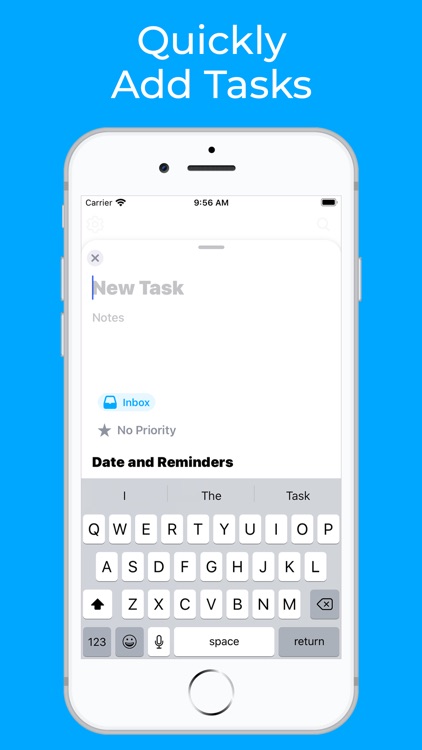
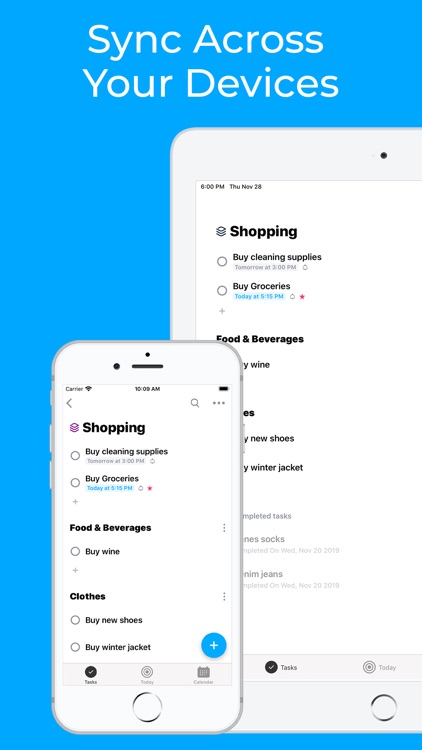
XToDo allows you to manage your whole life in one place. You’re able to create lists that can be divided into sections and organized within folders. Tasks can include subtasks, notes, and attachments, and you’re able to edit multiple tasks at once. Events can be repeated and synced across all of your devices. XToDo’s Today view allows you to review the day ahead and includes all scheduled tasks, to-do items, and events.

You’re tired of accessing multiple apps to manage your day.

You’re not fond of subscription services.

Fuel Cost Calculator & Tracker
iPhone
Fuel Cost Calculator & Tracker

Fuel Cost Calculator & Tracker

Dennis Donner

Track how much fuel you’re going through with Fuel.

Business owners and anyone else curious about their mileage.

$1.99 $1.99
Why we picked this?

Before you do anything else, add at least one vehicle to the database. Fuel allows you to track multiple vehicles at once. When it’s time to fill up, simply choose one of the vehicles and record the mileage, price, and amount of fuel added. Fuel will calculate the rest for you. You’re also able to record any other vehicle-related expenses if necessary. All of your vehicle costs, fuel prices, and fuel consumption can be diagramed as well.

You drive frequently. Its clean and simple interface will make the process of tracking your consumption painless.

You need to sync data across multiple devices.

Week Calendar Widget Pro
iPhone
iPad
Week Calendar Widget Pro

Week Calendar Widget Pro

Crater Tech LLC

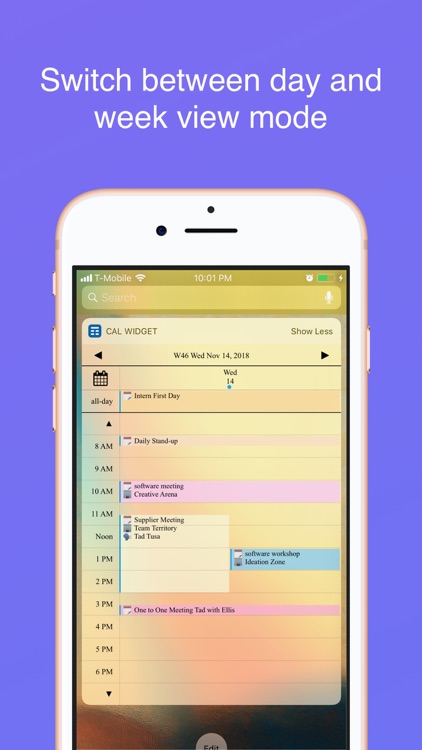
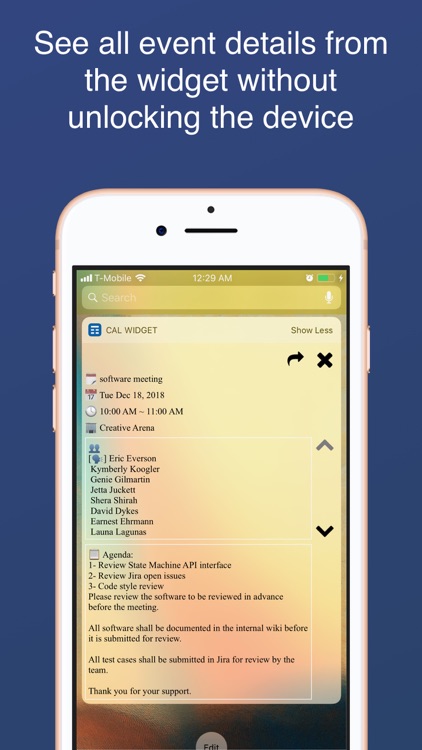
View all of your calendar events from the lock screen with Week Calendar Widget.

Those who are always looking for new ways to save some time.

$1.99 $1.99
Why we picked this?

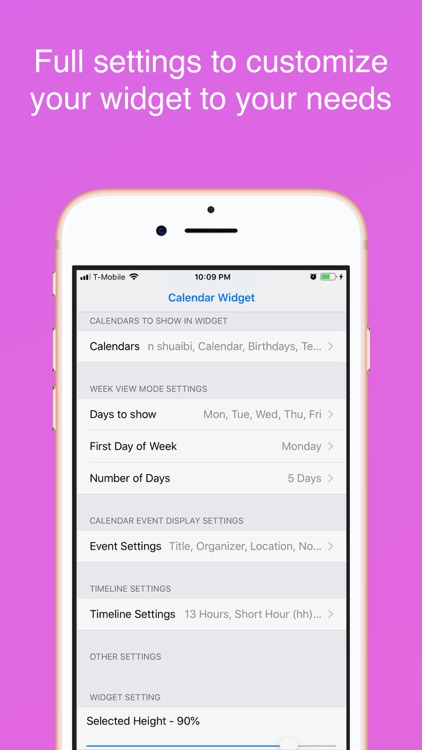
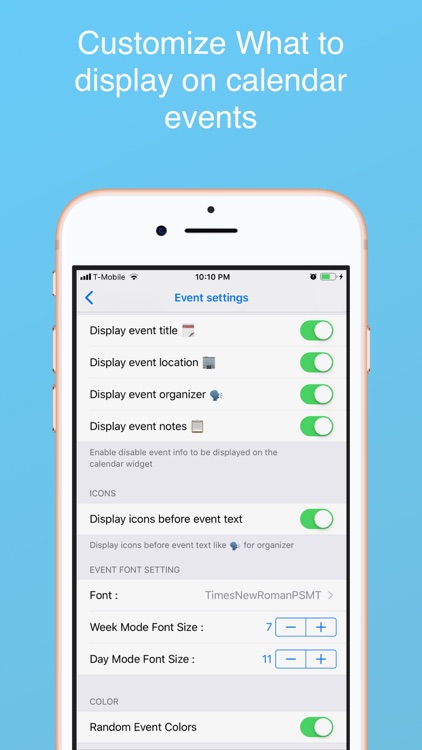
Week Calendar Widget isn’t a standard calendar app in any way, shape, or form. It taps into the native calendar app in order to populate a lock screen widget with everything that’s coming up on your schedule. When you launch the app itself, you’re greeted with ways to customize the look and content of the widget. Week Calendar Widget includes a day timeline, a week timeline, and the ability to scroll through days and weeks.

You’re in a hurry. It easily handles complicated events that overlap, and assigns colors to allow for quick discovery.

You value your lock screen space.

ProShot
iPhone
iPad
ProShot

ProShot

Rise Up Games

Get full control over your shots with ProShot.

Anyone interested in leaving their heavy DSLR at home.

$7.99 $7.99
Why we picked this?

ProShot is meant to replace your DSLR by providing a bunch of powerful features that are just a flick away. DSLR-style dials allow you to quickly change from automatic, manual, program, and custom shooting modes. You’re also able to record video in any mode. ProShot’s responsive and dynamic menu system provides you with access to every parameter and shooting option including ISO, flash, color cast, shutter speed, resolution and ratio, timer, and grid. A tutorial is available within the app to ensure you get the most out of it.

You are a professional mobile photographer. It was designed for you.

You’re more of a point and shoot photographer. Its myriad of features will simply get in the way of your objective.