You are using an outdated browser. Please upgrade your browser to improve your experience.

Manage Your Tasks With Style

Sometimes a visual display is a more effective way to accomplish your to do list. These apps offer intuitive visual interfaces to show you the tasks needed to be completed while giving you sight of the big picture. Managing your tasks has never been easier or stylish!

Focus Matrix – Task Manager
NINE
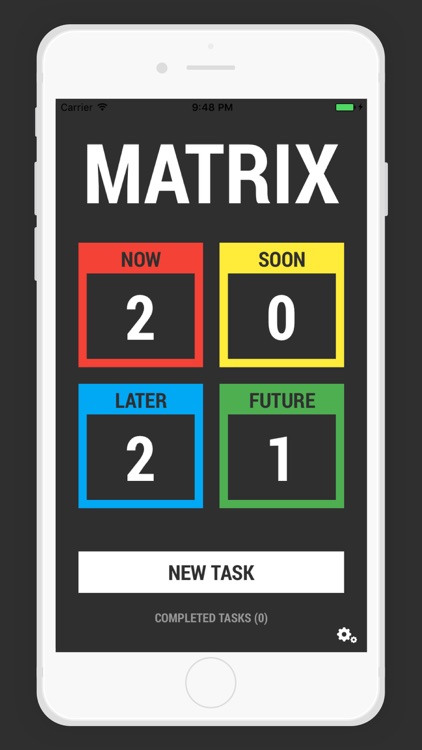
Matrix -Simple Task Manager and Planner
Today - Task Manager
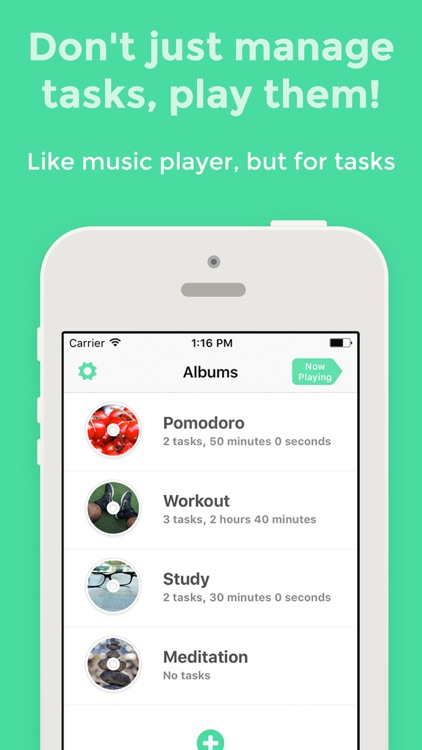
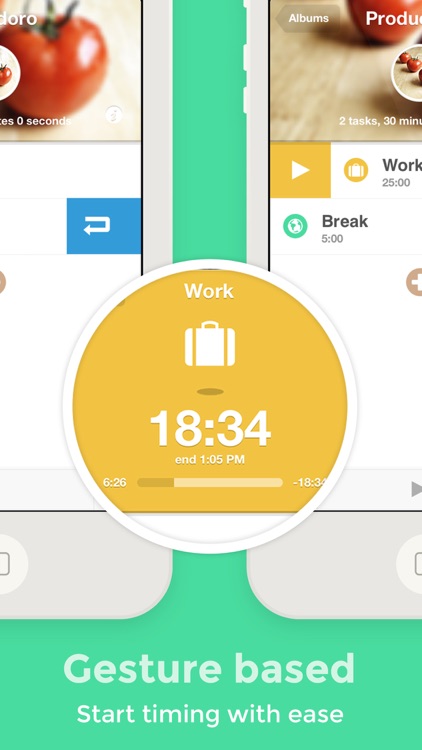
Task Player - Task Management

Best Apps

Highest scored apps in the category

Create and organize tasks
Focus Matrix – Task Manager

Focus Matrix

Denys Ievenko

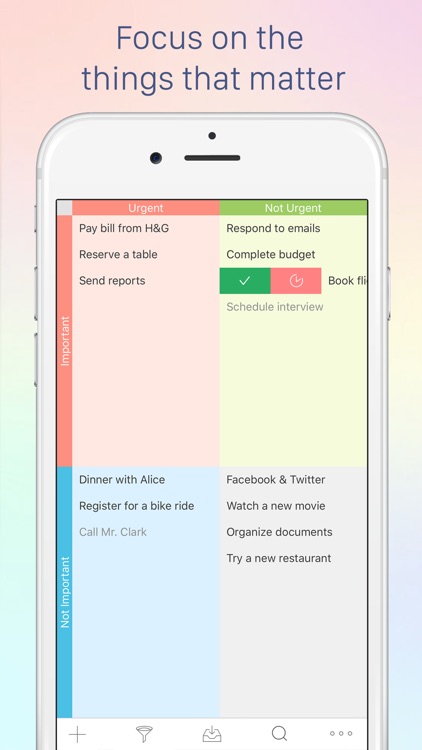
Complete your to-dos using the Eisenhower method.

Focus Matrix allows you to prioritize and organize tasks based on urgency and importance. The app offers due dates, reminders, filters, a search option, and various views of to-dos.

Creating a task
NINE

NINE

Iain Reid

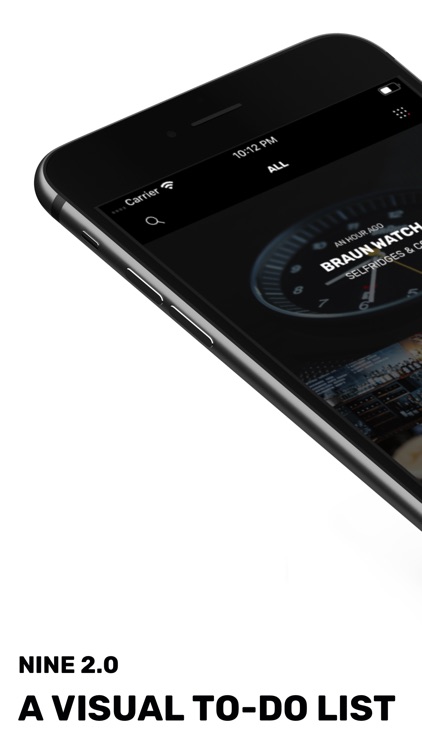
Create a visual task list with Nine.

A picture is worth a 1,000 words, especially if you’re looking for a quick and easy way to remember something. We’ve probably all done it before - just whip out our iPhone and take a picture to take a look later. Then when it’s time to find that picture, you’ll have to spend time finding that one photo. But a new app, Nine, is looking to make creating a visual reminder list simple.

Matrix -Simple Task Manager and Planner

Matrix

Matt Butler

-- App Store Exclusive --

-- App Store Exclusive --

Matrix is a simple and easy task manager that you will actually use. Quit getting overwhelmed with all the bells and whistles that other to-do list applications offer. See what needs to be done and when it's due, all in a single glimpse. Create tasks to be as simple or as complex as you wish. With...

Also Good

Apps with average score

Today - Task Manager

Today - Task Manager

Chi Trung Tran

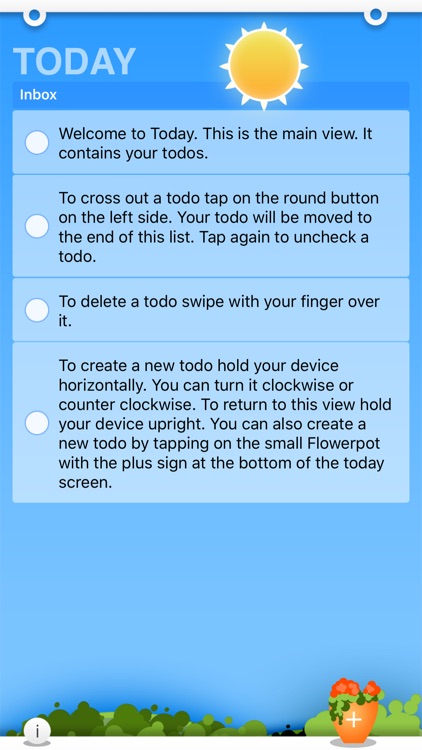
Today To-Do: Your Simple and Stress-Free Task Management

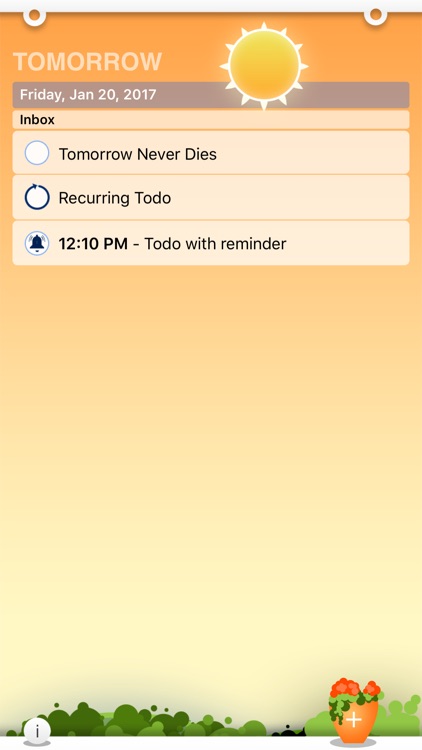
Start your day fresh and organized. With Today To-Do, each day begins with a clean slate, helping you keep track of what matters without getting overwhelmed by unfinished tasks. Past to-dos are just a swipe away, ready to be reactivated anytime.

Flexibility for What...

Card stack
Doo - Get Things Done

Doo is a new way to see your tasks.

Doo - Get Things Done

Doo - Get Things Done

Ciarlo Software, LLC

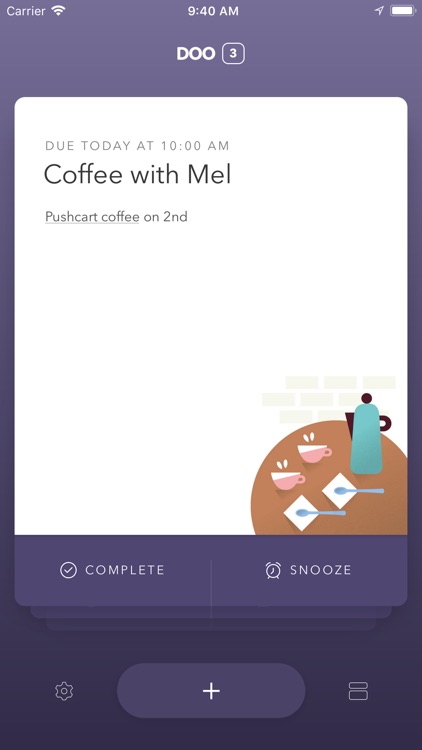
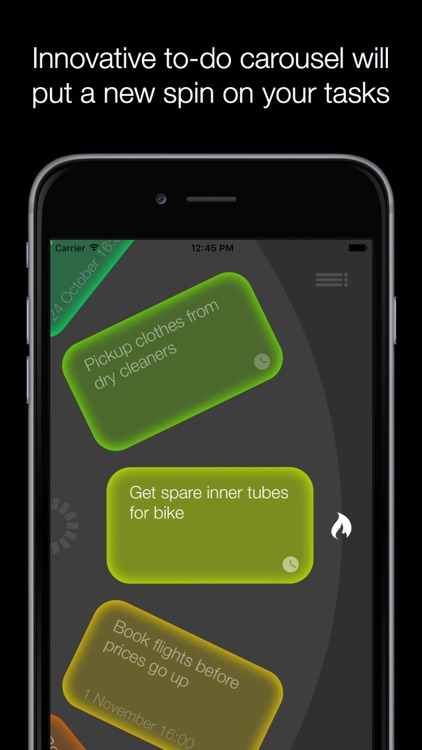
Doo helps users focus on one task at a time by using a unique card system for tasks. Create your tasks, add optional alerts and notes, and then go through them one-by-one with Doo's unique interface. The app itself also looks great and is fast and responsive.

FocusTask
FocusTask
FocusTask

FocusTask

Andrei Petropavlovskii

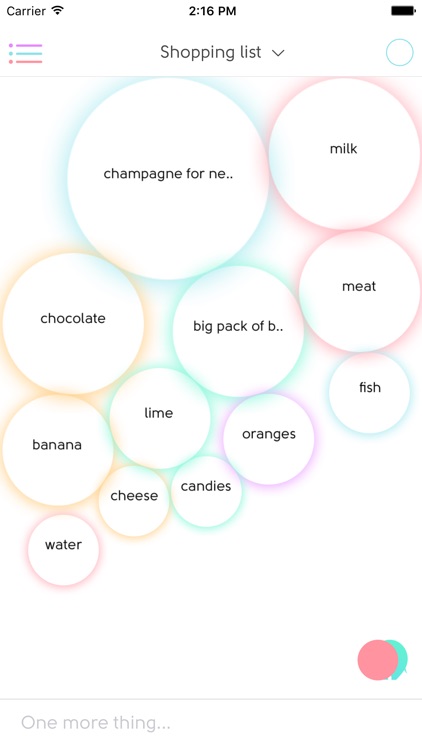
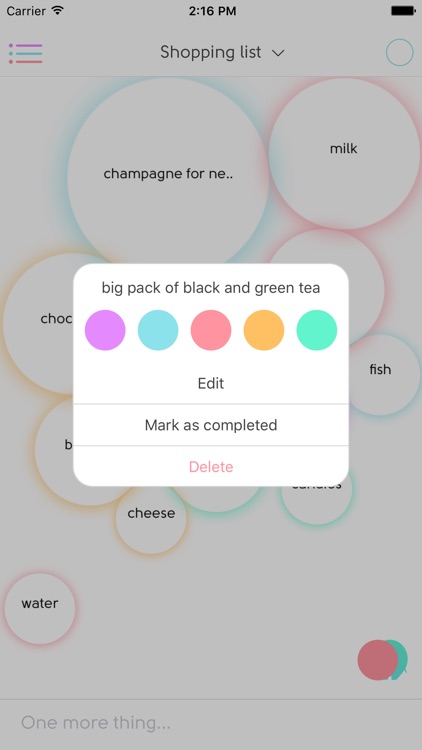
FocusTask – visual priority management concept, mindset, tool and app that helps you prioritize your tasks and keep focused on the most important ones. Focus control your daily agendas, things to do. Visually bubble up your priorities and most important to-do’s. Flow smooth between your professional/personal everyday tasks, busies and...

Other Apps

Could be good for special cases

Jamie's To Do

Jamie's To Do

LanziVision

Currently featured in O, The Oprah Magazine as a helpful way to organize your life. The magazine states, "It has a simple, no frills layout... so you can immediately see what needs to get done first."

Jamie’s To Do is not only visually beautiful; it’s simple to use and the features are incredibly useful.

It all started with a geeky romantic gesture. John's wife Jamie couldn't find a nice, simple, and pretty to do list she liked. John, a game designer, made this app for her. She, a huge to do lister, designed it and John programmed it. Oprah and Rachel Ray's Peter Walsh asks, "Could there be a more modern take of the classic love letter?"

The app is designed to be easy and simple, for all the to-do listers out there who want a low fuss straight forward app. In the app, there are eight to-do lists in this app, so you can easily organize and manage your life. You can shuffle and re-prioritize the order of your to-dos, depending on what becomes most important throughout your day. Additionally, there are reminders to ensure you don’t forget those repeating tasks such as credit card bills. No need to flip through your calendar, this useful app automatically reprioritizes your reminders with what you need to do first appearing at the top. If you need assistance in organizing your life, there is also an ‘E-Mail Jamie’ function so you can ask the namesake of the app for assistance.

Jamie’s To Do, organization made simple.

For many, like Jamie, most to-do list and task apps out there are just too complex. It takes 10 steps to add a task, you are forced to choose from a variety of settings that may or may not matter, and it's frankly a pain to learn how to use them! Jamie's To Do sets out to solve that problem with a simple and intuitive design. Just start up to app, tap the 'Add New' button, and your already on your way! The app does have more complex features, they are tucked away in the 'Extras' page. In 'List Options' you can email the lists to family and friends, you can see your completed to do's in the 'Done List', and any other additional options we add over time!

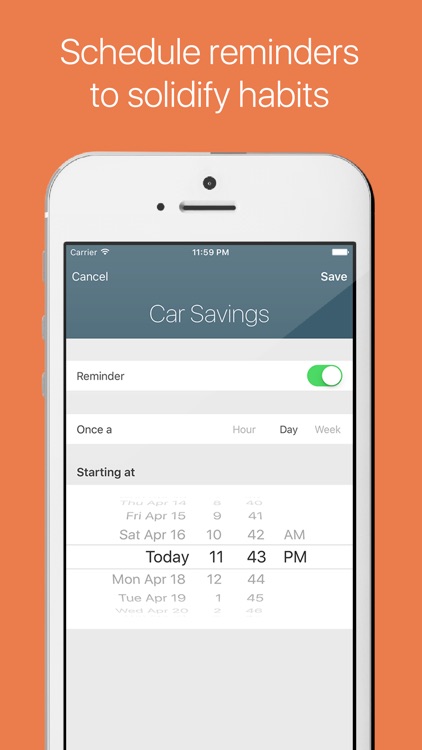
The 'Reminders' section is also designed to be simple and for repeating tasks like paying a credit card bill. Tap 'Add New', select the time and the frequency the reminder will go off (daily, weekly, monthly) and the app automatically color codes and reorders the reminders list based off when the due date is! When the reminder goes off, the app sends out a notification on your iPhone or iPad, and when completed, resets itself for the following day/week/or month.

We hope you enjoy our app!
Please email us at admin@LanziVision.com if you experience any problems or have any questions.
Cuecard - Visual To-Do List, Tasks & Reminders

Cuecard - Visual To-Do List, Tasks & Reminders

Laurence Himel

* FREE for a limited time only! *

The revolutionary to-do app that uses simple icons as visual Cues to remind you of your important tasks!

To remember your task, simply choose one of the beautifully crafted built-in Cues as a visual reminder.

• Tap the camera icon to create your own custom Photo Cue
• Attach notes for more detail
• Highlight important Cues in red

Cuecard is the fastest and easiest way to remember your tasks - simple, fun and way more effective than text based reminders!

Task Cards

Task Cards

eSpace

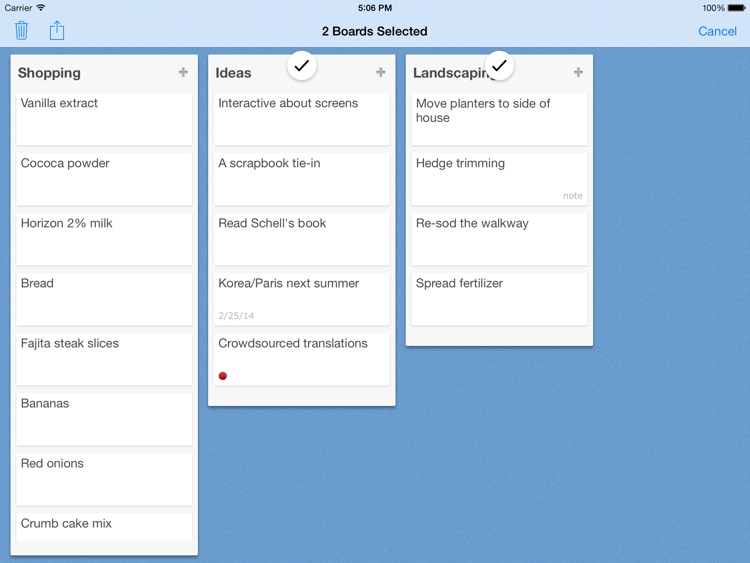
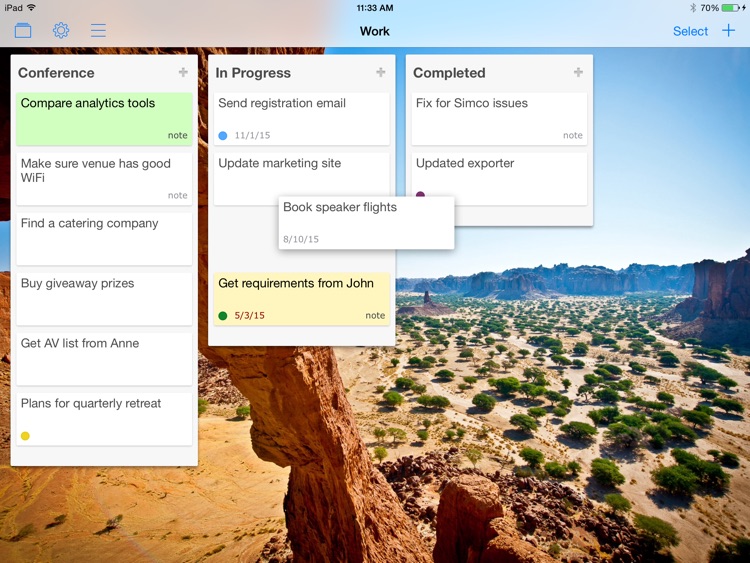
Task cards is the easiest task management app for the iPad. It uses index cards to organize tasks on a desk top, and provides simple tools to manage them.
Features include:

▸ Tasks can be shared across index cards.
▸ Due dates and recurring tasks.
▸ Priorities.
▸ Search.
▸ Notes.
▸ Sorting by due date, priority, or alphabetical.
▸ Quick access to overdue and today's tasks.
▸ Ability to see completed tasks on the back of a card.
▸ Emailing tasks.
▸ Pinch card to view all cards.

Some of the reviews
* "Simple enough to be useful"
* "I have never ever been more organized"
* "Outstanding. Best to-do list I've found"
* "I use it more than other more sophisticated apps I've purchased for the ease of the interface"
* "Brilliant in its simplicity"
* "Focuses on features, not frills"