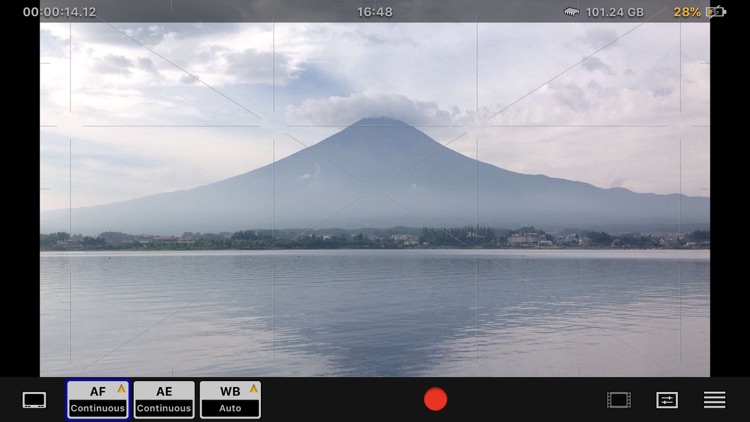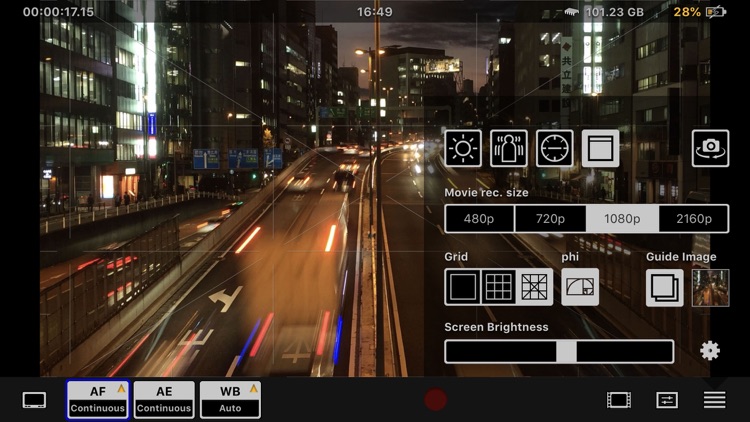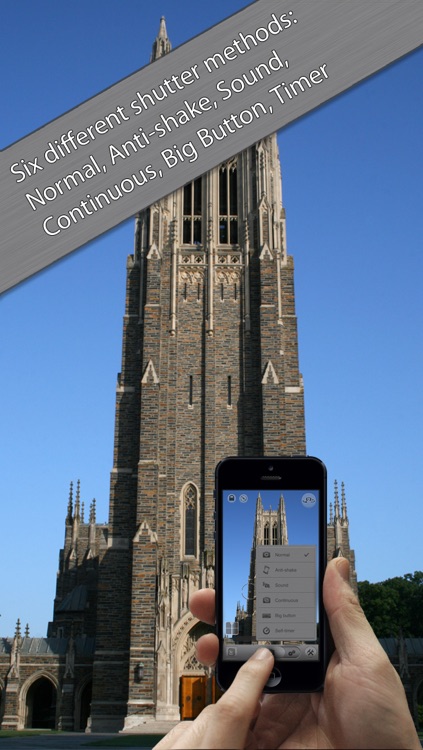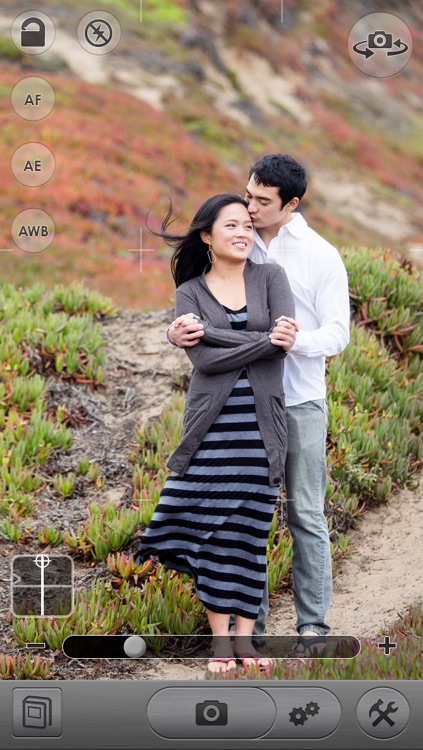



Fast Camera
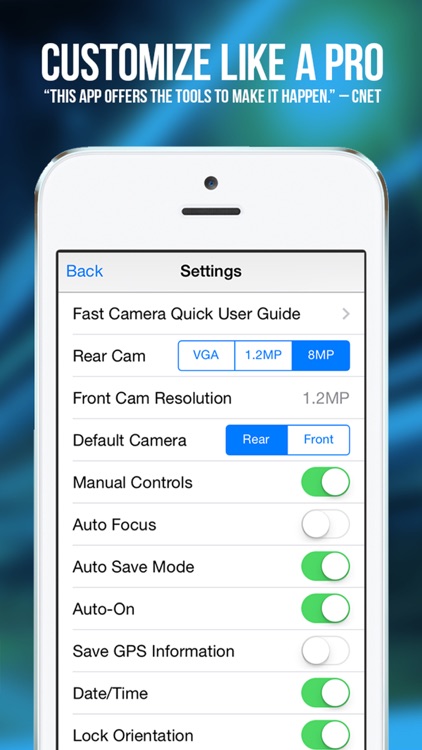
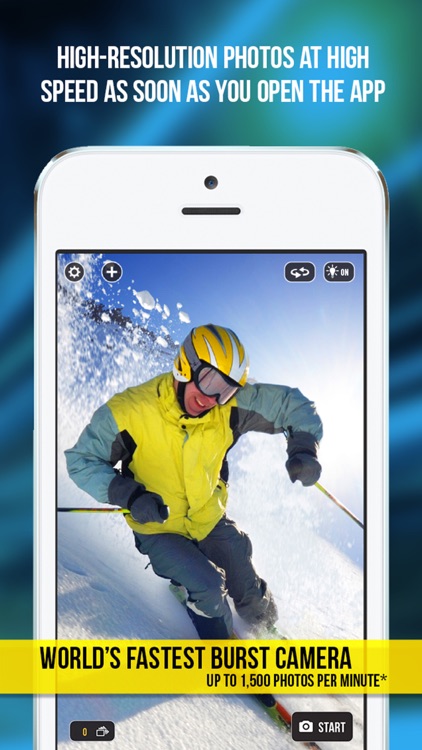
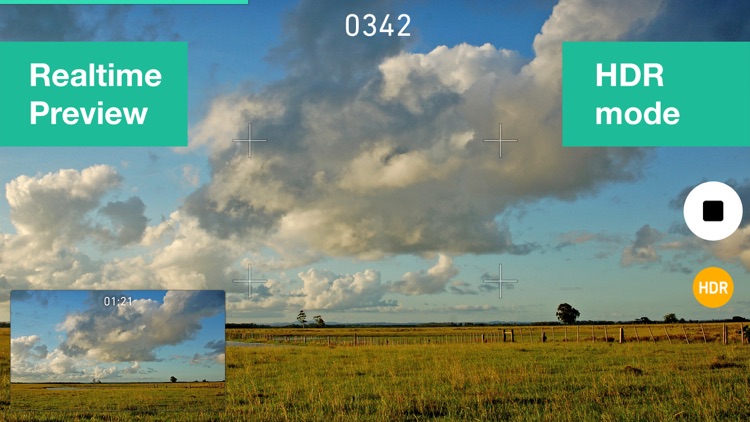
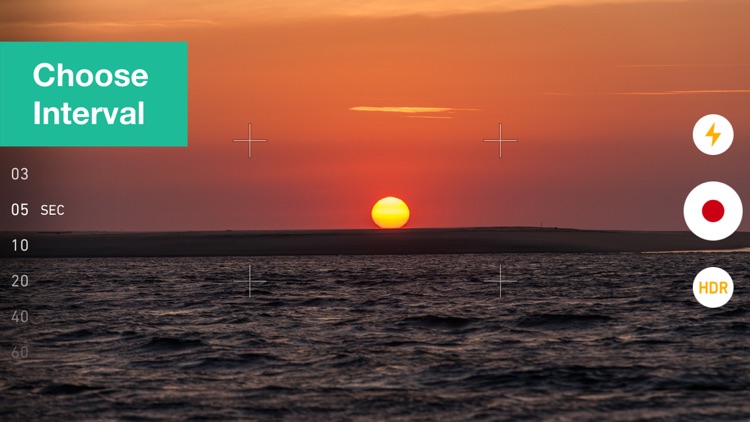
As its name alludes, this is one fast camera. It’s able to capture up to 1,200 shots per minute.
These apps will help you capture time lapses with a photo for a set interval over a long period of time.
Highest scored apps in the category
It takes time.
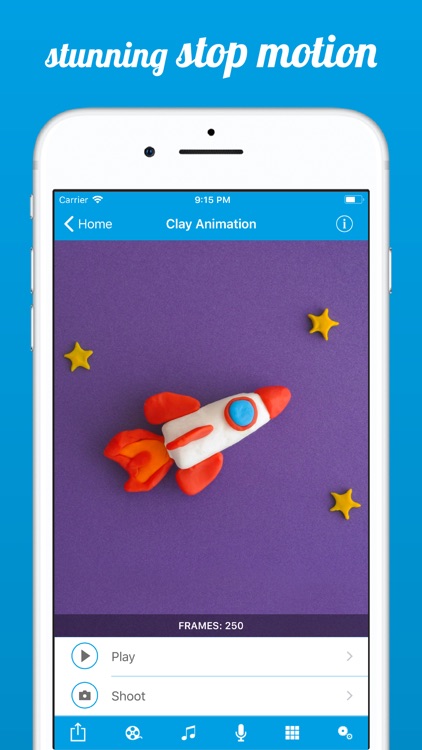
This cool app is simply packed with features. You can set photo-taking intervals anywhere from a quarter second up to 48 hours! Shoot portrait or landscape; lock the white balance, focus, and exposure. Choose from a variety of overlays including onion skins, brackets, and "eyes". Trigger the shutter with a sound. Add music and other audio. Edit your films after the fact; remove frames, duplicate, splice, and change the Frames per Second with a slider. There are many more cool features, and a free version you can try (linked below).
Simple, intuitive, powerful time-lapse and stop motion photography
The free lite app is great way to try out the feature-packed OSnap!, but you won't be able to export your creations without upgrading.
Create amazing time lapse videos with Hyperlapse
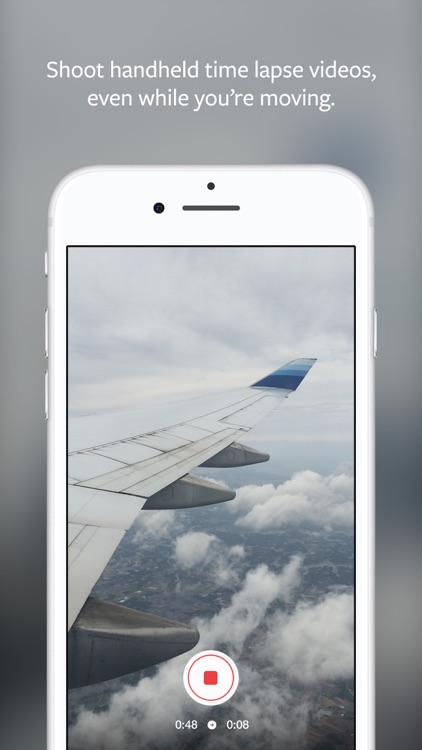
Create amazing time lapse videos with Hyperlapse. Using Instagram’s in-house stabilization, Hyperlapse shoots polished time lapse videos that were previously impossible without bulky tripods and expensive equipment.
When you shoot a time lapse video with Hyperlapse, your footage will be instantly stabilized to smooth out the bumps from the road and give it a cinematic feeling. Capture an entire sunrise...
Create your own time-lapse and stop-motion stories
OR Your time-lapses and stop-motions (almost) like magic!
OR Enhance your stories in minutes with time-lapse and stop-motion
• Enhance your stories and make your photos real!
• An intuitive app for professional rendering
• A complete, fast, powerful and universal tool
• To share your videos easily
iMotion Pro is iMotion with "Full Version" In-App purchase included.
# Where will...
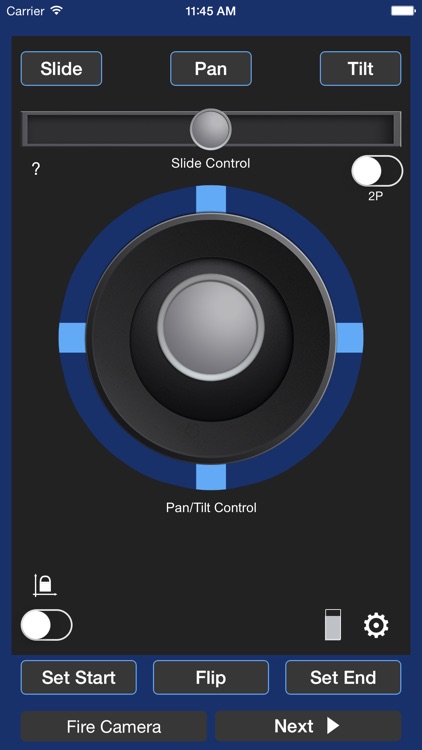
The NMX Motion App allows photographers and filmmakers to connect to the Dynamic Perception NMX Motion Controller via Bluetooth LE and easily set up motion control time-lapse and video moves
The NMX Motion App allows photographers and filmmakers to connect to the Dynamic Perception NMX Motion Controller via Bluetooth LE and easily set up motion control time-lapse and video moves. This intuitive app uses a virtual joystick to set start and end points for 3 axis moves then program the characteristics. All settings from how long it will take to...
Apps with average score
As its name alludes, this is one fast camera. It’s able to capture up to 1,200 shots per minute.
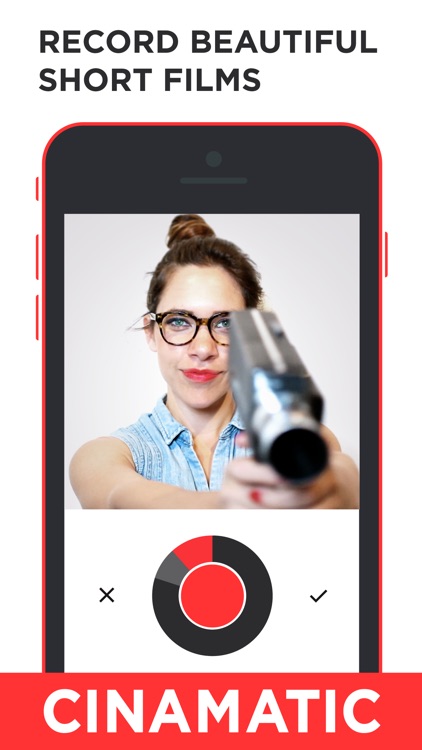
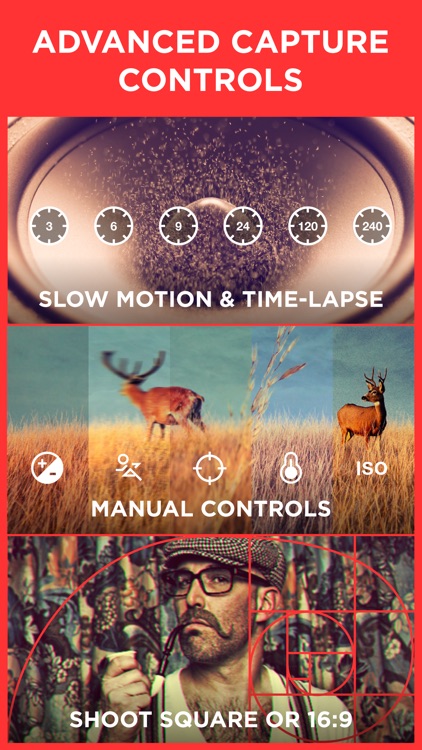
Cinamatic is the best way to create beautiful short films. Record multiple short clips that transform into amazing short motion pictures.
• Shoot 3 to 60 second films
• Choose from an amazing set of video filters
• Instantly post videos to Facebook, YouTube, and Vimeo
• Shoot in square or 16:9 (both landscape...
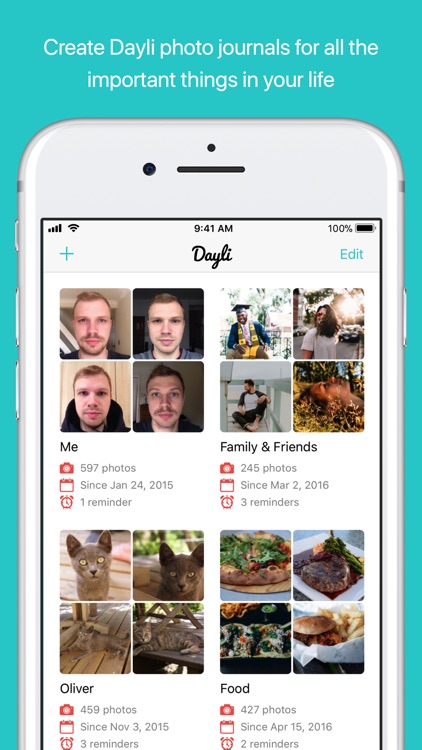
See how you’ve changed each and every day of the year with Dayli.
Stop Animator is perfect for anyone interested in making stop action or time lapse videos.
• Full-screen capture window gets you a close-up view of each frame before it is captured
• Support for both portrait and landscape orientations
• Saves all your work to projects that can be picked up again later
•...
Stop Motion for iOS
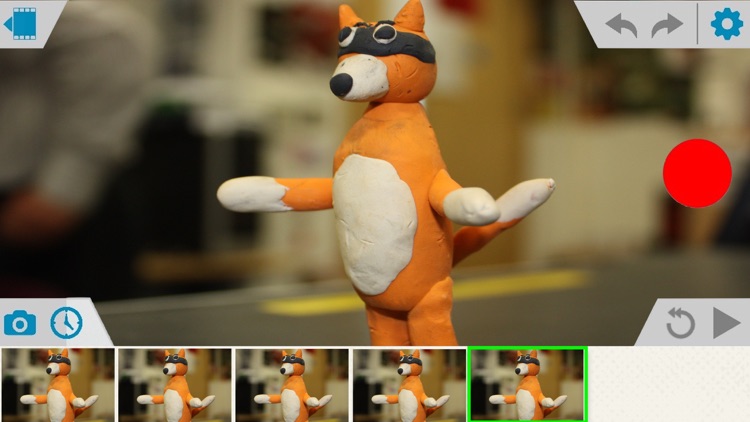
Simple and robust stop motion app. Create amazing stop-motion videos with ease. Perfect for casual users with an easy-to-use control panel.
Project Management:
• Rename, delete project, or export movie option via long press.
• Projects are copyable to other devices using the Files app. Go to Stop Motion and...
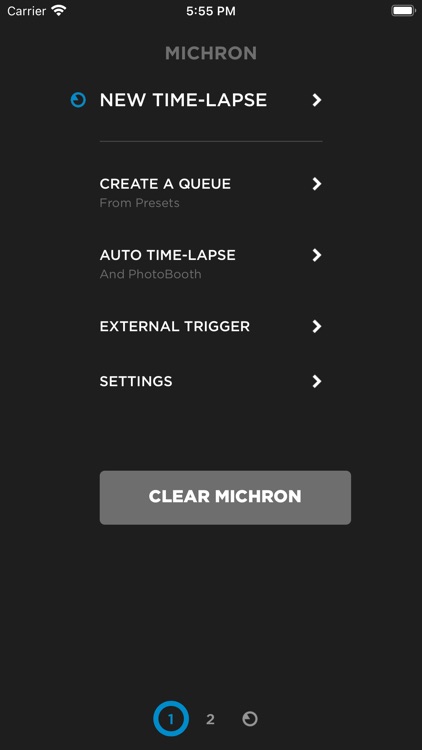
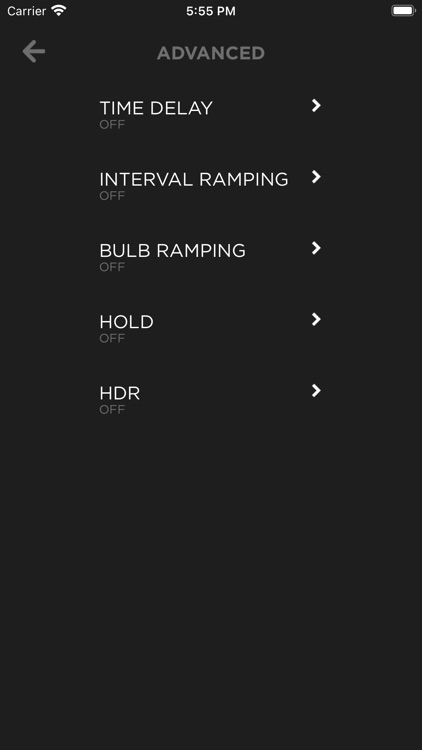
Smartphone control application for controlling and programming the Michron time-lapse device.
Create fun stop motion animations and time lapse recordings with this photography app.
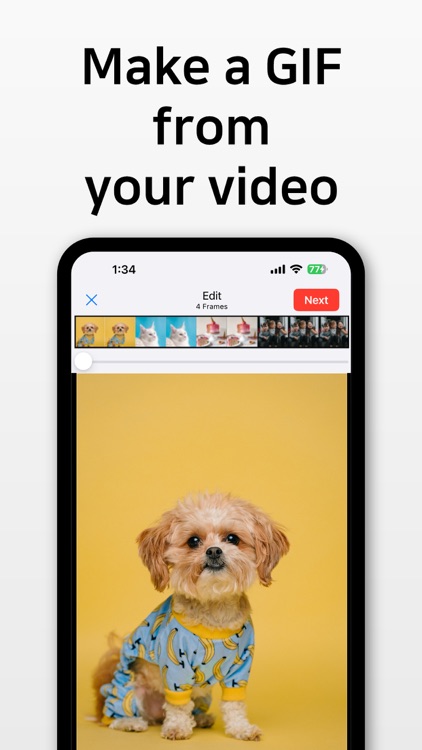
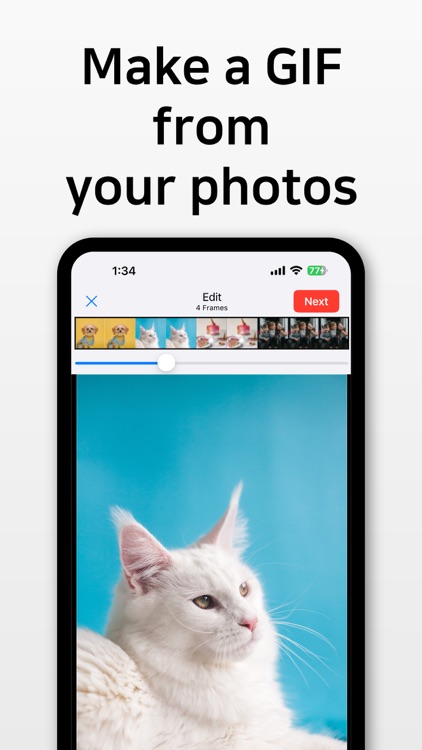
Do you want to make GIFs from videos and photos?
Then try "GIF Toaster," the best GIF maker app.
You can create high-quality GIFs!
It's free!
--------------------------------------
【Tip】
- This app supports URL Scheme. Register it in your launcher app and use it easily. (GIFToaster://)
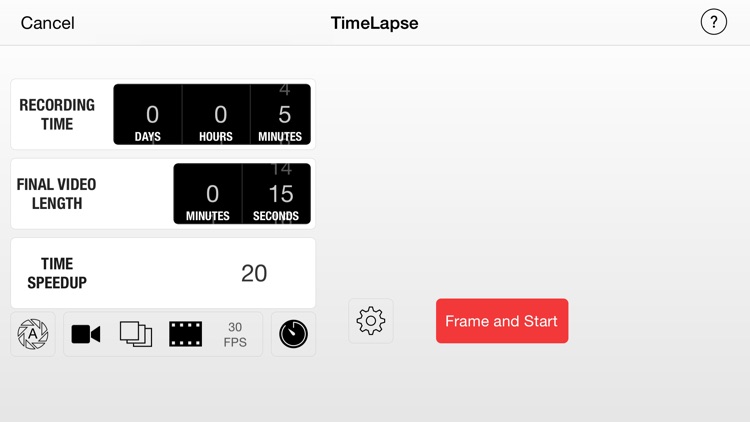
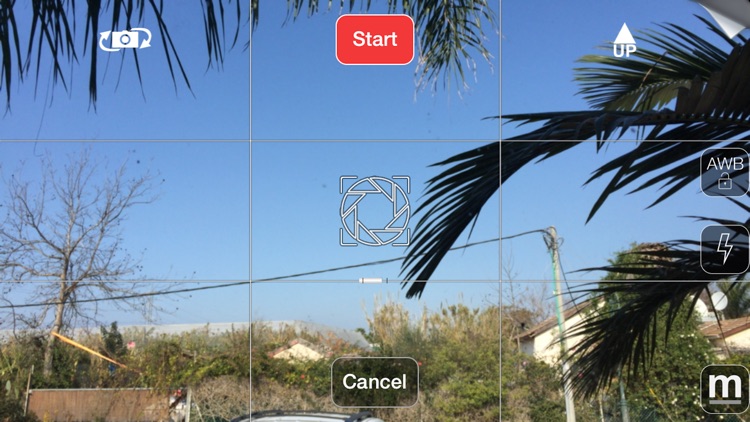
TimeLapse's powerful feature set includes the addition of music, an embedded title page, onion skinning, long exposure, and lots more. Unfortunately, I found the UI confusing and off-putting. I'd suggest trying the free version (linked below) first to see if it suits your style.
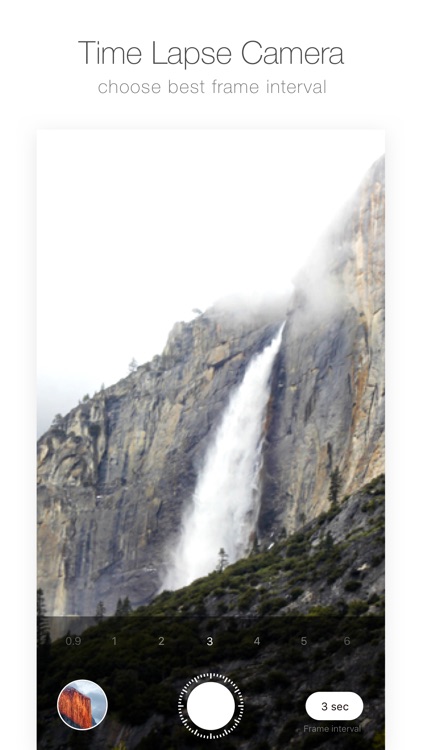
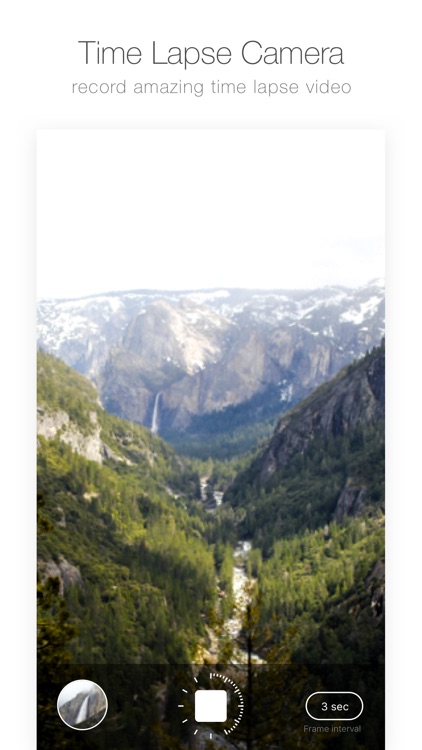
Great application for recording FULL HD time-lapse video!
Easy and fast: Just choose frame interval and tap on rec button, after finish - tap again on stop button and your video in camera roll! Really fast!
New algorithm for making time-lapse: start recording and stop recording. No more waiting - instant save....
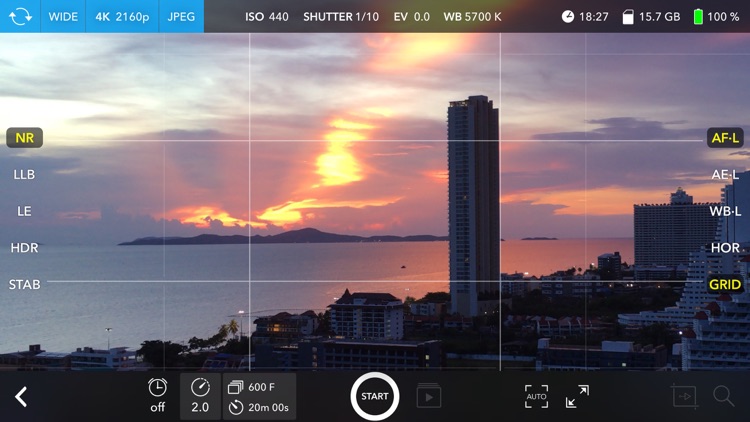
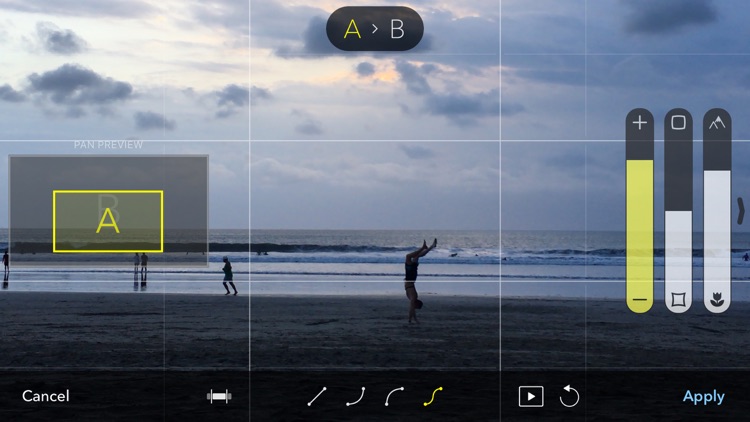
Skyflow is an incredibly handy and functional tool for photographers who aim for the best quality time-lapse shooting!
It has many options, such as choise of shooting resolution and format, motion blur and light trails effects, HDR, panning motion and more.
After shooting is complete you'll need to export your time-lapse as...
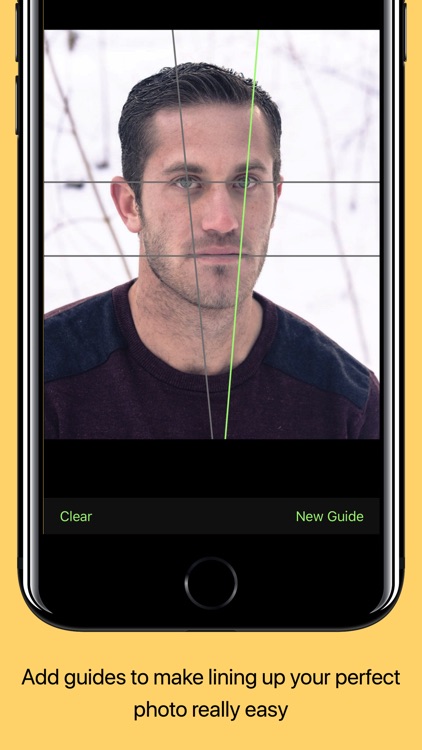
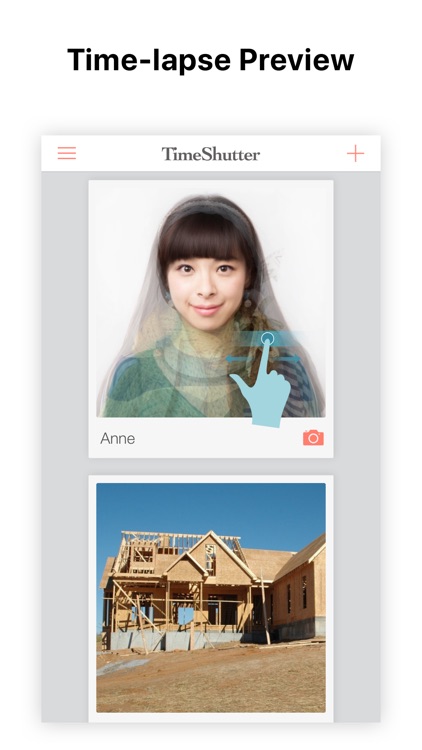
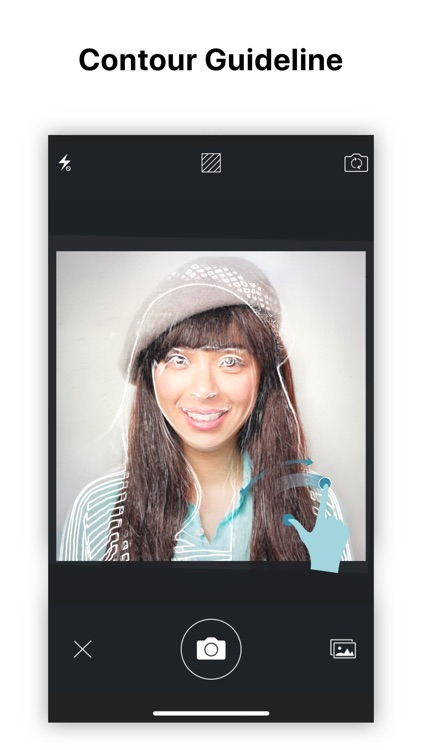
Ever wondered if you can take photos every day/week/month, and stack them into a time-lapse animation? Selfie, weight loss, babies, or home remodeling project, TimeShutter is the best tool for them all! You get perfect alignment with a guideline overlay.
Recently added new features: Unlock private albums with FaceID/TouchID/Passcode; Camera...
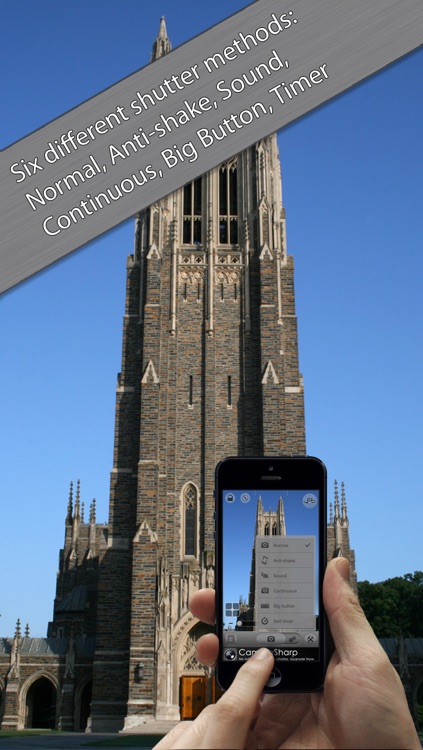
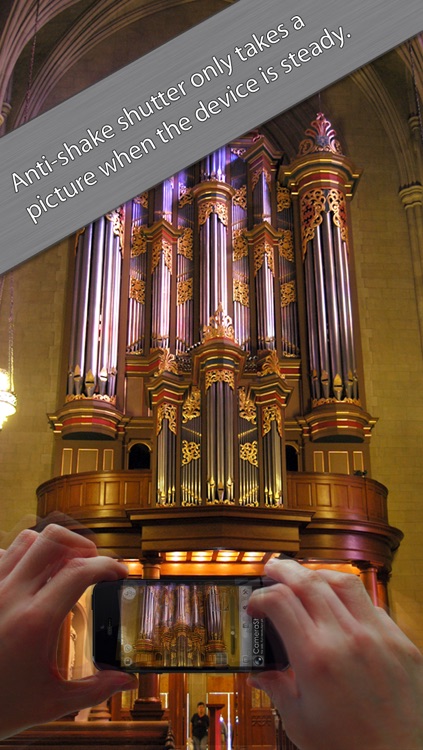
No frills, no filters, and no Facebook: CameraSharp is all about taking the best photo. We’ve packed the iPhone camera with the advanced features you’ll need to take stunning pictures every time everywhere.
"CameraSharp is a full-featured, fast-loading camera that is all about super-creative control." -Jason Gilbert, The Huffington Post
"Easy to...
Quite possibly the easiest to use time lapse video creator you’ll ever come across in the App Store.
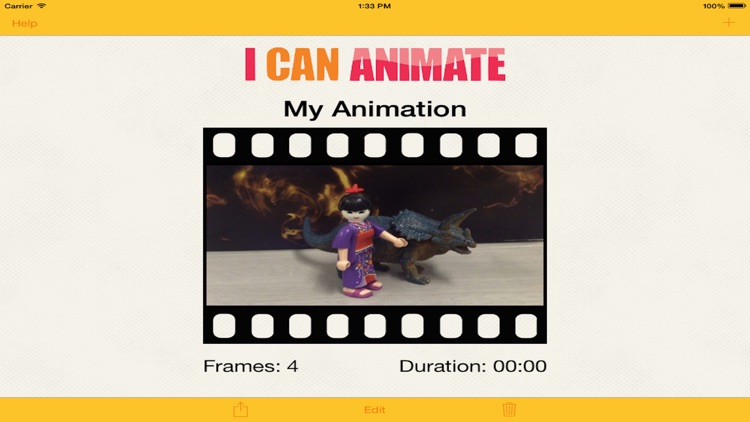
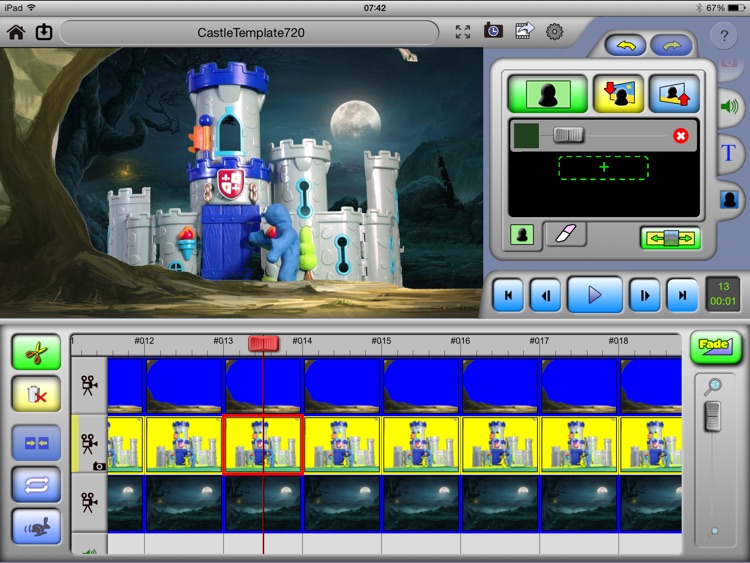
Create stunning and exciting animation movies quickly and easily. With I Can Animate you can bring the art of creating stop-frame animations to your iOS devices and then share them for all to see.
I Can Animate has some really great features:
• Capture frames using either camera on your iOS device
•...
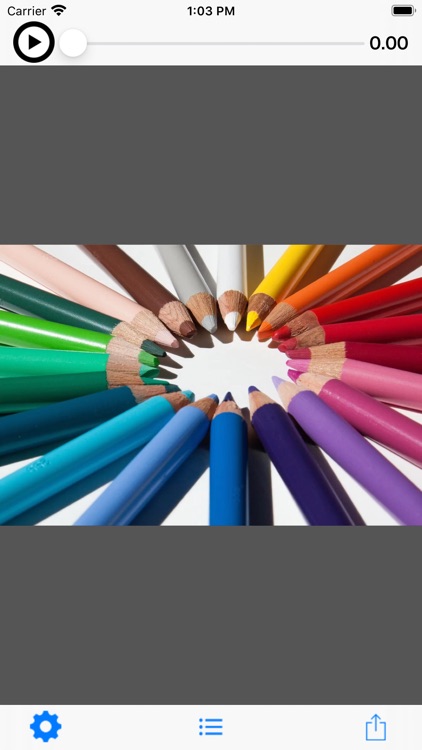
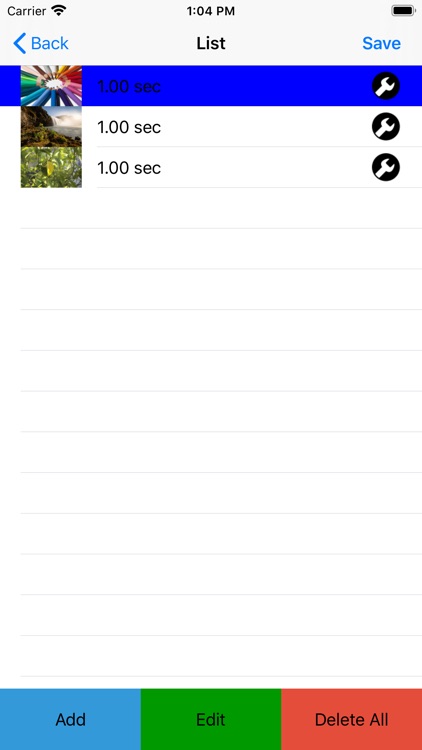
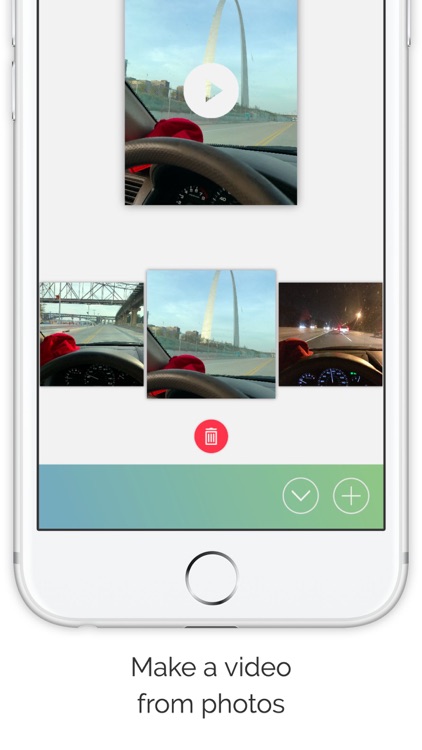
This app generates videos from multiple images.
---- Function
* Tutorial video
1. Press the play button at the top left of the top screen to play the tutorial video.
* Make videos from images.
1. Press the icon circle button in the center of the tool bar at the bottom of the top screen...
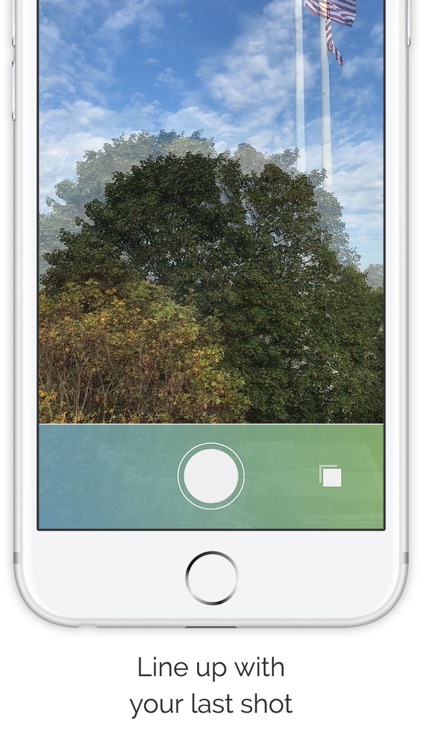
Overlapse makes it simple to create jaw-dropping, frame by frame timelapses.
An overlay helps to line up with your last shot
Notifications for taking the next picture (and nothing else)
Make your own creative Overlapse or use one of these ideas:
Selfie a Day
Growing Plants
Trees Changing Colors
Seasons Changing
Pregnant Selfies
Baby Growing
You can create multiple projects...
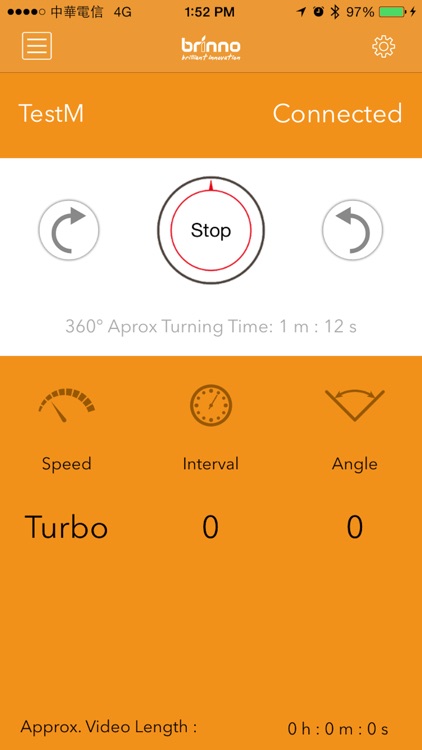
Brinno Pan Lapse is a simple rotating stand with Bluetooth Low Energy (BLE) remotely controlled.
Brinno Pan Lapse is a time-lapse device that lets you take beautiful panning with your camera or smartphone. Never before has any one system provided the slowest panning speed, and longest battery life, required to...
iTimelapse Pro makes it very easy to create a time lapse or stop motion movie, from start to finish. Choose your shutter interval, to the exact second, anywhere from 1 second up to 24 hours. Or set it to take a shot whenever a sound is made. Choose the number...
-- HEx (cam) -- This application has many highly sophisticated functions for recording moving image.
HEx (cam) is a video recording application that can transform your iPhone / iPod Touch into a highly sophisticated camera.
It allows you to capture moving image in three modes that fully mirror a professional image recording...
No frills, no filters, and no Facebook: CameraSharp is all about taking the best photo. We’ve packed the iPhone camera with the advanced features you’ll need to take stunning pictures every time everywhere.
"CameraSharp is a full-featured, fast-loading camera that is all about super-creative control." -Jason Gilbert, The Huffington Post
"Easy to...
Zu3D is a powerful yet intuitive stop-motion and video creation app.
Create your own films by taking pictures, importing videos, sprites and gifs. Then import & record sounds and music, add titles, credits and speech bubbles. When you're finished just export your animation to share with friends or upload directly...
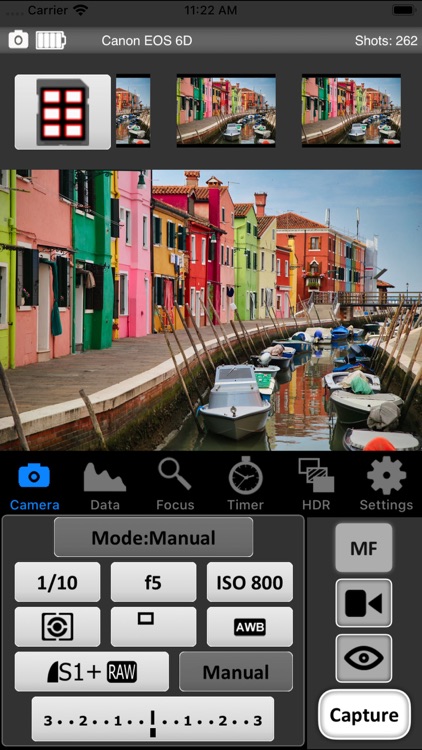
Using CamRanger hardware (purchased separately from CamRanger.com) wirelessly control your Nikon or Canon DLSR camera!
The first of its kind, no other computers or Internet needed! Just connect your camera to the CamRanger and then control wirelessly from your iOS device.
Loaded with features:
Live View
View and set parameters (ISO, Aperture, Shutter Speed,...
Turn your device into a remote camera for Stop Motion Studio.
Use your mobile device as a remote camera for Stop Motion Studio. This functionality enables you to leverage the camera on your mobile device while remotely controlling it through Stop Motion Studio on your tablet or desktop computer. This feature...
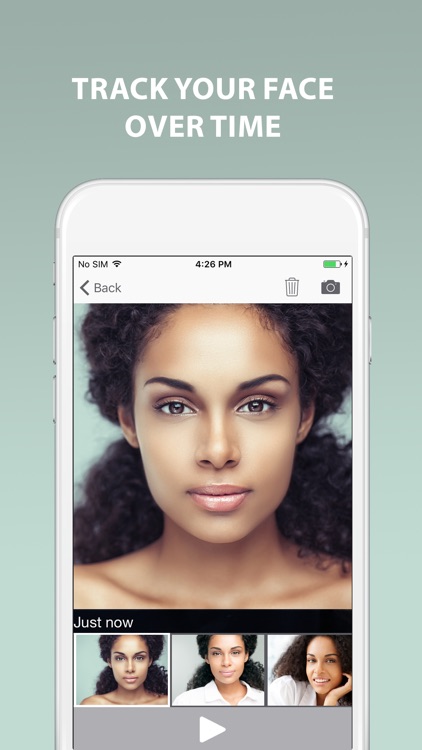
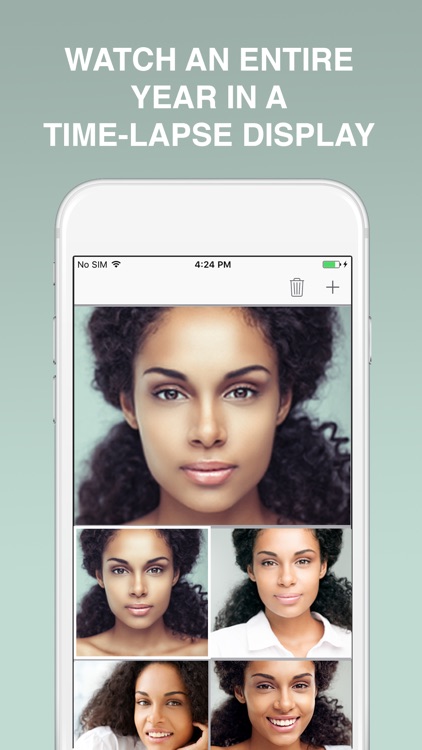
Track your Face Over Time
Create a time lapse and see your Face changes within a full year, or even 5 years, as many as you want.
Beautiful interface.
- Eyes detection: This app has full OCR capabilities to detect the location of your eyes within the picture. You may only take the...
La mejor aplicación para crear gifs animados con increíbles filtros para WhatsApp e Instagram.
GIFYme es una aplicación que te permite utilizar filtros para crear vídeos en bucle y gifs. Te ofrece una plataforma para exhibir tu creatividad que te permite crear fácilmente y compartir vídeos cortos en formato GIF animado...
Could be good for special cases
STOMO - The Stop Motion and Time Lapse Camera.
Turns your iPad into a fully functional animation studio!!!
STOMO is ideal for both beginners and more experienced film makers who demand more features from a stop motion app.
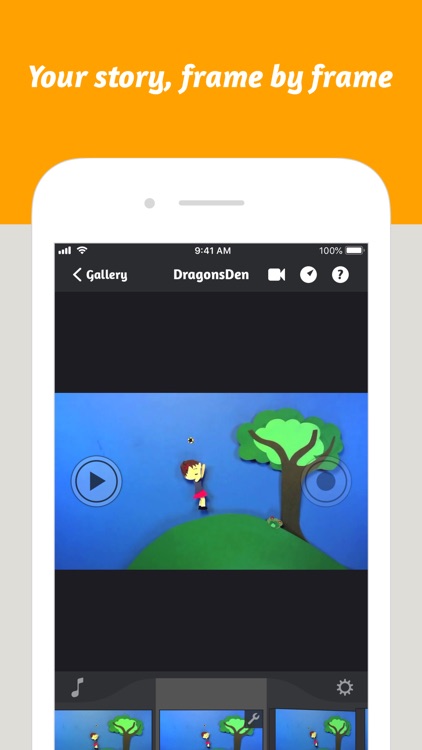
Stop Motion Camera - create amazing animations where the only limits are the power of your imagination. A fully featured stop motion camera and editing studio, including:-
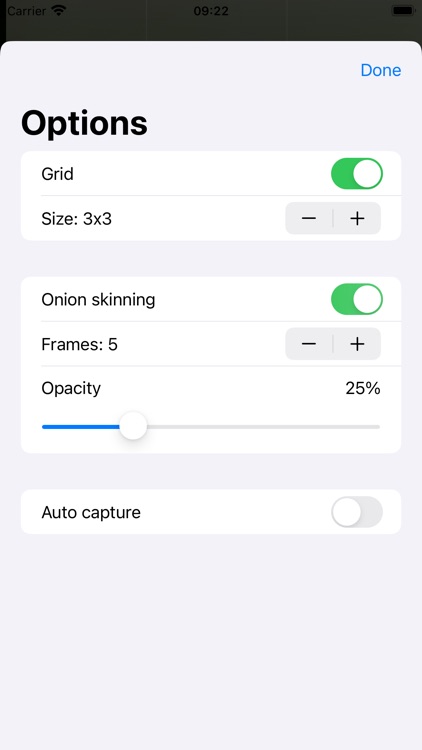
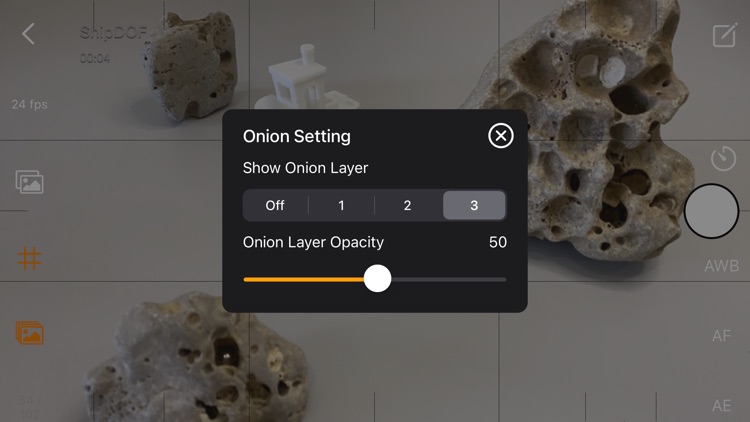
- Onion Skinning - See ghost images of up to your last 3 captures to allow easier scene setup.
- Instant Preview - Playback from any frame in your movie
- Thumbnail editing - Delete any frame or add new frames at any point in the movie
- Speed control - edit the frames per second rate
- Add Music to your masterpiece - import any song from your iTunes library
Time Lapse Mode
- Capture amazing natural events such as a plant growing or create cool urban animations using the time lapse feature.
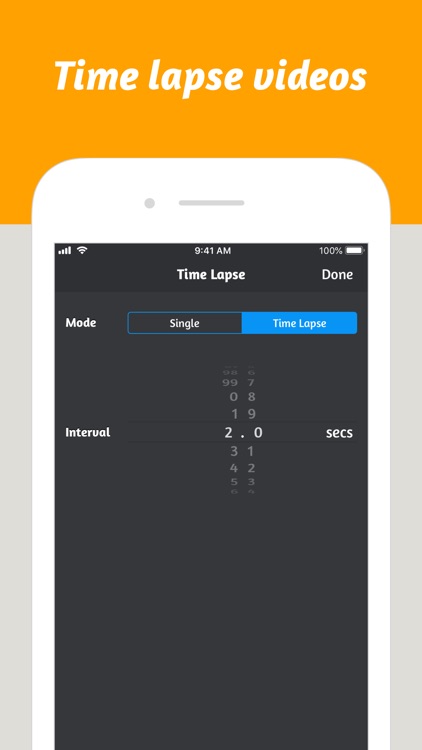
- Fully configurable timer from 1 second to 24 hours between image captures.
Sharing - Completed movies are easily shared - they can be saved to the camera roll for upload to Youtube, or emailed directly to friends.
The easiest to use time lapse camera app you’ll ever find.
This has all of the same functionality as the paid version, but is limited to 59 photos.
Time lapse photography made easy for novices, with features for advanced users.
** Exclusive ** : Multiple intervals per recording option.
Email feedback capability. Use it for suggestions, complaints, or just to say Hi. If you have used CameraTime often, please leave a review.
Novice Feature:
- Two precision sliders for capture interval, playback time, and record time.
Advanced Features:
- Multiple intervals per recording.
- Intervals down to 1/30th of a second.
- Multiple output frame rate choices; 29.97, 25, 24, 20, 15, 10.
- Multiple output resolution choices: 1080p, 720p, 480p.
- Supports locked white balance, exposure, and focus.
- Slow-motion capability.
General Features:
- Records straight to video. No time consuming video construction from still frames.
- Optional HUD for easy viewing of information.
- Back and front camera support.
- Landscape and portrait video supported.
- Remembers previous recording parameters.
- Recording meta data. Viewable in QuickTime Info panel.
Tips:
- Lock focus when used for driving video or in busy areas distracting to auto focus.
- Double tap to lock/unlock focus point.
- Single tap to lock/unlock exposure point.
- To avoid interruption, turn on Airplane mode in the iPhones settings.
- Lock the white balance where different light temperatures may interfere.
- Use a tripod or other means to firmly secure your device.
- For slow-mo, set the interval to once every frame (1 ff), set the output fps to less than 30.
- Turn down brightness via Settings.
This app allows you to take Time-Lapse and stop action Videos. Record anywhere from 1 to 60 frames per minute. Play back at 1-30 fps. Also you can use this app to record stop-action film by simply taping the screen when you wish to take a frame. After you record your video you can access it in camera roll or Email the Video. Check out my website for some example Time-lapse videos taken with the app.
"To have all this capability in a smartphone is a wonder"—TUAW
Record timelapse video in true HDR and 4K HD resolution on your iPhone!
Watch the demo video and a before/after video at http://www.thaliacam.com/lapse/ios.html
How does it work?
----------------
The patented HD/R™ technology in Thalia® Lapse™ HD/R™ takes several different exposures of the same scene for each video frame and works magic (technical term: tonemapping) to turn them into a video stream reflecting the scene’s dynamic range.
* Up to 5 EV values of dynamic range expansion, depending on the scene shot
* Multi-stage deflickering avoids the flickering artifacts that often occur when stitching together time-lapse video from photos
* Deghosting avoids ghosting artifacts from moving objects
* Processing on the iPhone’s GPU calculates tonemapped video in real time, preserving local contrast on scenes with strong dynamic range
* Stores high-quality movies in Quicktime format with up to 2060p resolution
* Amazing built-in processing modes for a subdued effect, adding punch to the video, and artistic effect
* If desired, adds a soundtrack from your iTunes library to the video
User note
--------
Time-lapse videography by its very nature demands a certain patience from the videographer. You will need some sort of contraption to keep your phone pointing steadily in one direction while you are shooting the video. It's certainly possible to jury-rig this using a book or such, but we strongly recommend using a tripod. See http://www.thaliacam.com/lapse/ios.html for details.
US Patent 9,955,084. Patents pending.
** EDITOR'S CHOICE IN CANADA - Featured by Apple in more than 30 countries. **
** The most complete stop motion app in the App Store. **
Shoot your stop-motion film in a simple and exciting way with this new casual creative app! With so many powerful tools, the only limit is your imagination.
Learning the concepts of stop-motion animation has never been more enjoyable. The intuitive commands, ergonomic interface and full suite of features will have you filming your animated film in no time.
Born out of the National Film Board of Canada's legendary animation workshops, StopMo Studio takes decades of expertise and turns it into a one-of-a-kind stop motion tool.
MOVIE-MAKING AT YOUR FINGERTIPS:
20 features even professionals will enjoy.
CAPTURING TOOLS.
• Capture images
• Images per second
• Time-lapse
• Front-and-rear-facing camera
• Direct control over the camera focus, white balance, aperture, and exposure settings
• Preset Camera filters
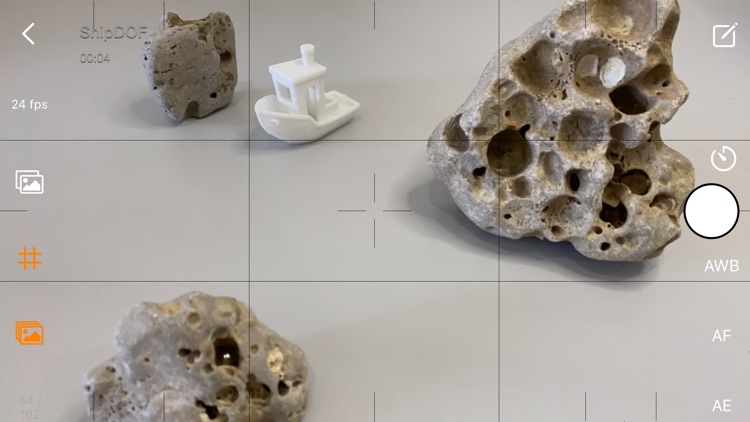
• Onion skins
• Grid
EDITING IS SO EASY YOU WON’T HAVE TO LIFT YOUR PINKY.
• Ergonomic film editing
• Addition of an iTunes soundtrack
• Sound recording
• 4-track mixing board
• Fade-in/out
• Sound effects library (play with the sound library without altering your film)
• Inter-titles
• Add still photos
• Draw on the images
• Many brush settings
• Solid Colours
• Layers
• Mp4 film export
MAKE THE WORLD STOP AND TAKE NOTICE.
Share your video on Youtube, Facebook, Vimeo and email directly from the app.
**************************************************
This app requires iOS8/ iPad2 and above.
Please send your feedback by email to info@nfb.ca
Love the app? Please write a review for iTunes!
The National Film Board is Canada's public film producer and distributor.
Find out more at http://www.nfb.ca/
"Truly the best free timelapse app out there!" - Apps Review BG
Create great timelapse videos with this simple and powerful app!
* 25 Video effects
* Add song to your video
* Share on YouTube along with other users
* Export to camera roll
* Fully customizeable timelapse settigns - FPS, Shoot Interval, Shoot length, Start delay
* Sound effects to indicate activity
* Auto or Locked exposure option
* Auto or Locked focus option
Some of effects that this app offers:
Tilt Shift, Amatorka, Miss Etikate, Grayscale, Monochrome, Sepia, Sketch, Vignette
Triggertrap Timelapse Pro is a new approach to creating awesome timelapses. Connect your device to your camera with a Triggertrap Mobile kit, and you're set to get creative!
Timelapse Pro has a modular approach to timelapse creation, letting you create sequences using the building blocks of timelapses - intervalometers and delays. With these blocks you can create timelapses of all shapes and sizes. Timelapse Pro’s intervalometers allow you to set your interval between shots, as well as when you’d like the intervalometer to stop; either by the number of shots or after a set amount of time has passed.
IMPORTANT! Triggertrap requires a Triggertrap Mobile kit to connect your camera to your device! See below for details.
Find yourself shooting with the same settings often? No problem - save and name your timelapses so you can quickly access them again later.
Want to reorder your timelapse? Again - we've got you covered. Tap and hold on a module, and then drag it to the appropriate point in your timelapse! Tap the Edit button to add more modules or rename your timelapses. Easy as pie.
Got an Apple Watch or a Pebble Smartwatch? You can set your timelapse running without touching the phone or camera–super sharp timelapses await! Apple Watch owners can also harness the awesome power of Glances to keep track of your timelapse moment by moment too.
We're working hard on getting more modules ready for Timelapse Pro, if you have any suggestions please get in touch with us - there's a feedback form built right into the app.
Want to test drive the Triggertrap experience? Check out our free app - Triggertrap Mobile - which has awesome cable release modes, super sensors, and loads more!
To connect your iOS device to your camera, you’ll need to buy a Triggertrap Mobile kit separately. See the Triggertrap website for a list of supported cameras and for more information. Currently more than 300 camera models are supported, with support added for new cameras all the time.