You are using an outdated browser. Please
upgrade your browser to improve your experience.

The printing box is a service that directly previews various documents with the app and prints directly through offline printing box KIOSK

Printingbox2
by (주)비전오티에스


What is it about?
The printing box is a service that directly previews various documents with the app and prints directly through offline printing box KIOSK.
App Screenshots


App Store Description
The printing box is a service that directly previews various documents with the app and prints directly through offline printing box KIOSK.
* Membership / Facebook ID, Naver ID Login
You can sign up as a printing box member, or you can easily use your Facebook ID login and Naver ID login.
* How to use
1. Use the app to select a document in your smartphone or a document in the cloud and preview it to see the document.
2. A print code will be issued upon request.
3. Enter the appropriate print code in the KIOSK that prints, and printing will begin immediately upon payment.
4. Print The print code of the requested document can be viewed at any time in the print code display in the app.
* Kiosk
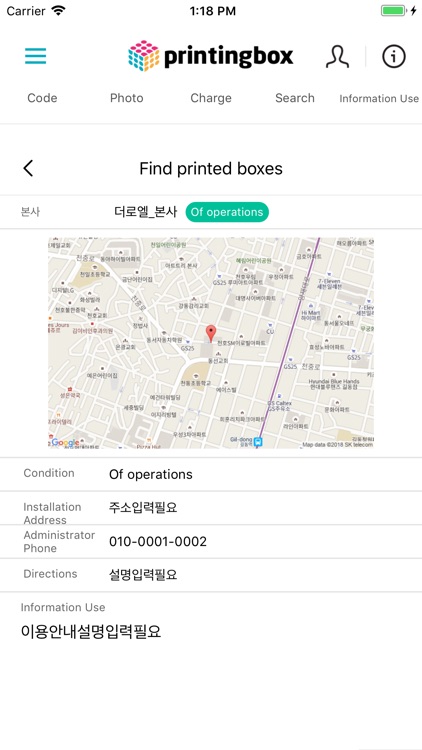
The printing box KIOSK can be viewed from the KIOSK list in the app.
* Supported file types
- Microsoft Office: Word, Excel, Powerpoint
- PNG, JPG
Disclaimer:
AppAdvice does not own this application and only provides images and links contained in the iTunes Search API, to help our users find the best apps to download. If you are the developer of this app and would like your information removed, please send a request to takedown@appadvice.com and your information will be removed.
AppAdvice does not own this application and only provides images and links contained in the iTunes Search API, to help our users find the best apps to download. If you are the developer of this app and would like your information removed, please send a request to takedown@appadvice.com and your information will be removed.
