



You are using an outdated browser. Please upgrade your browser to improve your experience.

Apps That
Went Free on
2014-01-20

Get into shape by working out only seven minutes a day with 7 Minute Workouts. We also have a feature rich camera app for your iPad, and an entertaining app that allows you to capture slow motion video.

Sandbox Web Browser
iPhone
iPad
Sandbox Web Browser

Sandbox Web Browser

Float, LLC

A Web browser that allows you to restrict users to a predefined list of allowed websites.
FREE ($2.99) For a limited time FREE ($2.99) For a limited time
Why we picked this?

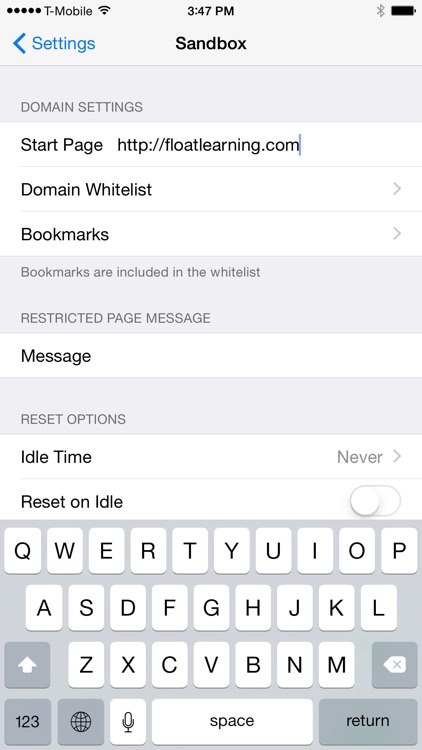
It's perfect for the classroom, kiosks, places of business, and your home. After installing the app, launch your iDevice's Settings app and scroll down until you find Sandbox. This menu will allow you to customize everything from allowed websites and bookmarks to the message that appears for restricted pages. You can also lock the configuration settings with a passcode to prevent changes.
7 minute bodyweight workout
iPhone
iPad
7 minute bodyweight workout

7 minute bodyweight workout

Plus Sports

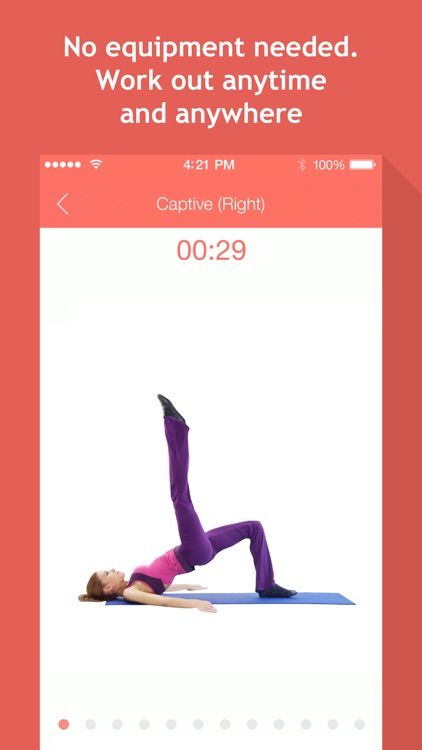
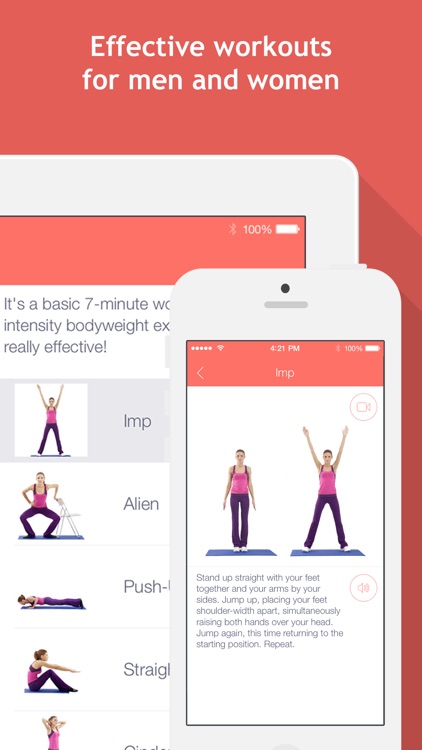
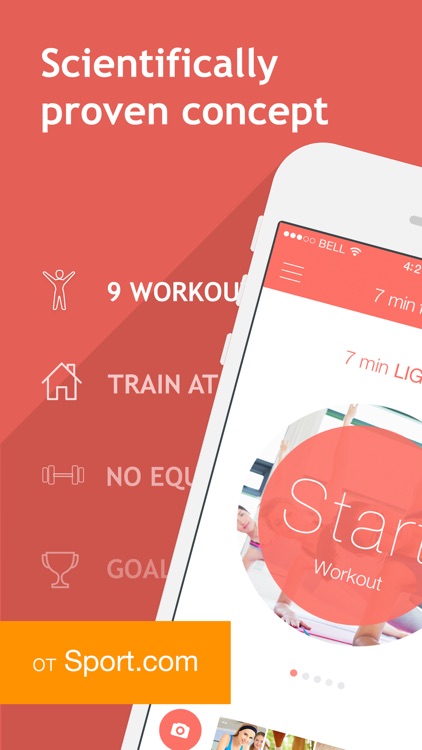
All you need is seven minutes a day to get into shape with this fitness app.

FREE ($1.99) For a limited time FREE ($1.99) For a limited time
Why we picked this?

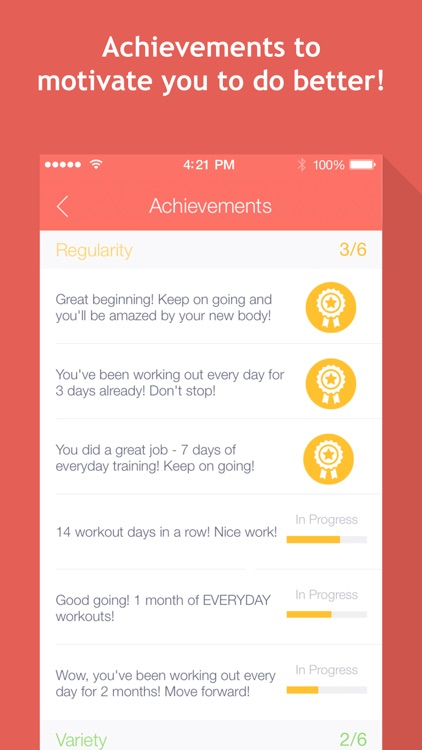
You’re able to choose from four different workouts, which range from beginner to advanced in difficulty. Each workout includes a collection of equipment-free exercises that can be performed anywhere in your home or office. The exercises are also accompanied by instructional videos that will help ensure you perform them correctly and at the right time. The app also includes achievements to earn, and the ability to upload and share fitness photos.

4IN HAND
iPhone
iPad
4IN HAND

4IN HAND

kazuhiko takahashi

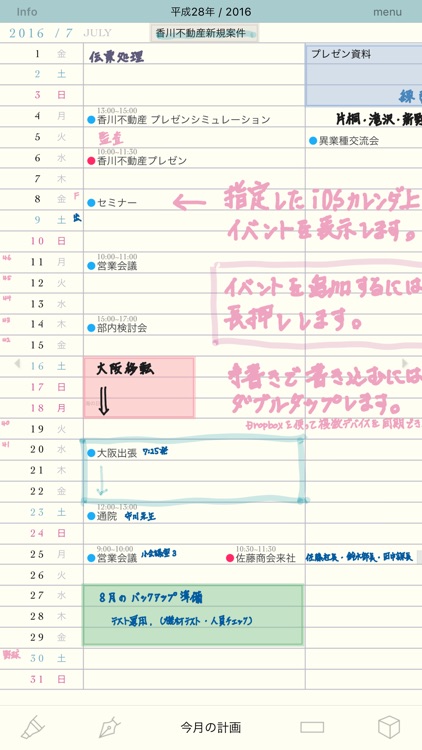
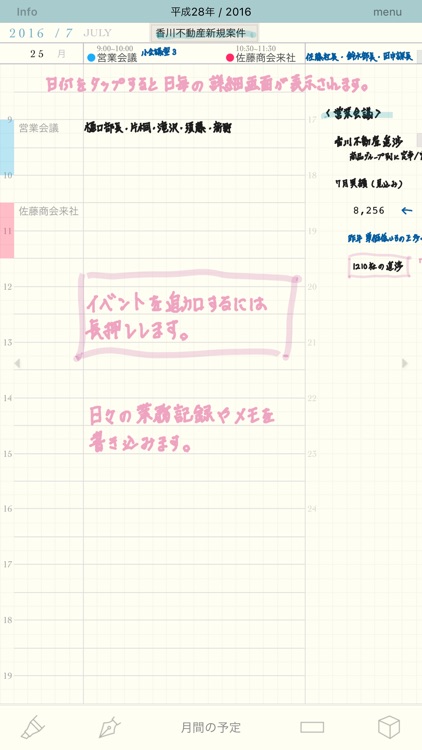
Take notes and schedule events in a snap with 4IN HAND.

$3.99 $3.99
Why we picked this?

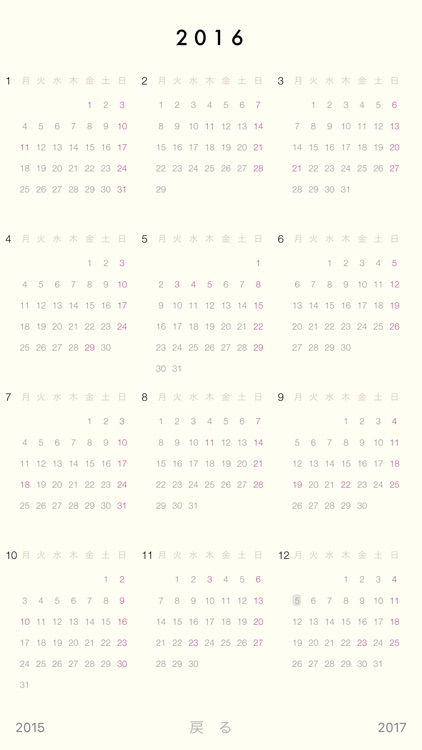
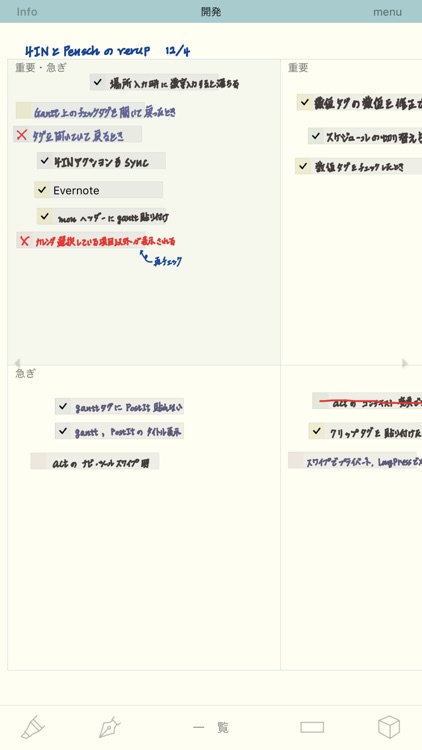
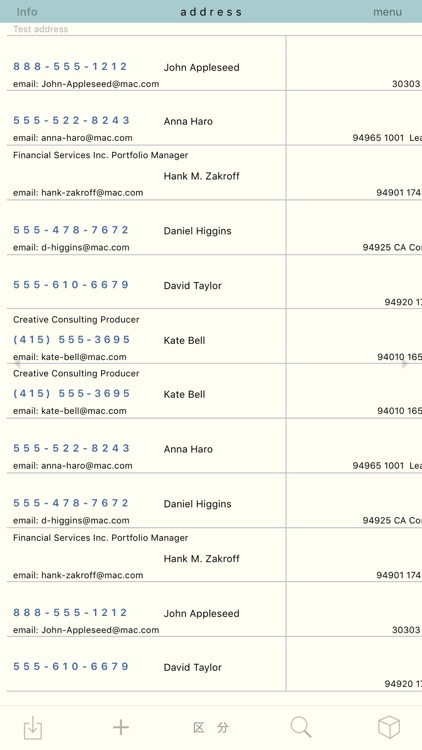
4IN HAND is really four apps in one: calendar, todo, address book, and memo. The app allows you to write right on top of the calendar using the tip of your finger instead of typing. When writing, the app automatically zooms in close to provide you with more control. You’re able to adjust the zoom level, pen size, and pen color. You’re also able to block out entire sections of the calendar using the highlighting tool. Need to quickly schedule a task or take a note? Just tap the menu buttons across the top of the screen. You’re also able to import your entire address book for quick reference.

ProTuner - Chromatic Tuner
iPhone
iPad
ProTuner - Chromatic Tuner

ProTuner - Chromatic Tuner

Amir Markish

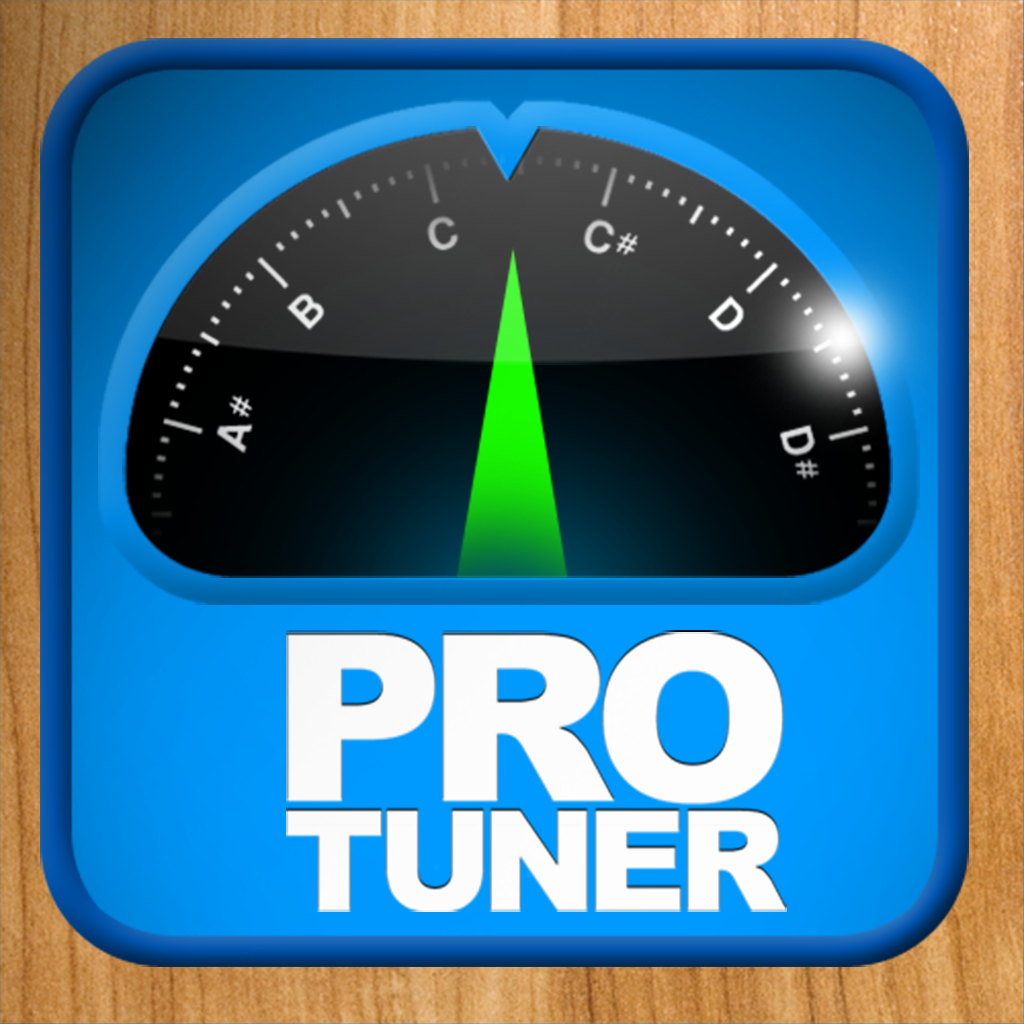
Accurately tune your instrument with this music app.

$0.99 $0.99
Why we picked this?

It utilizes your iDevice's mic to precisely measure the sound of your guitar, woodwind, piano, or any other instrument that can sustain a tone. The app includes an ultra responsive 25 cent range fine-tuning display, two themes, and a needle damping option.

ProCam XL 2 - Camera and Photo / Video Editor
iPad
ProCam XL 2 - Camera and Photo / Video Editor

ProCam XL 2 - Camera and Photo / Video Editor

Samer Azzam

With ProCam XL 2, the best just keep on getting better.

$3.99 $3.99
Why we picked this?

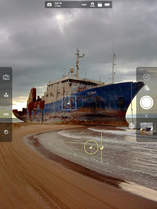
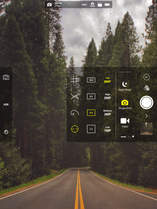
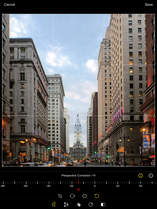
ProCam XL 2 offers more than just an iOS 7-inspired visual makeover. It’s packed with all kinds of brand new features that will surely make it the go-to camera app on your iPad. It features a fully orientation adaptive user interface, so no matter which way you hold your iPad you’ll be able to access its many features. Buttons across the left side of the screen provide you with control over focus and exposure, while pop-up menus around the shutter button allow you to apply live effects and lenses, adjust contrast and white balance, and choose different shooting modes. We don’t have enough space here to list all of ProCam XL 2’s fantastic features, so just give it a download and dig around. You’ll love it!

SlowCam
iPhone
iPad
SlowCam

SlowCam

Lucky Clan

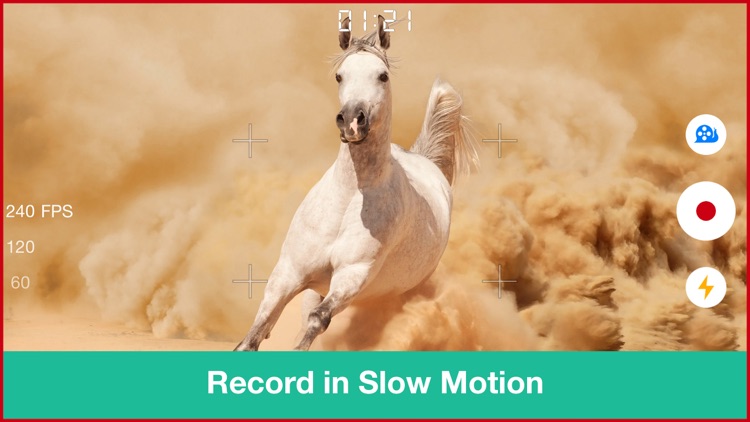
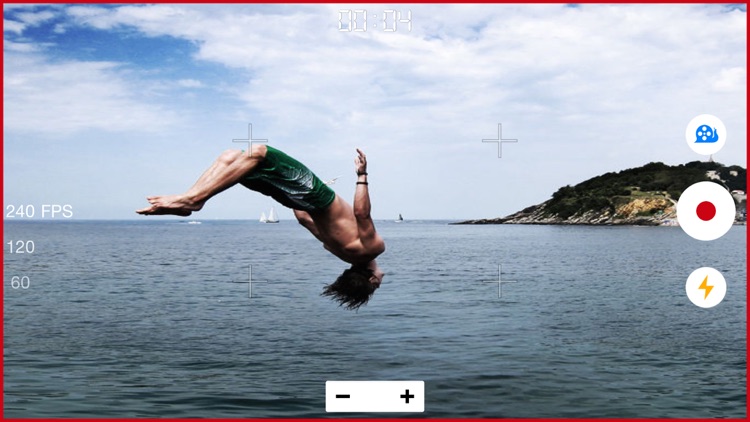
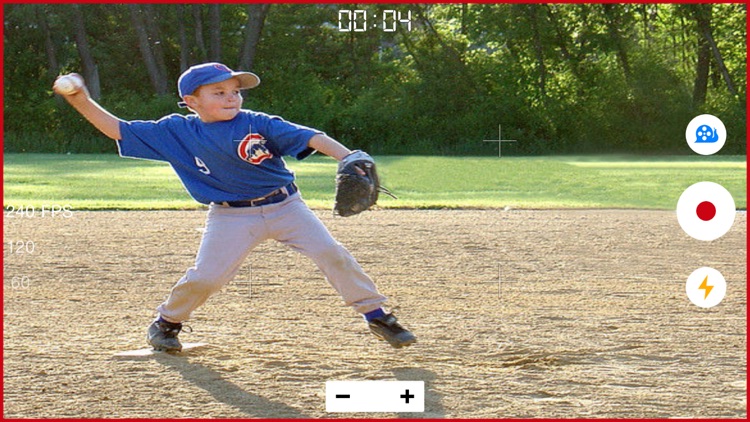
Record in slow motion with this entertaining photography app.

$1.99 $1.99
Why we picked this?

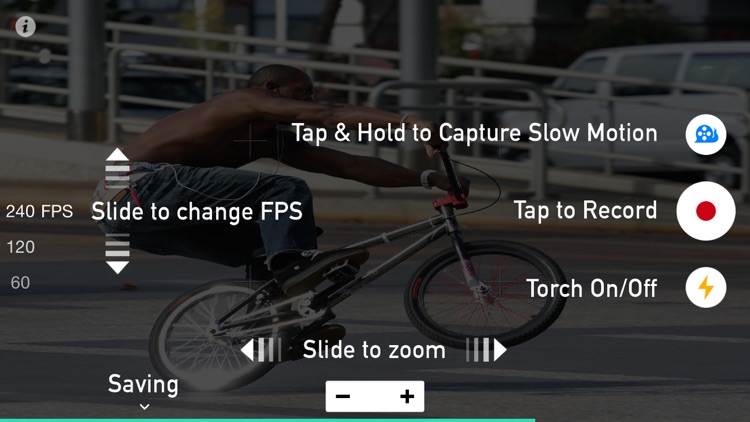
Its super simple interface makes capturing slow motion video a breeze. All you have to do is start recording, and then tap and hold the slow motion button to slow things down to a crawl. The app will automatically create buttery smooth transitions between normal and slow motion video. You’re also able to set the focus and exposure, and zoom in on your subject. Rendering is done entirely in the background, so you can continuously shoot video.

Gravity - Light Particles Manipulation App
iPhone
iPad
Gravity - Light Particles Manipulation App

Gravity - Light Particles Manipulation App

Kfirapps Limited

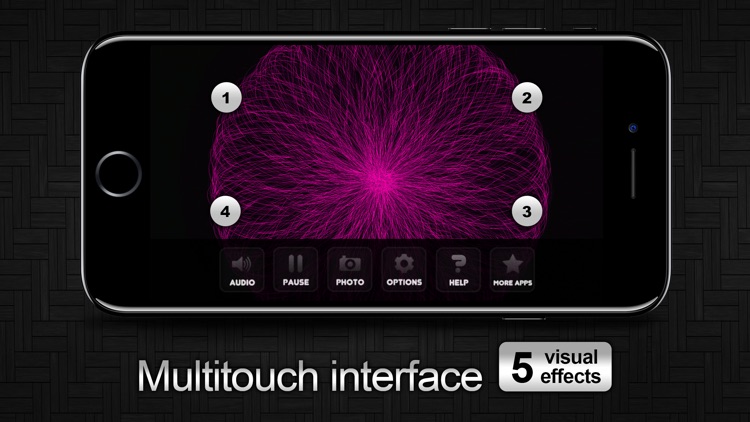
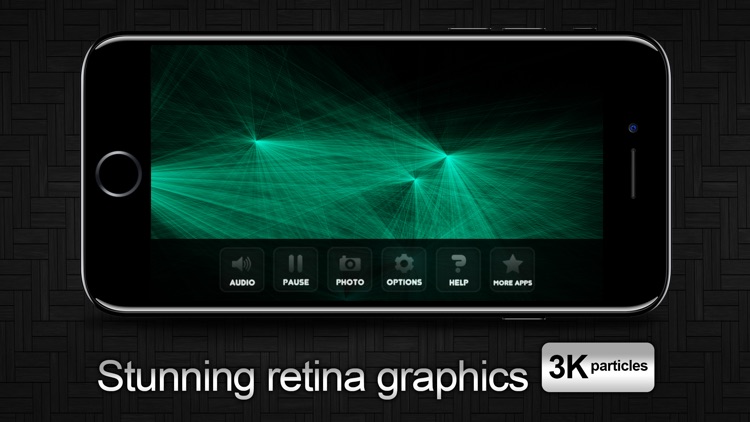
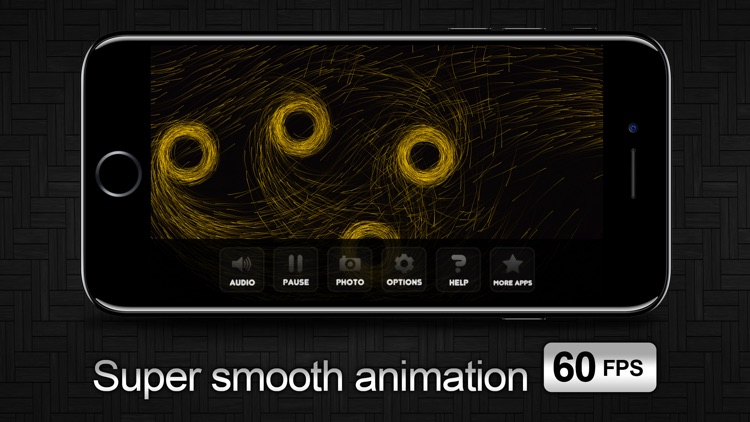
Get into a zen state of mind by manipulating free flowing particles with Gravity.

$1.99 $1.99
Why we picked this?

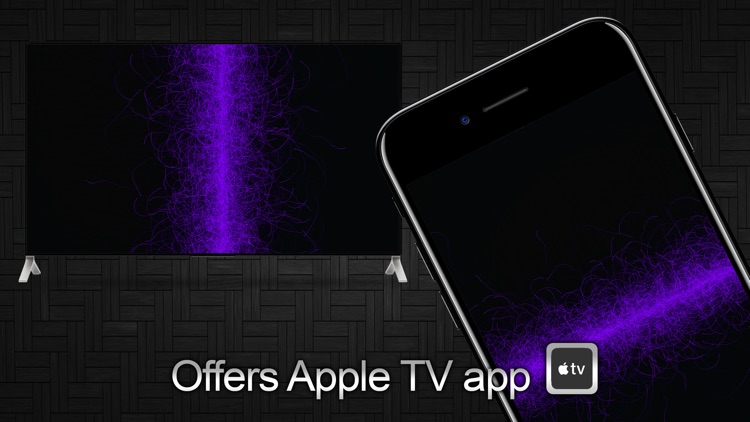
Simply put your fingers to the screen and watch what happens. On iPhone you’re able to utilize five separate fingers to manipulate the particles in different ways, and on iPad you’re allowed up to 10 fingers. You’re able to change the color, size, speed, opacity, and tail length of the particles as well. The app includes the ability to take snapshots of the animations, and TV-out support.