



You are using an outdated browser. Please upgrade your browser to improve your experience.

Apps That
Went Free on
2014-03-25

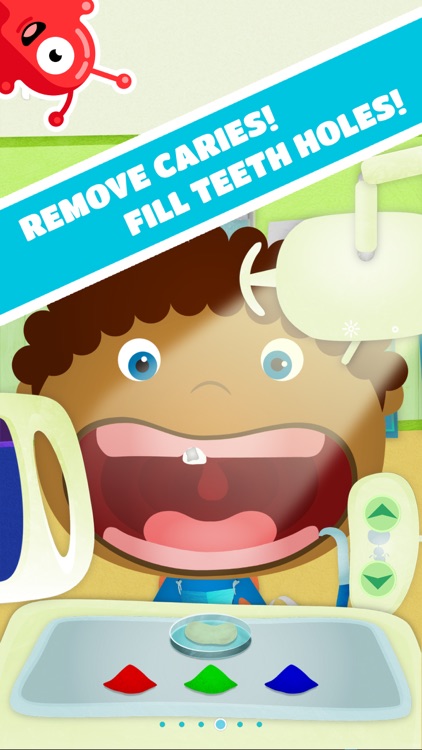
Avoid nasty data overages with Data Counter. We also have a powerful word processor, and a casual children’s game where they get to play dentist.

Demolition Master HD: Project Implode All
iPad
Demolition Master HD: Project Implode All

Demolition Master HD: Project Implode All

James Geek

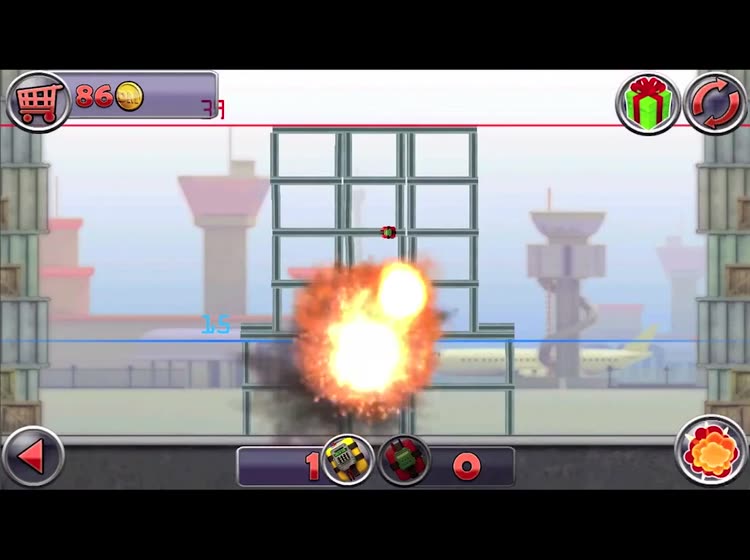
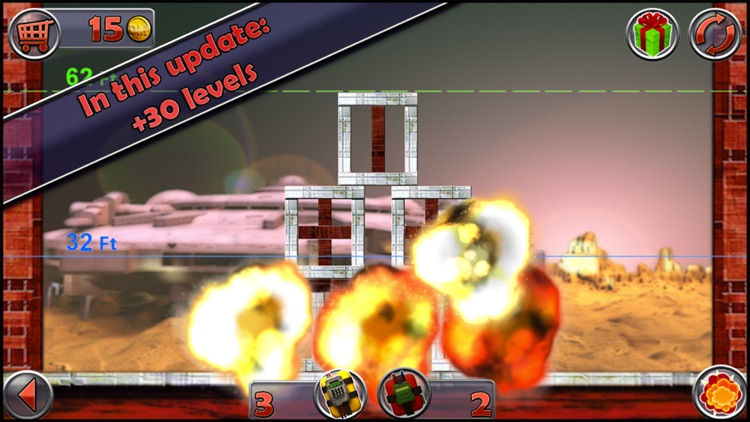
Become a demolition master by flattening structures in this physics-based puzzle game.
FREE ($1.99) For a limited time FREE ($1.99) For a limited time
Why we picked this?

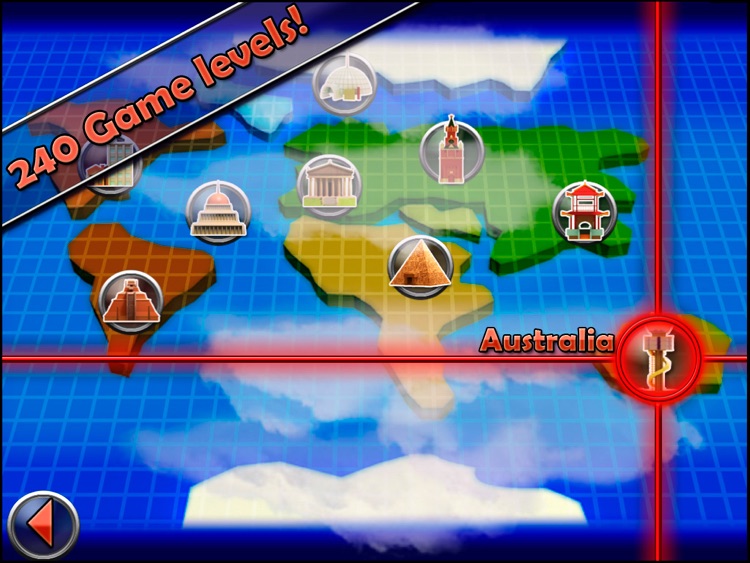
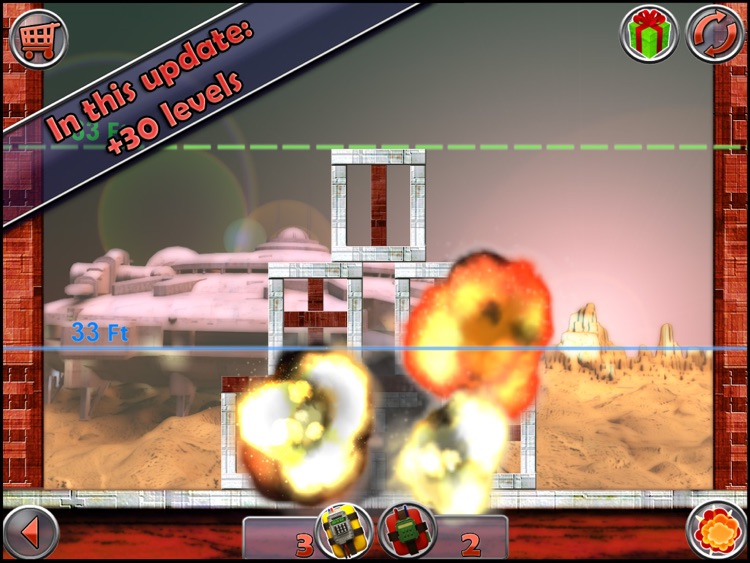
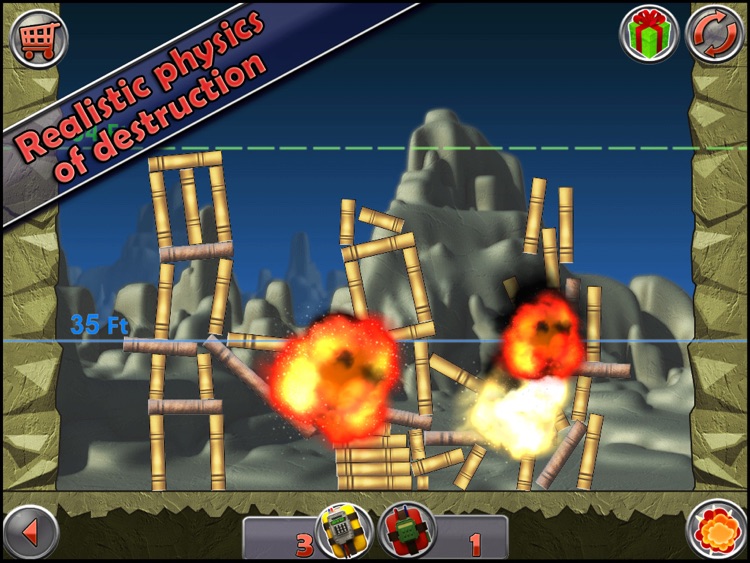
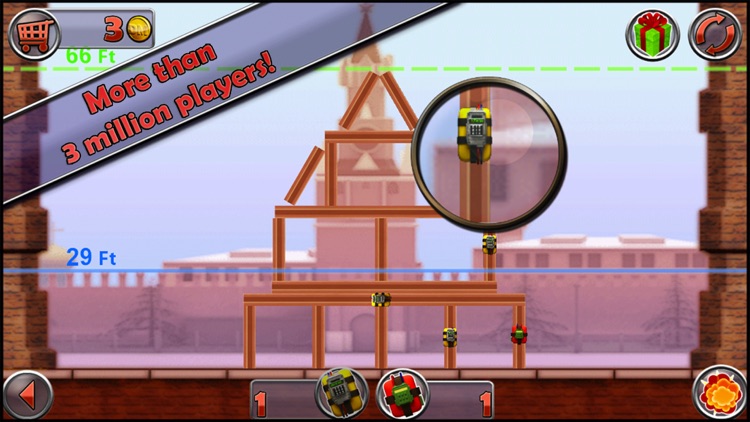
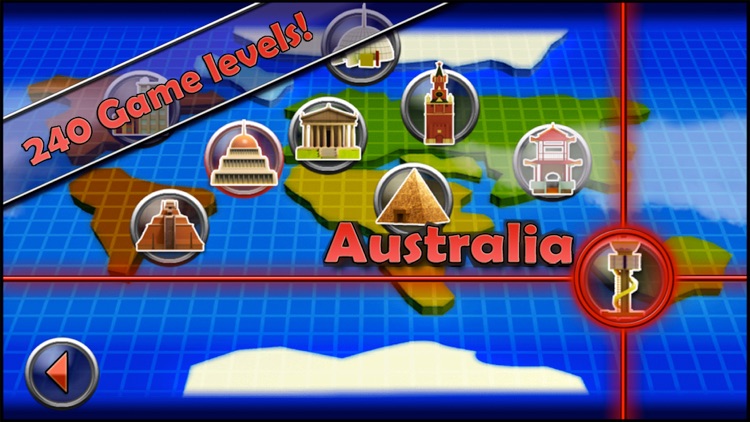
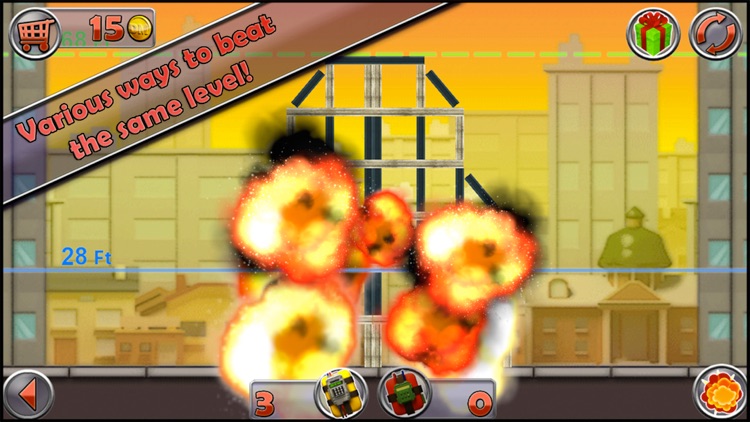
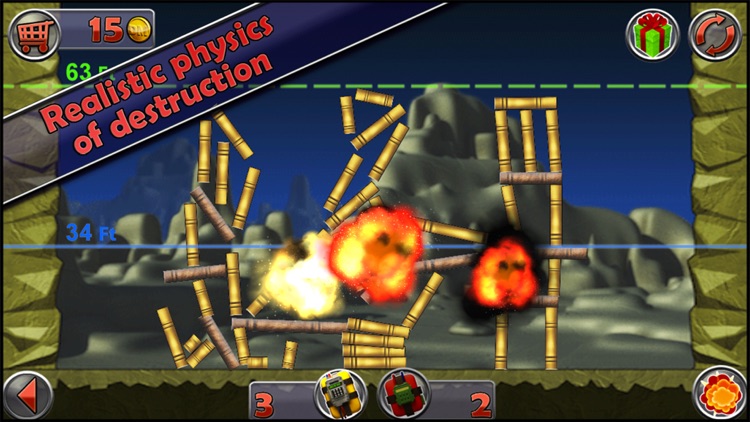
Attach explosives to the structures by dragging and dropping them into place. Then just sit back and watch as they come tumbling down. You are provided with a limited amount of explosives in each level, so make sure to use them wisely. The game includes 16 locations, 240 levels, and leaderboards via Game Center.

Demolition Master: Project Implode All
iPhone
Demolition Master: Project Implode All

Demolition Master: Project Implode All

James Geek

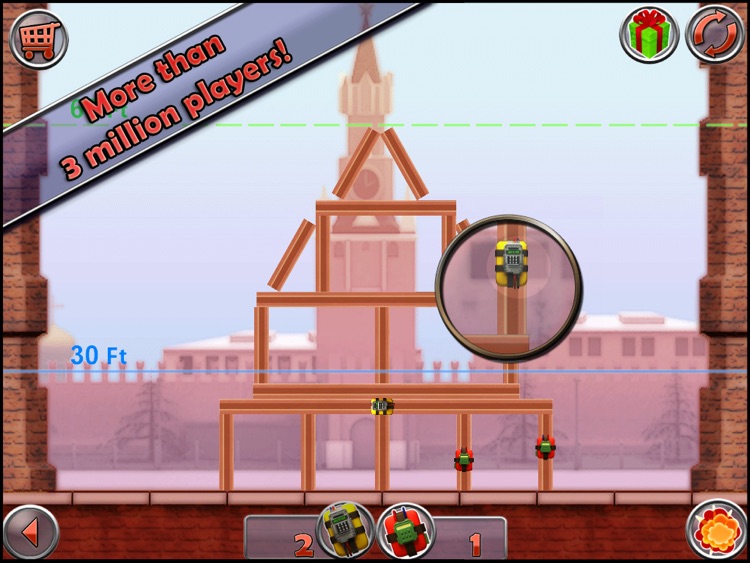
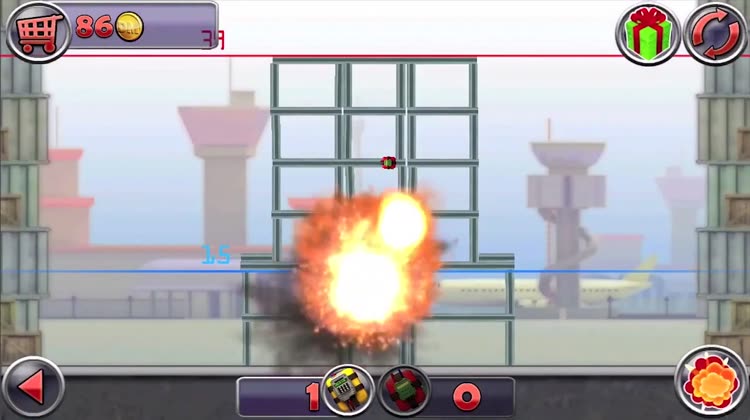
Become a demolition master by flattening structures in this physics-based puzzle game.
FREE ($0.99) For a limited time FREE ($0.99) For a limited time
Why we picked this?

Attach explosives to the structures by dragging and dropping them into place. Then just sit back and watch as they come tumbling down. You are provided with a limited amount of explosives in each level, so make sure to use them wisely. The game includes 16 locations, 240 levels, and leaderboards via Game Center.
Lartte
iPhone
Lartte

Lartte

Jason Titus

Become the greatest barista there is in this casual game.

FREE ($0.99) For a limited time FREE ($0.99) For a limited time
Why we picked this?

Your job is to achieve a perfect pour by recreating the artwork provided to you. Drag your finger through the glossy liquid until you have an acceptable result. Then tap the done button and see how you rate. The game includes two modes, a practice area, five artworks to master, and achievements and leaderboards via Game Center.
Textkraft English - Write, Research & Correct
iPad
Textkraft English - Write, Research & Correct

Textkraft English - Write, Research & Correct

Infovole

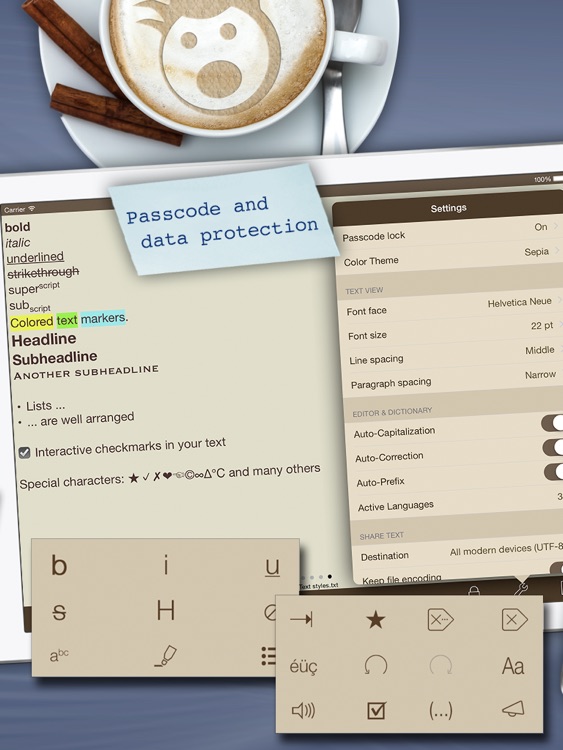
A powerful and intelligent word processor for your on-the-go lifestyle.

$10.99 $10.99
Why we picked this?

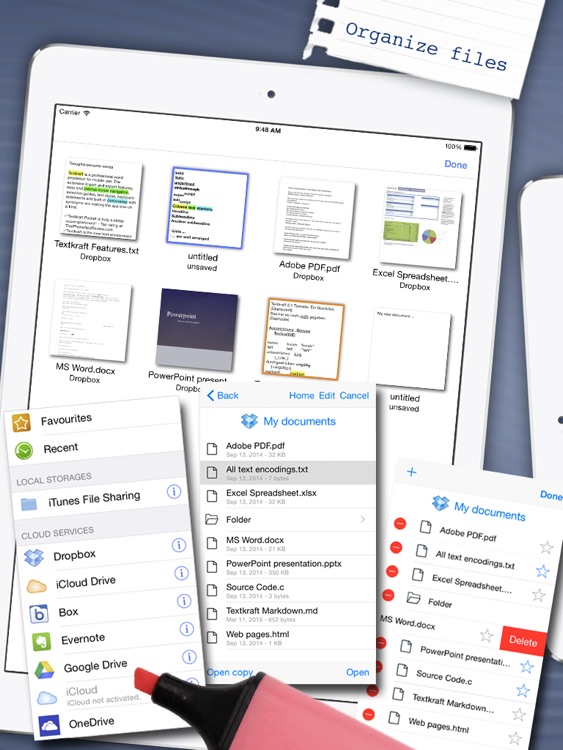
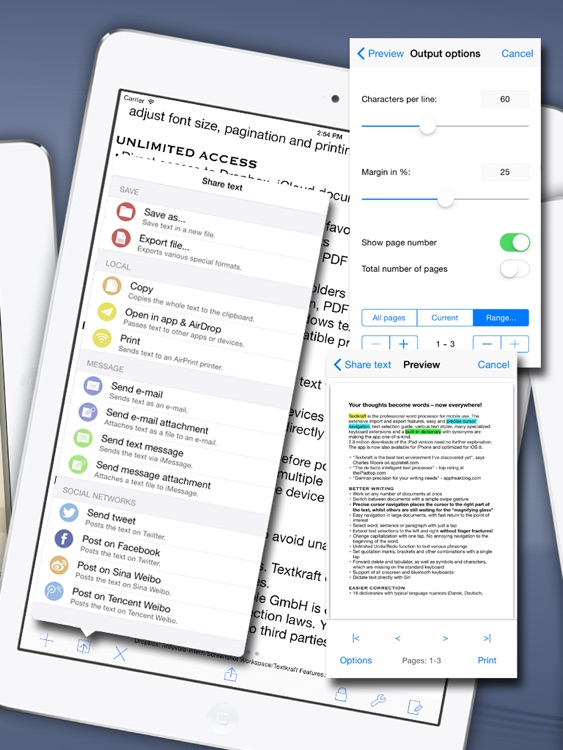
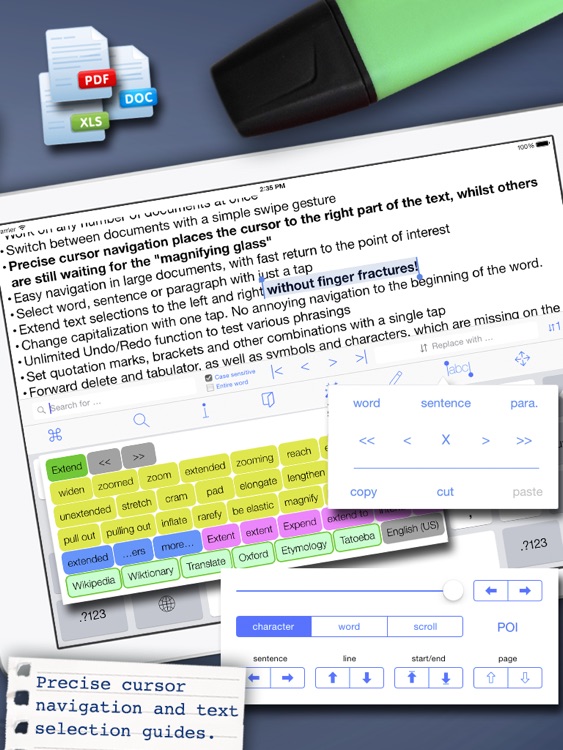
The app is absolutely loaded with features that will help you get your work done even faster while away from your computer. It allows you to work on up to five documents at once and switch between them with a tap. A toolbar across the top of your keyboard provides you with quick access to the 10 built-in cursor keys, an interactive dictionary and thesaurus, document info, undo and redo, search, text styles, and even Wikipedia. You’re also able to import and export files via Dropbox, iCloud, Box, and iTunes File Sharing.

Data Counter - Universal Data Usage Monitor
iPhone
iPad
Data Counter - Universal Data Usage Monitor

Data Counter - Universal Data Usage Monitor

Slybees

Avoid nasty data overages with this utility app.

$1.99 $1.99
Why we picked this?

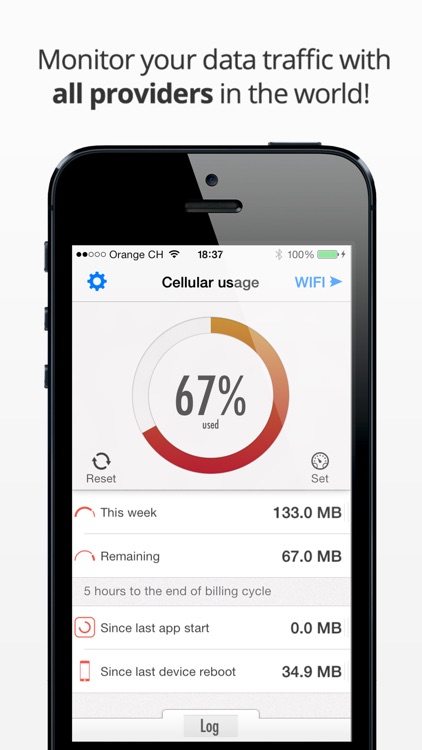
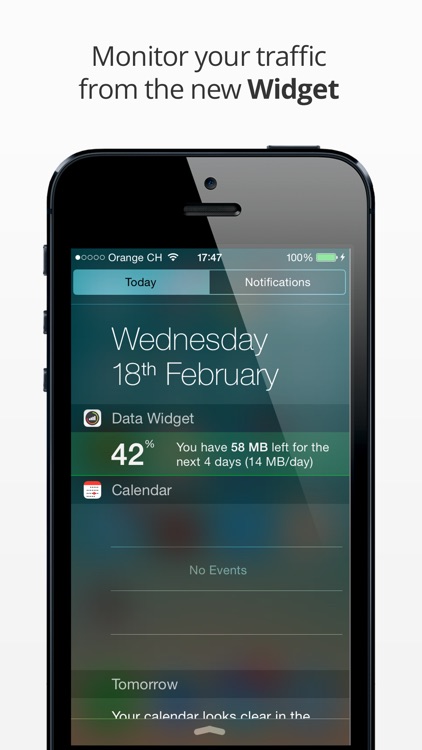
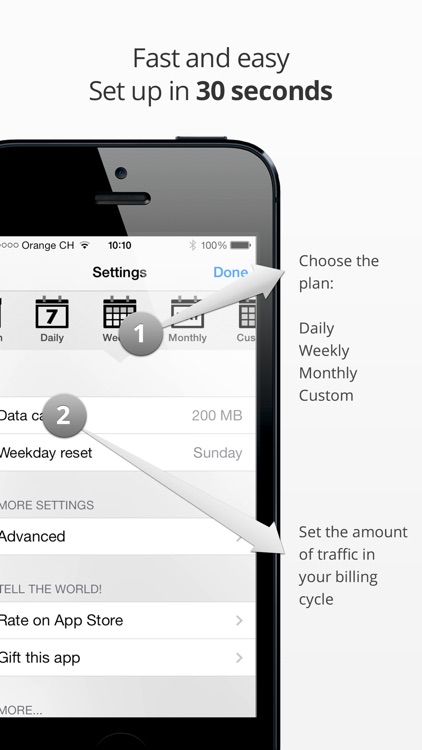
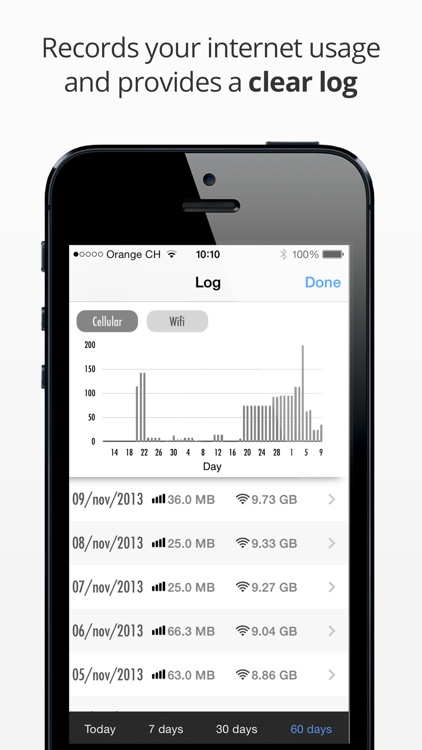
You must first set up your plan by choosing a daily, weekly, or monthly data cap and setting a bill date. Then just let Data Counter do all of the work. The app recovers all of the necessary information straight from your iDevice, which means it doesn’t need to waste your data on pulling information from the mobile portal. You’re able to quickly view how much data you’ve used, how much you have remaining, and your usage log all from a single screen. The app also includes background monitoring, a download speed indicator for Wi-Fi, and the ability to have a reminder sent when the background process has been stopped.

Tiny Dentist
iPhone
iPad
Tiny Dentist

Tiny Dentist

Anastazja Bagdziun-Markacheva

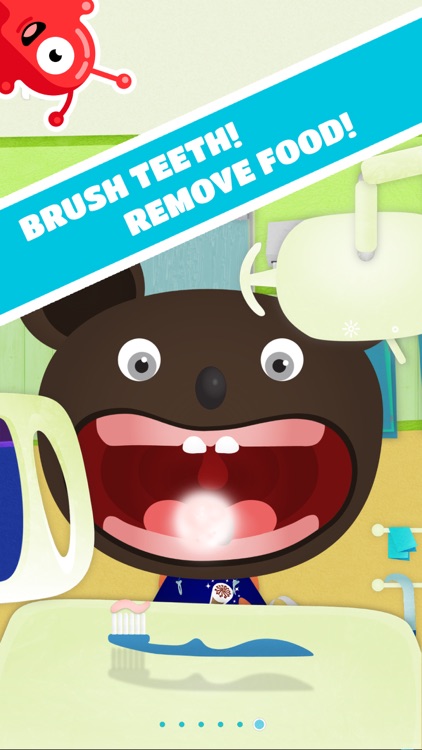
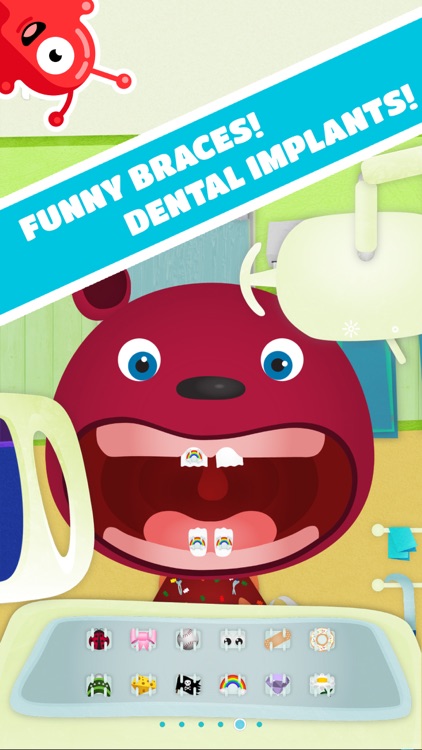
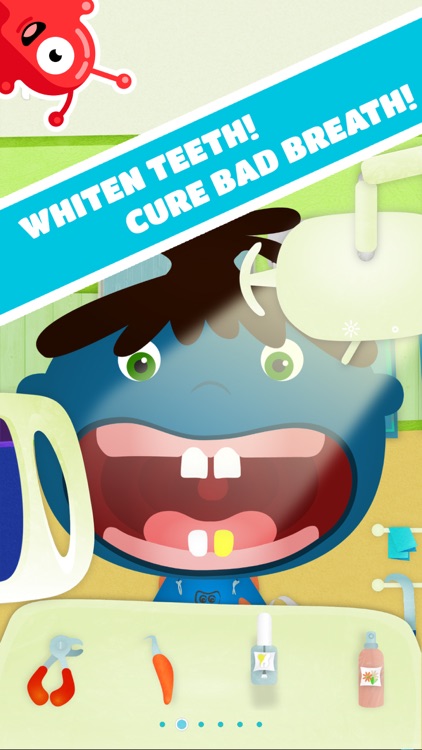
Your child can play dentist in this casual game.

$2.99 $2.99
Why we picked this?

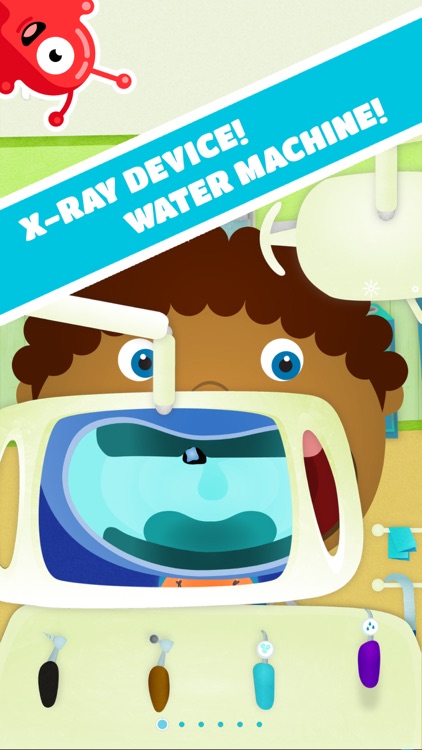
It includes a vast number of colorful characters in need of dental help. Your child can scroll through all of the tools at the bottom of the screen and tap on the ones that want to use like an extractor, brush, bleach, x-ray, and braces. They can also snap pictures of their patient during or after the procedure.

Levitagram
iPhone
iPad
Levitagram

Levitagram

LOCQL, Inc.

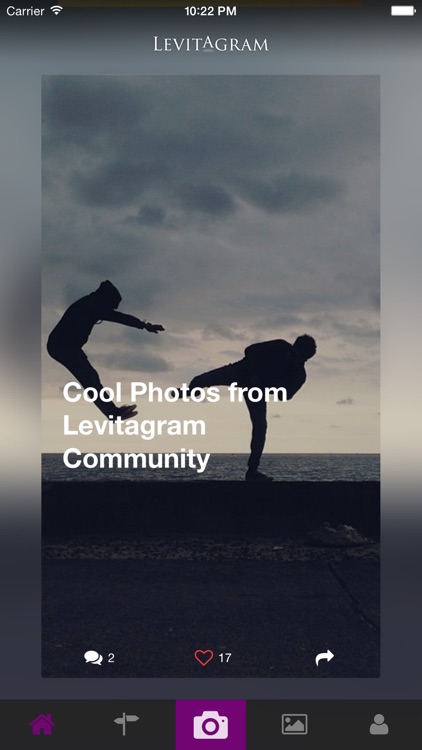
Levitate the subjects in your photos with Levitagram.

$1.99 $1.99
Why we picked this?

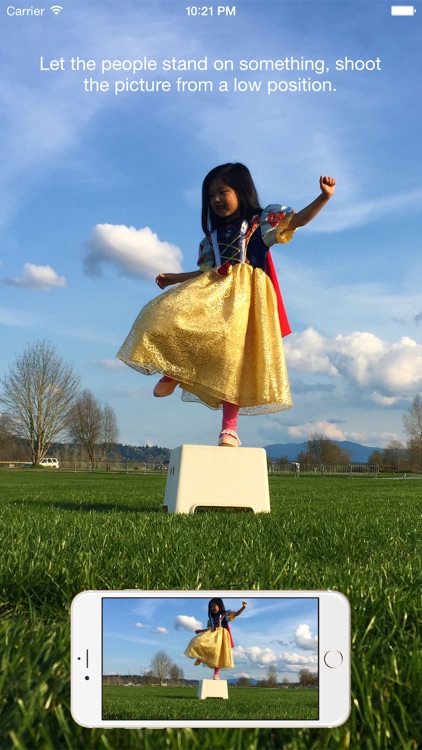
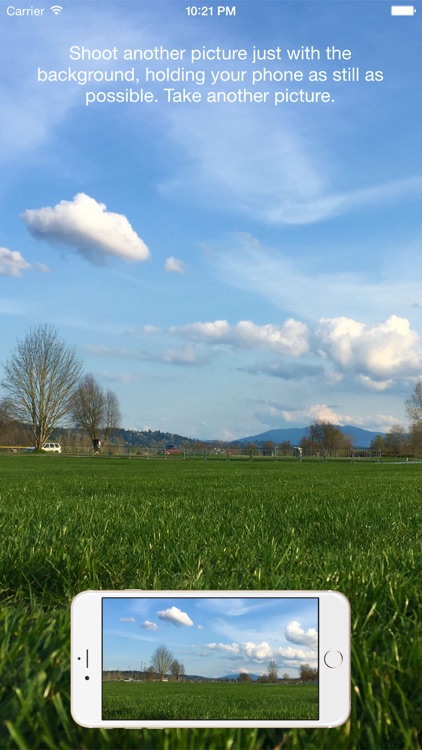
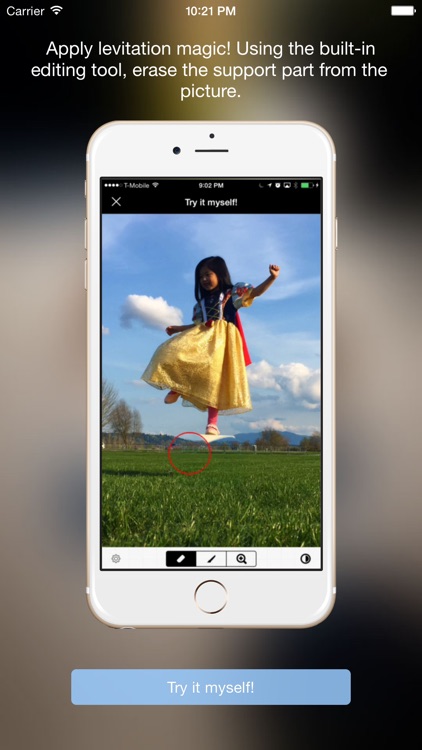
To make it seem as if your subject is levitating, start off by taking two separate photos. The first photo should be of your subject in its environment, and the second should be the environment without your subject. Make sure to keep the camera steady between photos in order to get the best results. Levitagram will automatically align and stitch together the two photos, so all that’s left for you to do is cut out the parts you don’t want. When you’re finished creating your magical photo, you’re able to save it or share it via Twitter, Facebook, Instagram, Messages, or email.