



You are using an outdated browser. Please upgrade your browser to improve your experience.

Apps That
Went Free on
2014-06-21

Take control of your music with the beautifully simple CarTunes. We also have a weather app that’s the Swiss army knife of sunlight tools, and an app that allows you to piece together scenes to create one fantastic video.

CaptureBoardPro: Scan Whiteboard, Business cards, receipts and more.
iPhone
iPad
CaptureBoardPro: Scan Whiteboard, Business cards, receipts and more.

CaptureBoardPro: Scan Whiteboard, Business cards, receipts and more.

MaaDoTaa

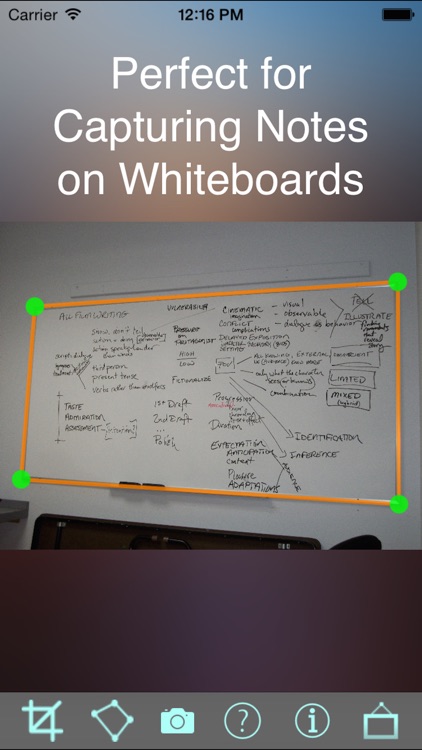
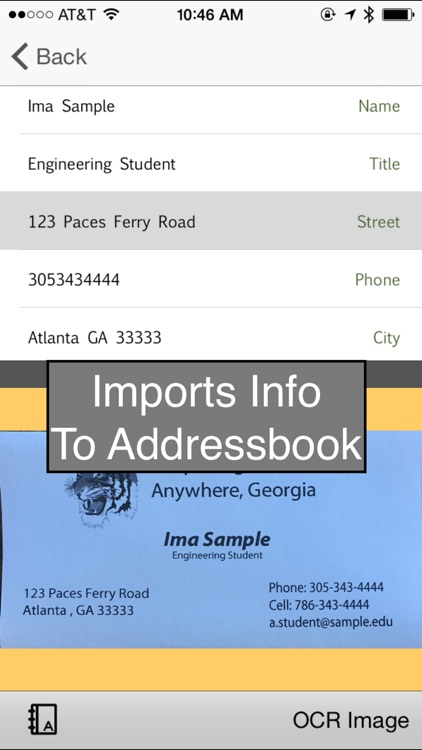
Digitize whiteboards, business cards, and anything else you need with this utility app.

$2.99 $2.99
Why we picked this?

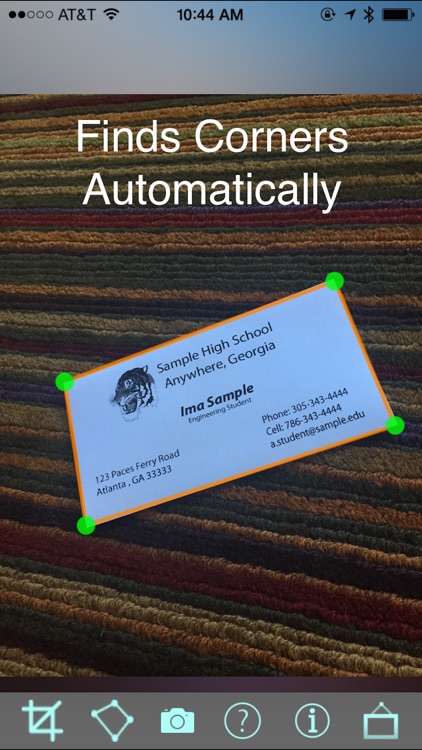
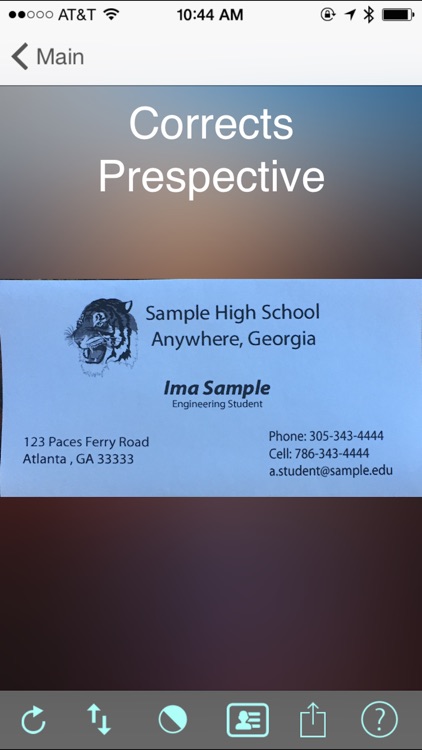
Try to fill most of the screen with your subject to get the best results. Then take a photo and the app will automatically detect the edges of your subject and crop it down perfectly. Don’t worry about the perspective of your photo, as the app will automatically correct it. You can then rotate your newly digitized subject if necessary and share it via Facebook, Twitter, AirDrop or email. You’re also able to export and upload it to Google Drive.

InstaCapture - Video Capture
iPhone
InstaCapture - Video Capture

InstaCapture - Video Capture

MobiLab Co., Ltd.

Create fantastic videos by piecing together scenes in InstaCapture.

$1.99 $1.99
Why we picked this?

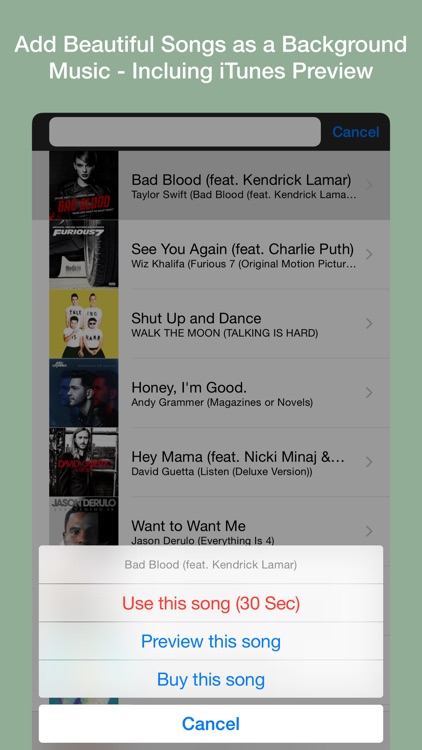
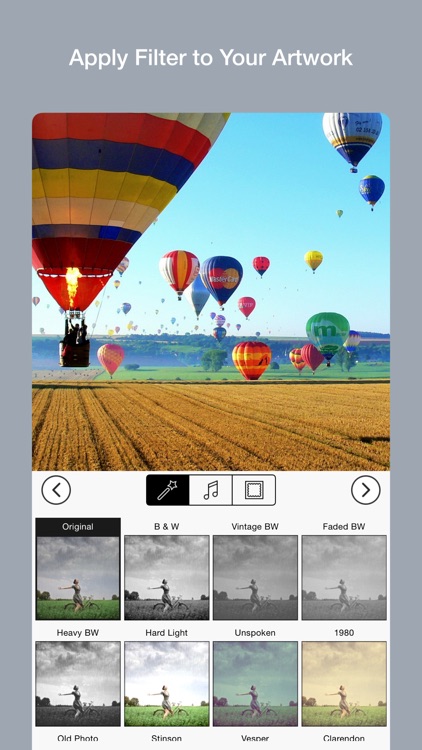
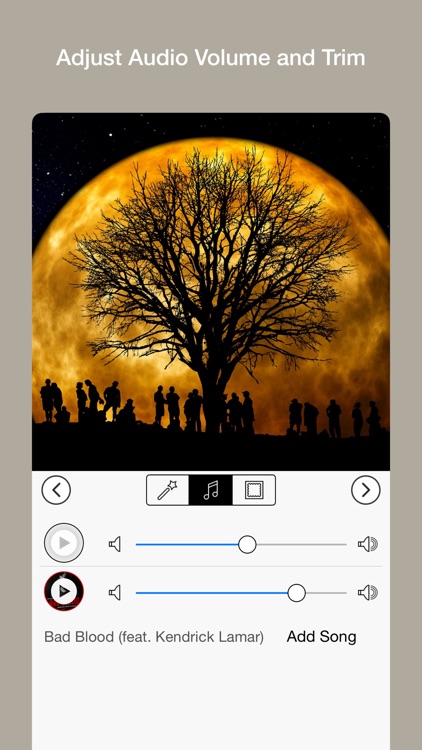
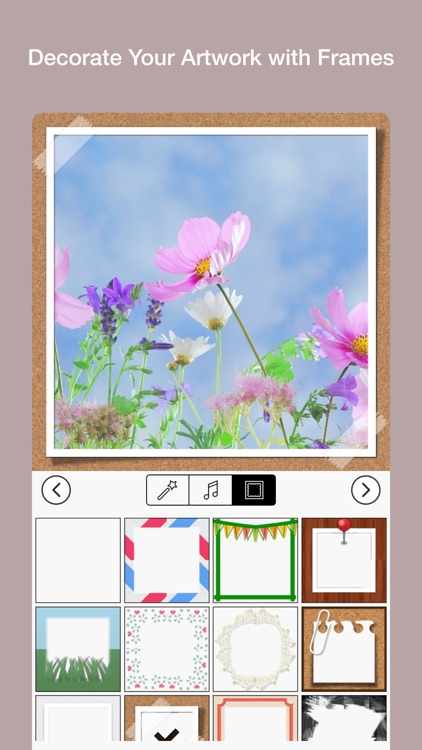
Just hold your finger over the record button to start capturing video. Release to pause, and tap and hold again to add another scene. Repeat as many times as necessary. You’re then able to apply 25 different filters to your video and even layer them by tapping and holding. Music from your library can be imported and played in the background, and you can finish your video off by decorating it with one of 50 frames. Your final creations can be shared via Facebook, Instagram, or YouTube. They can also be exported as animated GIFs.

7 Minute Workout Pro
iPhone
iPad
7 Minute Workout Pro

7 Minute Workout Pro

Fei Yang

Get a quick workout in wherever you are with this fitness app.

$0.99 $0.99
Why we picked this?

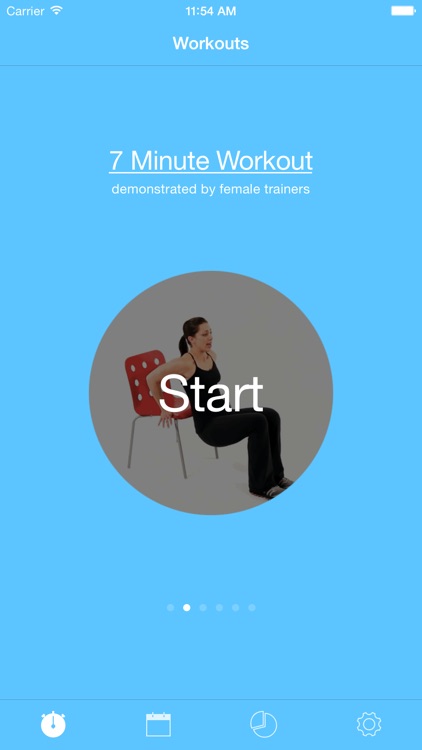
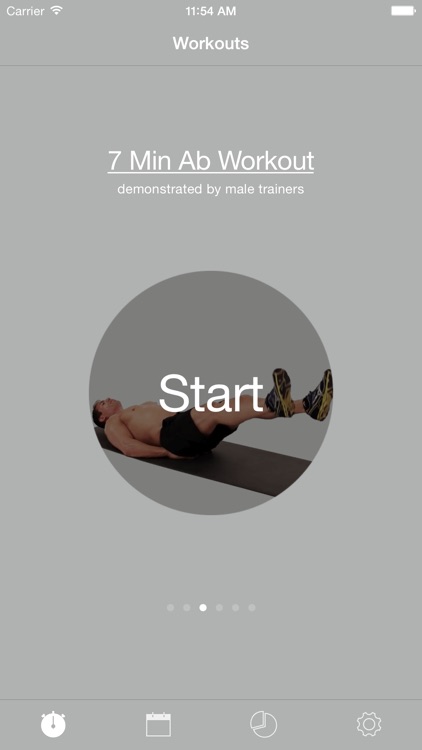
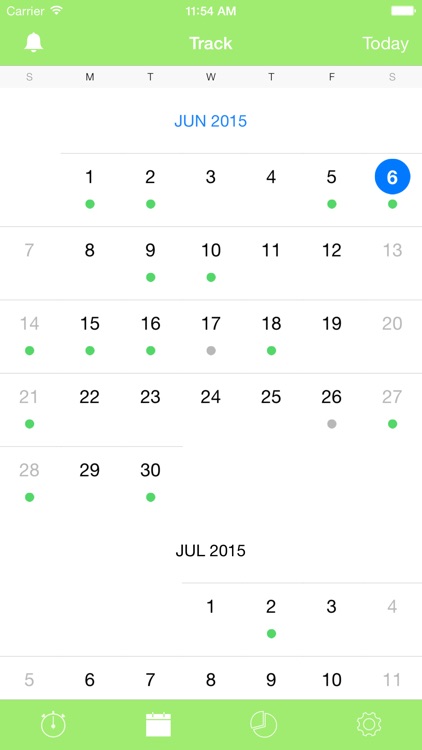
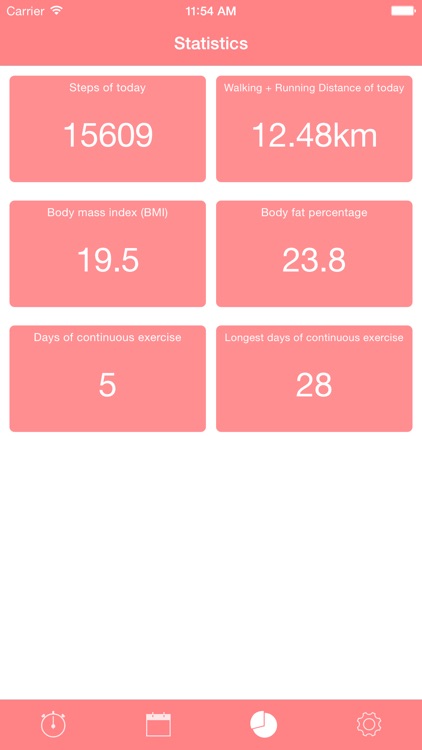
You’re asked to perform 12 exercises in only seven minutes. Each exercise requires nothing more than your own body weight, a chair, or a wall. Exercises are performed for 30 seconds, with 10 seconds of rest in between. The app also includes three models to choose from, eight themes, workout tracking, reminders, the ability to randomize workouts, and text, image, and video instructions.

Juggle: Pocket Machine
iPhone
Juggle: Pocket Machine

Juggle: Pocket Machine

Yegor Trukhin

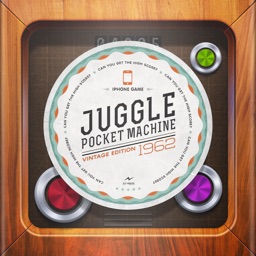
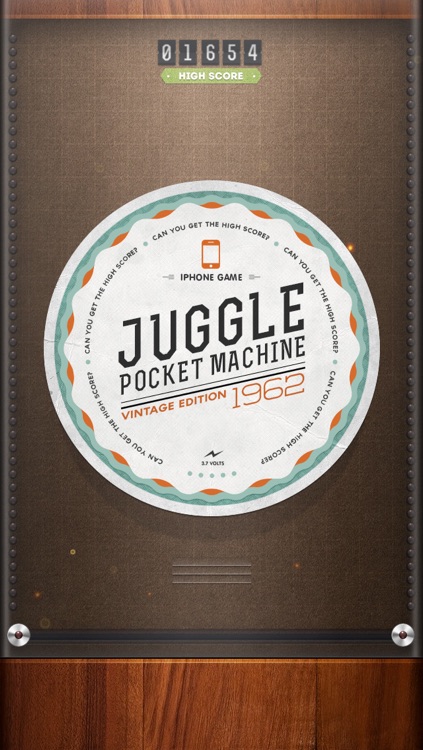
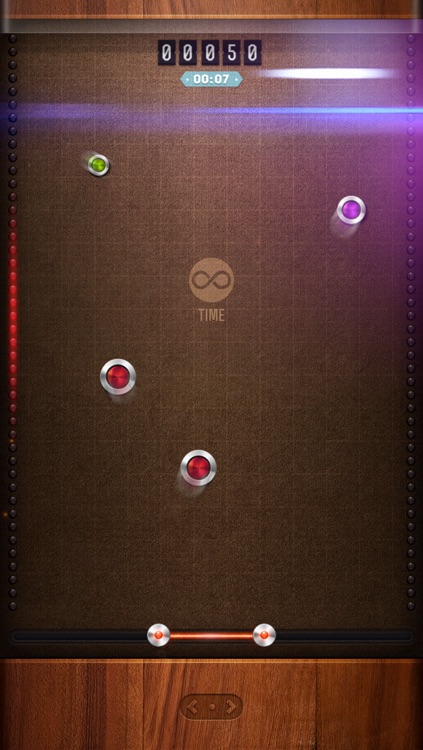
This juggling machine fits right into your pocket, allowing you to work on your hand-eye coordination wherever you go.

$0.99 $0.99
Why we picked this?

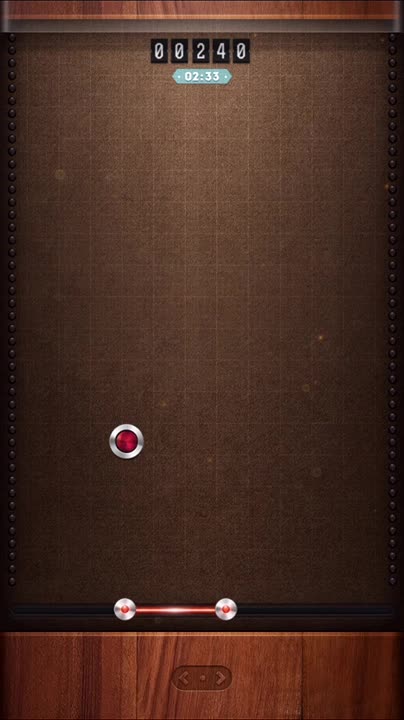
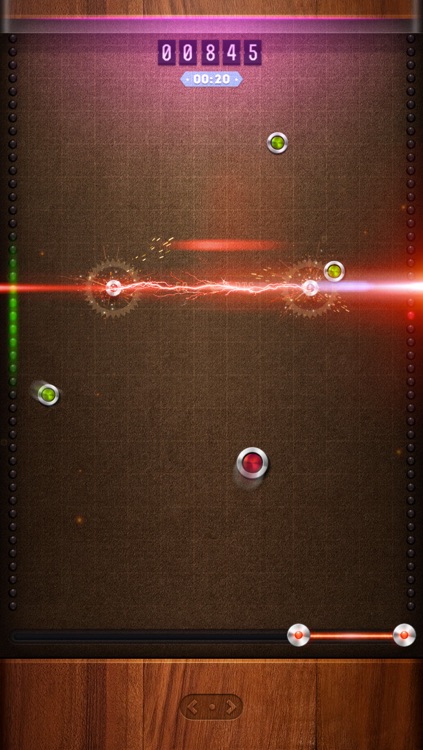
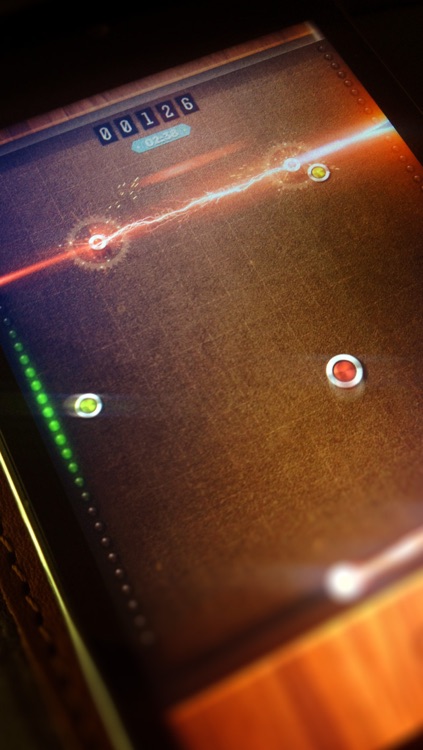
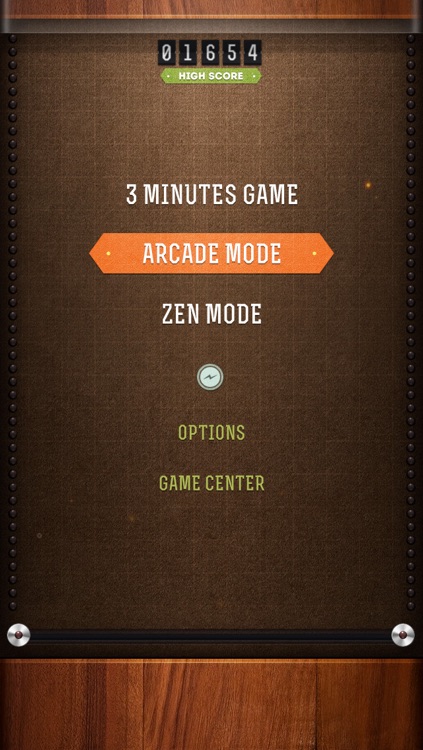
The game features three modes, all of which require you to keep the colored disks in the air by bouncing them off your laser bumper. Disks are constantly being added to the mix, so try to keep as many on the screen as possible to earn bonus points. The game also includes a fantastic retro-inspired look, and leaderboards via Game Center.

CarTunes Music Player
iPhone
iPad
CarTunes Music Player

CarTunes Music Player

Ryan Oksenhorn

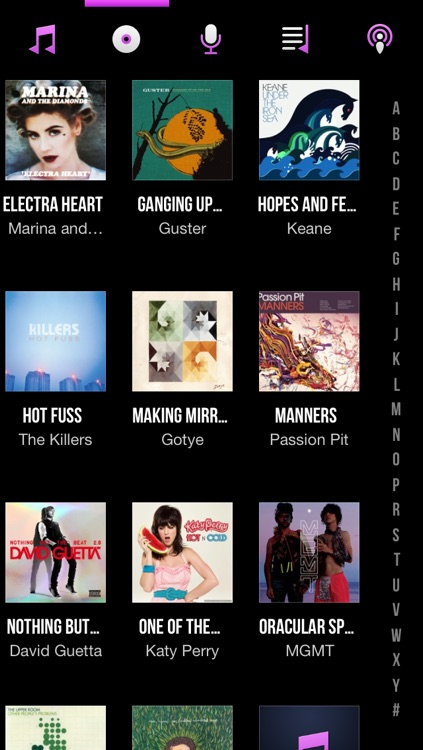
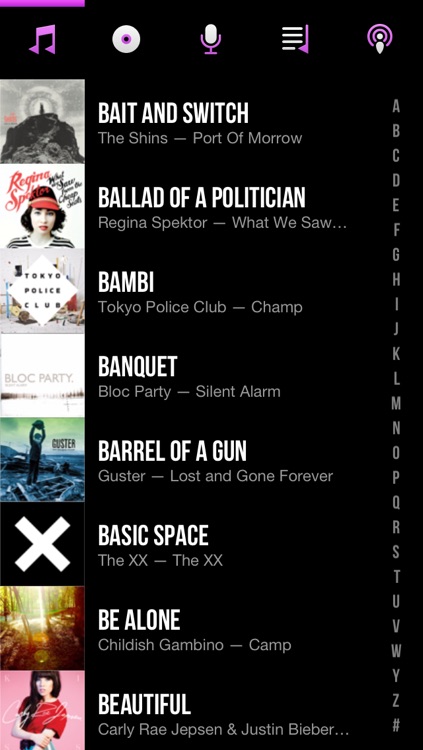
A beautifully simple app that allows you to control every aspect of your music listening experience via gestures.

$4.99 $4.99
Why we picked this?

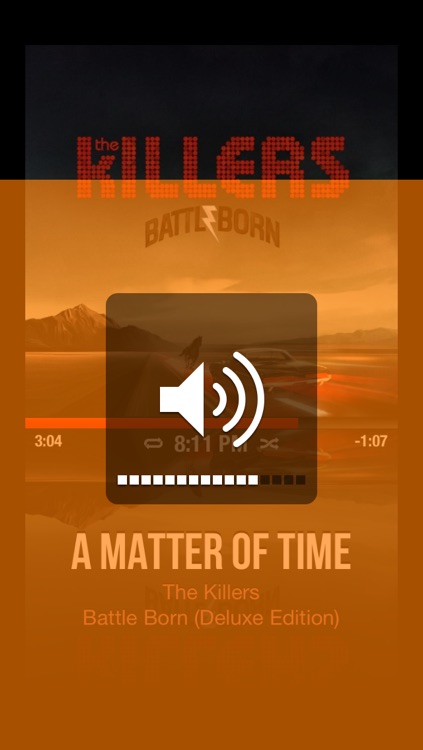
You can tap to play and pause your music, swipe left and right to change tracks, swipe up and down to change volume, swipe with two fingers to shuffle, pinch to play the current album, and even swipe down with two fingers to tweet what you're listening to. The app also includes full-screen album artwork, colors and visuals that adapt to your music, and background audio support.

File Manager - Folder Plus
iPhone
iPad
File Manager - Folder Plus

File Manager - Folder Plus

The Very Games

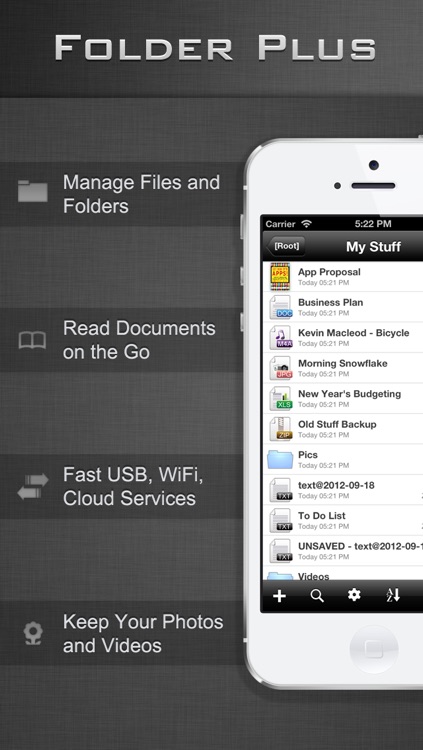
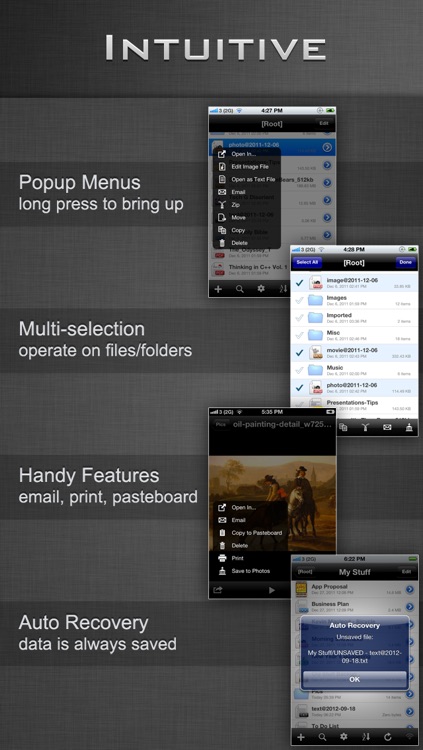
Store, edit, manage, and protect all of your files with this business app.

$4.99 $4.99
Why we picked this?

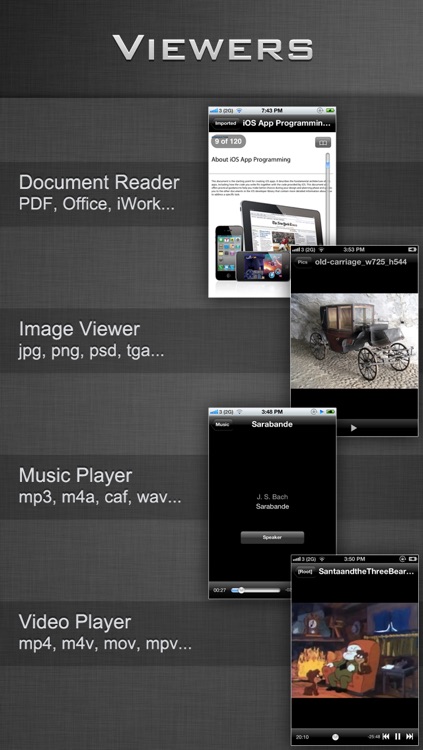
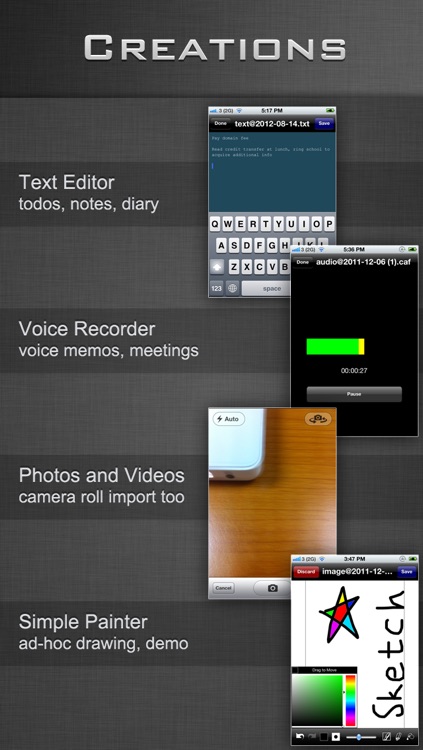
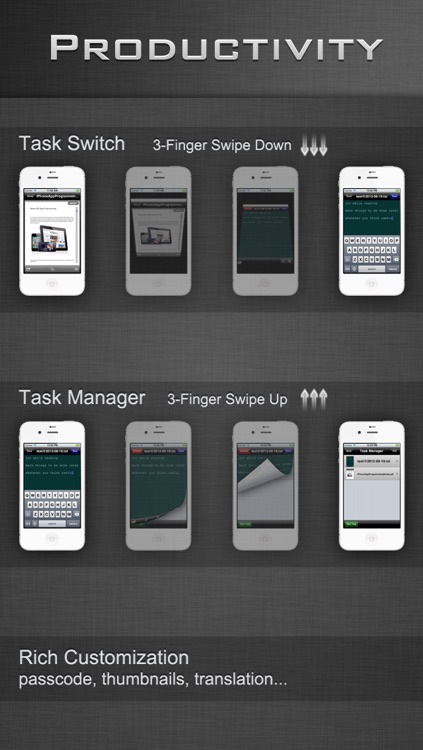
It allows you to create your own text, audio, or media files, or you can import files via iTunes File Sharing, Wi-Fi, Dropbox, Google Drive, or Box. Files can be arranged into folders, zipped, and shared. The app also includes a three-finger task switcher, AirPrint support, passcode protection, search, support for the most common file types, and a whole bunch more.

Sol: Sun Clock
iPhone
iPad
Sol: Sun Clock

Sol: Sun Clock

Juggleware, LLC

This weather app is the Swiss army knife of sunlight tools.

$4.99 $4.99
Why we picked this?

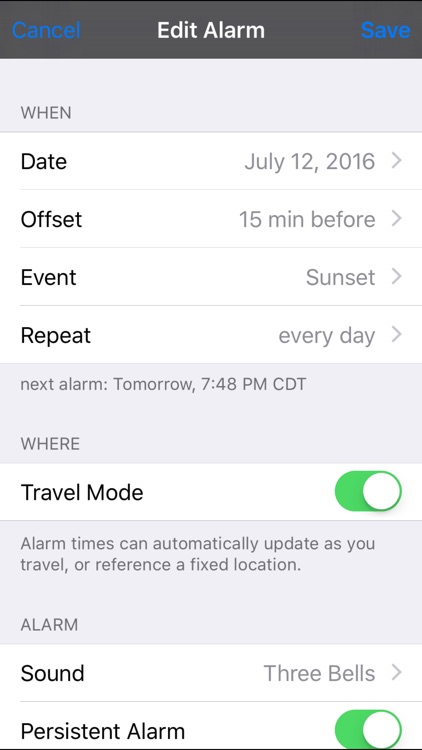
You can use it to guide sleep cycles, take the perfect photograph, discover the best times to go fishing, or just plan your day. It includes solar midnight and solar noon data, all three twilight periods, automatic location discovery, reminders, and the ability to set location-aware alarms.