





You are using an outdated browser. Please upgrade your browser to improve your experience.

Apps That
Went Free on
2014-11-20

Today’s the day you’re going to get things done thanks to our collection of AppsGoneFree apps. Things for iPhone and iPad will help you prioritize all of the tasks in your life while Resume Mobile will help you get a new job.

Professional Metal Detector
iPhone
Professional Metal Detector

Professional Metal Detector

Markus Hammer

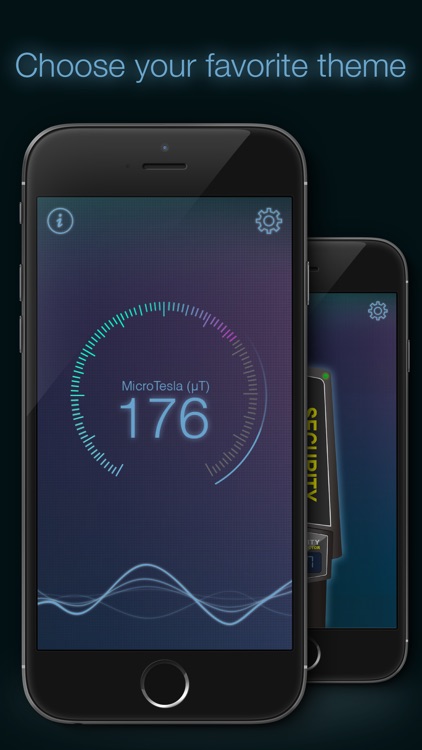
Turn your iDevice into a fully functional metal detector with this utility app.
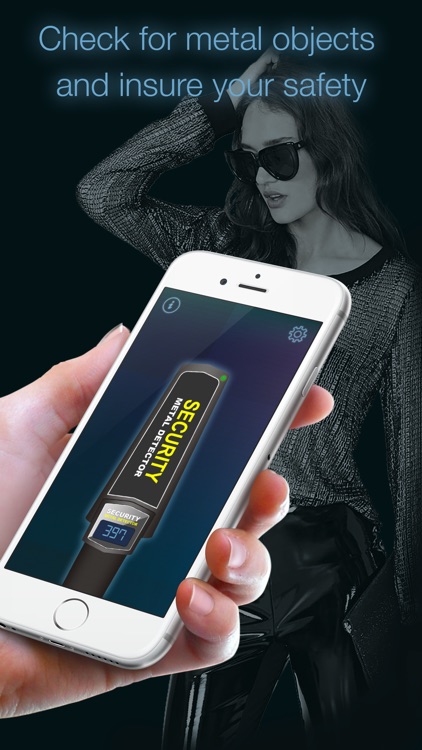
It’s for anyone who is on the hunt for metal objects.

FREE ($0.99) For a limited time FREE ($0.99) For a limited time
Why we picked this?

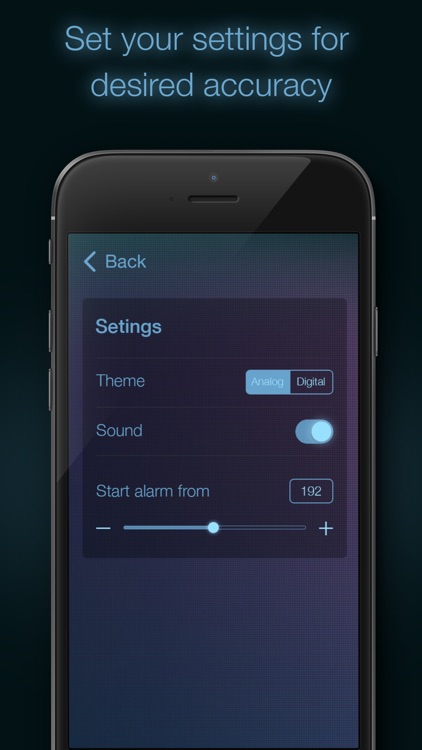
Even though the app is intended for entertainment purposes, it actually works! It utilizes your iDevice’s built-in magnetometer to discover metal objects within your vicinity. Simply hold your iDevice up to an object and the numbers on the screen will climb if metal has been detected. You’re able to set different thresholds for the alarm to sound at, and you’re able to switch between two different themes.

If you’re looking to impress your friends, show them Professional Metal Detector.

Again, the app is intended for entertainment purposes. It doesn’t provide true metal detector functionality.

Things for iPad
iPad
Things for iPad

Things for iPad

Cultured Code GmbH & Co. KG

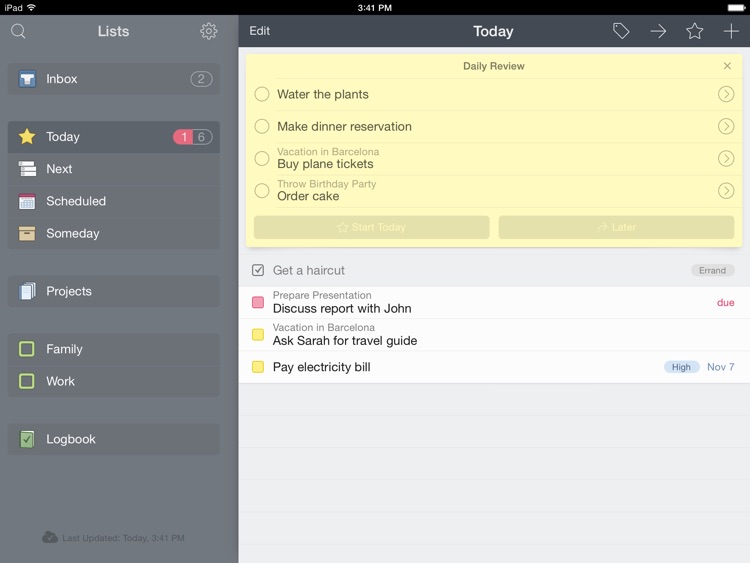
This award-winning productivity app will help you stay on top of all of your personal and business tasks.

Things can be utilized by just about anyone who needs to get things done.

$19.99 $19.99
Why we picked this?

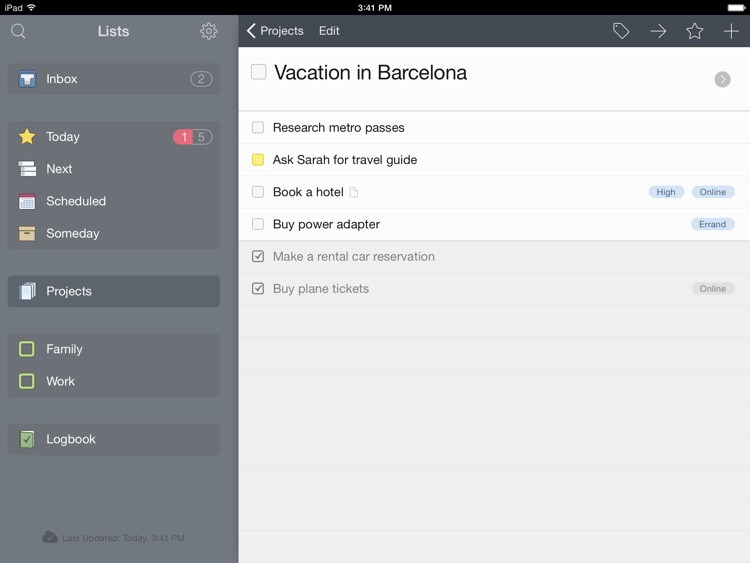
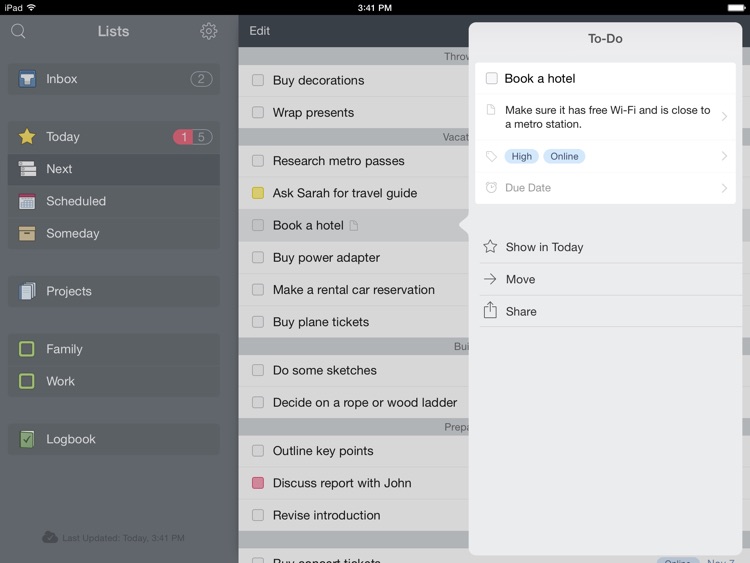
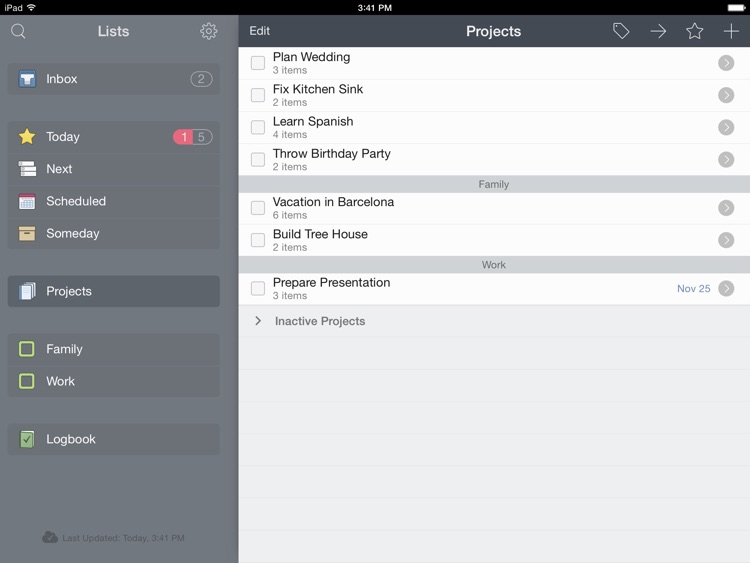
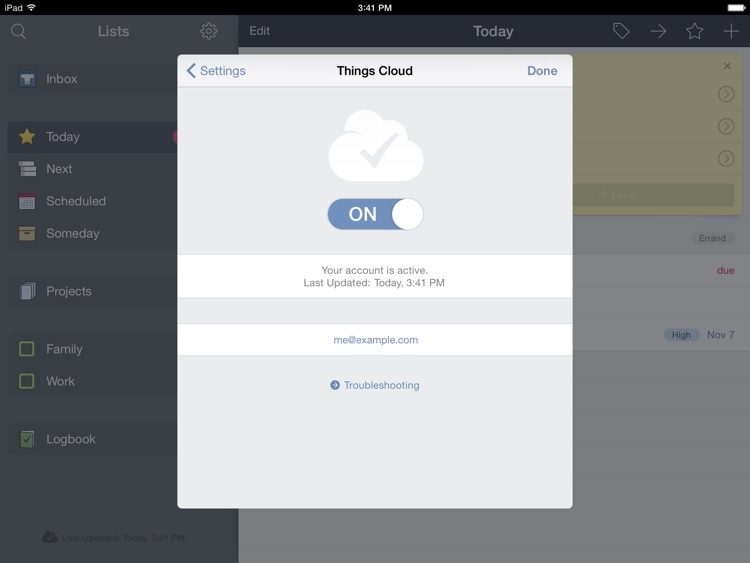
The problem with most task managers is that they’re either too simplistic and can’t be used for every purpose or too complicated and get in the way of your productivity. Things doesn’t have that problem thanks to its streamlined interface. You’re able to create as many tasks as necessary and dump them all into your inbox. If something is pressing, slide it over into your Today list to ensure it gets done. You’re even able to schedule tasks for a later date and tuck them away until the time comes. The app also includes the ability to tag tasks, prioritize them, add due dates, and have them recur. If you own the Mac version of Things or have it installed on another iDevice, you’re able to sync all of your tasks through the cloud for free!

If you you’re constantly getting bogged down by all of your tasks, download Things today. It does a wonderful job of divvying up your tasks in order to help you get them done on time.

If you’re already committed to another task manager, you might want to think twice about utilizing Things. The app doesn’t offer a way to import tasks, which means you’ll have to start from scratch.

Things
iPhone
Things

Things

Cultured Code GmbH & Co. KG

This award-winning productivity app will help you stay on top of all of your personal and business tasks.

Things can be utilized by just about anyone who needs to get things done.

$9.99 $9.99
Why we picked this?

The problem with most task managers is that they’re either too simplistic and can’t be used for every purpose or too complicated and get in the way of your productivity. Things doesn’t have that problem thanks to its streamlined interface. You’re able to create as many tasks as necessary and dump them all into your inbox. If something is pressing, slide it over into your Today list to ensure it gets done. You’re even able to schedule tasks for a later date and tuck them away until the time comes. The app also includes the ability to tag tasks, prioritize them, add due dates, and have them recur. If you own the Mac version of Things or have it installed on another iDevice, you’re able to sync all of your tasks through the cloud for free!

If you you’re constantly getting bogged down by all of your tasks, download Things today. It does a wonderful job of divvying up your tasks in order to help you get them done on time.

If you’re already committed to another task manager, you might want to think twice about utilizing Things. The app doesn’t offer a way to import tasks, which means you’ll have to start from scratch.

Equalizer + Pro Music Player
iPhone
iPad
Equalizer + Pro Music Player

Equalizer + Pro Music Player

Attribute

Improve the sound of your favorite songs and albums with Equalizer Pro.

It’s perfect for anyone who wants more control over the way their music sounds.

$4.99 $4.99
Why we picked this?

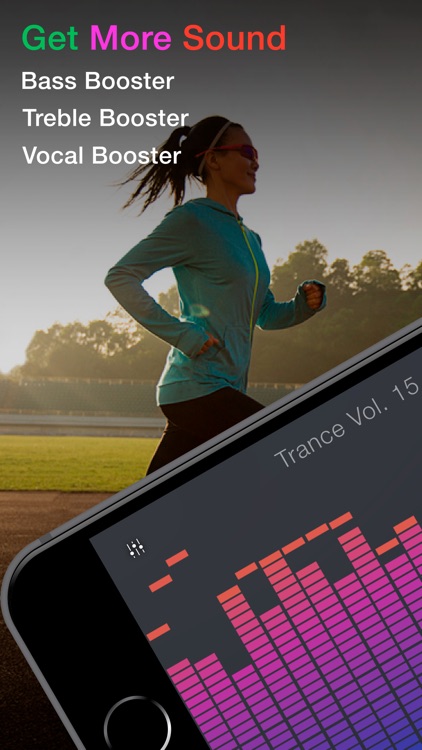
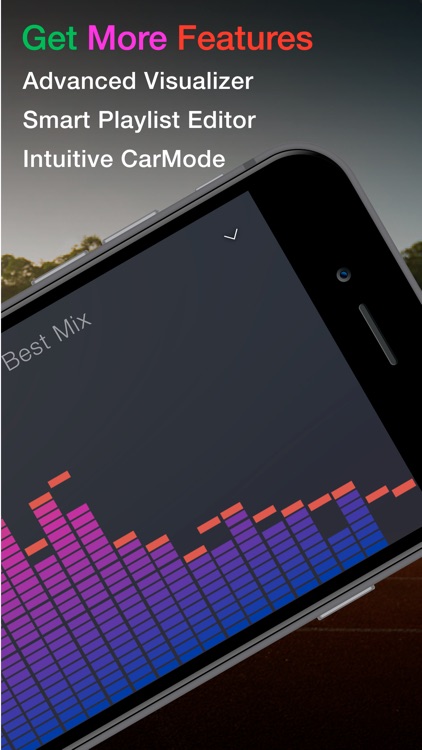
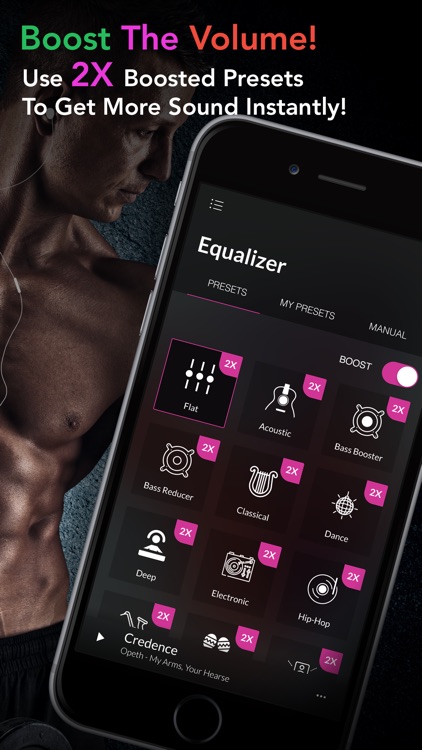
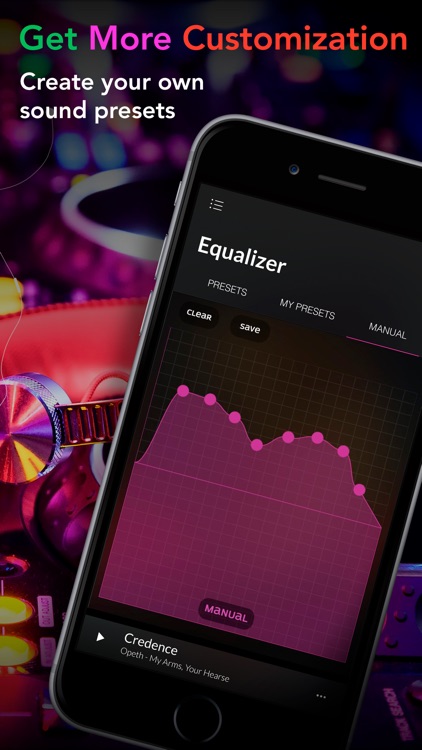
We really like Equalizer Pro because it’s so easy to get great results. If you like to fiddle around with your sound, you can manually adjust the equalizer bars. If you just want to hear your music in its best possible form, choose from the 23 professional effects. While your music is playing you can activate one of the 10 visualizers and watch as they react in real-time. The app also includes the ability to adjust the equalizer quality and output gain.

If you’re not satisfied with the way your music sounds, give Equalizer Pro a shot.

If you don’t have much music in your library, this app will be of little use since it can only play local files.

Cows vs Aliens
iPhone
iPad
Cows vs Aliens

Cows vs Aliens

XMG Studio Inc.

Round up the cows while keeping the aliens out of the barn in this casual arcade game.

It’s great for anyone who only has a few minutes of time to spare on gaming.

$0.99 $0.99
Why we picked this?

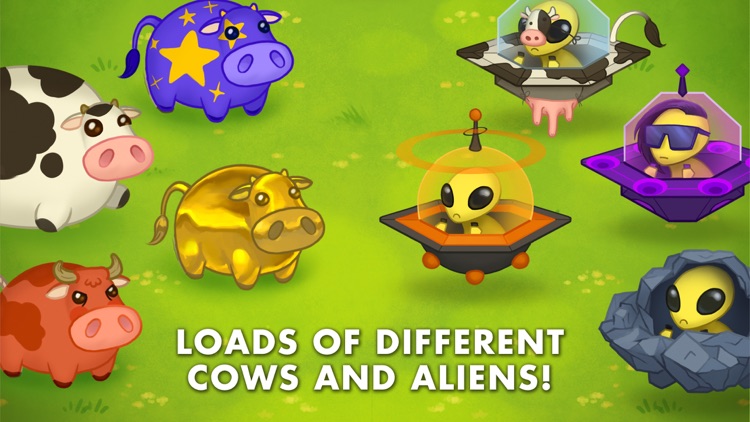
Cows vs Aliens has one neat gameplay mechanic. To get your cows into the barn, you have to give them a little push with your two thumbs. The only problem is that the aliens want your cows, and they will try to mix into the herd and make their way into the barn. You can not allow that to happen, so you must push them off the cliff. The game includes a variety of aliens to take on, and Game Center integration.

If you’re looking for something unique to play today, Cows vs Aliens has you covered. The gameplay mechanic will reel you in and have you coming back for more.

The gameplay in Cows vs Aliens is a little shallow, so it’s not ideal for long gaming sessions.

Resume Mobile Pro - design & share professional PDF resume on the go
iPhone
iPad
Resume Mobile Pro - design & share professional PDF resume on the go

Resume Mobile Pro - design & share professional PDF resume on the go

DahaBaska

Create eye-catching resumes right on your iDevice with this business app.

It’s ideal for anyone in search of a new career.

$2.99 $2.99
Why we picked this?

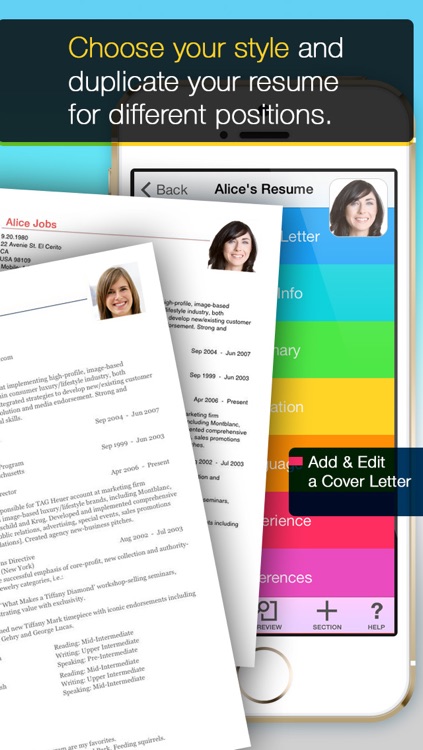
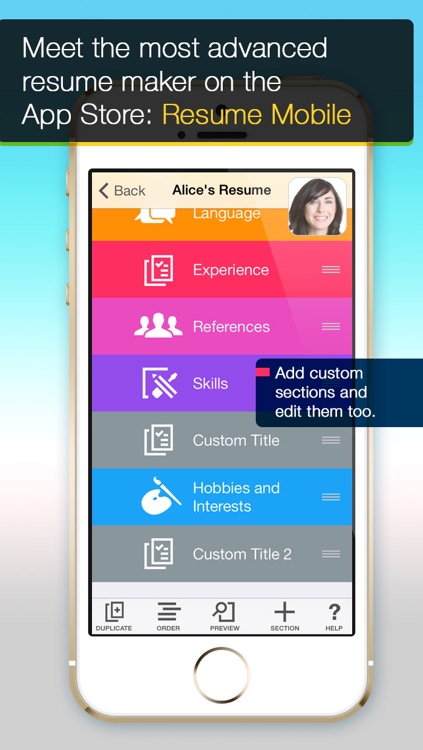
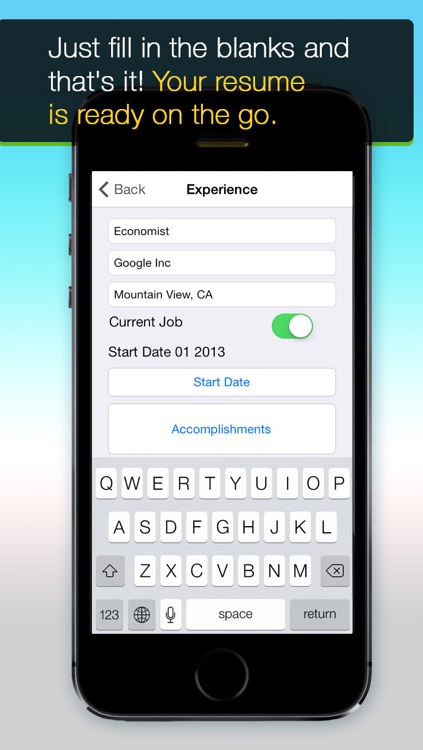
Resume Mobile takes at least some of the stress out of your job search by guiding you through every step of the resume creation process. You’re able to import your LinkedIn data to save precious time, and then personalize your resume with different styles and images. Whatever data wasn’t filled in by your LinkedIn information can be completed in chronological order. Just fill in the blanks. Resumes can be converted into a PDF, JPG, or RTF, and then shared via email. You can also store them in Dropbox, Evernote, or Google Drive.

If you’re on the hunt for a new job, check out Resume Mobile. It’s not just for creating resumes while on the go. You can craft professional quality resumes anytime you need them.

As with almost every template-style resume creator, your resume will not be wholly unique. If that’s a concern, create your resume by hand.