



You are using an outdated browser. Please upgrade your browser to improve your experience.

Apps That
Went Free on
2014-11-22

Our collection of apps today will change the way you type, communicate, and listen. We have a custom keyboard that makes typing with one hand much easier. AirPlay Intercom allows you to communicate with others remotely. You’ll also be able to type more efficiently with only one hand with Elliptic Keyboard.

Reshuffle - Smarter Music Shuffle
iPhone
Reshuffle - Smarter Music Shuffle

Reshuffle - Smarter Music Shuffle

Michael Schmitt

Rediscover your music library by shuffling it up in a whole new way with Reshuffle.

This app is great for anyone who constantly finds themselves getting stuck in music ruts.

FREE ($0.99) For a limited time FREE ($0.99) For a limited time
Why we picked this?

You may have thousands of songs in your music library, but how often do you really listen to them all? Reshuffle helps you rediscover your music by shuffling them in much more intelligent ways. You’re able to reduce your repeats and get more variety by selecting from one of the two built-in mixes. Songs include in-depth data like where they rank in your library, the amount of skips, and the last time they were played, so you can see why they were chosen. You’re also able to build your own mixes from artists, albums, and playlists. Everything is automatic, so you won’t need to go back in and rate every song or give them thumbs up or down.

If you have a lot of music in your library but seem to be listening to the same songs over and over, check out Reshuffle. It doesn’t require a lot of fiddling around like similar apps. Instead, everything is automated.

If you have less than 50 songs in your library or rely on iTunes Match, skip Reshuffle. It just won’t work.

Tiny Tiger and Friends
iPhone
iPad
Tiny Tiger and Friends

Tiny Tiger and Friends

The Curio Dept.

An entertainment app that provides a fun and safe environment for your child to play around in.

Tiny Tiger and Friends is ideal for parents who have children that are curious and like to explore.

FREE ($1.99) For a limited time FREE ($1.99) For a limited time
Why we picked this?

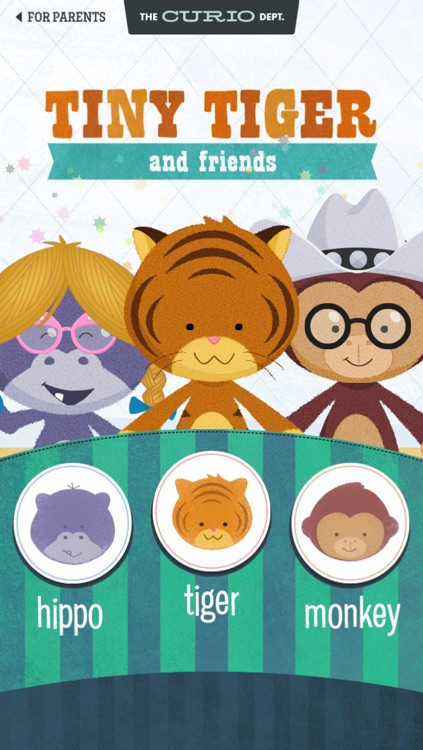
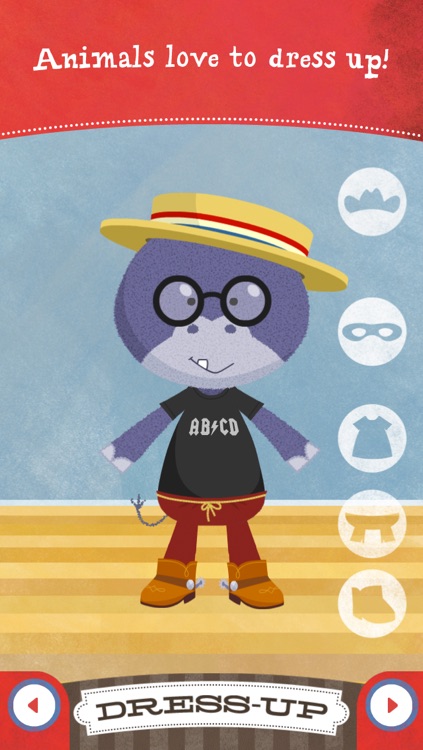
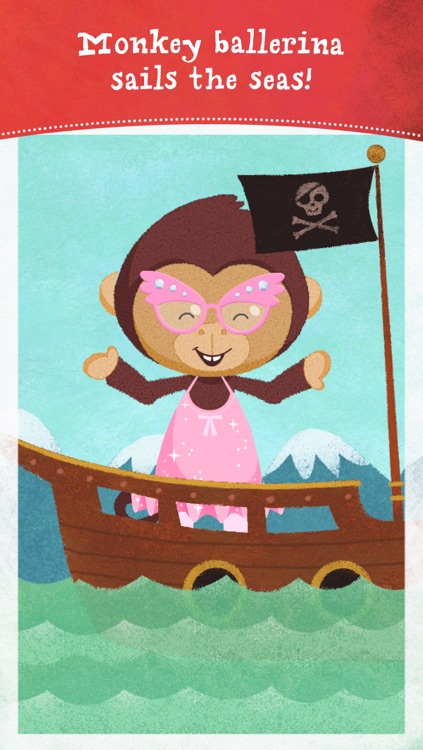
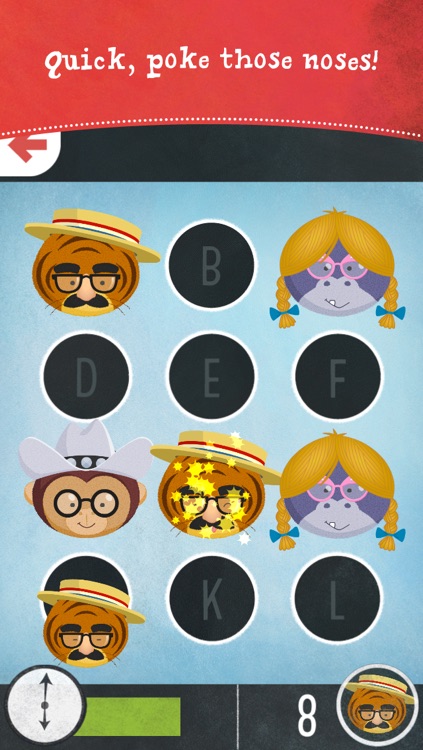
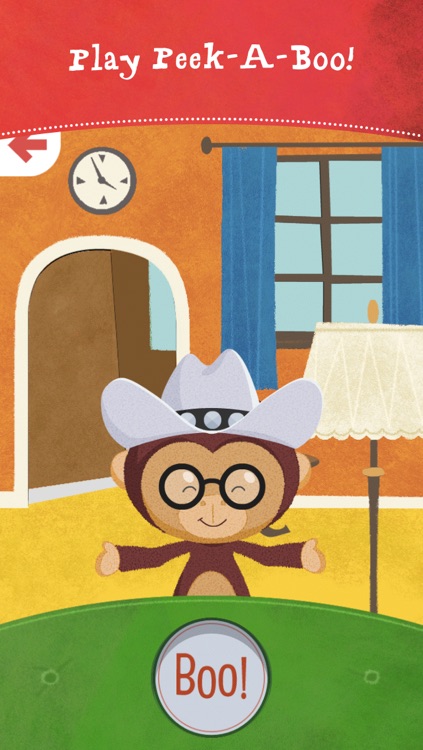
Your little one won’t tire of playing around with Tiny Tiger and Friends. There’s just so much they can do. They get to pick from three animal pals: Tiger, Monkey, or Hippo. They’re then asked to dress them up however they wish by tapping on different sections. They’re new animal friend can be photographed, and they’re able to join them in games of peek-a-boo and poke-a-nose. The animations are adorable and fun, and the navigation is easy enough for even young children to grasp.

If you have a young child that likes to play on their own, check out Tiny Tiger and Friends. You’ll be able to simply hand off your iDevice and allow them to entertain themselves.

Tiny Tiger and Friends is intended for children ages two through five. If your child doesn’t fall into that range, it’s not the best app to download for them today.

Veggie Hipster
iPhone
Veggie Hipster

Veggie Hipster

Ricardo Beracha

Play as the Veggie Hipster and avoid all meat in this simple casual game.

It’s for those who are in need of a new pick-up-and-play game to master.

FREE ($0.99) For a limited time FREE ($0.99) For a limited time
Why we picked this?

Veggie Hipster doesn’t reinvent the wheel. It just makes it a little more silly. The idea is to move the Veggie Hipster out of the path of the falling meat by dragging your finger across the bottom of the screen. Why? Because meat is murder, of course! If a slab of meat hits your hipster, it’s game over. Veggie Hipster includes Game Center integration, so you can compete against your friends.

If you need a new game to play today, check out Veggie Hipster. It’s no-frills gameplay makes the challenge all the more difficult because you can’t hide behind tricks and power-ups. It’s pure skill.

Again, the game is pretty simple. It’s meant for short gaming periods. If that’s not up your alley, just skip it.

Elliptic Keyboard
iPhone
Elliptic Keyboard

Elliptic Keyboard

Aleksandr Vlasov

Reach all of the keys on your iPhone 6 or iPhone 6 Plus keyboard with Elliptic Keyboard.

It’s for anyone who prefers typing with one hand.

$0.99 $0.99
Why we picked this?

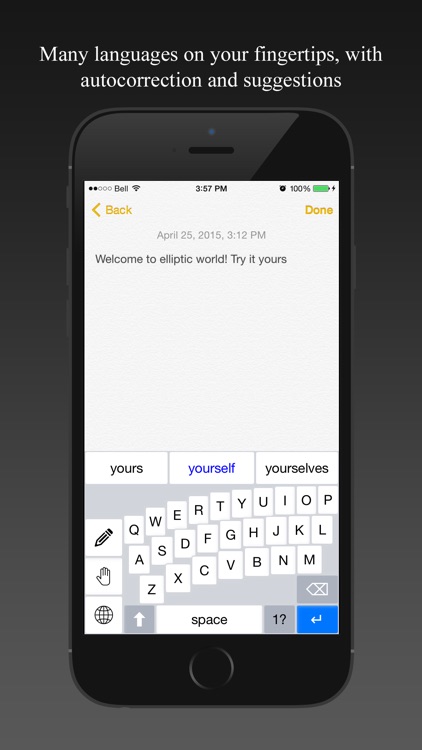
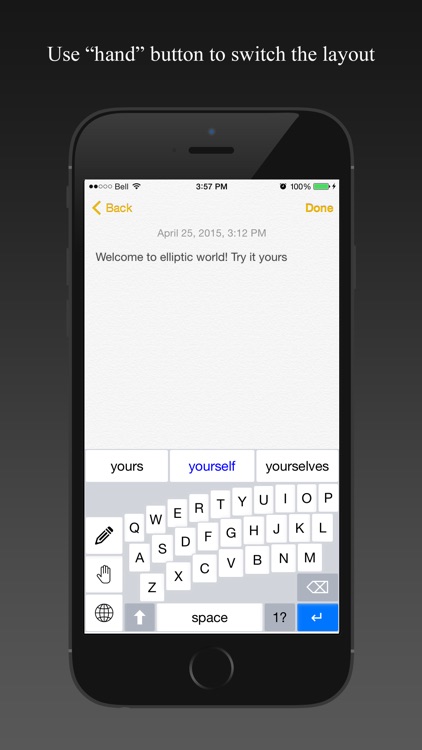
Most custom keyboards are simply eye candy or loaded with gimmicks. Not Elliptic Keyboard. Instead, it actually tries to solve a problem: One handed typing. It’s quite difficult to do on the new iPhone 6 and iPhone 6 Plus due to their widths. Elliptic Keyboard makes it easier by bending and pushing the rows of keys closer to one side of the screen. Lefties can tap the hand icon to flip the keyboard around. You’re also able to swipe across the keyboard to create a space and delete characters.

If you want to get back to typing one handed, Elliptic Keyboard will help you get it done. The keyboard performs just as expected and allows you to receive suggestions just like the native one.

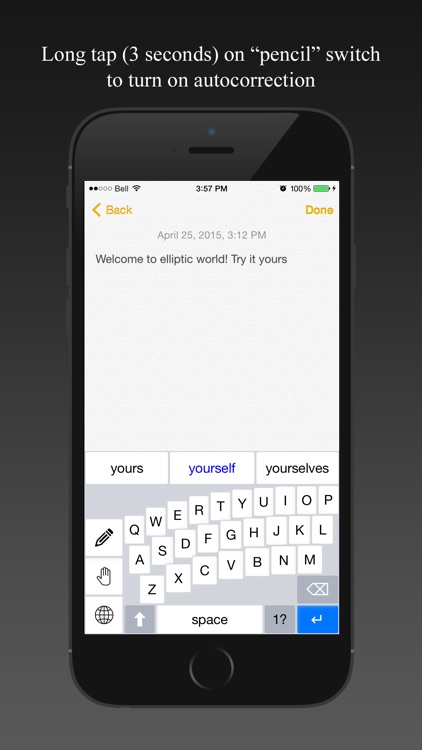
If you rely on autocorrect, skip this app. It doesn’t support it.

Home Intercom
iPhone
iPad
Home Intercom

Home Intercom

Von Bruno

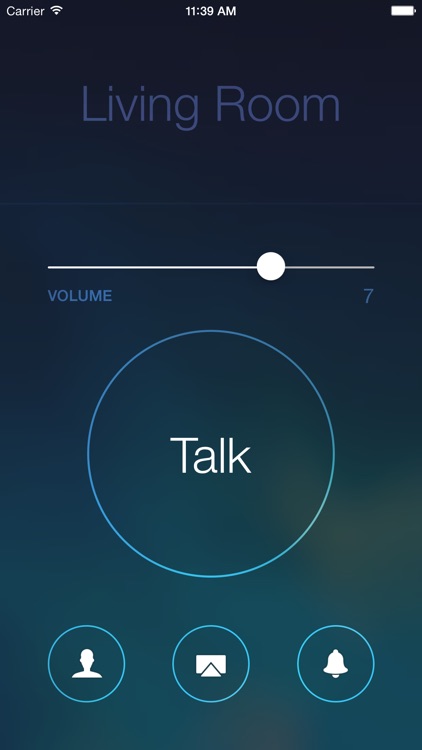
Broadcast your voice to any AirPlay audio device or Bluetooth speaker with this utility app.

It’s for anyone who is interested in having an intercom system in their home or business.

$4.99 $4.99
Why we picked this?

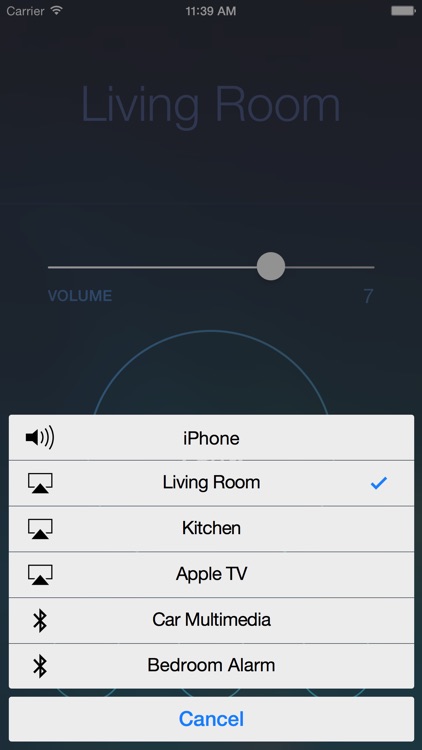
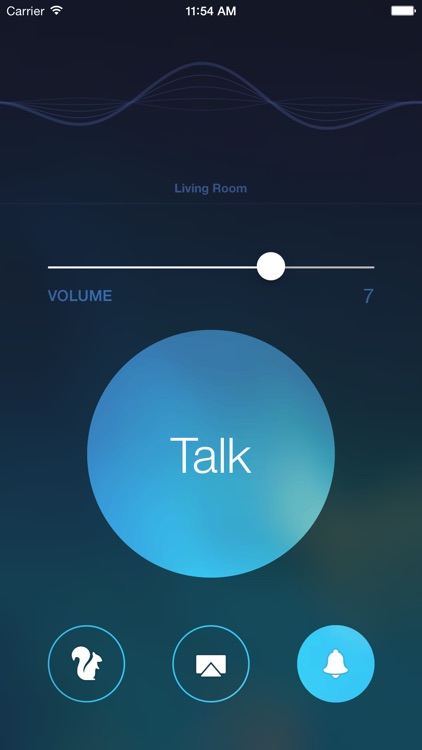
AirPlay Intercom is one of those apps that you never knew you needed. It can be very useful in the proper setting. Tap the pairing button to choose a local AirPlay audio device or Bluetooth speaker. Once paired, you’re able to tap and hold the “TALK” button to record your voice. When you’re done recording, release the button and your voice will automatically be played through your chosen device. Simple as that!

If you want a way to communicate throughout your home or office, this is a pretty practical way. It doesn’t require any setup besides pairing with an AirPlay or Bluetooth device.

If you want to broadcast live or to another iDevice, AirPlay Intercom isn’t of much use to you.

The Great Gatsby: HOG
iPad
The Great Gatsby: HOG

The Great Gatsby: HOG

Hullabu, Inc.

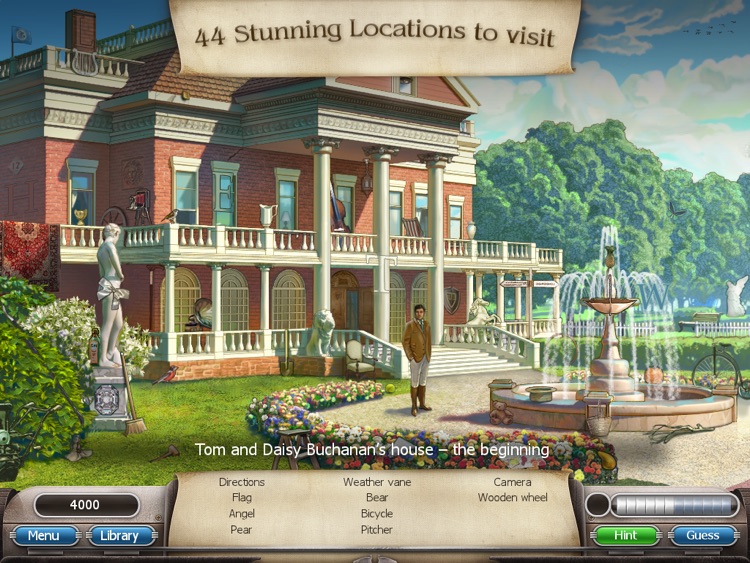
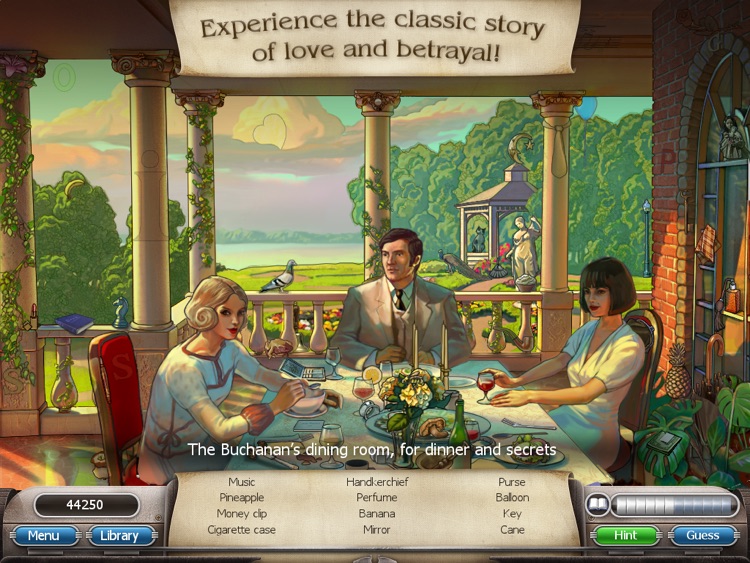
Experience F. Scott Fitzgerald’s The Great Gatsby as a hidden objects adventure.

It’s for anyone who enjoys relaxing casual games.

$4.99 $4.99
Why we picked this?

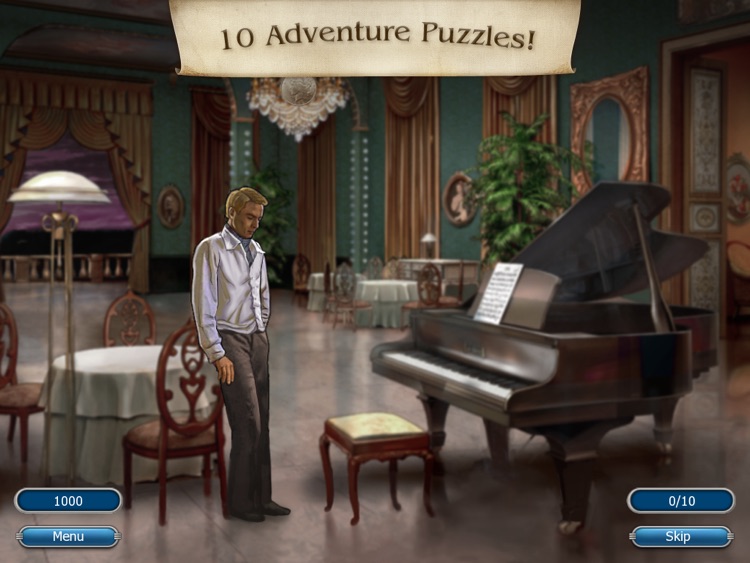
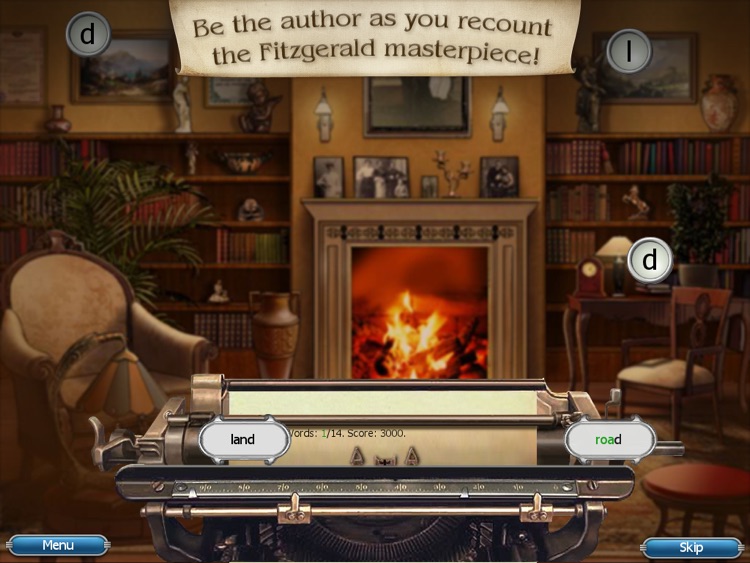
Everything from the visuals to the sound will send you straight back to the Roaring Twenties. You’re able to visit 44 different locations in order to go on the hunt for hidden objects and various treasures. Your score is based entirely on accuracy and completion, so take your time and focus on each scene. Hints are available in case you get stuck. As the story progresses, you’ll come across additional adventure puzzles and typing games.

If you like your hidden objects games to be stress-free, check out The Great Gatsby. You won’t find any timers here. Just lots and lots of objects to hunt down.

Like most hidden objects adventure games, The Great Gatsby can become repetitive. There’s also little replay value.