




You are using an outdated browser. Please upgrade your browser to improve your experience.

Apps That
Went Free on
2014-12-04

We have a collection of apps that allow you to do more with what you have. Tydlig will allow you to calculate faster and more efficiently. You can tell a story with your photos with FunSlides HD. Web pages and photos can be marked up in a snap with aNote.

GREG - A Mathematical Puzzle Game To Train Your Brain Skills
iPhone
iPad
GREG - A Mathematical Puzzle Game To Train Your Brain Skills

GREG - A Mathematical Puzzle Game To Train Your Brain Skills

Marco Torretta

A fast-paced mathematical game that has you adding up numbers to earn a high score.

It’s the perfect game to help you work on your math skills and enhance your mental flexibility.

$0.99 $0.99
Why we picked this?

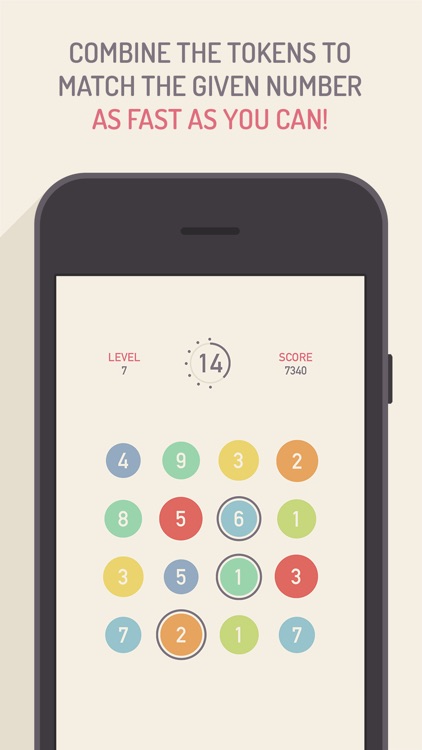
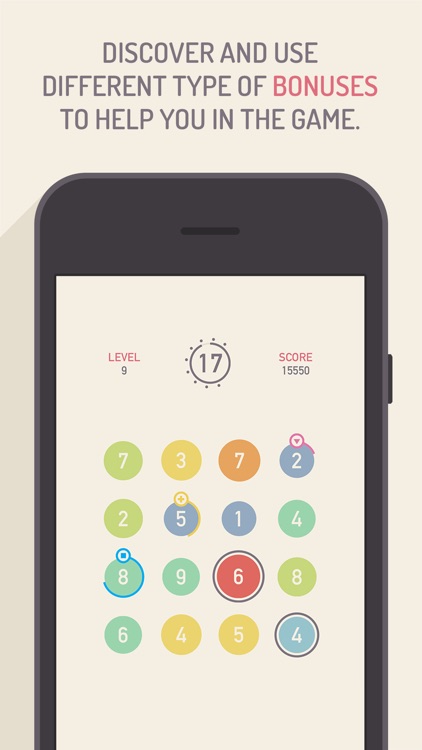
GREG proves that even simple math isn’t easy. A grid of numbered tokens is laid out before you. Tap on tokens to select and add them up in order to match the number at the top. Each turn of the timer located around the number at the top will cause the unused tokens to become hotter and change color. If a single token burns up before you reach the next level, it’s game over. Bonus points can be scored by making lines, squares, and crosses from your selected tokens, and you can utilize power-ups to clear levels faster.

If you like games to keep you on your toes, GREG will certainly accomplish that. Speed is key in this math game.

If you like your casual games to be just that, casual, skip GREG today.

Intervallo
iPhone
Intervallo

Intervallo

Dmytro Samokhin

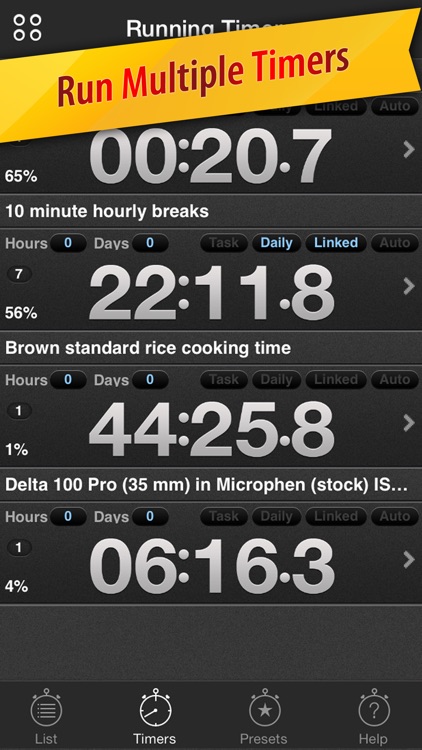
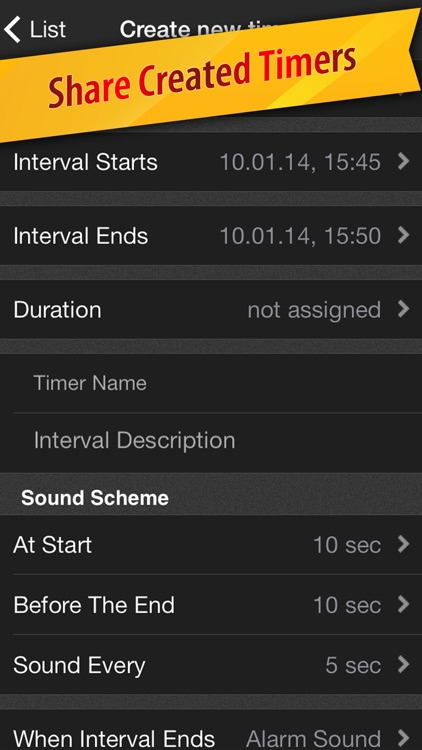
Create and run multiple timers at once with Intervallo.

It’s great for chefs, students, fitness fanatics, and even business professionals.

$1.99 $1.99
Why we picked this?

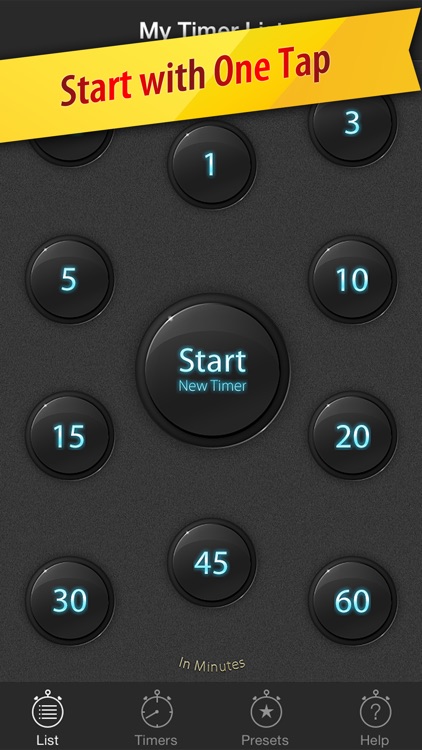
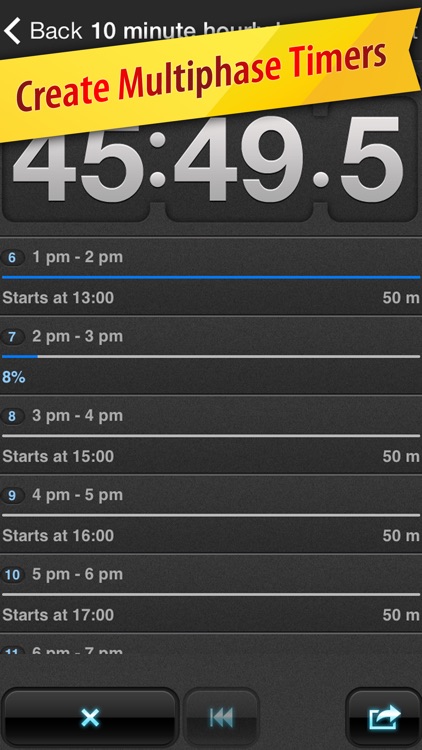
Intervallo is a timer app that can do it all. It has 10 different built-in timers that you’re able to start with a tap. Each timer operates separately and can be divided into several intervals. The coolest feature, however, is the ability to assign tasks to intervals. You’re able to have Intervallo dial a number, send a message, or even sound out an email when the time is right. Timers can be shared via email as well.

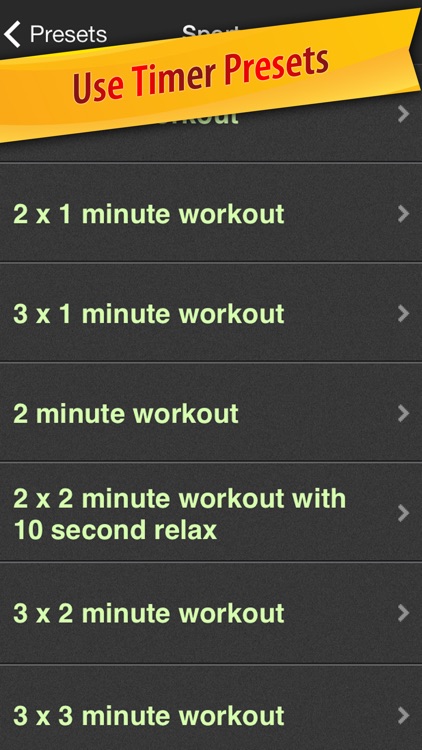
If you need to keep time in any form, this is your app. It’s highly customizable, and offers a pre-set for just about anyone.

Really, the only reason you should skip this one is if the built-in timer in iOS is good enough for you.

Tydlig
iPhone
iPad
Tydlig

Tydlig

Tydlig Software AB

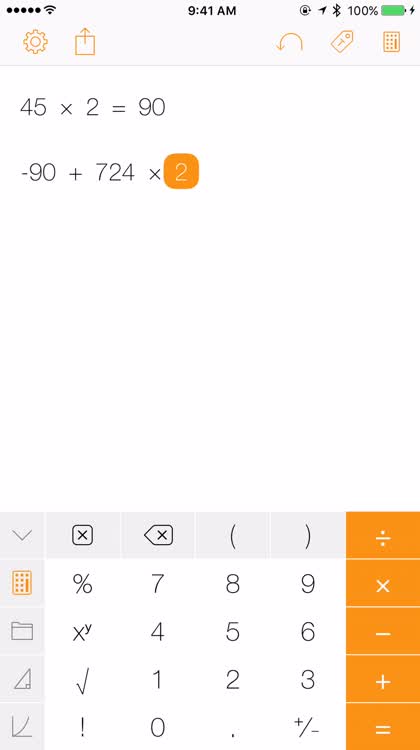
Get results in an instant with this fantastic calculator app.

It’s ideal for anyone who finds the native calculator app clunky and lacking features.

$1.99 $1.99
Why we picked this?

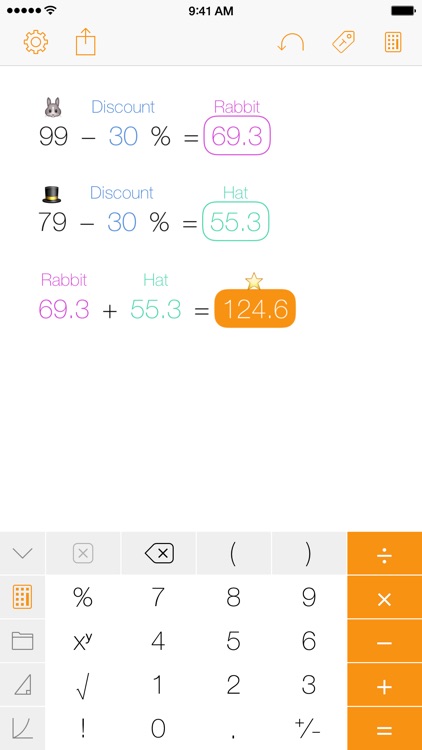
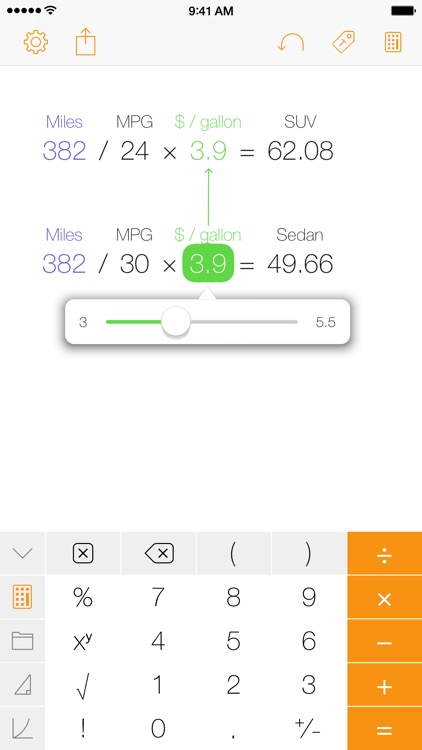
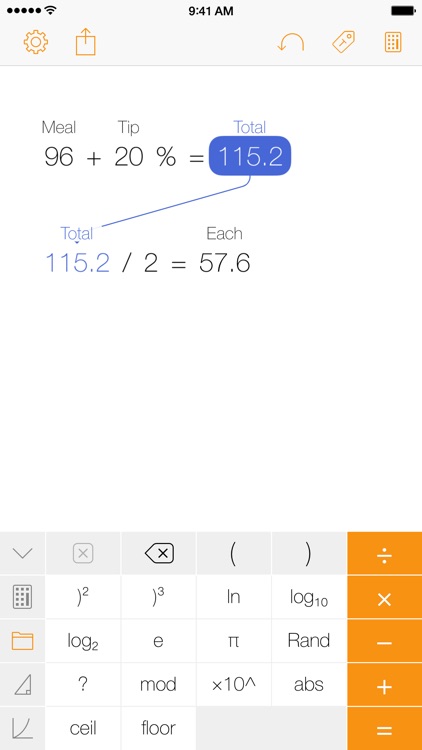
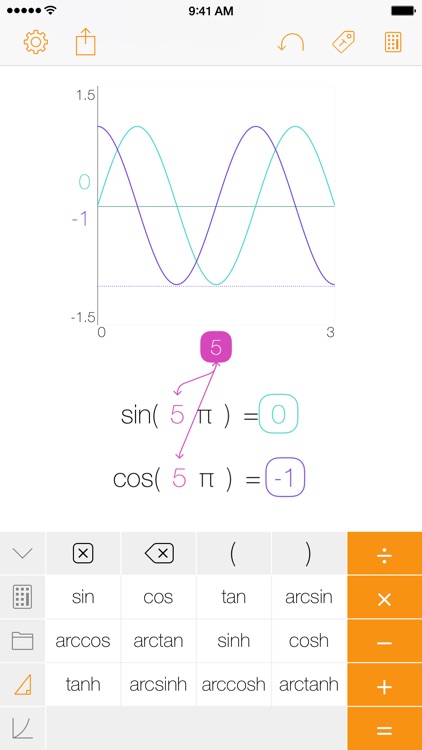
First and foremost, Tydilig is all about getting results. Its super responsive interface allows you make a calculation and get the results in real-time. You’re able to go back and edit any number within your calculation and have the result updated automatically. Numbers can be linked by selecting a result and pressing any operation, and your proceeding results will cascade down the link. History is stored in an ever-scrolling canvas, and you’re able to drag numbers around and reuse them. The app also includes real-time graphing, undo, support for Bluetooth keyboards, and the ability to share results and your entire canvas.

If you want a calculator app that can do it all and in style, Tydlig is a must download. It’s unlike any calculator app you’ve tried before.

If the convenience of swiping up to access the native calculator app is just too much to give up, don’t. Just stick with it.

FunSlides HD - Make HD video from photos
iPad
FunSlides HD - Make HD video from photos

FunSlides HD - Make HD video from photos

Entappie

Create video slideshows from your favorite photos with this photography app.

It’s for those who want to share a collection of photos in a meaningful way.

$1.99 $1.99
Why we picked this?

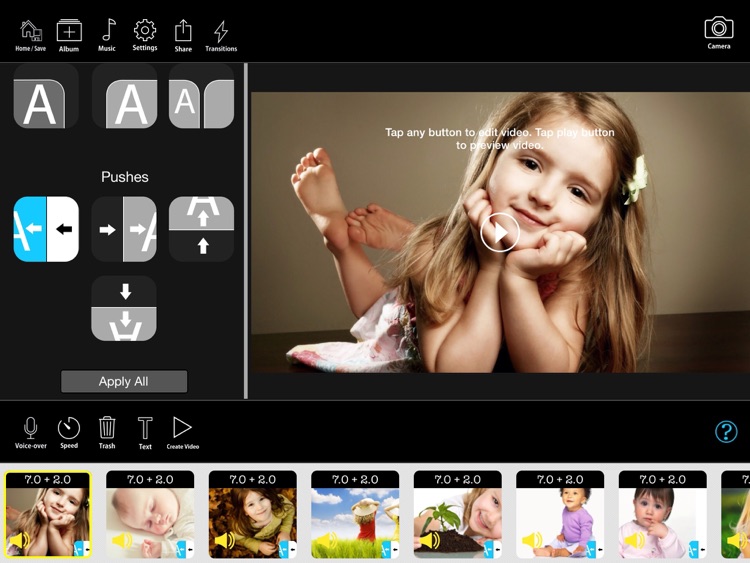
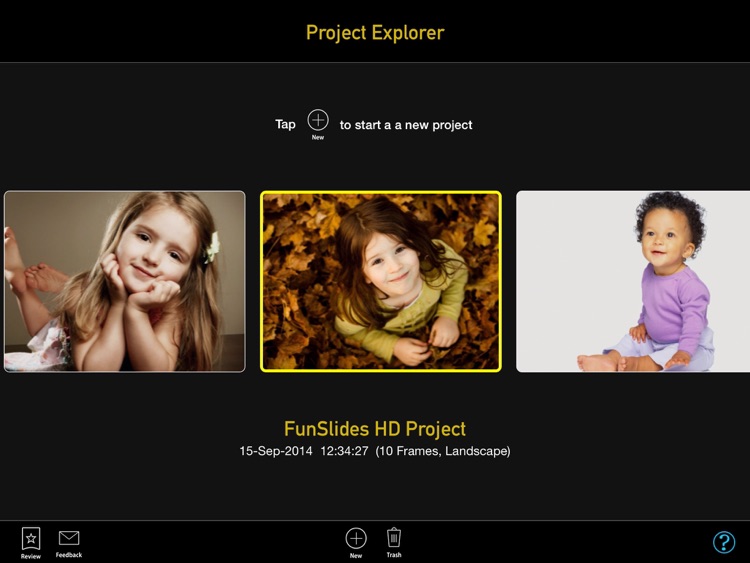
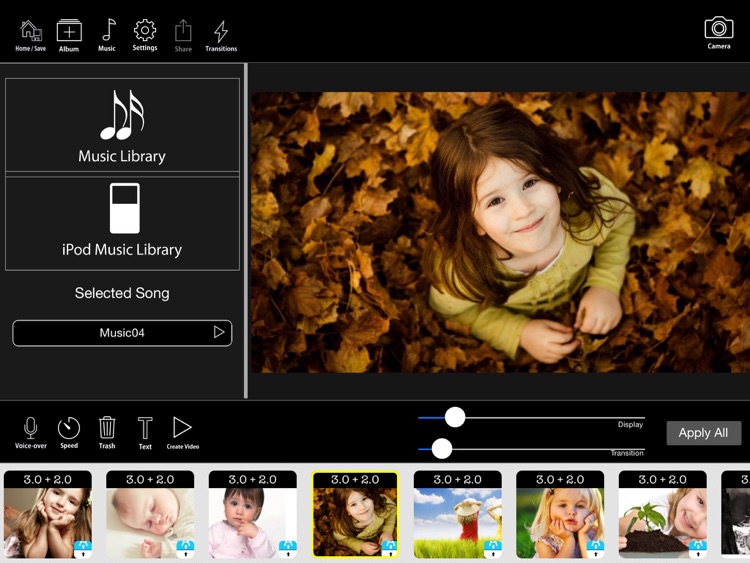
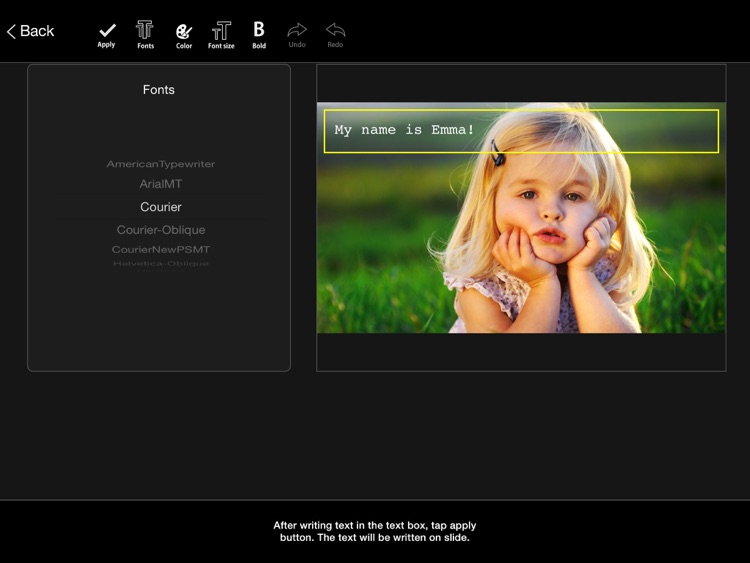
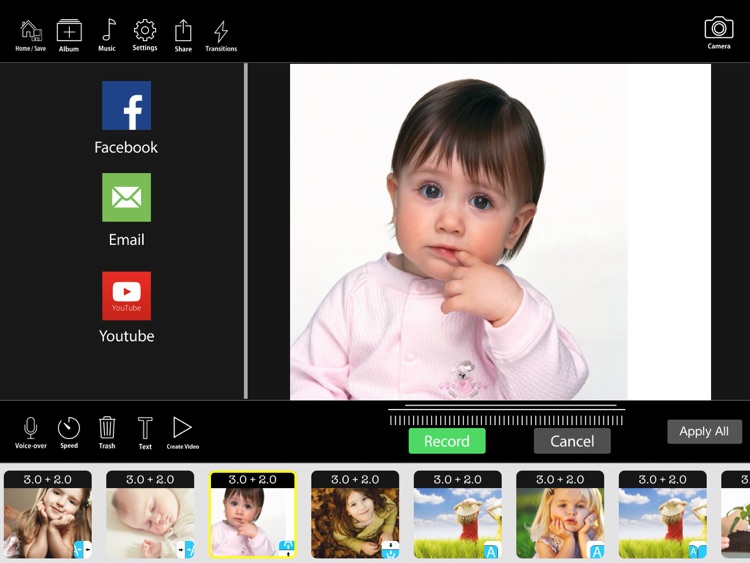
FunSlides HD comes highly recommended today thanks to its nearly infinite uses. Students can utilize it for school projects. Parents can create a montage of their child growing up. Families can share their vacation experiences. Whatever you come up with, you’ll have fun creating it with FunSlides HD. You're able to import multiple photos from your library or snap new ones in-app. You can then rearrange them on the timeline, and add transitions, voice-over, text, and background music. When everything looks in order, share your video via email, Facebook, or YouTube. The app includes 13 built-in music themes, multiple text options, and seven transitions to choose from.

If you have a collection of photos you want to share, do it with FunSlides HD. Bring it out on a rainy day and fiddle around until you have something you can be proud of and share.

If you want to edit videos, this isn’t the app. It’s a slideshow creator through and through.

aNote - Screenshot note
iPhone
aNote - Screenshot note

aNote - Screenshot note

withnamu

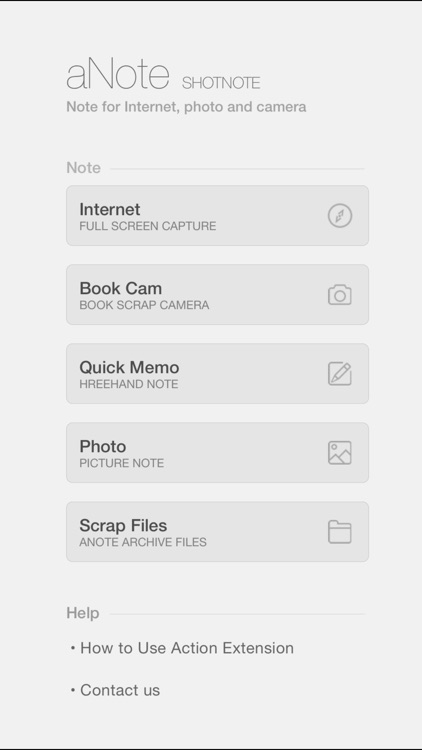
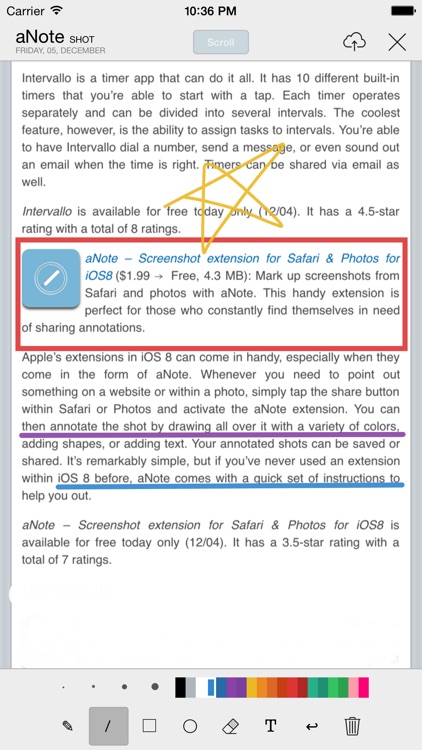
Mark up screenshots from Safari and photos with aNote.

This handy extension is perfect for those who constantly find themselves in need of sharing annotations.

$2.99 $2.99
Why we picked this?

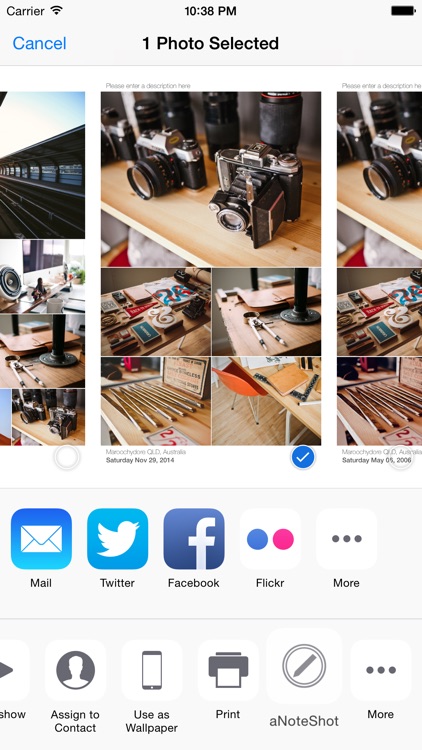
Apple’s extensions in iOS 8 can come in handy, especially when they come in the form of aNote. Whenever you need to point out something on a website or within a photo, simply tap the share button within Safari or Photos and activate the aNote extension. You can then annotate the shot by drawing all over it with a variety of colors, adding shapes, or adding text. Your annotated shots can be saved or shared. It’s remarkably simple, but if you’ve never used an extension within iOS 8 before, aNote comes with a quick set of instructions to help you out.

If you find yourself marking up and sharing shots constantly, aNote will make your life much easier.

If you don’t have iOS 8 installed, aNote isn’t for you since it simply will not work.