

You are using an outdated browser. Please upgrade your browser to improve your experience.

Apps That
Went Free on
2014-12-27

Our collection of apps today are all about creating and capturing content.

Talking Carl
iPhone
iPad
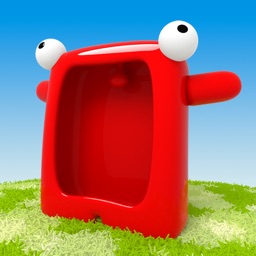
Talking Carl

Talking Carl

Tayasui.com

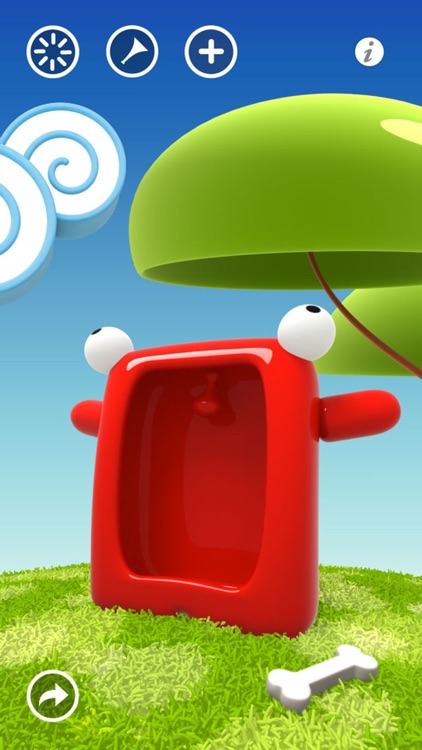
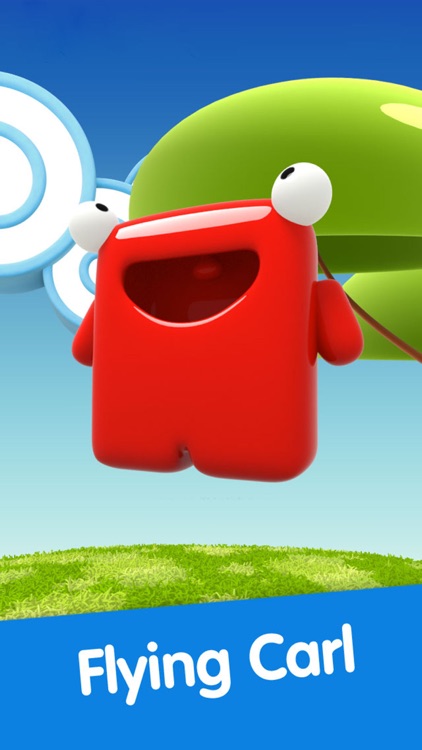
The one and only Talking Carl is ready to hang out. Are you?

It’s a fantastic app for children.

FREE ($0.99) For a limited time FREE ($0.99) For a limited time
Why we picked this?

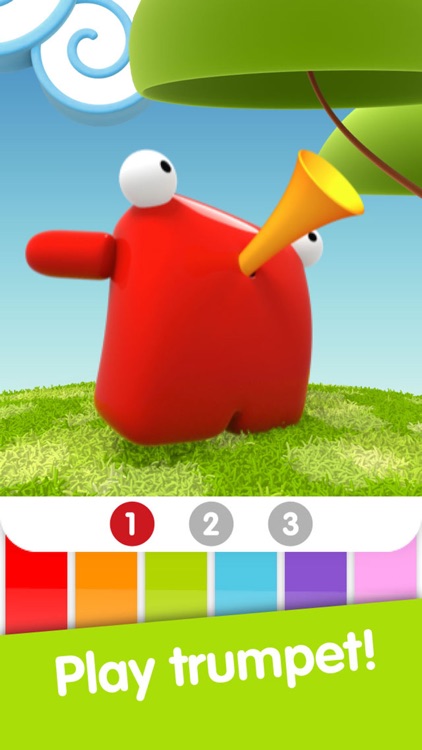
Carl is an adorable little red creature with an appetite for interaction. You’re able to poke, pinch, tickle, spin, and even strike him with lightning. Just be warned, he’s not overly fond of that last one. Carl’s also a talented musician, as he’s able to play a wide variety of instruments. You’re able to speak into your iDevice’s microphone as well and have Carl repeat what you say in his own unique way.

If your child loves interaction, give them Talking Carl. There’s no one like Carl.

Older children will eventually tire of Carl. There’s only so much he can do.

Captune - Music Video Community
iPhone
Captune - Music Video Community

Captune - Music Video Community

Lemondo Apps LLc

Be the star of your own music video with Captune.

It’s a super easy to use app for those interested in creating personalized music videos.

FREE ($0.99) For a limited time FREE ($0.99) For a limited time
Why we picked this?

The best thing about Captune is that everything is done in real time. There’s absolutely no editing required. All you have to do is pick a tune from your library, choose a filter, and start recording. If you want, you can jump to a specific point in the song instead of playing the entire thing. When you’re finished, you can save the video right back to your library or share it via Facebook or AirDrop. The app includes a total of eight filters to choose from.

If you’ve always wanted to create your own music video, make it happen with Captune.

If you absolutely need the ability to edit, Captune just isn’t your app. It’s meant to be simple and straightforward. Additionally, if you have a lot of DRM-protected music, Captune won’t be of much use to you.

Vantage Calendar
iPhone
Vantage Calendar

Vantage Calendar

Fortyfour AB

Get an overview of all of the events in your life with Overview Calendar.

It’s great for anyone who is tired of getting lost in a mess of calendar details.

FREE ($4.99) For a limited time FREE ($4.99) For a limited time
Why we picked this?

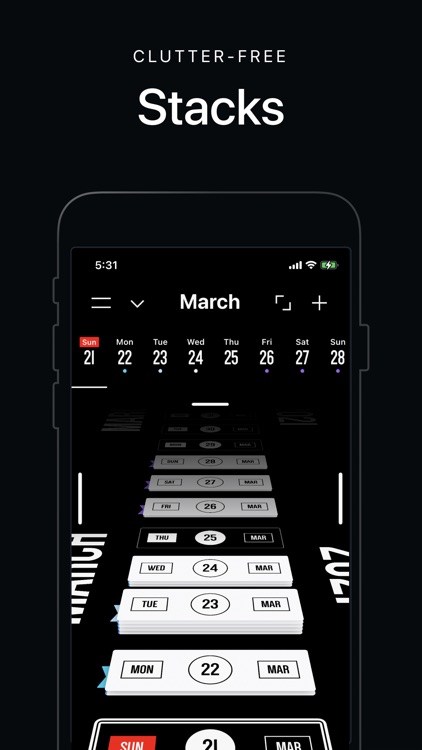
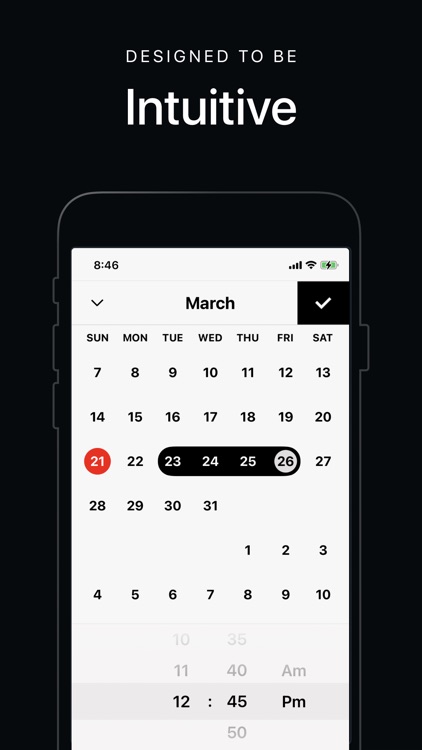
Overview Calendar provides a whole new perspective on the events in your life. The calendar is presented as an infinitely scrollable timeline instead of one big grid. You can swipe up and down to glide right over it. Tap on an event to bring it into full view, where you can attach a location, note, and color. Your events can also be shared on Instagram, Facebook, or Twitter. List views are available for single days and entire weeks.

If the classic calendar just doesn’t cut it for you, you have to check out Overview Calendar. It breaks the mold and offers an entirely new way to organize your life. Plus, it’s very easy on the eyes.

If you prefer grid-based calendars, Overview Calendar isn’t worth your time. It doesn’t offer a secondary grid view, only list views.

Sago Mini Monsters
iPhone
iPad
Sago Mini Monsters

Sago Mini Monsters

Sago Mini

Your children can create and share their own colorful monsters with Sago Mini Monsters.

It’s the perfect app to keep your children’s little fingers busy.

$3.99 $3.99
Why we picked this?

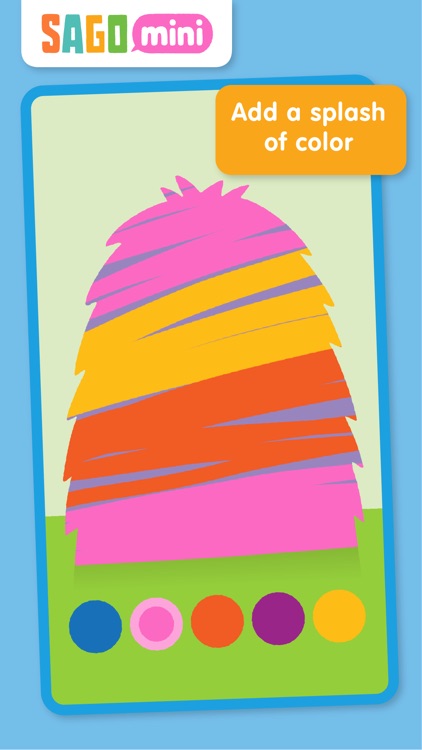
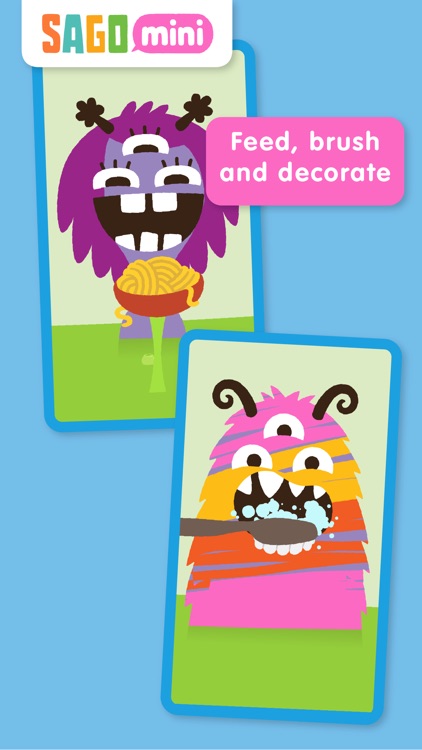
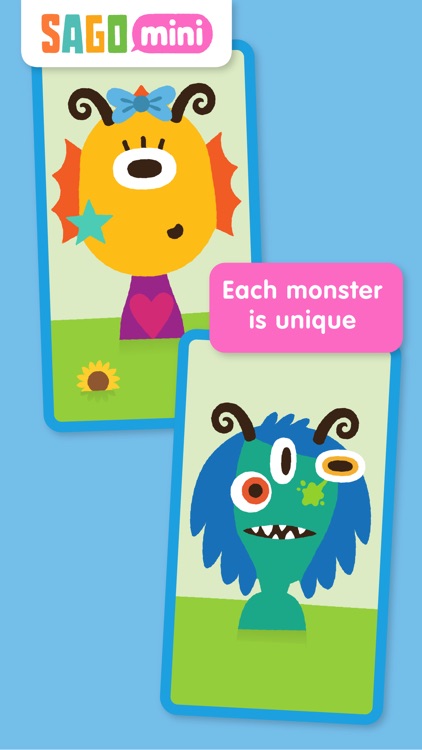
Sago Mini Monsters allows your child’s creative side to shine. They get to start off by painting the face of a colorful monster. It will then grow horns, eyes, and a mouth. Just tap and drag each piece to switch it out with another. The monster can be fed with the food that floats to the top of the goo from which it came. Once the monster has had its fill it will need its teeth brushed. Other objects will also randomly float to the top of the goo, which can be applied to the monster before it gets its photo taken.

If your child enjoys art, they’ll love Sago Mini Monsters. The colorful monsters are irresistible, and your child can truly make it their own.

If you have a relatively young child, Sago Mini Monsters may be too much for him to handle. Not because it has monsters in it, but because the interaction method may be outside of their skill level.

ClipBook - BookMarker & Sentence Collector
iPhone
ClipBook - BookMarker & Sentence Collector

ClipBook - BookMarker & Sentence Collector

JUNG EUI HYUNG

Manage your book collection and save quotes with this productivity app.

It’s ideal for avid readers.

$0.99 $0.99
Why we picked this?

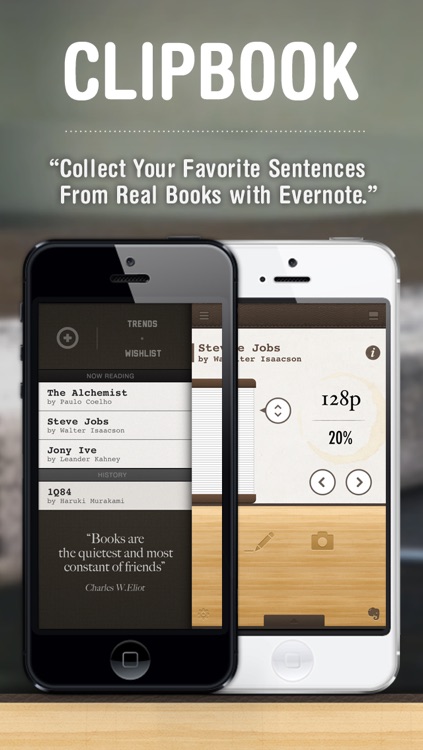
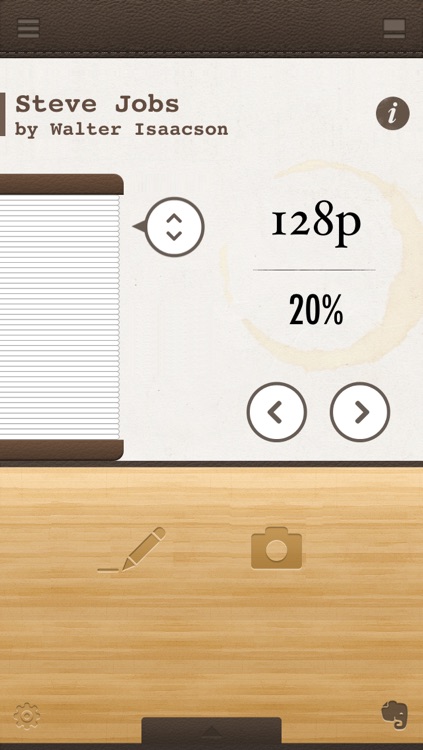
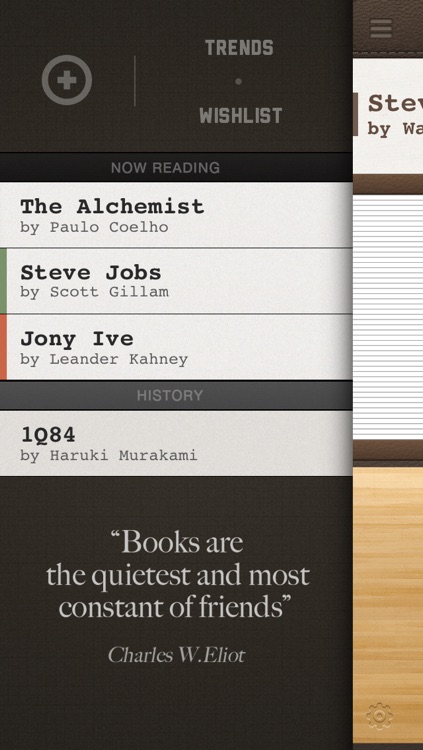
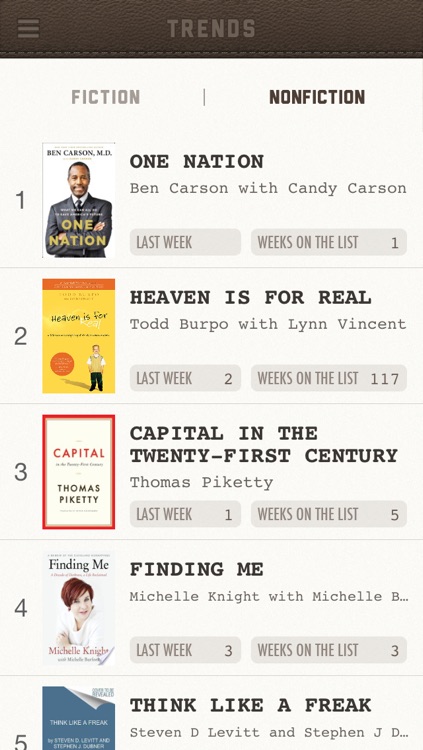
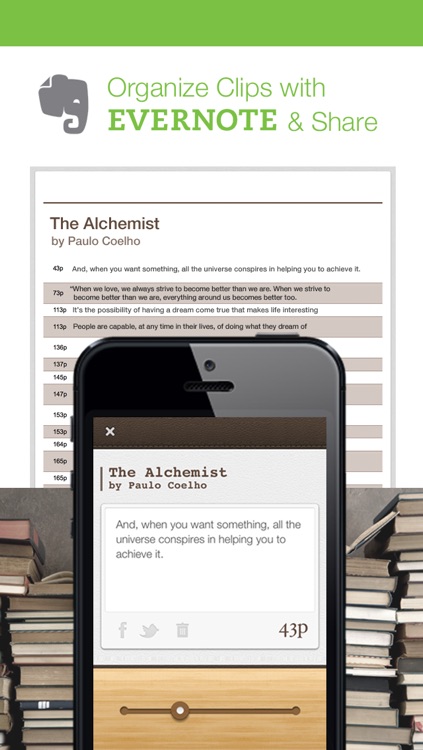
ClipBook makes it easy to capture and share memorable quotes from your favorite books. You’re able to catalog your book collection and define the amount of pages in each one. When you come across a memorable quote in a book, you can write it out or snap a photo of it and record the page it was on. Quotes can then quickly be recalled, shared, or stored within Evernote or Dropbox. The app also allows you to create a wish list.

If you are a bookworm, you’re going to want to give ClipBook a try. You’re able to quickly add all of your books by scanning their barcodes, entering their ISBN numbers, or by searching databases.

If you’re simply looking for a way to catalog your books, you can skip ClipBook today. All of its additional features will get in the way.

SKEW
iPhone
iPad
SKEW

SKEW

ThirtyFive Inc.

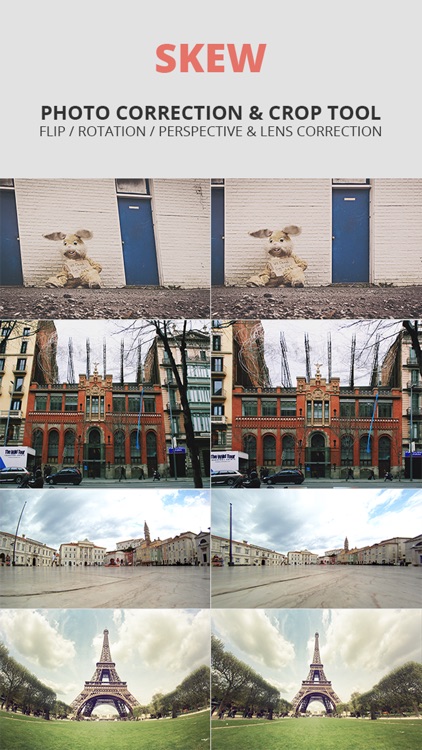
Turn your photos askew or simply straighten them out with this photography app.

It’s ideal for artists or photo editors.

$1.99 $1.99
Why we picked this?

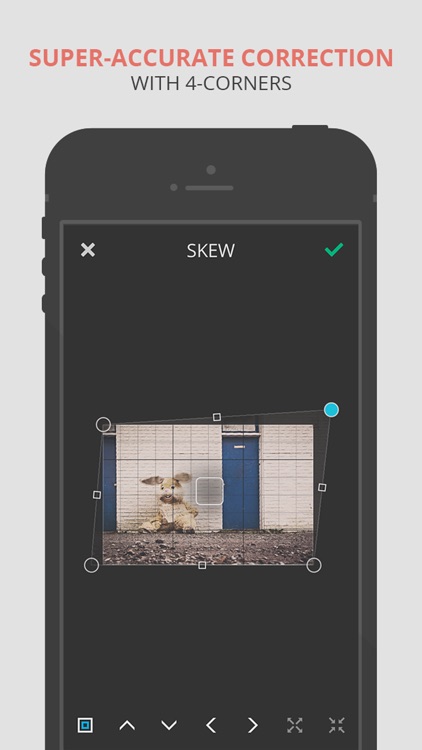
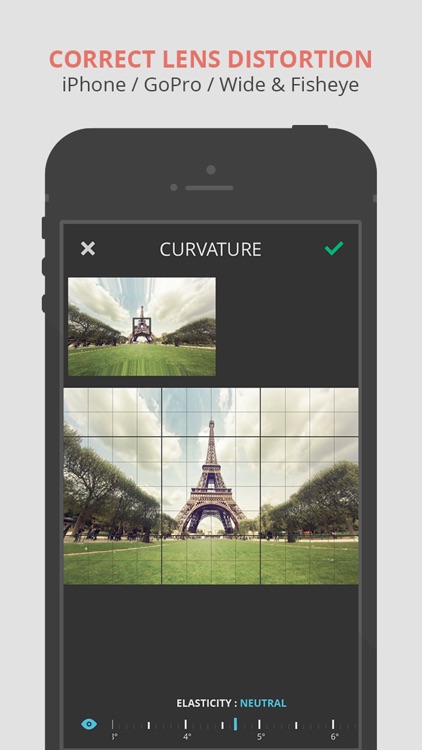
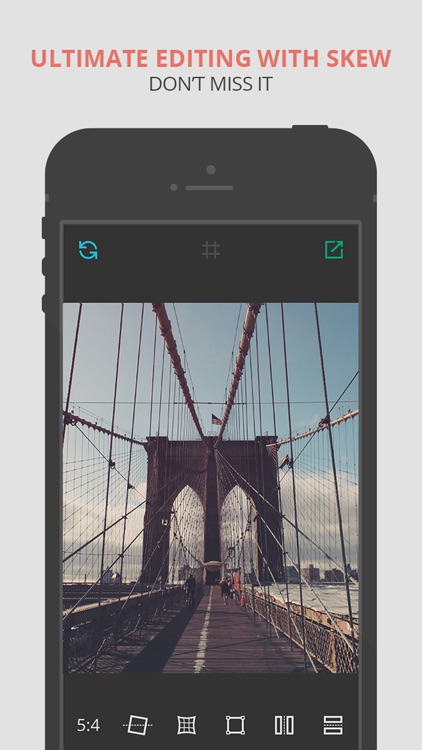
Skew can be whatever you need it to be. You’re able to import any photo from your library or take a new one from within the app. You can then correct your photo by adjusting its rotation, curvature, and skew via sliders and draggable points. You can also use Skew to completely change the look of your photo and add a whole new perspective using the same tools. Skew includes a variety of ratios to choose from along with the ability to flip photos.

Whether you want to edit or correct photos, Skew is a handy little tool.

Skew is only able to twist and contort photos. It’s void of any other options.