





You are using an outdated browser. Please upgrade your browser to improve your experience.

Apps That
Went Free on
2015-11-03

Add a path of text to your photos, save the universe from an epic collapse, and build and manage a city with today’s collection of apps and games.

Hungry Squid
iPhone
iPad
Hungry Squid

Hungry Squid

HYPE4MOBILE MALEWICZ I WSPOLNICY SPOŁKA JAWNA

Save the universe from an epic collapse in Hungry Squid.

It’s for fans of logic puzzle games.

FREE ($1.99) For a limited time FREE ($1.99) For a limited time
Why we picked this?

Your goal is to get as much of the squid ink off of the grid as possible by rearranging tiles. Tiles have different symbols on them, indicating where the ink will travel from that point on. You must move the tiles as quickly as you can since the clock is always ticking. The game includes six chapters, 90 levels, three modes, and achievements and leaderboards via Game Center.

If you’re tired of the same old puzzle game formula, check out Hungry Squid today. The gameplay is like nothing you’ve tried before.

Due to its unique gameplay, Hungry Squid can be difficult to get the hang of. Make sure to check out the help menu before jumping in.

Virtual City HD (Full)
iPad
Virtual City HD (Full)

Virtual City HD (Full)

G5 Entertainment AB

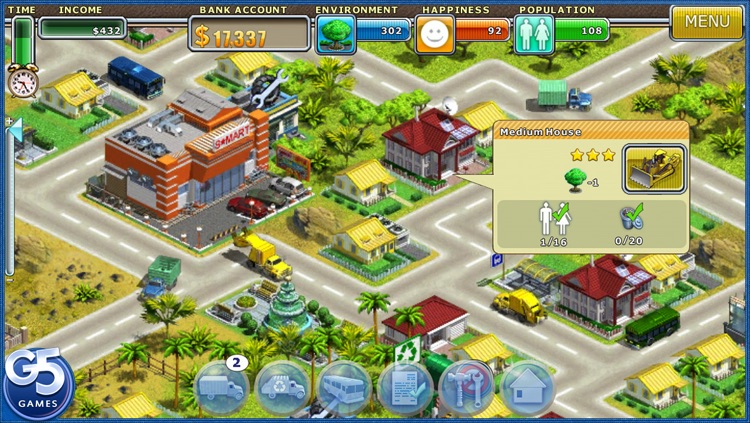
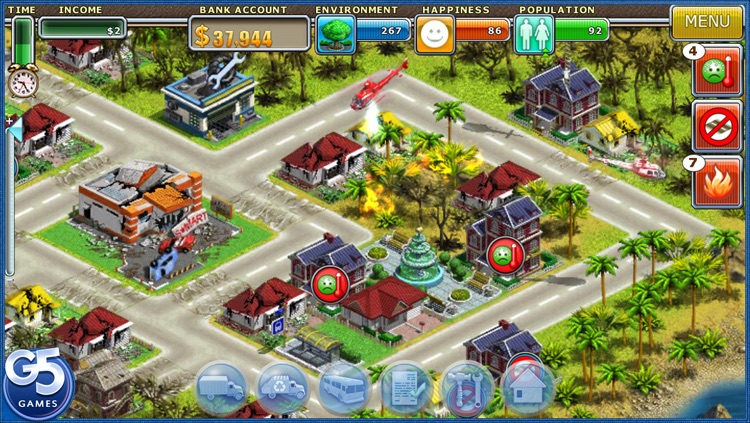
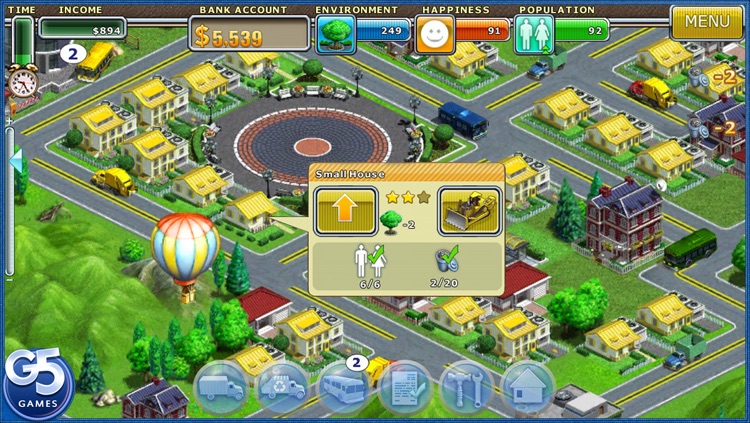
Build and manage your very own city in Virtual City.

It’s for fans of city building simulation games.

$4.99 $4.99
Why we picked this?

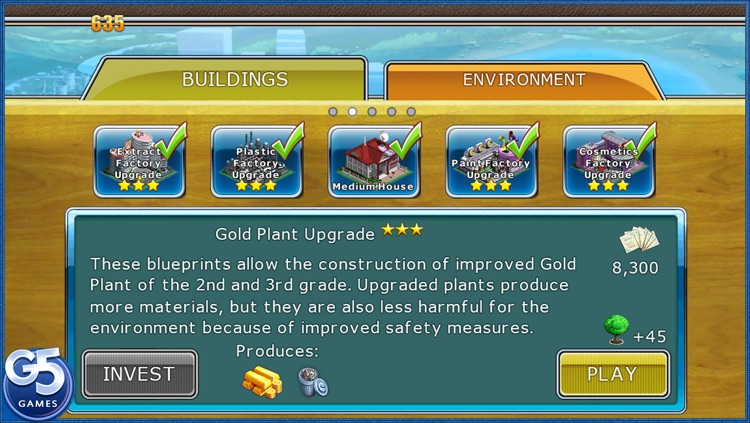
As mayor, you'll be tasked with everything from sending vehicles on delivery routes to upgrading buildings. The game includes 50 levels in five states, 18 mission scenarios, 25 types of goods to transport, more than 50 building types, 25 types of goods to transport, and achievements and leaderboards via Game Center.

If you enjoy casual games, check out Virtual City. It’s a relaxing getaway.

The sandbox mode was removed, so if you were looking for an open environment to play in, there isn’t one.

Virtual City (Full)
iPhone
Virtual City (Full)

Virtual City (Full)

G5 Entertainment AB

Build and manage your very own city in Virtual City.

It’s for fans of city building simulation games.

$2.99 $2.99
Why we picked this?

As mayor, you'll be tasked with everything from sending vehicles on delivery routes to upgrading buildings. The game includes 50 levels in five states, 18 mission scenarios, 25 types of goods to transport, more than 50 building types, 25 types of goods to transport, and achievements and leaderboards via Game Center.

If you enjoy casual games, check out Virtual City. It’s a relaxing getaway.

The sandbox mode was removed, so if you were looking for an open environment to play in, there isn’t one.

Path on - Swipe to Type
iPhone
iPad
Path on - Swipe to Type

Path on - Swipe to Type

Peta Vision

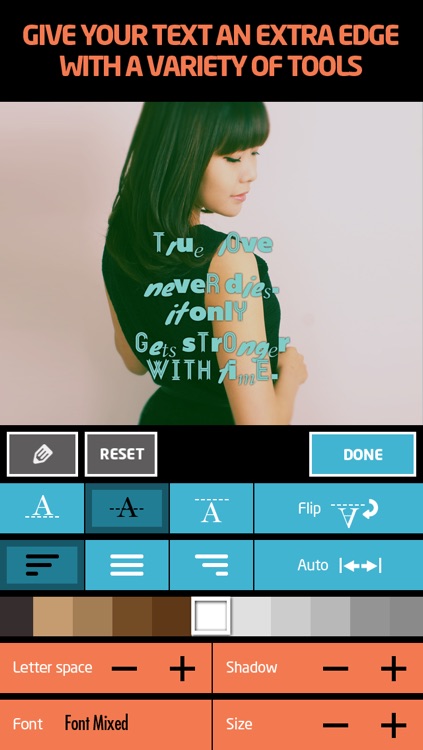
Add a path of text to your photos with Path On.

It’s great for anyone looking to add some context to their photos.

$1.99 $1.99
Why we picked this?

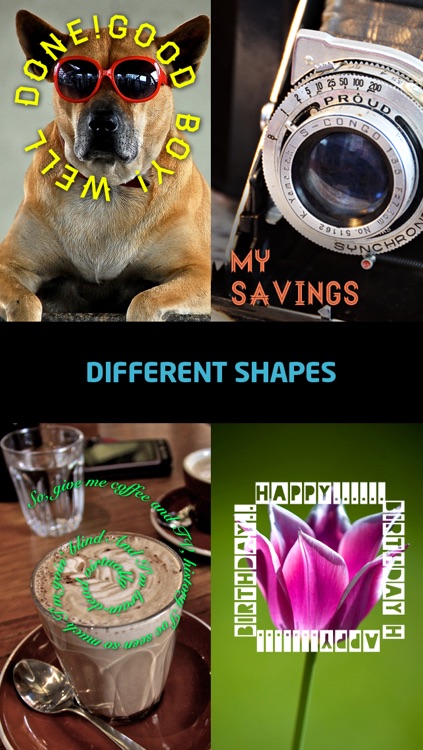
You're able to import any photo from your library or snap a new one in-app. Then draw a path onto the photo for your text to follow. You can craft a custom message with more than 300 fonts. Your final creations can be shared via Facebook, Twitter, Instagram, or Flickr. The app also includes a variety of ways to adjust your text, 26 photo filters, and a handful of built-in text shapes.

If you want text options, Path On provides them. Your photos will have no problem standing out from the rest on Instagram and Facebook thanks to the ability to create custom paths.

If all you want is a photo filter app, there are more advanced ones out there. This one is all about text.

EasyCost - Expense Tracker and Money organizer
iPhone
EasyCost - Expense Tracker and Money organizer

EasyCost - Expense Tracker and Money organizer

The Nanjing MiFeng Information Technology Co., Ltd.

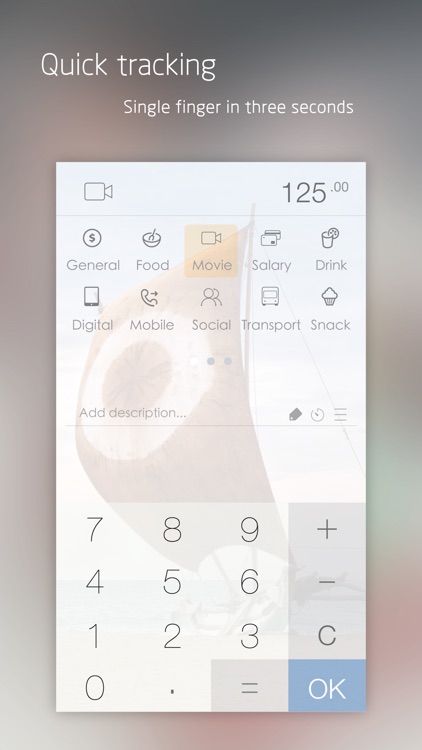
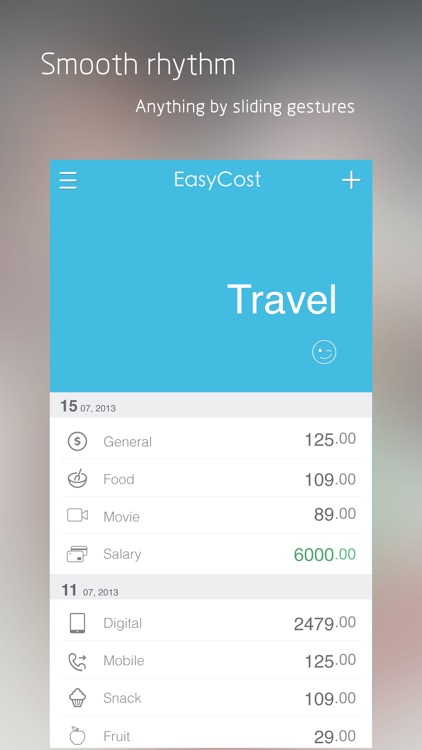
Track all of your income and expenses with this beautifully simple finance app.

It’s for anyone who needs to know where their money is going without wasting a lot of time signing up for accounts or customizing content.

$0.99 $0.99
Why we picked this?

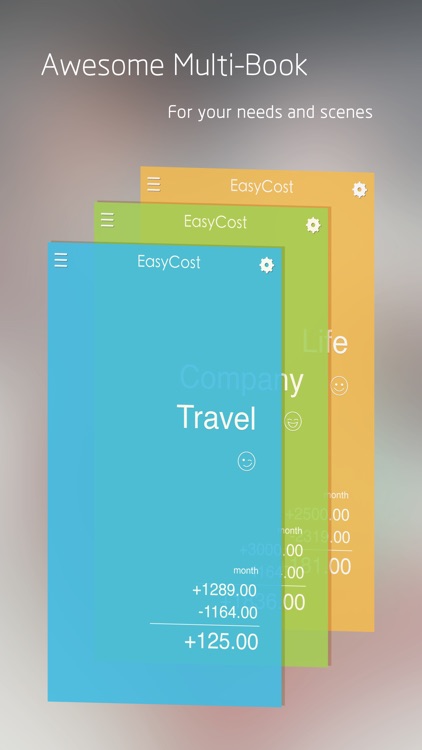
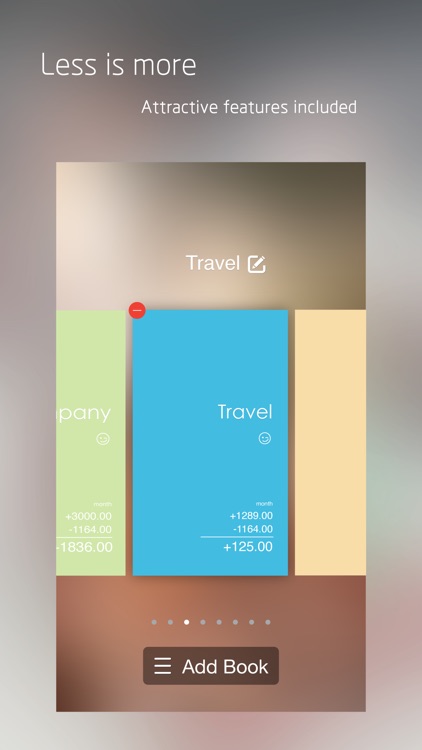
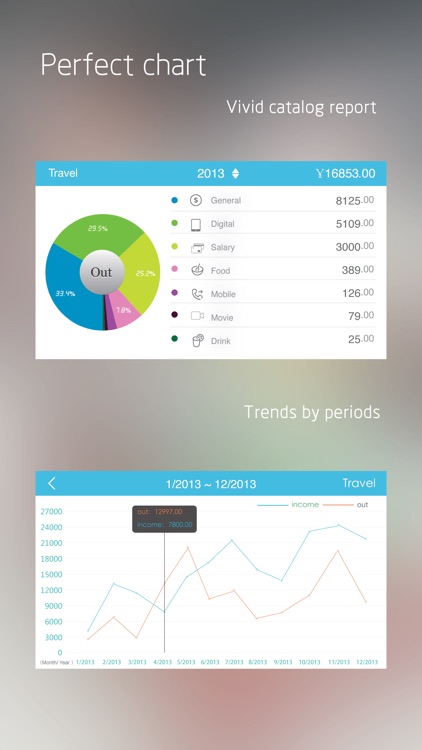
You're able to create as many different books as needed. Then just swipe down to add income or an expense. Each entry can include an icon for quick reference, description, and tag. All entries can be edited or deleted at any time. You can also rotate your device into landscape orientation to view statistical charts. The app includes multiple currencies to choose from, eight themes, password protection, and iCloud integration.

If you need to track multiple accounts like business, travel, or leisure, give EasyCost a try. It’s book system keeps your finances nice and tidy.

If you need to set up recurring income and expenses, skip this app because it’ll cost you $0.99.

Parking+GPS Locations
iPhone
Parking+GPS Locations

Parking+GPS Locations

bioDigits LTD.

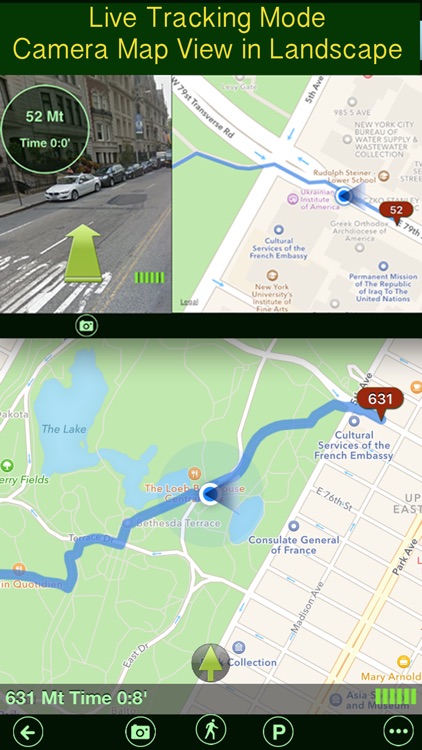
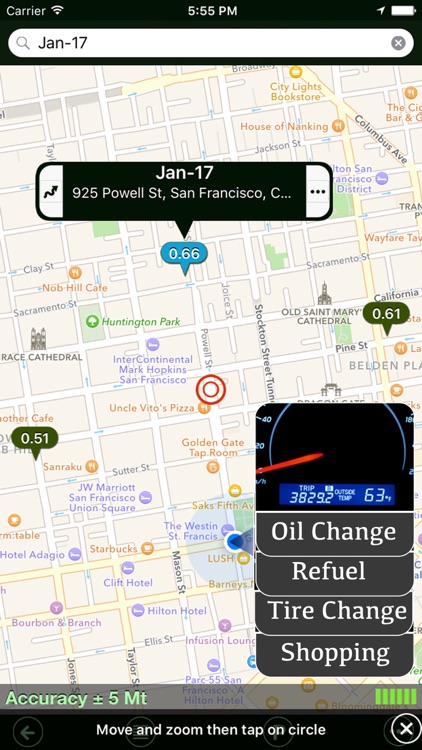
Always find your way back to your vehicle with this navigation app.

It’s really for anyone who drives, whether that’s to work or the grocery store.

$0.99 $0.99
Why we picked this?

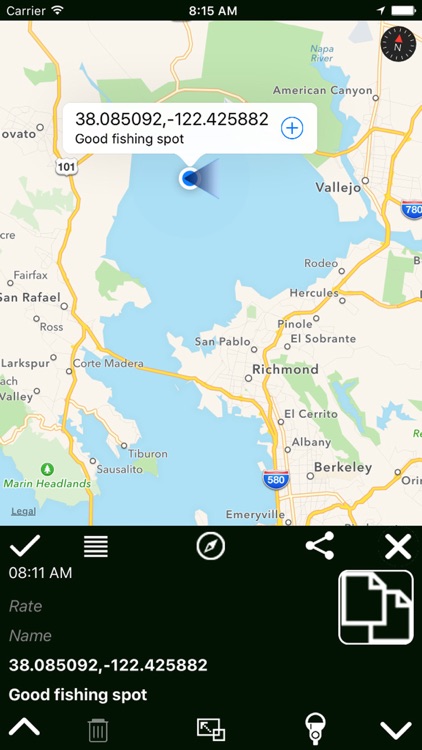
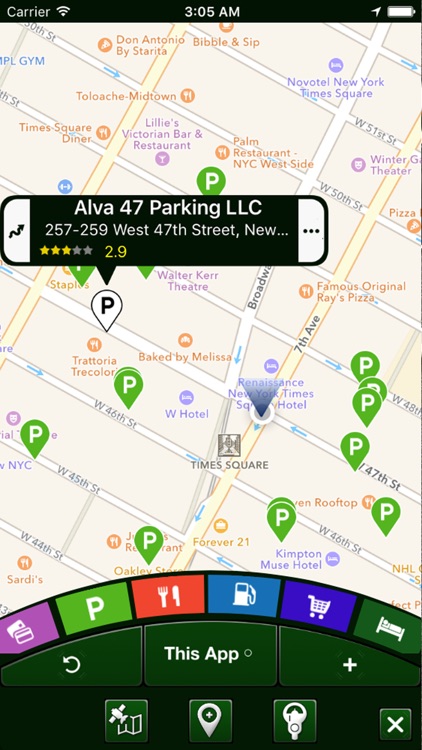
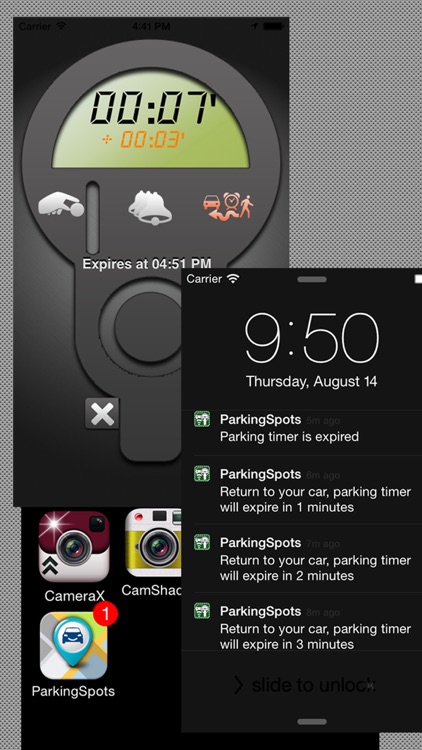
With Parking+GPS Locations installed, your vehicle will never again be lost in the parking lot jungle. The app automatically discovers and records the exact address and GPS coordinates of your vehicle. You’re able to attach a photo and note as well. If there’s a parking meter, you can set a timer to ensure it doesn’t expire. When it’s time to head back to your vehicle, the app will point you in the right direction. You’re able to keep a running history of all of your saved locations, share your location details, and even discover points of interest.

If you’re always forgetting where you parked, download Parking+GPS Locations today. It’s especially useful if you need to track how much you’ve spent on meters.

Like similar apps, Parking+GPS Locations isn’t overly useful if you frequently park in a ramp.