


You are using an outdated browser. Please upgrade your browser to improve your experience.

Apps That
Went Free on
2015-12-14

Give your photos a whole new look, plan your events, and tap to count with today’s collection of apps and games.

Photo Lab - AI Portrait Editor
iPhone
iPad
Photo Lab - AI Portrait Editor

Photo Lab - AI Portrait Editor

Linerock Investments LTD

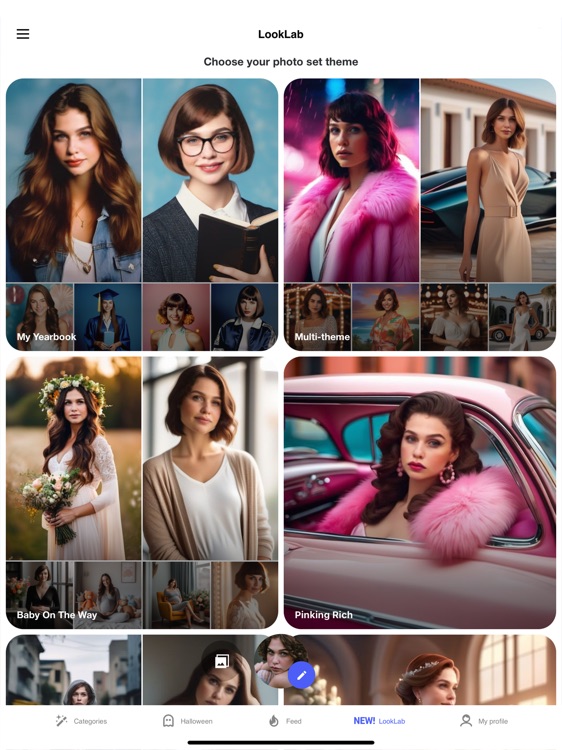
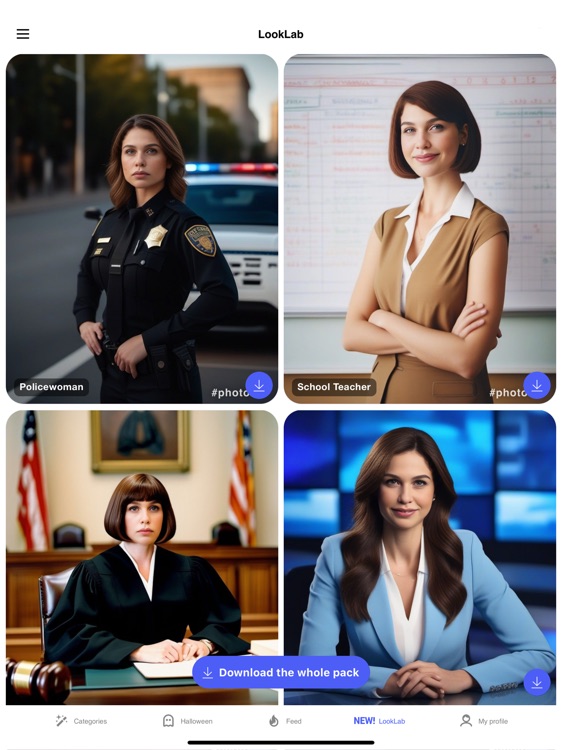
This photo editor allows you to do everything from applying effects to creating collages with very little effort.

It’s the ideal photography app for anyone who likes to tinker.

FREE ($4.99) For a limited time FREE ($4.99) For a limited time
Why we picked this?

Today only: Unlock everything Photo Lab has to offer free of charge! Simply tap the “PRO” icon in the top right corner of the launch screen. You’ll then be able to remove ads and add stylized effects, featured sketches and paintings, backgrounds, human-to-animal montages, and caricature effects without incurring any charges. Make sure to unlock each in-app purchase separately and not the whole package. This is the most fun you’ll have with your photos. Photo Lab contains more than 530 filters, effects, frames, collage templates, montages, and backgrounds to choose from. The app automatically detects the location of your face, so all you have to do is sit back and watch the magic happen. Most effects include the option to add text. The app also includes multiple cropping options, and the ability to share your creations via Facebook, Twitter, Instagram, or email.

If you’re into photography apps with a ton of options, Photo Lab is for you. All of the effects and editing options are broken down by category, so you won’t get lost on your way to creating the coolest photos around.

Having more than 530 options at your fingertips can be a blast, but it can also be a chore. If you’re in need of a simple photo editor, look elsewhere.
Agenda Plan - on Gantt Chart
iPad
Agenda Plan - on Gantt Chart

Agenda Plan - on Gantt Chart

Hao Li

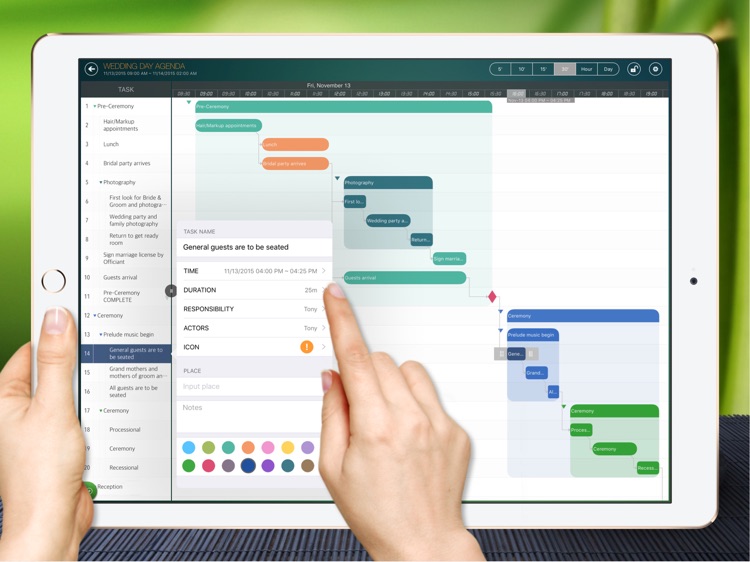
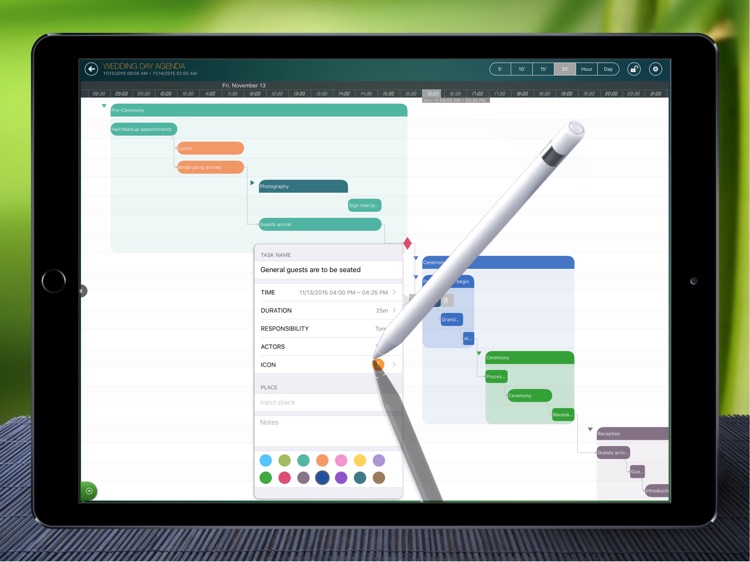
Visualize your schedule with iAgenda.

This powerful productivity app is for those who need to collaborate.

FREE ($4.99) For a limited time FREE ($4.99) For a limited time
Why we picked this?

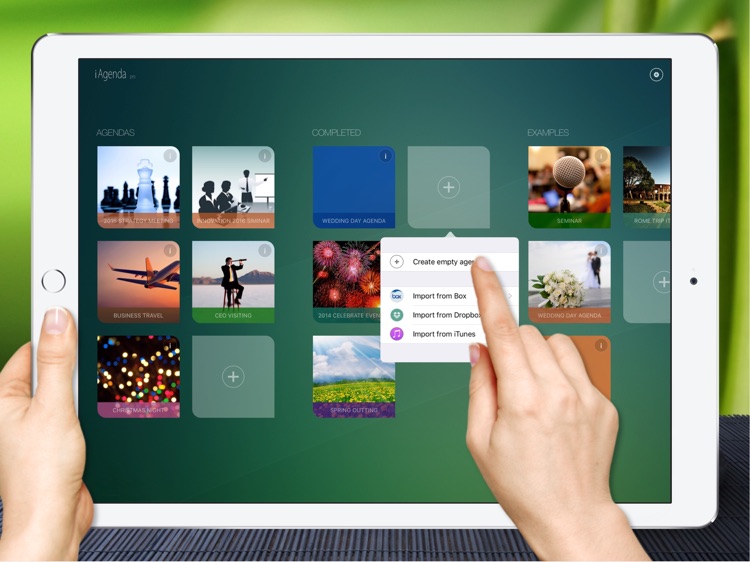
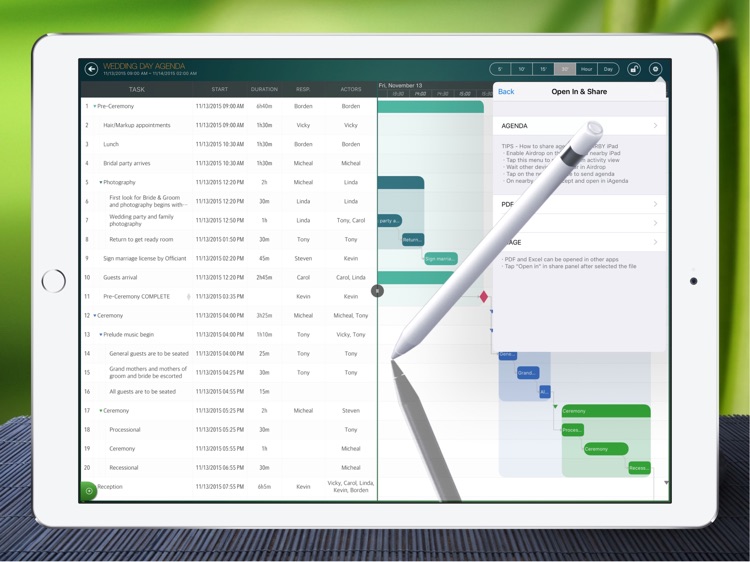
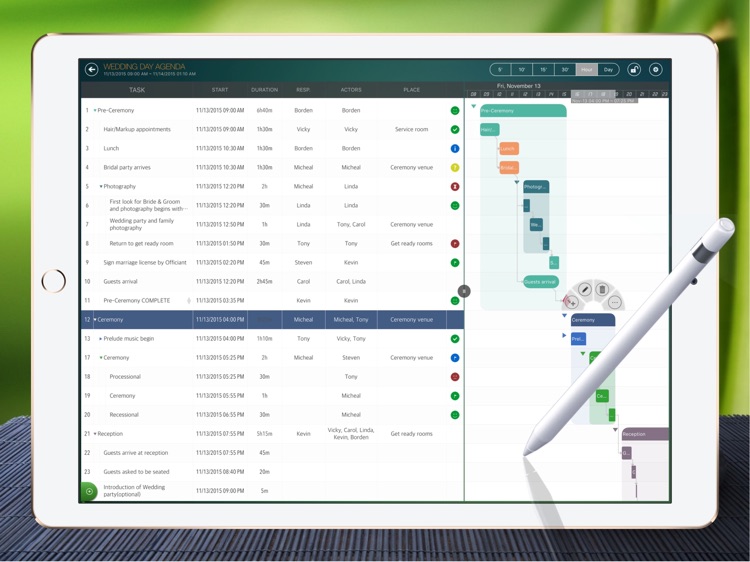
You're able to create as many agendas as necessary. You can then start adding tasks in batches, and they will appear in both list and calendar form. You're able to customize tasks with different durations, people, places, and colors to keep things organized. You're also able to manipulate the calendar and task list via common gestures. Entire agendas can be exported and shared via email, Box, and iTunes File Sharing. The app also includes the ability to customize agendas, and passcode protections.

If you need to schedule events like seminars and trips, this is the app for you. It’s extremely flexible, allowing you to schedule task durations anywhere from minutes to hours.

This isn’t an everyday task manager. It has a very distinct focus.

Count Battle
iPhone
iPad
Count Battle

Count Battle

Ramin Afshar

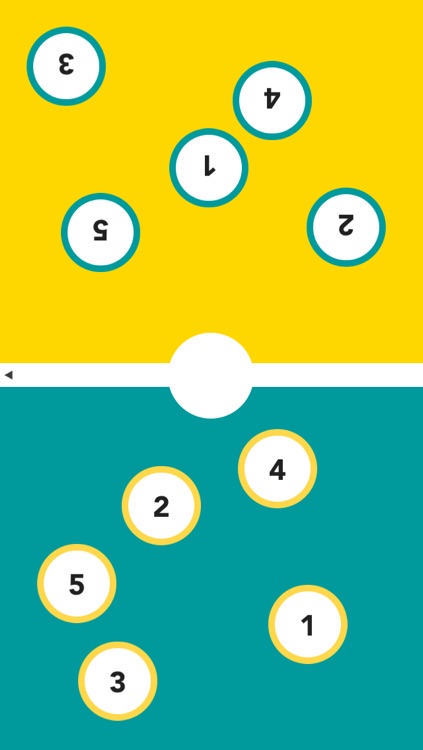
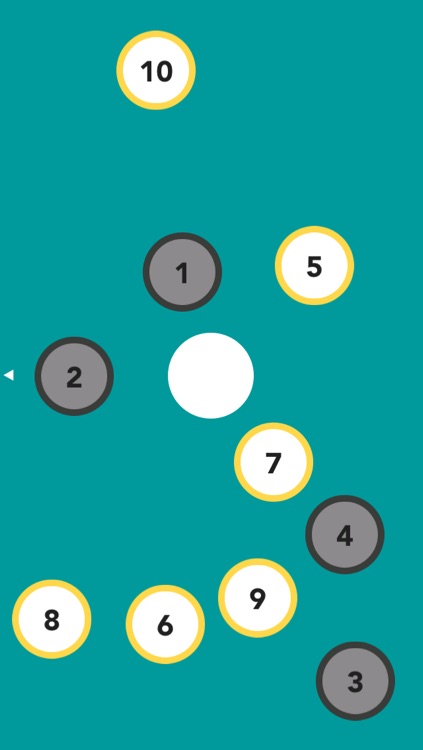
Challenge your friends to a Count Battle in this arcade game.

It’s for anyone who enjoys fast-paced action or competing with a friend locally.

FREE ($0.99) For a limited time FREE ($0.99) For a limited time
Why we picked this?

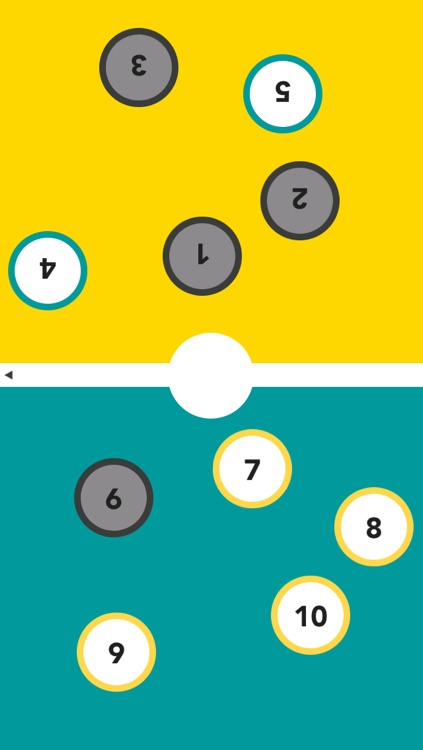
The goal is to tap all of the numbers in consecutive order as quickly as possible. Sounds easy, right? Well, not exactly. The numbers jump around the screen at random, and if you miss one or make an incorrect tap you will lose progress. The game includes single-player and head-to-head multiplayer modes, a count up mode, and leaderboards via Game Center.

If you need a way to get your brain juices flowing, Count Battle is a great way to achieve it. It’s much more challenging than it sounds.

Count Battle only includes two variations of the same game, so it’s not meant for extended play.

Subtraction Flash Cards Match Math Games for Kids
iPhone
iPad
Subtraction Flash Cards Match Math Games for Kids

Subtraction Flash Cards Match Math Games for Kids

Eggroll Games LLC

Your children can work on their subtraction skills with this educational game.

It’s ideal for parents and teachers with children ages five through eight.

$3.99 $3.99
Why we picked this?

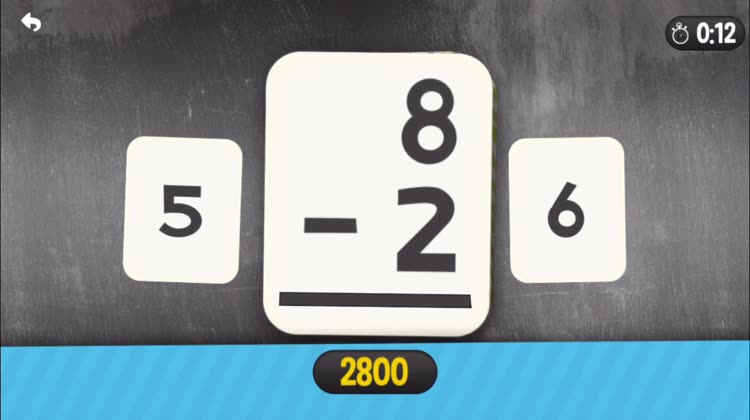
Subtraction Flashcard Match Games creates a fun environment for your child to practice subtraction in with its eye-popping visuals and positive encouragement. Your child can work on matching problems to their answers or matching problems to other problems. The difficulty can be adjusted by changing the number range and by showing the cards or keeping them face down. The game also includes a bubble popping reward after each round.

If you want your child to get a head start on their math skills, get them started on Subtraction Flashcard Match Games. The game adheres to Common Core Standards for math.

If your child doesn’t fall into the above age range, it’s likely that the included problems won’t be suited for them.

PhotoViva - Paintings from your photos!
iPhone
iPad
PhotoViva - Paintings from your photos!

PhotoViva - Paintings from your photos!

Lamina Design

Touch up your photos and transform them into colorful works of art with PhotoViva.

It’s for anyone that wants to have a little fun with their photos.

$4.99 $4.99
Why we picked this?

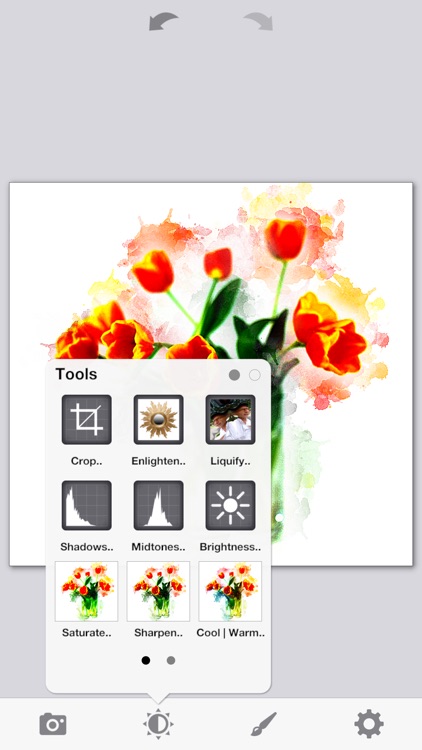
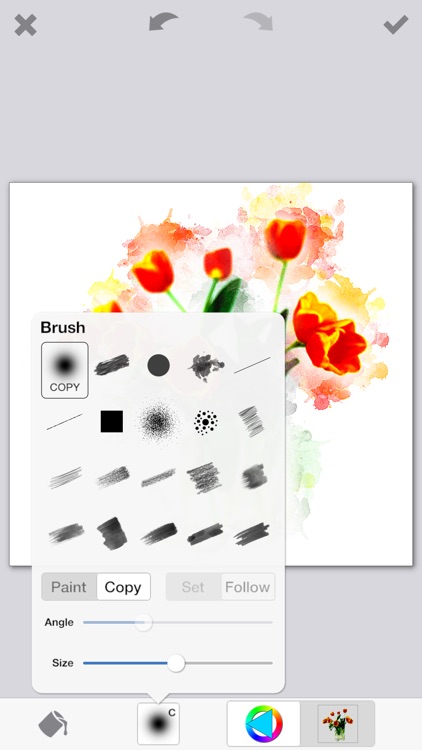
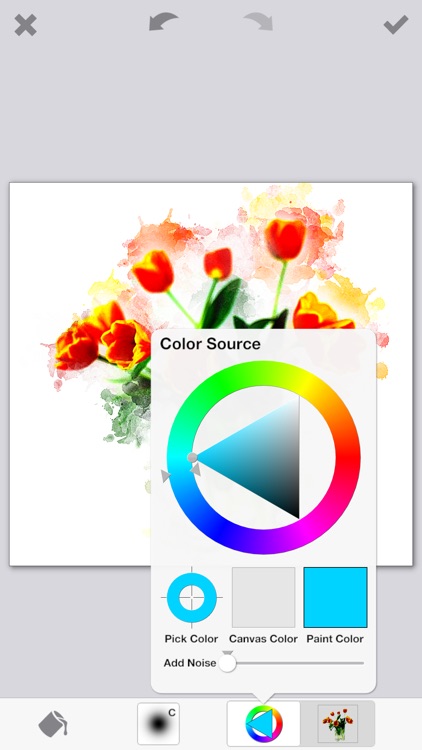
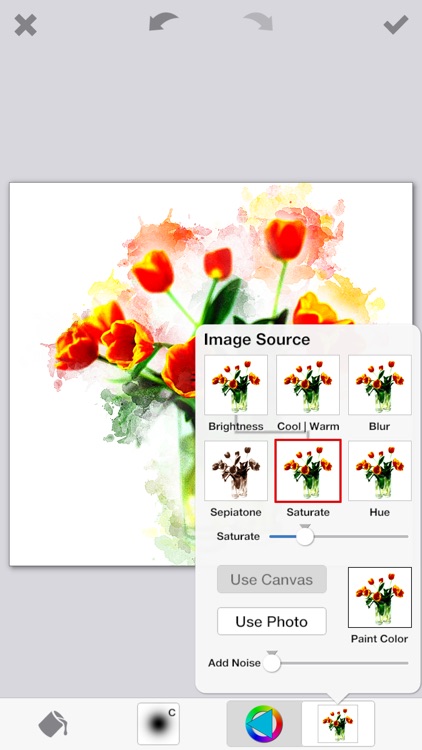
PhotoViva allows you to easily turn your photos into abstract works of art using 20 different brushes. You don’t need a single artistic bone in your body, either. Just put your finger to the screen and start swiping to blend new designs into your photos. PhotoViva also includes the usual filters and editing options found in every other photography app, allowing you to put the finishing touches on your works of art before sharing them.

If filters and effects just aren’t enough for you, there’s PhotoViva. The 20 different brushes really allow you to create something entirely unique. There’s even an auto-paint mode that will turn your photo into a painting with zero effort on your part.

If all you want is filters, effects, and frames for your photos, look elsewhere. PhotoViva is all about the beautiful brush strokes you’re able to add to your photos.