

You are using an outdated browser. Please upgrade your browser to improve your experience.

Apps That
Went Free on
2016-01-11

Make more money, gather your crew, and stay on top of your classes and meetings with today’s collection of apps and games.

MoneyCoach: Budget Planner
iPhone
MoneyCoach: Budget Planner

MoneyCoach: Budget Planner

MoneyCoach UG

Manage all of your financial accounts with MoneyCoach.

It’s the ideal app for those who want to have a better financial year.

FREE ($1.99) For a limited time FREE ($1.99) For a limited time
Why we picked this?

MoneyCoach supports multiple accounts and account types, so you can get a good idea of where you stand with just a glance. You’re able to record a transaction in as little as two seconds. If you have an Apple Watch, you can simply speak to add a transaction. MoneyCoach is able to provide helpful financial advice, generate detailed reports, and display your net worth in real-time. It also includes Touch ID support, ensuring your data stays safe and secure on your iDevice.

If you want to get a handle on your finances, MoneyCoach is a great place to start. All of the visual data will go a long way in helping you make more money.

The biggest, and really only, drawback to MoneyCoach is that it’s not available for iPad or Mac.
Montezuma Puzzle 4 Premium
iPhone
iPad
Montezuma Puzzle 4 Premium

Montezuma Puzzle 4 Premium

ECO Pawel Jarosz

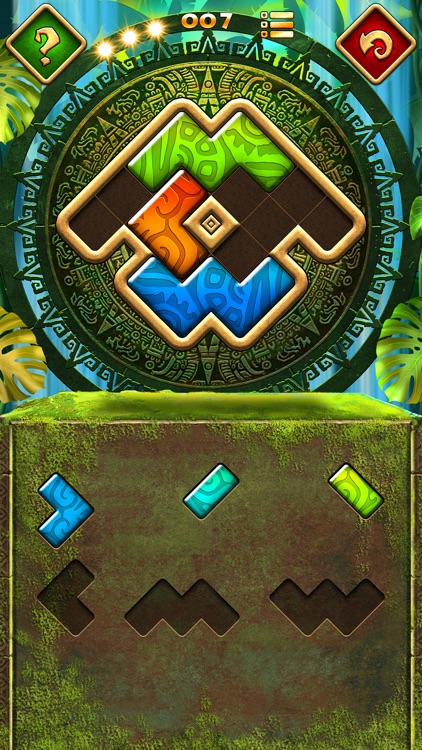
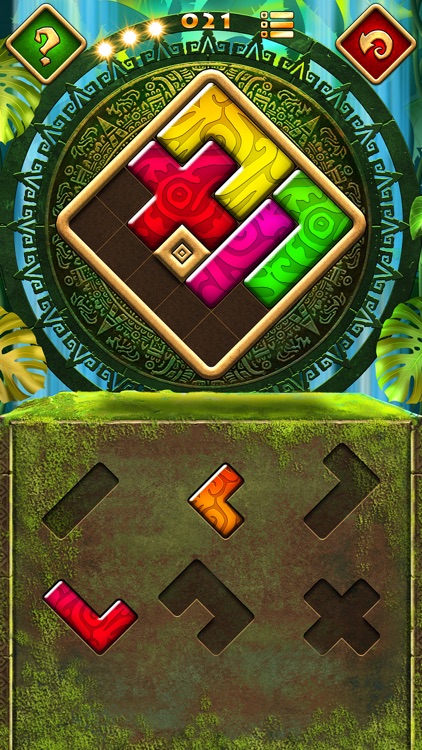
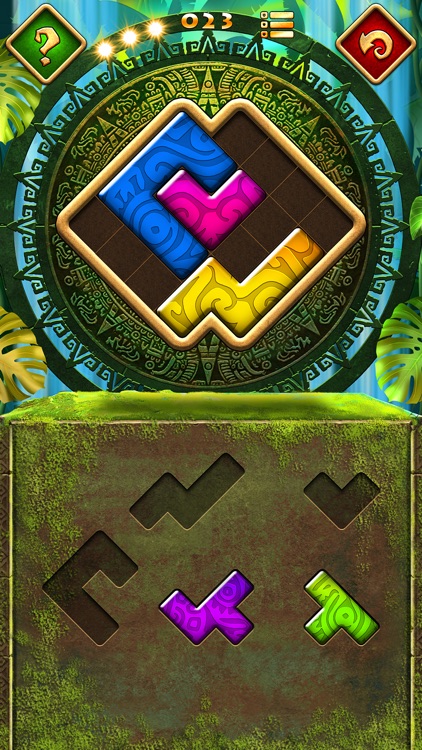
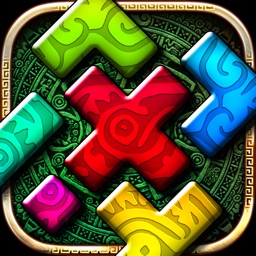
It’s time once again to piece together the puzzles of Montezuma.

It’s a fun distraction for those who enjoy Tangram-like puzzles.

FREE ($0.99) For a limited time FREE ($0.99) For a limited time
Why we picked this?

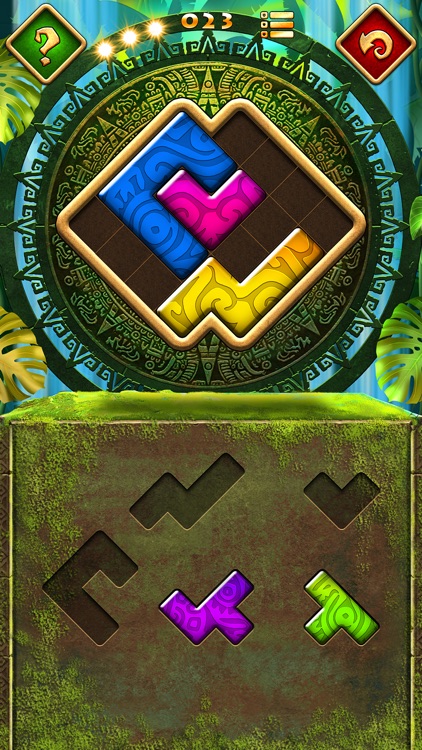
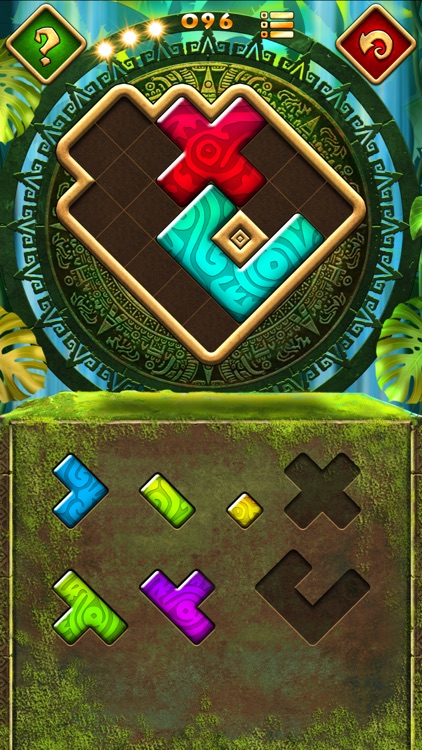
Each of the 100 puzzles require you to drag and drop pieces from the lower half of the screen into the top in order to completely fill in the shape. Pieces can not be flipped or rotated, so you’ll have your work cut out for you. The game also includes an unlimited number of hints and undos, creating a rather relaxing environment. Although, if you do utilize a hint you won’t be able to earn a perfect rating.

Montezuma is one chill game. No timers, no worries. Just sit back and enjoy.

If you’re into competing with your friends for high scores, this isn’t the app for you.

Sunburn!
iPhone
iPad
Sunburn!

Sunburn!

Secret Crush

Gather your crew and jump into the sun in Sunburn.

It’s great for fans of platform games.

$2.99 $2.99
Why we picked this?

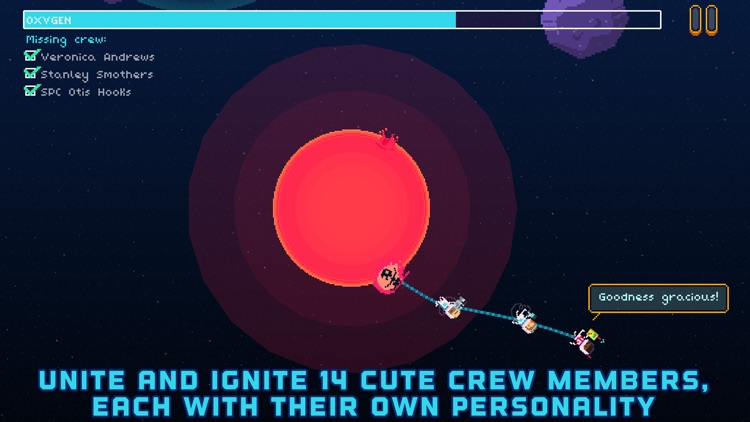
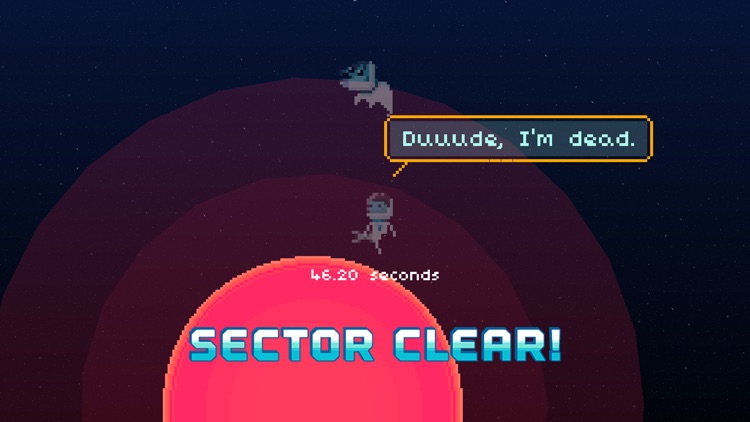
Your spaceship was struck by a comet and completely destroyed. Now it’s up to you, captain, to navigate through the universe and reunite your crew. You’re able to walk around planets simply by tapping each side of the screen. Prepare your jetpack by tapping and holding both sides of the screen, and release to fire. If you reach the gravitational pull of another planet, you’ll be safely sucked in. Move from planet to planet gathering your crew while avoiding deadly comets and asteroid fields.

If exquisitely designed platformers are your thing, check out Sunburn. It includes more than 50 levels to enjoy.

The level of difficulty can be a tad inconsistent, and there isn’t a way to skip levels.

Audio Notebook Pocket
iPhone
Audio Notebook Pocket

Audio Notebook Pocket

Qrayon, LLC

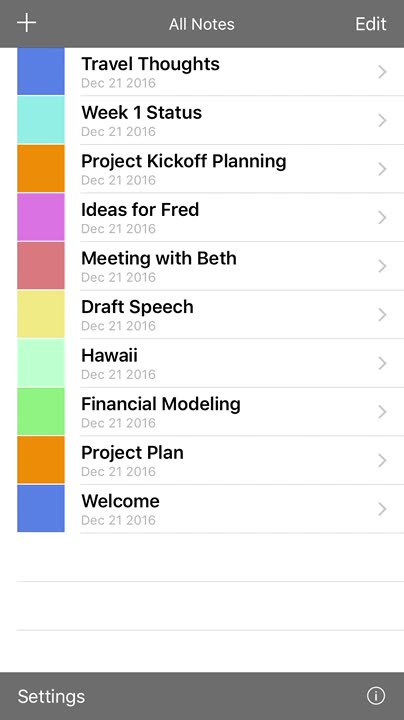
This note taking app will help you stay on top of all of your classes and meetings with only your iPhone.

It’s ideal for students and business professionals who have trouble keeping up with discussions while taking notes.

$1.99 $1.99
Why we picked this?

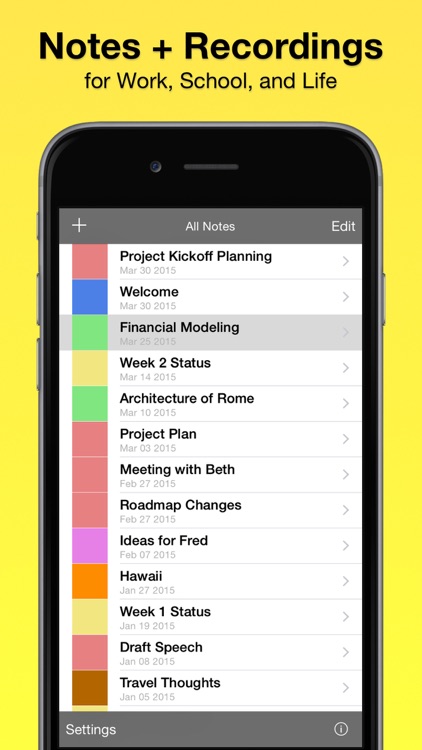
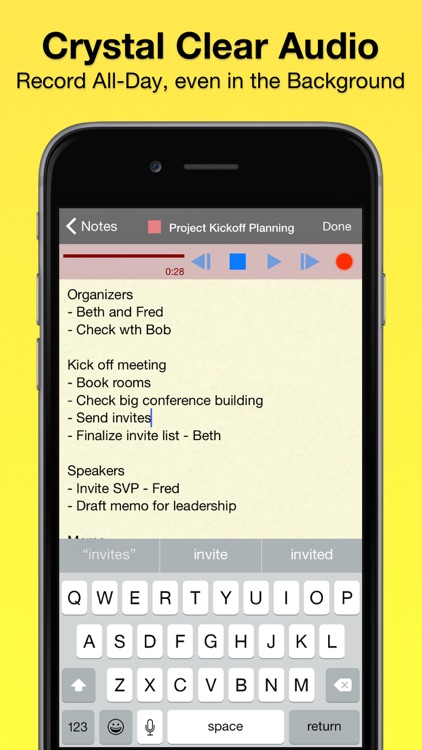
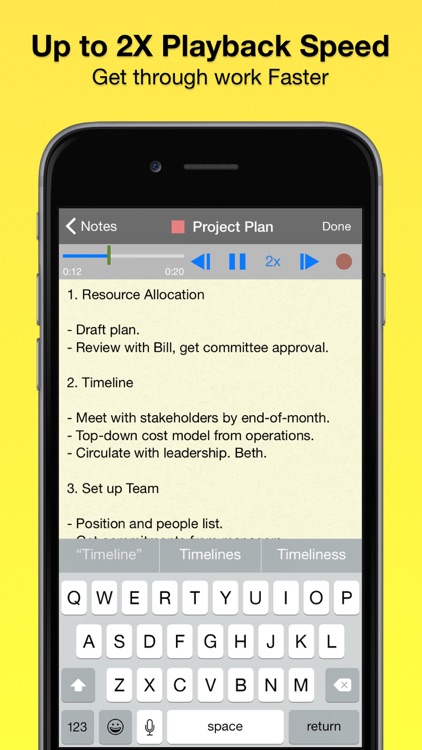
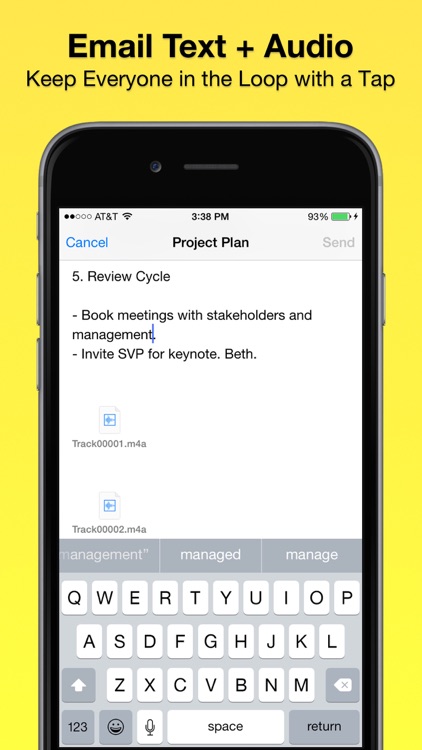
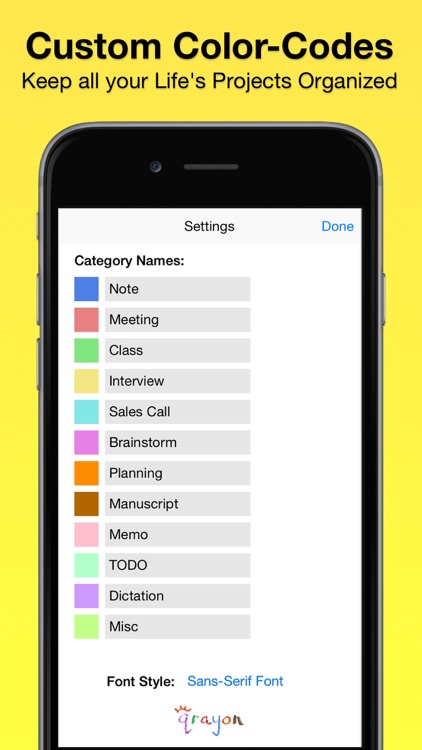
Audio Notebook Pocket is able to capture a whole day’s worth of audio while you take thorough notes. When creating a new note, you’re able to title and color code it. Then tap record and start typing. The app features a large, legible font and automatic spellcheck, making it supremely easy to blast out notes. You’re also able to take notes in portrait or landscape orientation. When playing back audio, you’re able to seek and choose various speeds. The app includes unlimited audio recording, customizable categories, the ability to filter notes, and the ability to share notes and recordings via email.

If you struggle with keeping up with your instructors and colleagues, this is the perfect tool for you. It allows you to focus on taking thorough notes while having entire conversations readily available.

It’s only for iPhone. The iPad version will cost you extra.

Alarmr Pro - Wake up clock
iPhone
iPad
Alarmr Pro - Wake up clock

Alarmr Pro - Wake up clock

Intuz, Inc.

This vibrant alarm clock will help make waking up a little easier.

It’s ideal for anyone who uses their iDevice as a bedside clock.

$1.99 $1.99
Why we picked this?

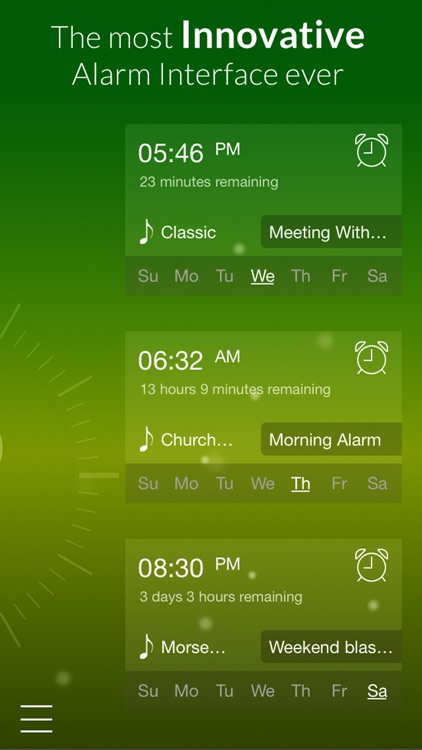
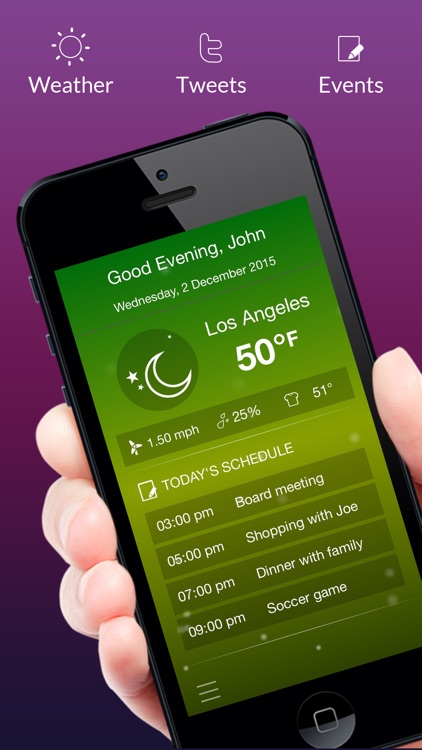
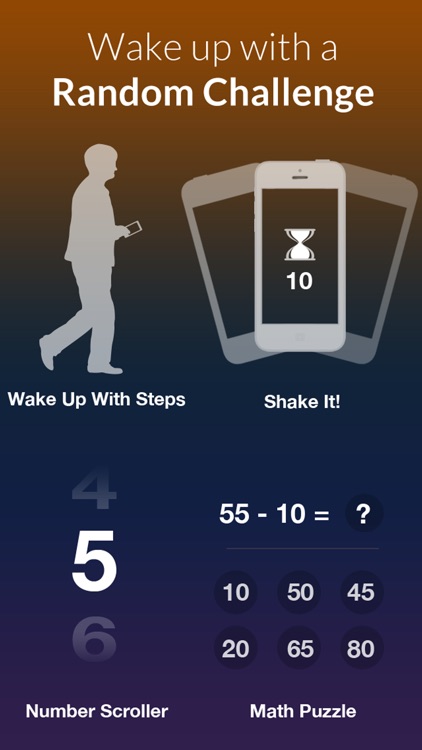
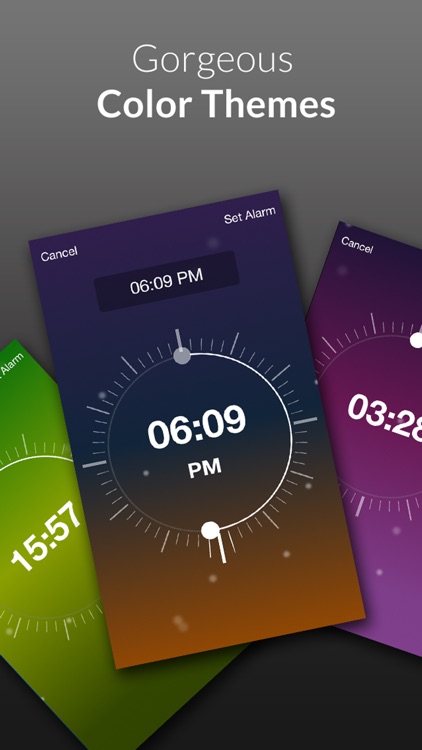
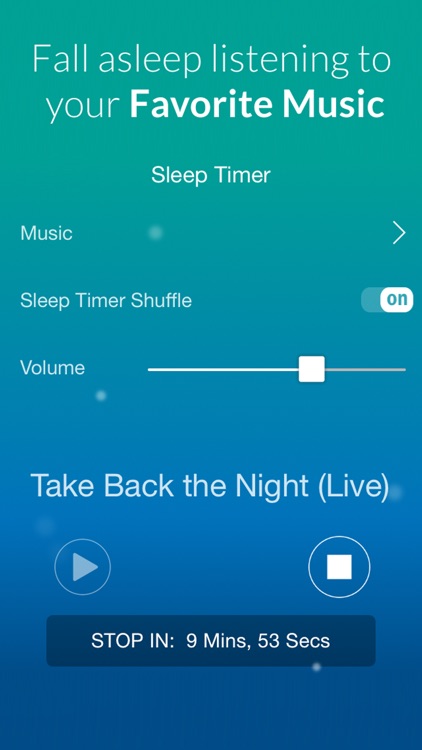
With Alarmr, you don’t have to make a choice between substance and style because it has both. It allows you to create an unlimited number of alarms for every day of the week. When in landscape orientation you’re able to see all kinds of valuable information like the current weather conditions, your schedule for the day, news from around the world, and recent tweets. The app includes six built-in themes to choose from, or you can design your own from scratch. It also includes a built-in flashlight, sleep timer, and random challenges that will help ensure you wake up and stay up.

If you need multiple alarms for different days of the week, this is the app for you. Its alarm interface is one of the better ones available, making it easy to repeat, customize, and delete alarms.

If you rarely have your iDevice nearby at night, there’s no point in downloading this one.